Free Image-to-Video with No Signup Required: Two Frames or a Text-Only Start?
Having a picture does not always mean you are ready for image-to-video. Three flower-vase briefs show when to prepare two endpoints, when to begin with text, and what to do with only one usable image.
You have an idea for a short video: a flower vase on a window ledge, with a small movement that makes the scene feel alive. Should you begin with pictures, or describe everything in a prompt?
Choose according to the decision you need to make. Use a prepared image pair when you can supply the opening and ending views. Start with text when you are still deciding what the scene should look like. In the free workflow discussed here, uploading one picture is not a halfway option: the image route requires exactly two.
The vase and three briefs below are planning examples, supported by original diagrams rather than generated-video results. They show how to choose an input route; they do not compare measured output quality.
First ask what needs to remain specific
There are two different goals hiding inside “make a flower video.” One is to explore movement around a vase whose appearance you already know. The other is to discover a possible scene: which flowers, which room, which light, which view.
For the first goal, you can prepare endpoints that communicate the details you care about. For the second, you can describe those choices in text and use the preview to decide whether the concept is worth developing.
An input route is a way to communicate the brief. It does not certify that the result will preserve every stem, reflection, or object dimension. Keep the questions separate: what can you supply, and what will you need to inspect afterward?
The route diagram starts with those questions rather than asking which tool name sounds more advanced.
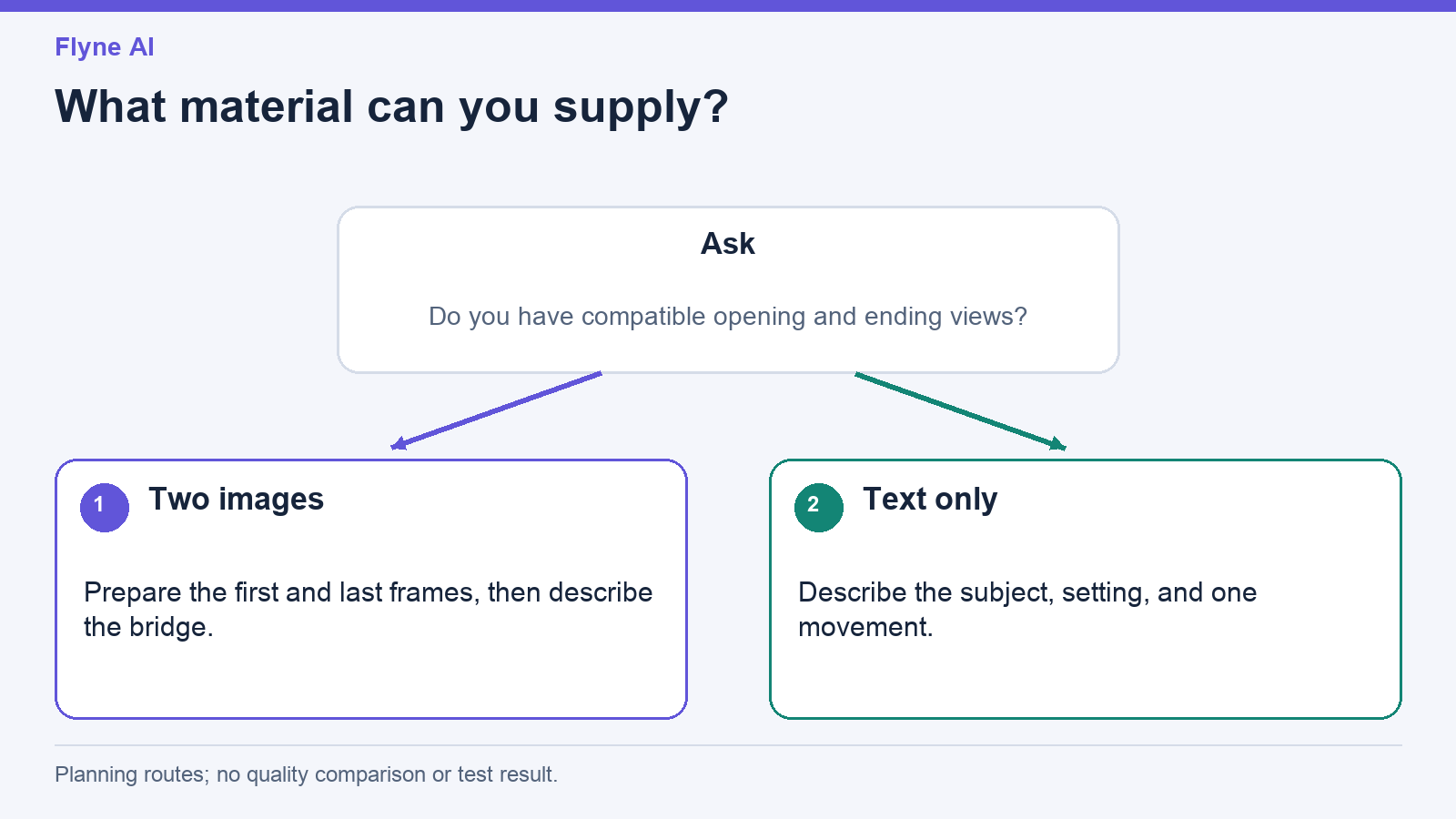
Brief one: the arrangement is already decided
Suppose you have made a simple arrangement yourself: three yellow flowers in a plain white vase. Your opening image shows the full vase and some empty window ledge. Your ending image is a closer composition that still includes the vase's neck and all three flower heads.
The task is to plan a gentle camera approach. You do not need the generator to decide the vase, the number of flowers, or the background. Prepare the two images for the same frame shape, order them as first and last, and describe the intended bridge.
A starting prompt could be:
Move gently from the supplied wider view toward the closer ending view of the white vase and three yellow flowers. Keep the vase still and the arrangement recognizable. Use a calm, continuous camera approach with no added objects.
The useful review question is concrete: does the movement lead toward the closer view while the arrangement remains understandable? If the ending cuts off the flowers, revise the ending composition before trying to solve it with more words.
Brief two: the arrangement exists only as an idea
Now imagine a different goal. You want a visual opening for a story about spring, but you have not chosen any vase or photographed a room. You are considering a red tulip in a glass bottle beside a softly lit wall.
Start from text. It lets you describe the subject, setting, action, and camera view without pretending that you already possess reference images. Keep the concept small enough to describe clearly:
A single red tulip stands in a clear glass bottle on a plain wooden ledge. Soft side light falls across a pale wall. The flower sways slightly while the camera stays still. Keep the scene simple, with open space beside the bottle.
This route is useful for deciding whether that arrangement suits the story. If a preview gives you a composition you want to keep developing, save the result and write down which choices matter next. Do not treat an imagined glass bottle as an accurate representation of a product you have never supplied.
Brief three: you have only one usable picture
One good vase picture is a useful asset, but it does not meet the two-image requirement of this particular free form. You have three sensible preparation choices.
Prepare a genuine second endpoint. If the intended action is a gentle approach, you might make a closer crop from your own source image, provided the crop has enough detail and actually represents the ending you want. You are planning a closer view, not creating a new angle by renaming the same file.
Take or create another compatible image. If the ending needs a different viewpoint, use an endpoint that communicates that viewpoint. Keep the same arrangement and make the intended difference clear.
Switch to a text-only concept. Describe the idea in words and accept that you are now exploring a scene rather than supplying the exact pictured arrangement. The original image does not become a reference merely because you are thinking about it while writing.
Avoid filling the second slot with an unrelated vase simply to complete the form. That makes the opening and ending describe different subjects when your brief asks for a continuous scene.
Prepare the right material for your choice
The two routes share a short motion goal, but the material you must prepare differs.
| Prepare | Two-image route | Text-only route |
|---|---|---|
| Scene appearance | Two compatible endpoint images | A clear subject and setting description |
| Movement | Explain the bridge between supplied views | Describe one visible action or camera move |
| Composition | Check both files against the chosen ratio | State the view and important empty space |
| Review question | Does the transition support the intended endpoints? | Does the scene express the concept you described? |
This preparation comparison keeps you from using the same vague prompt for two different jobs.
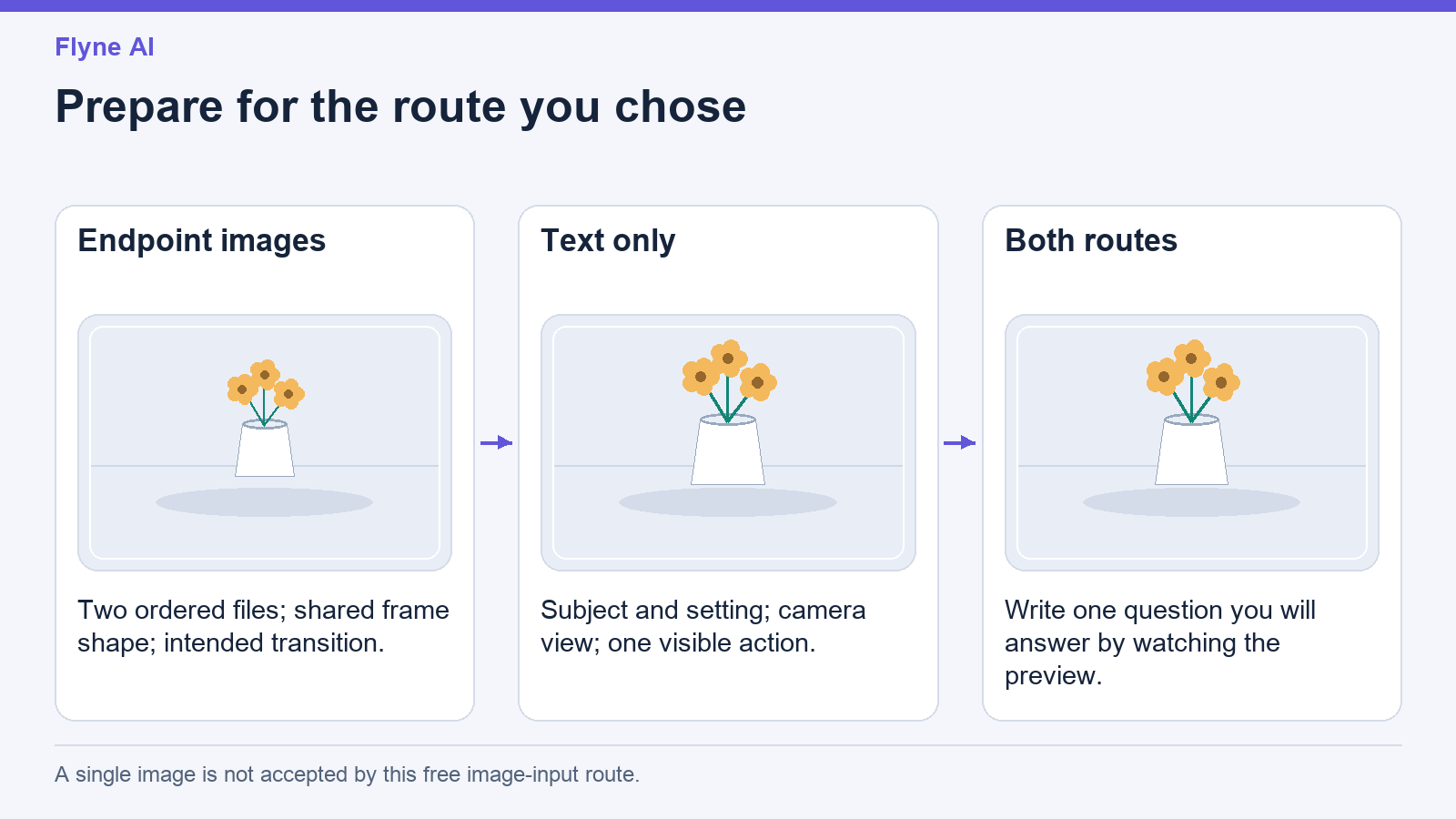
If you cannot state the review question yet, take another minute with the brief. “Make something good” gives you no reason to keep one preview or change the next attempt.
Use one form without mixing the two routes
The Flyne AI free video generator supports both starts on its free, no-signup page. For the image route, supply exactly two images in order, first frame then last frame, and describe the motion. For a text-only concept, write the scene without uploading an image. Choose landscape 16:9, portrait 9:16, or square 1:1, complete verification, and submit.
Disclosure: This article was provided by the Flyne AI brand team.
The page lists five-second, 480p clips and says you can preview and download a result. Total generation attempts are not capped, but requests may wait in the free queue. Choose an input route that answers one useful question within that short format.
Check what the preview can help you decide
Before submitting, write one sentence beside the files or prompt: “I am deciding whether a gentle approach suits this flower arrangement,” or “I am deciding whether a red tulip beside an empty wall suits this story.”
The final check makes the purpose visible.
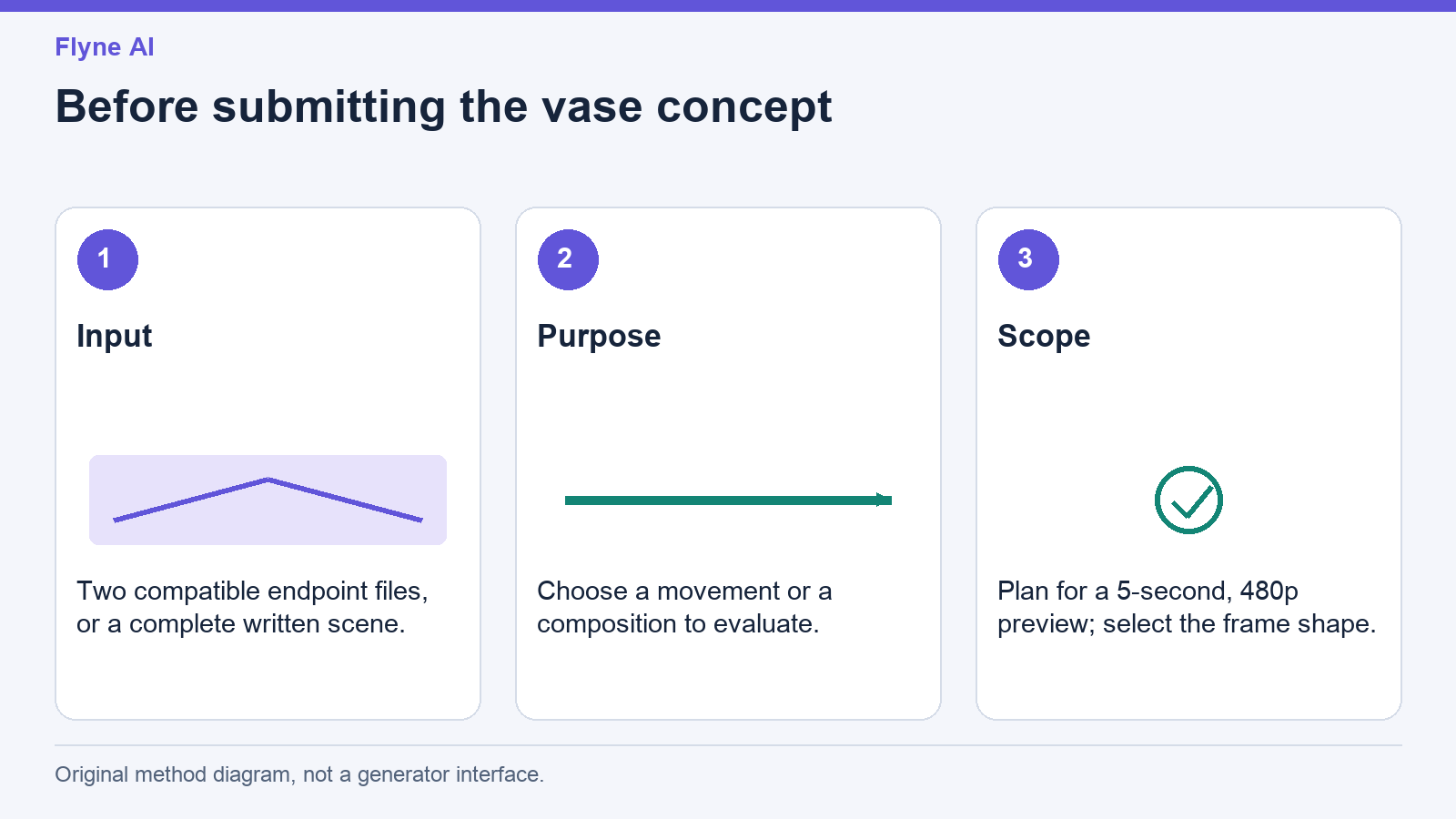
When the preview is available, judge that sentence first. A plausible movement can help you choose a direction, while a mismatched arrangement may mean you need different inputs. If your next decision concerns fine lettering, exact product shape, or a large final display, a five-second 480p concept does not settle it.
Save the material with the decision it supported. Two endpoint files should stay with their motion prompt; a text-only concept should stay with its scene description. Then the next person can see whether you were animating a prepared arrangement or exploring an idea from scratch.
Related articles
A No-Sign-Up Image-to-Video Trial: What to Prepare and Save
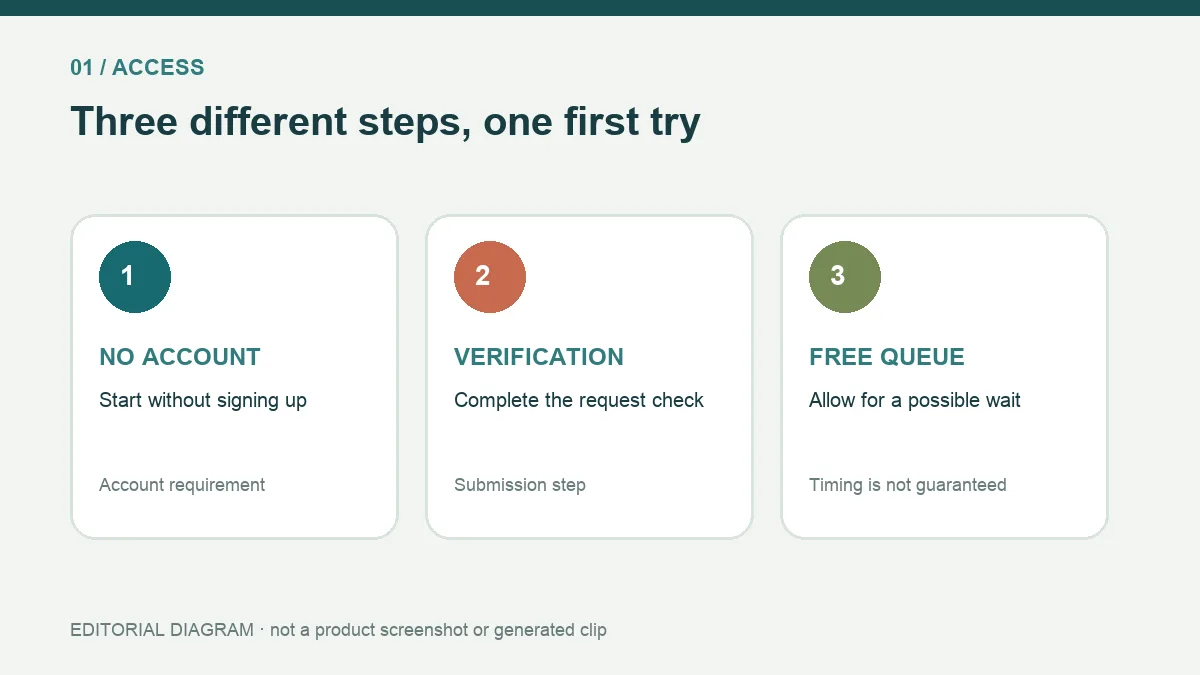
Trying free image to video with no signup? Learn how to prepare two compatible frames and a clear motion prompt, complete the submission check, review the clip, and save a copy. The guide also explains why no account does not mean no verification or wait.
Your First Clip with a Free Image to Video Generator No Signup Required
Create your first clip with a free image-to-video generator, no signup required. Learn how to choose compatible start and end frames, write a clear motion prompt, and review a five-second result before downloading it with SeaImagine.
Two Frames, One Lighting Change: Plan with a Free AI Music Video Generator (No Signup Required)
Plan a music video transition with clear start and end frames. Learn how to pair two images, describe one visible movement, and check the resulting clip before editing it with your song.
Plan a Cyclist’s Entrance with a Free AI Video Generator—No Signup Required
A first video prompt is easier to judge when one person does one thing. This guide turns a cyclist entering a quiet street into a small shot plan, a usable prompt and a focused preview check.
Comments
Sign in to comment.
No comments yet.