Plan a Cyclist’s Entrance with a Free AI Video Generator—No Signup Required
A first video prompt is easier to judge when one person does one thing. This guide turns a cyclist entering a quiet street into a small shot plan, a usable prompt and a focused preview check.
A cyclist rides into a quiet street, crosses a little of the frame and remains visible. That is enough of an idea for a first five-second video. You do not need a chase, a location change or a camera circling the rider to find out whether the entrance reads clearly.
If you are looking for a free AI video generator with no signup required, start with this small decision: where should the cyclist be when the clip begins, and where should the cyclist be when it ends? A precise answer gives you something useful to check after generation. “Make it cinematic” does not tell you whether the shot did its job.
The scene, prompts and drawings below are planning examples. They are not a report of a generated result.
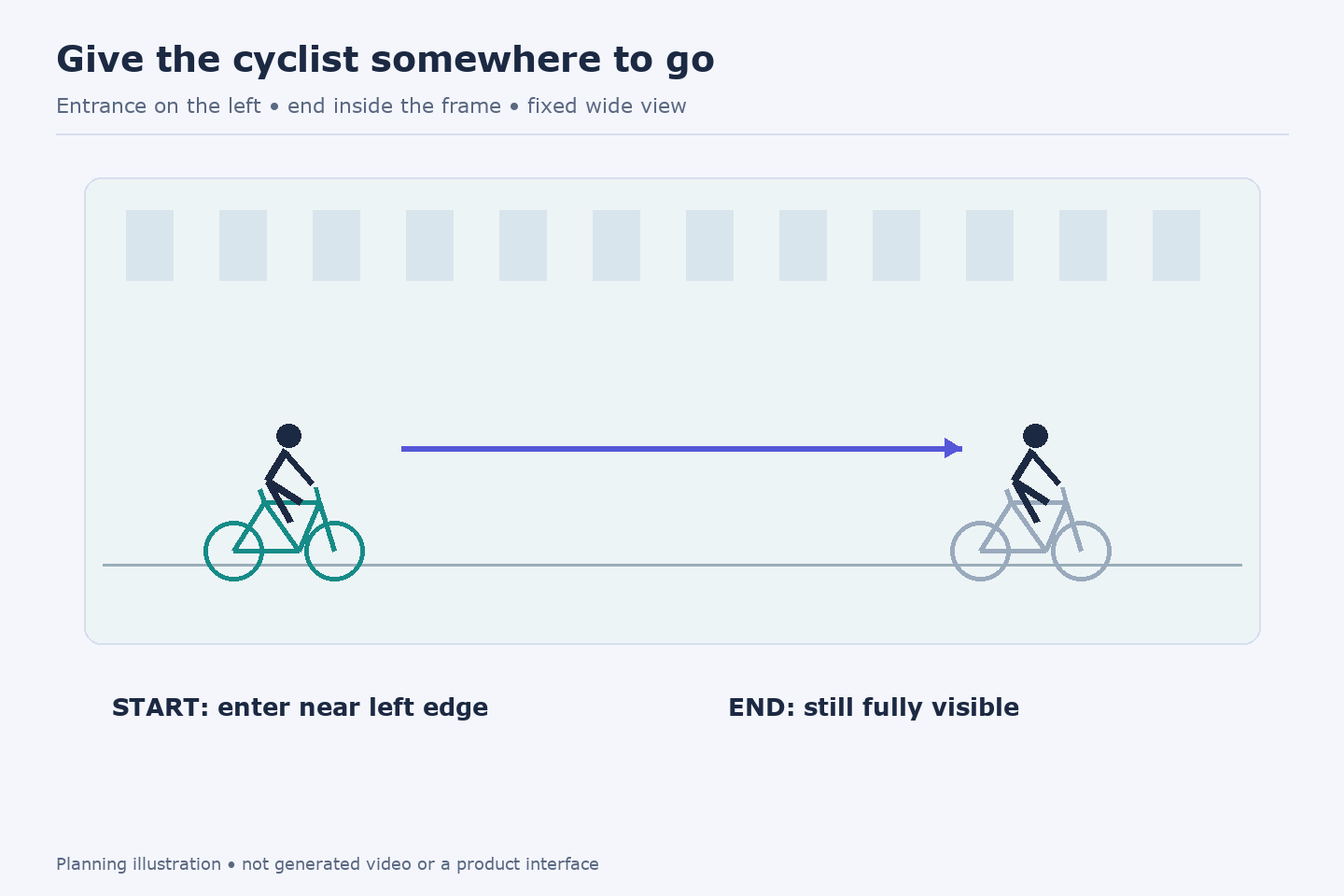
Mark an entrance and an end position
Draw a wide rectangle on paper. Put a small mark near its left edge for the entrance. Put another mark a little right of center for the intended final position. Leave room in front of the cyclist so the movement has somewhere to go.
The marks describe positions within the picture, not a promise that the tool will hit exact coordinates. Their purpose is to make your intention visible. If you only say “a cyclist on a street,” a stationary rider and a rider crossing the whole picture could both seem consistent with your words.
For this example, use the following plan:
- One adult cyclist, seen from the side.
- A quiet street with no other moving people or vehicles.
- Movement from the left edge toward the right.
- A fixed, wide camera that keeps the rider visible.
- An ending before the cyclist leaves the frame.
Choose a simple background because you want to judge the rider’s movement first. A crowded junction adds other things to inspect: crossing traffic, changing signs and people moving behind the bicycle. You can explore those later if they matter to the story.
The end position is particularly useful. Five seconds is short enough that a prompt packed with “enters, stops, turns, waves and rides away” asks for several distinct events. For a first shot, entry and continued travel are a single, readable action.
Write the movement before the decoration
Begin with a plain description that someone could sketch:
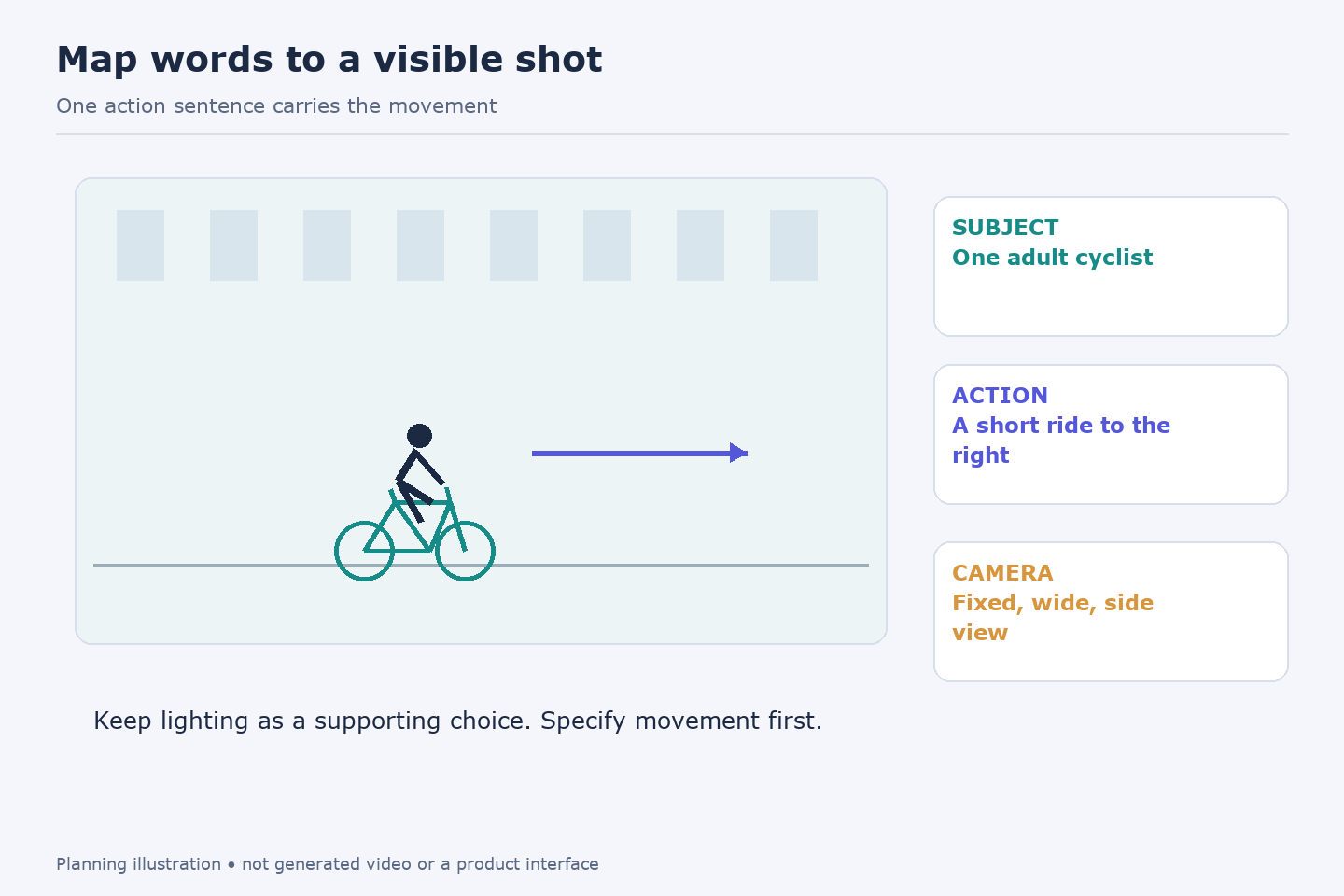
A single adult cyclist rides slowly from the left edge toward the right along a quiet residential street. Side view, wide framing, fixed camera. The cyclist stays fully visible and finishes slightly right of center. Soft morning light and a simple background.
This is a text-to-video prompt, so it describes both what should be present and what should change. “Rides slowly from the left edge toward the right” carries the action. “Fixed camera” tells the viewer why the background should stay in place. The light is a supporting visual choice.
Do not add an exact speed in kilometers per hour unless the real task needs one. In this exercise, the visible requirement is a short, calm movement. A number would give the prompt more detail without making the preview easier to assess.
Two tempting revisions make the request less focused:
A cyclist enters a street while the camera pans, zooms, circles and reveals a city skyline.
The rider and the camera now have several movements. If the result feels busy, you will have difficulty deciding which instruction to change first.
An extraordinary, breathtaking, award-winning cinematic masterpiece of an ultra-realistic cyclist in perfect motion.
This describes enthusiasm but leaves out the entrance and destination. Replace the praise with physical information: direction, framing, what remains still and where the action ends.
A useful first prompt does not need to specify everything. It needs to make the main action unmistakable. Keep a copy of the exact text so the next revision has a clear starting point.
Use the free route for this small test
The AI VideoWeb free AI video generator is one option for trying this text-based shot plan. Its page currently describes a free route with no signup, five-second output at 480p and unlimited total generations. It also lists 16:9, 9:16 and 1:1 aspect ratios. These are the documented conditions checked on October 15, 2026; verification and a queue may still be part of the process.
For the street scene, choose 16:9 if you want the wide composition in the drawing. Paste the prompt into the text route and follow the page’s current controls and verification instructions. Keep the camera wording the same for the first attempt.
If you instead decide to use images, this particular free route requires both a start frame and an end frame. One picture is not a complete image input here. You do not need images for the text example above.
The initial purpose is to assess the shot idea at the documented size and duration. Do not add an unrelated output requirement, such as a much longer clip, and assume that the same free route covers it.
Preview for direction, visibility and ending
Watch the full preview once without trying to diagnose every detail. Then watch again with three specific questions:
- Does the cyclist’s visible movement go left to right?
- Does the rider remain fully inside the picture during the useful part of the shot?
- Does the clip finish while the rider is still visible, rather than after an unintended exit?
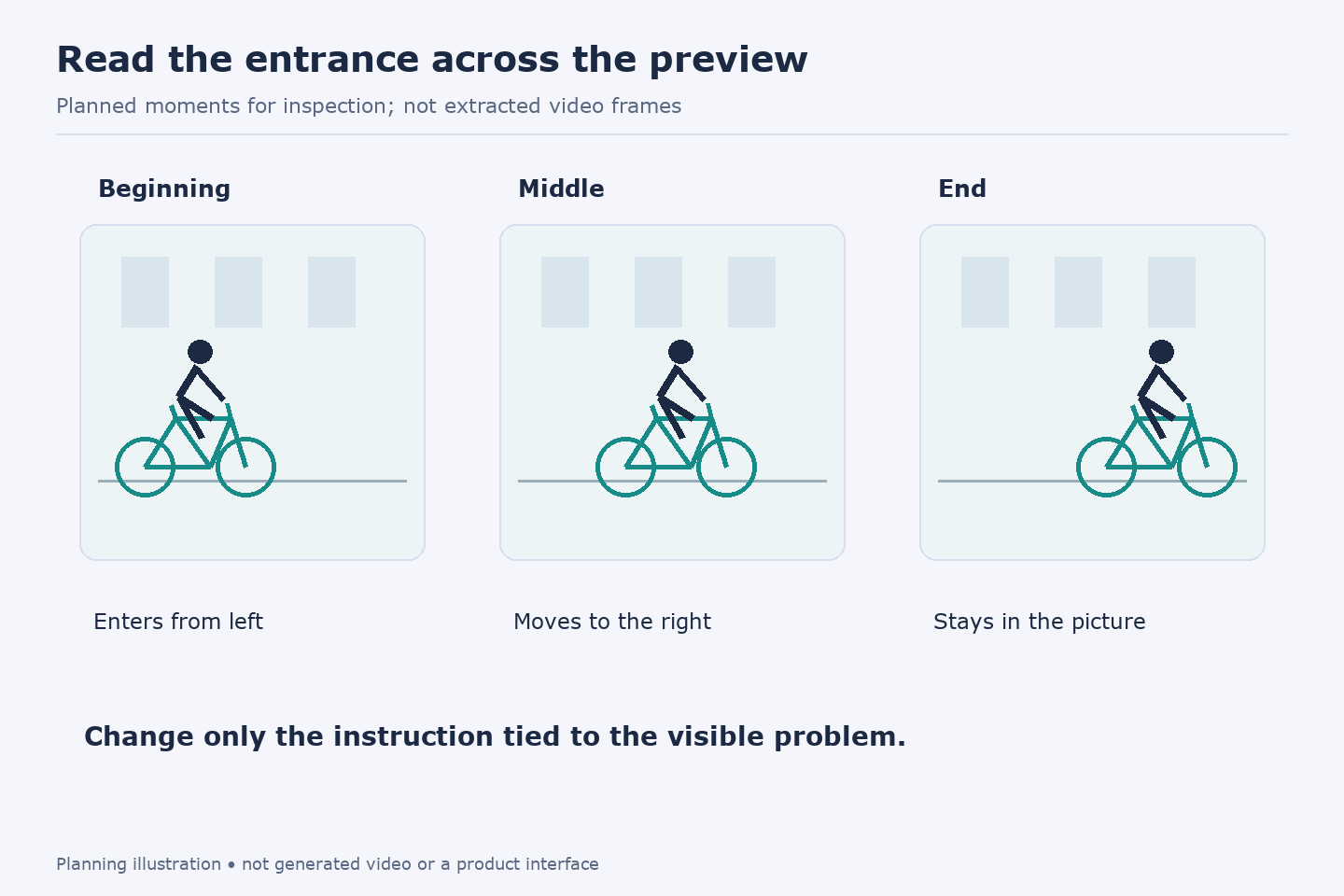
If direction is wrong, revise the action sentence before changing the lighting. If the cyclist leaves too soon, simplify the requested travel: “moves a short distance to the right and stays in view.” If the background shifts when you intended it to remain still, keep the rider instruction and clarify “stationary side-view camera.”
Change only the part that addresses the visible problem. Replacing the scene, camera, lighting and movement together prevents you from learning which instruction helped.
When a version communicates the entrance clearly, save it using the page’s available preview and download flow. Store the prompt beside the file with a brief note such as “direction works; final position needs more room.” That note is enough to make the next attempt deliberate. The first useful outcome is a clear five-second entrance, not a prompt that tries to contain an entire film.
Disclosure: This article is provided by the AI VideoWeb team at FLAQ TECH PTE. LTD.
Related articles

The distracted dog walk: how to protect wildlife, livestock and your dog without ruining the outing
A new University of Surrey study links missed dog waste, wildlife disturbance and livestock encounters to divided attention. Here is a practical way to make walks safer, calmer and easier to manage.

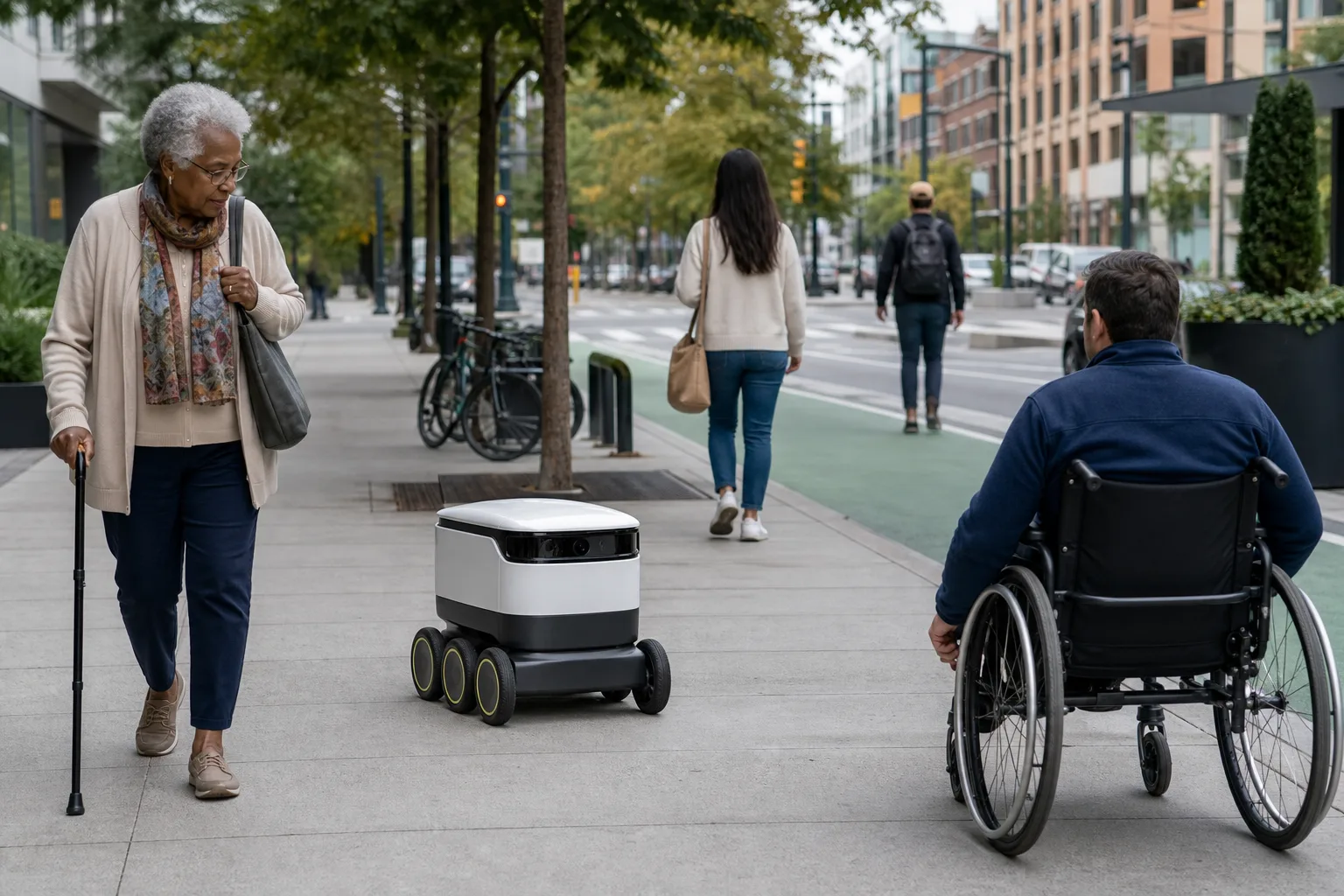
Delivery robots have reached the sidewalk test
Small autonomous couriers promise cleaner last-mile delivery, but the backlash shows that sidewalks are not spare space for private robots.

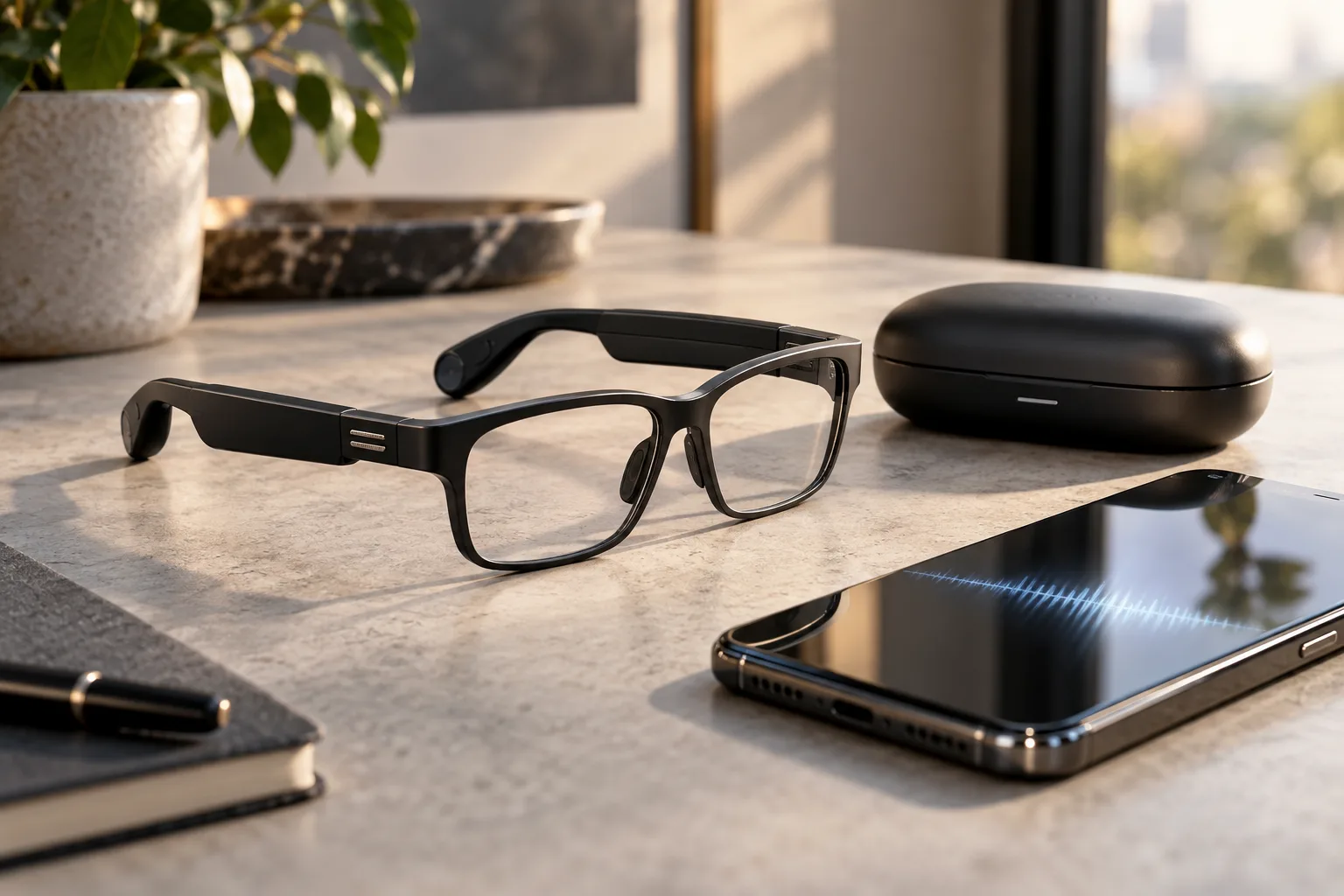
Ray-Ban Meta Audio Glasses Remove the Camera: What You Gain, What You Lose, and Who Should Buy Them
Meta’s new Ray-Ban Meta Audio glasses turn smart eyewear into an audio accessory by removing the camera. That makes them easier to wear around other people, but it also removes the feature that gives camera-equipped models their most distinctive uses.
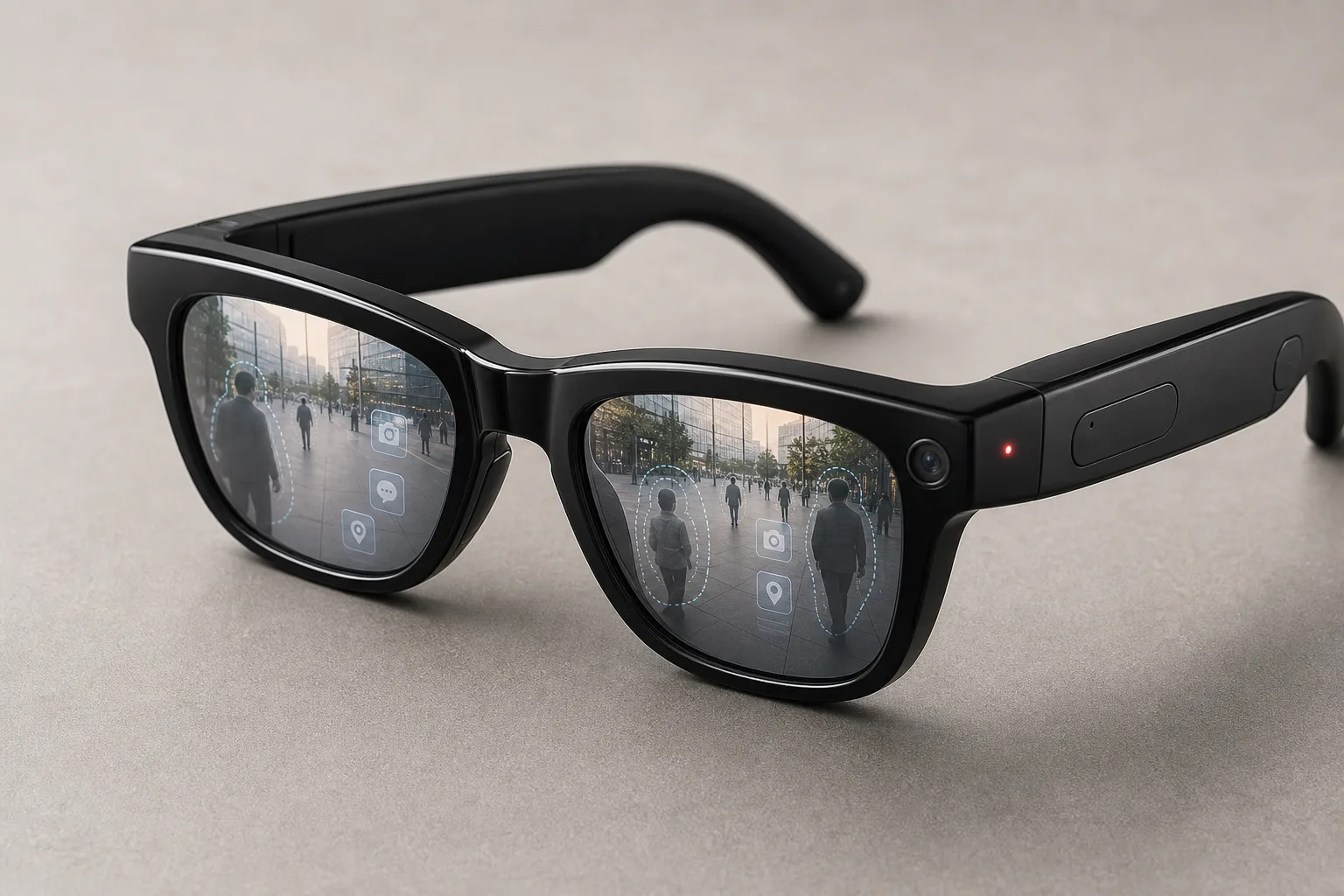
Meta's Kylie AI glasses make the camera harder to see. That is the problem
Meta's Starfire Kylie Edition turns AI glasses into a fashion purchase. The harder part is deciding what rules should follow when a camera looks like ordinary eyewear.
Comments
Sign in to comment.
No comments yet.