Google Fitbit Edge brings back the screen, but the subscription and missing wallet change the buying decision
The $179.99 Fitbit Edge fills the gap between Fitbit Air and Pixel Watch 5. Its screen, GPS and week-long battery are appealing, but Google’s Health Premium subscription and lack of Google Wallet matter more than the launch pitch.

Google’s Fitbit Edge is the company’s attempt to make the fitness tracker interesting again without turning it into another full smartwatch. It launches on October 27, 2026, at $179.99, with preorders already open. The formula is straightforward: a slim tracker, a color display, built-in GPS, deeper health metrics and a claimed battery life of up to seven days.
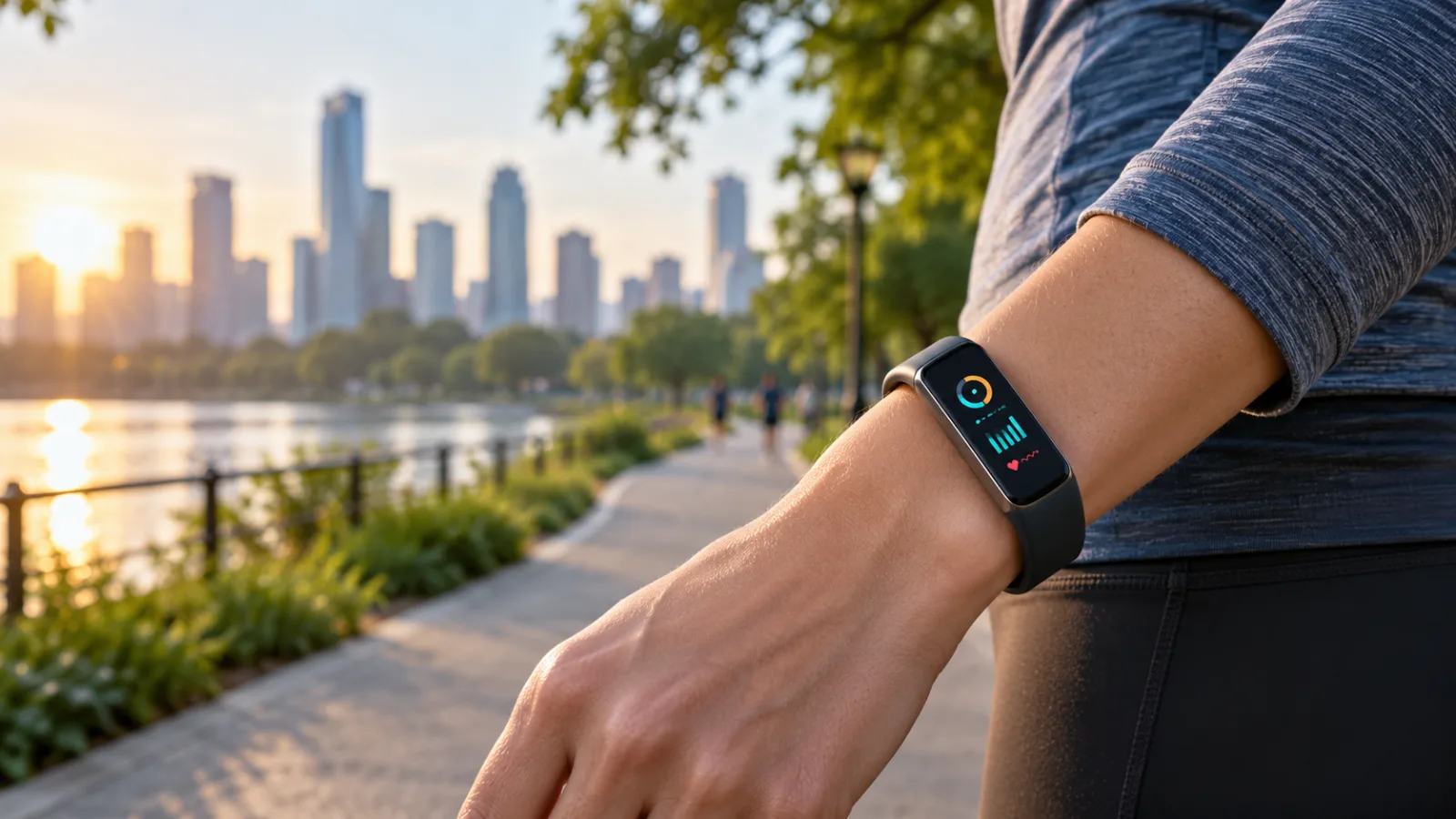
That positioning makes the Edge more important than its size suggests. Google now has three clearly different wearable choices: the screen-free Fitbit Air, the new screen-equipped Fitbit Edge and the much more capable Pixel Watch 5. The Edge is meant to occupy the middle, where many people want to glance at the time, start a workout and read a notification without wearing a miniature phone.
The hardware makes a credible case for that role. The ownership question is less simple. Some of the most prominent coaching features depend on Google Health Premium, the tracker does not support Google Wallet, and several launch claims remain promises until longer testing is available.
What the Fitbit Edge actually is
The Edge is best understood as a fitness tracker with a useful screen, not as a small Pixel Watch. It uses a lightweight aluminum body, a 1.34-inch AMOLED display, a physical side button and a custom operating system rather than Wear OS. Google says the case is 11.5mm thick, and the tracker weighs 17.7 grams without its band.
The screen is the defining change. Compared with the Charge 6, the display is 46% larger, according to Google’s launch material. It is designed for quick information: time, heart rate, workout pace, notifications, weather, sleep summaries and media controls. A screen also removes one of the most frustrating limits of the Fitbit Air. With the Air, the phone does most of the interpreting. With the Edge, at least some of the information is available at a glance.
Android Authority’s hands-on testing describes the device as notably smaller and lighter than a typical smartwatch. The review also found the AMOLED panel readable and responsive in early use. That is not a final verdict on accuracy, comfort or battery endurance, but it supports Google’s central design argument: the Edge is meant to be present without becoming the center of attention.
The software is deliberately restrained. There are no third-party apps or downloadable watch-face ecosystem comparable to Wear OS. Google provides a set of customizable faces and tiles for functions such as workouts, health data, weather and notifications. Google Maps can mirror turn-by-turn directions from a paired phone, but the Edge is not a standalone communications device.
That simplicity is a strength for people who want fewer distractions. It is a limitation for anyone expecting smartwatch flexibility. The Edge cannot replace a Pixel Watch, Apple Watch or Galaxy Watch if you want a broad app catalogue, cellular connectivity, rich messaging or contactless payments.
The practical hardware changes
Inside, the Edge includes an optical heart-rate sensor, electrical sensors compatible with ECG functions, blood oxygen sensing, skin-temperature measurement, an accelerometer, gyroscope, ambient-light sensing and an altimeter. It also has built-in GPS and support for major satellite systems, so outdoor workouts do not require the phone to record the route.
Google says the redesigned GPS is 40% more precise than the Charge 6. That figure is a launch comparison, not an independent test result. GPS accuracy will still depend on buildings, trees, weather, satellite visibility and how the tracker is worn. Buyers should treat the number as an engineering claim until extended reviews compare it with a phone or dedicated sports watch across real routes.
The Edge is rated for IP68 dust and water resistance and 5 ATM water resistance. Those ratings make it suitable for ordinary swimming and daily exposure to rain or sweat, but they do not make it indestructible. Water resistance can decline after impact, chemical exposure or years of wear. The tracker is a health and fitness device, not a medical instrument, and Google’s own notices say that availability and results vary by feature and market.
One useful detail is the physical button. Touch controls can be awkward when a user is running, swimming or wearing gloves. A tactile button gives the Edge a more reliable way to start, stop or navigate a workout. It also provides a small measure of reassurance for people who are tired of tap-heavy wearable interfaces.
The battery claim is similarly conditional. Google advertises up to seven days, while published specifications indicate that an always-on display can reduce that figure to roughly two days. GPS use, frequent notifications, high screen brightness and continuous sensor activity will also affect endurance. The tracker supports a rapid top-up: Google says five minutes of charging can provide up to a day of use under its stated conditions, while a full charge takes about 90 minutes.
That makes the Edge potentially easier to live with than a Pixel Watch, but “up to seven days” should not be read as a guaranteed weekly schedule. If the always-on screen is important, plan around more frequent charging.
The subscription is part of the price
The standard Edge costs $179.99 in the United States. A Stephen Curry Special Edition costs $219.99 and appears to provide the same core tracking hardware, with the difference concentrated in styling and included accessories. Both versions include a three-month Google Health Premium trial for eligible buyers.
After the trial, Google Health Premium costs $9.99 per month or $99 per year in the United States. The tracker still works without the subscription, but the paid tier is tied to Google’s deeper coaching experience and some more detailed interpretations of health and fitness data.
Google markets Health Coach as a personalized system for training plans, nutrition insights, sleep analysis and recovery guidance. The service uses Gemini-based features, but the presence of AI is not itself a reason to subscribe. The useful question is whether the interpretation changes what you do. If you already understand your training load and sleep patterns, a monthly explanation layer may add little. If you want structured prompts and do not want to assemble data from several apps, the subscription may be more valuable.
The cost becomes significant over time. Keeping Premium for three years adds $297 at the annual rate, or $359.64 if paid monthly. That pushes the effective long-term cost of the standard Edge well above its launch price. This is not necessarily a bad deal, but it changes the comparison with products that include their main insights without a recurring payment.
The safer way to evaluate the Edge is to buy it for the hardware and treat Premium as a separate decision. Do not purchase it on the assumption that the paid coaching will remain essential forever. Subscriptions change, features move between tiers and services can be redesigned. The tracker should still make sense if you cancel after the trial.
The missing Google Wallet feature matters
The most obvious functional omission is Google Wallet. 9to5Google’s hands-on coverage notes that the Edge does not support the payment feature that was available on the Fitbit Charge 6. That is a meaningful regression for people who use a tracker to leave their phone behind during a run, gym session or short errand.
The omission also clarifies the product boundary. Google is keeping the Edge focused on health, workouts and glanceable information rather than allowing it to replace a smartwatch. That may help battery life and simplify the operating system, but it weakens the value proposition for anyone who wants one wrist device to handle payments, navigation and communication.
A buyer who regularly taps a wearable to pay should remove the Edge from the shortlist unless Google changes the feature before release. There is no software setting that can compensate for missing payment hardware or support. A phone remains necessary for many everyday tasks, and the Edge has no cellular option.
Who benefits from the Edge
The Edge makes the most sense for someone who has outgrown a basic band but does not want a full smartwatch. The ideal buyer wants a visible clock, independent workout GPS, sleep tracking, heart-rate data and phone notifications, while preferring a smaller and quieter device than a Pixel Watch.
It is also a sensible choice for someone moving from a screen-free tracker who has discovered that “glanceable” information is more useful than expected. The Air’s quiet design is appealing, but a display changes everyday interactions. Checking pace during a run, reading a short notification or starting a workout without opening a phone can be worth more than a list of additional health sensors.
The Edge may suit iPhone owners better than the Pixel Watch because Google says it works with iOS 16.4 or later through the Google Health app. Android users need Android 11 or later. Cross-platform support is one of the tracker’s practical advantages, although iPhone compatibility should not be confused with feature parity across every device and region.
The tracker is less compelling for a current Charge 6 owner. The larger display, updated design, newer health features and improved GPS may be attractive, but the missing Wallet support removes one reason to upgrade. Existing owners should first ask whether the current device is failing, uncomfortable, or no longer providing the workout data they need. If the answer is no, waiting for independent battery and GPS testing is reasonable.
It is also a poor fit for a serious endurance athlete who needs advanced training analytics, long route navigation, recovery tools without a subscription or a sports ecosystem built around structured workouts. Garmin, Coros and Polar remain more natural alternatives for that audience, even if their interfaces and smart features differ.
How it compares with Google’s other wearables
The Fitbit Air is the cheaper, quieter option. It does not have a display, but that absence is deliberate: it encourages the wearer to use the phone for interpretation and keeps the wrist device unobtrusive. Choose the Air if battery life, sleep comfort and minimal distraction matter more than on-wrist controls.
Choose the Edge if the display is the reason you are considering a tracker at all. The difference is not merely cosmetic. A visible screen changes whether the device can support a workout without constant phone checks. It also adds notifications, a clock and basic controls that a screenless band cannot provide.
The Pixel Watch 5 remains the full smartwatch option. It offers richer software, more apps and a broader set of communication features, but it costs more and requires more frequent charging. It is the better choice for someone who wants a wrist computer. The Edge is the better match for someone who wants a health tracker that occasionally behaves like a watch.
This three-way choice is more useful than comparing specifications line by line. The main difference is not the number of sensors. It is how much attention, battery and software complexity the wearer is willing to accept.
What to check before ordering
Start with compatibility. Confirm that your phone runs Android 11 or later or iOS 16.4 or later, that the Google Health app is available in your region and that the features you care about are supported where you live. Health features, emergency functions and coaching availability can vary by market.
Next, decide whether you need payments. If Google Wallet on a wrist device is part of your routine, the Edge’s omission is a deal-breaker rather than a minor caveat. A tracker that meets every health requirement but forces you to carry a phone for every purchase may not fit the reason you wanted a wearable.
Then calculate the ownership cost with and without Health Premium. Write down the features you would actually use after the trial. If the answer is sleep and workout tracking, the standard device may be enough. If the answer is daily AI coaching, include at least one year of the subscription in the purchase decision.
Finally, wait for full reviews if GPS reliability or battery life is central to your choice. Early hands-on reports can establish comfort, screen quality and basic software behavior, but they cannot confirm how the Edge performs across weeks of sleep tracking, repeated GPS workouts and an always-on display.
The verdict before launch
The Fitbit Edge is a credible middle child. It restores the screen many Fitbit users have been waiting for, keeps the case smaller than a smartwatch and adds GPS without abandoning iPhone support. The design makes more practical sense than another feature-heavy watch for people who mainly want health tracking and a few useful interactions on the wrist.
But the launch price does not tell the whole story. The Health Premium subscription can become a substantial part of ownership, the always-on display may reduce the headline battery figure, and the lack of Google Wallet limits the Edge’s independence. Those are not footnotes; they define who should buy it.
The best reason to choose the Edge is simple: you want the Fitbit Air’s lighter, quieter approach but need a screen. The best reason to skip it is equally simple: you expect a small smartwatch with payments and broad apps. In that case, the Edge is deliberately the wrong product, even if its hardware looks appealing.
Related articles
Pixel Watch Health Guardian Trends Arrive in October: What the New Signals Can—and Cannot—Tell You
Google is beginning to deliver Health Guardian trend reports to Pixel Watch owners. The useful question is not whether a watch can diagnose you, but how to read long-term signals, check compatibility, protect sensitive data, and know when a real measurement is still necessary.
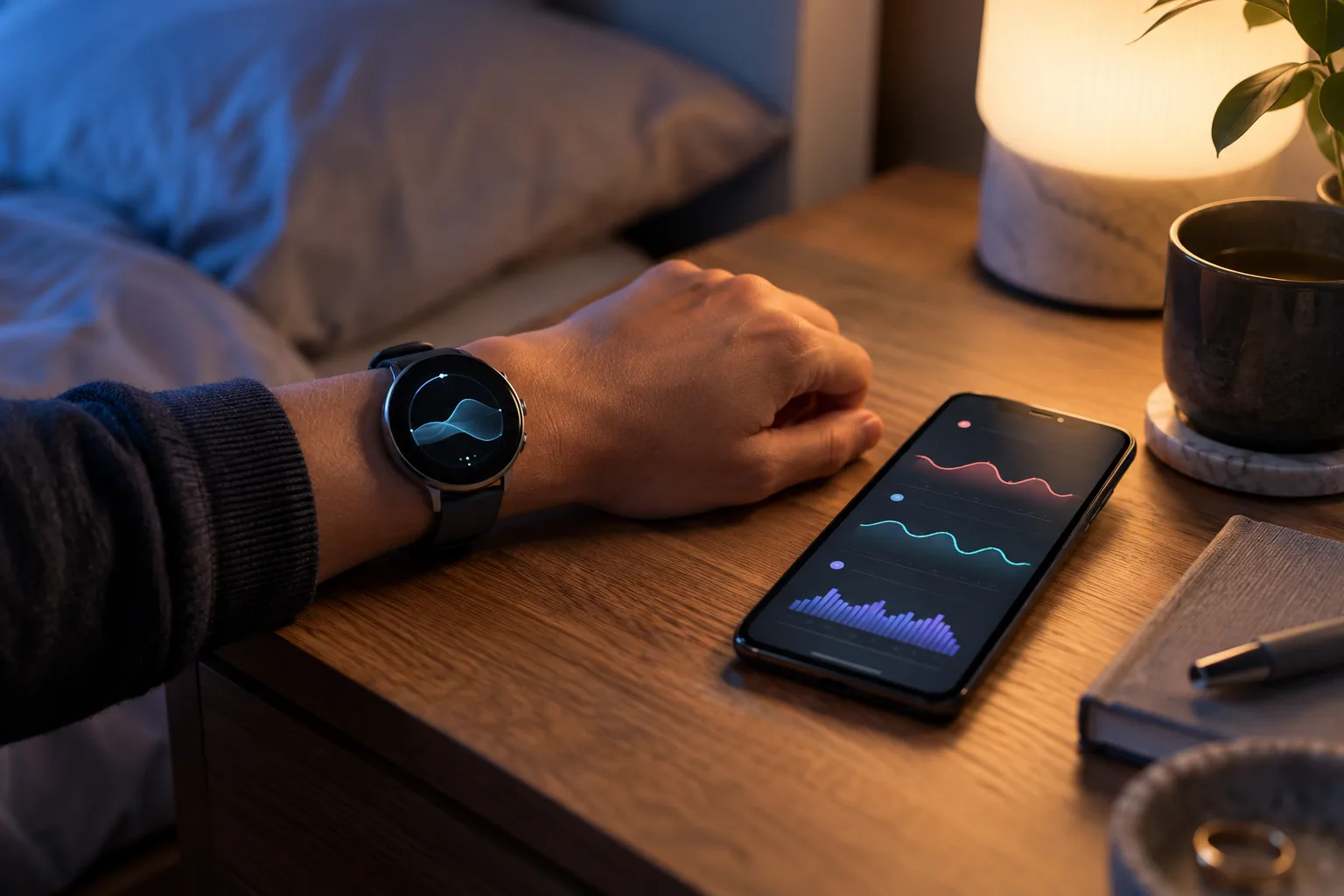

Pixel Watch 5 buyer’s guide: smarter health and GPS, same charging question
Pixel Watch 5 is Google’s most capable Android watch yet, but the buying decision depends on battery tolerance, health-data trust, GPS needs and whether a cheaper alternative fits better.
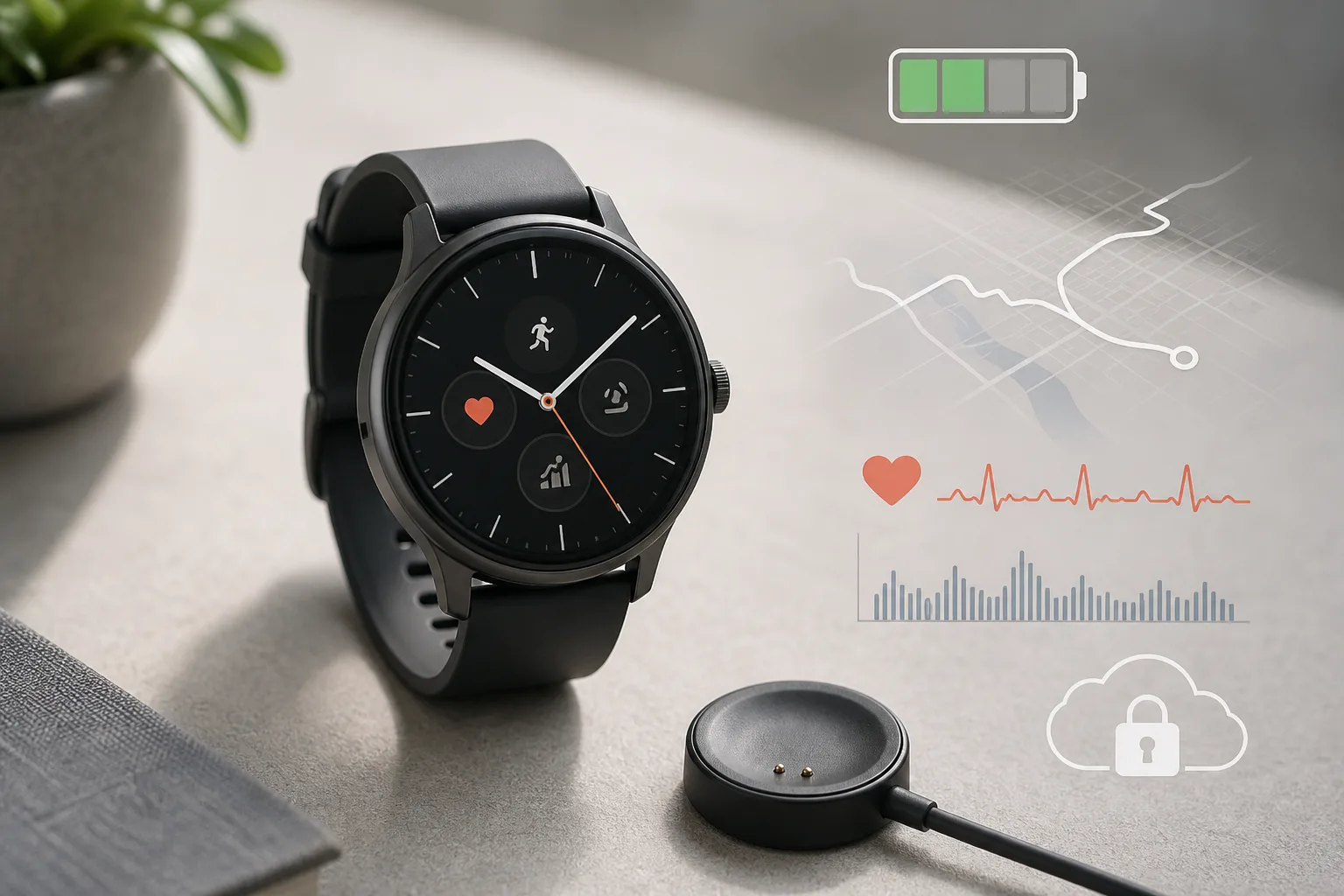
Тренды Health Guardian появятся на Pixel Watch в октябре: что показывают новые сигналы и чего они не могут сказать
Google начинает предоставлять владельцам Pixel Watch отчёты о трендах Health Guardian. Разбираемся, как читать долгосрочные сигналы, проверять совместимость, защищать чувствительные данные и понимать, когда всё ещё нужны полноценные медицинские измерения.
Les tendances Health Guardian arrivent en octobre sur Pixel Watch : ce que les nouveaux signaux peuvent — ou non — vous apprendre
Google commence à distribuer les rapports de tendance Health Guardian aux propriétaires de Pixel Watch. Voici comment interpréter ces signaux sur la durée, vérifier la compatibilité, protéger les données sensibles et savoir quand une vraie mesure reste indispensable.
Comments
Sign in to comment.
No comments yet.