November Pixel Drop Expands Gemini to Pixel 10, but Feature Eligibility Still Varies by Model
Google’s November Pixel Drop adds Gemini Intelligence, custom widgets, broader Pixel search, and workout guidance. The useful part is knowing which features reach older Pixels, which remain Pixel 10 or Pixel 11 exclusives, and when the rollout should appear.

What the November Pixel Drop actually adds
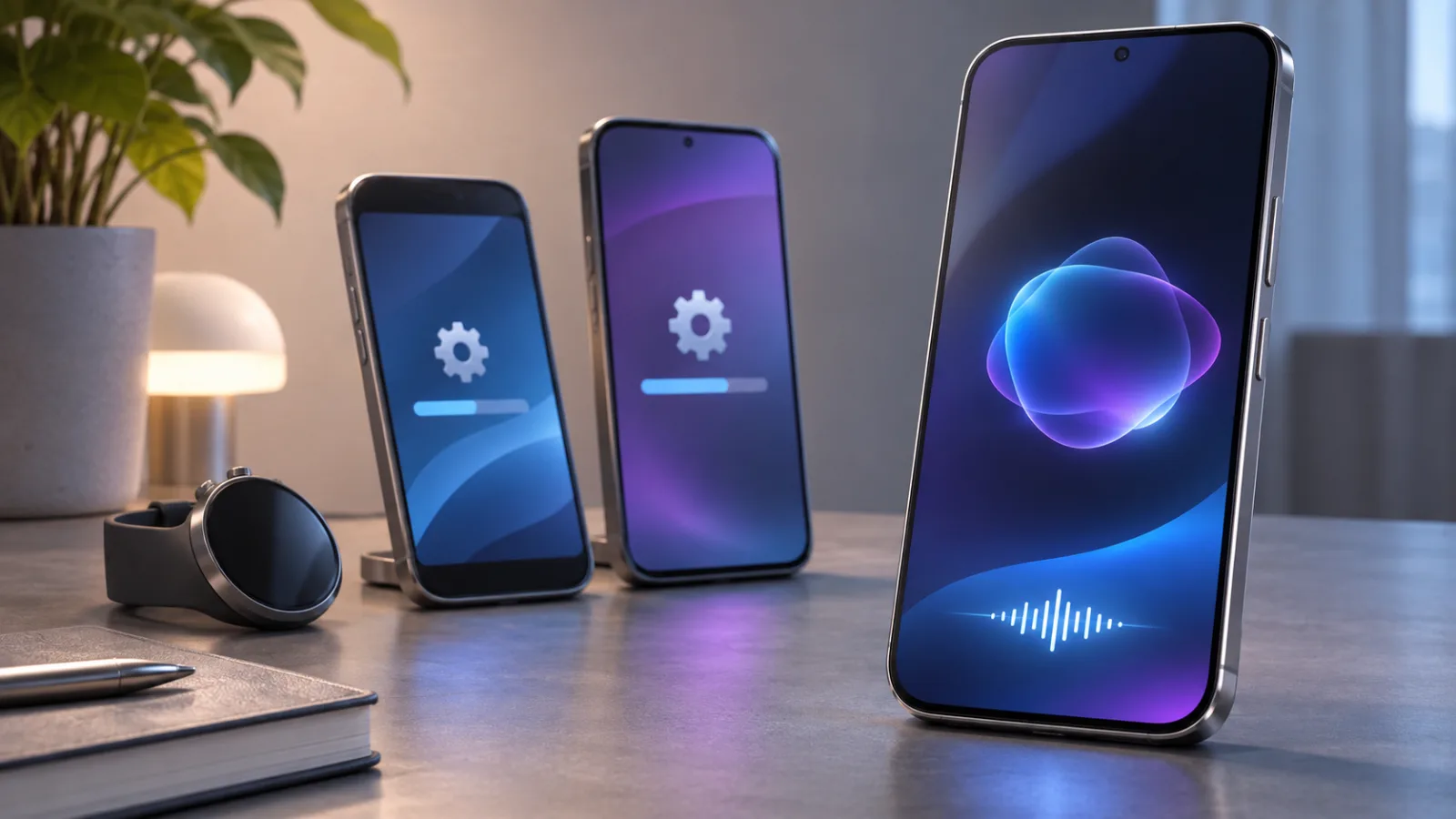
Google’s November Pixel Drop is best understood as a bundle of Pixel-specific changes rather than one uniform upgrade delivered to every device in the same form. The announcement brings Gemini Intelligence to Pixel 10, adds new ways to customize widgets, broadens what Pixel’s on-device search can find, and gives Pixel Watch users new tools for conversations and workouts. Those additions sit alongside the wider software update, so the presence of an Android update does not automatically mean that every feature described in the Pixel Drop will appear on every Pixel phone or watch.
That distinction matters because Google is combining several layers of the Pixel experience in one release. Some changes are visible as new interface options, such as custom widget treatments and expanded icon styling. Others are tied to search and intelligence features that depend on the device model, software, account configuration, language, or region. Wearable additions are a separate part of the announcement again: conversation summaries and step-by-step workouts belong to the Pixel Watch experience, not to the phone’s Gemini rollout. Treating all of these items as a single package makes the update sound more consistent than it is in practice.
The most prominent phone feature is Gemini Intelligence on Pixel 10. Google describes it as more than a conventional question-and-answer assistant. Its capabilities include Rambler, which can help clean up dictated text, personalized suggestions, and multi-step actions such as placing an order. That combination makes the feature sound like an operating layer for everyday tasks, but its availability is still conditional. Google’s own notes limit some capabilities according to the Pixel model, market, language, device age, and account setup. The practical result is that “Pixel 10 gets Gemini” is a useful headline, but not a complete eligibility statement for every Pixel 10 owner or every Gemini function.
The broader software changes are easier to separate from that model-specific headline. Pixel search expands on Pixel 6a and newer phones, allowing users to look across more kinds of personal information, including photos, emails, messages, calendar entries, and settings. Custom icon styles also extend to Pixel 6a and newer. These are meaningful improvements for owners of older supported Pixels because they change how the phone can be organized and searched without requiring access to Gemini Intelligence. They should not, however, be read as evidence that older phones receive the same assistant features as Pixel 10.
Pixel Watch updates follow their own eligibility path. The November announcement includes conversation summaries and step-by-step workout guidance, but those additions are tied to the watch experience and may not be available across every watch generation or setup. The same principle applies to other summaries and communication features in the drop: a feature can be part of the November release while remaining limited to newer hardware or specific configurations. Checking the device-level availability notes is therefore more useful than relying on the broad label “November Pixel Drop.”
Finally, the Pixel Drop should be kept distinct from the underlying Android 17 QPR2 update. The two may arrive in the same general update cycle, but they describe different parts of the software change: Android 17 QPR2 is the platform update, while the Pixel Drop is Google’s collection of device-focused features and services. Google says the Pixel updates begin rolling out on November 10 and continue over several weeks. A missing feature during that window is not, by itself, proof that the phone is unsupported; it may reflect staged availability or a requirement specific to the feature. The useful starting point is to identify which part of the announcement applies to the phone, watch, or account in question before judging the rollout as complete.
Pixel 10 gets Gemini, but not every Pixel gets the same assistant
The headline assistant change in the November Pixel Drop is Gemini Intelligence on Pixel 10. That name covers more than a conventional question-and-answer chatbot: Google describes a set of features intended to make the assistant more useful with dictated text, personal context, and tasks that require several steps. The important qualification is that “Pixel 10” is not a guarantee that every Gemini capability will appear in every situation. Availability still depends on the particular device, market, supported language, user age, and account setup.
One of the more practical tools is Rambler, which is designed to clean up dictated text. That matters when the phone is being used for a message, note, or other piece of writing and the first voice transcription is rougher than the user wants. Rambler’s role is not simply to transcribe speech; it helps turn spoken input into cleaner text. As with the rest of Gemini Intelligence, however, its presence should be treated as an eligibility question rather than an automatic property of every Pixel running the latest update.
Gemini Intelligence also adds personalized suggestions. In principle, that makes the assistant more useful because it can respond with recommendations shaped around the user’s context instead of treating every request as an isolated prompt. The feature is therefore more dependent on account configuration and supported availability than a basic system setting would be. A Pixel 10 owner who does not see the same suggestions described in Google’s announcement may be encountering a limitation tied to language, region, account status, or staged availability, rather than a fault with the handset.
The other major distinction is the move from answering a request to helping carry it out. Google gives multi-step tasks such as placing an order as an example of what Gemini Intelligence is intended to handle. That kind of interaction requires the assistant to connect several actions instead of stopping after a single response. It also explains why Google’s availability notes matter: capabilities involving personal context or actions on a user’s behalf need more conditions than a feature that merely changes the appearance of the launcher.
This is where the Pixel 10 expansion should not be read as a blanket replacement for Gemini across the Pixel range. The November update includes software changes that reach older phones, but the plan’s broader Pixel search and custom icon updates are separate from Gemini Intelligence. A Pixel 6a or newer device may receive those wider software improvements without receiving the full Pixel 10 assistant experience. Treating the update as one package can make the rollout look inconsistent when the difference is actually feature-specific eligibility.
The same caution applies within the Pixel 10 family. Google’s availability notes limit certain capabilities by model, market, language, age, and account setup, so the useful question is not simply whether a phone is labeled Pixel 10. It is whether that model, in that user’s region and language, with that account configuration, qualifies for the particular Gemini function being tested. Some capabilities may therefore be visible to one Pixel 10 user while absent for another, even when both phones have received the same Pixel Drop.
For readers deciding whether an older Pixel has been left behind, the answer is narrower than the headline suggests. The November release expands Gemini Intelligence to Pixel 10, while older devices benefit from selected changes elsewhere in the software experience. That gives Pixel 10 a distinct assistant advantage, but it does not turn every new feature in the update into an exclusive, nor does it make every Pixel’s Gemini behavior identical. Eligibility needs to be checked feature by feature, especially when the advertised function uses personal suggestions or completes a multi-step task.
The useful older-phone changes are less glamorous
The November Pixel Drop is not only about Gemini Intelligence on the Pixel 10. For owners of older phones, the more practical changes are a broader Pixel search and a larger set of visual customization options. These additions do not turn an older Pixel into a Pixel 10, and they should not be confused with Gemini Intelligence. Their value is more straightforward: they make information already stored on the phone easier to find and give users more control over how the interface looks.
Pixel search is expanding to the Pixel 6a and newer phones. It can be used to look for photos, emails, messages, calendar entries, and settings, bringing several kinds of personal information into one search experience. That matters because the relevant item may not be in the app a user first expects. A photo might be easy to locate in Google Photos, while an appointment belongs in Calendar and a message sits in a conversation. A broader search layer reduces the need to remember where each item was saved before trying to retrieve it.
The eligibility threshold is important. The announcement describes this search expansion as reaching Pixel 6a and newer devices, so owners of those phones have a reason to look for the feature after the update arrives. It does not follow that every Pixel model receives every other feature in the drop. In particular, expanded search should be treated as its own software change, not as evidence that Gemini Intelligence is available across the same range of devices.
The other broad-access change is custom icon styling. Custom icon styles also extend to Pixel 6a and newer, giving users another way to adjust the home-screen appearance. This is a smaller change than a new assistant capability, but it is the kind of update that can remain useful every day. It affects the interface users see repeatedly, without requiring them to adopt a new workflow or change how they store information.
Taken together, these additions make the older-phone portion of the Pixel Drop relatively easy to understand. Pixel 6a and newer models gain access to broader Pixel search and custom icon styles, but that does not create feature parity with Pixel 10. The distinction is especially relevant for anyone comparing the update with a phone upgrade: a familiar device may receive meaningful quality-of-life improvements even when the newest Gemini features remain tied to newer hardware or more limited eligibility rules.
The same model-by-model caution applies to summaries and communication features. Some of those capabilities require newer phones or watches, so their appearance cannot be inferred from the availability of search or icon customization. A user may therefore see one part of the November update while missing another part that is restricted by device generation. That mixed rollout can look inconsistent at first, but it reflects separate eligibility requirements rather than a single all-or-nothing package.
A sensible way to read the update is to separate the features into three groups: changes that reach Pixel 6a and newer, changes limited to newer phones or watches, and Gemini Intelligence features associated with Pixel 10. The first group includes the practical improvements most older-phone owners can expect to check for. The second and third groups need closer attention to the specific model and feature. This prevents a broad announcement from creating the impression that every Pixel receives the same assistant, summary, and communication tools.
For older Pixel owners, then, the headline is not that the phone receives the newest assistant. It is that the November Drop still improves everyday navigation and personalization on eligible devices. Search becomes more useful across personal content, icons become more adaptable, and the limits are clearer when the update is considered feature by feature. That is a less dramatic change than a new Gemini experience, but it is also the part most likely to benefit people who plan to keep their current Pixel.
How to check the rollout before changing phones
Google says the November Pixel update begins rolling out on November 10 and continues over several weeks. That timing matters because a missing feature immediately after the announcement does not necessarily mean that a phone is unsupported, and an available update does not guarantee that every advertised capability will appear on every Pixel model. The update itself, the Google Play system status, the Gemini app, and account-level or regional eligibility can all affect what is visible on a particular device.
Start by checking the phone’s Android update status, then check the Google Play system update status separately. These are related parts of the software experience, but they are not the same update channel. A Pixel can show one component as current while another is still waiting for its own rollout. If the November changes are not present, install any available update, restart the phone if requested, and check again later during the stated rollout window. The sensible first response is to confirm the software state rather than assume that the phone needs to be replaced.
Gemini features require a second layer of checks. Confirm that the Gemini app is installed and current, and review whether the requested capability is supported in the phone’s language and region. Google’s availability notes also distinguish between features that are broadly introduced and features whose operation depends on the Pixel model, the user’s age, the account setup, or other eligibility conditions. That is particularly important for Gemini Intelligence on Pixel 10: the presence of Gemini on the device does not mean that every Intelligence function, including the more advanced personalized or multi-step behavior, will be available in every market or account configuration.
A practical check should therefore answer four separate questions:
| Check | What it tells you |
|---|---|
| Android update status | Whether the phone has received the relevant operating-system update in its rollout cycle. |
| Google Play system update status | Whether a separate Google system component is still waiting to update. |
| Gemini app and account | Whether the assistant-related features have the required app and account setup. |
| Model, language, and region | Whether the specific Pixel and market qualify for the requested feature. |
This approach also helps separate a rollout delay from a model limitation. Pixel search and custom icon styles reach Pixel 6a and newer, so an older supported phone may receive useful changes without receiving Gemini Intelligence. Conversely, a Pixel 10 owner may have the right hardware but still be waiting for a staged rollout, or may be using a language or region in which a particular capability is not available. Treating the entire Pixel Drop as one package makes those differences look like faults; checking each layer makes the limitation easier to identify.
The November Pixel security bulletin should be treated as a related but distinct reference point. It documents the security-patch cycle, while the Pixel Drop describes the feature rollout. A phone can be current on the security bulletin and still be waiting for a feature, just as a newly visible feature does not by itself answer every security-update question. Checking both statuses gives a clearer picture of what has actually arrived.
Before changing phones, record the Pixel model, confirm both update statuses, update Gemini, and check the supported language and region for the feature you want. Then allow for the several-week rollout Google describes. If the feature remains absent after those checks, the most likely explanation may be eligibility rather than a broken installation—especially where Google has limited an experience to a newer Pixel, a particular Pixel Watch generation, or specific account and market conditions. The practical lesson from this Pixel Drop is simple: use the model-by-model availability information to decide whether an upgrade is necessary, and use the update screens to decide whether the feature has merely not reached the phone yet.
Related articles
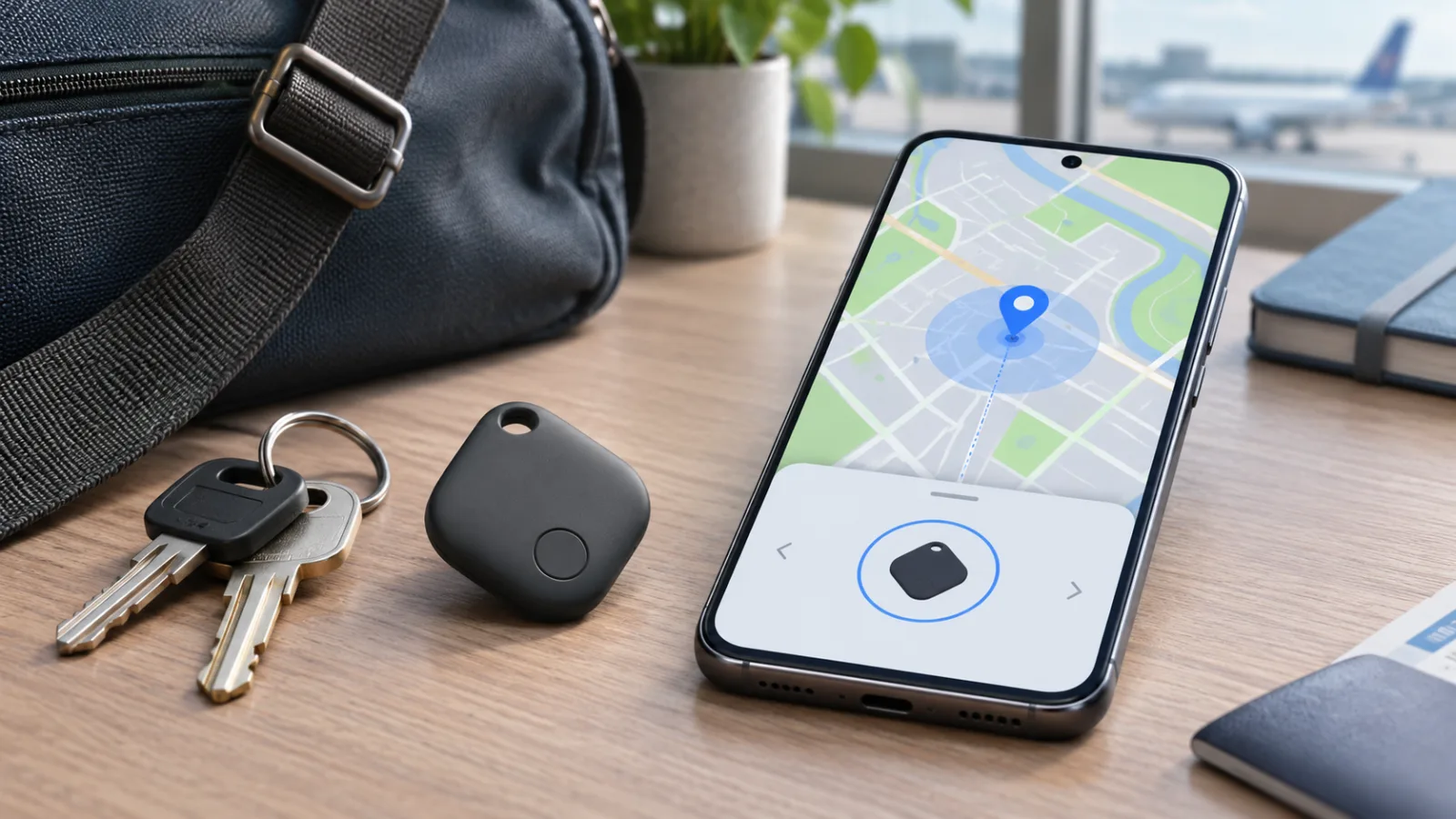
Google Pixel Tag Launches on November 11: The Find Hub Checks That Matter Before Buying
Google’s first tracker tag adds left-behind alerts, reverse phone finding, UWB and a replaceable battery. The practical question is not whether it resembles an AirTag, but whether your Android phone supports its best features and whether the launch price is actually clear.
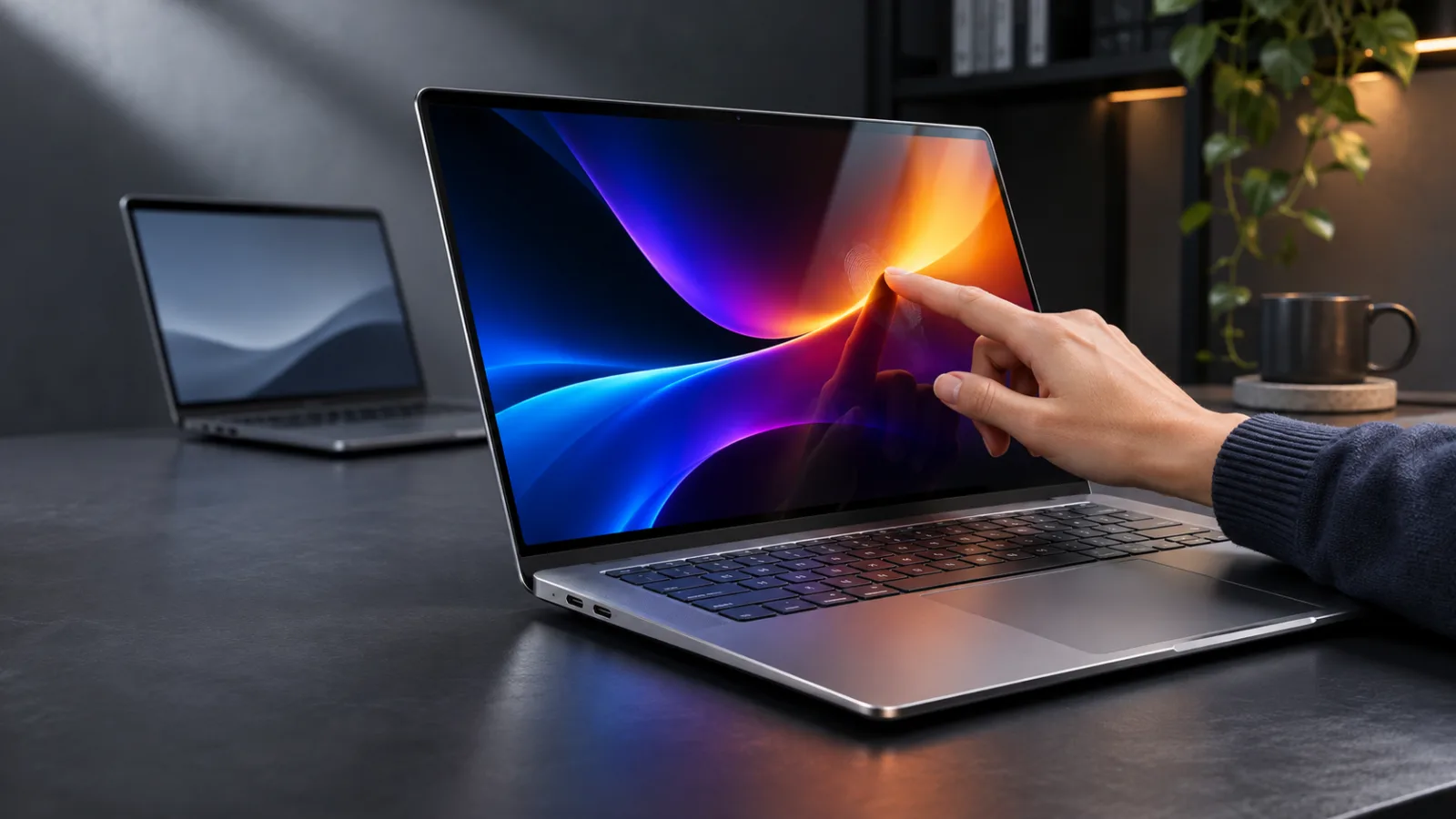
Should You Buy Apple’s OLED Touchscreen MacBook Pro? The $2,899 Upgrade Is About the Display, Not a New Chip
Apple’s first touchscreen MacBook Pro is lighter, brighter, and dramatically more expensive than the M6 model. The buying decision is straightforward if you need OLED touch input, but much harder if you simply want the fastest Mac laptop.
BOOX Picco is a $99.99 pocket e-reader. The real question is whether tiny reading beats a better-connected device
BOOX’s 58-gram Picco is designed for short reading sessions, not long novels. Its tiny screen and focused software are appealing, but the preorder decision turns on file handling, DRM, syncing and whether your phone is already the problem.

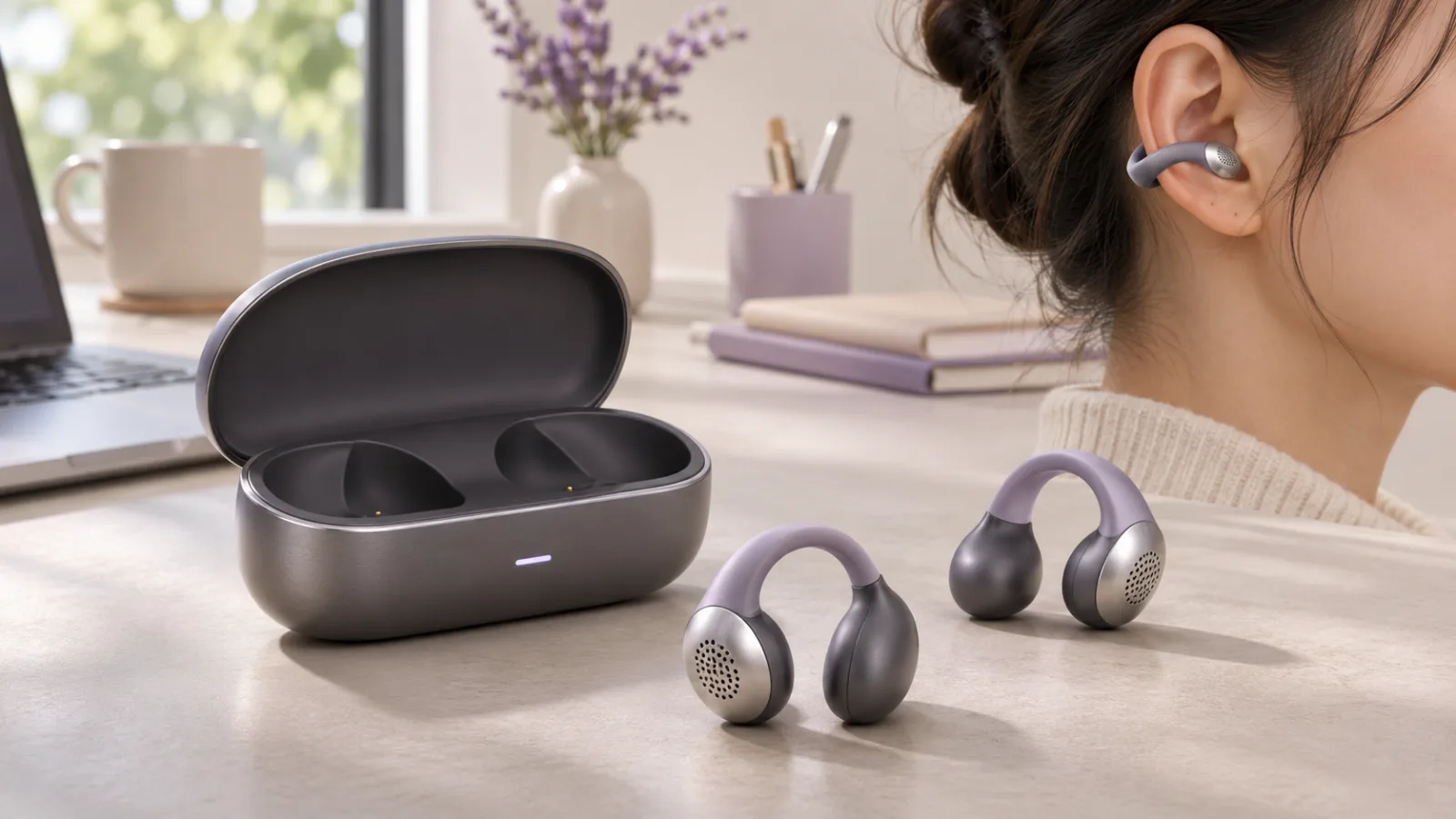
Should You Buy Xiaomi Clip Earbuds? Wait for the Global Price, Then Decide if Open-Ear Comfort Beats Isolation
Xiaomi’s Clip earbuds bring a light cuff-style fit, Apple Find My support, and long battery life to a new global market. The catch is that the price, regional availability, and real-world sound leakage still matter more than the headline specifications.
Comments
Sign in to comment.
No comments yet.