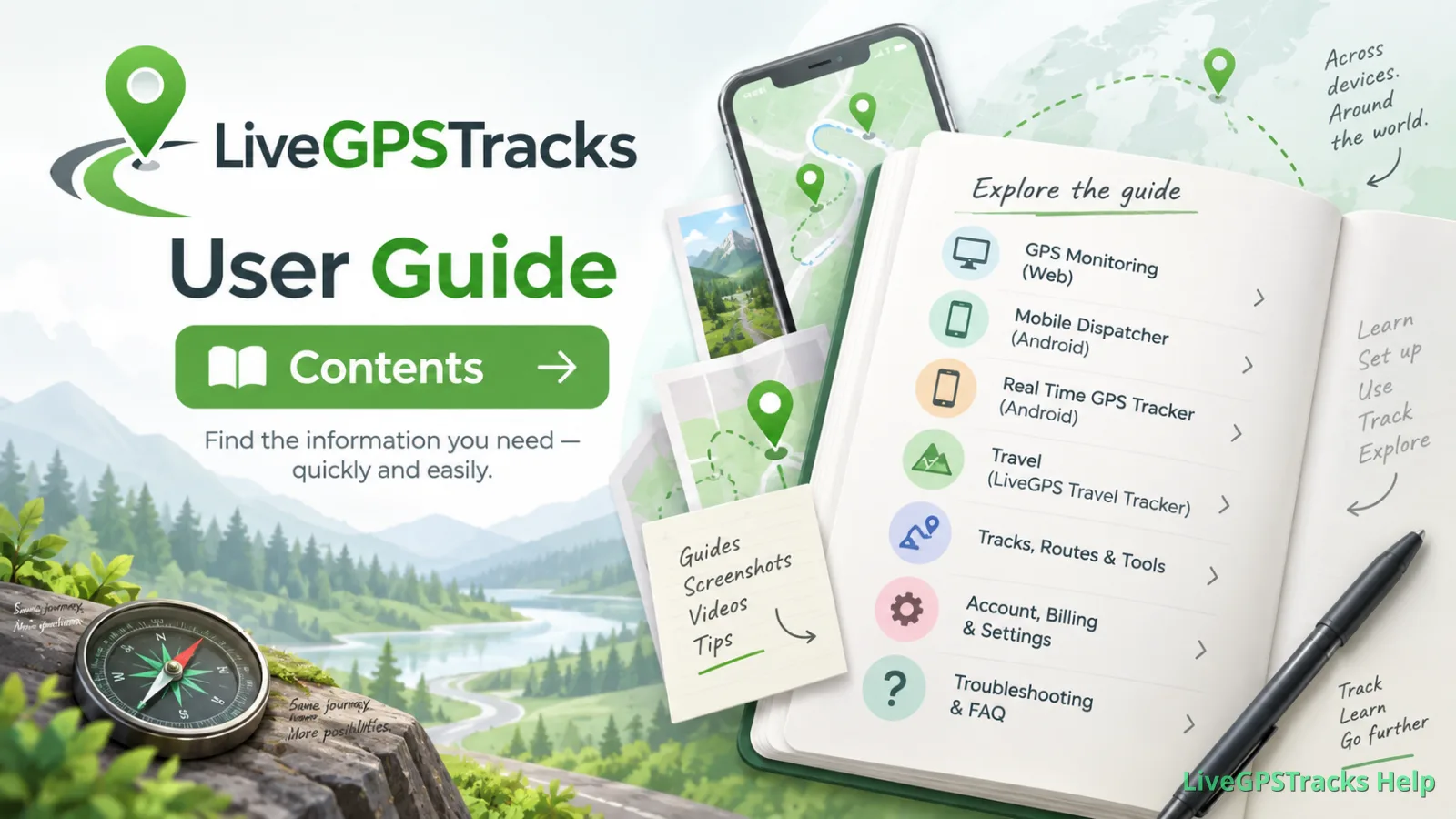
LiveGPSTracks User Guide — Contents
GPS Monitoring
Website
Setup and management
- How to enter the GPS monitoring section?
- How to disable DashBoard when entering a section
- Connecting trackers to the platform
- How to delete device
Payment and Plans
- Where can I see plans?
- How to connect or change the plan
- How to control your expenses
- How to look refilling history of balance
- How to refill the balance
- Gift Certificates
- Payments calculator
- How to use platform for free
- How we work with companies
Tracks and online movement
- How to watch movement online
- How to turn on\off red line after the tracker
- How to view the movement track (history)?
- Track information
- Track details
- Display track by time
- Display of stops and shutdowns
- Display track with filters
- Display track in different colors depending on the speed
- Display on the track the direction of movement
- Removing waypoints from a track
- Player
Display on the map
- Color indication of the tracker status on the map
- What does the tracker "on" or "off" mean?
- How to show/hide title under each tracker?
- Can I display several trackers on the map at once
- Graphs
- Fixed objects
- Displaying the planned route or area
- Additional data
Access to viewing for another people
- Give a friend access to the tracker
- Viewing one tracker (option "Link for tracking")
- Viewing multiple trackers ("Operator" option)
- Chat
- Monitoring objects through the Google Earth program
Geofences and notifications
Redefining parameters, taring
Documentation under development
Reports
Documentation under development
Our applications for smartphones
Documentation under development
- LiveGPS Travel Tracker
- Online Travel
Related articles

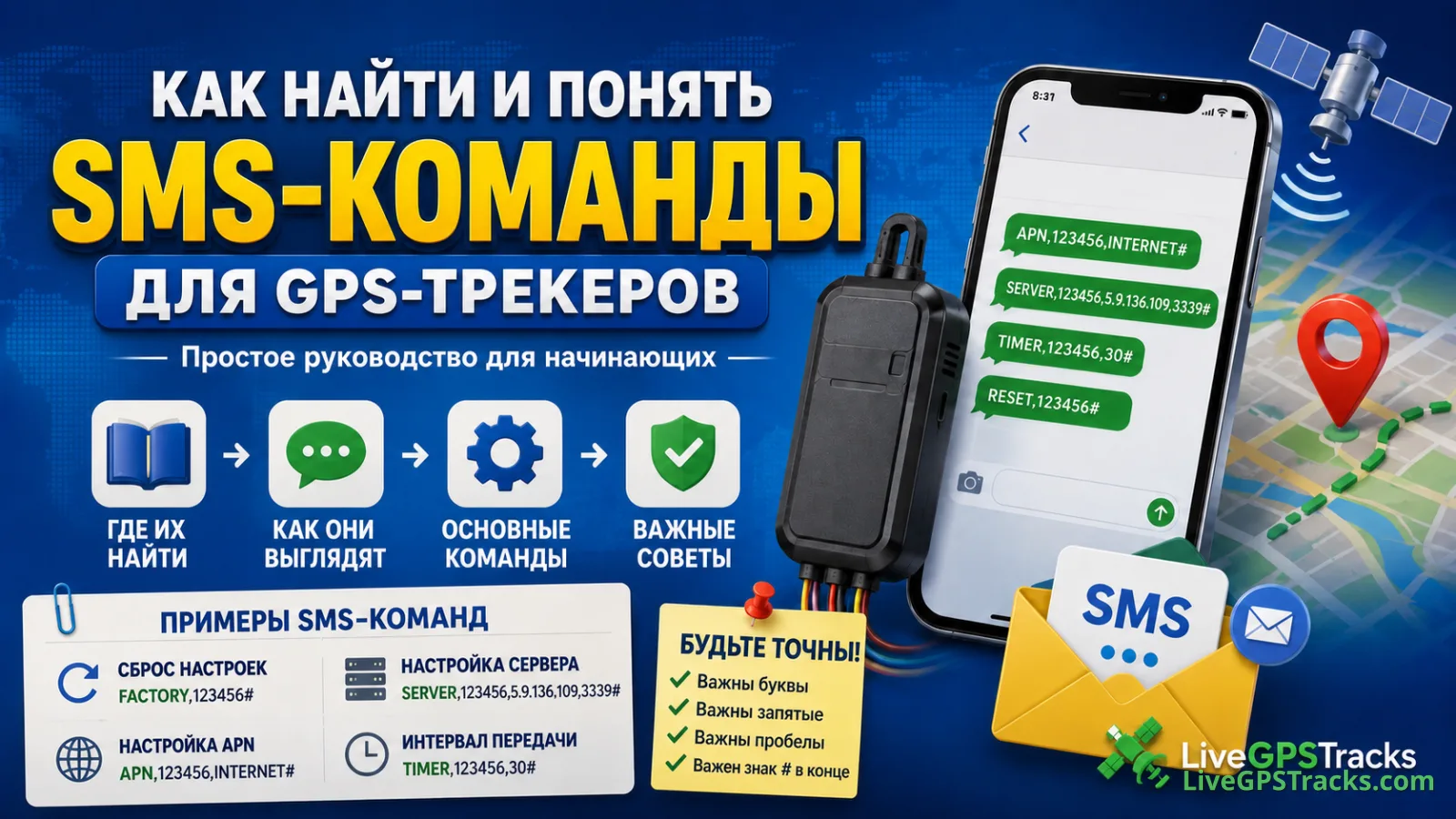
Как найти и понять SMS-команды для GPS-трекера
Где искать SMS-команды для GPS-трекера, как читать их структуру и почему важен каждый символ. Практическое руководство по APN, серверу, сбросу и интервалу передачи данных.
Administrator Guide: Contents
From your first website to everyday customer management: find the chapter you need to run your GPS tracking service.
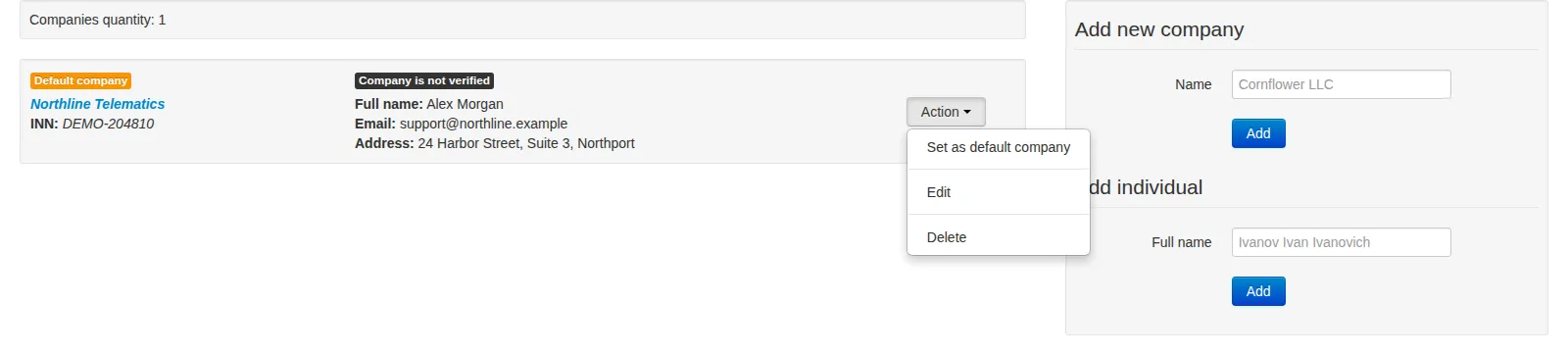
Companies and Individual Providers
Manage service provider records, customer-facing contacts, default assignments and company verification without confusing them with customer accounts or payout details.
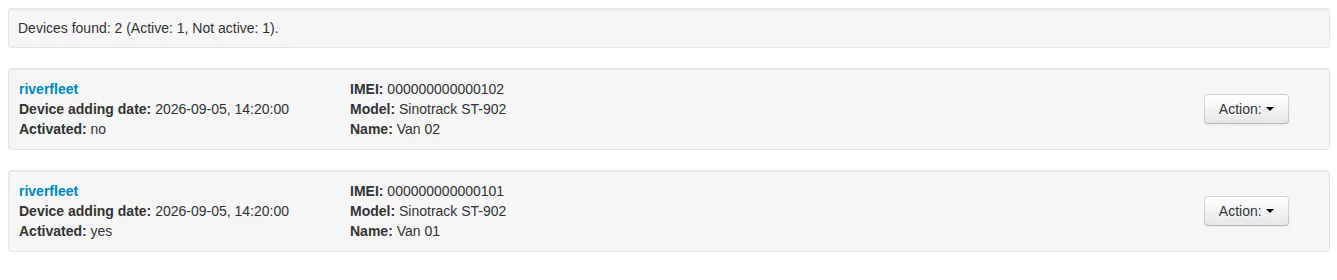
Devices
Find a customer's trackers, distinguish service activation from data reception, and check the latest available position. Learn what happens when you activate a device from the hosting panel.
Comments
Comments are disabled for this article.