Should you buy an HP printer with Instant Ink in 2026? Only if the subscription matches your real printing life
HP Instant Ink can make color printing predictable, but cancellation rules, internet monitoring and subscription cartridges change the real cost of a cheap printer. Here is who should buy — and who should walk away.

The cheap inkjet printer on the shelf is not the real purchase. The real purchase is the next two years of ink, firmware rules, account requirements, and what happens on the evening when a school form or shipping label must print now. That is why HP Instant Ink is worth looking at again in 2026: it can be a rational subscription for some households, but it can also turn a cheap printer into a device whose economics and reliability depend on a service you may later want to cancel.
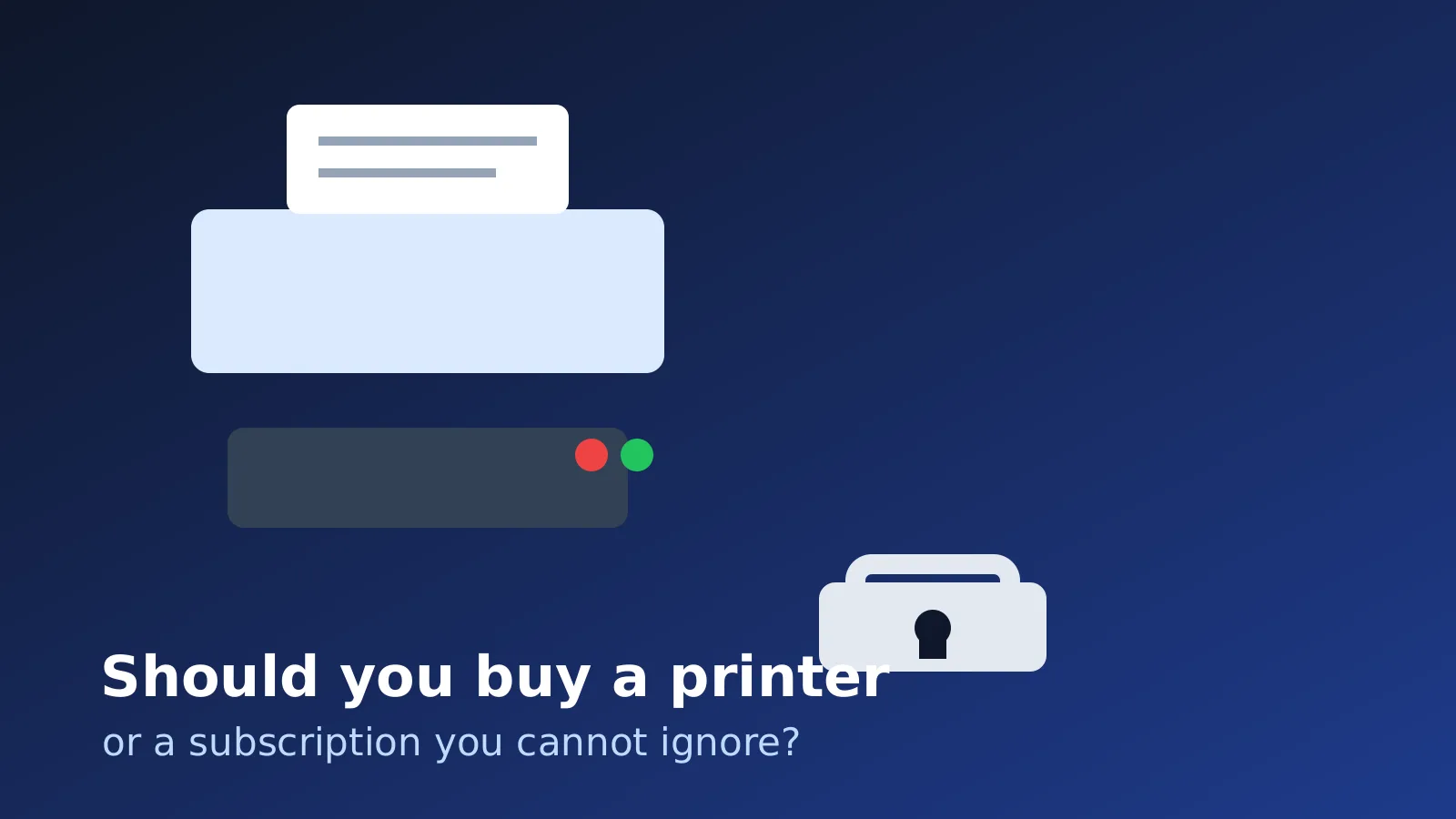
What HP Instant Ink actually sells
HP Instant Ink is not simply “ink delivered by mail.” HP’s own terms describe it as a subscription ink or toner cartridge supply service where you pay a recurring fee based on the number of pages available for printing under a selected plan, rather than buying cartridges in the usual way. The printer reports page counts and cartridge status so HP can manage the service and send replacement cartridges.
That page-count framing matters. A page with one line can count as a page; a dense color photo can also count as a page. This is the part that makes Instant Ink attractive for some users: if you regularly print high-coverage color pages, a page plan can be cheaper and less annoying than buying small cartridges at retail. It is also the part that makes the service easy to misunderstand. You are not building a drawer full of owned ink. You are participating in a managed printing service.
HP also makes internet connectivity part of the service. The current terms say the printer needs to be connected to the internet, and that users agree to maintain connectivity and not disable remote monitoring software or functionality. For a person who wants a printer to behave like an appliance, this is not a minor footnote. It changes the failure model: billing, account status, connectivity, cartridge status and printer firmware all become part of the buying decision.
The cancellation detail buyers should read first
The most important line is not the advertised printer discount. It is what happens when you leave. HP’s terms say that when the service is cancelled for any reason, HP will remotely disable the subscription cartridges and you will no longer be able to print with those subscription cartridges. To keep printing, the terms say you need to purchase an HP original cartridge; for non-HP+ printers, compatible third-party cartridges may also be usable.
That is the source of the recurring backlash. A buyer may reasonably feel they bought a printer and saw genuine HP cartridges in it. HP’s subscription model treats those cartridges as part of the service. Once the service ends, the remaining ink in subscription cartridges is not a normal owned supply in the way a retail Standard or XL cartridge is.
This is not just a Reddit rumor. HP’s own terms support the core point: subscription cartridges are disabled after cancellation. Community threads on Hacker News and printer forums show why the issue keeps resurfacing: the consumer expectation is “I bought a printer, so it should print,” while the service model says “this cartridge belongs to an active subscription relationship.”
The economics: who can actually save money
Instant Ink makes the most sense when your print volume is predictable and you print enough color that retail cartridges feel painful. Think of a family that prints school worksheets, forms, color handouts and occasional photos every month. If the monthly page allowance matches real usage, automatic shipments arrive before cartridges run dry, and the household accepts the account and internet dependency, the subscription can be convenient.
It can also work for a small home office that prints a steady number of mixed documents every month and prefers a predictable bill to surprise cartridge runs. The key word is steady. A page plan is easier to evaluate when you know whether you print 50, 100 or 300 pages in a normal month.
The service looks worse for rare printing. If you print five pages one month, zero the next, and then twenty pages before a tax deadline, the subscription may become a monthly fee paid for convenience rather than savings. HP offers rollover pages, but the terms cap how many unused included pages can carry over; extra unused pages beyond the cap are forfeited. That is normal for a subscription plan, but it is not the same as owning a cartridge until it is empty.
It also looks worse if you strongly value independence. If your priority is “the printer should work even if I ignore it for months,” a subscription inkjet is usually the wrong mental model. You may be happier with a simple monochrome laser, a refillable-tank printer, or no printer at all plus occasional local printing.
Four buyer profiles
If you print mostly black-and-white documents, buy a Brother-style monochrome laser or another boring office laser before buying a cheap color inkjet because it is on sale. The upfront price may be higher, but the machine is less likely to turn every family form into an ink-subscription question.
If you print regular color homework, craft pages or photos, compare Instant Ink with refillable-tank printers such as Epson EcoTank or Canon MegaTank. Tanks cost more at purchase, but the ink economics can be better over time if the printer is used often enough. The tradeoff is maintenance, print-head care, and the risk that an inkjet left unused for long periods may still clog.
If you print rarely, do not buy based on the printer sticker price. Ask whether a library, workplace, parcel shop or copy center solves 90 percent of your problem. Owning a cheap inkjet that dries out, nags about cartridges, and depends on an account can be more expensive than paying a few times a year to print elsewhere.
If you need color occasionally but reliability matters, consider a color laser or a used business-class laser before a subscription inkjet. Color laser supplies are not cheap, but the ownership model is easier to understand: toner is expensive, but it is yours, and the machine is usually less bothered by sitting idle.
The pros
The best argument for HP Instant Ink is convenience. The printer can report ink levels, HP can ship replacements automatically, and a household that prints regularly may avoid the “we are out of cyan again” problem. For high-coverage color pages, a page-based plan can be economically attractive because a full-page color print counts the same as a sparse page within the plan.
There is also a budgeting argument. A predictable monthly printing bill is easier for some families and micro-businesses than buying cartridges at inconvenient moments. HP includes recycling language and return envelopes in the service flow, which some users will value.
And to be fair, not every complaint means the service is irrational. A subscription can be the right tool when the user understands the trade: lower friction and possible savings in exchange for account dependency, page limits, remote monitoring, and cancellation rules.
The cons
The biggest con is lock-in. Subscription cartridges are not ordinary cartridges after cancellation. If you cancel without standard replacements ready, printing can stop at exactly the moment you expected the remaining ink to carry you through.
The second con is complexity. HP+, Instant Ink, dynamic security, standard HP cartridges, third-party cartridges, firmware updates and model-specific rules are often discussed together, but they are not the same thing. A buyer has to know the exact model and region. Some non-HP+ printers may allow compatible third-party cartridges after cancellation; HP+ models and dynamic security policies can be more restrictive. Treat the box copy as a starting point, not the full answer.
The third con is trust. Historical Hacker News discussions about “ink as a service,” cancellation disabling cartridges, and HP’s subscription ambitions are large because the frustration is intuitive. People do not like discovering that a printer bought at retail behaves like a service endpoint.
Finally, there is an emergency reliability problem. A subscription printer can be fine for normal use and still be the wrong choice if your nightmare scenario is a deadline, a billing issue, a network outage, or a cancelled plan with subscription cartridges still installed.
Checklist before buying any HP Instant Ink printer
Before you buy, answer these questions for the exact model, not just the brand.
- Is this model HP+? If yes, read the HP+ requirements separately from Instant Ink.
- Can the printer use standard HP cartridges without an active subscription?
- After cancellation, which cartridges will still work?
- For a non-HP+ printer, can compatible third-party cartridges be used in your region and firmware state?
- Does the printer need internet only for Instant Ink, or does the model impose broader cloud/account requirements?
- What is your real monthly print volume, including months when you print nothing?
- Are overage pages cheaper than simply choosing another printer type?
- Are replacement cartridges available locally if something fails before a deadline?
- Will you remember to cancel or change the plan before a low-use period?
- Would a monochrome laser, refillable tank, used business laser, or local print shop solve the problem with less friction?
If you cannot answer these questions from the product page and terms, do not buy yet.
Verdict: should you buy it?
Buy an HP printer with Instant Ink only if you print a predictable monthly volume, use enough color to benefit from a page plan, and are comfortable with a printer that depends on an account, internet connectivity and service cartridges. In that situation, Instant Ink can be convenient and may save money compared with buying small retail cartridges.
Consider it cautiously if you are a family with regular school printing and you already know you will keep the subscription active. Keep a spare set of standard cartridges or at least know exactly which ones to buy before cancelling.
Avoid it if you print rarely, dislike subscriptions, need the printer to work after months of neglect, want third-party supplies, or cannot tolerate a cancellation rule that disables subscription cartridges. For those buyers, a cheap HP inkjet can be the expensive option in disguise.
For black-and-white documents, start with a boring monochrome laser. For heavy family color printing, compare refillable-tank printers. For occasional forms, consider not owning a printer. The best printer purchase in 2026 is not the cheapest box on sale; it is the supplies model that matches your actual printing life.
Sources: HP Instant Ink Terms of Service, HP Instant Ink official service pages, Tonernews coverage of the 2026 backlash, historical Hacker News discussions about Instant Ink cancellation and subscription printing, and Techdirt coverage of HP’s subscription-printing strategy. Reddit and forum discussions were used as signals of active consumer frustration, not as the factual base for the cancellation rules.
Related articles
Should You Buy a Googlebook? Preorder Only If Android Continuity Matters More Than Proven Laptop Compatibility
Googlebook is a $899-and-up Android-based laptop with premium hardware, Gemini integration, and a year of bundled services. Its phone continuity is promising, but the first generation still leaves important questions about apps, processors, subscriptions, and long-term support.
Should you buy a Windows laptop if you plan to install Linux?
The Windows license refund debate is back, but the smart purchase depends on local policy, hardware compatibility and how much your time is worth.
Should You Buy an LG Monitor After the Windows Update Adware Backlash?
LG panels can still be good buys, but the Monitor App Installer controversy adds a new checklist item: what the screen makes Windows install after you plug it in.

Snapdragon X2 laptops are finally becoming a real Linux option. What buyers should check before 2027
Qualcomm and Canonical are moving Snapdragon X2 laptops toward certified Linux support, but the announcement does not make every Windows Arm notebook Linux-ready. Here is what changes, what remains unfinished, and who should wait.

Comments
Sign in to comment.
No comments yet.