AI agents need office seatbelts before they get bigger jobs
AI agents become useful when their work is bounded, logged and reviewable. The real question is not how much autonomy to grant, but where to put the brakes.

The most useful AI story this week is not that agents can run longer. It is that offices are finally learning where the guardrails have to go. Long-running coding assistants, document agents and internal copilots are moving from experiments into everyday work. That shift is real. It is also where teams discover that autonomy without review is just a faster way to create expensive cleanup.

Recent vendor updates, enterprise experiments and internal rollouts point in the same direction: AI is becoming part of the operating system of work. The interesting question is no longer whether people will try these tools. They already are. The question is whether the organization can make the work visible enough to manage.
What changed this week
A practical AI workflow starts by separating suggestions from actions. It is one thing for an agent to draft a migration plan, summarize support tickets or prepare a code change. It is another thing for it to merge code, email customers, alter invoices or change production settings. The first category can move quickly. The second needs explicit permission, logs and a person who understands the consequences.
The teams that get value from agents tend to describe tasks in boring operational terms. They do not ask for magic. They ask for a pull request against one repository, a test update for one failing path, a comparison of three vendor contracts, a meeting summary with action items, or a first pass at customer-tagging rules. The task has boundaries, source material and an owner. That sounds modest. It is also why the output can be reviewed.
The practical problem underneath
Review queues are the seatbelts. An agent should leave behind enough evidence for a human to inspect: inputs used, files changed, assumptions made, tests run, commands executed, external systems touched and unresolved questions. Without that trail, review becomes theater. Someone skims a confident answer and clicks approve because the alternative is reconstructing the whole job from scratch.
Budgets matter too, and not only because finance dislikes surprises. Spend controls force teams to understand which workflows are worth automating. A support classifier that saves hundreds of manual triage hours may deserve a larger budget. A meeting-note bot that generates polite mush for calls nobody reads may not. Usage analytics can be uncomfortable because they reveal where enthusiasm is stronger than value. That discomfort is useful.
The first failure mode is invisible data movement. Employees paste customer context, contracts, source snippets and internal strategy into whatever tool is fastest. If the company has no approved path, people create one informally. The fix is not a memo that says 'do not use AI'. The fix is a sanctioned toolset with clear data categories: public, internal, confidential, regulated and forbidden. People need to know what belongs where before they are under deadline pressure.
Where teams and households usually waste effort
The second failure mode is authority creep. A tool that begins as a writing assistant quietly becomes a decision assistant, then a decision system. The language changes from 'draft a response' to 'handle these tickets'. That can be fine, but each step needs a new review. Does the system know when to abstain? Can a customer appeal? Are edge cases sampled? Are managers reviewing failures or only adoption charts?
Evaluation should be attached to the workflow, not left as a lab exercise. For a coding agent, measure tests passed, review comments, rollback rate and time saved after review. For a support agent, measure correct routing, escalation quality and customer satisfaction, not just deflection. For a research assistant, sample citations and factual claims. A model benchmark is not a workplace benchmark. The workplace benchmark is whether the actual job got better without hiding new risk.
Documentation is another underrated control. Every recurring AI workflow should have a short card: purpose, approved data, owner, model or vendor, allowed actions, review rule, failure examples and off switch. This card does not have to be elegant. It has to exist. When an employee changes teams or a vendor changes terms, the card becomes the memory that prevents accidental drift.
A calmer operating routine
Managers should also watch the emotional side. AI tools can make good employees faster, but they can also make work feel slippery. People may wonder whether reviewing machine output counts as real work, whether their judgment is being measured fairly, or whether speed expectations will keep rising. Ignoring that tension is a mistake. A clear policy should say where human judgment is required, where experimentation is welcome and where automation is not acceptable yet.
The best early use cases are not the flashiest ones. Good candidates are repetitive, reviewable and annoying: transforming notes into structured tickets, generating test scaffolds, comparing policy versions, extracting fields from known document types, drafting internal FAQ updates, creating first-pass code migrations, or checking a repository for stale patterns. Bad early candidates are high-stakes, ambiguous and hard to audit: disciplinary decisions, medical conclusions, legal commitments, financial approvals and unsupervised production changes.
What to watch next
There is a useful rule of thumb: if a human cannot review the output in less time than doing the task from scratch, the workflow is not ready. That does not mean the agent is useless. It means the task needs better boundaries, better intermediate artifacts or a smaller first step. Agents are strongest when they turn a blank page into a reviewable page. They are weakest when they turn uncertainty into confidence.
The week’s practical takeaway is that AI adoption is becoming an operations problem. The winners will not be the offices with the most dramatic demos. They will be the ones with clean permissioning, visible logs, sensible budgets, real evaluations and managers who can say no to the wrong kind of automation. Bigger jobs can come later. Seatbelts first.
The useful takeaway
A team can start tomorrow without a grand program. Pick one recurring workflow. Write the input rules. Define the output. Decide who reviews it. Set a spending limit. Keep ten examples of good and bad results. Review the log after two weeks. If the tool saves time and mistakes are visible, expand carefully. If it creates confident clutter, shrink the task. That is not anti-AI. It is how useful tools earn trust.
The seatbelt model for office agents
A useful office agent should have the same basic constraints as a careful junior colleague with powerful tools: a bounded task, known inputs, visible changes, a review path and a clear rule for when to stop. The agent can draft, compare, classify, search and prepare. It should not silently merge code, email customers, change invoices, alter production settings or move sensitive files unless that action has been explicitly granted and logged.
The first seatbelt is permission. Separate read-only work from actions that change the world. Summarizing tickets, drafting a pull request or comparing policies can be low-risk if the inputs are known. Deleting records, changing customer data, pushing code, approving spend or sending external messages require a different lane: explicit approval, audit trail and an owner who understands the consequence.
The second seatbelt is evidence. Every agent run should leave a reviewable trail: prompt or task, source material, files read, files changed, commands executed, tests run, external systems touched, assumptions made and unresolved questions. If a human reviewer has to reconstruct the whole job from scratch, the agent has not reduced work; it has moved the work into a foggy corner.
A simple rollout plan
Start with three safe workflows. One good candidate is code review support: the agent reads a diff, points to likely missing tests and drafts a checklist, but a person still approves the change. Another is support triage: the agent groups tickets and suggests tags, while humans handle edge cases and customer-facing answers. A third is document comparison: the agent highlights contract or policy differences and cites the exact passages it used.
For each workflow, define the stop condition. The agent stops when source material is missing, credentials are requested, a production action is needed, confidence is low, or the task touches legal, financial, security or customer-impacting decisions. Stopping is not failure. It is the mechanism that keeps automation useful instead of theatrical.
Budget controls belong in the same design. Track cost by workflow, not just by model. A coding agent that saves hours of test maintenance may justify more spend than a meeting-note bot that produces polite summaries nobody reads. Usage analytics should answer a management question: which agent tasks produce decisions, merged work, resolved tickets or avoided manual effort?
What good adoption looks like
The healthiest organizations will not brag that agents “do everything.” They will know exactly which jobs agents are trusted to prepare, which jobs require human approval, and which jobs are off limits. They will review failures without drama, improve prompts and permissions, and remove workflows that generate noise. Bigger jobs can come later. First the office needs logs, owners, review queues, data boundaries, budget limits and a habit of asking: what would make this output safe to act on?
The management test
A manager should be able to ask five plain questions before expanding an agent workflow: what data does it see, what can it change, who reviews the result, what happens when it is wrong, and how quickly can access be revoked? If those answers are vague, the agent is not ready for a larger job. The safest next step is not another demo. It is a narrower workflow, better logs, fewer permissions and a review queue that people actually use.
Related articles
AI agents need work instructions, not wishes
A grounded guide to making AI agents useful at work without giving them vague missions and dangerous permissions.

Cloudflare OS is the AI workspace question enterprises cannot avoid
Cloudflare’s new agent workspace is less interesting as a product launch than as a blueprint for governed AI work: permissions, sandboxes, Gatekeepers, audit logs and app sprawl.

The Automated Research Intern Has Arrived. The Bottleneck Is Now Evidence
OpenAI says its research teams are already using more agent effort than human labor in aggregate. The practical lesson for research and engineering leaders is not to hand over discovery, but to redesign how ideas are tested, recorded, and rejected.
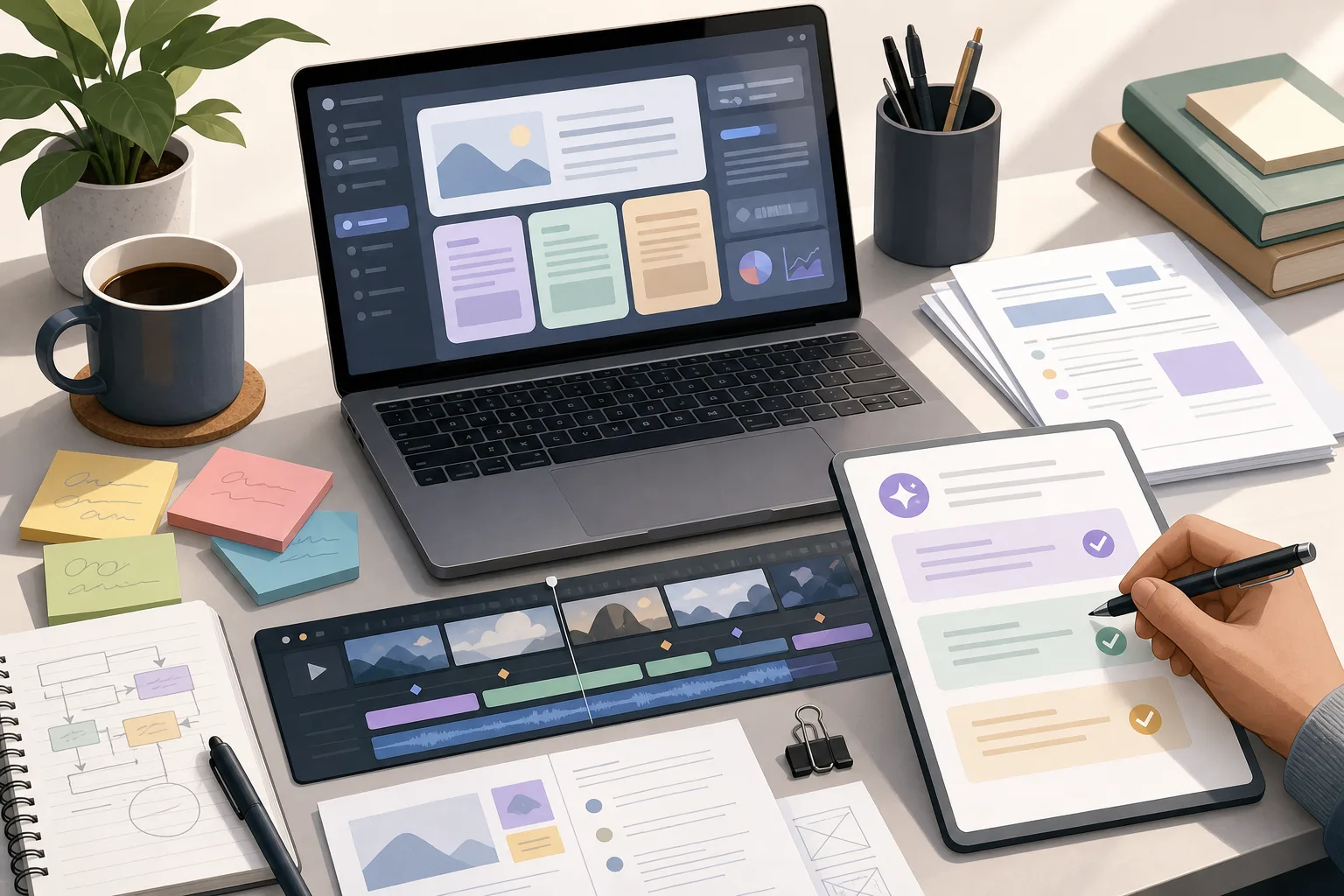
AI assistants are moving into creative and office tools. The skill now is review, not blind trust
Practical AI work is becoming less about prompts and more about building review habits before the output reaches customers.
Comments
Sign in to comment.
No comments yet.