Camera AI glasses on AliExpress: how to separate a usable Bluetooth camera from an “AI” feature list
Low-cost camera glasses promise translation, assistants and hands-free video. Before buying, verify the exact hardware, app, privacy light, battery workload and what still works when the phone or cloud service is unavailable.

Camera AI glasses on AliExpress: how to separate a usable Bluetooth camera from an “AI” feature list
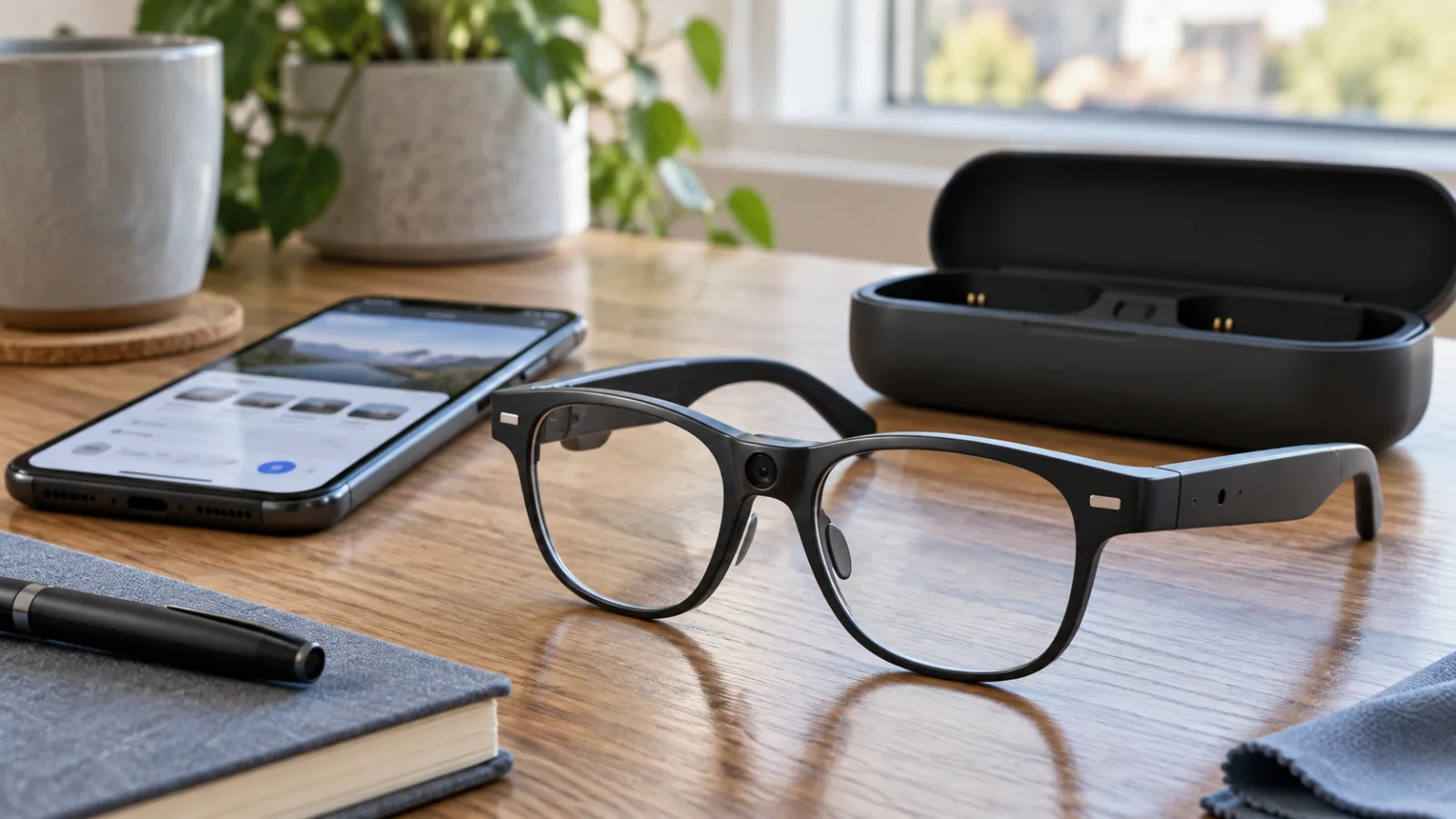
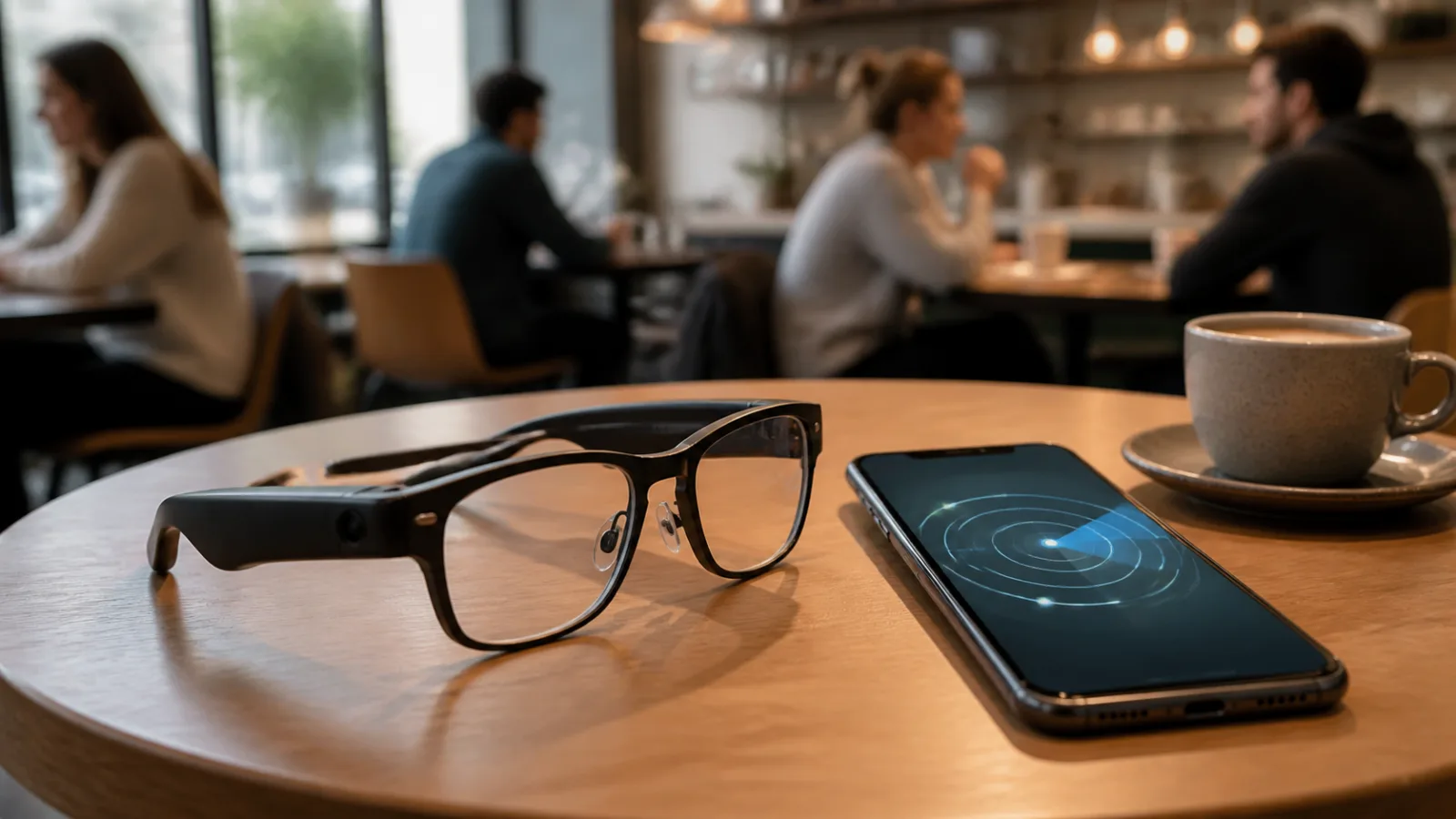
The new marketplace gadget cycle is moving from watches and earbuds toward glasses with a camera, open speakers and a companion app. Search-trend data published in October places smart-glasses-related terms among the growing consumer-tech topics, while product trackers show AliExpress listings promising 8MP cameras, video recording, translation, voice assistants and “ChatGPT” functions at prices far below established camera glasses. That combination makes the category worth examining, but not because every pair is a bargain.
The important question is not whether a listing says “AI.” It is what the glasses can do when the phone is not nearby, which app receives the recordings, whether the camera has a visible recording signal, how the frames fit, and whether the seller can document the specifications. A cheap pair may be a perfectly reasonable Bluetooth headset with a small camera. It may also be a generic camera hidden inside a frame, paired with an unstable app and a description that bundles every possible software feature into one headline.
This guide is for people considering the current wave of low-cost camera glasses on AliExpress and similar marketplaces. It is not a recommendation for one unverified model. The goal is to give the category a fair test before a buyer spends money or brings a camera and microphone into public spaces.
Why this category is suddenly everywhere
Three product ideas are being merged in one frame: hands-free video, open-ear audio and AI assistance. Those are separate functions with different hardware and privacy consequences.
A camera in the bridge or corner of a frame can be useful for short first-person clips, a quick photo, or recording a repair while both hands are occupied. Small speakers in the temples can handle calls, navigation prompts or podcasts without sealing the ear canal. A phone app can then add transcription, translation, image recognition or an assistant. The marketplace listing often presents all of that as one capability: “AI smart glasses.”
The label hides the division of labour. The camera captures pixels. The microphone captures sound. Bluetooth moves some data to the phone. The app may upload media to a cloud service. A remote AI service may perform the translation or visual analysis. If the phone is offline, the app is missing from your region, or the service changes its terms, the “AI glasses” may revert to a camera and wireless speaker.
That is not automatically a defect. Many useful consumer products depend on a phone. It does mean the buyer should pay for the functions they can verify, not for a marketing word.
The timing also reflects a wider shift in the mainstream market. Meta’s current Ray-Ban line treats visible recording feedback as a serious design issue and has described camera safeguards that disable capture if the indicator light is blocked or tampered with. The European Data Protection Board has recently highlighted that smart glasses can look like ordinary eyewear while carrying cameras, microphones and internet connections. In other words, the category is attracting attention not only because the hardware is fashionable, but because the design has consequences for people who are not wearing it.
Cheap marketplace products are entering that conversation without necessarily offering the same level of documentation, software support or privacy signalling.
First identify what kind of glasses the listing actually describes
Before comparing megapixels, classify the product. Marketplace listings frequently use “smart glasses” for at least four different devices.
Audio glasses contain speakers, microphones and Bluetooth but no camera. They are the least complicated version. They can be useful for calls or spoken navigation, but they cannot record video or perform camera-based visual AI. If a listing shows a camera in one image and says “optional camera” elsewhere, ask the seller exactly which variant is in the selected option.
Camera glasses record photos or video and may also act as Bluetooth headphones. Their core job is capture. They often store files locally, send them to a phone over Wi-Fi or Bluetooth, or use a proprietary app to retrieve them. A claim such as “4K” may refer to an interpolated output mode rather than a sensor that produces clean 4K footage.
Voice-assistant glasses add a microphone and app shortcut to the audio or camera hardware. The assistant may be the phone’s assistant, a vendor service or an AI chatbot reached through the companion app. “ChatGPT glasses” does not prove that ChatGPT runs on the glasses, that the device has an official integration, or that the service will remain available.
Display or AR glasses put visual information in front of the eye. These are a different and usually more expensive class of product. A pair that offers audio, translation and a camera but no transparent display cannot show subtitles or navigation arrows in the lens. It may play translated speech through the speakers or show text on the phone instead.
This classification prevents the most common buying mistake: reading a capability from one image and an unrelated capability from another. Save the exact product option, not just the title. Check whether “black frame,” “with camera,” “English menu” or “8MP version” changes the hardware.
The specification checks that matter more than “8MP”
An 8MP label sounds precise, but it is only one part of image quality. It does not tell you the lens angle, stabilization, exposure behaviour, audio quality, file format, storage, frame rate, low-light performance or whether the camera is aimed where the wearer expects.
Ask for a sample file rather than a screenshot. A sample should show the original resolution, frame rate and file size. Look for a continuous clip, not a carefully chosen still. A wide-angle lens can make a room look dramatic while making distant text unreadable. A narrow lens can capture a more natural view but may miss what the wearer is trying to record.
Check the recording limit. Some low-cost devices split long footage into short files. That can be acceptable for quick clips and frustrating for a repair, walk or event. Ask whether the camera stops when the file reaches a limit, whether it continues with a new file, and what happens when storage is full.
Find out where the files go. Possible answers include internal memory, a removable card, the phone’s local storage, the vendor’s cloud, or a mixture. “32GB ROM” in a listing may describe a phone-like product template rather than usable recording storage. It may refer to app space, a nominal memory chip or a completely different option. Treat unexplained capacity claims as unverified until the manual or sample files make the meaning clear.
Audio deserves its own check. A camera that produces usable video with distant or wind-battered speech is not a good substitute for an action camera. Ask whether there is one microphone or several, whether wind reduction is automatic, and whether the glasses record audio and video together. Open speakers can be convenient, but they do not provide privacy in a quiet room and may be hard to hear outdoors.
Battery claims need context too. A listing may quote standby time, music playback, or a single uninterrupted recording figure. Those are not interchangeable. Camera use, wireless transfer and an active assistant can draw power at different rates. Ask for recording time with the camera on, not only Bluetooth playback time. Also check whether the charging case is included, what connector it uses, and whether replacement batteries or a service path exist.
The frame is part of the specification. A camera that sits too high, points at the sky, or is blocked by a brow is not fixed by a larger sensor. Look for lens width, nose-pad adjustment, temple length, total weight and whether prescription lenses can be fitted. “Sunglasses” may mean tinted plastic with no useful UV certification. Unless the seller provides a credible lens standard and model documentation, do not treat a dark lens as protective eyewear.
“Real-time translation” is the claim that needs the most skepticism
Translation features can be useful, but a low-cost listing may compress several very different experiences into one phrase.
One design records speech and sends it to the phone, where an app transcribes and translates it. Another plays a phrase through the glasses after processing in the cloud. A third merely launches a translation app on the phone. Some products use a push-to-talk button; others advertise continuous listening. The language count may include text translation, downloadable language packs, or languages supported only by a remote service.
Ask five concrete questions before paying:
- Does translation work without mobile data or Wi-Fi?
- Which languages work in both directions for speech?
- Is the translated result spoken in the glasses, displayed on the phone, or only saved as text?
- Is there a subscription, account requirement or regional app restriction?
- What happens when the service is discontinued or the app is removed from the store?
If the seller cannot answer these questions with a manual or demonstration, treat “100+ languages” as a feature-list claim, not as a tested capability. Even a well-supported system will struggle with noise, overlapping speakers, accents and poor microphone placement. It is not a replacement for an interpreter in a medical, legal or safety-critical conversation.
The same logic applies to “AI vision.” A camera may upload an image to a service that describes it. That is different from an on-device model that works offline. It also raises a privacy question: where are the image and voice recordings sent, how long are they kept, and are they used for service improvement? If the privacy policy is unavailable in a language you understand, the uncertainty is part of the product cost.
Privacy is a buying criterion, not a footnote
A camera worn on the face changes the social setting. People nearby may not know whether the device is recording, taking a still image, listening for a wake word or simply playing music.
The European Data Protection Board’s recent statement on smart glasses stresses the need for recording to be obvious through features such as bright indicator lights, audio signals, voice cues or clear notifications. Meta’s official material describes a capture LED and protections against blocking it. Those examples do not make a camera wearable automatically acceptable, but they show what a buyer should look for.
For a marketplace pair, inspect the hardware photographs carefully:
- Is there a dedicated recording light, and is it visible from the front?
- Does it turn on for both photos and video?
- Can the app disable it?
- Does the camera record when the light is covered?
- Is there a physical switch or button that cuts the microphone or camera?
- Does the manual explain how to erase files and revoke app permissions?
Do not assume that a tiny decorative dot is an indicator. Ask for a video showing the light operating while the glasses record. If the seller presents the ability to hide or deactivate the light as a selling point, skip the product. It creates a predictable conflict with bystanders and may violate local rules or workplace policy.
The phone app can be a bigger risk than the frame. Review the requested permissions before pairing. A camera app may reasonably request camera, microphone, Bluetooth and local-file access. It should not need unrelated access to contacts, call history or every file on the phone without a clear explanation. Create a separate account if the service requires one, use a unique password, and avoid granting background access when the glasses are not in use.
The FTC’s consumer guidance for connected cameras and voice assistants offers a useful general principle: research encryption, authentication, data handling and update support before buying. A cheap device with no published security information may still work, but the buyer should not place it in sensitive settings. Never wear camera glasses in changing rooms, confidential meetings, clinics, schools or private homes without clear consent and a lawful reason.
For families, children and public events, a camera indicator and a simple way to stop recording are especially important. A device that is awkward to control will be left running by accident. The safest setting is often to leave the glasses in audio-only mode, remove the camera variant, or use a conventional camera that can be held visibly.
App and firmware support can decide whether the purchase survives
Low-cost hardware is only half the product. The other half is the app, firmware and phone compatibility.
Check the app name before ordering and search for it in the official Android or iOS store. Do not install an APK from a random file host just because the product page links to it. Look at the publisher, last update date, permissions, user reviews and whether the app is available in your region. A product that relies on an app unavailable in your country is not a bargain, no matter how impressive the listing title looks.
Compatibility claims also need detail. “Android and iOS” may mean basic Bluetooth audio only. Camera transfer, firmware updates and AI functions may work on one platform or one range of operating-system versions. Ask whether the app supports the phone you actually use. If the product uses Wi-Fi to transfer video, test whether it disconnects your phone from the internet and whether large files can be copied without a cloud account.
Firmware updates are not a guarantee of quality, but the absence of any update path is a warning. Look for a manual that explains reset, pairing, storage formatting and recovery after a failed update. A wearable that cannot be reset without a seller-only tool may become unusable when the app changes.
Read reviews for operational details rather than star averages. Useful review evidence includes a photo of the packaging, a sample clip, pairing results, battery time measured during recording, app availability and whether the frame fits. “Nice product” tells you little. Repeated comments that the app crashes, the light is absent, or the camera angle is wrong matter more than a few enthusiastic one-line ratings.
A sensible price comparison
Do not compare the marketplace headline price with the full retail price of a famous smart-glasses brand. Compare functions.
If you only want open-ear audio for calls, a camera-free pair may be less intrusive and easier to replace. If you want occasional first-person clips, a small conventional action camera or body-mounted camera can offer a clearer recording signal, replaceable storage and a visible lens. If you want translation, a phone with a good microphone and an established translation app may be more dependable than a pair of glasses whose service is unclear. If you want display overlays, audio glasses are the wrong product entirely.
A tracked AliExpress listing for a camera-and-translation glasses product showed a price around $30.73 on August 19, 2026, but a historical tracker is not a live checkout quote and does not establish what the current selected option includes. Marketplace prices vary by country, seller, shipping, tax, coupon and variant. The useful lesson is not that every pair should cost thirty dollars. It is that a low price can buy a basic wearable camera, not necessarily a supported AI platform.
Build the comparison around a replacement-cost question: if the app disappears, the battery weakens, the frame breaks or the camera disappoints, can the remaining audio function still justify the purchase? If the answer is no, the listing needs unusually strong evidence before it earns your money.
Do not buy extra items just to reach a coupon threshold. Do not treat an old sale screenshot, a crossed-out reference price or a large claimed discount as evidence of value. Put the exact variant in the cart, check the final total, and compare it with a local retailer and with a basic alternative. Marketplace shopping is most defensible when the product solves a small, specific problem that is expensive or inconvenient to solve locally.
A practical inspection routine after delivery
Before wearing the glasses in public, test them at home.
Start by photographing the packaging, serial label and included accessories. Record the unboxing if the product arrives damaged or differs from the selected option. Do not peel protective films or alter the frame until you have confirmed that the camera, speakers and charging contacts work.
Charge the glasses with the supplied cable or a compatible, documented charger. Check for heat, swelling, smell or intermittent charging. If the battery or charging case becomes unusually hot, stop using it. Do not leave an unknown lithium-battery wearable charging unattended overnight.
Pair the glasses with a spare or privacy-conscious phone profile if possible. Record a short clip in good light and another in low indoor light. Listen to the audio, inspect the file metadata and confirm where the file was saved. Test the camera indicator from in front of the glasses. Take a still, record a video, stop it, and verify that the light changes as expected.
Then test the failure cases. Turn off mobile data and Wi-Fi. See which functions still work. Deny a nonessential app permission and observe whether only the related feature stops. Remove the app’s account access if the service supports it. Test reset and re-pairing. Confirm that deleting a file in the app deletes the local copy and find out whether a cloud copy remains.
Measure battery life with a stopwatch and a defined workload. For example, record several clips, transfer them, play audio and leave the glasses idle for the same period each time. A single number from a listing is not comparable unless the workload is known.
Finally, check physical fit. Walk, bend down and turn your head. If the frame shifts enough to change the camera view, that is a functional defect. Make sure the arms do not press into the head and that the lenses do not create distracting reflections. A wearable used for ten minutes in an unboxing video can be uncomfortable after an hour.
Who should consider them, and who should skip them
These glasses may make sense for a buyer who wants short, low-stakes hands-free clips; accepts that the phone and app do most of the “AI” work; is willing to test privacy controls; and can live with uncertain long-term support. They can also be a low-cost experiment for someone who specifically wants open-ear audio in a familiar frame and regards the camera as an occasional extra.
They are a poor fit for anyone who needs reliable translation, professional video, prescription optics, all-day battery life or a documented privacy system. They are also a poor fit for workplaces, schools, healthcare settings and homes where recording could create a consent problem. If you are buying for another person, especially a child, do not assume the wearer will understand the social and legal consequences of a camera that looks like ordinary glasses.
Choose conventional audio earbuds or camera-free audio glasses when the real need is calls or podcasts. Choose a visible action camera when the real need is stable footage. Choose a phone and established software when the real need is translation or visual assistance. Choose an established smart-glasses ecosystem only when you are prepared to pay for the app, account, support and privacy documentation as well as the frame.
Bottom line
The current AliExpress smart-glasses wave is interesting because it makes a camera, microphone and speakers physically small and relatively inexpensive. The category is not interesting because the word “AI” guarantees a new kind of eyewear.
Treat the listing as four separate products: camera, audio system, phone app and online service. Verify each one. Check the exact variant, sample files, recording light, app publisher, permissions, offline behaviour, battery workload and return evidence. A cheap pair that works as a simple Bluetooth camera may be a fair purchase when that is all you want. A pair advertised as a private, offline, real-time translator with professional video should be held to a much higher standard.
The best marketplace decision may be to buy the least ambitious version that solves the actual problem. That usually produces fewer surprises than paying extra for a feature list that the frame, app or service cannot reliably deliver.
Related articles

Smart glasses have a people problem, not just a privacy problem
Meta, Snap and Google can make camera glasses look normal. The harder question is whether bystanders will accept them.
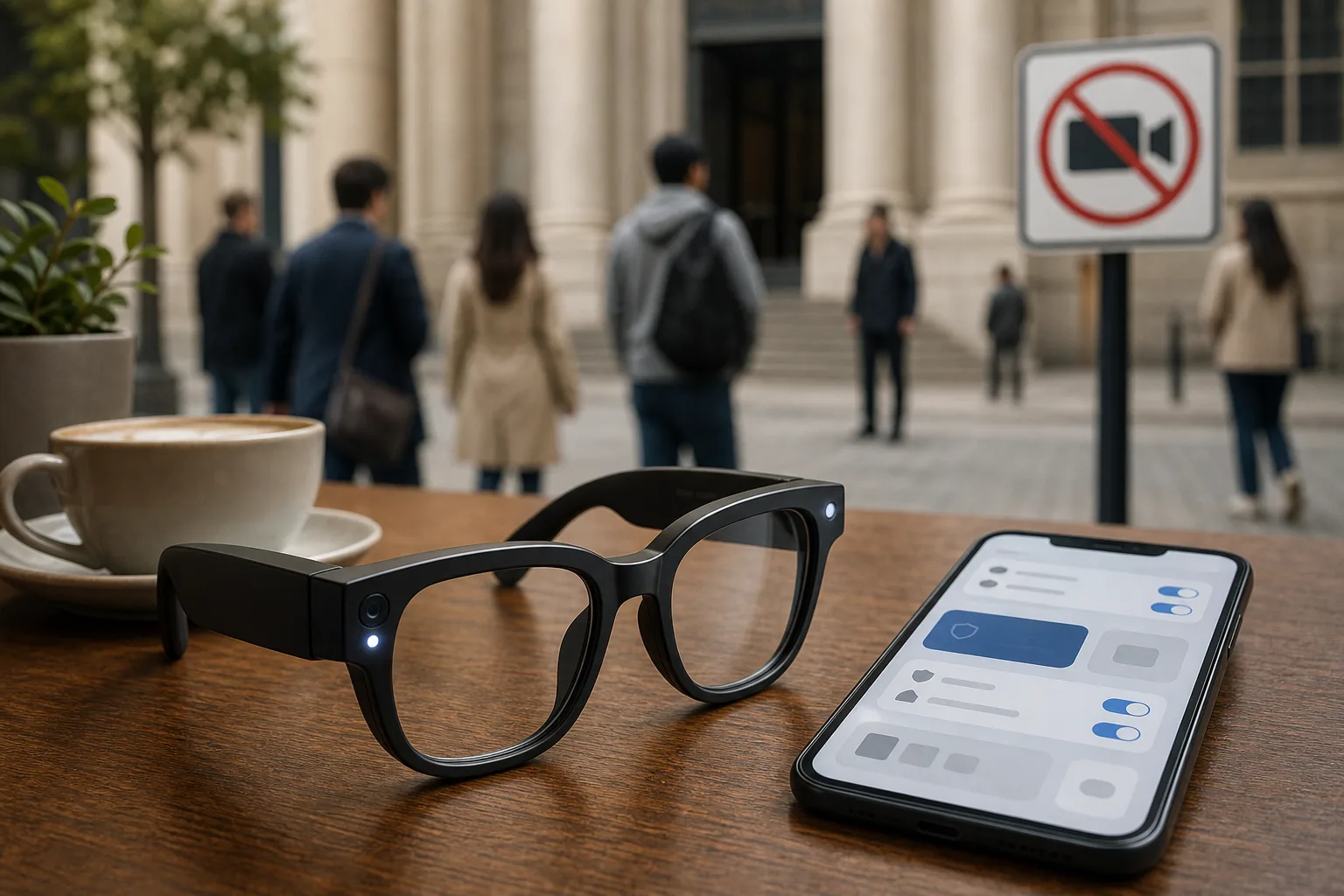

Should You Buy Snap SPECS Before the September 16 Launch? Wait for Comfort, Battery, and Real-World Proof
Snap SPECS are the rare AR glasses that look close to a real consumer product, but a $2,195 price and four-hour mixed-use battery make this a preorder for specialists, not a safe everyday upgrade.
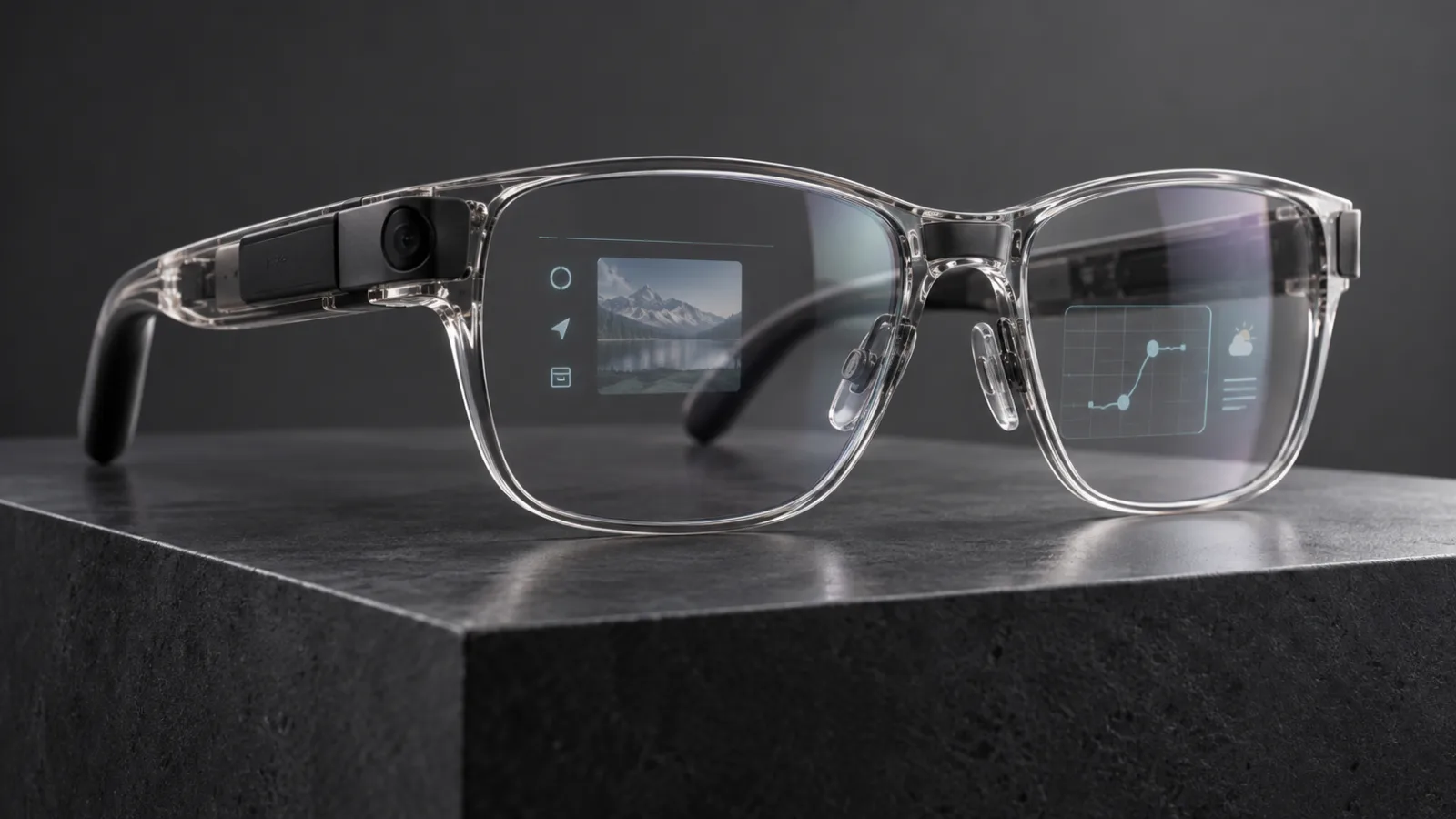
Should you buy Meta AI glasses now that useful features can hit a subscription meter?
Ray-Ban Meta-style AI glasses are useful for hands-free capture, but the new Conversation Focus cap and privacy-light backlash change the buying calculation.
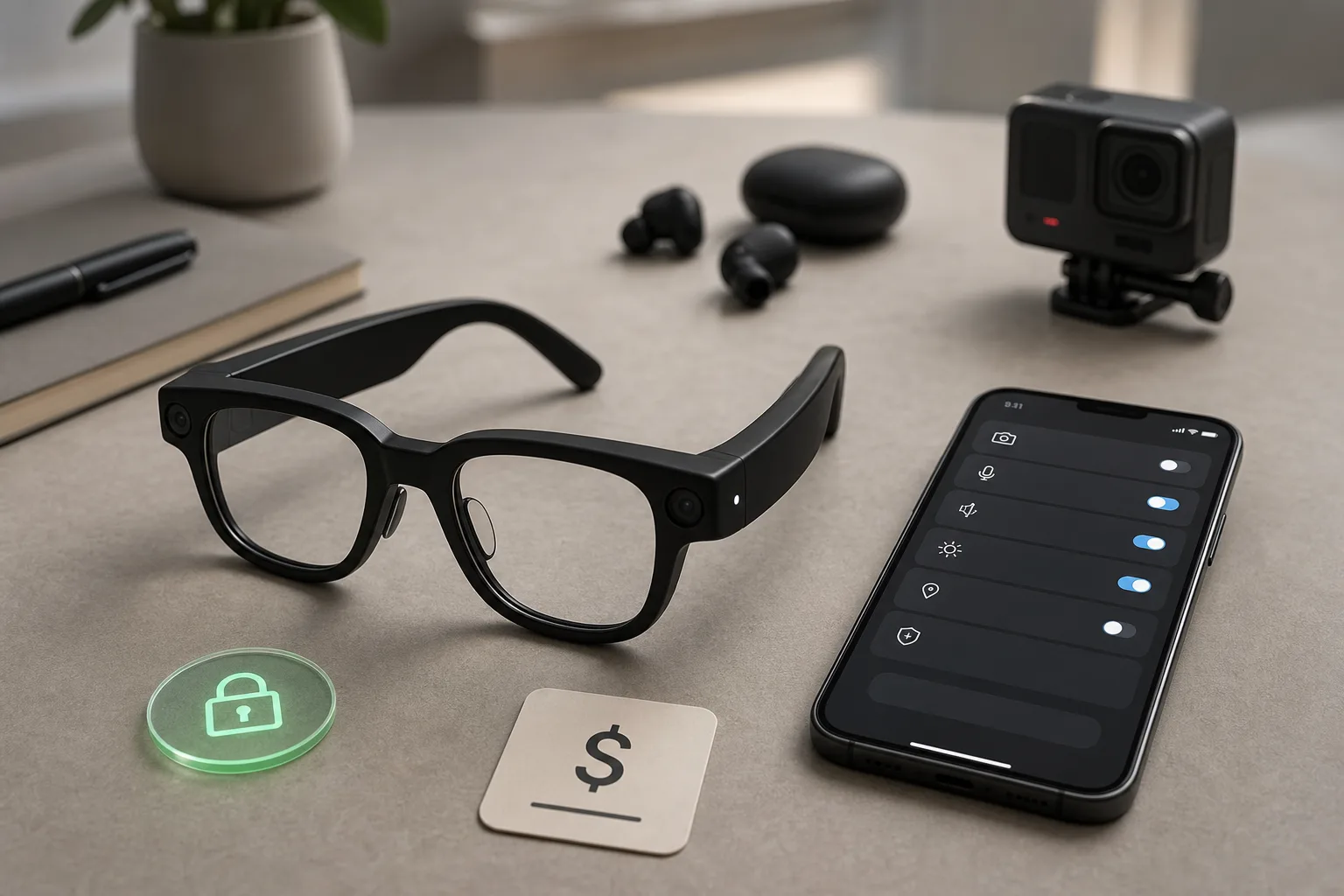
People are buying smart-glasses detectors. That is the real warning for face-worn AI gadgets
Antizuck is not a perfect way to find camera glasses, but its popularity shows that smart glasses now have to win the trust of bystanders, venues and buyers alike.
Comments
Sign in to comment.
No comments yet.