Cheap earbuds with a case display: useful AliExpress find or shiny TWS gimmick?
A practical buyer check for low-cost TWS earbuds that advertise a bright battery screen, ANC labels and long playtime.

The little percentage screen on a charging case is easy to like. It answers a real everyday question before you leave home: are the earbuds and the case charged enough, or will one side die on the way to work? On AliExpress and other marketplaces, that small display is often placed next to bigger promises: active noise cancellation, gaming latency, AI call noise reduction, 24 to 50 hours of total battery life, app EQ and a price that looks lower than a replacement case from a mainstream brand.
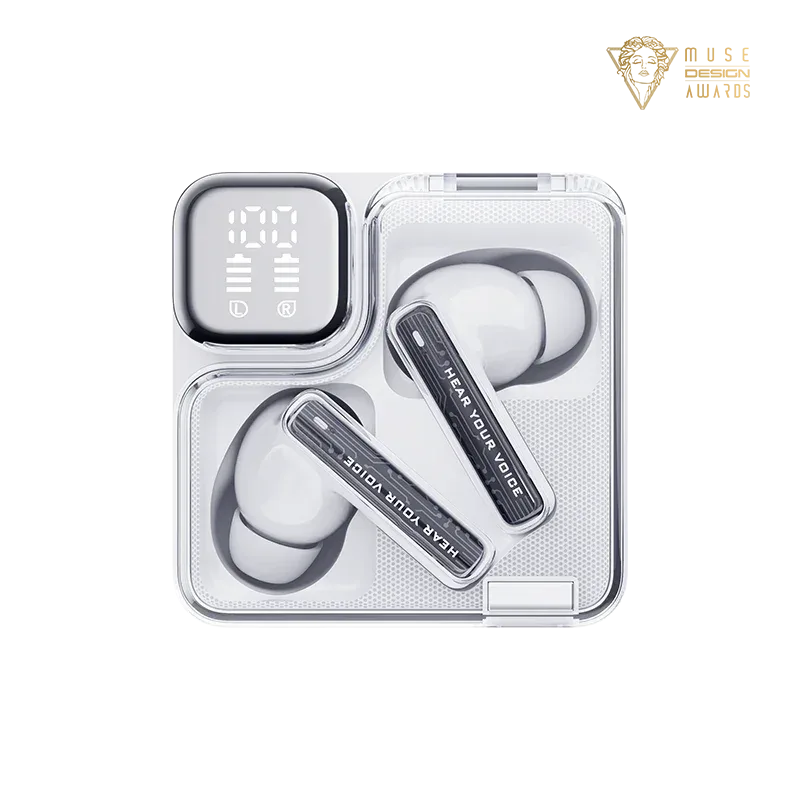
That does not make the display useless. It means the display should be treated as the last convenience check, not the first reason to buy. A bright “100%” can be accurate enough for daily charging habits and still tell you almost nothing about the driver tuning, microphone quality, fit, ANC performance, battery aging, app support, seller reliability or return path. The useful way to shop this category is to separate what the official specification says, what a marketplace listing adds, and what buyer photos or independent reviews actually make believable.
What was checked before writing
For a concrete product-class anchor, I checked QCY’s own pages and product JSON for three current budget-style models. QCY describes the MeloBuds Neo as true-wireless earbuds with a translucent charging case and LED power display, Bluetooth 5.3, four microphones with AI call noise reduction, a 10 mm dynamic driver, nine preset EQ modes, multipoint connection, 68 ms low-latency mode, up to 7 hours on one charge and up to 24 hours with the case. The same official product JSON returned a brand-store price of USD 49.99 at the time of checking; that is not an AliExpress deal price and should not be read as a promise for any seller listing.
QCY’s MeloBuds N70 page is a more feature-heavy benchmark rather than the same product class: dynamic driver plus MEMS tweeter, LDAC and Hi-Res Wireless certification, up to 56 dB adaptive ANC, up to 50 hours with the case, wireless charging, Bluetooth 6.0, three microphones with AI call clarity, IPX5 water resistance, custom EQ by hearing test, five ear-tip sizes and dual connection. QCY’s MeloBuds Pro page sits between those examples with 46 dB adaptive ANC, LDAC, up to 34 hours with the case, wireless charging, six microphones, transparency mode, spatial sound, 80 ms low latency and wear detection.
Those brand pages are useful because they show how different budget TWS feature stacks can be even inside one family. They also show why marketplace titles need careful reading. “AI noise reduction” can mean microphone processing for calls, not active noise cancellation for listening. “24 hours” or “50 hours” normally means total time with recharges from the case, not one continuous earbud session. A Bluetooth version does not guarantee good tuning, stable multipoint or low delay on every phone. An IPX rating has a defined test scope; it is not a promise that cheap earbuds survive showers, swimming, detergent or a washing machine.
Current category signals also point in the same direction. Scarbir’s active budget-earbud pages were updated around this slot and keep comparing cheap ANC, under-$100 models, sleeping comfort, half-in-ear fit and call quality. Reddit and other forum searches around budget earbuds, QCY, SoundPEATS and marketplace TWS show the questions people keep asking: is the ANC real, are the microphones usable for work calls, is the case battery estimate believable, and are no-name listings using copied renders? I treat those discussions as buyer-question signals, not as proof that a specific listing is good or bad.
What the screen is genuinely good for
A case display is most useful when it changes a small routine. With three or four LED dots, you often know only that the case is somewhere around full, half or nearly empty. A numeric readout makes it easier to decide whether to charge before a commute, a train ride, a gym bag day or a flight. People who rotate several cheap devices, forget charging cases in jacket pockets or use earbuds mainly for podcasts may get real value from that quick glance.
The display can also expose mismatched behavior sooner. If the case drops from 80% to 20% after one short session, or if one earbud always returns to the case at a much lower percentage, you know to inspect contacts, reset pairing, clean the pins or return the product while the return window is open. For a cheap spare pair, that information can be more useful than decorative RGB lighting or a fake “gaming” shell.
But the number is still an estimate. Small lithium cells are hard to read precisely under load, and cheap firmware can turn a voltage estimate into neat-looking one-percent steps without real calibration. The display usually cannot tell you the long-term health of the cells, whether the case capacity matches the listing, or whether one earbud has a weak battery that will show up after three months. Treat it like a car fuel gauge on a budget scooter: helpful enough for routine, not a lab measurement.
Separate the listing type before judging value
The cheapest battery-display earbuds are often sold mainly on appearance. The title may mix “HiFi,” “stereo bass,” “noise cancelling,” “sport,” “gaming” and very long case runtime in one sentence. Some of these are acceptable for videos, voice notes and casual listening if the price is low and the return terms are simple. The risk is that the model name is vague, buyer photos do not match the render, and the same shell appears under several random store names.
A second group uses known budget brands such as QCY, SoundPEATS, Baseus-style accessories and similar marketplace-friendly names. These are not automatically great, but they are easier to check because official pages, app notes and independent reviews usually exist. If the listing clearly names a real model and the specifications match the manufacturer page, the case screen becomes a bonus feature instead of the only visible proof of value.
A third group advertises ANC. Here the screen matters less than the seal, microphones, firmware and actual cancellation curve. A claim such as “up to 46 dB” or “up to 56 dB” is a manufacturer condition, not a guarantee that bus rumble, office voices and wind will disappear. Budget ANC can be useful for steady low-frequency noise, but it can also create pressure, hiss or weak transparency mode. If your main reason to buy is flights or daily loud commuting, independent tests and easy returns matter more than a display.
A fourth group focuses on calls. Listings often say “AI ENC,” “4 mics,” “6 mics” or “clear calls.” That is a call-processing claim, not necessarily listening ANC. For work calls, the hard part is not hearing music; it is sending a stable voice while traffic, wind, café noise or keyboard sound is around you. Buyer videos, review microphone samples and comments after several weeks are more useful than a case percentage.
Finally, half-in-ear and sleep-oriented models should be judged mostly by comfort. A display case can be convenient, but if the stem presses into a pillow, the buds fall out while walking, or the open fit leaks bass and lets in street noise, the display cannot fix the product. Ear tips, shell size and return policy are the real buying criteria.
The checklist I would use before ordering
First, identify the exact model. Do not rely on a generic title such as “2026 new TWS ANC gaming earbuds.” Look for a model code, official product page, matching color, matching case shape and matching features. If a marketplace listing borrows a brand name but the photos, app support or package text do not line up with the official page, assume you are comparing different products until proven otherwise.
Second, split battery claims into earbud runtime and case total. A useful listing should say both. “Up to 7 hours” on the earbuds and “up to 24 hours” with the case is a different promise from “50 hours total,” and both numbers depend on volume, ANC, codec, calls and age. If the display is the selling point but the listing hides single-charge runtime, that is a warning sign.
Third, check ANC wording. Real active noise cancellation for listening is not the same thing as environmental noise cancellation for the call microphone. If the listing says only “AI noise reduction” or “ENC,” read it as a call feature unless the product page clearly describes active listening ANC, transparency mode and settings. For cheap earbuds, avoid paying extra for an ANC label unless independent reviewers or many credible buyers say it works in the situations you care about.
Fourth, inspect buyer photos. The best photos show the hinge, charging contacts, USB-C port, ear tips, packaging, manual, app QR code and display brightness in normal light. Photos also show whether the product is the same as the render. If all reviews are store renders, five-star one-word comments or pictures of sealed parcels, you have not learned enough.
Fifth, read the low-star comments for patterns, not drama. One angry review can be shipping damage or misunderstanding. Ten comments about one side not charging, touch controls firing accidentally, weak microphones, app pairing failure, hiss at low volume or a loose lid are much more important. Battery complaints after several months are especially relevant because tiny cells age quickly and the display may keep showing neat numbers while real runtime falls.
Sixth, check returns before price. A cheap pair is only cheap if you can return a dead-on-arrival or mismatched product without spending more time than the earbuds are worth. Do not assume authenticity, warranty, delivery date, customs treatment or platform dispute outcome. A listing with a slightly higher price, clearer model name and better return path can be a better buy than the cheapest screen-case listing.
Pros: where this category makes sense
The biggest practical pro is convenience. If you want a spare pair for commuting, podcasts, short video calls, language lessons or keeping in a bag, a display case removes one small annoyance. You can see whether the case needs a top-up without opening an app or decoding LED blinks.
Budget TWS quality is also better than it used to be. Known inexpensive brands can deliver acceptable sound, usable latency modes for video, decent battery life and a serviceable app. If the official specification is clear and buyer photos match, a display-case model can be a rational everyday accessory rather than a toy.
The display can be particularly useful for people who share charging cables, travel with several small devices or forget which case was charged. It also helps older family members or casual users who do not want to learn app menus. For a low-stakes spare pair, visibility can be worth a few dollars if the basics are good.
Cons: why the screen can distract you
The most obvious con is that the display photographs better than the earbuds perform. A seller can show a crisp “100%” in every image while the microphones are muffled, the shell is uncomfortable, the touch controls are annoying or the app is unreliable. Screen-first listings often use feature icons to create a premium impression that the audio hardware does not support.
The second con is calibration. A percentage display can look more precise than it is. Cheap cases may estimate battery from voltage, and the number can jump, stick or reset after charging. A display does not prove the stated capacity, cell quality or protection circuitry. If the case becomes warm, smells burnt, swells, charges only with pressure on the cable or has visible damage, stop using it instead of trusting the number.
The third con is support. App features, firmware updates and replacement tips matter more over time than a shiny case. If the brand disappears, the app is region-locked, the listing vanishes or the store sends a visually similar model, you may be left with earbuds that cannot be tuned or repaired. For work calls and daily ANC, paying for a better-known model can be cheaper in frustration.
Safety and comfort caveats
Earbuds are small electronics with lithium batteries. That does not make them dangerous by default, but cheap unknown devices deserve ordinary caution. Use an undamaged cable, avoid charging on fabric overnight, and stop using a case that swells, overheats, smells burnt or has damaged ports. Do not modify the cells or try to repair a sealed cheap case unless you actually know what you are doing.
For hearing, ANC and a display are not safety features. Lower volume and breaks matter more. Good isolation can help you listen more quietly, but wearing earbuds all day at high volume is still a bad habit. On streets, bikes and stations, transparency mode is not a guarantee that you will hear every warning sound.
For water resistance, read the rating literally. IPX5 on a product page can mean resistance to certain water jets in test conditions; it does not mean swimming, showering, washing-machine survival or sweat-proof forever. If heavy sports use is your plan, buy from a listing that states the rating clearly and has a return path.
Who should consider it
Consider display-case earbuds if you want a cheap spare pair, mostly listen to podcasts or casual music, like checking battery without an app, can verify the exact model, and will not be devastated if the product is merely decent. They make the most sense when the listing names a real model, official specs match, buyer photos are consistent, return terms are clear and independent reviews do not report a common failure.
They also fit people who already own a better main pair but want something to leave in a backpack, desk drawer or travel pouch. In that role, perfect ANC and studio sound are not required. The screen is useful because it prevents the spare pair from being dead when you finally need it.
Who should skip it
Skip or buy better if earbuds are your work-call tool, your main travel ANC, your serious gaming headset, your only hearing protection in loud environments, or your daily gym pair. Those jobs expose every weakness: microphones, wind handling, seal, app stability, latency, water resistance and battery aging. A display does not solve any of them.
Also skip no-name listings that lean on copied renders, impossible battery numbers, unclear ANC language or brand confusion. If the price is the only attractive fact and the return path is unclear, the cheapest choice can become the most expensive in wasted time.
Alternatives worth comparing
A simple non-display model from a reputable budget brand may be better if reviews show stronger sound or calls. A wired USB-C dongle plus inexpensive IEMs can still beat cheap TWS for desk audio and latency. A used or open-box mainstream pair can be attractive if warranty and hygiene are acceptable. And if ANC is the real reason to buy, a slightly more expensive model with measured performance is usually a safer bet than a marketplace listing led by a glowing case screen.
Practical verdict
A charging-case display is a nice convenience, not a buying argument by itself. In the best case, it makes a decent cheap pair easier to live with: you know the case charge, you catch charging problems sooner, and you avoid leaving home with dead earbuds. In the worst case, it is a bright decoration on a vague listing that hides weak microphones, fake-sounding ANC claims, poor fit and uncertain support.
My rule is simple: check the earbuds first and the display last. If the exact model is verifiable, official specs and marketplace claims agree, buyer photos match the product, returns are tolerable and the known complaints do not hit your main use, the screen is a useful bonus. If the listing is vague, the photos are inconsistent or the ANC and battery claims are doing all the selling, the “100%” on the case should not persuade you.
Related articles
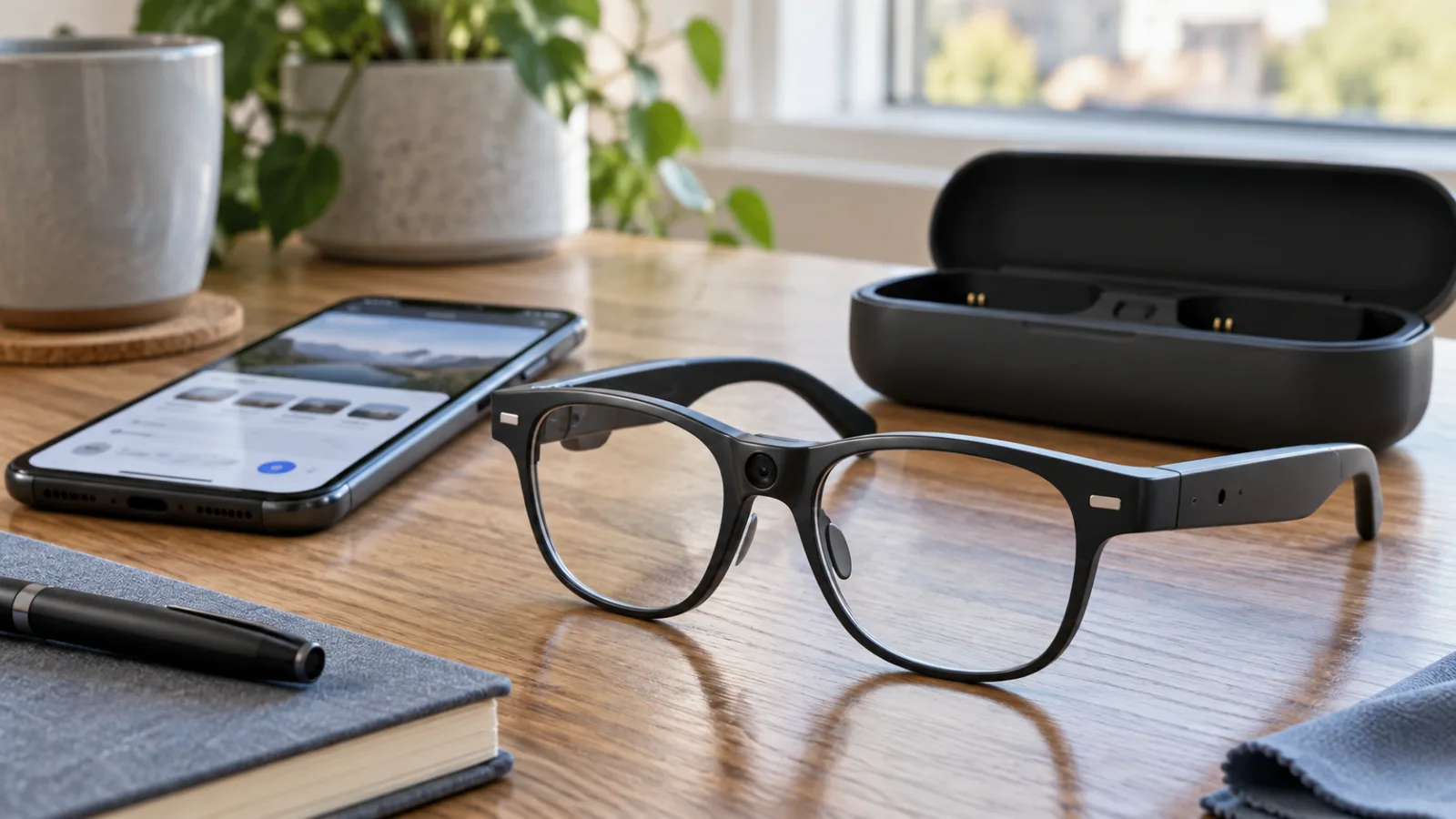
Camera AI glasses on AliExpress: how to separate a usable Bluetooth camera from an “AI” feature list
Low-cost camera glasses promise translation, assistants and hands-free video. Before buying, verify the exact hardware, app, privacy light, battery workload and what still works when the phone or cloud service is unavailable.
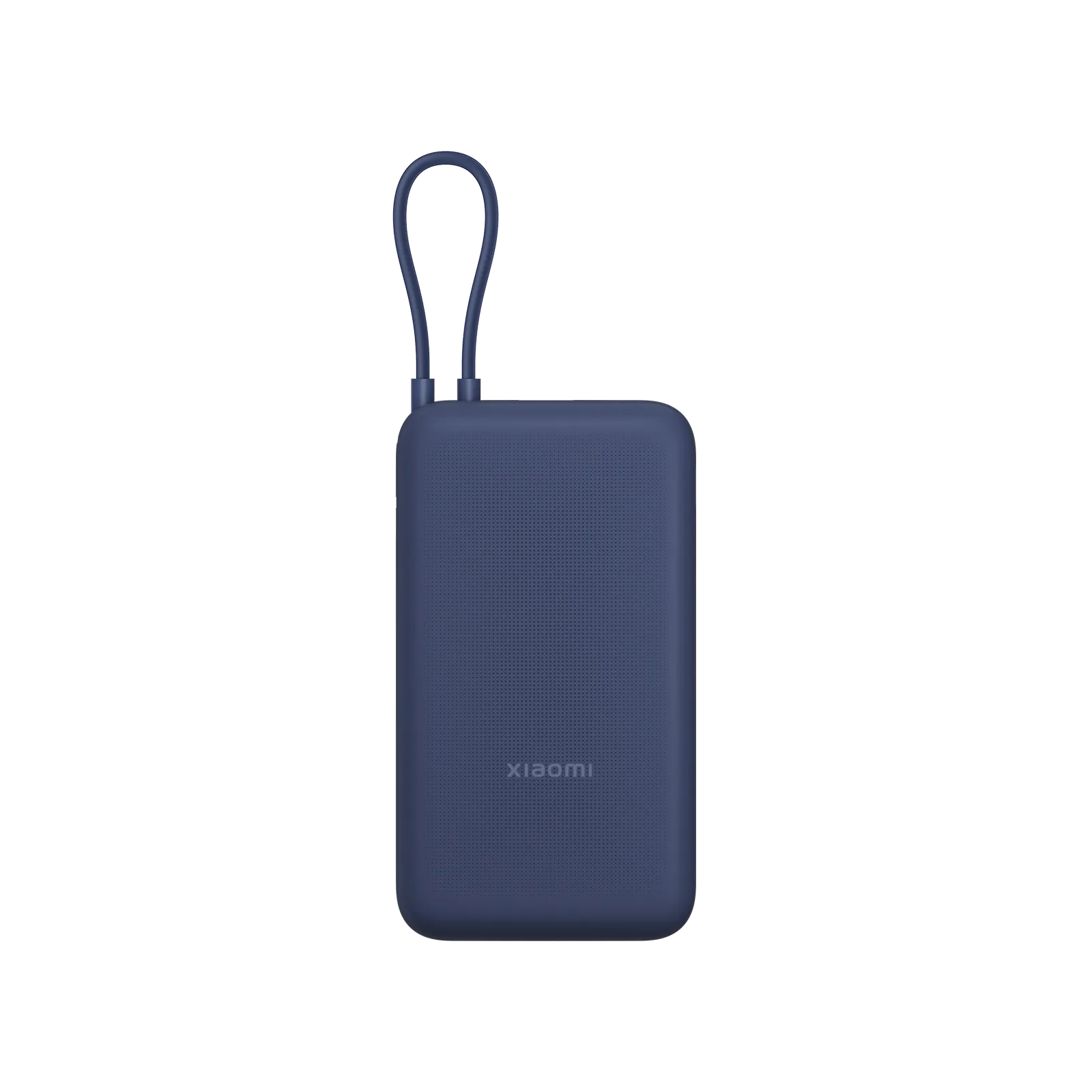
20,000 mAh power banks with a built-in USB-C cable: handy travel find or cable trap?
A practical marketplace buyer guide to integrated-cable power banks: capacity math, charging protocols, seller signals, safety caveats and when a replaceable cable is the better value.
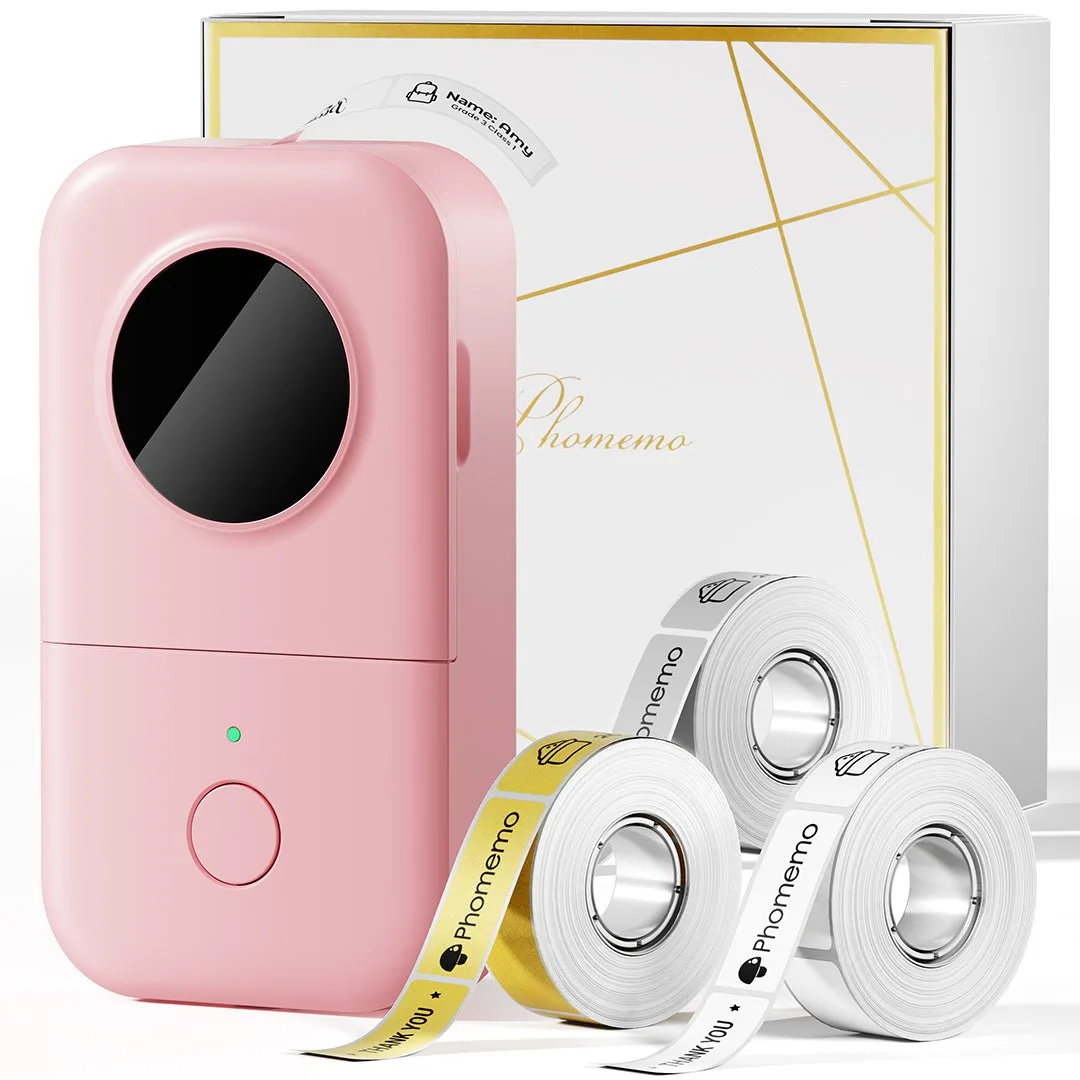
Cheap Bluetooth label makers: useful marketplace tool or sticker-roll trap?
A practical buyer guide to small thermal label printers from marketplaces: where they help, what refills and apps can ruin, and who should skip them.

Official phone cases are now gadgets, and they deserve gadget-level skepticism
Pixel case and Pixelsnap complaints show why a $50 official case is no longer a harmless checkout add-on. Treat phone accessories like devices, not decorations.
Comments
Sign in to comment.
No comments yet.