USB-C soldering irons from marketplaces: clever repair tool or unsafe starter kit?
A practical buyer check for Pinecil-style portable soldering irons, power supplies, tips, stands and safety before ordering a cheap kit.

A compact USB-C soldering iron is one of those marketplace finds that looks almost too convenient: a pen-sized hot tool, a tiny screen, claims of fast heat-up, a handful of tips, and comments saying it can replace a normal station. The category is genuinely useful, but it is also easy to buy the wrong kit. The iron itself is only one part of the setup; the power supply, cable, tips, stand, flux, ventilation and the kind of repair you plan to do matter just as much.
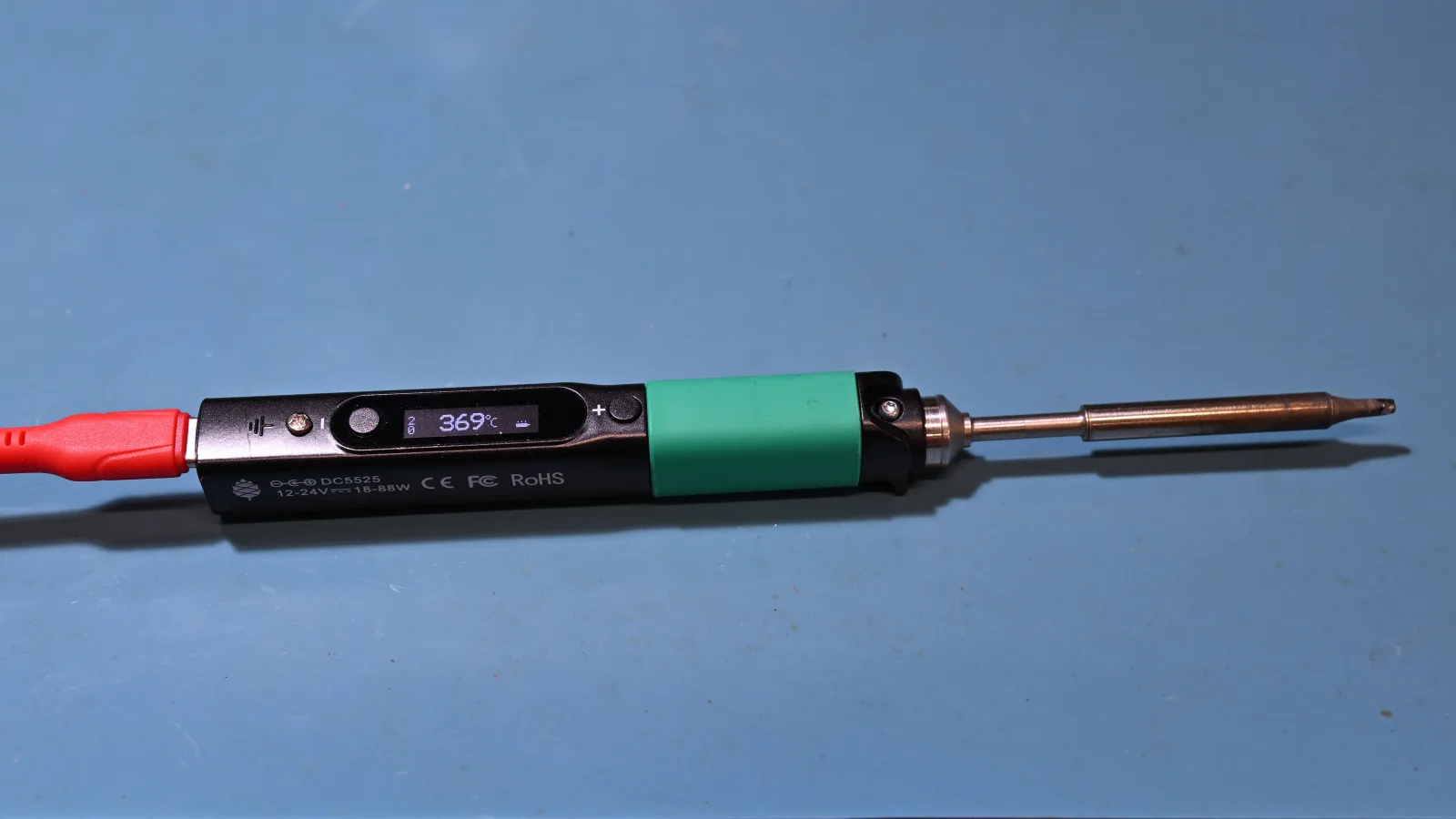
Photo: 4300streetcar, Wikimedia Commons, CC BY 4.0. The image shows a Pinecil-class USB-C smart soldering iron as a product-category example, not a promise that marketplace listings are genuine Pinecil devices.
What this marketplace product actually is
A Pinecil-style or TS100/TS101-style iron is a temperature-controlled soldering pen. Instead of a heavy base station on the desk, the control electronics sit in or near the handle, and power usually comes from USB-C Power Delivery, a DC barrel adapter, or in some cases a battery-tool style supply. That makes the tool attractive for keyboard builds, small electronics repair, field kits, radio and hobby work, connector touch-ups and jobs where a full station would be awkward to carry.
The best-known official anchor for this category is PINE64's Pinecil. PINE64 describes the Pinecil Version 2 as a smart mini portable soldering iron with an OLED display, adjustable tip temperature from 100 °C to 400 °C, auto-standby, replaceable tips and support for USB-C PD/QC and DC barrel input. The product page lists USB-C PD/QC 3.0 at 12–20 V and 3 A, plus DC5525 barrel input at 12–24 V and 3 A. The PINE64 wiki adds the important buyer detail: for good performance, many users should think in terms of a USB-C PD 65 W, 20 V, 3 A or better charger, not any random phone charger that happens to fit.
Those official facts are useful because they show what a credible version of the class is trying to solve. They do not automatically transfer to every AliExpress, Wildberries, Ozon or no-name listing that borrows the same words. A clone listing may show a familiar shape, a similar screen and a long list of power claims, but it may not have the same firmware, thermal performance, certification trail, quality control, tip ecosystem or warranty route. Treat the official Pinecil data as a reference point, not as a blanket endorsement of marketplace copies.
Why the cheap price can be misleading
The headline price often makes the decision look simple. A small iron kit may cost far less than a decent local station, and the listing can make it look complete. In practice, a cheap kit without a suitable power supply may be slower, weaker and less pleasant than expected. If the included cable is stiff, the iron can drag across the mat. If the stand is a tiny folded wire, it may be less safe than a station cradle. If the tips are poor or non-standard, the buyer may discover the real cost only when the first tip oxidizes or cannot transfer heat well.
Power is the first reality check. USB-C is a connector and a negotiation system, not magic. The iron needs a voltage and current profile it can actually use; the cable must also be rated for the current. A charger that works perfectly for a phone may refuse the required Power Delivery profile, drop voltage under load, or make the iron complain about undervoltage. The PINE64 wiki specifically warns that many QC phone chargers are not recommended for Pinecil because insufficient current can lead to thermal-runaway or undervoltage messages. For marketplace clones, the listing should be even clearer, not vaguer.
Thermal recovery is the second check. A tiny smart iron can heat quickly in open air, but soldering is about keeping the joint hot while copper pads, connectors or wires pull heat away. For small boards, keyboard switches, through-hole kits and light connector work, a good portable iron can be excellent. For large ground planes, thick wires, metal shielding cans, battery tabs, appliance terminals or anything near mains power, the same tool can become frustrating or unsafe. If your main use is heavy bench work, a basic station with a stable holder and larger thermal margin may be the better bargain.
Tip availability matters more than the number of tips in the photo. Listings often show a fan of shiny tips because it looks generous, yet the buyer normally needs only a few useful shapes: a small chisel, a larger chisel and maybe a fine tip for careful access. What matters is whether replacement tips are standard, real, affordable and still available six months later. The PINE64 wiki notes Pinecil V2's tip context and TS100 compatibility boundaries; that kind of detail is exactly what marketplace buyers should look for before trusting a bargain bundle.
The pre-order checklist
Before ordering, read the listing like a safety and compatibility document, not like an advertisement. It should state input voltage, current, connector type and USB-C PD profile in plain numbers. If the page only says “fast heating”, “65 W” or “100 W” without explaining which charger and cable are required, assume you may need to buy extra parts or choose a better-supported tool.
Check whether a power supply is included. If it is not included, price a real PD charger and a flexible silicone USB-C cable before calling the iron cheap. If the kit includes a supply, look for clear plug type, output rating, safety marks and seller photos that match the shipped package. Do not assume that a printed mark on a marketplace image proves certification or safe operation; it is only a claim unless the seller and product trail are credible.
Look closely at the stand. A hot iron needs a stable resting place every time you put it down. A tiny fold-out stand may be acceptable for occasional field use, but it is not the same as a weighted station cradle. If the listing photo shows the iron lying directly on a desk, near paper, on a bedspread or beside plastic parts, that is a bad sign. Budget for a heat-resistant mat, brass wool or sponge, eye protection and ventilation before the first use.
Study review photos, not only star ratings. Useful buyer photos show the actual cable, connector, tips, screen, screws, stand, cap and packaging. They may reveal whether the kit is a generic clone, whether the tips look roughly machined, whether the cable is too stiff, or whether the stand is an afterthought. Social discussion around Pinecil-class irons remains active because buyers keep asking the same practical questions: is it good for beginners, which power supply is enough, which tips work, and when should a bench station win?
Check documentation and firmware expectations. Some buyers like Pinecil-class tools because the reputable versions have community documentation and open-firmware culture. That is a real advantage for people who enjoy learning the tool. It is not an advantage if the marketplace listing ships a mystery clone with unclear buttons, no manual and no safe firmware update path. If you do not want to troubleshoot menus and power profiles, a simple local station can be more relaxing.
Where a USB-C smart iron makes sense
The best buyer is not necessarily a professional technician. It is someone with small electronics jobs, a safe workspace and enough patience to verify the supporting parts. Keyboard hobbyists, radio builders, makerspace users, portable repair-kit owners and people who occasionally fix connectors can get real value from a compact temperature-controlled iron. The tool stores easily, travels better than a station, warms quickly, and can be powered from the same serious USB-C charger used for a laptop or workbench power kit.
It also makes sense as a second iron. If you already have a bench station, a portable iron can live in a tool roll for field jobs, meetups, car projects, model work or quick repairs away from the desk. In that role, even a modest kit is less likely to disappoint because it is not carrying the whole workshop. You still need a stand, solder, flux and fume control, but you already understand what a good joint feels like and can spot weak heat recovery sooner.
A reputable official unit can be worth paying more for if you care about documentation, replacement parts and community experience. Buying from the manufacturer or a known distributor is also cleaner when you want a predictable accessory ecosystem. Marketplace listings can still be useful for spare tips, silicone cables, caps, mats and practice accessories, but compatibility should be checked carefully. A cheap accessory that does not fit your iron is not a bargain.
When to skip it
Skip the cheapest portable kit if it is your first soldering purchase and the listing makes it sound like a complete safe workstation. Beginners do not only need a hot tip; they need practice material, flux, suitable solder, a safe stand, a way to clean the tip, ventilation, eye protection and a calm place to learn. A local entry-level station may look boring, but its heavier base and holder can make the first month less chaotic.
Skip it for mains-voltage devices, lithium battery pack work, large battery tabs, appliance repairs, car high-current wiring and safety-critical equipment unless you already know what you are doing and have the right setup. The problem is not only whether the iron can melt solder. It is whether the whole repair is safe, legal, mechanically sound and worth the risk. A marketplace pen should not encourage ambitious repairs that would be better left to a technician.
Skip listings that blur identity. If a page uses Pinecil, TS100, TS101, Miniware and generic “smart iron” keywords interchangeably, read it as search-engine stuffing until proven otherwise. Do not assume authenticity, warranty, delivery time, customs outcome or dispute success. If brand authenticity matters, buy through the brand or an authorized channel. If price matters more, accept that you are buying a clone-class tool and judge it on clear specs, photos, reviews and replaceable parts.
Alternatives worth considering
The simplest alternative is a basic local soldering station from a reputable retailer. It may take more space and may not be exciting, but it usually gives you an integrated power supply, a stable holder, local return rights and fewer charger compatibility puzzles. For a desk-only beginner, that can be the smarter purchase even if the portable iron looks more modern.
Another alternative is to buy only the accessories now. If you already have access to a station at work, school or a makerspace, spend the marketplace budget on a heat-resistant mat, decent flux, brass wool, practice boards and compatible tips for the tool you actually use. That improves soldering results more reliably than adding a second unknown iron.
For one-off repair, borrowing a station or paying a repair shop may beat buying a hot tool you will store unused. Soldering has a learning curve, and the first attempt on an expensive device is a bad classroom. Practice on scrap boards before touching anything important.
Safety caveats buyers should not ignore
Soldering creates burn and fire risks, and solder flux can create harmful fume. The UK Health and Safety Executive warns that rosin-based solder flux fumes can cause serious health problems and gives workplace guidance on safe soldering. Home users should still take the lesson seriously: use ventilation or fume extraction, keep the hot tip away from skin, pets and children, work on a heat-resistant surface and wash hands after handling solder, especially if leaded solder is involved.
Do not treat certifications in a listing as a guarantee. Official product pages may list FCC, CE, RED or RoHS labels for that official product, but clone listings and marketplace bundles must stand on their own evidence. A photo of a mark is not the same as a verified compliance file. Chargers and power supplies deserve special caution because a bad supply can turn a cheap tool into the risky part of the purchase.
Verdict: useful, but not automatically the best first buy
A USB-C smart soldering iron can be a genuinely good marketplace find when the buyer needs portability, understands the power requirement, verifies the tip ecosystem and sets up a safe mini workbench. It is not a magic complete repair kit, and the cheapest bundle can become expensive after adding the charger, silicone cable, stand, flux, solder, cleaner, mat, ventilation and spare tips.
Consider it if you already solder a little, mainly work on small electronics, own or plan to buy a proper PD charger, and want a compact tool you can store or carry. Choose a reputable official unit if documentation and parts matter more than the last few euros. Treat clones as clones, not as hidden bargains with guaranteed brand quality.
Skip it if you want the safest beginner setup, expect one box to include everything, plan heavy work, or are tempted to repair mains or lithium devices without experience. In those cases, the best marketplace decision may be to buy accessories for a boring local station, or to wait until the listing clearly answers the four boring questions: power, tips, stand and fume safety.
Related articles
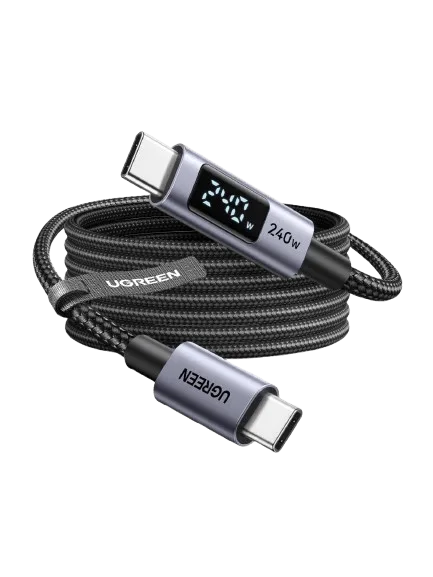
USB-C cables with a watt display: useful marketplace tool or false confidence?
A small screen can reveal charging behaviour, but it cannot certify a cable or turn a charging lead into a high-speed data cable.

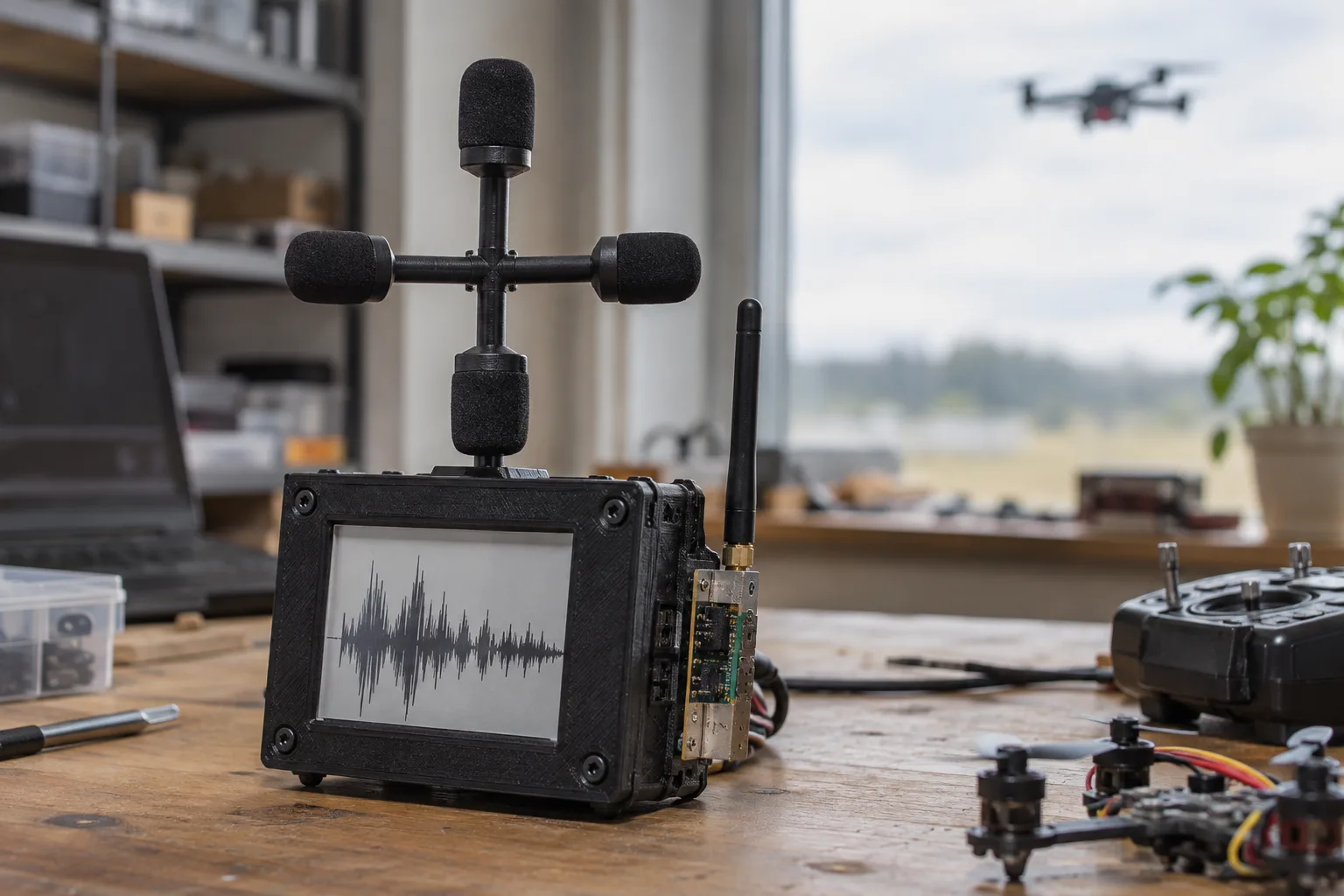
VolAnti Brings Open-Source Acoustic Detection to Fibre-Optic FPV Drones
VolAnti is a compact ESP32-S3 detector that listens for rotor harmonics instead of radio emissions. Its early test is promising, but the project is best understood as a transparent warning device—not a finished counter-drone system.

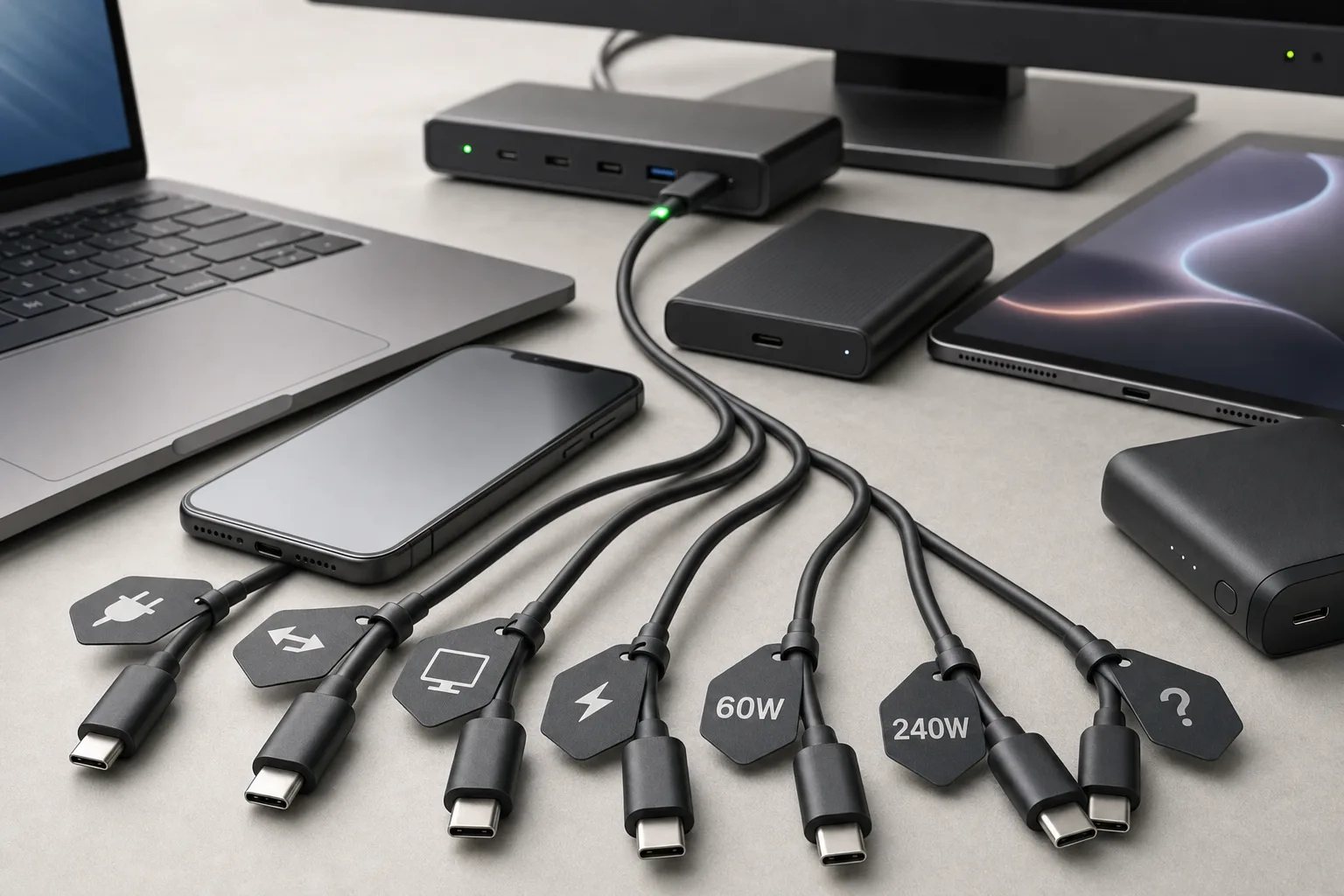
USB-C is standardized, so why do identical-looking cables still fail?
The plug is universal, but the capabilities are not. Charging, data, video, USB4, Thunderbolt and e-marker support can all differ behind the same USB-C shape.
The USB-C travel charging kit that actually makes sense in 2026
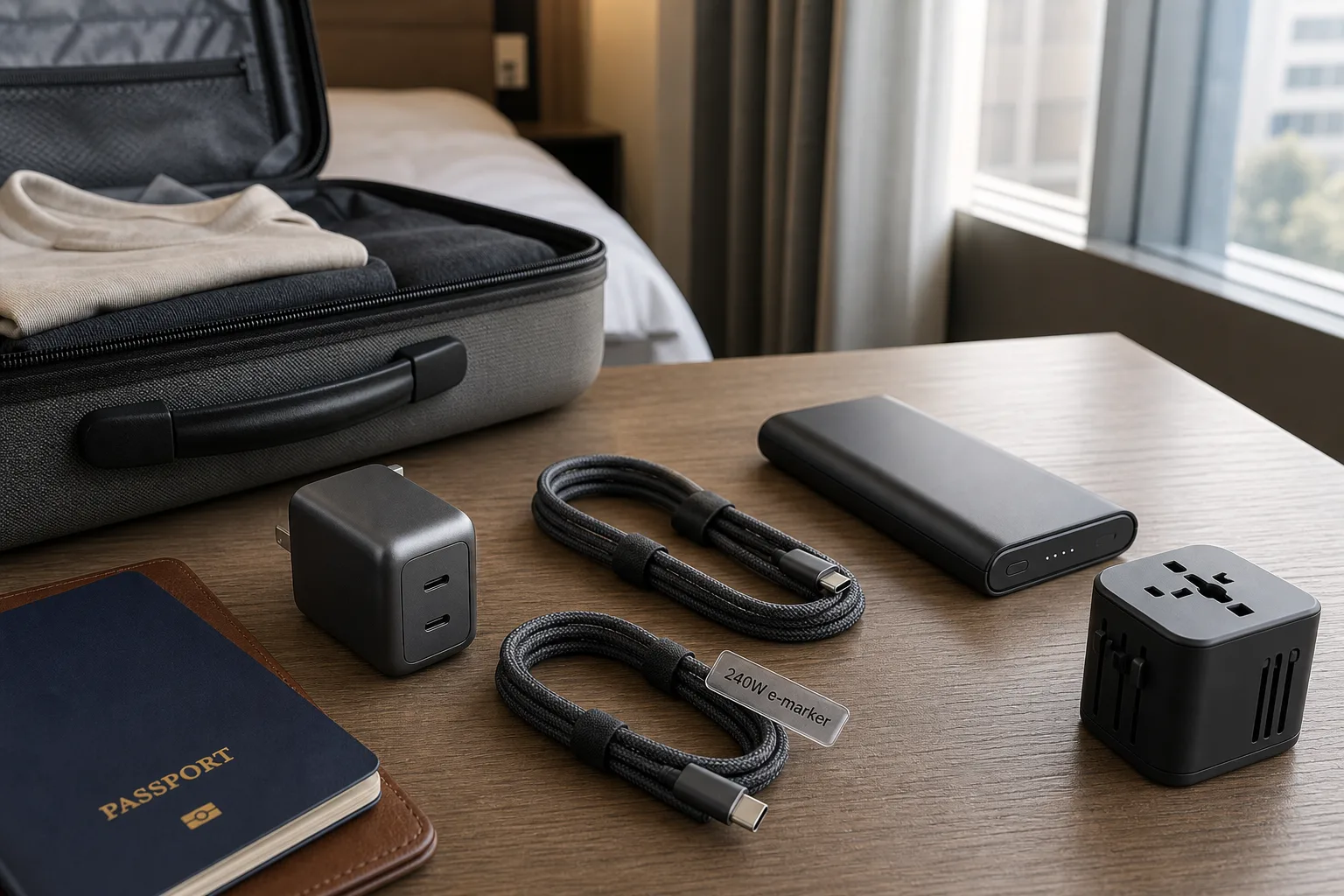
A practical guide to choosing one charger, the right cables, a safe power bank and a plug adapter without packing a drawer full of electronics.
Comments
Sign in to comment.
No comments yet.