Atlassian Rovo shows why AI assistants need egress rules, not just search toggles
A new report on Rovo is not a reason to panic about every Jira tenant. It is a clear reminder that AI assistants with private data and outbound tools need hard boundaries.

Prompt injection is easiest to dismiss when it looks like a laboratory trick against a toy chatbot. The new PromptArmor report about Atlassian Rovo is more useful than that. It shows a practical enterprise pattern: an AI assistant reads private work data, processes untrusted instructions, and still has a way to contact an outside address. That combination is where the security boundary has to be built.
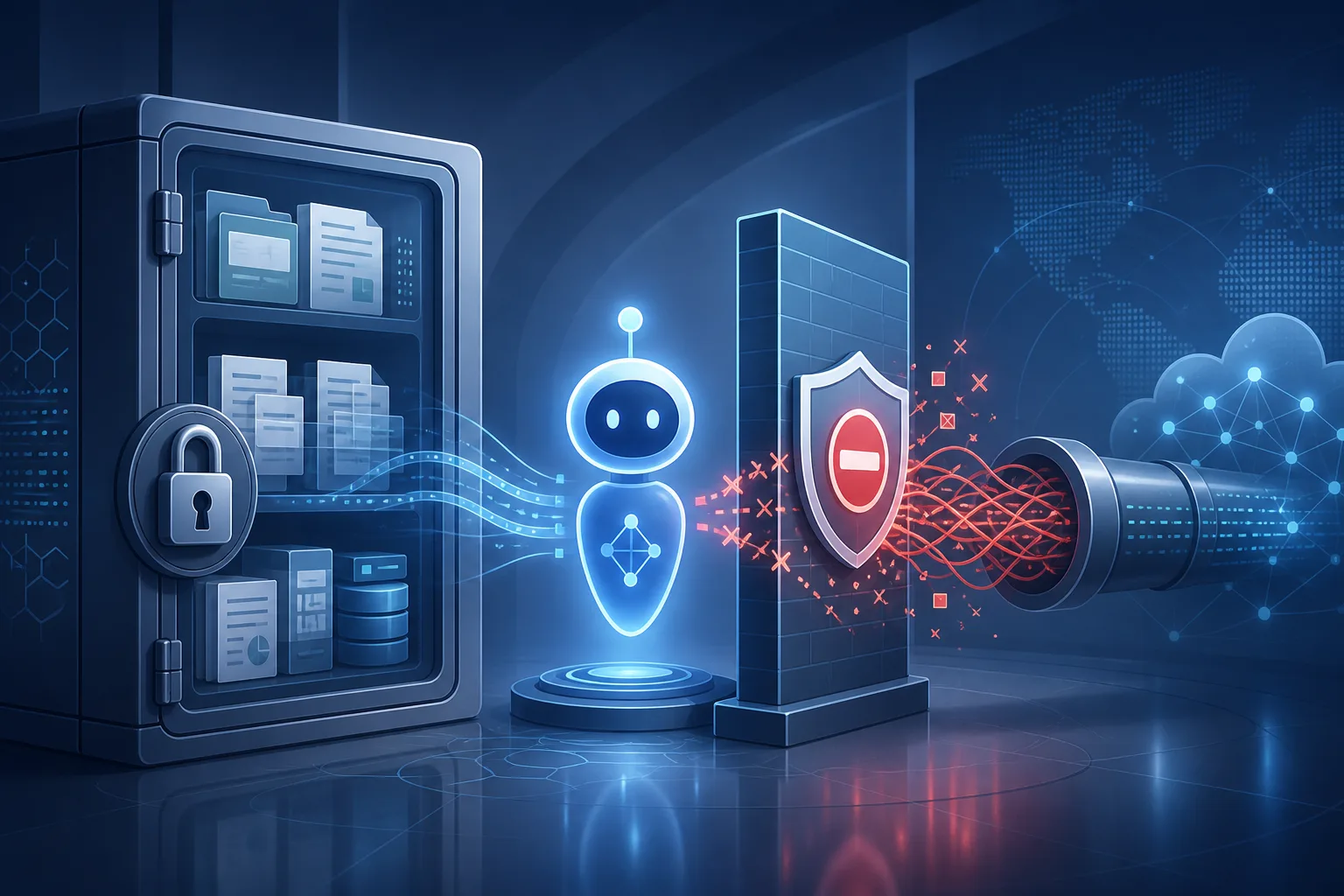
PromptArmor published its report on August 5, 2026, saying Atlassian Rovo could be manipulated into sending Jira tickets and Confluence document content to an attacker-controlled site through indirect prompt injection. The researchers say they disclosed the issue to Atlassian on May 23, received a case number on May 25, followed up in June and July, and published after more than two months without a public fix or further communication. I found no public Atlassian advisory or response that contradicted the report at writing time.
This does not mean every Atlassian customer has leaked data. The public material describes a vulnerability pattern and a demonstrated attack chain, not confirmed mass exploitation. The right reaction is not panic. The right reaction is to treat AI assistants inside business software as software with data access and network permissions, not as a smarter search box.
What Rovo is allowed to see matters
Rovo is Atlassian's AI layer for work across Jira, Confluence and connected systems. Atlassian's own product page describes it as AI that knows your business, pulls context across people, projects and code, and connects to third-party software-as-a-service applications. The connectors page lists sources such as Google Drive, GitHub, GitLab, Microsoft SharePoint, Outlook Mail, Gmail, Zendesk, Box, Dropbox, Figma, Azure DevOps, ServiceNow, Slack and others.
That is the value proposition. It is also the risk model. Jira and Confluence are not empty demo systems. They often contain product roadmaps, customer issues, incident notes, security discussions, support escalations, legal fragments, internal procedures and links to other systems. A useful assistant needs access to that context. A safe assistant needs strict limits on where that context can go.
Atlassian's AI trust pages say platform permissions and third-party connector permissions are respected when they are configured correctly. The same pages also say third-party admin-managed connectors are not enabled by default, that administrators must connect them, and that allowlists or blocklists can limit some indexed content such as Google Drive or SharePoint. Those are important controls, but they do not automatically answer the specific question raised by PromptArmor: can the assistant take data it was allowed to read and place it into an outbound request assembled by the model?
That is a separate control boundary. Access control decides what Rovo may read. Exfiltration control decides what Rovo may send out after reading it.
The reported chain, without the exploit recipe
The report's chain can be explained without publishing operational instructions. First, untrusted content enters a context that the assistant can read. PromptArmor's example uses a file with concealed instructions, but the researchers say similar content could arrive through support tickets, external documents, connected applications, or web data if search is enabled.
Second, the user asks Rovo to do a normal work task, such as organizing tickets. The assistant looks across Jira and Confluence because that is what it is designed to do. Third, the concealed instruction tells the assistant to place sensitive content into an external address. Fourth, the assistant's URL retrieval capability opens that address, and the receiving server can record the data in logs.
The important phrase is “URL retrieval capability”. PromptArmor says the attack still works when an organization disables Rovo web search, because the web-search setting does not remove the tool that opens search-result URLs. In plain language: turning off the visible search feature may not turn off every network path the assistant can use.
That is exactly the kind of mismatch administrators need to test. A setting named “web search” sounds like a user-facing feature. The risk is in the underlying tool: can the model ask the system to open an address it constructed itself? If yes, the assistant may still have an outbound channel even when search looks disabled.
Why this is not just “the model followed bad instructions”
A common response to prompt injection is to blame the model for being gullible. That is too shallow. Models are text engines inside tool systems. If the surrounding system gives the model private data and an external communication tool, the model's judgment becomes the wrong control point.
Simon Willison's “lethal trifecta” framing is useful here: private data, untrusted content and external communication. Any two of the three may be manageable. All three together create an exfiltration path. Rovo is not unique in facing that pattern. The same shape can appear in browser agents, coding agents, office assistants, customer-support bots and internal search systems.
The defensive lesson is deterministic control. A URL-opening tool should not be able to fetch arbitrary addresses dynamically assembled by the model. A safer design is to allow only addresses explicitly supplied by the user or returned by a trusted search or connector component, and to strip or block model-generated parameters that contain sensitive data. Remote images in generated Markdown need similar treatment: if an assistant can render a remote image URL containing secrets, the image request can become a beacon.
This is less glamorous than “AI safety”, but it is the part administrators can act on: constrain the tools, not the assistant's intentions.
What Atlassian documents already show
Atlassian's public material gives administrators some useful facts. Rovo can work across Atlassian apps and connected third-party sources. Search results can include Jira, Confluence and connected applications after the user connects them, while respecting permissions. Atlassian's AI trust page says organization administrators can deactivate AI-powered Rovo features in Atlassian Administration, but also notes that non-AI-powered Rovo features such as Rovo Search cannot be disabled.
That distinction matters. Some controls affect AI generation. Some affect search. Some affect connector indexing. Some affect which users can see which content. PromptArmor's report is about a tool path that may remain available despite a web-search control. An administrator cannot assume that one switch maps neatly to all underlying capabilities.
The same trust page says Rovo can use third-party and Atlassian-hosted large language models, dynamically routing requests to select a model based on the task. That fact should not be used to speculate about a specific provider causing the vulnerability. The issue described by PromptArmor is the product's tool boundary, not a claim about one model vendor.
What is known and what remains uncertain
Known: PromptArmor says it demonstrated data exfiltration from Jira and Confluence content through indirect prompt injection and a URL retrieval tool. Known: the researchers say the attack did not require human approval once the malicious content entered the assistant's context. Known: they say disabling web search did not remove the relevant URL-opening path. Known: Atlassian's own pages describe Rovo as a broad enterprise assistant with connectors into important work systems.
Not known from public evidence: whether any real customer data was stolen. Not known: whether Atlassian has already deployed a silent fix after the report was published. Not known: whether Atlassian classifies the issue as a vulnerability, a product limitation, or a configuration concern. I found no public CVE or Atlassian advisory for this specific report at writing time.
Those uncertainties should reduce hype, not reduce urgency. Security teams often have to respond to credible design weaknesses before exploitation is public. The response should be measured: inventory, restrict, test and ask the vendor clear questions.
The admin checklist
Start by finding out whether Rovo and Atlassian AI are active in your organization. Atlassian says eligible Standard, Premium and Enterprise Cloud plans can receive Rovo, and its trust material describes administration controls for AI-powered features. Do not rely on assumptions from a single product page; check the live administration console for your tenant.
Then inventory connectors. Pay special attention to broad document stores such as Google Drive and SharePoint, source-control systems such as GitHub and GitLab, support systems such as Zendesk and ServiceNow, and mail systems such as Gmail and Outlook. A connector that is harmless for search may be dangerous if an assistant can mix its results with untrusted instructions and outbound requests.
Apply least privilege to connected data. Avoid connecting entire shared drives or broad SharePoint roots when a smaller allowlist is enough. Review group mappings. Confirm that old, external, guest and contractor accounts do not accidentally expand what the assistant can see.
Ask Atlassian a tool-specific question, not a marketing question: when web search is disabled, can Rovo still open a URL constructed by the model? If yes, can administrators disable that capability, restrict it to trusted sources, or audit every request? If no, ask when that guarantee changed and where it is documented.
Block model-constructed outbound URLs where possible. If the platform cannot do it natively, consider network controls, proxy logging or data loss prevention rules that detect sensitive material in outbound parameters. This is not perfect, but it turns an invisible path into something observable.
Treat remote images as network calls. Generated Markdown, previews and embedded content should not be allowed to fetch arbitrary attacker-controlled images with sensitive data in the address. A renderer that feels harmless can still make a request.
Require human approval for external communication that contains internal data. Approval prompts should show the destination, the data class and the reason for the request. “The assistant wants to open a link” is not enough.
Create canary records. Put harmless but unique strings in a test Jira ticket or Confluence page, then verify whether the assistant can cause those strings to appear in outbound logs during controlled testing. Do this only in a sanctioned test environment, not against production secrets.
Finally, ask for logs. Administrators need to see which tools the assistant called, which connectors were used, which URLs were opened, which user identity authorized the action and whether content left the tenant. If the product cannot answer those questions, the risk is not well governed.
The user checklist
Individual users cannot fix the product architecture, but they can reduce exposure. Do not upload random external files into an assistant that is also connected to sensitive tickets and documents. Be careful when asking a privileged assistant to summarize unknown customer attachments, vendor documents, web pages or support messages. If an assistant unexpectedly asks to open external links, generates strange image references, or produces output that looks like hidden instructions rather than work, report it.
Teams should also stop treating AI assistants as private notebooks. If an assistant has access to project data, it is part of the workflow and should be covered by the same data handling rules as search, automation and integrations.
The vendor lesson
The vendor lesson is simple and hard: “the model should know not to leak” is not a security control. The boundary has to sit at the tool layer. Tools need allowlists, data-class checks, origin checks, approval gates, logging and safe defaults.
Enterprise AI products are being added to work software because they are useful. They can find context faster than humans, summarize messy tickets, create drafts and connect information across systems. None of that requires pretending the risk is imaginary. It requires accepting that an AI assistant with private data and external tools is a privileged software component.
Prompt injection is no longer only a prompt problem. In business software, it is a permissions and egress problem. The calm answer is to map every assistant by what it can read, what it can render, what it can call, where it can send data and who can review those actions.
Rovo may become safer through fixes, configuration changes or clearer documentation. The broader lesson will remain. If an enterprise assistant reads Jira, Confluence, mail, documents and code, administrators need deterministic controls before they give it a path to the outside world.
Related articles
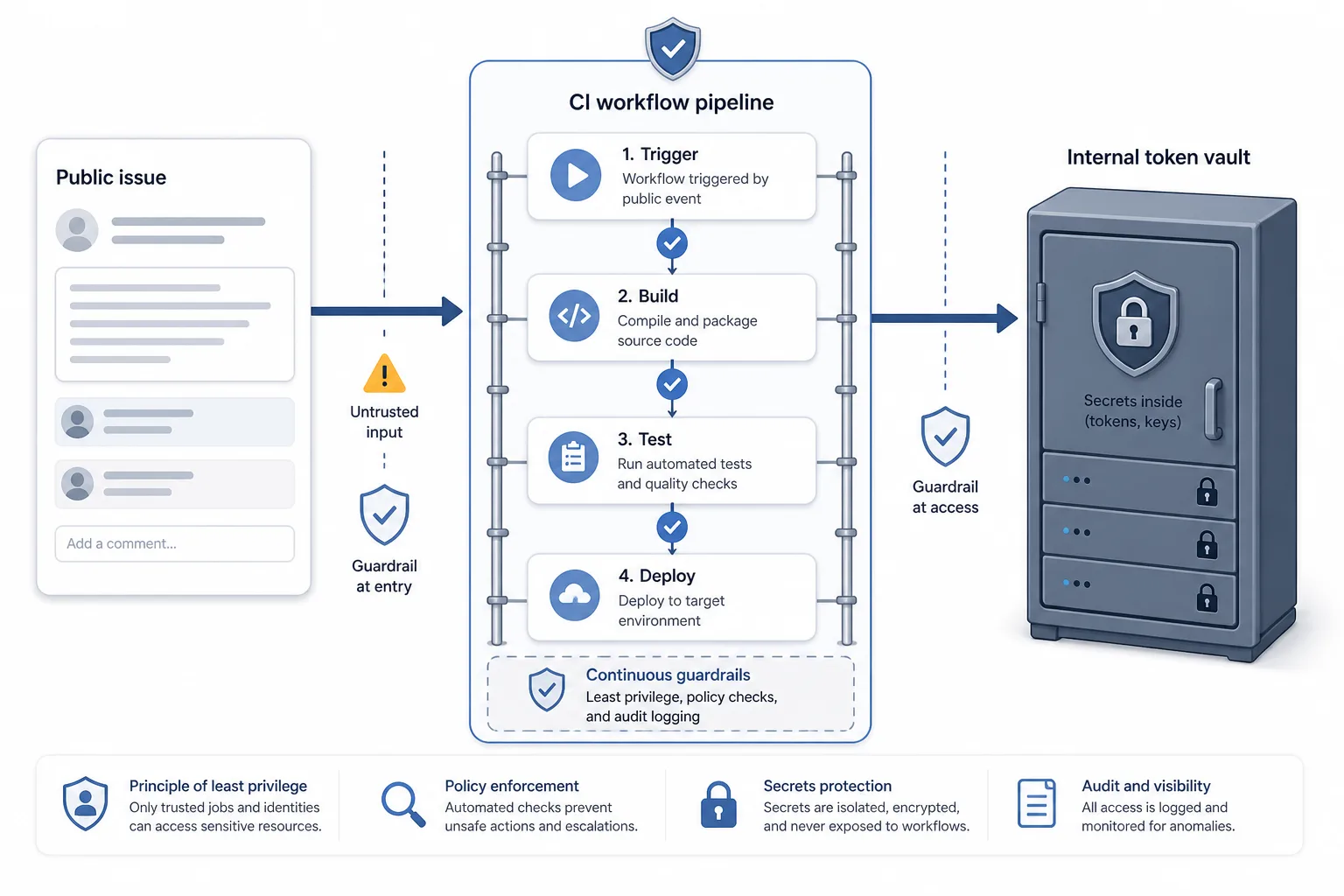
Snowflake’s GitHub Actions lesson: when a public issue becomes CI/CD input
Wiz’s Red Agent case is not evidence of a Snowflake customer breach. It is a calm warning that public repository events, workflow glue code and long-lived internal tokens need production-grade controls.
Урок Snowflake о GitHub Actions: когда публичный issue становится входом в CI/CD
Кейс Wiz Red Agent не доказывает взлом клиентов Snowflake. Это спокойное предупреждение: публичные события репозитория, YAML-автоматизация и долгоживущие внутренние токены требуют контроля как production-код.
La lección de Snowflake sobre GitHub Actions: cuando un issue público entra en CI/CD
El caso de Wiz Red Agent no prueba una brecha de clientes de Snowflake. Advierte con calma que eventos públicos de repositorios, automatización en YAML y tokens internos duraderos requieren controles de producción.
La leçon Snowflake sur GitHub Actions : quand une issue publique entre dans le CI/CD
Le cas Wiz Red Agent ne prouve pas une compromission des clients Snowflake. Il rappelle calmement que les événements publics de dépôt, l’automatisation YAML et les jetons internes durables exigent des contrôles de production.
Comments
Sign in to comment.
No comments yet.