“App required” is the new gadget red flag
More devices now assume a charged modern smartphone, app store account and cloud login. Before buying, check whether the thing still works when the app does not.

“App required” has become a gadget warning label. It does not mean an app is always bad. Good companion software can add setup help, firmware updates, maps, diagnostics, accessibility features and automations. The problem is different: more ordinary devices and services now assume that the buyer owns a charged modern smartphone, has network coverage, has storage space, uses an Apple or Google account, accepts a new privacy policy, and is willing to turn one more piece of daily life into a phone task.
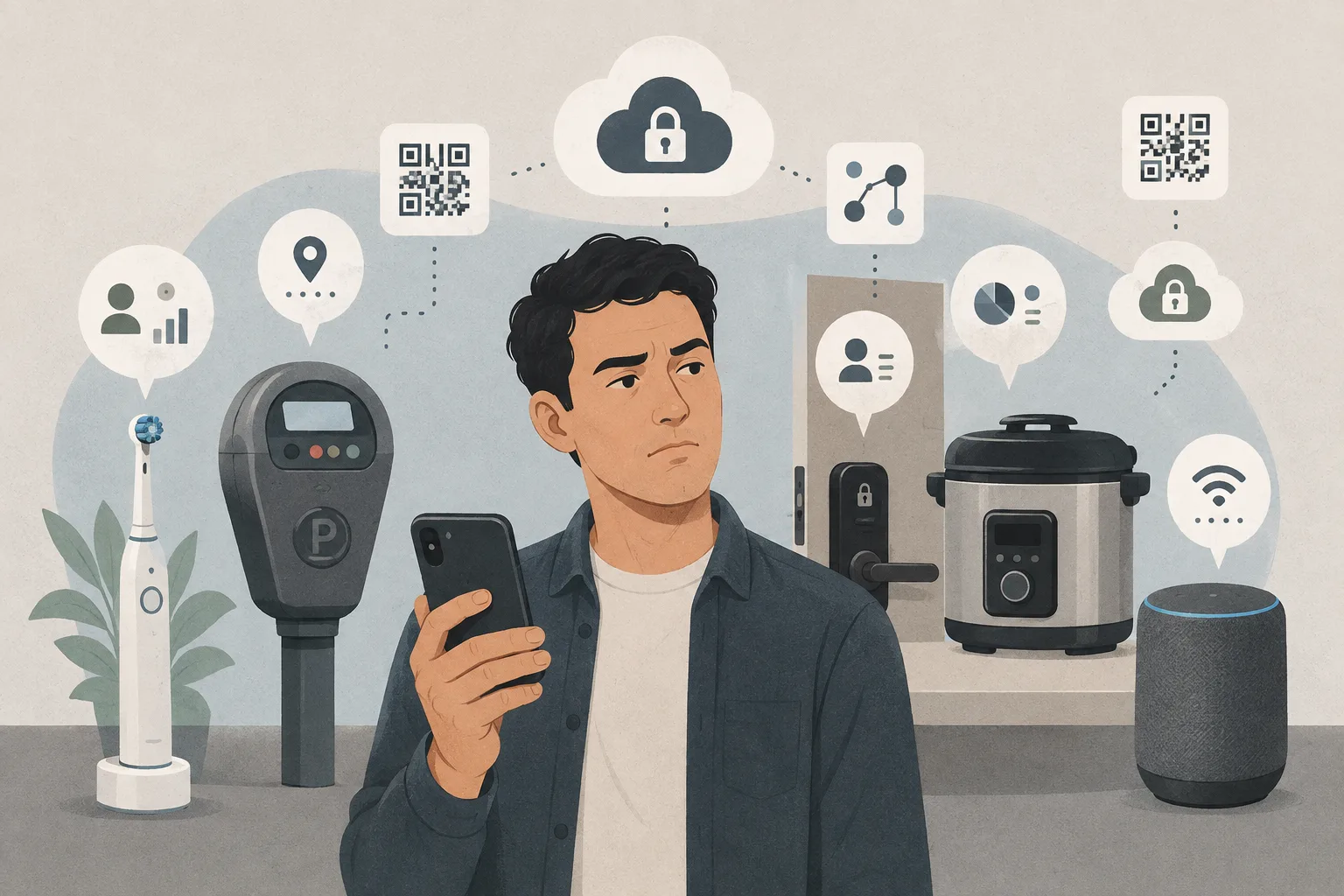
The fresh trigger was Ploum’s essay “I Don’t Have a Smartphone…”, which became a large Hacker News discussion this week. The essay’s point was not that smartphones are useless. It was that the sentence “install our app” hides many assumptions: the phone exists, is with the user, works, is charged, has data, has free storage, can reach the app store, has a valid platform account, can run the required software, and can interrupt the user right now. In parallel, debate over Android developer verification and sideloading showed the other side of the same gadget problem: the phone itself is becoming a more controlled gateway to everything else.
For Gadgets and Devices, this is a practical buying issue, not a lifestyle sermon. A smart lock, toothbrush, parking meter, bike computer, camera, air purifier, coffee machine or apartment door system should be judged not only by battery life, sensors and price, but also by what happens when the app disappears, the account fails, the store blocks an update, the phone is old, or the user simply does not have it in hand.
App-enabled is not the same as app-required
There is a healthy version of the companion app. A camera app can make setup easier, then leave local recording and web access available. A fitness watch app can show trends while the watch still tracks time and workouts. A router app can guide beginners while the router keeps a web interface. A smart light app can offer scenes while physical switches or local controls still work.
The red flag appears when the app becomes the only control path. If a lock cannot open without a phone and has no reliable key, code or local fallback, the user bought a dependency. If a toothbrush needs an account to use ordinary cleaning modes, the software is not an enhancement. If a parking lot has no realistic non-app payment route, the service is excluding people by design. If a home appliance loses core features when a server shuts down, the “smart” part was really a remote permission system.
The right question before buying is simple: what still works if the app is unavailable for a week?
The hidden cost of the mandatory phone
Every app requirement adds a small bill. There is the obvious time cost: install, update, sign in, pair, accept terms, grant permissions, troubleshoot Bluetooth, handle notifications, remember which account owns the device. There is also a resilience cost: a dead battery, lost phone, app-store outage, old operating system, full storage, bad mobile signal or broken login can block a physical thing that used to have a button.
Families feel this sharply. One person often becomes the keeper of the apartment app, school chat, parking app, delivery app, bank authenticator, smart lock account and appliance controls. Elderly users, children, travelers, low-income users, privacy-conscious users and people deliberately trying to use a minimal phone can be locked out of ordinary services that still look “convenient” to a product team.
The cost is not only attention. It is ownership. When the basic function of hardware depends on a private app and a remote account, the buyer no longer has a simple object. They have a subscription-like relationship even when no monthly bill is visible.
Why this became visible now
Ploum’s essay listed the assumptions behind every app or QR request and described resisting 18 app-install demands over the previous year. Hacker News commenters added mundane examples: QR-only menus, parking apps, digital coupons, apartment-building portals, maintenance requests, package lockers, school chats, banking authentication, smart-home controls and city services.
The discussion matters because it was not just nostalgia for dumbphones. Many commenters like smartphones. They use maps, browsers, cameras, music, documents and messaging. The complaint is that convenience becomes coercion when there is no fallback.
That distinction is important. The smartphone is one of the best consumer gadgets ever made. It should not therefore become the mandatory remote control for every other gadget.
Android control is part of the same story
The Android developer-verification debate widens the issue. Google says verified developer registration for certified Android devices adds accountability and security, and that users will still be able to get apps through direct distribution or alternative stores. Google also says internet-sideloaded sources have far higher malware rates than Google Play. Its later post describes an advanced flow for power users and limited distribution accounts for students and hobbyists.
F-Droid and open-source advocates see a different risk: a platform owner turning identity registration into a gate for software distribution, changing the meaning of a phone after purchase, and putting projects that deliberately avoid accounts or centralized identity under pressure. Keep Android Open turns that argument into a public campaign. Ars Technica framed the move as bringing Android closer to Apple-style gatekeeping while acknowledging the security rationale.
A gadget buyer does not need to settle the whole Android policy fight. The practical lesson is enough: if many devices require phone apps, then app-store policy, Play Services, Play Integrity, developer registration and platform accounts become part of the device’s reliability. The phone is not just a screen. It is the gatekeeper.
Minimal phones are a workaround, not a magic exit
The renewed interest in dumbphones, minimalist phones and deGoogled Android setups makes sense. Ploum uses a Mudita Kompakt as a main device, while keeping fallback Android phones for unavoidable banking and app cases. /e/OS presents a deGoogled Android ecosystem with microG and privacy scoring. GrapheneOS emphasizes private and secure Android compatibility with sandboxed Google Play. Jolla and other alternatives appeal to people who want mobile computing without the default Big Tech stack.
These options can reduce attention capture and data sharing. They do not erase the app-required world. Banking apps may reject unusual environments. Transit, school, rental housing or work systems may assume a mainstream phone. Some services require push notifications, Play Integrity or a current OS. A minimal phone can be a healthy primary device, but many people still need a fallback app device for emergencies and institutions.
That is why the market should not treat smartphone avoidance as a niche hobby. Even people with smartphones need basic alternatives when the phone is dead, lost, incompatible or intentionally left at home.
The gadget categories to check harder
Start with anything that controls access: smart locks, apartment intercoms, garage doors, car apps, e-bike locks, hotel keys and workplace entry systems. A phone-only access path can become a safety issue. There should be a key, code, local card, offline credential or staffed fallback.
Next check devices with ongoing consumables or health-adjacent routines: toothbrushes, water flossers, printers, coffee machines, air purifiers, scales and wearables. Companion software can be useful, but the device should perform its core function without an account. A toothbrush should brush. A purifier should purify. A scale should show weight. If basic operation requires cloud login, the buyer should be skeptical.
Then check smart-home gear: cameras, robot vacuums, sensors, thermostats and lights. Ask whether there is a local API, Matter support, Home Assistant compatibility, physical controls, LAN mode, web interface or documented export. A device that works only through a vendor cloud may be fine for some users, but it should be priced and judged as a service-dependent product.
A buying checklist
Before paying, search the manual, support page and recent app reviews. Look for these questions:
Does the core function work without the app after setup? Can setup be done without a Google or Apple account? Is there a physical button, key, keypad, remote, local web interface or standard protocol? Does the device work offline or on a local network? Are firmware updates available without a cloud subscription? What happens if the company shuts the server down?
Check the app itself. What permissions does it request? Does it require precise location for Bluetooth setup? Does it require account creation for features that should be local? Does it work on older phones? Are reviews full of login failures, abandoned updates or forced subscription complaints? Can data be exported or deleted? Can ownership be transferred to another family member or buyer?
For essential access, demand redundancy. Do not make a phone app the only way to enter a home, pay for parking, unlock a bike, start a car or receive a critical code. The more important the function, the more boring the fallback should be.
What to do if you want less phone dependence
You do not have to throw away a smartphone to reduce smartphone dependency. One practical pattern is a minimal everyday phone plus a secondary app phone kept at home for banking, parking, travel or legacy devices. Another is a mainstream phone with notifications aggressively disabled, app permissions restricted and only essential accounts signed in.
Use web versions when they exist. Prefer devices with physical controls. Avoid app-only locks for critical doors. Keep backup payment methods and printed or offline copies of important codes. For travel, assume roaming, battery and store availability can fail. For family devices, avoid setups where only one person’s account can manage everything.
If you use GrapheneOS, /e/OS, F-Droid or another alternative setup, check critical apps before relying on them. It is better to know that a bank or transport app fails at home than at a border, hospital, airport, rental counter or parking gate.
The fair counterpoint
Some apps are genuinely helpful. A complex camera may need an app for firmware updates. A medical wearable may need one for alerts and records. A bike computer may need maps. A router app can make security updates easier for nontechnical users. Accessibility features can be app-driven. Security warnings can be valuable.
The problem is not the existence of apps. The problem is no fallback, poor disclosure and features that are artificially app-locked. The best products use the app as an assistant, not as the owner of the hardware.
That should become a normal review criterion. A gadget review that ignores app dependency is incomplete in 2026.
The broader consumer lesson
For years, buyers learned to check battery replacement, proprietary cartridges, repairability, subscription traps and cloud shutdown risk. “App required” now belongs on that list. It is a specification, not a footnote.
A good gadget remains useful when the phone is not in your pocket. It has a local control path, a visible fallback, a documented data policy and a realistic end-of-life story. It does not turn every small interaction into a store account, QR code or notification queue.
The smartphone is a powerful tool. It should be allowed to stay a tool, not become the compulsory accessory to everything else you own.
Related articles
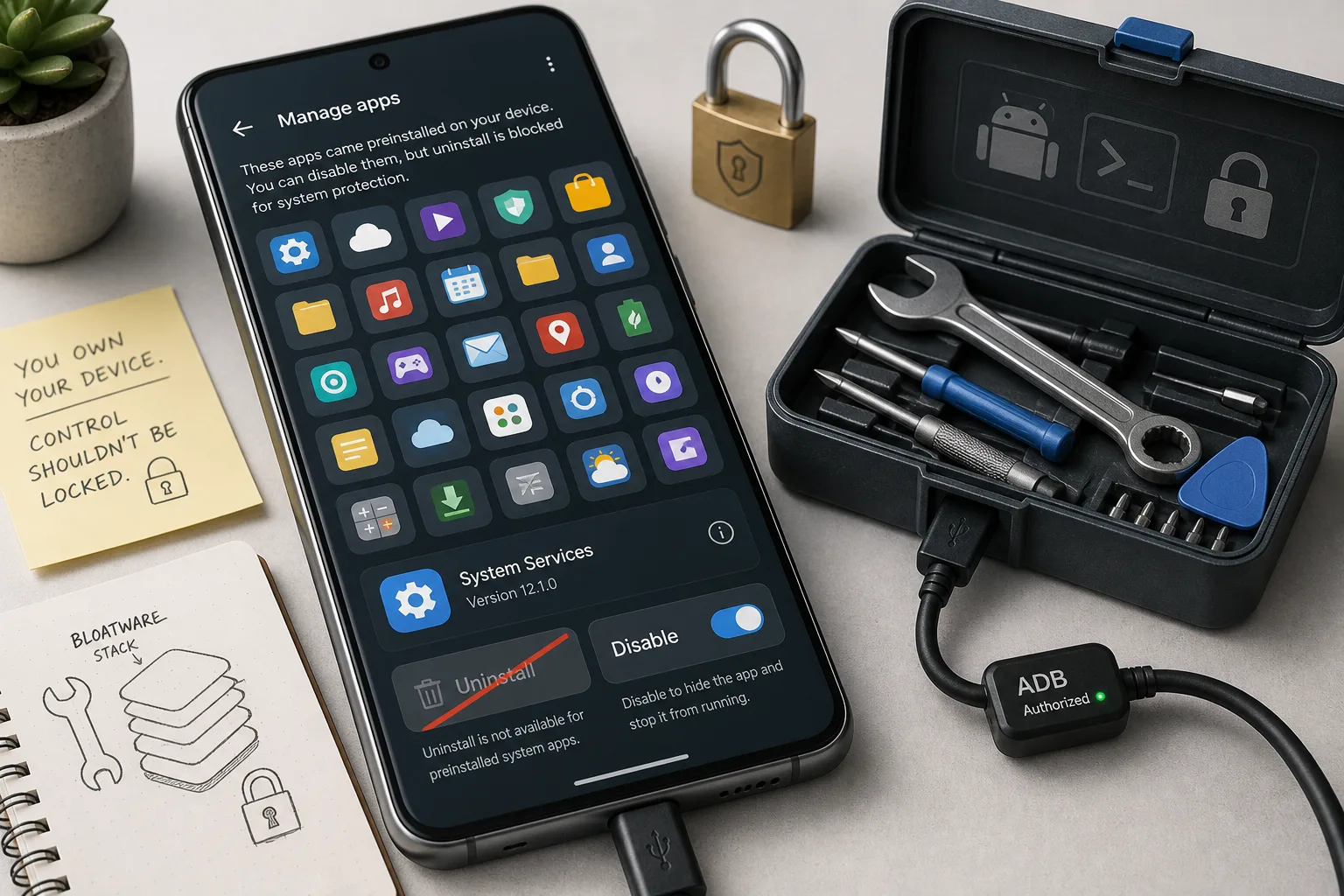
Android 17 may make bloatware harder to remove. Check this before your next phone
A reported Android 17 change weakens a long-running non-root debloating trick. For phone buyers, the practical question is no longer just specs — it is how much software control the device leaves you.
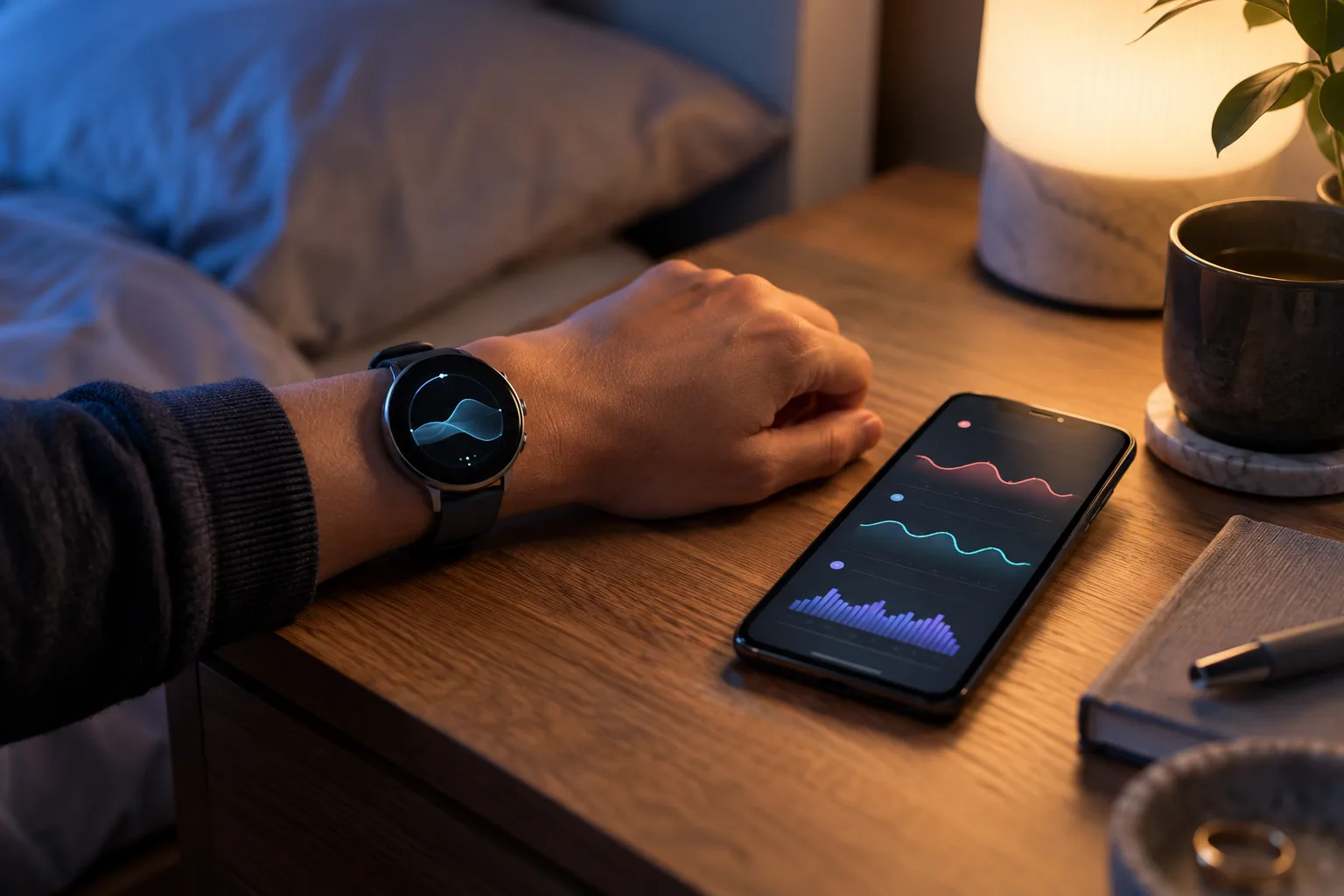
Pixel Watch Health Guardian Trends Arrive in October: What the New Signals Can—and Cannot—Tell You
Google is beginning to deliver Health Guardian trend reports to Pixel Watch owners. The useful question is not whether a watch can diagnose you, but how to read long-term signals, check compatibility, protect sensitive data, and know when a real measurement is still necessary.
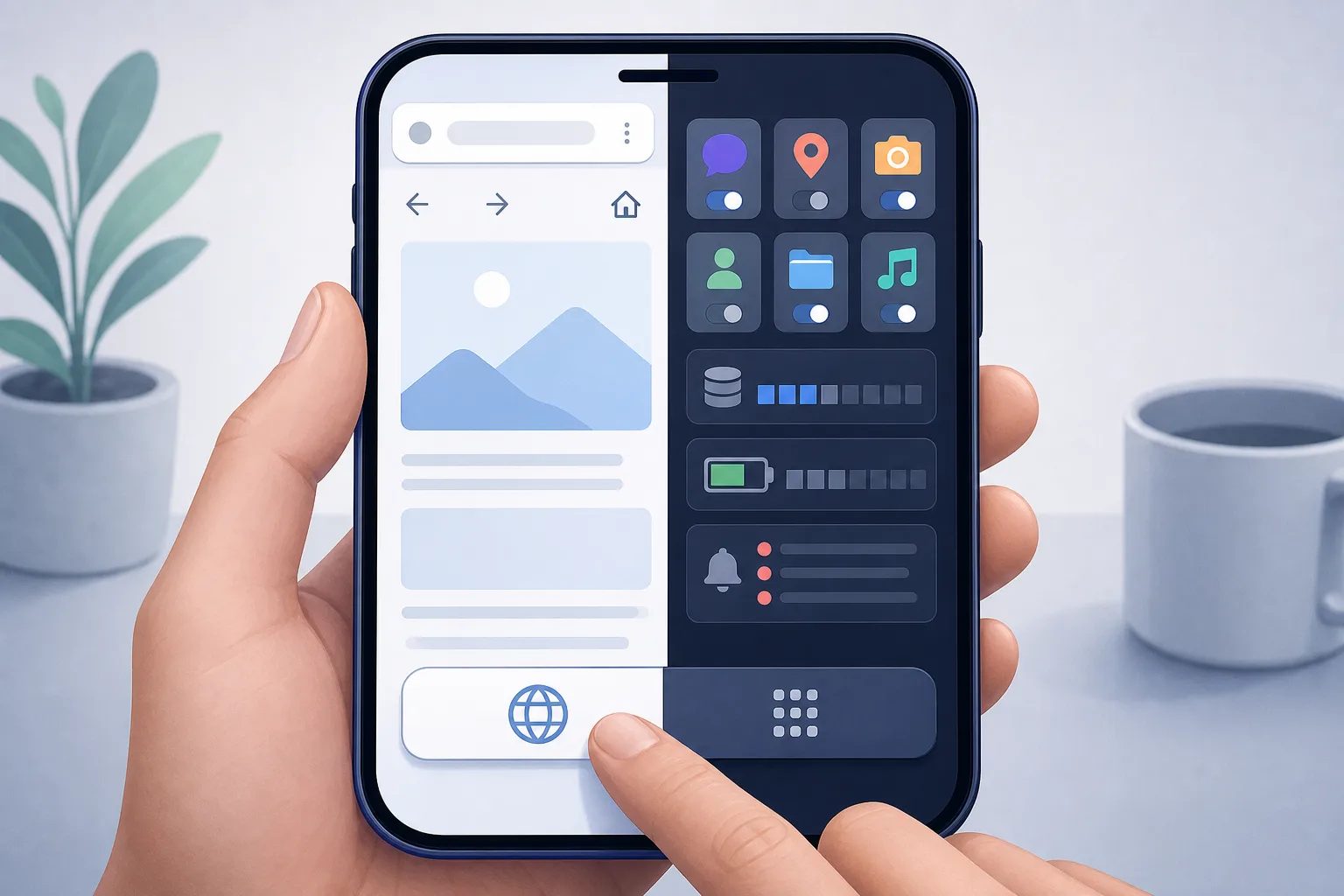
Your smartphone is turning into an app terminal, and the web is paying the price
Forced app prompts are no longer just annoying banners. They affect storage, battery, privacy, phone lifespan and whether everyday services remain accessible.
Android phones are becoming age-signal devices. Here is what that changes
Google Play Age Signals API could simplify parental controls, but it also makes age a platform-level phone signal with privacy, lock-in and app-access consequences.
Comments
Sign in to comment.
No comments yet.