Should You Buy Amazon’s New Alexa Tablets? Google Play Fixes the Fire Problem, but the 12 Pro Changes the Price Question
Amazon’s new Alexa Tablets finally bring full Android and Google Play to its tablets. That makes the lineup far more usable than Fire tablets, but the best model is no longer a casual-budget purchase.

Amazon has finally fixed the most obvious reason many people avoided its tablets: the new Alexa Tablet range runs Android with full access to Google Play. You no longer have to accept Amazon’s smaller app catalog, rely on workarounds, or treat a Fire tablet as a deliberately limited screen for Prime Video, Kindle, and children’s content.
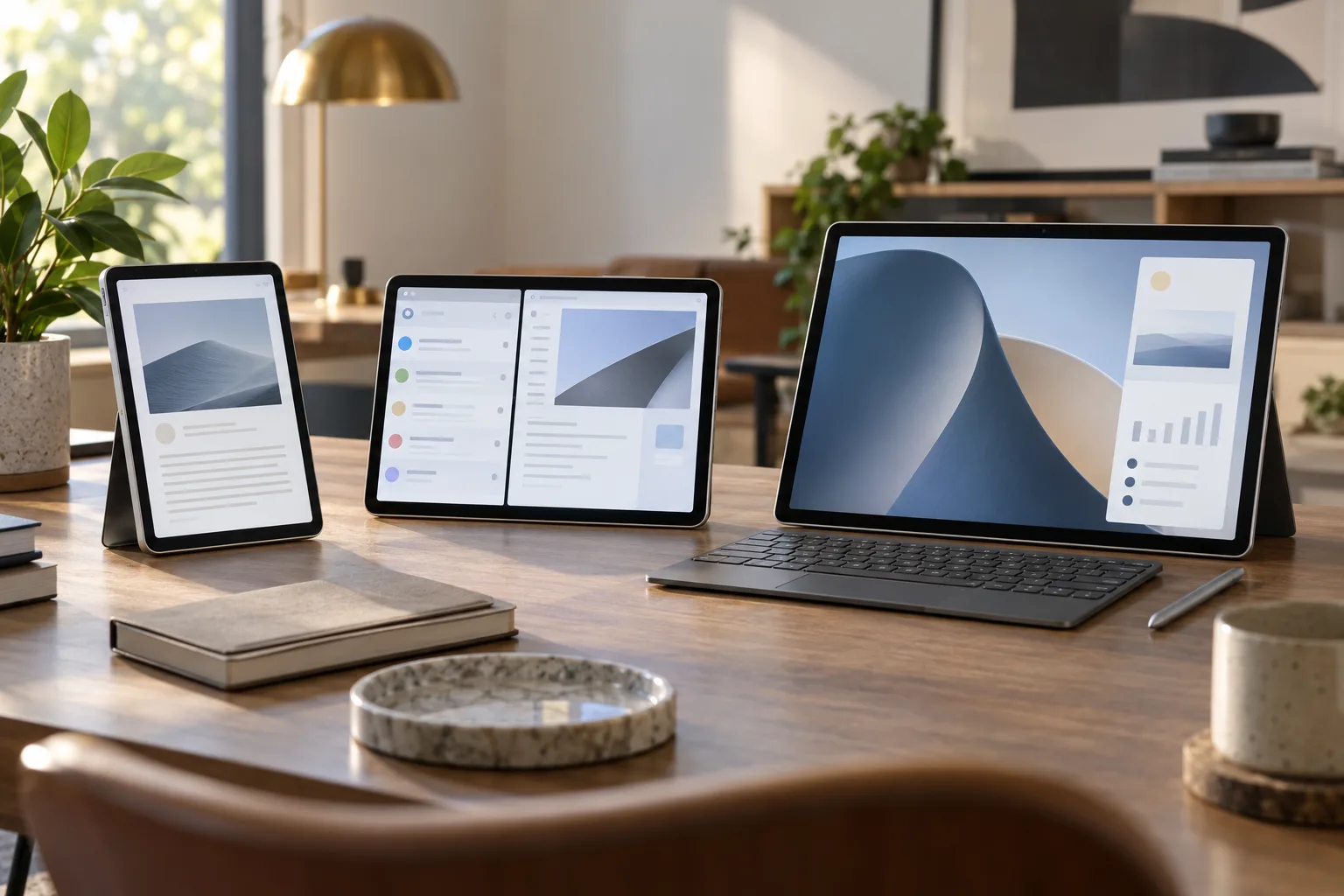
That makes the October 2026 launch important. It is not simply a faster Fire tablet with a new name. Amazon is moving its tablets into the mainstream Android market, adding aluminum bodies, higher refresh-rate displays, more capable processors, and Alexa+ as a central part of the interface. The lineup includes the $229.99 Alexa Tablet 8, the $329.99 Alexa Tablet 11, and the $499.99 Alexa Tablet 12 Pro. The 12 Pro can also be configured with an anti-glare Nanomatte display for $549.99, before adding the optional $149.99 keyboard and $89.99 pen.
The short answer is that the Alexa Tablet 11 is the sensible starting point, the Tablet 8 is mainly a portable reading and streaming device, and the 12 Pro deserves consideration only if you actually want a large Android tablet for split-screen work, drawing, or media. Amazon has improved the software problem dramatically, but it has also raised the stakes: these are no longer impulse-priced Fire tablets, and the premium model has to compete with established iPads and Samsung Galaxy tablets on more than Amazon integration.
What Amazon changed
The biggest change is underneath the interface. Previous Fire tablets used Amazon’s Fire OS, a customized Android-based system tied to the Amazon Appstore. That arrangement worked for basic entertainment and shopping, but it created friction for anyone who expected a normal Android tablet. Important Google apps were absent or inconsistent, some services were unavailable, and the app selection was narrower than what people found on phones or competing tablets.
The new Alexa Tablets run Android 16 and include Google Play. Amazon’s own announcement lists access to apps such as YouTube, Netflix, Gmail, and Google Docs, alongside Prime Video, Kindle, Audible, Amazon Music, Amazon Photos, and Luna. The result is a much more ordinary Android experience, even though Amazon has placed its own services and Alexa+ prominently on top.
That distinction matters more than a benchmark number. A tablet is often bought for a collection of ordinary tasks: watching a service that was awkward to install, opening a work document, using a familiar browser, joining a video call, downloading a child’s school app, or switching between a reading app and a notes app. The Fire line could do some of these things, but its limitations were part of the ownership experience. Google Play removes the need to investigate whether every app is supported before buying.
Amazon has also changed the physical design. All three models use aluminum construction, and the company is positioning them as general-purpose tablets rather than inexpensive portals into its shopping and media ecosystem. That is a meaningful shift in ambition, but it does not automatically make each model a good value.
The three models are aimed at different buyers
Alexa Tablet 8: the compact option
The Alexa Tablet 8 starts at $229.99 with 4GB of RAM and 64GB of storage. It has an 8.7-inch display, weighs 329 grams, and is designed to be held in one hand. Amazon quotes up to 14 hours of video playback and includes Wi-Fi 6.
This is the easiest model to understand. It is for reading, travel, casual browsing, streaming, recipes, children’s use, and light smart-home control. The smaller size makes it less tiring to carry than an 11- or 12-inch tablet, and the weight is closer to an oversized e-reader than a small laptop. For someone replacing an aging Fire HD 8, the new model should feel substantially less compromised because the app question has changed.
The limitations are equally clear. The base configuration has only 4GB of RAM and 64GB of storage. That is workable for streaming and reading, but less comfortable if the tablet is expected to hold large games, offline video, photos, and several years of app updates. The screen is also the least ambitious of the three, and there is no 120Hz display or keyboard-focused productivity story.
Buy the Tablet 8 if portability is the priority and your expectations are modest. Do not buy it because the larger models look expensive and you assume the same hardware is simply packed into a smaller shell. This is the family’s practical compact tablet, not a small version of the 12 Pro.
Alexa Tablet 11: the likely sweet spot
The Alexa Tablet 11 starts at $329.99 with 8GB of RAM and 64GB of storage. A 128GB version costs more. It has an 11-inch 2.5K display with a refresh rate of up to 90Hz, an aluminum body, dual Dolby Atmos speakers, and up to 15 hours of video playback.
This is the model that makes the most sense for many households. An 11-inch screen is large enough for films, web pages, documents, split-screen use, and video calls without becoming awkward to carry. The 90Hz panel should make scrolling feel smoother than the basic 60Hz experience common on inexpensive tablets, while 8GB of RAM gives it more room for modern Android apps.
The important caveat is storage. The $329.99 entry model comes with 64GB, not 128GB. The operating system and preinstalled applications will consume part of that capacity before the first download. If the tablet will be used for games, downloaded shows, large photo libraries, or several family profiles, the 128GB model is the more sensible comparison. Once the price climbs, the gap to more established Android tablets may become less comfortable.
The Tablet 11 is also the model to choose if you want Alexa+ and Amazon’s content features without paying for the 12 Pro’s productivity hardware. It should be easier to justify as a family tablet, kitchen screen, travel device, or shared living-room computer. Its main question is not whether it is powerful enough for everyday use; it is whether Amazon’s software layer remains helpful after the novelty of the new interface wears off.
Alexa Tablet 12 Pro: a serious tablet at a serious price
The Alexa Tablet 12 Pro starts at $499.99 with 8GB of RAM and 128GB of storage. It has a 12-inch display with a 3:2 aspect ratio, 280 pixels per inch, and an adaptive refresh rate of up to 120Hz. Amazon says it is 6.5mm thick, supports Wi-Fi 6E, uses quad Dolby Atmos speakers, and can deliver up to 16 hours of video playback. The company lists configurations with up to 16GB of RAM.
The 3:2 display ratio is a deliberate choice. It is taller than a typical widescreen tablet, so it wastes less space when showing documents, web pages, notes, and two apps side by side. It is not as naturally suited to widescreen video as a 16:10 panel, but it is a better shape for work. That is one reason the 12 Pro feels like a new category for Amazon rather than a premium version of a Fire HD 10.
The optional Nanomatte display costs $50 more at the entry configuration. Amazon describes it as an anti-glare surface developed with Corning. A matte screen can be useful near windows, outdoors, or under overhead lights, and it may make reading and writing more comfortable. It also introduces the usual trade-off: a surface optimized to reduce reflections can change how sharp, saturated, and glossy content looks compared with a conventional screen. This is a feature to choose for a particular environment, not an automatic upgrade for everyone.
The 12 Pro also supports a $149.99 keyboard and an $89.99 pen. The keyboard attaches through the tablet’s connector rather than requiring Bluetooth pairing, and the pen supports pressure sensitivity and tilt detection. With Android’s multi-window tools, the 12 Pro can serve as a lightweight writing, research, and communication machine.
But the accessories expose the price problem. A 12 Pro with the keyboard and pen costs roughly $740 before tax. The Nanomatte version with both accessories is more expensive still. At that point, the relevant comparison is no longer a discounted Fire tablet. It is an iPad, iPad Air, Galaxy Tab, Chromebook, or Windows 2-in-1, depending on what you need to do. Amazon’s large screen and included software ecosystem may still be attractive, but the buyer has to evaluate the complete setup rather than the tablet’s headline price.
Alexa+ is useful only if you want Amazon’s assistant everywhere
Alexa+ is built into the new tablets rather than presented as an app that happens to be installed. Amazon’s interface places it in a Dynamic Tab, and the assistant can be reached through voice or touch. The company describes features that connect the assistant with what is on the screen, Amazon content, smart-home controls, and personal activity.
That integration could be the lineup’s most distinctive feature. Google Play means Amazon no longer needs to win the app-store argument on its own, so the company is trying to make the tablet valuable through continuity with its services. A person might move from a Kindle book to a video, ask about a calendar item, control lights, search for information, and continue an Amazon activity without leaving the device’s home interface.
It could also become the part many owners ignore. Alexa is not a substitute for a good file system, a comfortable browser, a strong note-taking app, or a desktop operating system. An assistant can reduce small points of friction, but it cannot turn a midrange Android tablet into a laptop. Buyers should treat Alexa+ as an ecosystem bonus, not as the primary reason to overlook hardware or software limitations.
There is also a natural privacy and commercial question. A screen-aware assistant operating inside a device can be helpful, but it has access to a richer picture of what the user is doing than a basic voice timer. Amazon’s own assistant is also connected to a retail platform. If recommendations and shopping prompts are central to the experience, some people will find that useful while others will prefer a more neutral tablet. Before buying, check the current Alexa+ terms, account requirements, and controls in your market. These service details can change independently of the tablet hardware.
The software improvement does not solve every Android tablet problem
Google Play is a major fix, but it is not the same as a guarantee that every app is designed well for a large screen. Android tablets still depend on developers to support wide layouts, keyboard input, drag-and-drop, stylus features, and multiple windows. Some applications remain enlarged phone interfaces. Others work well for watching or reading but poorly for editing.
This matters especially for the 12 Pro. Amazon is presenting it as a productivity tablet, and the hardware appears capable of supporting that role. Yet the ownership experience will depend on the applications you actually use. Gmail and Google Docs are available, but availability is not the same as a polished laptop replacement. Creative software, professional communication tools, specialized business apps, and games vary widely in how well they use a 12-inch Android display.
The best way to evaluate the 12 Pro is to write down the five applications that matter most to you. Check their tablet layouts, offline behavior, keyboard support, file handling, and subscription requirements. If two or three of those apps are phone-first or browser-only, the larger screen may become an expensive way to run compromised software. If your workload is mostly documents, web research, video meetings, media, and light multitasking, the 12 Pro has a more credible case.
What happens to existing Fire tablets?
Amazon is replacing the Fire branding in the new lineup, but existing Fire tablets do not instantly become unusable. They will continue to work with their current software and apps. The practical issue is how long Amazon will keep shipping and supporting older models, and whether buyers are comfortable entering an ecosystem whose direction has just changed.
Wired reports that Amazon has committed to at least four years of software updates for the new Alexa Tablets, with Android 17 expected early in 2027. That is a useful commitment, although four years is a baseline rather than a guarantee of an especially long useful life. Updates can also differ by model, region, component, and application.
Older Fire tablets may still be good purchases at deep discounts if the use case is narrow: a child’s video player, a kitchen recipe screen, a Kindle substitute, or a device that stays near the sofa. The new models make much more sense when the buyer needs Google Play, current Android applications, or a tablet that can do more than display Amazon’s own services.
That creates an unusual buying split. The Alexa Tablets are better products for general tablet use, but the remaining Fire tablets may be better bargains for highly specific jobs. Do not compare them only by processor generation or screen size. Compare the software tasks you need to complete and the number of years you expect to keep the device.
How the prices compare
The entry prices make the range look straightforward:
- Alexa Tablet 8: $229.99 with 4GB of RAM and 64GB of storage.
- Alexa Tablet 11: $329.99 with 8GB of RAM and 64GB of storage.
- Alexa Tablet 12 Pro: $499.99 with 8GB of RAM and 128GB of storage.
- Alexa Tablet 12 Pro with Nanomatte display: $549.99 at the entry configuration.
- Pro Keyboard: $149.99.
- Pro Pen: $89.99.
The real comparison should include storage and accessories. The Tablet 8 is $100 below the Tablet 11, but the extra screen area, RAM, and 90Hz display on the 11 may justify the difference for a shared household device. The 12 Pro is $170 above the starting Tablet 11, but its display, processor, speakers, and accessory support put it in a different class.
The danger is paying for a premium configuration without having a premium use case. A person who mainly watches streaming video and reads books does not need the 12 Pro’s 120Hz screen, keyboard connector, 3:2 layout, or optional pen. A person who wants a real work tablet may regret saving money on the Tablet 8’s limited memory and compact screen.
Who should buy the Alexa Tablet 8?
Buy it if you want a small Android tablet for reading, travel, casual browsing, streaming, recipes, or basic smart-home use. It is also the most natural choice for someone who found Fire tablets convenient but frustrating whenever an app was missing.
Skip it if you expect to multitask heavily, store a large offline library, play demanding games, edit photos, or use the tablet as a laptop substitute. The 4GB/64GB starting configuration is the point where Amazon’s low price becomes a limitation.
Who should buy the Alexa Tablet 11?
Buy it if you want the best balance in the new range. The 11-inch screen, 8GB of RAM, 90Hz refresh rate, Google Play access, and Amazon services cover the needs of most households. It is large enough for a film or document but easier to live with than a 12-inch productivity slate.
Choose the 128GB version if you expect to keep the tablet for several years or share it with family members. The extra storage is more valuable than a cosmetic accessory, particularly if the device will carry games, downloaded media, photos, and multiple accounts.
Skip it if you already own a recent iPad or Galaxy Tab that runs the apps you need. Google Play removes Amazon’s old disadvantage, but it does not create a compelling reason to replace a tablet that is already fast, well-supported, and comfortable.
Who should buy the Alexa Tablet 12 Pro?
Buy it if you specifically want a large Android tablet with a high-refresh-rate screen, a taller work-friendly layout, keyboard support, a stylus option, strong speakers, and built-in Amazon continuity. It is also more appealing for people who read long documents, use multiple windows, or want one device for media and light productivity.
The Nanomatte version makes sense for bright rooms and frequent reading or writing. It is less compelling if the tablet will spend most of its life indoors under controlled lighting or showing glossy video. The keyboard and pen should be purchased only after confirming that your applications support them properly.
Skip it if you are looking for a conventional laptop replacement, a professional creative workstation, or the longest possible software support. At the complete-bundle price, compare it with an iPad Air, a base iPad plus accessories, Samsung’s Galaxy Tab line, and a Chromebook. The right alternative will depend on whether your priority is app quality, desktop-style multitasking, stylus work, or integration with Amazon services.
The alternatives are now more important than they were
Amazon’s old advantage was simple: Fire tablets were cheap, especially during sales. Its old disadvantage was equally simple: the software could feel unfinished outside Amazon’s preferred use cases. The new lineup narrows that disadvantage, but the higher prices put Amazon in direct competition with products that have longer track records.
An entry-level iPad remains the safer choice for people already invested in Apple devices, especially if they value long support and polished tablet applications. An iPad Air makes more sense for heavier creative or productivity work, although it costs more and may require expensive accessories. Samsung’s Galaxy Tab models offer a mature Android ecosystem, strong multitasking, and S Pen support on selected models. A Chromebook can be the better option for someone whose real requirement is a keyboard, browser-based work, and desktop-like file management.
The Alexa Tablet’s argument is different. It combines full Android with Amazon’s media services, Kindle integration, Alexa+ controls, and a retail-friendly interface. That combination may be exactly right for a Prime household that wants one shared device. It is less persuasive for someone who simply wants the most capable tablet at a given price.
Verdict: buy the Tablet 11, wait on the 12 Pro unless your use is clear
Amazon’s Alexa Tablets are a meaningful improvement over the Fire line. Google Play support removes the largest software objection, Android makes the devices more familiar, and the aluminum designs and better screens give Amazon a credible mainstream tablet range. The launch is not a cosmetic refresh. It is a reset of what Amazon expects its tablets to be.
The Tablet 11 is the recommendation for most buyers. It offers the combination of price, screen size, RAM, app access, and portability that the range needs. The Tablet 8 is worthwhile for buyers who prioritize compactness and simple tasks, but its base storage and memory make it a specialized choice.
The 12 Pro is the interesting model, not the automatic winner. On paper, its 12-inch 120Hz display, 3:2 layout, stronger chip, speakers, and optional accessories make it far more capable than any Fire tablet. But once the keyboard, pen, and storage upgrades enter the calculation, it is competing with serious tablets rather than budget devices. Buy it when you can name the work, reading, or creative tasks that require its larger screen.
For everyone else, wait for independent battery tests, sustained-performance reviews, app compatibility checks, and real-world reports on Alexa+ before paying the premium. Amazon has finally made its tablets easier to recommend. It has not yet proved that the most expensive one is the best tablet for your money.
Related articles
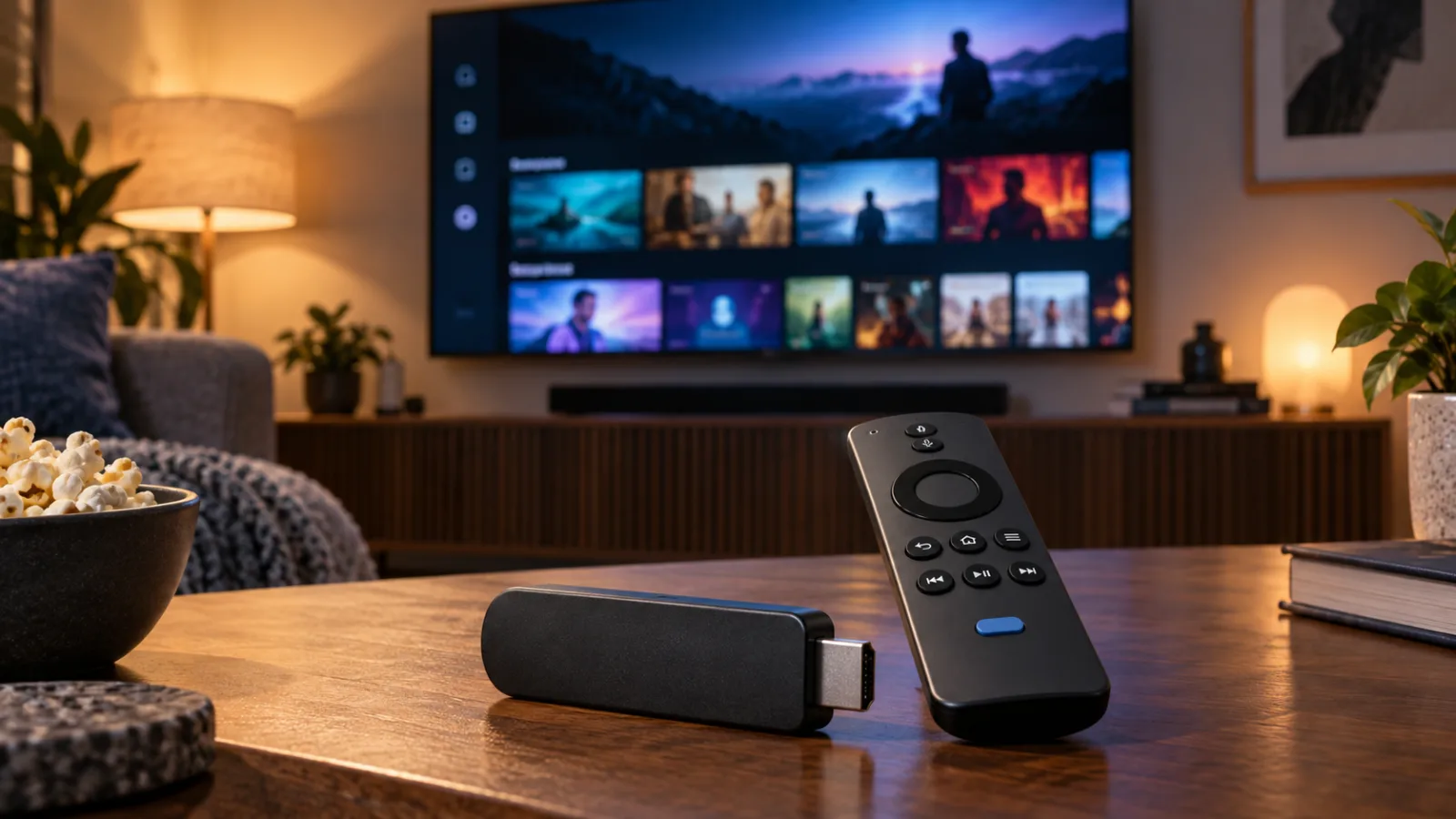
Should You Buy Amazon’s New Fire TV Stick 4K? The Remote Is the Upgrade, but Vega OS Changes the Deal
Amazon’s new $59.99 Fire TV Stick 4K is quicker, easier to power, and bundled with a redesigned remote. The real buying question is whether you want those conveniences badly enough to give up the flexibility of older Fire TV models.
Should You Buy During Amazon Prime Big Deal Days 2026? Check the Price History Before the Countdown Wins
Amazon’s October 6–7 sale can produce worthwhile discounts, but the Prime badge is not a buying recommendation. Here is how to decide whether an advertised deal beats the product’s normal price, a rival retailer, and the cost of waiting for November.

Should you pay for Prime Video Ultra?
Amazon’s $4.99 add-on removes most ads and puts 4K/UHD and Dolby Atmos behind a new tier. It is worth it for some home-theater users, not casual Prime viewers.

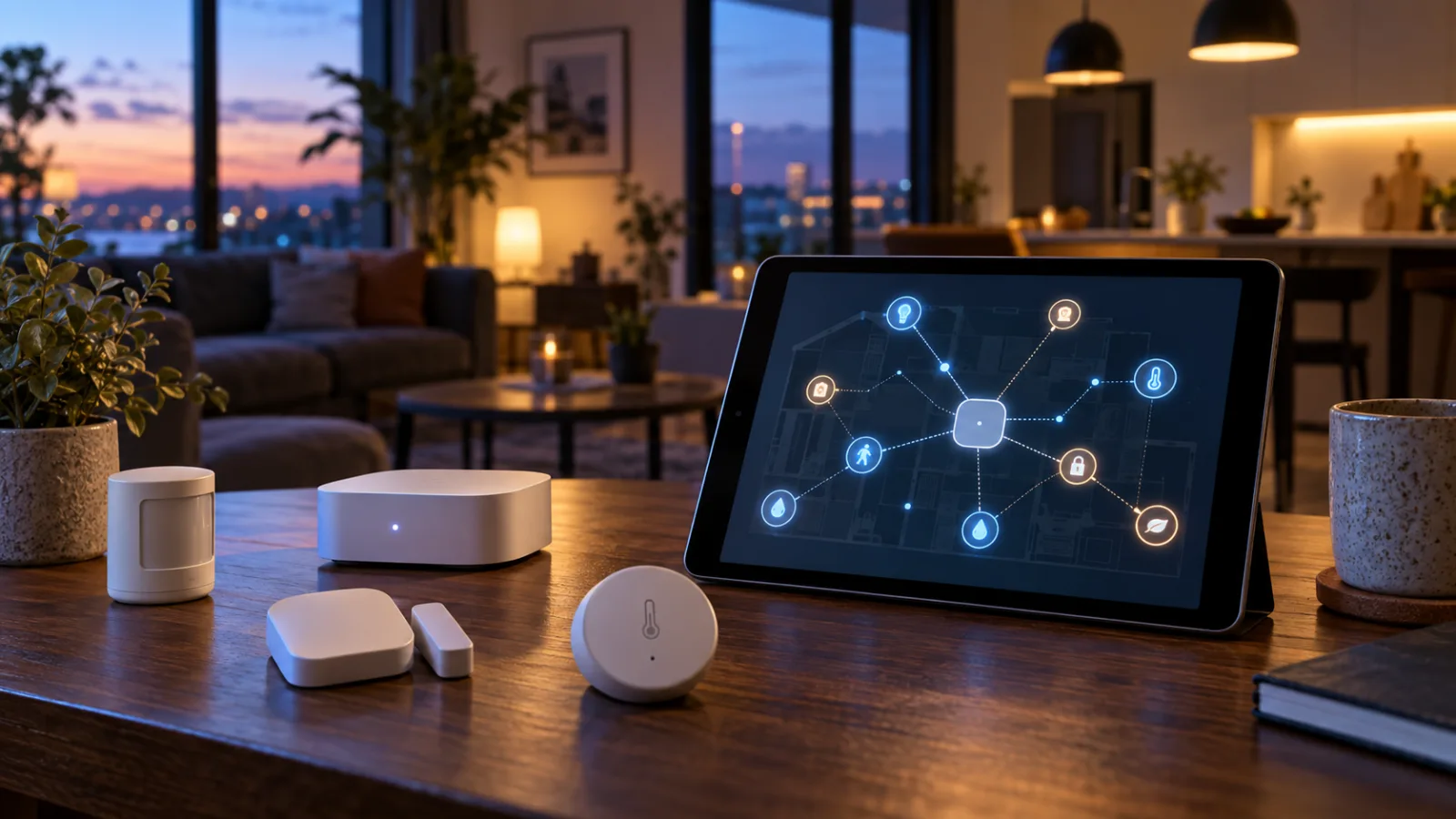
Home Assistant 2026.9’s Matter Map Is Most Useful Before You Buy Another Thread Device
Home Assistant 2026.9 adds a Matter network map that can expose weak links, missing border-router paths, and Wi-Fi assumptions. Here is what it can tell you, what it cannot, and how to use it before expanding a Thread setup.
Comments
Sign in to comment.
No comments yet.