Should You Buy the Apple TV 4K (2026)? The $299 Upgrade Only Makes Sense for a Specific Home Theater
Apple’s first new streaming box in four years adds built-in microphones, a faster chip, Siri AI, and four-HomePod surround sound. The hardware is useful, but the $299 price makes this a targeted purchase rather than an automatic upgrade.

Apple’s new Apple TV 4K arrives after an unusually long gap. The previous model launched in 2022, and the fourth-generation box will not reach stores until November 13, 2026. It is available to preorder for $299 in the United States, with one 128GB configuration that includes Wi-Fi, Ethernet, and Thread networking.
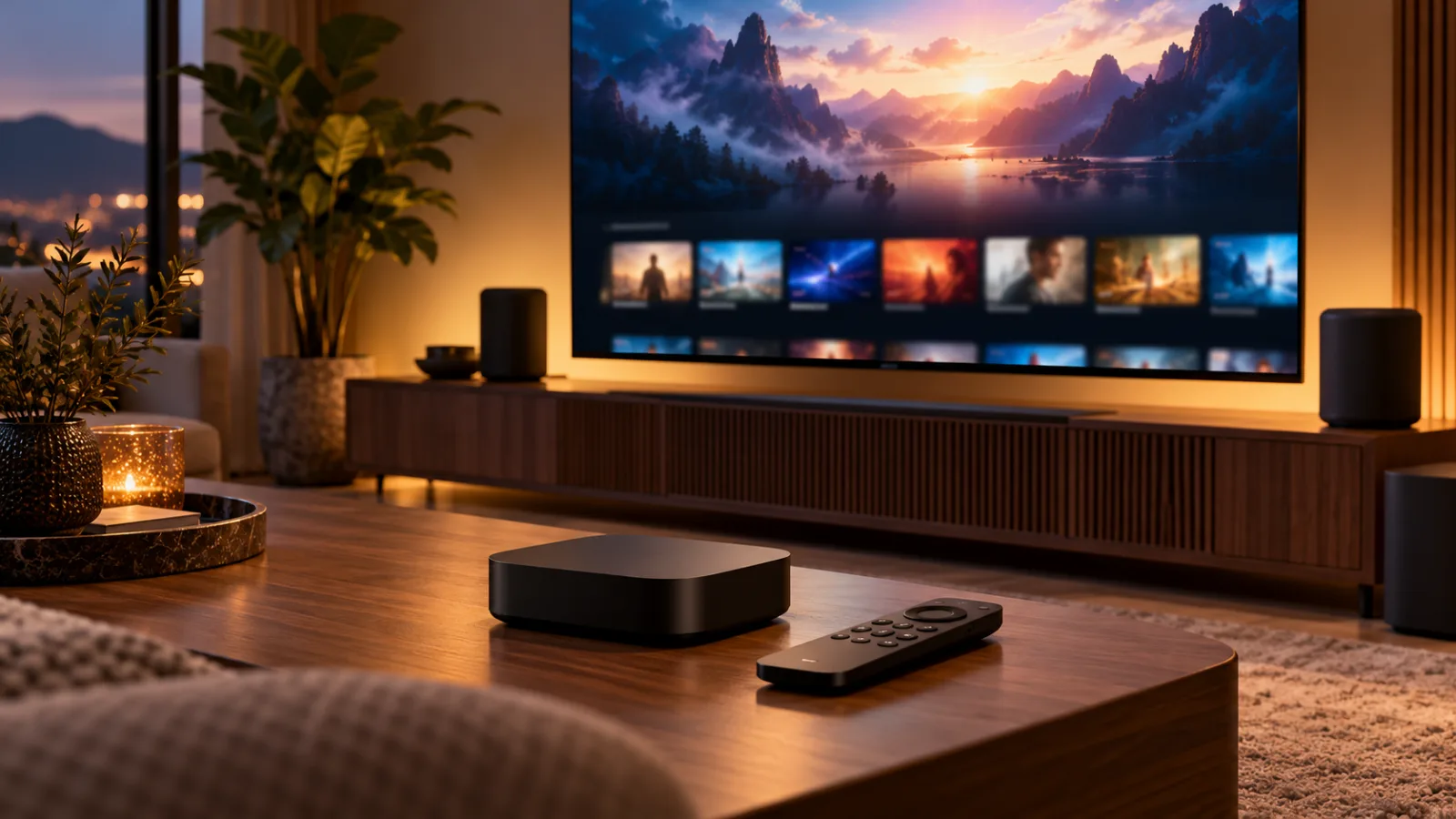
That price is the central fact of the launch. Apple has added a faster A19 chip, three far-field microphones, a more capable Siri AI experience, Wi-Fi 7, Bluetooth 6, a remote with a built-in speaker, and a new option to use four HomePod speakers for surround sound. Those are meaningful changes if they solve a problem you actually have. They are not meaningful enough to make every existing Apple TV 4K obsolete.
The short version is simple: buy the new Apple TV 4K if you are replacing an old or slow streaming box, want Apple’s best current home hub, or are deliberately building a HomePod-based theater. If you already own the 2022 Apple TV 4K and mainly watch movies and shows through an existing television, wait. The new model changes the interface and the smart-home possibilities more than it changes picture quality.
What Apple actually changed
The new box keeps the familiar small black design and continues to support 4K video at up to 60 frames per second, Dolby Vision, HDR10+, Dolby Atmos, and the usual tvOS apps. The external shape is not the story. Apple is selling a set of internal and ecosystem changes around a device that already handled ordinary streaming well.
The headline hardware change is the A19 chip. Apple says the new Apple TV 4K is up to 50 percent faster in CPU performance and offers up to twice the GPU performance of the third-generation model, which uses an A15 Bionic. That extra performance is unlikely to make Netflix or Apple TV+ look sharper. It should matter more for games, demanding apps, faster navigation, local processing, and future tvOS features.
The box also includes three far-field microphones. They allow you to speak to Siri from across the room without holding the remote or owning a HomePod. Apple’s product announcement positions Siri AI as a conversational way to search for entertainment, ask follow-up questions, identify shows, and get contextual information. For example, a viewer could ask which Apple TV programs won awards, then ask where one of those programs was filmed.
That sounds more useful than a voice assistant that only opens a specific app, but it is still a promise about software behavior. Siri AI is the feature most exposed to language support, regional availability, changing server behavior, and the uneven reliability that has accompanied Apple’s broader Siri rollout. Apple says the feature will launch in English in the United States, Australia, Canada, India, New Zealand, Singapore, South Africa, and the United Kingdom. It is also described as a beta.
The new Siri Remote adds a speaker so it can make a sound when you are looking for it. That is a small change, but it addresses an everyday frustration more directly than many keynote features do. The remote is also compatible with older Apple TV HD and Apple TV 4K devices, and Apple is selling it separately. If the remote is the only thing irritating you about your current setup, buying a new $299 box is the wrong fix.
Connectivity improves as well. The new model includes Wi-Fi 7 and Bluetooth 6. Ethernet and Thread networking are standard rather than limited to a more expensive storage configuration. Thread matters if the Apple TV is part of a smart-home network and you want the box to act as a border router for compatible accessories. Ethernet matters if your television is far from a strong wireless access point, if you stream large local files, or if you simply want a stable wired connection.
Storage is also easier to understand. There is one 128GB model rather than separate 64GB Wi-Fi and 128GB Ethernet versions. That capacity is generous for a streaming device, although it does not turn the Apple TV into a general-purpose media server. The extra storage is most relevant to people who install games, keep multiple apps, or want room for future tvOS features. It is not a reason by itself to replace a working box.
The $299 question is harder than the specifications
The third-generation Apple TV 4K originally started at $129 for 64GB and $149 for 128GB. Apple later raised the older model’s prices before discontinuing it, bringing the 128GB version to $249. Against that final price, the new device costs $50 more. Against the old entry-level model, the difference is $100, while the new box includes twice the storage, Ethernet, and Thread as standard.
That comparison makes the price increase look less dramatic, but it does not make the new Apple TV inexpensive. Streaming boxes from Amazon, Google, and Roku are available at much lower prices, and many televisions already include acceptable streaming software. Apple is competing on processor performance, long-term software support, interface polish, integration with Apple devices, and privacy positioning rather than on the lowest cost per app.
The question is therefore not whether the Apple TV 4K is technically better than a cheap streaming stick. It is whether its particular advantages are worth the difference in your living room. If you only need Netflix, YouTube, Disney+, and a few other services, an inexpensive current streamer may perform the same basic job. If you care about fast navigation, AirPlay, Apple TV app integration, Apple Arcade, HomeKit or Matter control, local media apps, and a consistent interface, the premium becomes easier to explain.
There is another pricing issue for existing owners. The new box’s most visible software feature, Siri AI, is not exclusive to the new hardware. Apple says Siri AI will also be available in beta on Apple TV 4K models from the second generation onward through tvOS 27.2. Older owners may therefore receive the headline assistant without buying a new device. The new box’s exclusive advantage is hands-free input through its built-in microphones; an older box still needs the remote or a paired HomePod for voice input.
That distinction weakens the upgrade case. A new chip and a better wireless standard are useful, but most people do not replace a streaming box because an app opens a fraction of a second faster. The value has to come from a specific new behavior: speaking to the television without touching anything, using four HomePods as a surround system, needing Thread and Ethernet, or wanting a strong gaming and app platform.
The HomePod theater is the real new use case
Apple’s most unusual feature is support for a four-speaker surround arrangement using HomePod mini 2 or second-generation HomePod speakers. This is not a minor software toggle for people who already have one HomePod beside the television. It is an invitation to build a particular Apple-centered audio system.
For someone with two compatible HomePods already positioned in the room, the new Apple TV could make the system more capable. For someone starting from zero, the cost changes quickly. The Apple TV is $299, and the HomePod mini 2 is $149 each according to Apple’s launch information. Four mini speakers would add $596 before tax, bringing the core hardware to $895. Four larger HomePod speakers would cost substantially more.
That does not automatically make the arrangement poor value. A conventional receiver, center channel, surround speakers, subwoofer, and cables can cost much more, and a wireless system may be easier to place in a rented home. But the comparison should be made with the total system, not with the $299 streaming box alone. You also need to consider whether the room benefits from four small speakers, whether you already own a soundbar or receiver, and whether you are comfortable tying the system closely to Apple’s platform.
The compatibility limits matter. Apple’s announcement refers to HomePod mini 2 and HomePod second-generation speakers. Older first-generation HomePod speakers are not the same purchasing proposition. A buyer who owns a mixture of HomePod generations should confirm the supported arrangement before assuming that existing speakers can all participate. This is a feature for a planned setup, not a reason to collect whatever discounted HomePods happen to be available.
The four-speaker mode is also less relevant if your television already connects to a capable receiver or soundbar. The new Apple TV does not suddenly make a conventional home theater inadequate. Its appeal is strongest for people who want fewer cables, already live in Apple’s ecosystem, and prefer Apple speakers to a traditional audio stack.
Picture quality is not the upgrade story
It is easy to read “new Apple TV 4K” and expect a visible jump in image quality. That is not what Apple has announced. The new model continues to target 4K at 60Hz and supports familiar HDR and audio formats. A newer chip can improve decoding, app performance, and future capabilities, but it does not automatically give an existing OLED television a better picture.
There is no announced 120Hz streaming breakthrough that would make the new box a must-have for high-refresh-rate televisions. That matters to buyers who expected a major gaming or sports upgrade. Most film and television content still runs at 24 or 30 frames per second, and ordinary streaming services will not become dramatically more detailed because the box has a faster processor.
The A19 may make the device a more interesting games machine. Twice the graphics performance could help developers build more ambitious Apple Arcade titles, and the extra headroom may keep the hardware useful for longer. But Apple has not turned the Apple TV into a console with a dedicated game library, a controller in the box, or a clear replacement for a PlayStation, Xbox, or gaming PC. Treat gaming as a possible benefit, not the main reason to spend $299.
The same caution applies to AV1 decoding. Support for newer codecs can help with efficiency and future services, but the benefit depends on the apps and content you actually use. A codec specification is not the same thing as a visible upgrade in today’s catalog.
Who should buy it
A new buyer should consider the 2026 Apple TV 4K if the alternative is an aging Apple TV HD, an unreliable smart-TV interface, or a streaming device that feels slow and poorly supported. The new model gives you 128GB, Ethernet, Thread, current wireless standards, a faster processor, and a longer runway for tvOS updates. Paying more for a box you will use every day can be reasonable when the cheaper option already feels frustrating.
It is also a sensible choice for a person building an Apple smart home. Apple describes the new Apple TV as a home hub that can manage accessories and scenes, with Apple Intelligence-generated camera activity descriptions and summarized notifications in the Home app. Those features are still dependent on the maturity of Apple’s software and the compatibility of individual accessories, but the box is designed to occupy a central role in the company’s new home lineup alongside HomeView and HomePod.
The strongest case belongs to someone who wants hands-free Siri from the sofa. If your household regularly searches for shows, asks for information about what is playing, or dislikes passing a remote around, the microphones could become a daily convenience. They may also reduce the need to buy a HomePod just to provide voice control.
Finally, buy it if you have a clear four-HomePod plan. In that situation, the Apple TV is not merely a replacement streaming box; it is the control point for a wireless Apple theater. Make the complete budget first, including speakers and any needed stands or room changes. The box makes more sense as part of that system than as an isolated purchase.
Who should wait
Owners of the 2022 Apple TV 4K should generally wait. Your existing box already supports 4K HDR video, Dolby Vision, Dolby Atmos, modern apps, and the tvOS ecosystem. Apple’s plan to bring Siri AI to second-generation and newer Apple TV 4K models removes one of the new product’s headline reasons to upgrade.
Wait especially if you do not use HomePods, never speak to your television, connect your Apple TV to a receiver or soundbar, and are satisfied with current performance. The new remote can be purchased separately, and a tvOS update can deliver some of the software changes. Spending $299 in this situation buys refinement rather than a transformation.
Buy only when the old box is failing, when you need a new Ethernet or Thread hub, or when you can name a specific daily task that the microphones and Siri AI will improve. “It is four years newer” is not enough. Streaming hardware ages more slowly than phones because the basic job—decode video, open apps, and send audio to a television—does not change every year.
There is also a good reason to wait for independent testing. Siri AI is launching as a beta, and the new Apple TV will not be widely available until November 13. Early demonstrations can show the intended experience, but they cannot establish how well the assistant handles accents, noisy rooms, follow-up questions, ambiguous titles, family profiles, or privacy settings. Reviews should also test whether the four-HomePod arrangement stays synchronized and how it behaves with existing receivers and televisions.
What about buying the older model?
The third-generation 128GB Apple TV 4K remains attractive only at the right discount. It still gives you Ethernet and Thread, and it should receive Siri AI through tvOS 27.2. If a retailer clears remaining stock substantially below $249, it may be the better choice for a buyer who wants Apple’s interface but does not need built-in microphones or Wi-Fi 7.
The 64GB model is harder to recommend for a new purchase if its price is close to the older 128GB model or to a discounted new unit. It lacks Ethernet and Thread, and the storage difference becomes more relevant if Apple expands gaming or other local features. The right bargain is not simply the lowest number on the shelf; it is the model that includes the connections your room needs.
Do not pay close to the new model’s $299 price for old hardware unless the seller offers a meaningful warranty or a specific benefit. The older box has a known, capable platform, but it no longer has the same future-facing connectivity or the convenience of a speaker inside the remote. Refurbished stock can be worthwhile, provided you confirm the generation, storage, Ethernet support, return policy, and condition of the remote.
Alternatives outside Apple
A Google TV or Roku device is usually the more rational purchase if you are platform-neutral and only want access to streaming services. Amazon’s Fire TV range can be cheaper, and the company has also been adding more voice functionality to its remotes. These alternatives may be less polished or less consistent across televisions, but they do not require an Apple ecosystem to justify their price.
A television’s built-in software can be enough if you use only a few services and the interface receives regular updates. The trade-off is that built-in systems vary widely by manufacturer, may become slow as the television ages, and can carry advertising or recommendations you do not want. A separate box gives you an easier replacement path when the TV software becomes annoying.
A game console is a better purchase if gaming is the central requirement. The Apple TV’s faster A19 chip and larger storage may improve its potential, but it remains a streaming-first device. It does not replace the controller ecosystem, game catalog, performance ceiling, or local storage of a dedicated console.
An existing soundbar or receiver may also be a better audio investment than four HomePods. If your complaint is weak dialogue or poor bass, a center-channel upgrade, a subwoofer, or room calibration could make a more audible difference than replacing a functioning streaming box. The Apple TV’s surround feature is compelling only if the wireless Apple design is itself the goal.
The buying decision in four checks
Before preordering, answer four practical questions. First, what is wrong with the device you use now? If the answer is “nothing,” you probably do not need the new Apple TV yet. If the answer is slow menus, missing apps, dropped connections, or an unsupported operating system, a replacement is easier to justify.
Second, do you need a microphone in the living room? Some people will find hands-free Siri useful; others will see it as an always-listening feature they do not want. Apple says the microphones enable remote-free voice commands, but buyers should still review the available Siri and privacy controls for their household. A feature that makes one family’s evenings easier can make another family uncomfortable.
Third, are you buying into the HomePod theater deliberately? Count the speakers, not just the box. If you already own compatible HomePods, the calculation may be favorable. If you do not, compare the full cost with a soundbar or receiver package before ordering.
Fourth, are you willing to pay for future potential? The A19, Wi-Fi 7, Bluetooth 6, and 128GB storage give Apple more room to expand tvOS. That may extend the product’s useful life, but it is not a guaranteed benefit today. Buy the current product for what it does now, and treat future software as an upside rather than a promise.
Verdict
The Apple TV 4K (2026) is a capable but narrowly justified upgrade. It is not a must-buy for every Apple household, and it is not a poor product simply because the price is high. Apple has improved the parts that surround streaming—voice control, remote recovery, home networking, smart-home coordination, and wireless audio—more than the act of watching a film.
Buy it if you are starting fresh with Apple’s living-room platform, replacing a genuinely old streamer, or building a compatible HomePod theater. The standard Ethernet and Thread support also make the new model easier to recommend for a connected home than the old 64GB version.
Wait if you own the 2022 Apple TV 4K and it still works well. You are likely to receive Siri AI through software, while the new box’s other benefits are conveniences rather than necessities. Revisit the decision after launch reviews test Siri in ordinary rooms, evaluate the HomePod surround mode, and show whether tvOS developers use the A19’s extra performance.
The best advice is to treat the Apple TV 4K as a home-theater component, not as a routine annual gadget. At $299, it earns its place when it solves a concrete problem. If it does not, the older Apple TV—or a much cheaper streamer—will leave more money available for the television, speakers, or subscriptions that you actually use.
Related articles
Should You Buy Apple Home Gear Before the October 13 Event? Wait on the Hub, Buy Only for a Real Gap
Apple’s October 13 “Welcome Home” launch could reset its smart-home lineup. The sensible buying rule is simple: delay ecosystem-defining purchases, but buy a current device now if it solves a concrete problem and the return window covers the announcement.
Should You Buy Amazon’s New Fire TV Stick 4K? The Remote Is the Upgrade, but Vega OS Changes the Deal
Amazon’s new $59.99 Fire TV Stick 4K is quicker, easier to power, and bundled with a redesigned remote. The real buying question is whether you want those conveniences badly enough to give up the flexibility of older Fire TV models.
Should you pay for Prime Video Ultra?
Amazon’s $4.99 add-on removes most ads and puts 4K/UHD and Dolby Atmos behind a new tier. It is worth it for some home-theater users, not casual Prime viewers.
Should You Buy a Smart TV in 2026 — or a Dumb Screen With a Box?
A practical buyer’s guide to smart TVs, privacy, ads, external streamers, monitors and the trade-offs behind today’s cheap big screens.
Comments
Sign in to comment.
No comments yet.