AI cameras at home need house rules, not just better detection
New research on domestic workers shows why smart home cameras should be configured around privacy, guests and everyday trust, not only security alerts.

A smart home camera used to be an easy purchase. Put one by the door, maybe one in the hallway, get a notification when something moves. Done.
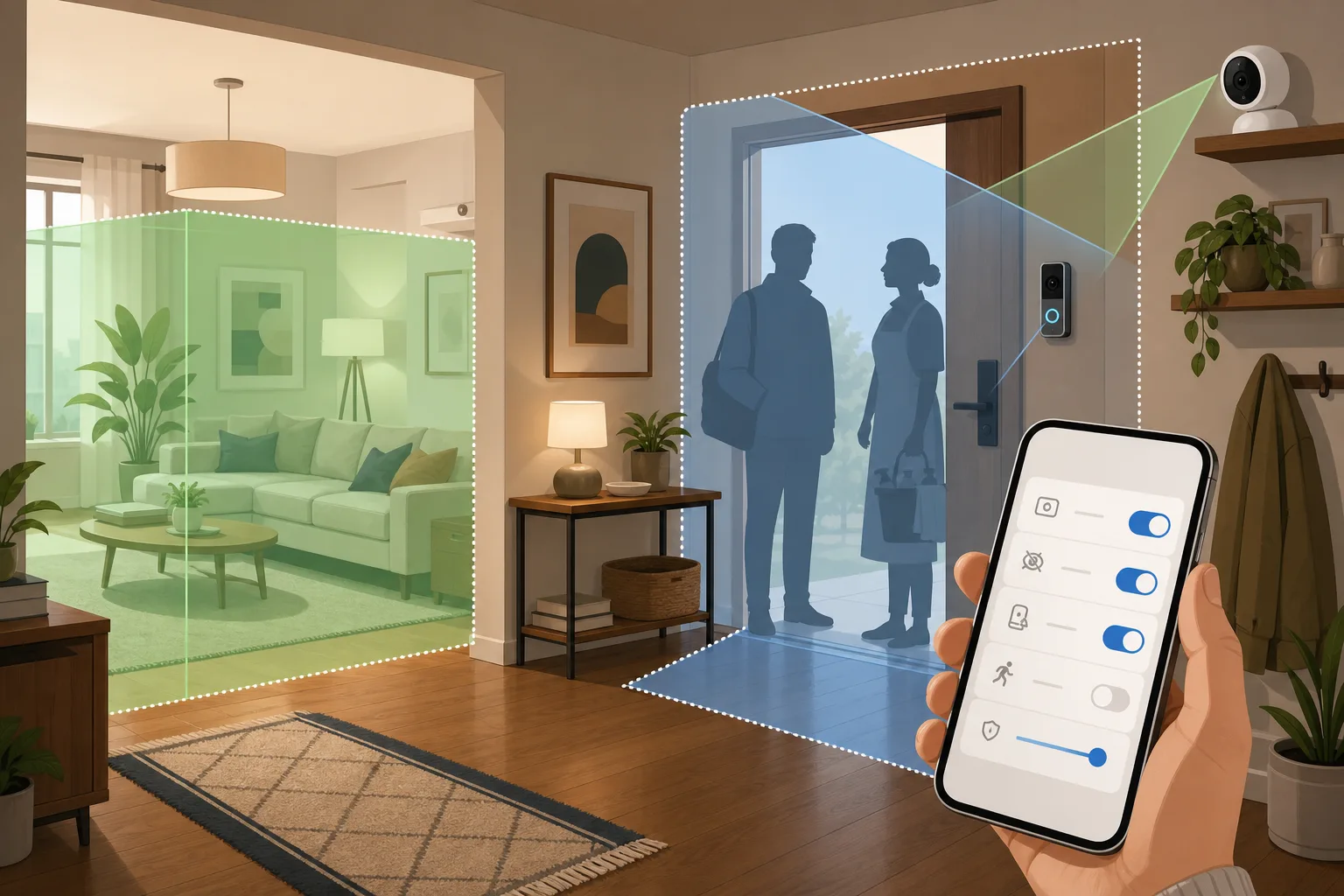
That version of the camera is disappearing. Modern doorbells and indoor cameras do more than record video. They classify people, pets, packages, vehicles and sounds. Some create event histories, push clips to cloud accounts, trigger automations and feed voice assistants. A camera is no longer just a lens. It is a small data system pointed at your home.
That is why a new academic paper caught the attention of Hacker News this week. The paper, titled “These cameras are just like the Eye of Sauron”: A Sociotechnical Threat Model for AI-Driven Smart Home Devices as Perceived by UK-Based Domestic Workers, was published as arXiv:2602.09239 and accepted for USEC 2026. It is based on semi structured interviews with 18 domestic workers in the UK. The HN thread drew strong discussion because the subject is no longer abstract. Many homes already have cameras, and many of those homes are also workplaces for cleaners, nannies, carers, repairers, dog sitters and delivery workers.
This is not an argument to remove every camera. Cameras can be useful. They can protect packages, document damage, help with elderly relatives, check whether a door was left open and give people peace of mind when they travel. The problem is what happens when a safety device becomes a quiet surveillance system for everyone who enters the house.
The useful question is practical: how do you set up a smarter home without making it feel hostile?
What changed with AI cameras
Older home cameras mostly answered one question: did something move? Newer systems answer more questions, and that matters.
They can tell the difference between a person and a pet. They can flag a package at the door. They can detect sounds. They can recognize familiar faces, depending on the product and settings. They can create searchable histories of events. They can send clips to shared family accounts. They can turn camera events into automations, such as lights, locks, alarms or voice announcements.
Each feature sounds small on its own. Together, they change the social meaning of a camera. A guest is not only being filmed. A worker may be logged, classified, time stamped and stored in a system they did not choose.
The arXiv paper is useful because it focuses on that social layer. The researchers are not only worried about a hacker breaking into a camera. They describe AI analytics, residual logs, cross household data flows, opaque AI functions and employer controlled homes. In plain language: the device can create data about a person, keep traces after the moment has passed and route those traces through people or organizations the recorded person cannot control.
That is a different risk from “someone might steal the password.” It is a day to day power problem.
Why domestic workers make the problem clearer
A homeowner can usually decide where cameras go, which account controls them and whether cloud recording is enabled. A cleaner or nanny walks into a space where those choices have already been made.
That difference matters. The worker may technically be free to refuse the job, but that is not the same as having a real privacy choice. If the work is needed, the market is tight or the arrangement is mediated by an agency, “just say no” becomes a weak answer.
The paper’s UK sample is small and qualitative, so it should not be treated as a survey of every worker in every country. Its value is the threat model. It shows the kinds of risks that ordinary smart home buyers rarely put on the checklist: Who can see clips? What does the app log? Does an agency get involved? Can a worker dispute a machine generated event? What happens to data after the visit? Does the device infer behavior, or only record video?
Once you ask those questions for paid workers, the same questions apply to guests, relatives, babysitters, pet sitters and roommates. A smart home has an administrator, and everyone else lives under that administrator’s settings.
The homeowner’s case is real too
The discussion becomes useless if it pretends homeowners are installing cameras only because they want to spy. Most people buy cameras for ordinary reasons.
They want to see who is at the door. They want proof if a package disappears. They want to know whether a contractor arrived. They want to check on a child, an elderly parent or a pet. They want evidence if something breaks during a repair visit. In apartments, a doorbell camera may be the simplest way to handle deliveries and building access.
Those reasons are legitimate. The mistake is treating legitimacy as a blank check. A camera can be justified and still badly placed. A useful outdoor camera can become invasive when it sees into a neighbor’s window. A baby monitor can become inappropriate when a guest uses the room. A hallway camera can become uncomfortable when a cleaner has no idea whether audio is on.
Good smart home design is not “no cameras.” It is purpose, placement and limits.
Start outside before you go inside
For most homes, the least intrusive camera is the one outside the private living space. Doorbell cameras, driveway cameras and entry cameras usually solve the main security problem without watching people on the sofa.
Indoor cameras need a higher bar. Put them where the reason is obvious: an entry hallway, a garage, a room with a pet when nobody is home, or a room where an elderly relative has explicitly agreed to monitoring for safety. Avoid bedrooms, bathrooms, guest rooms, changing areas and any room where people reasonably expect privacy.
If you need an indoor camera only when the house is empty, configure it that way. Many systems support home and away modes, schedules or automation based on presence. The camera should not keep recording the cleaner because you forgot to switch off a holiday setting.
Also think about field of view. A wide angle lens can capture more than intended. Aim cameras at doors, not at whole rooms. Use privacy masks or activity zones where the product supports them. Reolink documents privacy masks and RTSP/local stream options for many devices. Google Nest and Ring have zone and notification controls depending on model and subscription. Apple’s HomeKit Secure Video model is built around iCloud processing and encrypted video handling inside Apple’s ecosystem. None of these choices is perfect, but the settings are not decoration. They are the privacy boundary.
Audio is often the hidden problem
People notice cameras. They forget microphones.
Audio recording can be much more sensitive than video. It may capture private conversations, calls, arguments, medical details, children, work calls or a domestic worker talking to someone else while cleaning. Legal rules for audio recording vary by country and region, and some places have consent requirements. This is not a place for generic internet legal advice.
The practical rule is simple: if you do not need audio, turn it off. A doorbell may need two way talk. A package camera probably does not. A camera watching a pet may not need to capture every conversation in the room. If audio is on, tell people clearly.
Do not hide behind the app’s default. Defaults are chosen for product convenience, not for the comfort of every person who enters your home.
Cloud recording is convenient, but not neutral
Cloud storage is useful. It gives you remote access, backup, easier sharing and often better AI detection. It also creates another copy of home life outside the home.
Before buying a camera, check where video is processed and stored. Is person detection on device, on a local hub, in the cloud or a mix? How long are clips stored? Can you delete them? Does the company use video for product improvement? Are there end to end encryption options? What features disappear without a subscription?
Ring offers end to end encryption for supported devices, with limitations and trade-offs. Apple’s HomeKit Secure Video uses end to end encrypted iCloud video and requires compatible cameras and an iCloud plan. Some camera families, including many Reolink setups, can stream to local NVRs or local software through RTSP or ONVIF-style workflows. Eufy and other hub based systems market local storage heavily, though buyers should still check the exact model and cloud features.
The point is not that local is always better. Local systems can be misconfigured, exposed to the internet or forgotten without updates. The point is control. If the footage never needs to leave the home, do not send it out by default.
Shared accounts are a privacy risk
A surprising amount of smart home privacy trouble comes from access management, not cameras themselves.
Who is in the family account? Does an ex still have access? Can adult children view clips? Can a landlord see anything? Are notifications going to multiple phones? Can a contractor or installer still access the camera? Did you reuse a weak password? Is two factor authentication enabled?
Review camera access like you would review door keys. Remove old users. Use separate accounts rather than shared passwords where possible. Turn on two factor authentication. Check whether clips are shared automatically. Look at device logs if the platform provides them.
Smart home administrators often forget that they are administrators. Everyone else in the house pays for that forgetfulness.
Rules for guests, cleaners and carers
The decent version of a camera home starts with notice. People should not discover an indoor camera after the visit has begun.
For guests, a simple message is enough: “There is a camera at the entrance and one in the living room for security. The guest room and bathroom have none. Tell me if you want the indoor one off while you are here.” That is not awkward. It is basic hospitality.
For regular workers, be more explicit. Say where cameras are, whether audio is on, whether recordings are stored, who can view them and how long they are kept. If the camera is only for entry security, do not pretend it is also fine to watch the worker all day. If there is a written agreement, include the camera policy in plain language.
Make the camera visible. Hidden cameras in domestic spaces are a trust destroyer and may be illegal depending on location and context. A visible camera with an obvious purpose is easier to discuss and easier to limit.
Create a guest mode if your system allows it. That might disable indoor cameras, mute certain alerts or stop nonessential automations. A smart home should have a way to become less smart when people are present.
A practical setup checklist
Put cameras outside first: door, porch, garage, driveway, balcony if it does not capture neighbors’ private areas.
Avoid cameras in bedrooms, bathrooms, changing areas, guest rooms and spaces used by overnight visitors.
Aim indoor cameras at entrances or specific safety areas, not at whole living spaces.
Use privacy masks, activity zones and detection zones. Exclude neighbor windows, seating areas and private corners.
Turn off audio unless there is a clear reason to keep it.
Use home, away and guest modes. Indoor cameras should not behave the same way when the house is occupied.
Prefer local processing or local storage for sensitive indoor footage when it fits your skills and maintenance habits.
If you use cloud recording, check retention, deletion, encryption, sharing and subscription limits.
Review account access every few months. Remove old users and enable two factor authentication.
Tell visitors and workers what is recorded. Give real options where possible, not just a buried clause.
Do not connect camera events to locks or alarms without testing false positives. AI detection is useful, but it is not judgment.
What to ask before buying a camera
Where is video processed: on device, on a hub, in the cloud or a mix?
Can it record locally without a subscription?
Can it work with Home Assistant, HomeKit Secure Video, RTSP, ONVIF, a local NVR or another system you control?
Can audio be disabled separately from video?
Are privacy masks and activity zones available without a paid plan?
How long are clips stored by default?
Can you delete all clips and logs easily?
Does the product offer end to end encryption, and what features stop working when it is enabled?
Who can view live video and history?
Does the camera show a visible recording indicator?
Does it still record when internet access is down?
What happens if you stop paying for the subscription?
If the answers are hard to find, that is an answer too.
The better smart home is boringly respectful
A good smart home should not make people feel watched all the time. It should make the home easier to live in.
That means lights that work, locks that are understandable, sensors that do not overreact and cameras with clear limits. The best camera setup may be smaller than the one the product page suggests. One outdoor camera and a doorbell may solve more real problems than four indoor cameras and a cloud subscription.
AI detection is not evil. Cloud recording is not automatically wrong. Home security is not paranoia. But the camera sees more people than the buyer. The settings affect guests, workers, relatives and neighbors.
The new “Eye of Sauron” paper is useful because it gives language to something many people already feel. A camera pointed at the home is never only about the homeowner. It changes the room for everyone else.
So buy the camera if you need it. Then make it boring: visible, limited, explainable, quiet when people are home and easy to turn off. That is what a smarter home should be.
Related articles

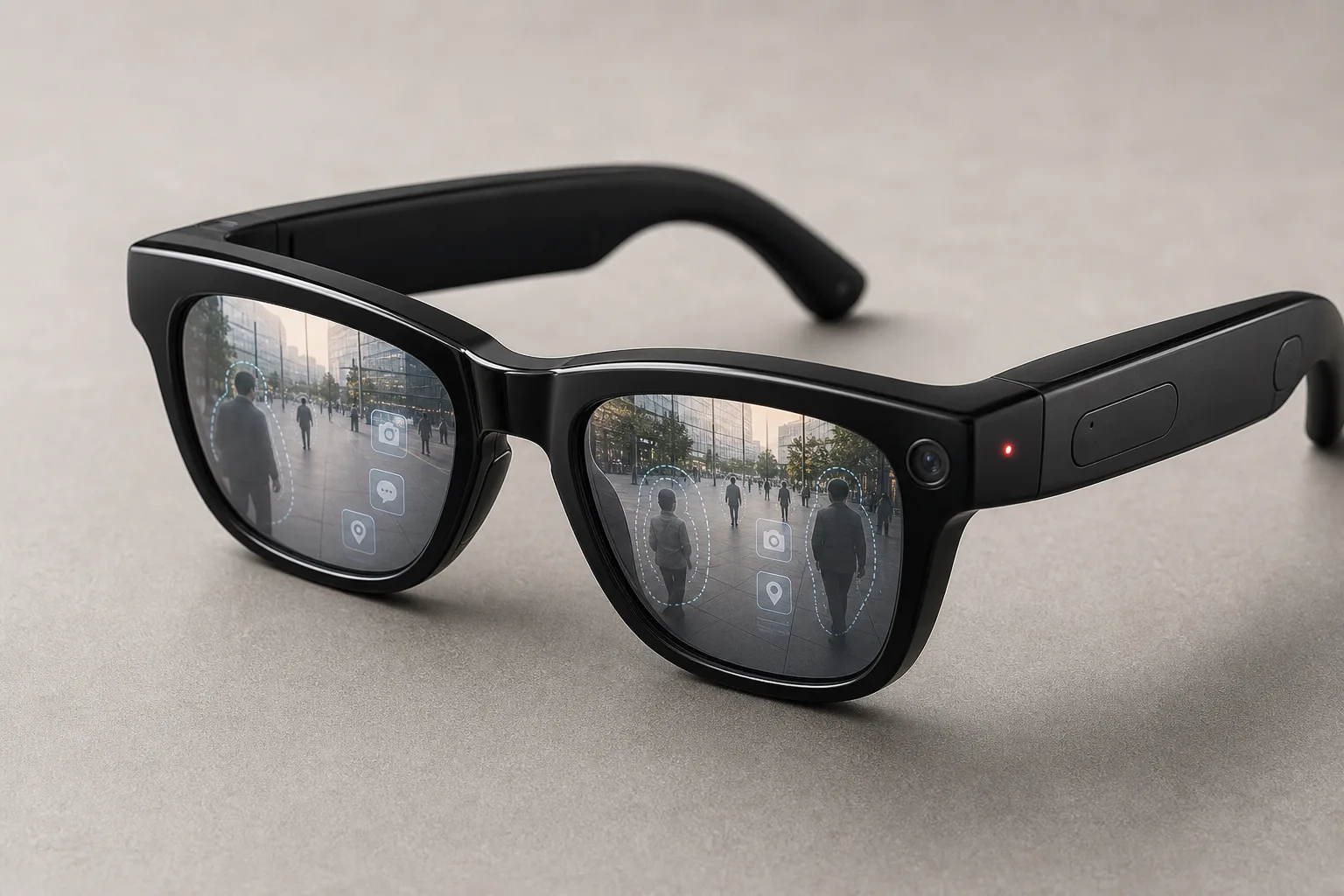
Meta's Kylie AI glasses make the camera harder to see. That is the problem
Meta's Starfire Kylie Edition turns AI glasses into a fashion purchase. The harder part is deciding what rules should follow when a camera looks like ordinary eyewear.
Pixel 11 is coming on August 12. The price leak is the real story.
Google has confirmed its next Pixel event, but the bigger question is whether a 256GB base model and possible price increase make the Pixel 11 worth waiting for.


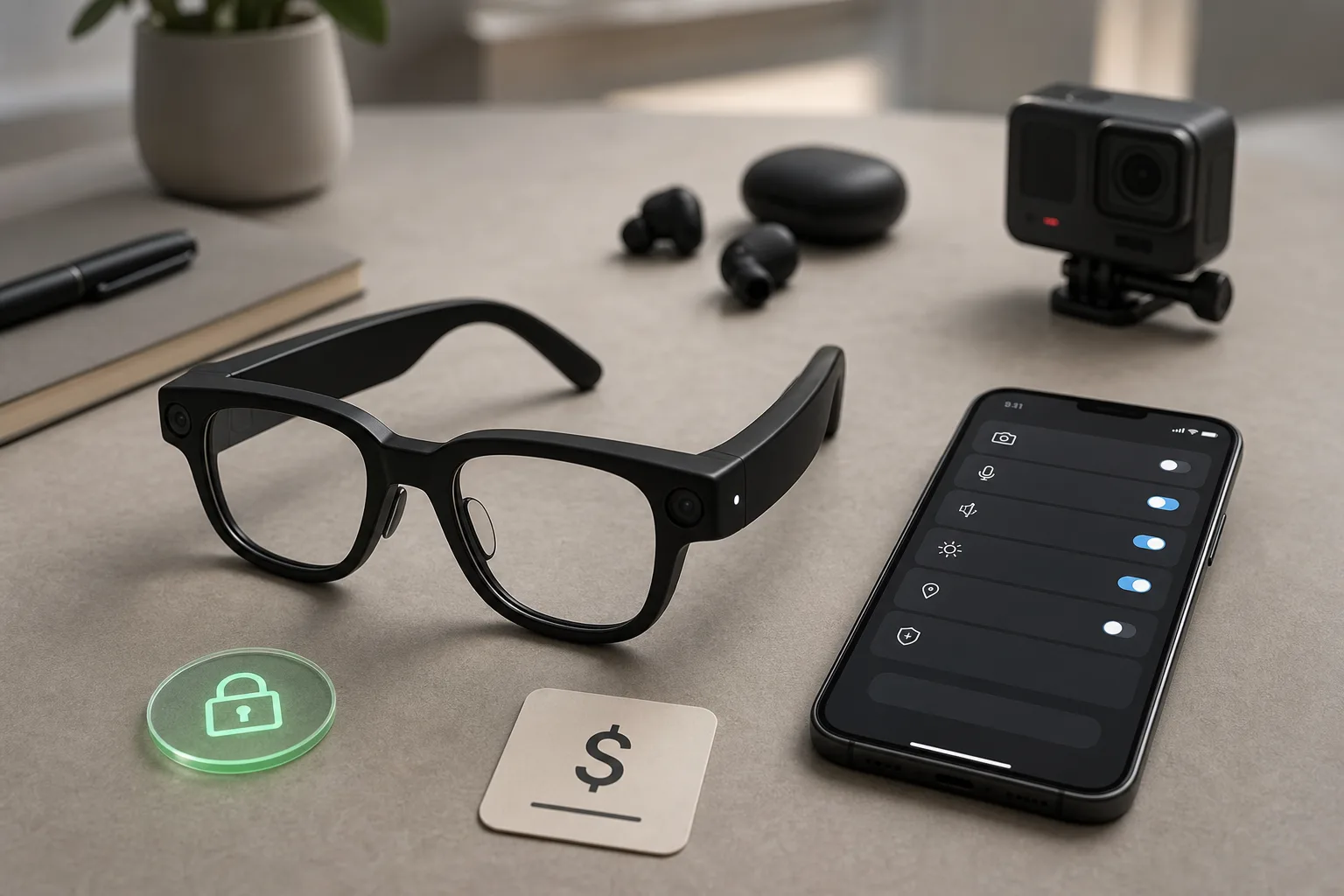
Should you buy Meta AI glasses now that useful features can hit a subscription meter?
Ray-Ban Meta-style AI glasses are useful for hands-free capture, but the new Conversation Focus cap and privacy-light backlash change the buying calculation.
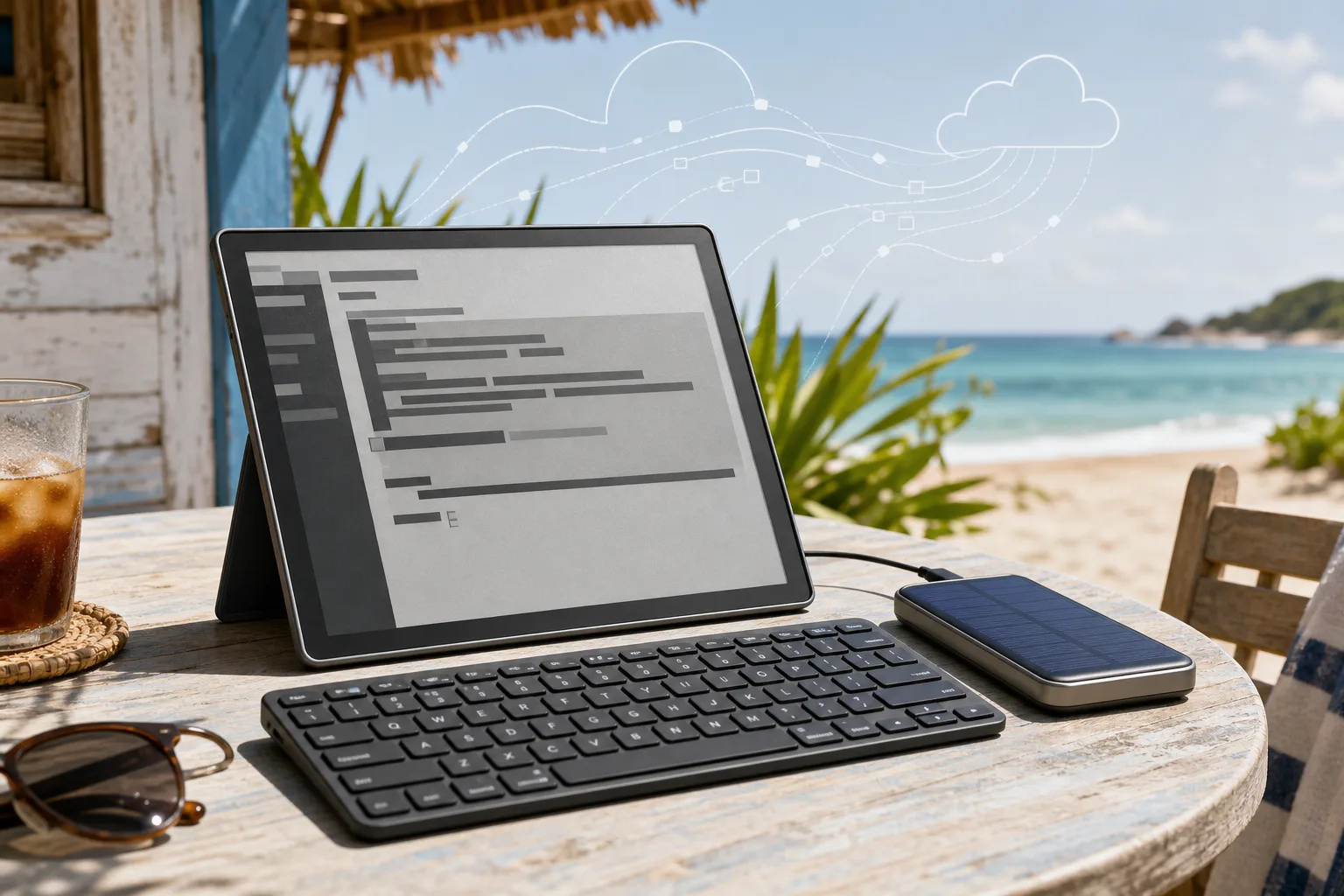
Choosing an e-ink tablet as a sunlight SSH terminal for AI-agent work
A practical buyer guide for running the real work on a server while using an e-ink or reflective tablet outdoors as a cool, readable SSH terminal.
Comments
Sign in to comment.
No comments yet.