Amazon’s New Echo Dot Is a Smart-Home Hub and Eero Extender—Audit the Trade-Offs Before You Buy
Amazon’s 2026 Echo Dot combines Alexa, Zigbee, Matter, Thread, and eero Wi-Fi extension in a $99.99 speaker. The useful question is not whether it replaces a hub, but which parts of your existing setup it can safely simplify.

What Amazon’s new Echo Dot actually adds to the home
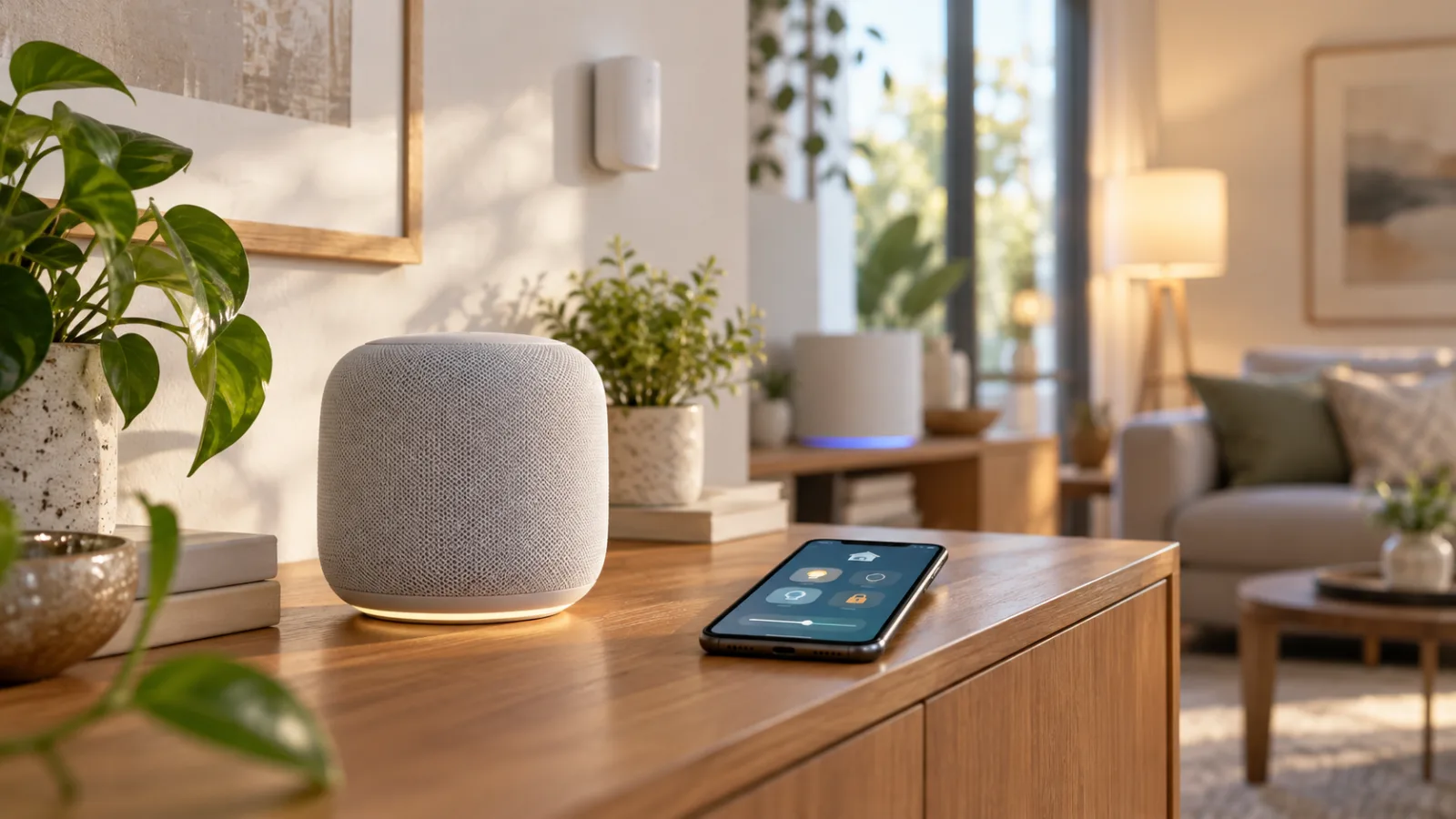
Amazon’s new Echo Dot is positioned as more than a compact Alexa speaker. In its October 28 announcement, the company gives it a $99.99 price, AZ3 silicon, a built-in smart-home hub, and eero Wi-Fi extension. The hub supports Zigbee, Matter, and Thread, while the eero feature is advertised for up to 1,000 square feet. Those are substantial additions to an Echo Dot, but they do not make it a universal replacement for every bridge, controller, or mesh node already in a home.
The word “hub” covers several different jobs. Zigbee support can connect compatible devices without a separate Zigbee coordinator. Matter support provides access to devices built for that standard, while Thread support is relevant to low-power mesh products that need a Thread Border Router. The eero feature addresses Wi-Fi reach. These functions share one enclosure, but they do not become one interchangeable system. A speaker can combine smart-home radios and networking duties without reproducing every proprietary feature of a lighting bridge or every automation capability of a dedicated controller.
That makes the older Echo Dot the fairest comparison. The new model’s stated hardware additions put more connectivity inside the speaker than a basic Alexa endpoint provides. For a modest Alexa-centered installation, that could reduce the need for a separate entry-level hub, especially when the household already owns compatible Zigbee, Matter, or Thread accessories. It also offers a simpler starting point for someone who wants voice control and selected smart-home connections from one centrally placed device.
The price should nevertheless be treated as the cost of a capable endpoint, not as proof that existing equipment is redundant. The announcement confirms the supported protocols and the eero coverage claim; it does not establish that the Dot can absorb every automation, radio protocol, or proprietary function in an established setup. A light that works with Matter may still have manufacturer-specific features exposed only through its own bridge or app. The relevant question is therefore not whether a product is technically compatible, but which control paths and automations remain available after it is connected through the Echo Dot.
Alexa+ belongs in a separate part of that assessment. Software features associated with Alexa+ may change how people discover, organize, or control devices, but they are not the same as adding Zigbee, Matter, Thread, or eero functionality to the hardware. Buyers should first evaluate what the speaker supports as a physical device, then verify which Alexa experience is available for their account and market. A software claim should not be treated as a new radio protocol or as a guarantee that an existing automation will transfer unchanged.
The eero claim also needs a practical reading. “Up to 1,000 square feet” is an advertised upper figure, not a promise that every room will receive strong and reliable Wi-Fi. Placement, the existing eero network, and the relationship between the Dot and other network points still matter. The best location for voice interaction may be near people and away from obstructions; the best location for extension may be chosen for signal geometry instead. Combining both roles creates a placement trade-off rather than eliminating one.
For a buyer, the useful question is not “Does this replace a hub?” but “Which layer of my current setup can it simplify without breaking the rest?” The answer may be a separate Zigbee hub, a Matter controller, or an additional eero point, but only when the household’s network and accessories fit the supported paths. An eero-free home does not automatically gain a complete eero system by buying the speaker, and a home with a dedicated automation controller should not remove it merely because the Dot lists the same broad standards.
The new Echo Dot is best understood as a convergence point: speaker, selected smart-home radios, and an eero role in one product. Its value depends on overlap with the devices already installed, the presence of an eero network, and the owner’s willingness to keep Alexa as the main account and control surface. For a small installation, consolidation may be useful. For a system built around dedicated bridges or complex automations, the same feature list may be additive rather than transformative. The next step is to inventory the existing network, controllers, radios, and device-specific features before treating the Dot as a replacement.
The compatibility audit: hub, border router, extender, or all three?
The new Echo Dot’s feature list is easy to read as a replacement checklist: Zigbee hub, Matter controller, Thread border router, and eero extender in one speaker. That interpretation is too broad. These functions solve different problems and depend on different parts of a home network. A device can provide a radio for one protocol, participate in another ecosystem, and still leave a separate bridge or controller necessary for the features that matter most in a particular household.
Start with the eero requirement. Amazon’s support documentation says that a compatible Echo can act as an eero mesh Wi-Fi extender only when the home already has a compatible eero mesh router, with setup completed through the eero app and an Amazon account (Amazon’s eero guidance). That makes the advertised extension a targeted feature, not a generic upgrade for any router. Before moving the speaker, map the current topology: the main router, eero nodes, wired links, wireless hops, and the rooms where coverage actually fails. One extra speaker should not be assumed to replace an established eero system or fix every weak-signal area.
The same caution applies to Zigbee. A device may pair directly with the Echo Dot’s built-in hub, but pairing is not the same as a complete migration. Existing bulbs, sensors, switches, and routines may depend on a dedicated bridge, its device database, or automations maintained by another platform. Moving an accessory can change its name, room, grouping, available controls, or place in a routine. List each device and its current controller before removing anything. If a product is stable behind a Hue bridge, SmartThings, Home Assistant, or another vendor bridge, assume that bridge still has a job until the replacement path has been tested.
Matter reduces some friction, but it does not erase platform boundaries. Google’s setup guidance says Matter devices can be controlled through Google Home, while Thread-based Matter products require a Thread border router; it also notes that supported device types can vary by platform and update over time (Google’s Matter guidance). In other words, “Matter compatible” describes an interoperability path, not proof that every ecosystem exposes the same controls, automations, firmware tools, or device-specific features.
Multi-admin support is useful when the same Matter accessory needs to appear in more than one ecosystem. Google describes simultaneous use across Matter-certified apps, but each participating app still needs a compatible Matter hub. The Connectivity Standards Alliance likewise describes Matter 1.6’s multi-admin improvements as tools for shared control, while noting that manufacturers and platforms will adopt the specification on their own timelines (CSA’s Matter 1.6 overview). Basic control may therefore travel cleanly between Alexa and Google Home while advanced behavior remains tied to the original platform.
Thread needs its own check. A Thread border router connects a Thread network to the home network; it is not simply another name for a Matter controller, and it does not turn every Matter product into a Thread product. Matter devices can use Wi-Fi, Ethernet, or Thread depending on their design. Check which accessories are actually Thread-based, where existing border routers are located, and which platform administers them before changing anything.
A useful audit separates the labels:
| Function | Verify before moving devices |
|---|---|
| Hub | Whether the accessory uses Zigbee or Matter, and which routines or bridges control it now. |
| Border router | Whether the product is Thread-based and whether the current setup already has border routers. |
| Extender | Whether the home has eero, where its nodes sit, and whether the Dot can improve the real weak spot. |
| Replacement | Whether device features, automations, firmware tools, and manual fallbacks are preserved. |
A small eero household with a few Zigbee or Matter accessories may be able to simplify its entry-level setup. A mixed household with proprietary lighting, a separate automation server, multiple platforms, and Thread devices should expect coexistence rather than a clean swap. The low-risk sequence is to identify the Dot’s role for each device, test one low-consequence accessory, and keep the existing controller available until control, automations, and fallback operation have all been confirmed.
The practical buying question is not “Can this speaker be a hub?” It is “Which exact device, network function, and automation can I move to it without losing a capability I still need?”
The hidden costs are network and household complexity
A $99.99 Echo Dot that also acts as a smart-home hub can make a separate entry-level controller look unnecessary. That is a useful possibility, but it is not the same as a universal hardware replacement. The device can consolidate several roles around Alexa, Zigbee, Matter, Thread, and eero networking; it cannot make every existing automation portable, turn an incompatible accessory into a compatible one, or guarantee that the best location for a speaker is also the best location for network infrastructure.
The first cost is architectural. A household may already have an eero system, a Zigbee bridge, a Matter controller, a Thread border-router arrangement, or a specialist platform that stores automations locally. Adding the Echo Dot can simplify one layer while creating another dependency on the Alexa account and its device model. Before retiring anything, list which box currently performs each job and which routines depend on it. If lights, sensors, plugs, locks, or scenes are exposed through a vendor bridge, the Echo Dot may provide voice access without replacing the bridge’s vendor-specific functions. The same distinction matters for Matter: shared control across ecosystems can be possible, but the presence of Matter does not erase differences in supported device types, setup flows, or advanced features.
The eero claim also needs a narrow reading. An extender is useful only when it has a sensible wireless path to the existing network and a location where client devices can actually benefit from it. A speaker placed beside the television, in a cabinet, at the edge of the house, or behind dense furniture may be convenient for voice control while being a poor network node. Conversely, the strongest networking position may be a place where the microphone is less useful or where the household does not want an always-listening device. The advertised coverage figure should therefore be treated as a planning reference, not as a promise that one new Dot will remove dead zones or make a full eero system redundant. Coverage depends on the existing topology, walls, interference, and placement, so the practical test is reliability in the room that needs it—not the number printed in the product announcement.
That mismatch between household ergonomics and radio placement can create a second, less obvious cost: moving equipment to accommodate the product. Do not alter mains wiring, install a new outlet, or make other electrical changes simply to give a smart-home device a more attractive position. Use an existing safe power point and accept that the best compromise may be to keep the Dot as a speaker and controller while leaving dedicated networking hardware where it performs well. A smart-home upgrade should reduce friction; it should not turn a voice assistant into a reason for improvised electrical work.
There is also a software and account boundary. The Echo Dot’s convenience is tied to Alexa, and some of the more ambitious assistant behavior is associated with Alexa+, whose availability and commercial terms can vary by market. That means the purchase decision should not assume that every advertised conversational or automation capability is equally available to every household, now or later. Treat Alexa+ as a software dependency to verify for the buyer’s country and account, not as a permanent hardware feature. If the household needs dependable control when cloud services, an account, or a subscription boundary changes, it should retain another documented control path rather than making Alexa the only interface.
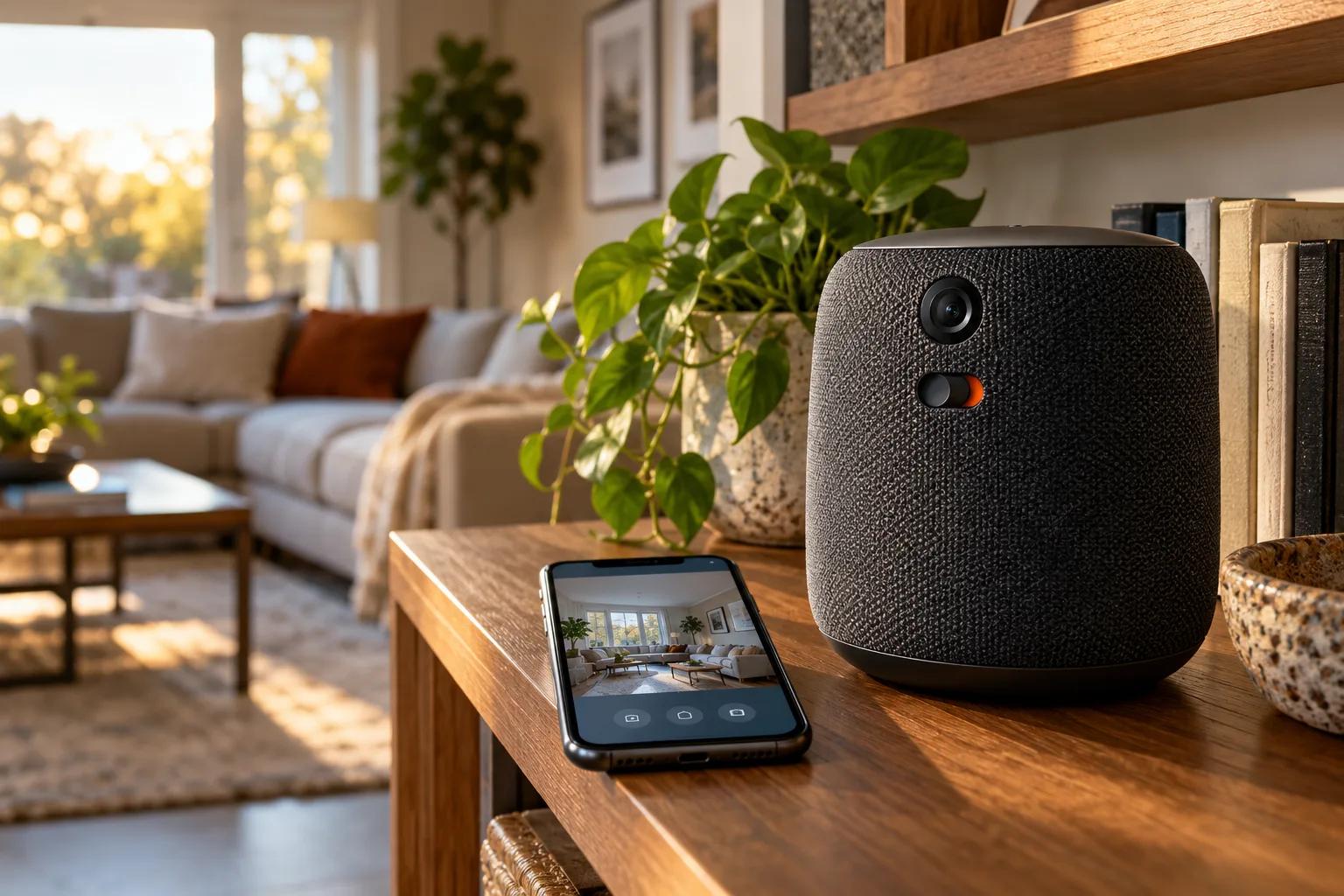
Privacy is part of the same calculation, especially when comparing this Dot with the wider Echo lineup. A speaker with microphones already changes the privacy profile of a room; Echo products that add cameras raise the stakes further. The relevant question is not whether a camera is built into this particular Dot, but whether buying into the broader Echo household encourages additional devices in bedrooms, work areas, or other sensitive spaces. Decide where microphones and cameras are acceptable, review the account and device settings, and preserve physical or manual alternatives for functions that should not depend on voice capture. The more household members and devices involved, the more important it becomes to agree on those boundaries before installation rather than after an unexpected routine or access permission appears.
These trade-offs do not make the Echo Dot a poor value. They define the value more precisely: it may replace a simple, separate hub for a household already comfortable with Alexa and eero, while leaving specialist bridges, dedicated coverage equipment, and independent automation controls in place. The cost is lowest when the Dot is treated as an additional, testable layer. It rises when the buyer assumes that one speaker automatically replaces every controller, every eero node, and every privacy decision already embedded in the home.
A low-risk way to trial it without rebuilding the smart home
The safest way to assess the new Echo Dot is to treat it as an additional controller first, not as an invitation to dismantle the system you already trust. Before pairing anything, write down the hubs, bridges, speakers, eero units, Matter controllers, Zigbee devices, and automations currently in use. Note which routines depend on a particular vendor, which devices still work from a physical switch, and which functions would become inconvenient or impossible if the existing bridge were unplugged. This inventory matters because compatibility at the protocol level does not guarantee that every device feature, automation, or recovery path will transfer cleanly.
Start with one low-consequence accessory. A simple Matter or Zigbee light, plug, or sensor is a better test than a door lock, alarm, heating control, or another device whose failure could affect safety, access, or comfort. Pair it through the Echo Dot and test the whole chain: voice control, the Alexa app, any available shared-platform control, scheduled behavior, and manual operation. If the accessory is also used in another ecosystem, confirm that shared control behaves as expected before assuming that adding the Echo Dot has made the original controller unnecessary. Matter can support multi-ecosystem administration, but that does not erase vendor-specific features or the need for a bridge where one is still required.
The eero claim deserves its own trial. Amazon describes the Echo Dot as an eero extender for coverage of up to 1,000 square feet, but the useful question in a particular home is whether the unit improves a weak area without creating a poor wireless link or an awkward placement. Put it where the network can reach it reliably and where the speaker is useful; do not hide it in a cabinet, place it at the edge of coverage without testing, or move it solely to accommodate a power outlet. Walk through the rooms that previously had unreliable service and compare connection stability before deciding that a separate eero unit can be removed. An extender positioned badly can leave the home with the same dead zone and a more complicated network.
Keep the current setup running while the trial continues. Do not retire a Hue bridge, Home Assistant installation, SmartThings hub, or another dedicated controller merely because the Echo Dot has recognized a few devices. Recreate one automation at a time and check its behavior after a restart, a temporary network interruption, and a period when the primary phone is unavailable. Verify that household members can operate the device without relying on one person’s account, routines, or knowledge. Physical switches and other manual fallbacks should remain usable, particularly for lighting and appliances that need to work when the network, cloud service, or voice interface does not.
This staged approach also clarifies who is most likely to benefit. The Echo Dot is a sensible candidate for a household that already uses eero, wants a compact Alexa speaker, and has a modest collection of compatible Matter or Zigbee accessories. It may reduce the need for a separate entry-level hub in a new or uncomplicated setup, provided the household accepts Alexa-account dependence and confirms that its chosen devices expose the features it needs. It is less compelling as a replacement for a stable, feature-rich installation whose dedicated bridge already handles device-specific functions and dependable automations.
Keep the dedicated bridge if your home depends on Hue-specific behavior, Home Assistant’s local flexibility, SmartThings integrations, or another platform’s particular rules and device support. The Echo Dot can still serve as an additional voice and control point without becoming the sole foundation of the house. That division is often the lower-risk outcome: use the new speaker where it adds convenience, while leaving the system that manages the most important routines intact until the replacement has proved itself in daily use.
Finally, some households should wait. Delay a full migration if local control, privacy, account separation, or long-term Alexa+ requirements are unresolved concerns, or if the home contains safety-critical devices and there is no acceptable manual fallback. The same caution applies when the eero topology is already stable and coverage is good; an advertised extender does not by itself justify changing a working network. Trial the Echo Dot at the edge of the existing system, document what it can and cannot simplify, and make the purchase decision from those results rather than from the hub label alone. Never alter mains wiring to accommodate a smart-home device: use an appropriate outlet and leave electrical changes to a qualified professional.
Related articles
Sub-GHz Thread Is Coming, but Your Smart Home Should Not Wait for It
Thread Group has started work on a Sub-GHz version of Thread. That matters for range, but it is not a buying signal for today’s door sensors, locks or outdoor devices yet.
Google Home’s Philips Hue Matter Upgrade Improves Local Control—But It Does Not Replace the Hue Bridge
Google Home is beginning to move Philips Hue control from cloud-linked commands to local Matter control. Here is what changes, what still depends on your network and bridge, and how to check the upgrade without rebuilding your lighting setup.
Matter got better. Your router can still ruin the smart home
Home Assistant’s 2026 Matter upgrade is real progress, but pairing failures show why buyers should check controllers, Thread border routers, IPv6 and multicast before filling a home with new devices.

Amazon’s Echo Studio with Home Camera: What the New Speaker Changes for Privacy and Value
Amazon’s new $249.99 Echo Studio adds a camera to a premium speaker. The practical question is not whether Alexa can see more, but whether the camera, subscription limits, and cheaper alternatives justify putting it in your room.
Comments
Sign in to comment.
No comments yet.