Google Home’s Philips Hue Matter Upgrade Improves Local Control—But It Does Not Replace the Hue Bridge
Google Home is beginning to move Philips Hue control from cloud-linked commands to local Matter control. Here is what changes, what still depends on your network and bridge, and how to check the upgrade without rebuilding your lighting setup.

A small Google Home update is making Philips Hue lighting less dependent on the internet. Existing Philips Hue bridges can now be upgraded in the background to provide local Matter control through Google Home hubs, with no need to pair every bulb again. The practical promise is simple: commands should respond faster, and basic control should continue when the internet is unavailable but the home network is still working.
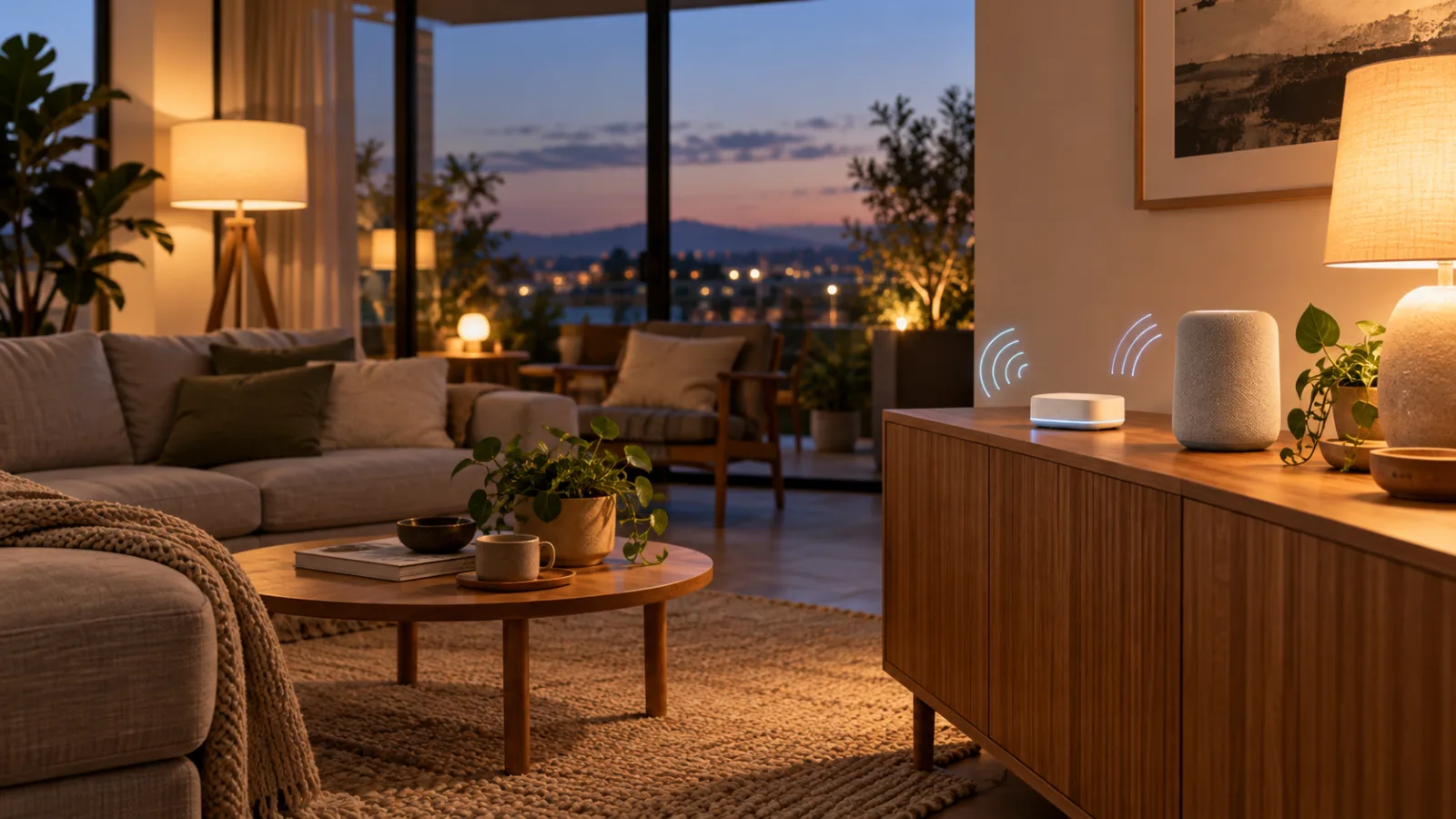
That is useful, but it is easy to overread the announcement. This is not a reason to replace a Hue Bridge, move every light into a new Matter network, or assume that every Hue feature will behave identically in every smart-home platform. It is a change to the path a Google Home command takes between the app, a Google hub and the Hue system.
The right way to think about the upgrade is as a reliability improvement for an existing setup. If your Hue lights already work through Google Home, the update may remove one unnecessary cloud hop. If you are choosing a new lighting system, it does not eliminate the usual questions about bridges, Thread, network design, privacy, automations and long-term support.
What Google is changing
Google Home’s October 14 release notes, reported by 9to5Google, describe local Matter control for Philips Hue lights. Existing Philips Hue bridges are supposed to upgrade in the background so that Google Home hubs can control them locally. Google says the change should provide faster response times and greater reliability, and that users do not need to repair the integration.
In a conventional cloud-to-cloud arrangement, a request made in the Google Home app can travel from the phone or speaker to an online service, then through the manufacturer’s service and back to the home. The exact route varies by product and integration, but the important point is that the internet remains part of the control path. A temporary outage, a provider incident or a slow service can make a light feel broken even when the phone, router and bulbs are all in the same room.
Matter is designed to add a local path. Google’s developer documentation describes Matter as an IP-based standard that can provide lower latency and higher reliability than a cloud-to-cloud connection. A compatible Google Nest speaker, display, hub or Wi-Fi system can act as the local controller for supported Matter devices.
For Hue users, the bridge remains the device that represents the Hue installation to the wider network. The change is not “Google Home now talks directly to every bulb.” It is closer to “Google Home can use the Matter capability exposed by the Hue Bridge through a supported local controller.” That distinction matters when troubleshooting.
What you may notice after the rollout
The most obvious improvement should be response time. A light that previously took a noticeable moment to react may now feel more like a local switch. The difference will not be dramatic in every home. A well-functioning cloud integration can already be quick, and a congested Wi-Fi network can still make local control feel slow. But removing a remote service from a frequent action reduces one class of delay and failure.
The second improvement is behavior during an internet outage. If the Hue Bridge, Google Home hub and phone remain connected to the same functioning local network, basic light control may continue even when the connection to the internet is down. The local-network condition is the important qualification. A broken router, a failed access point, a powered-off Hue Bridge or a hub that cannot communicate with the bridge will still interrupt control.
The change may also make simple Google Home routines more dependable. A routine that turns on a hallway light, changes a lamp’s brightness or switches off a group at bedtime has fewer reasons to wait for an external service. That does not guarantee that every routine will run during every outage. Automations can involve cloud-only devices, remote services, presence signals, calendars or voice processing. A local Matter route for one lighting system does not turn an entire Google Home installation into an offline system.
Google is also redesigning core controls for third-party lights, plugs and switches in the Home app. That interface work is separate from the networking change, but users may experience both at roughly the same time. A refreshed control screen can make the system feel different even when the underlying Hue rooms, scenes and device names have not changed.
What the upgrade does not do
It does not remove the Hue Bridge from a Bridge-based installation. Philips Hue’s own Matter documentation says the Hue Bridge and Bridge Pro already support Matter, allowing products connected through the bridge to participate in Matter ecosystems. The bridge still handles the Hue side of the system, including communication with bulbs and accessories that use Hue’s own radio network.
It does not make every Hue product a standalone Matter device. A bulb connected through Bluetooth has different capabilities from a product connected through a Hue Bridge. Philips Hue specifically notes that products connected via Bluetooth cannot be used with Matter through the bridge path. If a product is important to your setup, check how it is connected rather than relying only on a Matter label on the ecosystem side.
It does not guarantee access to every Hue feature inside Google Home. Matter is an interoperability layer, not a universal copy of a manufacturer’s entire app. Color, brightness, temperature and on/off control may be available while advanced scenes, entertainment synchronization, accessory configuration, detailed diagnostics or proprietary effects remain in the Hue app. Google’s supported-device documentation also makes clear that supported device types do not all expose the same controls or setup behavior.
It does not provide remote control when your home internet is down. Local control means that devices on the home network can communicate without reaching a cloud service. It does not mean you can control those lights from another city during an outage. Remote access normally requires an online path and a functioning service on the other end.
It does not fix a poor wireless layout. Hue bulbs connected to a Hue Bridge are not equivalent to Wi-Fi bulbs competing for airtime on the household network, but the bridge, router and Google hub still need a stable path between them. If the bridge is hidden behind a television, connected to an overloaded switch or separated from the router by a troublesome network segment, Matter will not correct that physical or network problem.
The equipment you need
For an existing Hue Bridge installation, the likely requirements are modest. You need a Hue Bridge or Bridge Pro with current software, a Google Home setup containing a compatible Google hub, and a local network on which those devices can communicate. The Google Home app must also be current enough to receive the relevant behavior.
A Google Nest Hub, Nest speaker or supported Google Wi-Fi device can provide the Google Home side of Matter control, depending on the capabilities of the particular model and software version. Google’s documentation treats the hub as important for local connectivity and remote operation. A phone alone should not be assumed to provide the same always-available controller role as a powered Google Home hub.
If you are buying new Hue bulbs without a bridge, the situation is different. Some Hue bulbs support Matter directly, but the setup may require a Thread Border Router when using their Thread-based path. Philips Hue lists examples such as a Google Nest Hub, Apple HomePod mini, compatible Amazon Echo speakers and certain Nanoleaf products. That is a separate purchase decision from the new Google Home upgrade for existing bridges.
The bridge-based route is often easier for a whole-home Hue installation because the bridge keeps the bulbs on Hue’s established network and exposes the system to other ecosystems. Direct Matter bulbs can be attractive for a small installation, but they introduce another question: which controller will own the Thread network, and what happens if you later add Apple Home, Alexa, SmartThings or Home Assistant?
How to check the change safely
Start by recording the current state of the system. Turn one light on and off from the Google Home app, change brightness, use a voice command if that is part of your normal routine, and run one important automation. Make a note of any scenes or room assignments that already behave incorrectly. This gives you a baseline before blaming the update for an older problem.
Next, update the Google Home app through the normal app store process and allow the Hue Bridge time to remain powered and connected. The reported feature is intended to apply in the background without re-pairing. Avoid unlinking Hue from Google Home or deleting rooms merely because the Matter wording has appeared in release notes. Rebuilding the integration can create duplicate rooms, duplicated devices and renamed scenes that are harder to repair than the original problem.
Check the Google Home app’s Home settings and hub information after the update. The exact labels can change between Android and iOS versions, so the absence of a particular menu name is not proof that the feature is missing. The useful tests are behavioral: does a light respond normally, does the correct room still contain it, and does the important routine still run?
Then perform a controlled local test. Disconnect the internet connection at the router or gateway while leaving the local network powered. Do not unplug the router, access point, Hue Bridge or Google hub. From a phone connected to the same Wi-Fi network, test a simple light command. If it works, test only a few essential actions. Restore the internet connection when finished and verify that remote access and cloud-dependent features recover.
This test has limits. Some routers isolate wireless clients, some systems use separate guest and main networks, and some hubs may change behavior when their internet connection disappears. A failed test does not automatically mean the Hue update is absent. It may indicate that the phone and bridge are on different network segments, that the hub needs online access for a particular operation, or that another part of the command path is cloud-dependent.
A practical troubleshooting order
If the lights stop responding after the rollout, use the least disruptive checks first. Confirm that the Hue Bridge has power and that its network cable is connected. Check whether the Hue app can control the same lights. If the Hue app works but Google Home does not, the likely problem is the integration or local discovery path rather than the bulbs themselves.
If both Google Home and Hue fail, inspect the bridge, router and network before removing anything. A reboot may restore a temporary discovery problem, but it should not become the only operating procedure. If the bridge repeatedly disappears, investigate DHCP reservations, switch behavior, VLAN or guest-network isolation, and whether the bridge and Google hub are actually reachable from the same home network.
If only one light or room is wrong, check naming and room assignment. Matter can expose devices in a way that differs from the manufacturer’s app, and duplicate integrations can create two representations of what appears to be one bulb. A duplicate device can cause an automation to act on the wrong entity or make voice commands ambiguous.
Only after those checks should you consider unlinking and reconnecting the Hue integration. Before doing so, take screenshots or notes of important Google Home routines, room names and device names. Re-pairing may be straightforward, but it can also change identifiers that an automation depends on. There is little benefit in performing a full reset when the update is specifically designed to avoid one.
The privacy benefit is real, but limited
Local control reduces the amount of routine lighting traffic that needs to leave the home. That can improve privacy and reduce dependence on a vendor service for a basic action such as turning on a lamp. It is a meaningful architectural improvement, especially for households that want lights to remain usable during an outage.
It is not a complete privacy guarantee. The Hue app, Google Home account, optional remote access, voice services, diagnostics and other connected devices can still involve cloud processing. A local Matter command may avoid a cloud round trip for the control action while account data, firmware services or remote features continue to rely on online systems.
There is also a security tradeoff in every added ecosystem connection. Exposing the Hue Bridge to Google Home can be useful, but it means more account and platform permissions must be kept under control. Review which household members can change devices, create automations or access remote control. Remove old accounts, use strong unique passwords and enable multi-factor authentication where available. A local protocol is not a substitute for account security.
Keep firmware current on the Hue Bridge, Google hubs and router. Matter’s local path does not make an unpatched controller harmless. The bridge is a central point of control for the lighting system, so it deserves the same attention as a router or smart-home server.
Should you switch an existing Hue installation to Matter manually?
Usually, no. The reported Google Home change is aimed at existing Hue Bridge installations and is supposed to happen without re-pairing. Manually deleting the Hue integration and adding the bridge through a new Matter commissioning flow may produce a different result from the background upgrade, including duplicate devices or lost organization.
Manual setup can make sense when you are deliberately changing architectures, moving a new bridge into another ecosystem or repairing an integration that is already broken. In that case, treat it as a migration: document the current state, decide which platform should own automations, and make sure you have a fallback method for turning lights on and off. Do not begin by deleting the only working control path.
For a new installation, compare the bridge and direct-Matter approaches rather than assuming one is universally better. A Hue Bridge gives you a mature lighting network and broad Hue-specific functionality. Direct Matter bulbs can reduce dependence on a proprietary bridge, but they may require a Thread Border Router and can expose fewer manufacturer features in a general-purpose smart-home app.
What this says about Matter in 2026
The most useful part of this update is not the branding. It is the movement of a common, already-installed product from an internet-dependent integration toward a local control path without asking users to rebuild the home. That is the kind of interoperability change people can feel: faster commands, fewer service dependencies and less pressure to replace working hardware.
It also shows why “supports Matter” is not enough information for a buying decision. You need to ask how the product connects, which controller performs local control, which features are exposed, whether remote access still works, and what happens when the router or internet connection fails. Two products can carry the same Matter logo while requiring very different equipment and delivering different app experiences.
For Hue owners, the sensible response is conservative. Keep the bridge, update the software, test one light and one important routine, and only change the network if the real behavior requires it. If local control works, you have gained a useful fallback without taking on a migration project. If it does not, troubleshoot the bridge and network path before removing integrations.
The upgrade is best understood as maintenance that finally reaches the part of the smart home users notice every day: whether a light reacts when they ask. That is less dramatic than a new hub or a new assistant, but it is exactly the kind of improvement that makes an existing system easier to live with.
Related articles
Shelly Wall Display as a Matter Controller: Useful Upgrade, Not a Hub Replacement for Every Home
Shelly's Wall Display firmware 2.8.0 makes some panels Matter controllers and Matter devices. The useful part is local room control; the catch is Thread, wiring, and platform expectations.
Do not throw out Zigbee yet: what Matter over Thread tests mean at home
New practical tests and user reports show Zigbee can still feel faster for lights and sensors, while Matter over Thread is a future-facing choice that needs careful setup.
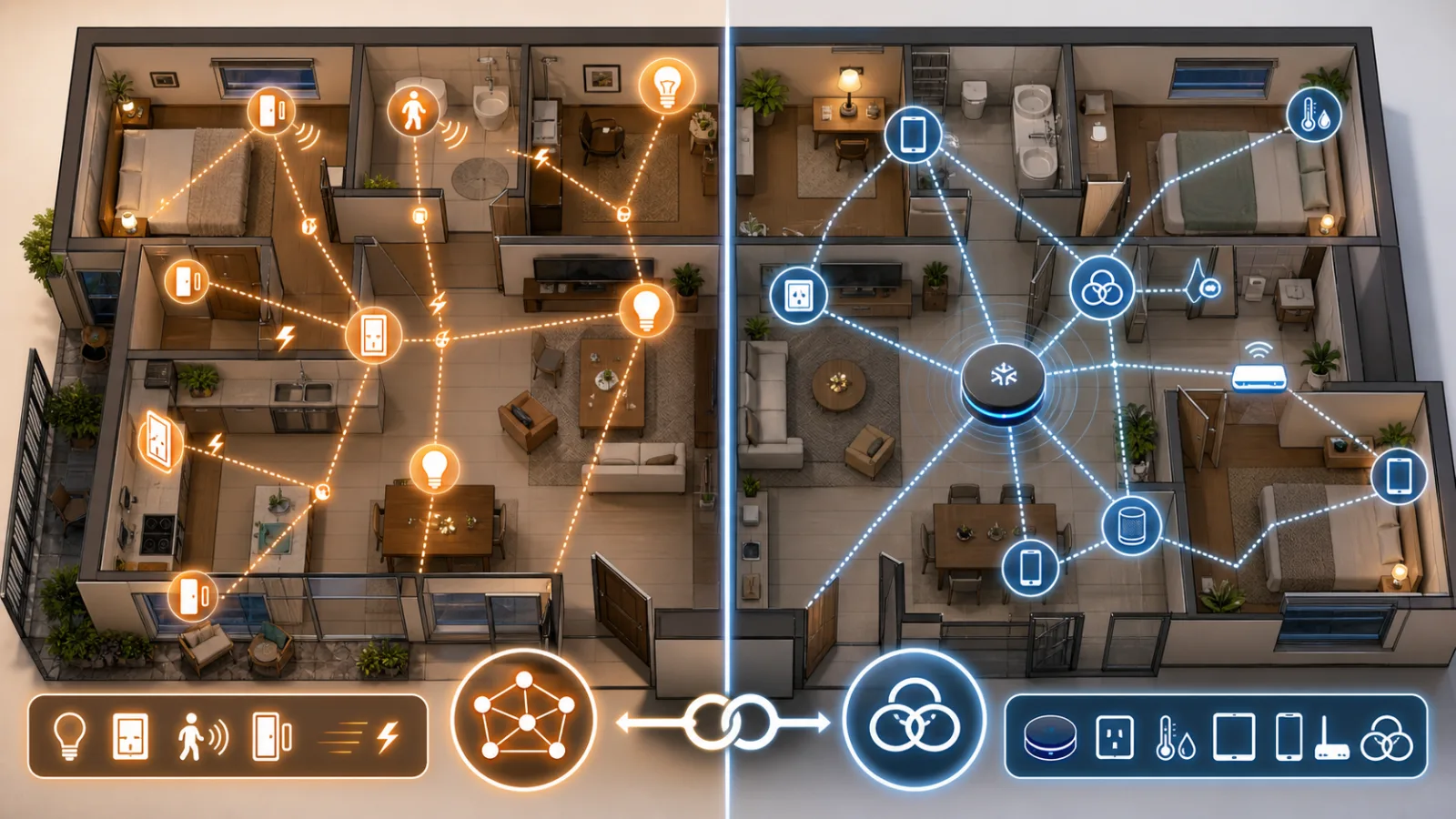
When Google Home turned lights on by itself: the smart-home lesson is manual control
A fixed Google Home iOS lighting bug is a practical reminder to design smart homes with physical switches, local fallbacks and safe defaults.
A smart home needs a local Plan B when Google Home goes quiet
The August Google Home and Nest outage was fixed, but it exposed a design problem many apartments and houses still have: basic controls often depend on a remote service. The practical response is not panic or a server rack, but a simple local fallback plan.
Comments
Sign in to comment.
No comments yet.