Home Assistant’s New Marketplace Replaces HACS: What to Audit Before You Install More Community Code
Home Assistant 2026.11 moves HACS into the built-in Marketplace. The migration is designed to be automatic, but the security boundary has not changed: community code still runs inside your home system. Here is what to check before treating the new catalog like an app store.
Home Assistant 2026.11 changes where community-made integrations, dashboard cards, themes, and templates live. HACS, which users previously installed as a custom integration, is now part of Home Assistant itself under Settings > Marketplace. Existing HACS installations are migrated when Home Assistant starts after the update, and the projects already installed should remain available.
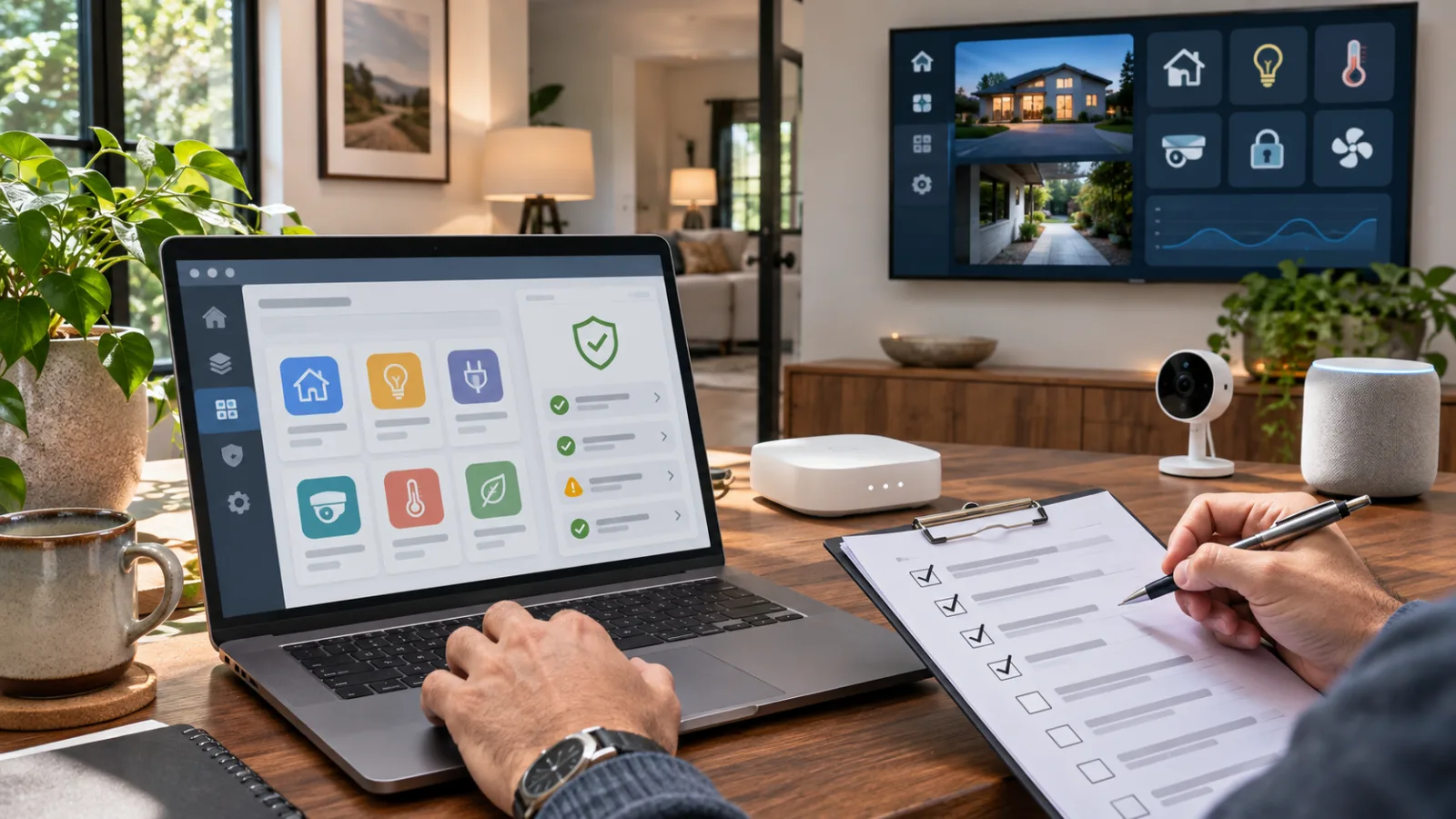
That is useful housekeeping, but it is easy to misunderstand what has actually changed. The Marketplace is a better delivery mechanism, not a new trust model. A project installed from it is still community code running in the system that controls your home. Home Assistant’s own documentation warns that Marketplace content is not tested, audited, or supported by the Home Assistant project and may affect security, privacy, stability, or performance.
The practical advice is simple: treat 2026.11 as a good moment to inventory your community software, verify the migration, and reduce unnecessary access. Do not treat the Marketplace label as equivalent to an official integration.
What changed in Home Assistant 2026.11
Before this release, HACS was itself a custom integration. It provided a catalog and update mechanism for other community projects, but installing HACS required a separate setup process. The new Marketplace is an integration in Home Assistant Core. It ships with the release, works across the supported installation types, and appears under the Settings menu without a separate HACS installation.
The user-facing workflow is shorter. An administrator can browse the catalog, choose an integration, card, theme, or template, and install it from the Marketplace. New integrations can go directly into their setup flow instead of requiring the older sequence of downloading a project, restarting Home Assistant, and then searching for the integration again. Updates appear with the rest of Home Assistant’s update notifications, although an update can still require a restart.
The Marketplace also exposes more context on a project page than a filename in a configuration folder does. Depending on the project, users can see its required Home Assistant version, recent activity, GitHub stars, download information, and open issues. Those signals are useful for screening, but they are not a security audit. Popularity can indicate that a project is maintained and widely used; it cannot prove that the code is safe or that its current release is compatible with your particular setup.
The catalog continues to use GitHub repositories and the existing hacs.json metadata. That continuity is why many HACS projects can move across without a rewrite. It also means the Marketplace inherits the strengths and weaknesses of the community ecosystem: a large range of device support, uneven maintenance, varying documentation, and code supplied by people who are not part of the Home Assistant project.
What should happen to an existing HACS installation
For most users, the intended migration is automatic. After Home Assistant starts on 2026.11, installed repositories, custom repositories, and update entities should carry over. The old HACS integration and its files are removed, while links that point to the old HACS path are redirected to the Marketplace.
That does not mean every old HACS feature has a direct replacement. The Marketplace handles community integrations, dashboard cards and plugins, themes, and templates. It does not manage AppDaemon apps or Python scripts. If you used HACS for those, the files may remain on the system and continue to work, but they are no longer managed or updated by the Marketplace. A repair notice may identify items affected by this change.
Dashboard resources also deserve attention. The new Marketplace serves resources from /local/community/, while the old /hacsfiles/ paths continue to work for compatibility. If you manage dashboard resources in YAML, check for a repair notice and plan to update stale paths rather than assuming the compatibility route will remain indefinitely.
The old integration name can also matter to automations and templates. Update entities retain their entity IDs, which helps existing dashboards and automations continue to work. References that explicitly query the HACS integration do not necessarily remain valid. For example, a template using integration_entities('hacs') needs to be reviewed and may need to use integration_entities('marketplace') instead.
The same distinction applies to custom tooling. If an external tool or custom integration calls HACS WebSocket commands, those commands are not automatically interchangeable with Marketplace commands. Code that reads HACS-specific files in .storage, depends on hass.data["hacs"], or listens for HACS-specific signals can stop working after the migration. This is mainly a developer concern, but ordinary users can encounter it indirectly through a dashboard package or automation bundle.
The first audit: confirm what actually moved
Do this before installing anything new. Open Settings > Marketplace and review the Installed list. Compare it with the HACS projects you deliberately chose in the past. The goal is not to reproduce an old screenshot; it is to identify what code is still present and whether each item still has a job in your home.
For every installed project, record four things:
- What device, service, dashboard, or automation depends on it.
- Whether it is still maintained and compatible with your Home Assistant version.
- Whether it needs credentials, a cloud account, or access to sensitive data.
- What you would lose if it stopped working tomorrow.
The last question separates convenience from infrastructure. A theme that disappears is annoying. A custom integration controlling a heat pump, door lock, water valve, or alarm system deserves a higher standard of review and a tested fallback.
Use the project page to check the required Home Assistant version and recent release activity. Then open the linked repository and read its documentation. Look for a clear maintainer, recent issue responses, release notes, and a description of the permissions or network services it needs. A repository that has not been updated for a long time is not automatically unsafe, but it is more exposed to changes in Home Assistant, vendor APIs, authentication systems, and dependency behavior.
Do not keep a project merely because it is installed. Removing an unused custom integration reduces future update risk, startup work, and the amount of code that has access to your system. If you are uncertain, take a backup first, uninstall the project, and observe whether any device, dashboard, or automation reports a missing dependency.
The Marketplace is not an app store security review
The most important warning in the new interface is also the easiest to click past. Marketplace content runs inside Home Assistant. A custom integration can communicate with devices, call external services, read configuration data, and participate in the control layer for your home. Dashboard code can affect what is displayed or loaded in your browser. A theme is usually lower risk than an integration, but “lower” is not the same as “zero.”
Home Assistant says community content is not tested, audited, or supported by the project. That boundary has not been removed by moving HACS into Core. The Marketplace improves installation and update handling; it does not turn third-party code into first-party code.
A sensible trust review has several layers:
- Source: Is the repository clearly identified, public, and associated with the project or device you expect? Be cautious with forks that have similar names but no explanation of why they exist.
- Maintenance: Are issues answered? Are releases recent enough for the current Home Assistant version? Does the project explain breaking changes?
- Scope: Does the code need access to a local device, an account, a camera, energy data, or your entire Home Assistant instance? The more consequential the function, the more evidence you should require.
- Behavior: Does the documentation describe outbound connections, telemetry, authentication, or cloud dependencies? If it does not, that is a reason to investigate, not a reason to assume nothing happens.
- Recovery: Can you remove the project and return to manual control? Is there a supported official integration, local protocol, or vendor app that can serve as a fallback?
These checks are especially important for projects that connect to cloud services. A community integration may be the only practical way to control an appliance, but it can also inherit the service’s outage, account, privacy, and API-change risks. Local control is valuable, but the existence of a custom integration does not prove that control is local. Read what the project actually does.
GitHub connections and download sources
Adding a custom repository that is not in the catalog requires a GitHub connection. Home Assistant’s Marketplace documentation says this uses GitHub device sign-in, so you approve the connection on GitHub rather than entering a GitHub password into Home Assistant. The connection is intended to read public information and does not provide access to private repositories.
That is preferable to pasting a personal access token into an unfamiliar form, but it is still worth checking the authorization screen. Confirm that the account and requested access match what you intend. Remove old or unneeded authorizations from GitHub later, especially if you have experimented with repositories that are no longer installed.
The default download source is GitHub. Home Assistant also documents mirrors for places where GitHub may be unreachable, including unofficial China community mirrors and fallback third-party proxies. A mirror is not just a faster pipe. The catalog and the code you install pass through whoever operates the mirror or proxy. Select a source only when you trust the operator and understand the privacy and integrity trade-off.
This is a general smart-home rule: a local controller can still depend on an external supply chain. “Runs locally” describes where code executes after installation; it does not describe where the code came from, how it was updated, or what services it contacts.
Backup before experimenting
Create a current backup before installing or removing community integrations, particularly if you use Home Assistant to control heating, locks, cameras, pumps, or other equipment where a broken configuration would matter. Home Assistant’s backup documentation recommends keeping a copy outside the device and, ideally, another copy off-site. A backup stored only on the same small computer that runs your smart home is useful only until that computer’s storage fails.
Include the Home Assistant settings at minimum. If your energy history, media, or other data is important, decide whether those should be included as well. Keep the backup encryption emergency kit in a safe place; an encrypted backup without its recovery key is not a practical recovery plan.
A backup is not the same as a rollback button for every community project. It gives you a route back to a known configuration, but restoring can overwrite current changes and may reinstall a project that is no longer compatible. Before a major change, write down the current Home Assistant version, the installed community projects, and the devices that must remain operational. That small inventory makes a restore or migration much less confusing.
If you run a container installation, remember that the Marketplace is still managing files in the Home Assistant configuration and custom component directories. The exact backup and restore process depends on how your container and configuration storage are arranged. Do not assume that a host-level snapshot automatically captures every external database, USB radio, or secrets file your installation uses.
A safer way to add community projects
The lower-friction installation flow is a reason to slow down, not a reason to install more. Before selecting Install, answer three questions:
- What problem does this solve that the built-in integration or existing automation does not?
- What will I do if it breaks after the next Home Assistant update?
- What information or control does this project need in order to work?
Install one significant project at a time. Restart if requested, then test the device or automation it supports. Check the Home Assistant log and Repairs page. If you add five integrations at once and a dashboard stops loading, you have created a needless diagnosis problem.
For critical devices, use a staged approach. First install the project without replacing your existing manual control. Test status reporting, then test a low-risk command, then test the failure case. A smart lock should still have its physical key or keypad. A heating automation should have a manual thermostat path. A water-related automation should not be the only mechanism preventing an overflow.
Avoid giving new projects more credentials than they need. Use separate vendor accounts where practical, restrict tokens to the required scope, and remove credentials from projects you uninstall. If a vendor integration requires broad account access because the vendor offers no narrower option, treat that limitation as part of the purchase decision.
What changed for publishers and advanced users
The Marketplace is also a packaging change for people who maintain their own integrations, cards, themes, and templates. The existing catalog structure and hacs.json metadata remain important. A project that worked through HACS will often continue to work through the Marketplace, but the runtime and user-facing paths are not identical.
Publishers should test against Home Assistant 2026.11 and later, document the required version, and explain any cloud or credential behavior. If the project depends on HACS internals rather than simply using HACS as a distribution channel, it needs a more careful review. Reading HACS-specific storage, relying on hass.data["hacs"], or listening for HACS dispatch signals can fail after migration.
Projects that provide AppDaemon apps or Python scripts need particular attention because the Marketplace does not manage those content types. Users may continue running old files without receiving updates, which creates a dangerous illusion of continuity. A project can still function while silently falling outside the normal update path.
Blueprints are another boundary. They are not installed as Marketplace repositories in the same way as integrations, cards, themes, and template macros. They are imported from a URL and updated by re-importing from that source. Treat blueprint links as code distribution too: verify the author, inspect the YAML, and understand which actions the resulting automation can perform.
What this means for ordinary smart-home owners
If you never used HACS, the immediate change is mostly positive: community projects are easier to discover and install, and the setup hurdle is lower. That lower hurdle may help people add support for devices that Home Assistant does not include natively.
If you used HACS, you probably do not need to reinstall everything. Start by confirming that the migration completed, then review the projects that matter. Pay special attention to custom repositories, AppDaemon or Python-script files, dashboard resource paths, templates that refer to hacs, and any custom tool that used HACS WebSocket commands.
If you are building a new system, prefer the built-in integration when it offers the functions you need. Consider a Marketplace project when it provides meaningful device support or a capability you cannot reasonably get elsewhere. The best long-term arrangement is often a small number of well-maintained community projects surrounded by ordinary manual controls, clear backups, and a local fallback where the device supports one.
The Marketplace makes the community ecosystem more visible and more approachable. That is valuable. It also makes it easier to forget that “community” remains the key word. The correct mental model is not an official app marketplace. It is a more integrated catalog for code that can become part of your home’s control system.
A practical 2026.11 checklist
Before you move on from the update, check the following:
- Open Settings > Marketplace and accept the warning only after reading it.
- Review the Installed list and remove projects you no longer use.
- Confirm that critical custom integrations still report device state and accept commands.
- Check Repairs for migration notices, old dashboard resource paths, and unmanaged scripts.
- Search templates and automations for explicit references to
hacs. - Review custom repositories and confirm that each one still has a clear maintainer.
- Check GitHub authorizations and remove connections you no longer need.
- Verify the Marketplace download source and do not select a mirror merely because it is suggested.
- Create or verify a current encrypted backup, including a safely stored emergency kit.
- Test manual control of locks, heating, lighting, cameras, and other important equipment.
- Add future projects one at a time and observe the system before adding another.
Home Assistant 2026.11 does not make community software inherently unsafe, and it does not make it inherently safe. It removes installation friction and brings the update process into the platform. The owner’s responsibility remains the same: know what is installed, know what it can reach, keep a way back, and do not confuse a convenient catalog with an endorsement.
Related articles
Shelly Wall Display as a Matter Controller: Useful Upgrade, Not a Hub Replacement for Every Home
Shelly's Wall Display firmware 2.8.0 makes some panels Matter controllers and Matter devices. The useful part is local room control; the catch is Thread, wiring, and platform expectations.

Home Assistant Adds Batteryless Zigbee Switches: Check These Limits Before You Buy
Home Assistant 2026.11 adds Zigbee Green Power support, opening the door to batteryless Friends of Hue switches. The feature is promising, but coordinator type, router coverage, pairing, and fallback control still determine whether it works well in a real home.
Amazon’s New Echo Dot Is a Smart-Home Hub and Eero Extender—Audit the Trade-Offs Before You Buy
Amazon’s 2026 Echo Dot combines Alexa, Zigbee, Matter, Thread, and eero Wi-Fi extension in a $99.99 speaker. The useful question is not whether it replaces a hub, but which parts of your existing setup it can safely simplify.
Smart home by subscription: why SmartThings users are worried about Home Assistant integrations
Samsung says ordinary SmartThings app users are not the target. The worry is what happens to Home Assistant, dashboards, scripts, PATs and Samsung-appliance data when API access becomes paid.
Comments
Sign in to comment.
No comments yet.