SONOFF SenseGuard DW Gen3: Choose Matter over Thread or Zigbee Before You Install It
SONOFF’s new SenseGuard DW Gen3 offers Matter over Thread or Zigbee, but the two modes do not expose identical features. This guide checks the missing tamper alerts, required hubs, firmware paths, and best-fit setups.

What the SenseGuard DW Gen3 Actually Supports
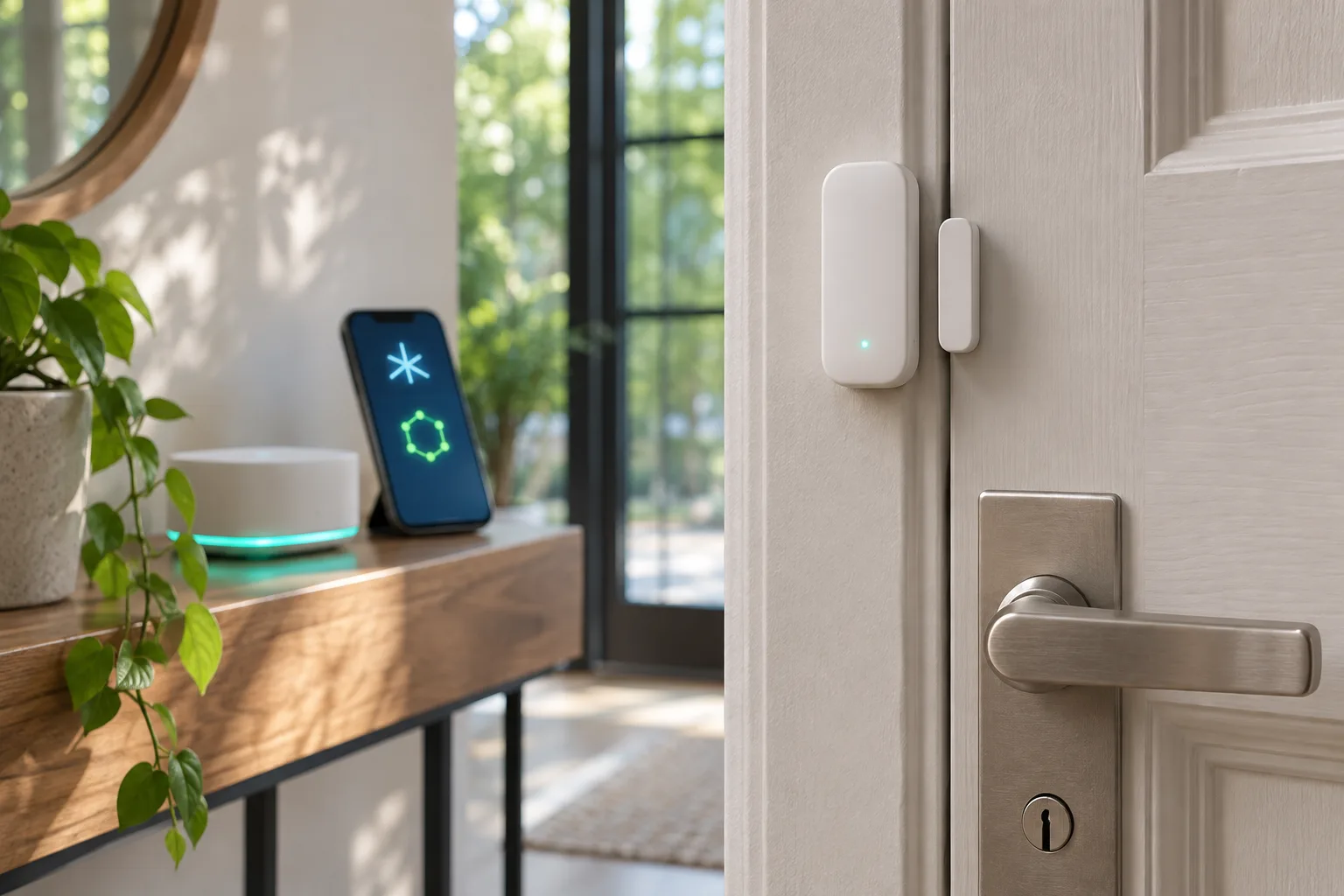
SONOFF’s SenseGuard DW Gen3, model SNZT-04P, arrives in November 2026 as a door and window sensor with two possible wireless paths: Matter over Thread or Zigbee 3.0. That wording can make the product sound as though it offers one device with two interchangeable connection labels. In practice, the choice affects the controller, the setup process, the available platform support, and which sensor data you can reasonably expect to use in automations. The first decision should therefore happen before the sensor is mounted and paired, not after a preferred smart-home platform fails to expose an expected feature.
The Matter capability is not a generic Wi-Fi connection. The Connectivity Standards Alliance certification record identifies the SNZT-04P as a Matter 1.5 smart door/window sensor using Thread. SONOFF’s product information presents Zigbee 3.0 as the alternative operating mode. In Matter mode, the device needs a compatible Thread Border Router as part of the network. That requirement is easy to overlook because Matter is often discussed as the common application layer that brings different ecosystems together. Matter can simplify the way a supported device is shared across platforms, but it does not remove the need for the underlying Thread infrastructure.
This distinction matters most in homes where a Matter controller is present but Thread coverage is not. A controller that can manage Matter devices is not automatically proof that the home has everything required for a Thread sensor. The setup needs a compatible controller and a Thread Border Router, with the exact arrangement depending on the ecosystem. The documented Matter route is intended for ecosystems including Apple Home, Google Home, Alexa, SmartThings, and Home Assistant, provided the relevant controller and Thread requirements are met. Home Assistant’s Matter documentation likewise treats Thread as a separate network consideration rather than assuming that Matter alone supplies the radio network.
Zigbee follows a different path. It requires a Zigbee hub or coordinator, so it is not simply a fallback pairing button inside a Matter setup. It may be the more natural choice for an existing Zigbee installation, including a network managed through ZHA, Zigbee2MQTT, or a SONOFF Zigbee system. In that arrangement, the sensor joins the Zigbee network already responsible for routing and device management. The trade-off is that the device is being integrated through the capabilities and entity model of that Zigbee stack, rather than through Matter’s cross-platform commissioning model.
The hardware description also sets useful boundaries for installation. SONOFF documents the SNZT-04P for indoor use and specifies two AAA batteries. Its form factor supports flexible mounting as a contact sensor for a door or window, but the wireless mode does not change the physical requirements: the sensor and magnet still need to be positioned correctly, the mounting surface must hold them securely, and the selected network must reach the installation point. A sensor that is easy to pair beside a hub can still be a poor choice for a distant entry if the chosen Thread or Zigbee network does not provide dependable coverage there.
The most important point is that “Matter” and “Zigbee” describe more than two branding options. They lead into different network architectures and different support paths. Matter over Thread is attractive when a home already has the required Thread Border Router and the priority is a straightforward contact sensor that can participate in a supported Matter ecosystem. Zigbee is more compelling when the home already has a coordinator and relies on local Zigbee tooling or detailed device entities. That distinction becomes especially important because the two modes do not expose an identical set of features. The basic open-or-closed state is only the starting point; battery reporting, tamper information, and firmware handling may depend on the route used to connect the SNZT-04P.
Matter over Thread and Zigbee Are Different Setups
The SenseGuard DW Gen3 is easier to understand when Matter over Thread and Zigbee are treated as two connection paths, not as interchangeable labels for the same setup. In Thread mode, the SNZT-04P joins a Matter ecosystem through a compatible Matter controller and a Thread Border Router. That combination is what allows it to participate in platforms such as Apple Home, Google Home, Alexa, SmartThings, or Home Assistant. The sensor itself is only one part of that arrangement: a Matter controller manages the device, while the Thread Border Router provides the connection between the Thread network and the rest of the home network.
This requirement matters before the sensor is mounted. A home can support Matter devices without having the specific Thread equipment needed for this model. A Matter controller alone should not be treated as proof that Thread pairing will be available. The relevant question is whether the chosen platform has a compatible controller and Thread Border Router in the same installation, and whether that controller can accept a Matter door/window sensor. If those pieces are already present, Thread offers a straightforward route for households that want the sensor visible in an existing Matter-based setup.
Matter over Thread is the more natural choice when the main goal is a cross-platform contact sensor and the home already has the required infrastructure. The device can be added to a Matter ecosystem rather than being tied to a single vendor’s Zigbee hub. That can be useful when a household uses one platform for automations today but wants to retain the option of sharing Matter devices with another supported platform. It does not remove the need to verify compatibility, however. The important distinction is between the Matter standard and the individual features exposed by a particular controller or application; support for the basic sensor function does not automatically establish identical support for every additional status or control.
Zigbee mode follows a different path from the beginning. Instead of joining through a Matter controller and Thread Border Router, the sensor must connect to a Zigbee hub or coordinator. That makes it a plausible fit for an existing ZHA, Zigbee2MQTT, or SONOFF network, provided the selected hub or coordinator supports the SNZT-04P. In this arrangement, the Zigbee network is responsible for pairing and communicating with the device, while the chosen home-automation software determines how its entities and events are presented for automations.
For a home that already has a reliable Zigbee coordinator, this may be the simpler installation. There is no reason to add a separate Thread path merely because the product also carries Matter branding. The practical benefit comes from fitting the sensor into infrastructure that is already installed, understood, and used by other devices. A SONOFF-based Zigbee setup may therefore point toward Zigbee mode, while a household built around Matter and equipped with a Thread Border Router may prefer Thread. The decision is about the network that will carry the device, not just the ecosystem names printed on the packaging.
The two modes should also be evaluated against the controller you intend to use for daily automation. Home Assistant can work with Matter, but its Matter documentation also makes the Thread setup a separate consideration: the controller and Thread Border Router still need to be available and correctly configured. Zigbee installations likewise depend on the selected coordinator and integration. ZHA and Zigbee2MQTT are not simply alternate names for one universal hub; they are different ways of managing Zigbee devices, so support should be checked in the relevant integration before the sensor is installed.
A useful pre-install checklist is therefore short but specific. Identify whether the target system is Matter over Thread or Zigbee, confirm the required controller or coordinator, and verify that the SNZT-04P is supported by that path. Then decide where the sensor will be managed: a Matter application, Home Assistant’s Matter integration, ZHA, Zigbee2MQTT, or a SONOFF Zigbee network. This avoids a common mistake with dual-mode products: pairing the device according to the ecosystem that sounds most familiar, only to discover that the home does not have the network equipment needed for that mode.
Finally, do not assume that changing the network path later will be a frictionless settings change. The two modes use different infrastructures and should be selected as part of the installation plan. If the sensor is intended for an entry where access events need to remain dependable, the controller, coordinator, and network coverage should be settled before mounting. The choice between Thread and Zigbee is therefore the first compatibility decision, and it also sets the expectations for which device data and management options will be available in the next stage of setup.
The Feature Mismatch: Contact, Battery, Tamper, and Updates
The SenseGuard DW Gen3 is easiest to misunderstand when it is described simply as a Matter and Zigbee door sensor. The two connection modes do not necessarily present the same information to the platform that receives it. In Thread mode, the basic open-or-closed contact is the dependable centre of the device’s function: an automation can react when a door or window changes state. That covers common jobs such as turning on a light, sending an arrival notification, or recording that an entry was opened. It does not mean that every other sensor value or diagnostic exposed by the hardware will be available in the same way.
Battery reporting is one of the areas where the platform matters. A door sensor can continue to perform its primary contact function while its battery information is missing, delayed, or handled differently by the chosen Matter controller. That distinction is important in a real installation. A contact event confirms what happened at the opening; a battery entity helps you prepare for whether the sensor will still be able to report the next event. If the controller does not expose battery status reliably, the user may have to rely on the device’s documented battery arrangement and periodic checks rather than a fully integrated low-battery automation. The practical question is therefore not only whether the device pairs, but whether the selected platform shows the battery information in the way your maintenance routine expects.
Tamper detection makes the difference more consequential for security-oriented automations. Current compatibility reporting indicates that the tamper entity is unavailable when the SNZT-04P is used in Thread mode. In that setup, an open-or-closed event can still represent the door’s contact state, but it cannot be treated as an equivalent signal that the sensor body has been disturbed or removed. That limits the logic available for an entry sensor where mounting interference is part of the threat model. A rule based only on contact state may therefore miss a condition that would be visible if tamper reporting were supported.
The Zigbee path is more informative in the current Zigbee2MQTT support description. It exposes contact, tamper, and battery, giving the coordinator three separate pieces of information instead of only the central contact state. This does not make every Zigbee installation identical, because the final presentation still depends on the coordinator and home-automation software, but it gives users of compatible Zigbee tooling a clearer basis for automations and maintenance. Someone can distinguish a door opening from a tamper event and can use battery telemetry when deciding when to service the sensor. That is a meaningful functional difference, not merely a preference for one radio protocol over another.
Firmware updates add another qualification to the Matter choice. Matter support does not automatically mean that firmware management will be equally available through every controller, and current platform support for Matter firmware updates is uneven. A successful initial pairing should therefore not be taken as proof that future updates will appear in the same interface or follow the same path as updates in a Zigbee installation. Before using the sensor on a critical entry, check how the chosen ecosystem handles updates for this device and whether the update route fits the network you intend to keep. The relevant comparison is operational: which system can maintain the sensor after installation, not just which one can add it today.
This mismatch changes how the two modes should be evaluated. Thread is sufficient when the required result is a straightforward contact event and the existing Matter setup already provides the necessary controller and Thread Border Router. Zigbee is the more suitable direction when tamper detection and battery telemetry are part of the intended automation, particularly where the home already uses compatible ZHA, Zigbee2MQTT, or SONOFF infrastructure. The device may be the same, but the useful data presented to the automation layer is not necessarily the same. Choose the mode according to the signals you need to act on, then verify those entities before fixing the sensor in place.
Who Should Buy It and How to Avoid a Re-pairing Problem
The right choice depends less on the word “Matter” than on what you expect the sensor to do after installation. Choose Matter over Thread when the main requirement is a straightforward open/closed signal that can participate in a broader Matter setup, and you already have the necessary Thread Border Router and controller. That path is attractive for a mixed-platform home: the sensor can be considered alongside Apple Home, Google Home, Alexa, SmartThings, or Home Assistant, provided the selected controller and Thread infrastructure support the pairing route you intend to use. It is the simpler fit when the door sensor is one small part of a cross-platform automation and you do not need every diagnostic or security-related entity exposed by the integration.
Choose Zigbee when you already operate a Zigbee network or when the sensor’s additional state matters. The current compatibility picture makes this the more practical route for installations that depend on tamper detection, battery telemetry, or established local tooling. Zigbee2MQTT exposes contact, tamper, and battery entities for the SNZT-04P, while Thread support has been reported to expose the core contact state without consistently providing the same set of entities. That difference is not cosmetic: an automation that should distinguish “the door opened” from “the sensor was disturbed” needs the tamper state to be available in the chosen platform. Likewise, battery reporting is useful when the sensor is mounted in a place that is inconvenient to inspect regularly.
There is also a setup detail worth resolving before the sensor is attached to a frame: switching between the two connectivity modes resets the device. Treat the first pairing as a network decision, not as a temporary test that can be changed later without consequences. Before opening the battery compartment or fixing the sensor in place, confirm which controller will own it, whether that controller has the required Thread Border Router or Zigbee coordinator, and which firmware path applies to that mode. A buyer who starts in Thread and later moves to Zigbee should expect to remove the existing pairing and commission the device again; automations, dashboards, and device references may then need attention as well.
A short pre-installation checklist helps avoid that re-pairing problem:
- Select the mode from the desired features. Use Thread for a simple Matter contact sensor across supported ecosystems; use Zigbee when tamper, battery status, or mature local integration is part of the requirement.
- Verify the infrastructure at the installation site. Matter over Thread needs a compatible Matter controller and Thread Border Router. Zigbee needs a compatible hub or coordinator, such as an existing ZHA, Zigbee2MQTT, or SONOFF-based network.
- Check the firmware route before pairing. The update process is not interchangeable by assumption: confirm how updates are delivered for the selected mode and whether the controller or integration supports that path.
- Check radio coverage where the sensor will live. Pairing at a desk does not prove that the final door or window location has reliable Thread or Zigbee coverage. A critical entry should not depend on a marginal link.
- Measure the mounting position and gap. Confirm the sensor and magnet can be aligned at the intended frame before using adhesive or screws. Repositioning after a reset or re-pair is needlessly disruptive.
- Decide what must work offline. Define whether a local contact automation should continue when a cloud service or another platform is unavailable, and choose the ecosystem whose local behavior matches that expectation.
For a main entrance, a garage door, or another point where an alarm-like automation depends on more than a basic contact event, Zigbee is the safer starting point when the existing coordinator exposes the SNZT-04P’s contact, tamper, and battery data. That recommendation is about observability and tooling, not a claim that Zigbee is universally better. Thread remains a sensible choice for a user who values Matter interoperability, already has a stable Border Router, and is comfortable with the feature set surfaced by the chosen Matter controller. The important decision is to make that trade-off before installation, because changing the radio mode later means resetting and commissioning the sensor again.
In practical terms, buy the SNZT-04P only after matching three things: the state you need, the network you already run, and the update path you can maintain. If those three answers point in different directions, the device is not yet ready for a critical location. Decide first, pair once, and then validate the actual entities and offline behavior before relying on the sensor for security or access automations.
Related articles
Do not throw out Zigbee yet: what Matter over Thread tests mean at home
New practical tests and user reports show Zigbee can still feel faster for lights and sensors, while Matter over Thread is a future-facing choice that needs careful setup.
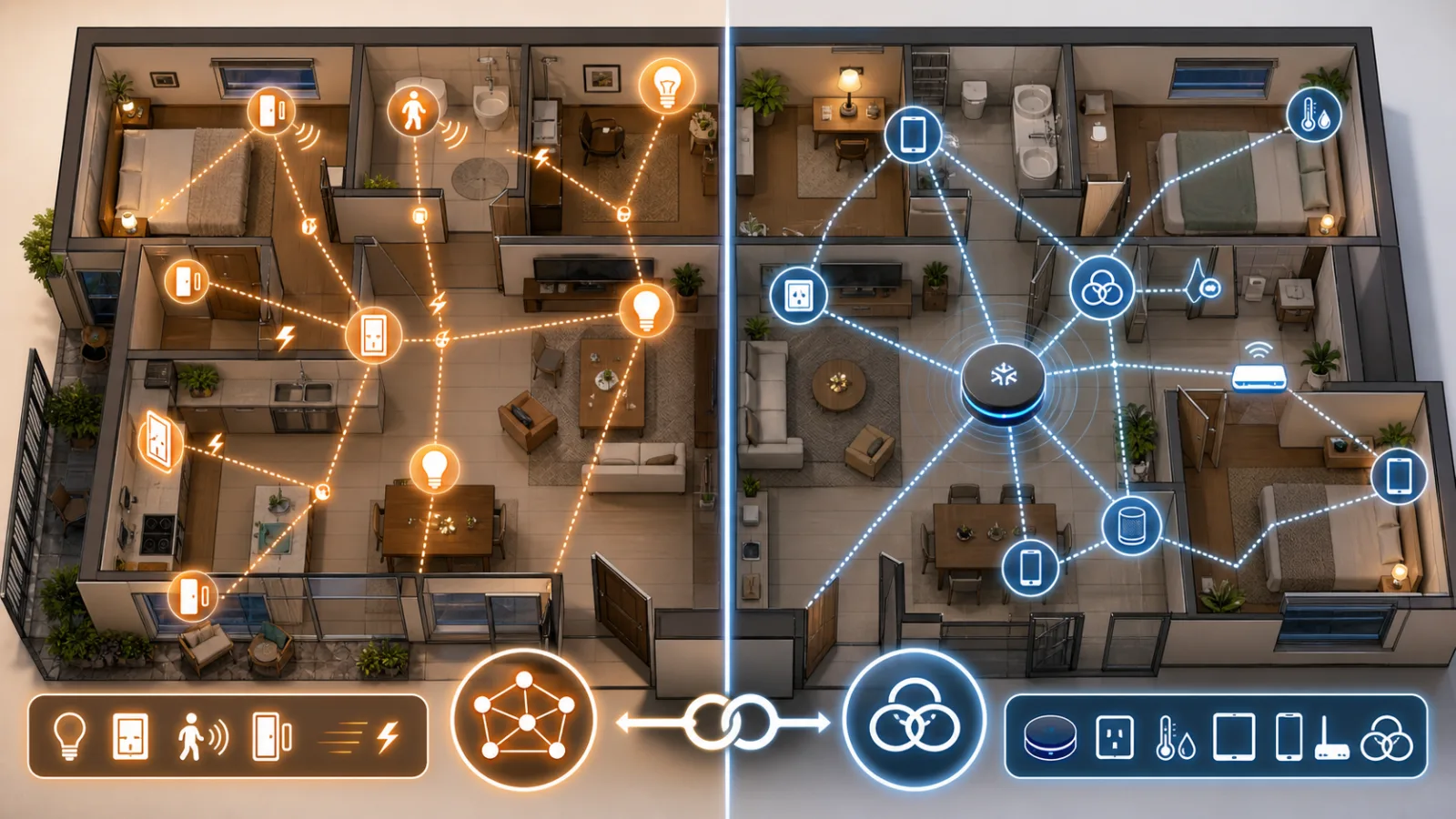

SONOFF TRV Gen2 on AliExpress: Check the Radiator Valve Before You Buy the Smart Upgrade
The SONOFF TRV Gen2 is showing up in current AliExpress marketplace rankings, but the real buying question is not the color display. It is whether your radiator, hub and room-control setup can use it properly.
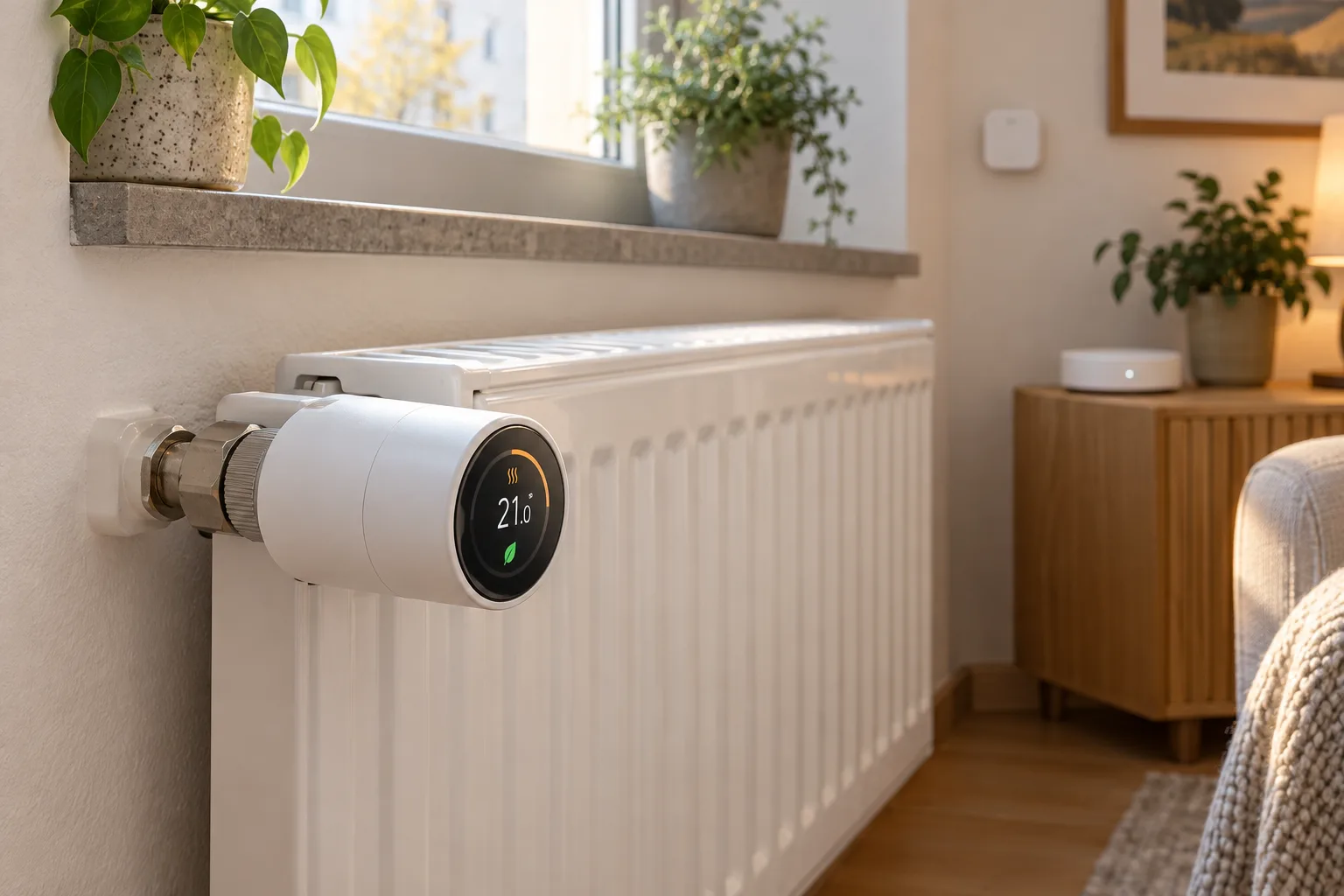
SONOFF TRV Gen2 на AliExpress: проверьте радиаторный клапан до покупки умной модернизации
SONOFF TRV Gen2 появился в актуальных подборках товаров AliExpress, но главный вопрос перед покупкой связан не с цветным дисплеем. Важно понять, совместимы ли радиатор, Zigbee-шлюз и способ измерения температуры.
SONOFF TRV Gen2 en AliExpress: comprueba la válvula del radiador antes de comprar la actualización inteligente
El SONOFF TRV Gen2 aparece en rankings actuales de AliExpress, pero la cuestión decisiva no es su pantalla a color: es saber si el radiador, el hub y el control de temperatura de tu casa pueden utilizarlo correctamente.
Comments
Sign in to comment.
No comments yet.