When npm install Became the Breach: ChainDrop Without Panic
A calm guide to the Shai-Hulud npm wave: what happened, how provenance was abused, and how teams should check CI secrets without treating every download as a compromise.
A normal dependency install is supposed to be boring. In the new ChainDrop wave around Shai-Hulud, that routine step became the dangerous moment: a runner or developer workstation resolved a compromised npm package, the package executed a lifecycle script during install, and the environment that usually holds release tokens and cloud access became part of the attack surface.
What happened between August 4 and August 9
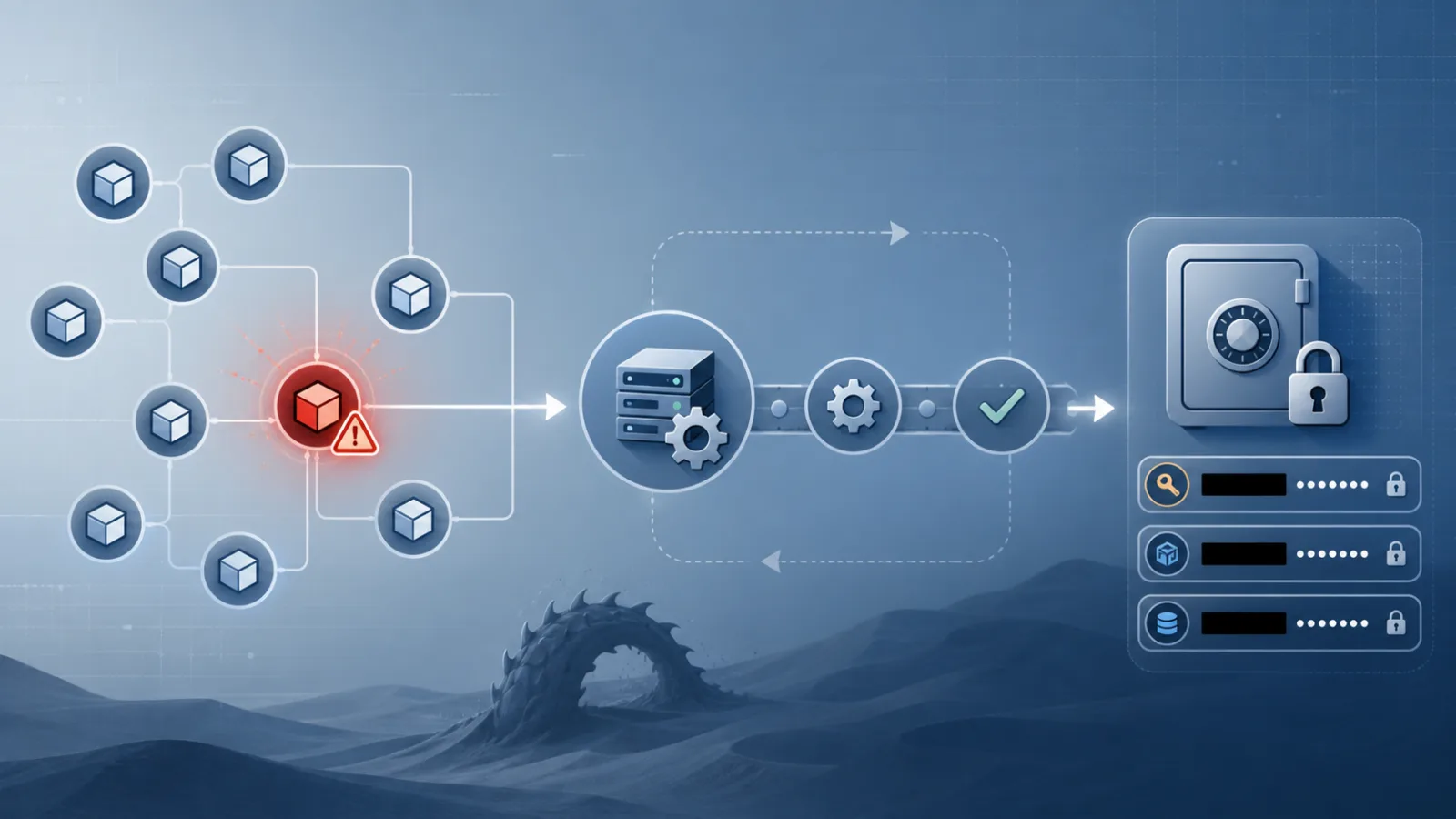
Researchers at Aikido, Socket, SafeDep, JFrog, Unit 42, Wiz, Endor Labs and other security teams described a fast-moving npm supply-chain campaign tied to the Keyv and Cacheable package families. Aikido reported that the first visible cluster began with a compromised maintainer path for [email protected] and related packages such as flat-cache, file-entry-cache, cacheable-request, cacheable, @cacheable/memory and cache-manager. The Hacker News later summarized the same week as a worm-like campaign that had expanded beyond the original namespace into hundreds of package artifacts.
The precise counts vary by source because the situation was changing while researchers were writing. JFrog described more than 400 affected packages. SafeDep and Unit 42 published higher package or version counts at different moments. Endor Labs emphasized download volume in the hundreds of millions per week for some dependency paths. Those numbers should not be added together, and they should not be read as victim counts. They are measurements of affected packages, versions or download volume, not proof that every download executed the malware.
That distinction matters for a calm response. A package existing in the dependency tree is a reason to investigate. A compromised version actually being installed on a machine or CI runner during the exposure window is a different level of risk. The useful question is not whether the whole npm ecosystem is broken. The useful question is where your build and developer environments executed untrusted install-time code.
Why this was more than another malicious package
Many malicious npm incidents involve a new look-alike package, a typosquat or a package with little real adoption. ChainDrop was more uncomfortable because the entry point included packages that many teams receive transitively. A developer may never choose keyv directly and still receive it through a framework, cache layer, linter, build tool or server dependency. That is why lockfiles matter more than memory: the dangerous path can sit several levels away from the package a team believes it installed.
The campaign also abused trust signals that security teams often rely on. Researchers said malicious versions were published through legitimate-looking release workflows and could show valid provenance. Provenance is still valuable, but it answers a narrow question: which workflow produced the package, under which identity, from which repository context. It does not prove that the maintainer account, release commit, workflow inputs or credentials were honest. A green provenance check can show a clean chain of custody for a poisoned release.
The incident therefore hit a sensitive engineering assumption. Modern software teams have been told, correctly, to prefer signed builds, trusted publishing, SLSA-style provenance and short-lived credentials. ChainDrop does not make those controls useless. It shows where their boundary is. They reduce impersonation and off-platform token theft; they do not magically review the code being released or protect a maintainer account that is already controlled by an attacker.
How the install-time path worked
The public reports describe a simple but powerful chain. A compromised package version added a lifecycle command such as preinstall that launched node setup.mjs. That script then loaded obfuscated JavaScript, with researchers describing filenames such as Math_Symbol.js or math_init.js, and used Bun as a convenient runtime in parts of the flow. Bun itself was not the compromised component; it was a tool used by the payload.
Once running inside a developer or CI environment, the malware searched for secrets. Reports from JFrog and Unit 42 described interest in npm and GitHub tokens, cloud credentials, Vault and Kubernetes material, SSH keys, .env files, Terraform state, Docker and Helm configuration, and even temporary secrets available to GitHub Actions runners. The point was not only to steal what was already on disk. In a build runner, short-lived credentials and OIDC-derived tokens may appear briefly in memory or environment variables during a job.
The worm-like part came from publishing access. If the payload obtained npm publishing tokens, it could publish infected versions of other packages maintained by the victim. If it obtained GitHub access, reports described repository changes and hook-like persistence surfaces, including files associated with developer tools such as VS Code tasks and Claude Code settings. Those details should be treated precisely: not every editor opens every task automatically, and not every repository change becomes execution. But they show the campaign’s intent to turn trusted development workflows into repeatable entry points.
What provenance proves, and what it cannot prove
The biggest lesson is about the word “trusted.” Trusted publishing removes long-lived npm tokens from many release setups and ties a package publish to a recognized CI identity. That is a real improvement over storing a publish token in a secret that can be copied forever. It gives consumers and registries better evidence about where a release came from.
But provenance is not a malware scanner. It cannot say that a maintainer intended the change, that the source commit was reviewed, that the workflow was not modified by a compromised account, or that a lifecycle script is safe to execute on your runner. In ChainDrop, the scary part was not that provenance failed at its job. It was that people may have expected it to do more than its job.
A sensible policy is therefore layered. Keep provenance and trusted publishing. Add branch protection, required reviews for release workflows, hardened maintainer accounts, least-privilege publishing rights, and alerts on unusual release timing. Then assume install scripts are privileged code and decide where they are allowed to run.
How to decide whether you were exposed
Start with evidence, not slogans. Search lockfiles and package-manager metadata for the exact package names and versions listed by Aikido, SafeDep, Socket, JFrog, Unit 42 and other researchers. Check package-lock.json, npm-shrinkwrap.json, pnpm-lock.yaml, yarn.lock, Bun lockfiles, internal mirrors and dependency-scanning records. Do not stop at direct dependencies; transitive resolution is the point of this incident.
Then determine whether an install actually ran during the relevant window. CI job logs, build timestamps, cache creation times, npm or pnpm store entries, container-layer history, and developer workstation shell history can separate a theoretical dependency from executed code. If a lockfile contains an affected version but no runner or workstation installed it, the recovery path may be limited to pinning, updating and documenting. If install ran in an environment with secrets, treat that environment as exposed until proven otherwise.
For CI, review GitHub Actions and other runner audit logs. Look for unusual package publishes, new or modified workflows, suspicious commits, artifacts with unexpected names, changes resembling generic maintenance messages, and access from unfamiliar IP addresses or identities. For npm, review publish history, tokens, two-factor status, maintainers and dist-tags. For cloud platforms, check newly created keys, unusual role assumptions, unexpected service-account activity and changes to Vault, Kubernetes or secret-manager configuration.
What to do if install ran
Do not begin by blindly updating to the latest package and calling the incident closed. Updating removes the known bad version from future installs; it does not erase a token that may already have been copied. First isolate the runner or workstation, preserve useful logs if your process requires forensics, and stop using that environment for releases. Rebuild ephemeral runners from clean images. For persistent runners or laptops, assume the local secret store, shell environment, package-manager cache and developer tooling may need inspection.
Rotate credentials in an order that prevents the attacker from simply re-issuing access. Revoke npm publishing tokens and GitHub tokens, then verify account recovery, maintainer lists, two-factor settings and repository permissions. Rotate cloud keys, registry tokens, Vault tokens, Kubernetes credentials, SSH keys and deployment secrets that were present in the environment. If an OIDC token could have been exchanged for cloud access, review the downstream cloud audit trail, not only the CI provider.
Check repositories for persistence. Researchers described changes touching development-tool settings and hook-like files. Review .github/workflows, package scripts, .vscode/tasks.json, .claude/settings.json, Git hooks if they are stored in the project, release scripts and any generated files that would run on open, install, test or publish. The safe assumption is not that every hook executed; it is that attacker-modified developer automation deserves the same scrutiny as server-side persistence.
Controls that reduce the next incident
The most practical mitigation is to treat install scripts as privileged execution. Use --ignore-scripts where it is compatible with the build, especially in analysis jobs and dependency-audit steps. For packages that genuinely need lifecycle scripts, approve them deliberately rather than letting every transitive package execute code by default. JFrog noted that newer npm behavior around approving scripts changes the default risk picture; teams should test npm 12-style controls and equivalent policies in pnpm, Yarn and Bun instead of assuming all package managers behave identically.
Use a minimum release age for automated installs when possible. Many supply-chain attacks depend on speed: a poisoned version appears, automated systems resolve it quickly, and the package is removed or replaced after researchers react. A short delay before accepting a new version will not stop every targeted attack, but it can turn a live-fire incident into an alert that arrives before production or CI consumes the package.
Pin important build dependencies, use overrides for emergency blocks, and make dependency updates observable. Keep CI runners ephemeral. Put release jobs in minimal environments that contain only the secrets needed for that release. Prefer short-lived credentials and OIDC, but scope the roles tightly and monitor the cloud side of the exchange. Separate install, test and publish stages so a general dependency install does not automatically see the keys needed to publish a package or deploy infrastructure.
For maintainers, harden the release path. Enforce phishing-resistant two-factor authentication where possible, require reviews for workflow changes, protect release branches, minimize the number of people and automation paths that can publish, and alert on unusual version bursts. Trusted publishing is strongest when the account and repository controls around it are boring and strict.
Mistakes to avoid
Do not equate download volume with compromise. Large download numbers explain why researchers reacted quickly; they do not tell you how many machines executed the payload. Do not rotate only the npm token if the runner also held cloud, Vault, Kubernetes or SSH access. Do not rely on a namespace blocklist if the worm used stolen credentials to move into unrelated packages. Do not assume a clean provenance badge means the contents are harmless. Do not forget developer laptops; this was not only a production-server problem.
Also avoid the opposite mistake: declaring npm unusable and moving on. Every mainstream ecosystem has some version of this problem because package installation often runs code near sensitive credentials. The right conclusion is more specific. Dependency installation is a privileged execution path, and it deserves the same design attention as deployment, secret management and production access.
A calm recovery checklist
For most teams, the useful order is straightforward. Identify affected exact versions. Confirm whether install ran. Isolate environments that executed them. Preserve logs where needed. Rebuild runners and clean workstations. Rotate credentials that were reachable. Review npm, GitHub and cloud audit trails. Remove persistence in repositories and developer-tool settings. Add policy around lifecycle scripts and release age. Then document what changed so the same risk is smaller next time.
ChainDrop is serious because it reached the place where software teams keep their most convenient secrets: the build path. It is not proof that open source has failed, and it is not a reason to panic-install every security product in sight. It is a reminder that npm install is not merely a download. In many organizations it is code execution inside the same room as the keys.
Related articles
Fake coding interviews are now a developer security problem
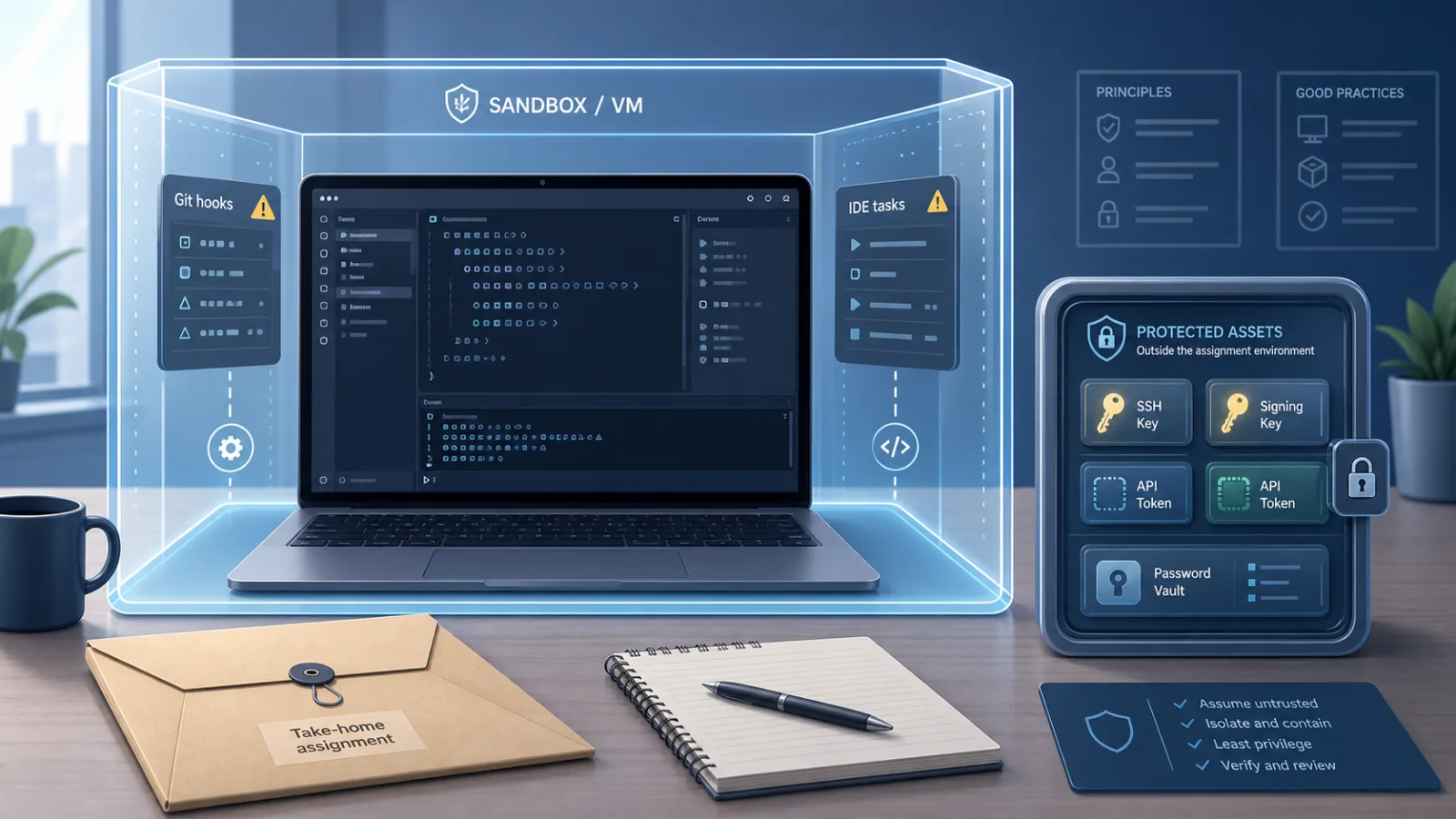
A malware-laced take-home assignment shows why untrusted interview code belongs in a disposable environment, not on a workstation with real tokens.

Tailscale was not hacked, and that is why the Hugging Face intrusion matters
A stolen CI enrollment key became 181 tailnet nodes. The hard lesson is about reusable credentials, alerts and what Zero Trust does not do automatically.
Claude Code's hidden check is a trust test for AI coding agents
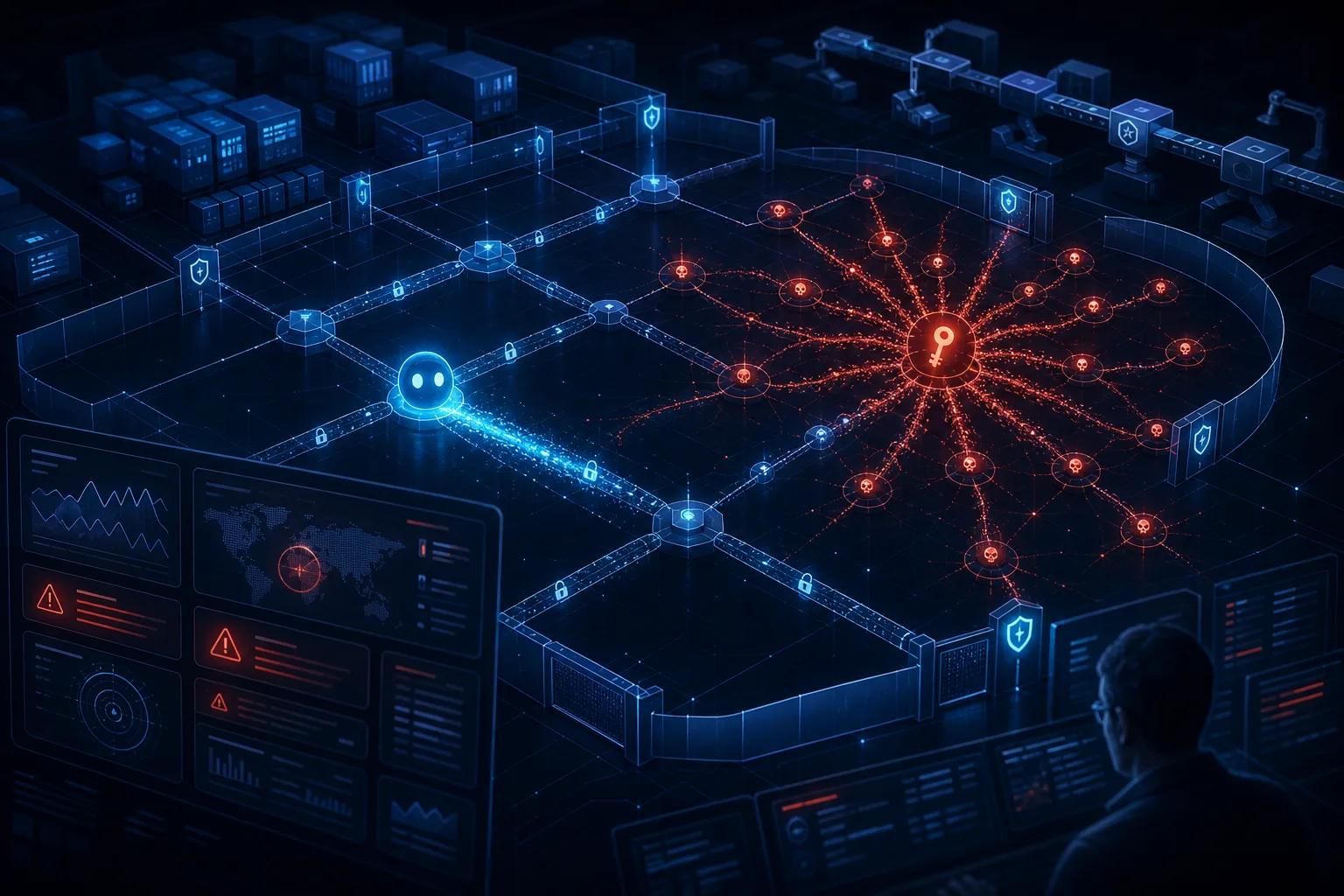
A hidden Claude Code detection experiment shows why terminal AI agents need the controls of software supply chain tools, not the trust model of chatbots.
AI coding agents are not autocomplete anymore
GhostApproval and Friendly Fire show why teams should treat coding agents like privileged runtimes, not harmless editor helpers.
Comments
Sign in to comment.
No comments yet.