Amazon’s Echo Studio with Home Camera: What the New Speaker Changes for Privacy and Value
Amazon’s new $249.99 Echo Studio adds a camera to a premium speaker. The practical question is not whether Alexa can see more, but whether the camera, subscription limits, and cheaper alternatives justify putting it in your room.

A premium speaker becomes a room-aware device
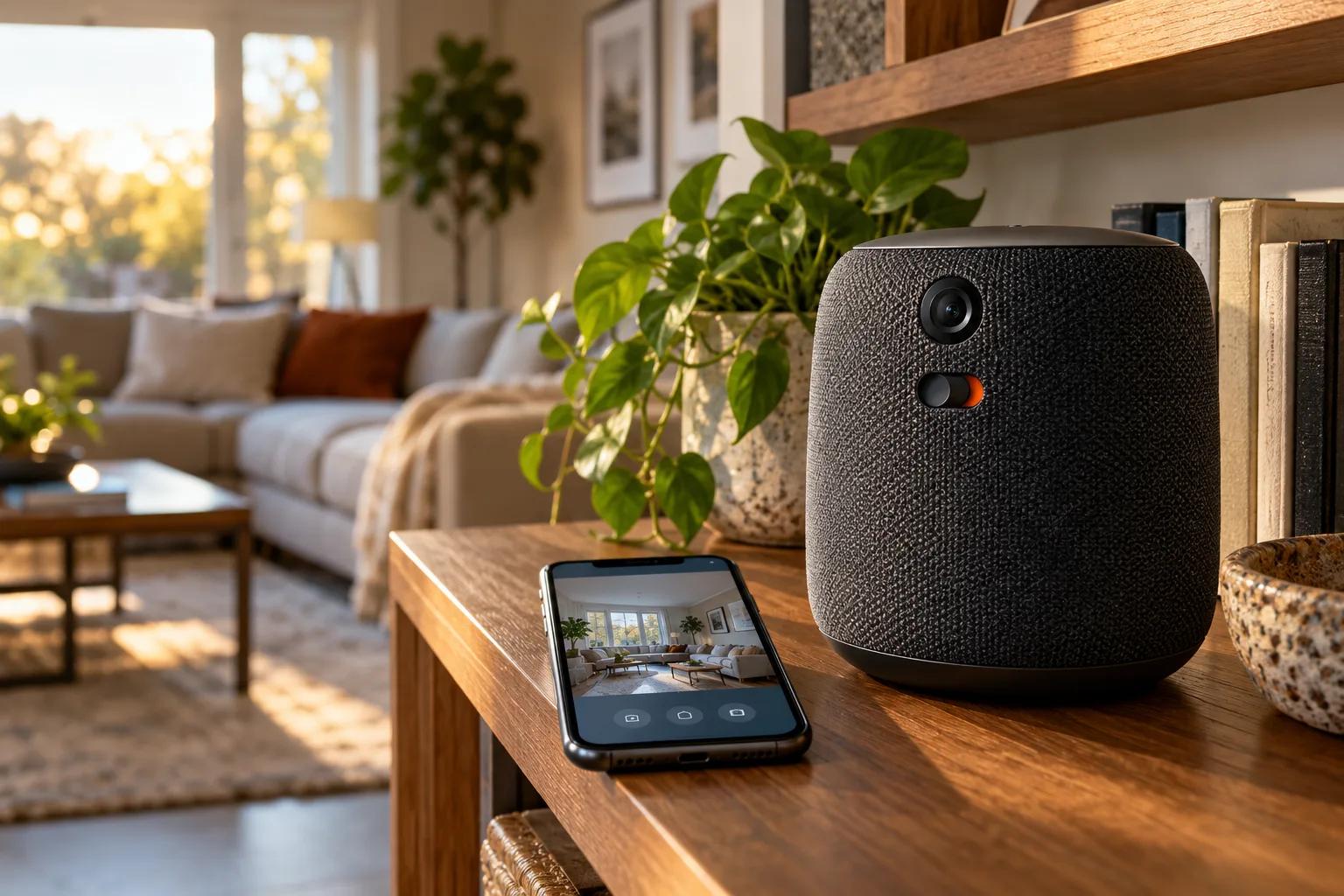
Amazon’s October 2026 Echo launch makes the Echo Studio a more consequential household device than its audio-first design suggests. The new Echo Studio with Home Camera costs $249.99, while the camera-free Echo Studio remains available for $219.99. That $30 difference buys more than another way to interact with Alexa: it adds a built-in camera and turns a premium speaker into a device that can interpret some of what is happening around it.
The basic change is easy to describe. The camera-equipped model can provide Live View through the Alexa app, giving the owner a way to check the view from the speaker remotely. Amazon also presents the camera as part of Alexa’s visual assistance rather than only as a security feature. In the company’s examples, Alexa can help read information from a board-game box or recognize a cereal product. Those tasks shift the Echo from responding only to spoken requests toward using the room itself as part of the request.
That distinction matters because the camera is integrated into a speaker that many buyers might place in a living room, kitchen, office, or another shared space. A conventional smart speaker listens for a wake word and handles voice commands; this Echo Studio is designed to add visual context when a feature calls for it. Amazon also says the device can adapt its sound to the room, connecting the camera-equipped model to the same premium-audio proposition as the camera-free Echo Studio. The practical appeal, therefore, is not simply having a camera on a shelf. It is combining room-aware Alexa features with a speaker intended to be a central part of the home.
Amazon has also promised a Fire TV video-calling feature for the new Echo Studio with Home Camera. That creates a second visual use case: the device may serve as a camera and speaker for calls connected with a Fire TV setup. The wording is important here. This is a promised feature, not a result that can be treated as independently verified performance. The same caution applies to Amazon’s descriptions of room adaptation, visual recognition, and the usefulness of Live View. They establish what the company says the product is meant to do, but they do not yet answer how reliably those features work in ordinary rooms, under changing light, or with different household layouts.
The product’s positioning is consequently more specific than “a better Echo.” It is a premium Echo with an optional visual layer, priced above the version that keeps the traditional camera-free design. Buyers who already want a high-end Echo speaker may see the camera as a way to extend Alexa into occasional visual tasks: checking a room, looking in on a pet, identifying an item, or getting help with something that is easier to show than describe. Buyers who do not want a camera in a shared room are not choosing between two identical speakers, either. They are choosing whether those added capabilities are worth changing the privacy character of the device they bring home.
That is the central change introduced by this launch. The Echo Studio with Home Camera does not merely add another specification to a speaker comparison; it changes the question from how much sound a premium Echo can produce to how much of the room a household is comfortable making available to Alexa. The camera-free Echo Studio preserves the lower $219.99 entry point and avoids that specific trade-off. The new model makes sense only when its visual features are part of the reason to buy it, rather than an extra capability that will remain unused.
The camera changes the buying decision more than the audio does
The price difference is easy to state: Amazon’s Echo Studio with Home Camera costs $249.99, while the camera-free Echo Studio remains $219.99. That $30 premium is not simply an audio upgrade. It buys a different kind of device, one that combines a premium Echo speaker with a built-in camera and visual Alexa features. The practical question for a buyer is therefore not whether the camera adds capabilities. It does. The more useful question is whether those capabilities will be used often enough to justify putting a camera in the room and paying more for it.
For some households, the answer may be yes. Amazon presents the camera as a way to make Alexa more useful in situations where sound alone is not enough. The device can support Live View through the Alexa app, allowing a user to check what is happening in the room. Amazon also describes visual assistance such as reading information from a board-game box or recognizing cereal. Those examples point to a speaker that can respond to objects and scenes around it, rather than one that only plays music, answers spoken questions, or controls connected devices. The value is highest when those visual interactions are a natural part of daily use rather than occasional demonstrations.
A pet or room check-in is a more concrete use case. Someone may want to ask Alexa for a quick look at a room while away, or use the camera when a visual answer is more convenient than describing an object aloud. That can make the Echo Studio with Home Camera appealing to buyers who already want strong speaker performance and would otherwise add a separate camera for limited monitoring. It also gives the device a role in a shared living space that a camera-free speaker cannot fill.
But the same feature is a weakness for anyone whose priority is a genuinely camera-free private room. The camera is not a small convenience that disappears from the buying decision after setup; it changes the character of the product. A buyer choosing the cheaper Echo Studio gets the premium speaker without accepting a permanently camera-equipped design. That distinction matters in bedrooms, guest rooms, workspaces, and shared areas where not everyone present may be comfortable being within view of a connected device. It also matters for people who do not want to create a household routine around disabling and re-enabling a camera.
The comparison should include products that are less expensive or more specialized. Cheaper Echo devices already cover many of the ordinary speaker, voice-assistant, and smart-home tasks that lead people to buy an Echo in the first place. Echo Show models cover parts of the video-call and visual-screen experience, while a separate camera can provide monitoring without tying that function to the room’s main audio system. Those alternatives do not make the new Echo Studio irrelevant, but they make its position harder to define. It is not automatically the best choice simply because it combines several functions in one enclosure.
That is why audio quality should be the starting point, not an afterthought. If a buyer mainly wants a premium Echo speaker, the camera-free Echo Studio is the direct value comparison. The extra $30 has to earn its place through regular visual use: room check-ins, visual help, or another feature that would otherwise require a second device. If the buyer mainly wants video calls or a camera, an Echo Show or dedicated camera may be a more straightforward match. And if the buyer wants only Alexa and music, a cheaper Echo may offer enough without introducing the privacy decision at all.
Amazon has also promised a Fire TV video-calling feature, which could strengthen the case for households that already use compatible Fire TV equipment and want the Echo Studio to participate in that setup. Even so, a promised feature should not be treated as the same thing as a proven daily benefit. Compatibility, account requirements, and the quality of the eventual experience will determine whether it changes the value calculation. Until those details are clear in real use, the safest assessment is narrower: the camera-equipped model is worth considering when premium audio is already the main purchase and visual Alexa functions are a meaningful bonus, not when the camera is merely an attractive extra on the specification list.
In other words, the $30 premium buys flexibility, but flexibility is not the same as value. Buyers should count the visual features they expect to use, compare them with what cheaper Echo devices and Echo Show models already provide, and then decide whether the speaker quality is strong enough to make this particular combination worthwhile. For a private room, the camera-free Echo Studio remains the cleaner choice. For a shared room where occasional monitoring and visual assistance have a clear purpose, the new model may justify its higher price—but only if those uses are more than rare exceptions.
Privacy controls are useful, but they are still controls around a cloud device
The Echo Studio with Home Camera includes a dedicated control for disabling the microphone and camera. That is the most important privacy feature to understand before placing the speaker in a shared room: the household can turn off both sensing systems without relying only on a voice command or an app setting. Amazon’s setup documentation also describes a visual indicator for cloud streaming, giving people in the room a cue that the device is sending visual information beyond the speaker itself. Those controls make the camera easier to manage, but they do not change the basic category of the product. This is still a connected Alexa device designed to use cloud services for some of its functions.
That distinction matters because a disable control is not the same as a promise of zero collection or zero risk. It is a way to limit when the camera and microphones are active, and the visual indicator can help make cloud streaming more apparent. It does not turn the Echo Studio into an offline speaker, and it does not answer every question about how a household should handle voice data, account access, or accidental activation. Buyers should therefore treat the controls as practical safeguards that need to be used consistently, not as evidence that privacy concerns disappear once the device is installed.
Alexa’s voice-history tools add another layer of control. Amazon provides a way to review Alexa voice history and delete recordings or stored history through the account’s privacy controls. That gives the owner a way to inspect and manage voice interactions after they occur. It is useful for households that want a regular privacy routine, especially when several people use the same Alexa account. At the same time, reviewing or deleting voice history does not make the camera-free and cloud-connected questions irrelevant. The camera, microphones, account permissions, and household habits remain separate parts of the decision.
The practical test is not whether one person can find the privacy settings. It is whether everyone who shares the room is comfortable with a camera-equipped speaker being present and potentially available for visual features. A living room may feel different from a bedroom, a guest room, or a space where children spend time. Guests may not know that the speaker has a camera, may not understand what the indicator means, or may reasonably prefer not to be visible to a device that can stream to the cloud. Family members may also disagree about whether the camera should remain enabled when no one is actively using its visual functions.
Owner discussions raise this household issue in a more specific form: who can access a live view, and how private is that view from other people using the same home or account? Those discussions are not independent testing of Amazon’s controls, but they point to a useful question for buyers to settle before purchase. The decision is partly technical and partly social. If the speaker will sit in a shared area, the owner should decide where it belongs, who can use its visual features, and whether the microphone-and-camera disable control will be used whenever the room becomes more private.
A sensible setup starts by treating the indicator and disable control as visible household rules rather than hidden settings. Tell regular users what the control does, agree on when the camera should be disabled, and review Alexa voice history periodically if that is part of the household’s privacy expectations. The same approach helps with visitors: if the device is in a room where guests may not expect a camera, disabling it before they arrive may be the clearest choice. These steps do not remove every uncertainty around a cloud device, but they make the product’s privacy posture more deliberate and easier for others to understand.
The result is a narrower claim than “the Echo Studio is private.” Amazon supplies meaningful controls for disabling the microphone and camera, showing when visual data is streaming to the cloud, and reviewing or deleting Alexa voice history. Those features can reduce unwanted exposure when used correctly. They cannot establish that collection never happens, that risk is eliminated, or that every person in the home will accept the camera. For buyers who want a speaker that can occasionally see the room, that may be an acceptable trade-off. For buyers who want a genuinely camera-free space, the controls may be reassuring but are unlikely to address the underlying objection.
Who should buy it, who should wait, and what to check first
The Echo Studio with Home Camera makes sense only if the buyer already wants a premium Echo speaker and can identify a useful role for the camera. At $249.99, it costs $30 more than the camera-free Echo Studio, so the decision is not simply whether visual Alexa features sound interesting. The practical question is whether those features justify placing a camera-equipped device in a room where a speaker would otherwise be enough.
A buyer who wants strong Echo audio, occasional room or pet check-ins, and visual help from Alexa may find the combined device appealing. The camera is intended to support features such as Live View in the Alexa app and visual assistance with objects or packaging. Amazon has also described a future Fire TV video-calling feature, but that should be treated as a compatibility question until the relevant software, account, and Fire TV requirements are confirmed. These features add convenience, yet they do not automatically make the camera better value than buying separate products.
Before ordering, check the following points:
- Start with the speaker. If premium Echo audio is not the main reason to buy, the camera is a weak basis for choosing this model. Cheaper Echo devices and Echo Show models already cover parts of the monitoring and video-calling use case, so the Echo Studio’s sound should be the deciding foundation rather than an afterthought.
- Compare the $30 difference. The camera-free Echo Studio remains $219.99. That model is the clearer choice for a room where the buyer wants the Echo Studio audio experience without a built-in camera. The extra cost should be evaluated against actual, recurring use of Live View, visual assistance, or other camera-dependent features.
- Verify Alexa+ requirements. Do not assume that every advertised visual or assistant feature works under the same conditions. Confirm whether Alexa+ is required for the feature being considered, whether the relevant account has access, and whether any software or service limitation changes the value of the device.
- Check Fire TV and account compatibility. If video calling through Fire TV is part of the plan, verify the supported Fire TV equipment, account setup, and availability before treating that feature as a present-day reason to buy. A promised integration is useful only when it works with the household’s existing devices.
- Decide how the camera will be disabled. The device includes a dedicated control that disables the microphone and camera, along with a visual indicator when the device is streaming to the cloud. That is useful for daily privacy management, but the buyer should decide in advance whether physically or electronically disabling the camera whenever it is not needed is acceptable. If that routine feels burdensome, a camera-free speaker is likely the better fit.
- Consider a separate camera. A separate camera can keep the speaker and monitoring decisions independent. It may be preferable for a household that wants room monitoring in one location but does not want a camera built into a premium speaker used in shared spaces, bedrooms, or rooms where guests may not expect one.
Waiting is also reasonable. The available product claims describe what Amazon intends the device to do, but they do not answer several questions that matter in everyday use. Independent testing should examine image quality, audio performance compared with the camera-free Echo Studio, false activations, the reliability of Live View, and how consistently the privacy controls behave over time. It should also assess whether the camera changes the speaker’s practical usefulness or merely adds another feature to manage.
That wait is especially sensible for households with complicated privacy expectations. Shared rooms, bedrooms, visitors, children, and family members may all have different views about a permanently camera-equipped speaker. A dedicated disable control can reduce exposure, but it does not remove the need for household agreement about when the camera is enabled, who can access Live View, and whether the device belongs in that room at all. Those are buying criteria, not minor setup details.
The short version is straightforward: buy the Echo Studio with Home Camera when premium Echo audio is already wanted and the camera has a specific, acceptable job. Choose the $219.99 camera-free Echo Studio when the priority is sound without a camera, and consider a separate camera when monitoring should remain a distinct decision. Everyone else should wait until independent testing clarifies image quality, audio changes, false activations, and long-term software behavior. The new model adds capability, but capability alone does not make it the better value or the better privacy choice.
Related articles
Apple HomeView is a $299 smart-home hub. The real question is whether your home fits Apple’s rules
Apple’s first smart display combines a 7-inch screen, Siri AI, FaceTime, home controls and personalized profiles. Its value depends less on the hardware than on language support, Apple devices, home hubs, subscriptions and the accessories you already own.
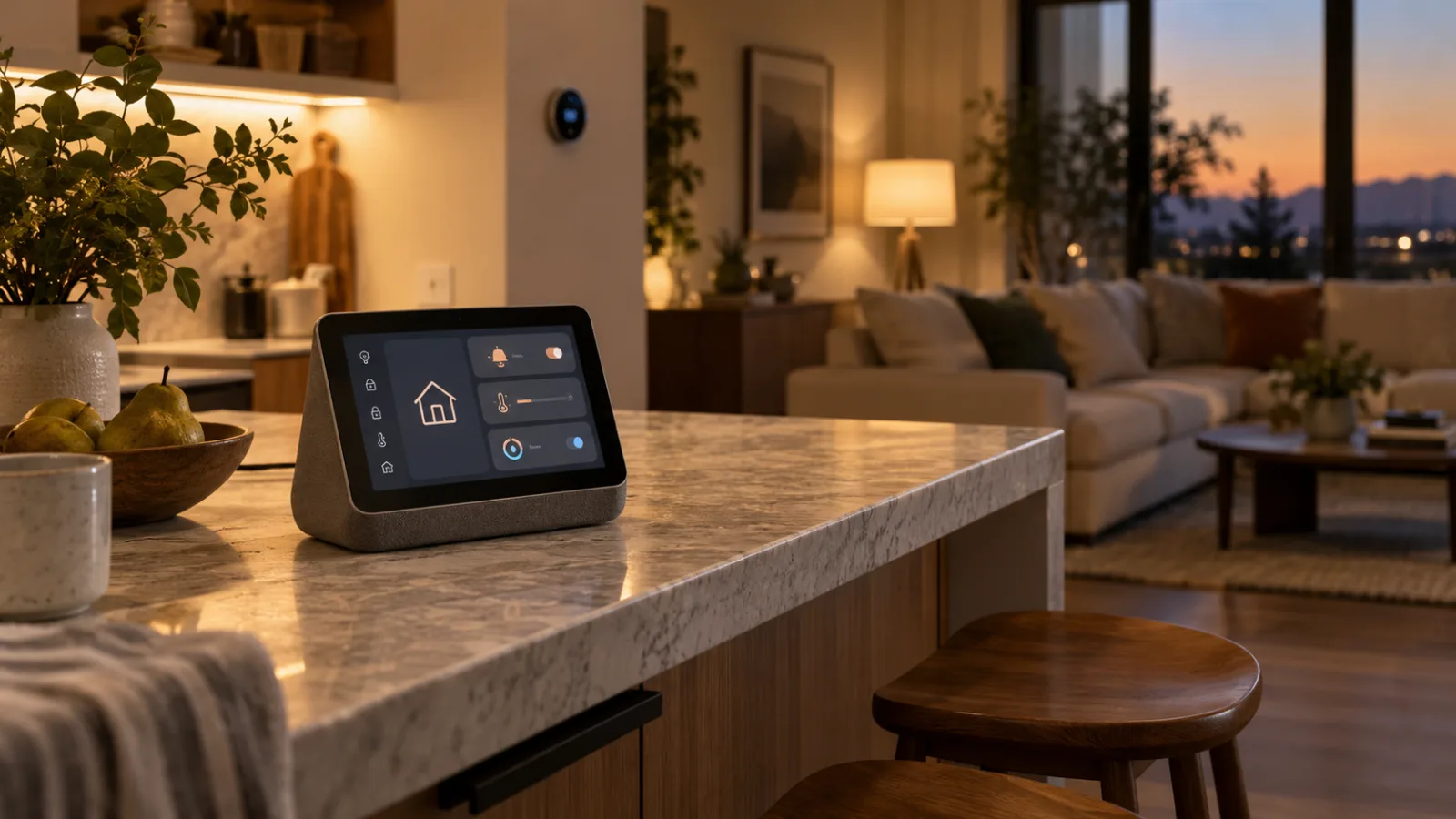

Amazon’s New Echo Dot Is a Smart-Home Hub and Eero Extender—Audit the Trade-Offs Before You Buy
Amazon’s 2026 Echo Dot combines Alexa, Zigbee, Matter, Thread, and eero Wi-Fi extension in a $99.99 speaker. The useful question is not whether it replaces a hub, but which parts of your existing setup it can safely simplify.

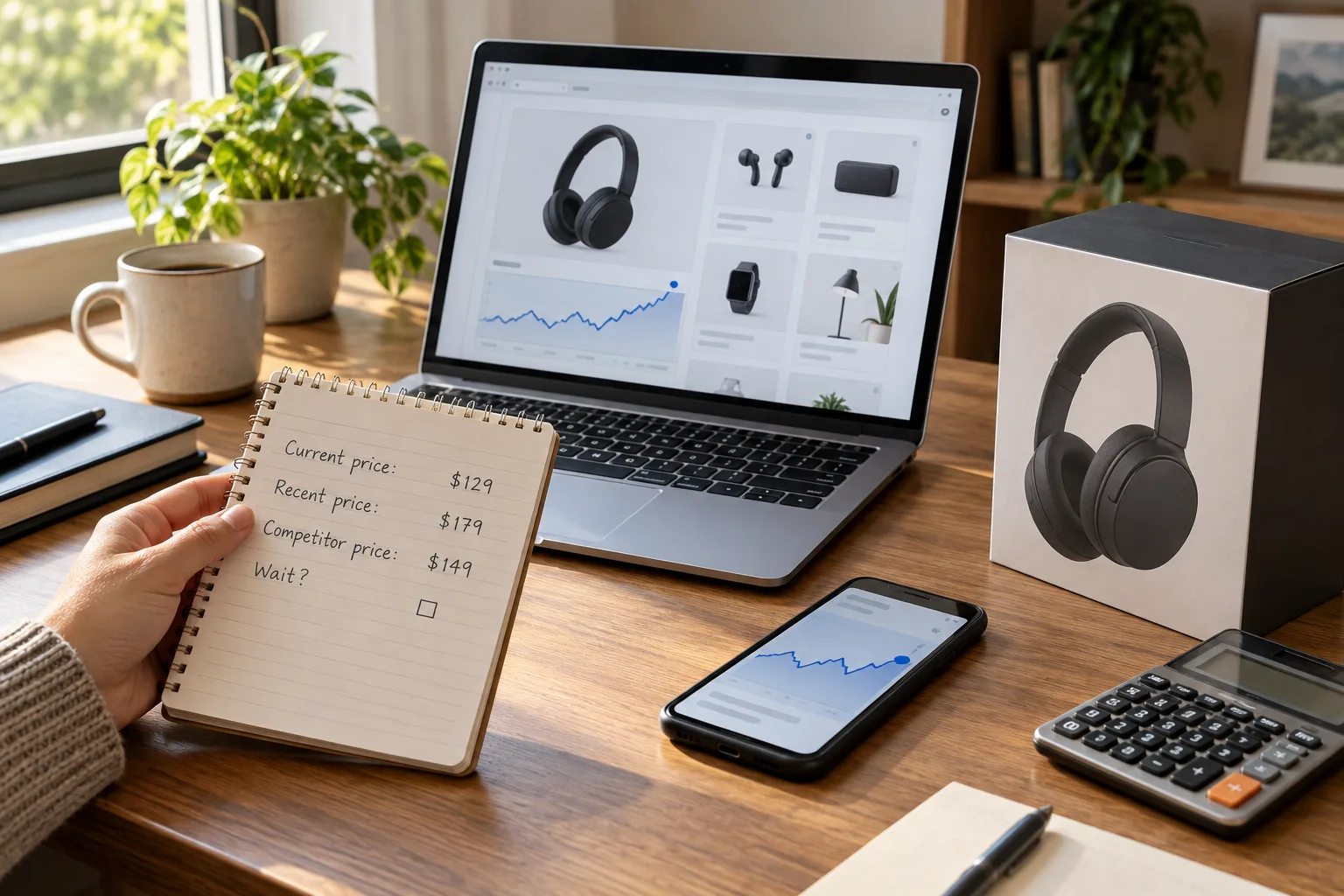
Should You Buy During Amazon Prime Big Deal Days 2026? Check the Price History Before the Countdown Wins
Amazon’s October 6–7 sale can produce worthwhile discounts, but the Prime badge is not a buying recommendation. Here is how to decide whether an advertised deal beats the product’s normal price, a rival retailer, and the cost of waiting for November.
Sub-GHz Thread Is Coming, but Your Smart Home Should Not Wait for It
Thread Group has started work on a Sub-GHz version of Thread. That matters for range, but it is not a buying signal for today’s door sensors, locks or outdoor devices yet.
Comments
Sign in to comment.
No comments yet.