The travel gadget worth buying in 2026 is a better USB-C charging kit
A practical buyer guide to chargers, cables, power banks and adapters that keep the rest of your devices alive.

The most useful gadget purchase for many people this year is not another screen. It is the small charging setup that makes every screen, sensor and pair of earbuds less fragile in real life.
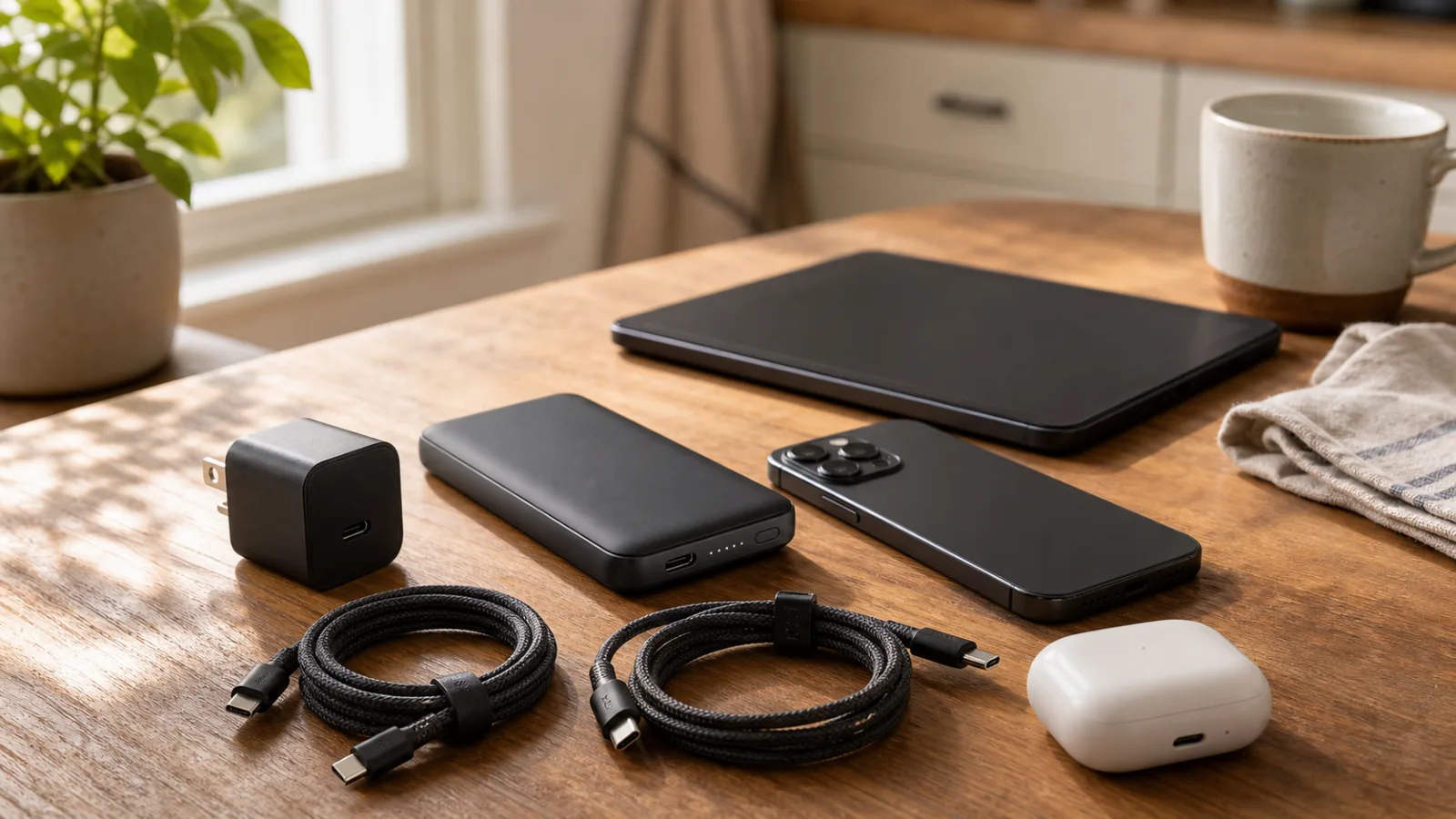
The charger is now the gadget that decides whether the rest of the bag works
A phone can be excellent, earbuds can have clever noise control, and a tablet can be fast enough for real work. None of that matters much when the hotel outlet is loose, the cable negotiates at the wrong power, or the power bank refuses to wake up with a low-drain device. The least glamorous object in the travel kit has become the one that sets the ceiling for everything else. That is why a sensible 2026 gadget purchase is less about buying one more shiny device and more about fixing the charging stack that follows you through airports, trains, cafés, rented flats, and summer weekends away.
Why this matters more in 2026
USB-C has moved from convenience to default infrastructure. The European common-charger rules pushed phones, tablets, cameras, earbuds, portable speakers, handheld consoles and many small devices toward the same connector, and laptop rules widened the practical expectation that one cable should handle more than one category of hardware. That does not mean every cable is equal or every charger is honest. It means the old drawer full of random bricks is finally worth replacing with a smaller, clearer setup. The win is not elegance for its own sake. The win is fewer dead devices and fewer moments where you discover the expensive part of your kit is being throttled by a cheap accessory.
Start with the devices, not the wattage number
The common mistake is to buy the highest wattage brick on the shelf. A 140 W charger sounds reassuring, but it may be pointless if your daily kit is a phone, earbuds, watch, e-reader and a small tablet. A compact 45 W or 65 W charger can be a better travel item if it handles power sharing well and does not sag when two ports are used. For people carrying a laptop, the equation changes. A thin ultrabook may be happy around 45 W to 65 W. A larger workstation, gaming handheld or power-hungry tablet can need more headroom. The useful question is not 'what is the biggest number?' The useful question is what each device actually accepts, and what the charger delivers when the exact ports you use are occupied at the same time.
The fine print on multi-port chargers is the real spec
Multi-port USB-C chargers often advertise the maximum output of one port when it is alone. Plug in a phone and earbuds, or a tablet and power bank, and the allocation can change. Some chargers split power predictably. Others reshuffle in ways that interrupt charging, make a laptop complain, or leave the smallest device waiting. Before buying, read the power table, not just the front label. Look for explicit combinations such as 65 W plus 20 W, 45 W plus 20 W plus 15 W, or similar port-by-port behavior. If the manufacturer hides that table, treat it as a warning. The best travel charger is boringly predictable.
GaN helped, but it did not abolish heat
Gallium nitride chargers made compact high-output bricks normal. They are smaller than the old silicon bricks and often more efficient. Still, heat is physics, not a marketing problem. A tiny charger delivering high power for a laptop can get warm, especially behind a bed, in a crowded power strip, or in a room without air conditioning. Warm is normal. Too hot to touch, buzzing, loose plug pins or a chemical smell is not. For a travel kit, the practical sweet spot is usually a reputable charger with enough headroom rather than the smallest possible brick claiming heroic output.
Cables are where good setups quietly fail
The cable is the part most people ignore until it ruins the plan. Some USB-C cables are charge-only. Some handle 60 W but not 100 W or 240 W. Some support fast data, some barely move files at useful speed, and many are impossible to identify once the packaging is gone. A good 2026 kit should have two known-good cables: one short cable for the power bank or desk, and one longer cable for bad outlet placement. If you use a laptop or fast-charging tablet, buy e-marked cables rated for the power you need. If you move video or large files, keep a separate clearly marked data cable instead of assuming every charging cable can do everything.
Power banks need a different kind of honesty
A power bank is not just a battery with a nice number printed on it. Capacity is quoted at cell voltage, while phones and laptops charge at higher voltages after conversion, so the usable energy is lower than the headline suggests. A 10,000 mAh bank is excellent for phones and earbuds. A 20,000 mAh model can keep a tablet and phone alive through a long travel day. Laptop charging needs USB-C Power Delivery output that matches the laptop's minimum practical draw, not merely a USB-C port. Also check pass-through behavior, low-current mode for watches or earbuds, airline limits, and whether the bank shows percentage clearly enough that you know what you are carrying.
The travel adapter is not a charger
International plug adapters are often treated like magic converters. Most are not. They change the shape of the plug; they do not necessarily convert voltage, add safety certification, or make a weak charger stronger. If your USB-C charger accepts 100 to 240 V input, it can usually travel with a simple adapter. If you are plugging in older appliances, hair tools, or anything with a motor or heater, read the label carefully. For the gadget bag, a compact global adapter with replaceable fuse, firm sockets, and enough spacing for a USB-C brick is more useful than a bulky all-in-one block with weak built-in ports.
Do not buy the fastest charger for every bedside table
Fast charging is useful before leaving the house. Overnight, it can be unnecessary. Heat and constant high state of charge are not battery-friendly, and the exact effect depends on the device's battery management. Many phones now slow down charging intelligently, but the simpler rule still holds: use fast charging when time matters, use moderate charging when it does not. A travel kit can include one serious charger and one small slow charger for bedside use. That sounds old-fashioned. It also prevents the nightly mess where a phone, watch and earbuds all fight for ports on a brick built for a laptop.
Safety marks are boring until they are not
Cheap chargers and mystery cables can work for months, then fail in the one place where replacement is difficult. Look for reputable brands, visible safety certifications for your region, solid build, clean plug alignment, and clear warranty terms. Avoid suspicious marketplace listings that mix impossible wattage claims with copied product photos. Reviews are useful only when they mention actual port behavior, heat, longevity and support. Star ratings alone are a weak signal because chargers often review well on day one and reveal problems only after repeated travel.
A good kit has redundancy without becoming a cable museum
The point is not to carry every possible accessory. The point is to have one failure path that does not wreck the day. A practical setup might be: one 65 W or 100 W multi-port USB-C charger, one small backup charger, one 10,000 or 20,000 mAh power bank, two labeled USB-C cables, one tiny USB-C to USB-A adapter if you still meet old sockets, and a travel plug adapter when needed. That is enough for most people. If you carry cameras, drones, handheld consoles or medical devices, build around those constraints first. The kit should match real habits, not a fantasy of perfect minimalism.
When wireless charging belongs in the bag
Wireless chargers are convenient on a desk, less convincing in luggage. They waste more energy, add heat, and can be fussy about alignment. Magnetic phone pucks are useful if you already rely on them at home and want a clean hotel-nightstand setup. They are not a substitute for a cable when you need guaranteed fast charging before a flight. For travel, wireless charging should be treated as comfort, not core infrastructure. The core remains a cable and a brick that behave predictably.
The small-table test before you leave
Before a trip, put the whole charging setup on a small table and plug in the devices you actually carry. Phone, earbuds, watch, tablet, laptop, power bank, camera, whatever matters. Does every device charge at the same time? Does the laptop stay powered under load? Does the charger restart when a second cable is connected? Are the cables long enough for a bad outlet? Can you identify which cable is the high-power one without squinting? This ten-minute test catches more problems than a month of reading spec sheets.
Who should upgrade now
Upgrade if your bag still depends on mixed micro-USB, USB-A and unknown USB-C bricks, if you own a laptop or tablet that complains about slow charging, if you travel with family devices, or if you keep buying emergency cables at airports. Upgrade if your current power bank cannot charge by USB-C both in and out, or if it lacks enough output for the device you bought it to support. You do not need to upgrade if your current charger is certified, cool under load, has enough ports, and your cables are known quantities. The best gadget purchase is sometimes a label maker and the discipline to throw away bad cables.
A simple 2026 buying rule
Buy the charging system, not the object. Choose the charger, cables, power bank and adapter as one small ecosystem. Make sure the numbers match your actual devices. Prefer predictable port behavior over headline wattage. Prefer known cables over pretty cables. Prefer one tested backup over five mystery accessories. It is not the most exciting gadget advice, but it is the advice that keeps the exciting gadgets alive when you are away from the good outlet at home.
A quick checklist before paying
Before buying, write down the devices you expect to charge on an ordinary heavy day: phone, earbuds, watch, tablet, laptop, camera, handheld console, hotspot or speaker. Next to each, note the connector, the charging standard if you know it, and whether it must charge while you are using it. Then choose the charger by the combined scenario, not by the single fastest port. Choose cables that are visibly rated, preferably with a small label or color that you will still understand six months later. Choose a power bank whose output matches the most demanding device you intend to run from it, and whose size you will actually carry. Finally, test the entire setup at home with all devices connected. If the kit passes that boring test, it is ready for the interesting part of travel.
Related articles
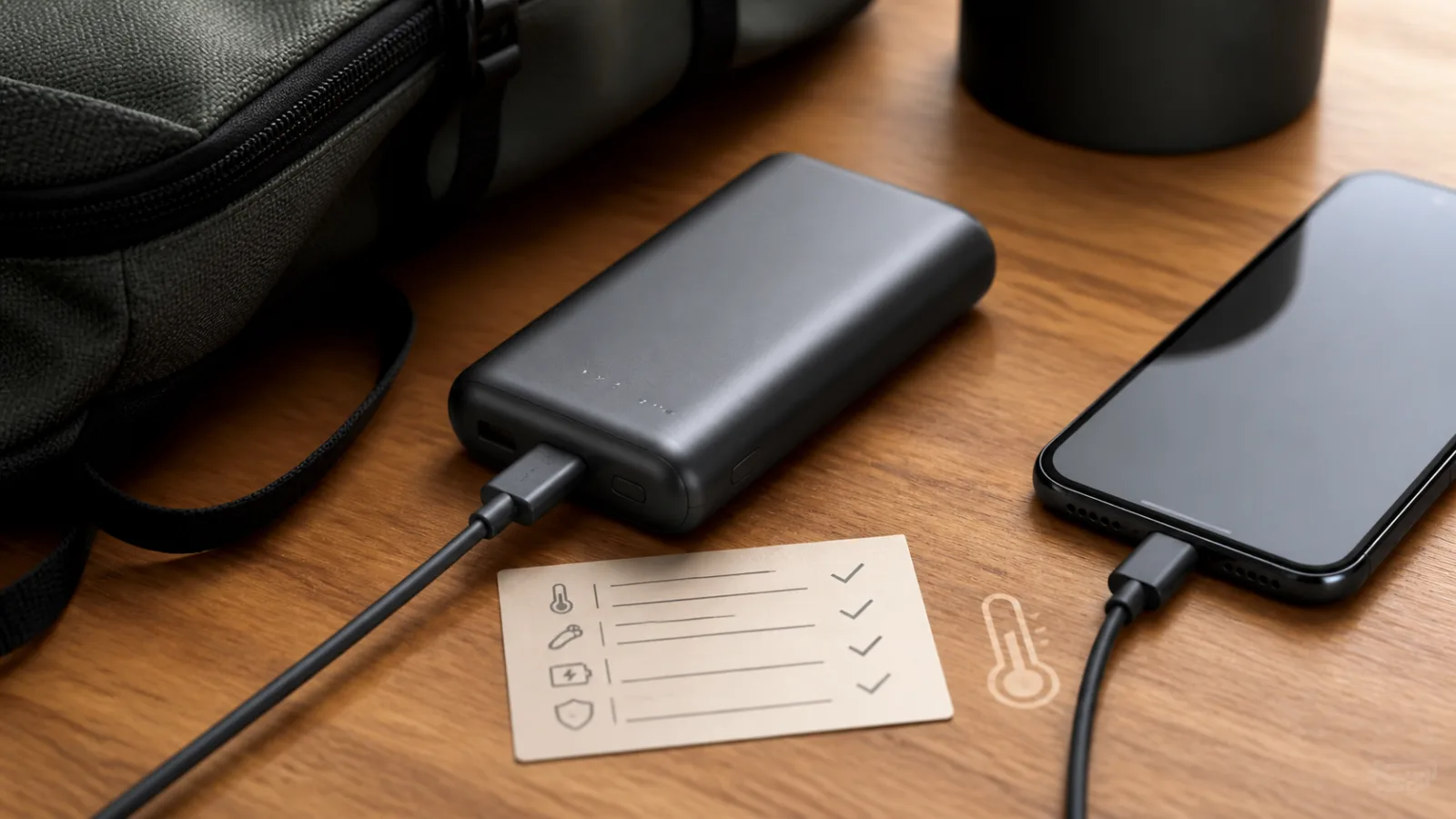
Power banks are useful, but recent recalls show why you should check the battery in your bag
Repeated recalls involving Casely, Anker and lithium-ion travel batteries turn the humble power bank into a practical safety check for 2026.
Digital-only consoles are turning gadget ownership into a trust problem
Sony's disc and digital-library stories are not just PlayStation news. They show why buyers need to judge modern devices by accounts, stores and licence rules, not only by hardware specs.

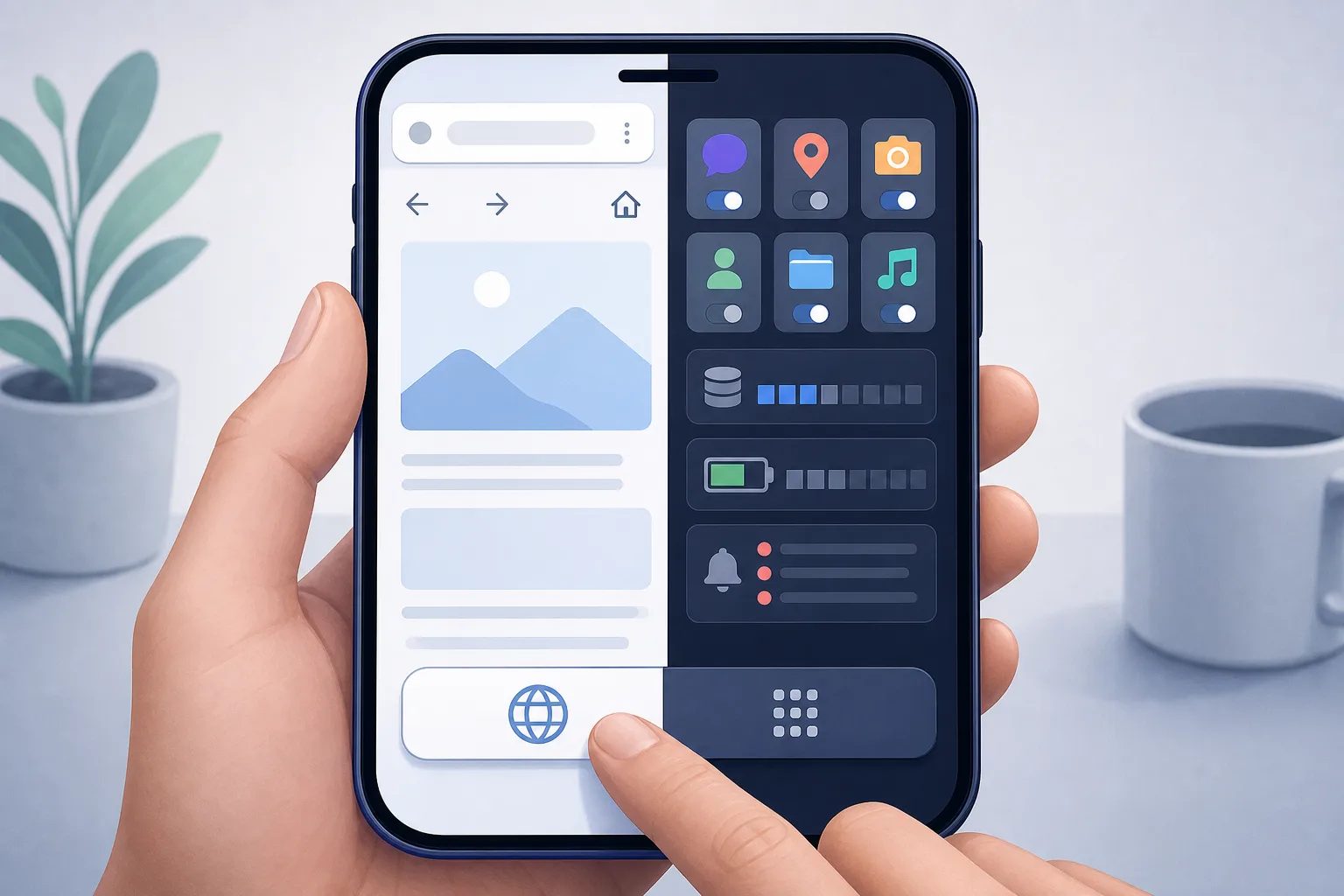
Your smartphone is turning into an app terminal, and the web is paying the price
Forced app prompts are no longer just annoying banners. They affect storage, battery, privacy, phone lifespan and whether everyday services remain accessible.
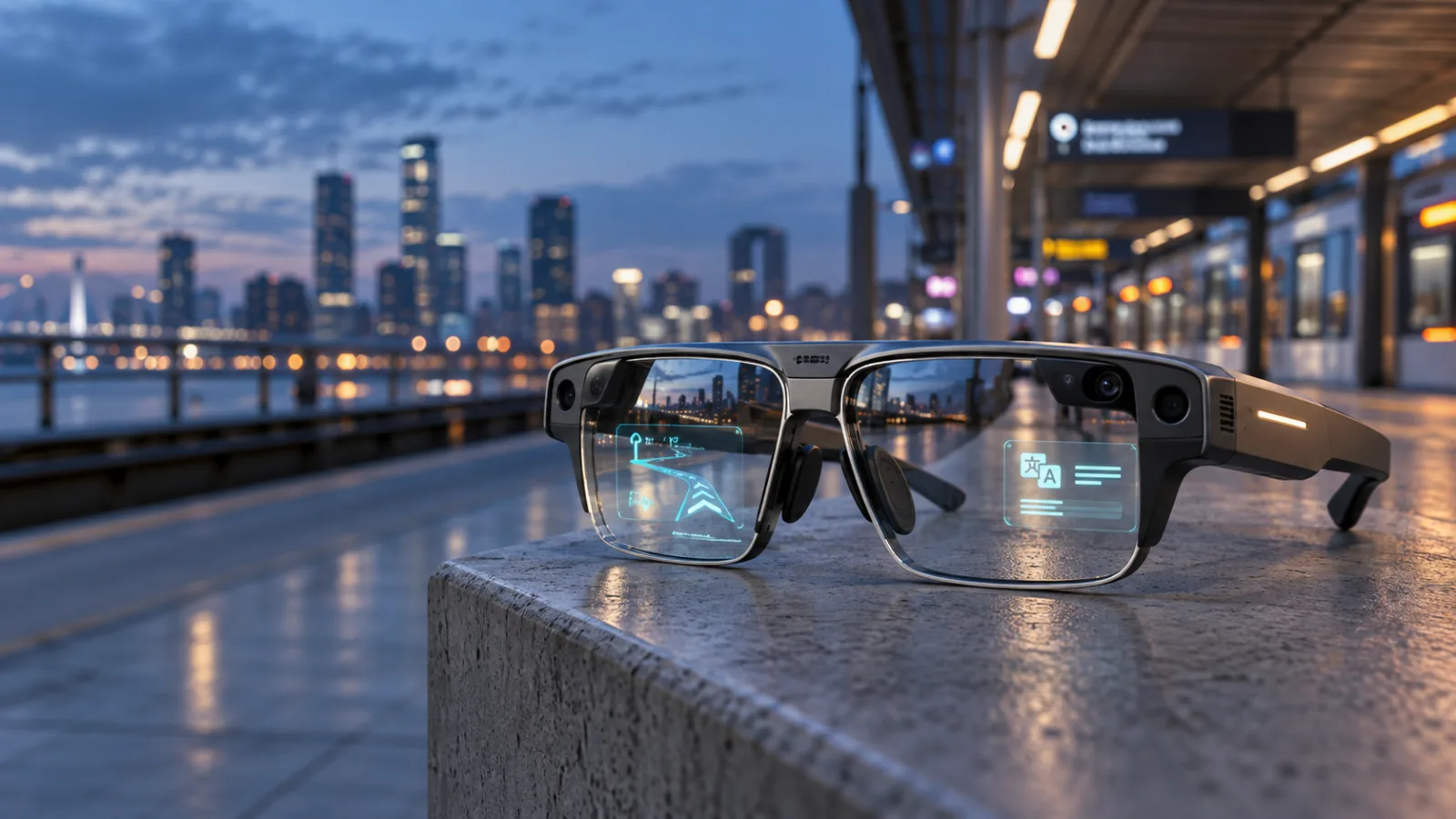
Snap Specs Put a Standalone AR Computer on Your Face. What the $2,195 Glasses Actually Change
Snap’s new Specs are a serious standalone augmented-reality computer, not a cheaper pair of camera glasses. Their value depends on whether you need hands-free spatial tools often enough to justify the price, weight, battery limits, and still-forming software ecosystem.
Comments
Sign in to comment.
No comments yet.