A Smart Camera Is a Trust Device: What the TP-Link Kasa Flaws Change
TP-Link patched Kasa EC70/EC71 information leaks, but the larger lesson is how to update, isolate, and choose smart cameras that live inside private spaces.

A smart camera is one of the most intimate gadgets people buy. It may cost less than a dinner out, but it watches a hallway, nursery, garage, pet corner, shop counter or home office. It joins the Wi-Fi network, talks to a cloud account, receives firmware updates and often knows where the household is. That is why TP-Link’s July advisory for Kasa EC70 v4 and EC71 v4 matters beyond two CVE numbers. It is a reminder that an indoor camera is not just a lens and an app. It is a long-term trust relationship with a device maker.
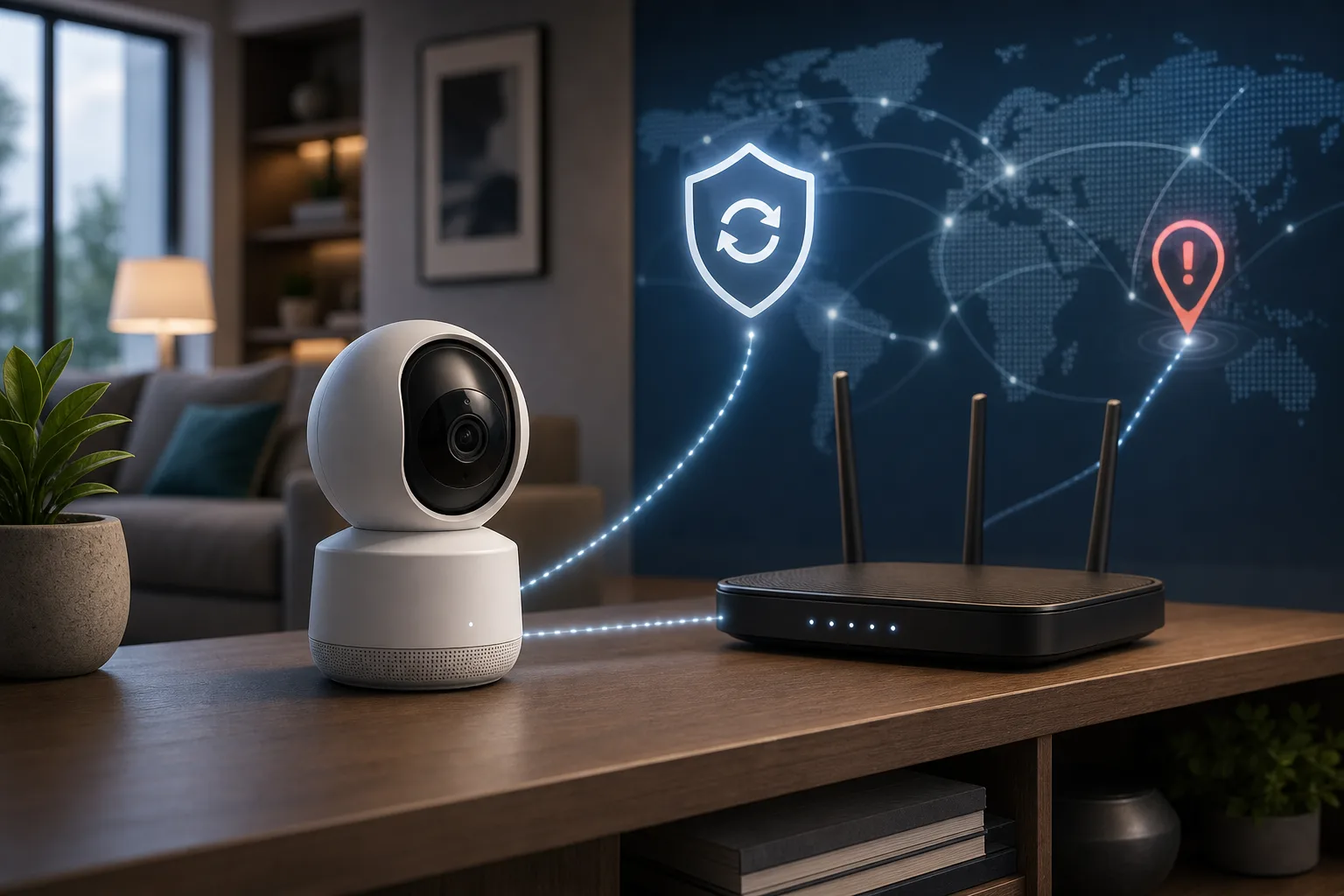
The immediate advice is simple: if you own a Kasa EC70 v4 or EC71 v4, update the camera firmware and the Kasa mobile app now. TP-Link’s official advisory, published July 15, lists CVE-2026-9770 and CVE-2026-13230, describes local-network information disclosure risks, and points users to fixed firmware versions 2.4.0 Build 20260520 rel.4191 and 2.4.1 Build 20260621 rel.76536. The broader gadget lesson is less simple: when you buy a cheap cloud camera, you are also buying the vendor’s update culture, local protocol design, cloud-account architecture, resale hygiene and privacy defaults.
This is not a panic story. The confirmed attack path in TP-Link’s advisory requires an attacker on the same local network, and the company says affected users should patch rather than throw cameras away. But “local network only” is not the comfort blanket it used to be. Modern homes and small offices have guest Wi-Fi, old routers, phones full of apps, smart TVs, cheap plugs, tablets, work laptops, rental networks and forgotten IoT devices. A camera sitting in the middle of that network should be treated like a security and privacy endpoint, not like a harmless accessory.
What TP-Link confirmed
TP-Link’s advisory names two affected product lines and hardware versions: Kasa EC70 v4 and Kasa EC71 v4. The first issue, CVE-2026-9770, is described as a hardware cryptographic key information disclosure vulnerability. TP-Link says a hardcoded cryptographic key embedded in the system image could allow an attacker on the local network to compromise the confidentiality of communications with the device’s web management interface. Successful exploitation may allow machine-in-the-middle attacks and interception or obtaining of administrative credentials. TP-Link gives this issue a CVSS v4.0 score of 8.6, High.
The second issue, CVE-2026-13230, is an information disclosure vulnerability in the local discovery response. TP-Link says the local discovery mechanism exposes sensitive geolocation information without requiring authentication, allowing an attacker on the same local network to retrieve geolocation-related data through crafted responses. TP-Link scores it 5.3, Medium, and frames it as confidentiality impact only, with no evidence of integrity or availability impact.
The fixes listed by TP-Link are firmware 2.4.0 Build 20260520 rel.4191 and firmware 2.4.1 Build 20260621 rel.76536 for the affected EC70 v4 and EC71 v4 entries. TP-Link’s recommendation is to update affected devices through the support download pages or normal firmware update path and to update the Kasa app on the phone. Security outlets covering the advisory also report no known in-the-wild exploitation in the sources checked for this article.
The wording is important. The advisory does not say the cameras are remotely exploitable from anywhere on the internet in a normal setup. It does not say attackers can see every video stream without first reaching the local network. It also does not say every Kasa or Tapo camera model is affected. The confirmed scope is specific: EC70 v4 and EC71 v4, local-network access, sensitive information, fixed firmware.
What the researcher added
The public research report by Christopher Childress, published under the BadChemical repository, focuses on Kasa Spot EC71 firmware 2.3.26 and says the issues were remediated in 2.4.1 after coordinated disclosure. The researcher’s account is more detailed and more severe in tone than the official advisory. It describes firmware extraction, active network analysis, fleet-wide RSA material, unsalted MD5 credential storage, unauthenticated GPS exposure and a secondary-market scenario where factory reset allegedly did not clear previous owner data.
Those claims should be read with attribution. TP-Link confirms the CVEs and the broad classes of information disclosure. The researcher provides the technical narrative and alleges additional consumer-facing concerns such as precise GPS exposure via UDP port 9999 and leftover previous-owner location data after reset. For a gadget buyer, the difference between official confirmation and researcher attribution matters. The responsible conclusion is not to publish exploit instructions or amplify every claim as settled fact. It is to update devices, treat second-hand smart cameras carefully, and ask tougher questions before buying the next cloud camera.
The disclosure timeline is also useful. The researcher describes months of coordinated disclosure and a patched status. Even when the process is frustrating, this is better than a silent bug with no fix. A vendor that publishes advisories and firmware updates gives consumers a path to repair. A vendor that hides or abandons devices leaves households with permanent risk. The quality of the response becomes part of the product.
Why local network risk still matters
Many people see “same local network” and mentally downgrade the issue. That instinct is understandable. A vulnerability reachable only from a LAN is usually less dangerous than one exposed to the open internet. But the difference is not the same as “safe.” The local network is no longer a small circle of trusted computers.
Guest Wi-Fi can be misconfigured or bridged to the main network. A visitor’s phone can be compromised. A work laptop can bring malware home. A cheap smart plug, TV, speaker or router can become the first foothold. In short-term rentals, shared flats, studios and small shops, “local” may include people who should not see camera metadata. In small offices, an attacker with access to the lobby Wi-Fi may be closer to the camera than the owner realizes.
There is another reason local risk matters: cameras sit in private spaces. Geolocation and administrative credentials are not ordinary telemetry. If an attacker can learn where a camera lives, identify the device, or move toward credential interception, the harm is more personal than a broken weather widget. A camera in a nursery, elder-care room or shop counter carries context about people’s lives.
Network segmentation is the practical answer. Smart cameras should live on a guest network, VLAN or dedicated IoT SSID that cannot freely reach laptops, phones, NAS devices or work machines. If the camera needs cloud access, allow only what is necessary. If remote access is not needed, disable it where the ecosystem allows. Avoid port forwarding and do not place cameras in a router DMZ to “make the app work.” Convenience shortcuts are exactly how a local issue becomes an exposed one.
What owners should do now
First, identify the model and hardware version. In the Kasa app or on the device label, check whether the camera is EC70 v4 or EC71 v4. Model names can vary by region and retail listing, so look for the exact hardware version, not only the product family name. If you have another Kasa or Tapo camera, do not assume it is affected by these two CVEs unless TP-Link or a CVE record says so; but do use the incident as a reason to review its update status.
Second, update firmware. Use the Kasa app’s firmware update path or TP-Link’s official support download pages for EC70 v4 and EC71 v4. The fixed versions in the official advisory include 2.4.0 Build 20260520 rel.4191 and 2.4.1 Build 20260621 rel.76536. After updating, reboot the camera, reopen the app and confirm the version actually changed. Do not rely on “auto update is on” if the device has not checked in recently.
Third, update the Kasa mobile app. TP-Link explicitly recommends updating the app as part of the mitigation. Firmware and mobile apps often depend on each other for setup flows, discovery, certificate handling and cloud account behavior.
Fourth, isolate the camera. Put it on a guest or IoT network. Do not share the main Wi-Fi password with guests if cameras, laptops and NAS devices all live on that network. Disable UPnP on the router if you do not need it, and remove old port-forwarding rules. If you are running a small office, document which cameras exist, what firmware they run and which network segment they occupy.
Fifth, review accounts. If you are worried about credential exposure, change the TP-Link ID password, enable multi-factor authentication if available, and remove devices you no longer own. If you bought the camera second-hand, factory reset it, update it before use, remove any old bindings and consider whether a used indoor cloud camera is worth the trust risk at all.
What buyers should ask before the next camera
A good smart camera buying checklist now has more than resolution, night vision and cloud storage price. Ask whether the vendor publishes security advisories. Ask how long firmware updates usually continue. Ask whether the camera supports local storage, RTSP, ONVIF, HomeKit Secure Video, local NVRs or other modes that reduce cloud dependence. Ask whether the device can work on an isolated network without breaking every useful feature.
Look for per-device cryptographic identity, not fleet-wide secrets. Consumers rarely see this directly, but public advisories and researcher reports reveal patterns. A device that relies on shared keys across a fleet creates a bigger blast radius than one with device-specific credentials. A camera that exposes local discovery data without authentication should make you ask what else its local protocol assumes.
Read privacy policy sections about location, device identifiers, diagnostic data, cloud recordings and third-party sharing. The issue is not whether a camera company can ever process location. Some setup flows use location for Wi-Fi pairing, region settings or geofencing. The issue is whether the data is necessary, clearly disclosed, minimized and protected. A camera should not make precise household location a casual local-discovery response.
Check the setup path. If the camera demands a cloud account for every feature, requires broad phone permissions, resists local-only operation and has no clear firmware lifecycle, treat the low purchase price as only part of the cost. The rest is paid in trust.
Alternatives are trade-offs, not magic
HomeKit Secure Video can be attractive for Apple households because it changes the trust boundary and centralizes some recording behavior under Apple’s ecosystem. It is not universal and does not solve every camera hardware issue, but it can reduce exposure to a random vendor cloud. Local NVR systems from companies such as Reolink or UniFi can give stronger local control, especially when paired with network segmentation. They cost more and require more setup.
RTSP and ONVIF support are useful because they let cameras feed a local recorder or Home Assistant-style setup rather than relying entirely on one vendor app. But these protocols also require good passwords, updates and network isolation. Local control is not automatically secure; it simply gives the owner more control if the owner is willing to manage it.
Battery cameras, cloud cameras and cheap indoor cameras remain convenient. Many households will keep buying them because they are easy, affordable and good enough for pets, deliveries and basic security. The point is not that every buyer needs a rack-mounted NVR. The point is that private-space cameras deserve a higher trust bar than a smart bulb.
The second-hand camera problem
Used and refurbished smart cameras are especially tricky. A router, speaker or plug can retain old settings; a camera can retain cloud bindings, local credentials, location metadata or outdated firmware. The BadChemical report’s claim about previous-owner data after factory reset should be treated as a warning even if buyers are not evaluating that exact model.
If you buy used, perform a full reset, update firmware immediately, remove the device from any previous account if the ecosystem exposes that state, change default names and passwords, and test it on an isolated network before placing it in a private room. If the app cannot clearly prove the device is no longer tied to a previous owner, return it. For indoor cameras, buying new from a reputable retailer with a return policy may be worth the small premium.
If you sell a camera, remove it from the cloud account before reset, update it, then reset it and verify it no longer appears in your app. Do not assume pressing a button erases everything. Consumer IoT resale hygiene is still immature, and privacy-sensitive devices deserve extra caution.
What this changes for gadget reviews
Gadget coverage often rewards features people can see: sharper video, pan-tilt motion, pet detection, free storage tiers, lower subscription price, better app design. Security lifecycle is harder to show in a review, but it is part of the device. A camera that gets timely firmware fixes is better than one that never admits problems. A camera with local-only options is more flexible than one locked to a cloud account. A camera with visible advisories and clear update instructions deserves more trust than one with silent firmware blobs and no disclosure record.
Reviewers and buyers should now ask five security questions. Does the device still receive updates? Can it run on an isolated network? Does it expose local services? Does it need cloud access for core features? What happens when the owner sells or resets it? These questions should sit beside image quality and price.
Retailers and marketplaces also matter. Listings should show hardware version, support status and firmware branch, not just a generic product name. A refurbished EC70 v4 is not the same risk as a patched newer model or a different hardware revision. The smart-home shelf needs better labels.
Practical verdict
If you own an affected Kasa EC70 v4 or EC71 v4, update firmware and the Kasa app immediately, then isolate the camera on an IoT or guest network. Do not panic, but do not ignore it because the issue is local-network scoped. A camera knows too much about a private space to be treated casually.
If you are buying a smart camera this month, do not decide only on price and video quality. Prefer devices with visible update history, local or HomeKit/NVR options where appropriate, clear privacy terms, no need for port forwarding and a setup that works safely on a segmented network. For bedrooms, nurseries and elder-care spaces, raise the bar again or reconsider whether a cloud camera belongs there.
The Kasa EC70/EC71 story is patched, but it is not irrelevant. It shows what every smart-home buyer should now assume: a gadget is also software, a cloud relationship and a local network citizen. The cheaper and more intimate the device, the more important that trust test becomes.
Related articles
Your smart TV app may have been someone else’s proxy node
LG says it will suspend webOS apps that keep residential proxy functionality. The bigger lesson is that a smart TV is an always-on computer in your home network.
Snap Specs Put a Standalone AR Computer on Your Face. What the $2,195 Glasses Actually Change
Snap’s new Specs are a serious standalone augmented-reality computer, not a cheaper pair of camera glasses. Their value depends on whether you need hands-free spatial tools often enough to justify the price, weight, battery limits, and still-forming software ecosystem.


Slow Wi-Fi every evening? A safe router checklist before you buy new hardware
A practical room-by-room way to tell whether evening Wi-Fi trouble comes from placement, channel congestion, household load or the provider line.

AI cameras at home need house rules, not just better detection
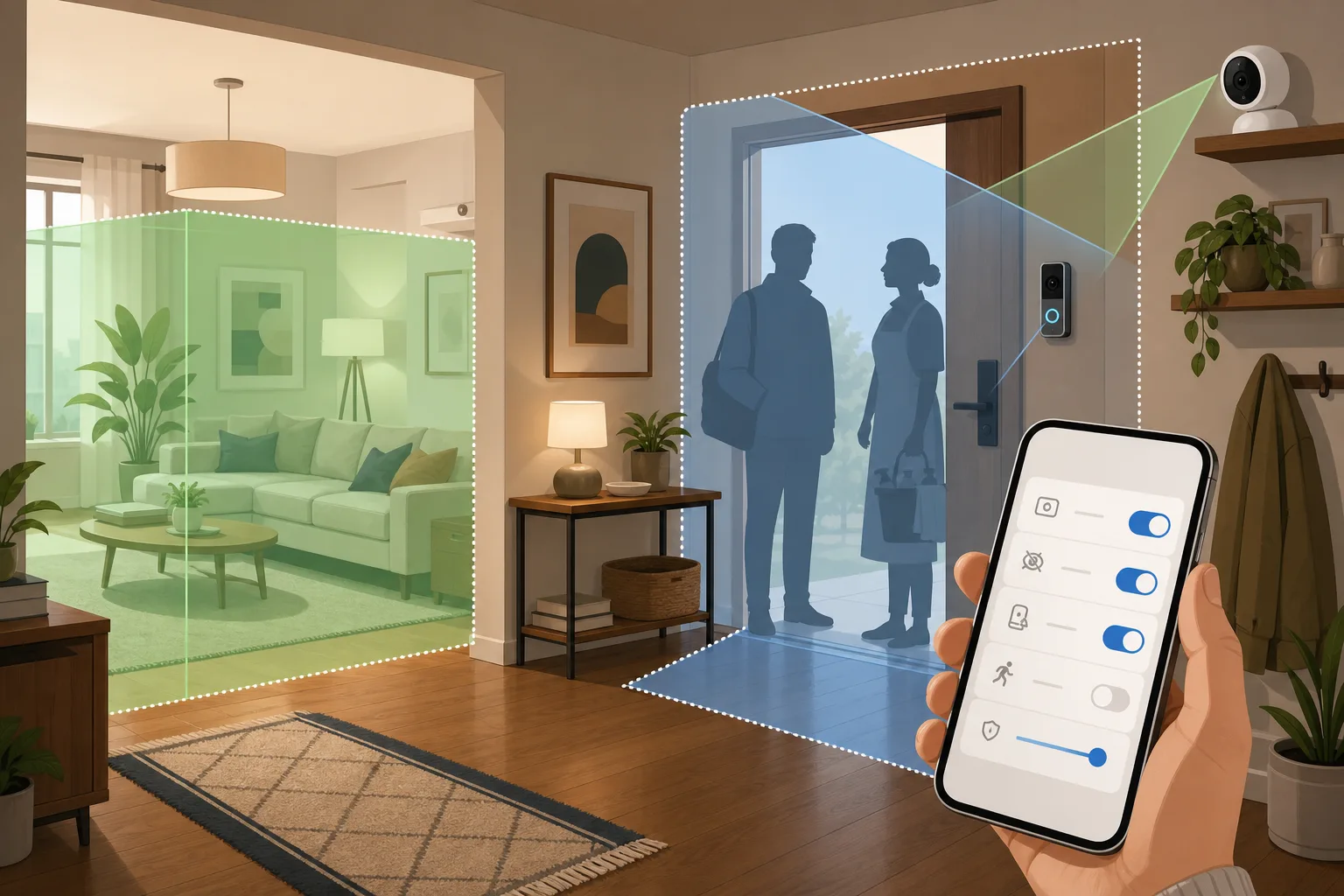
New research on domestic workers shows why smart home cameras should be configured around privacy, guests and everyday trust, not only security alerts.
Comments
Sign in to comment.
No comments yet.