Should you buy a Wi-Fi coffee maker?
A connected coffee maker can be useful, but only if the coffee maker is good before the app gets involved.

A Wi-Fi coffee maker sounds like the kind of gadget that should either be brilliant or ridiculous. Coffee is already a ritual: fill the tank, add beans or a pod, press a button, wait. Adding an app can feel like putting a login screen between you and breakfast.
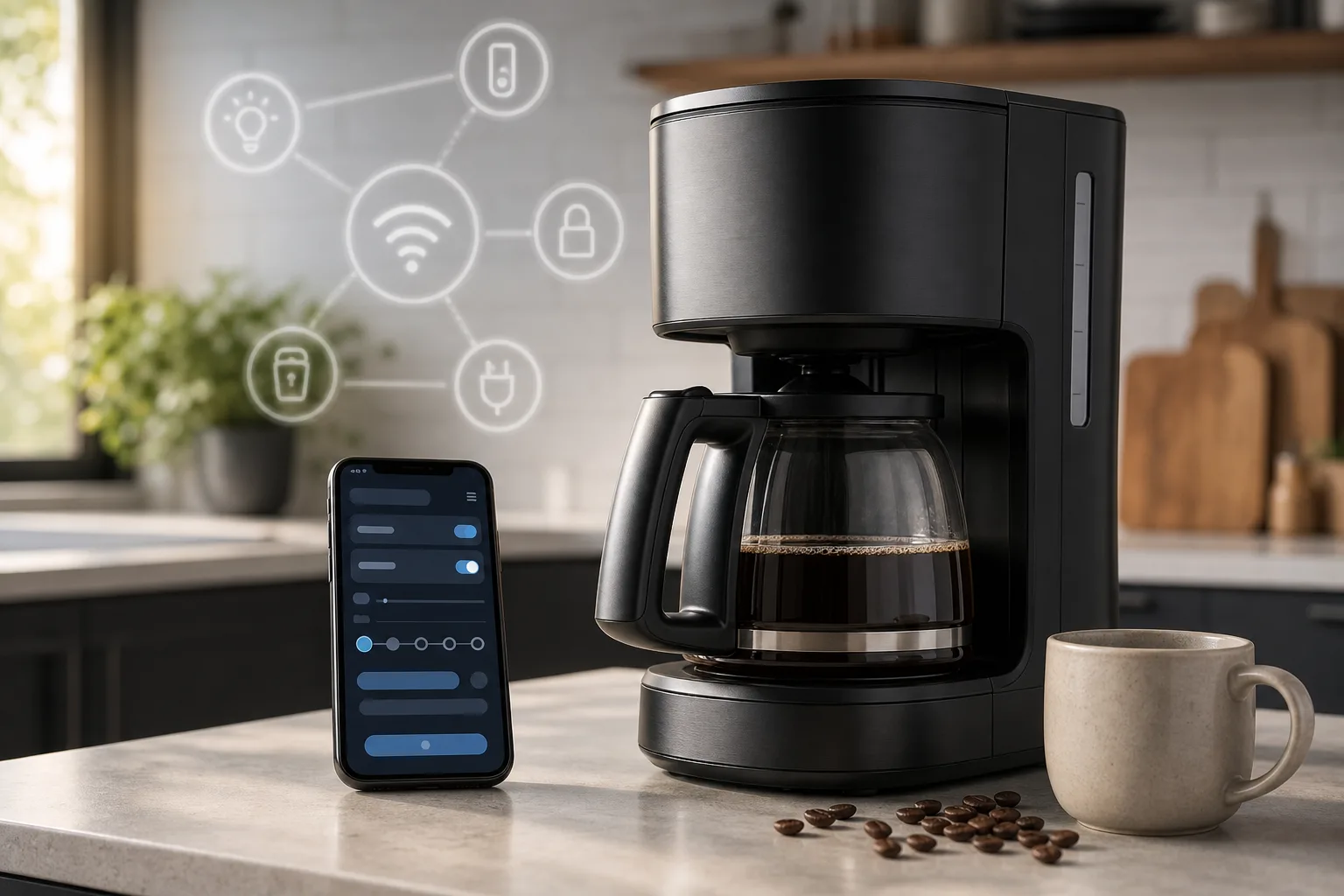
But there are a few homes where connected brewing makes sense. The trick is being honest about what the connection actually solves. It does not grind beans better by magic. It does not clean the machine. It does not make stale grounds taste fresh. What it can do is move the button from the kitchen counter to a phone, a schedule, or a smart home routine. That is useful only if the rest of your coffee setup is ready before the machine starts.
What Wi-Fi actually adds
Most connected coffee makers offer some mix of remote start, scheduling, brew strength controls, temperature presets, reminders, and integration with Alexa, Google Home, or the brand's own app. Keurig's connected K-Supreme line, for example, uses BrewID features for K-Cup pods and app controls. Café's Specialty Drip Coffee Maker leans more toward a premium drip machine with Wi-Fi, temperature control, and SmartHQ app support. Spinn takes a different route, combining a connected grinder-brewer with its own bean marketplace and app.
Those are real features, but the boring limitation matters most: somebody still has to prepare the machine. Water in the tank. Coffee in the basket, hopper, or pod holder. Mug or carafe in the right place. If you forget any of that, remote start is just a fancy error message.
The best scenario is not "start coffee from bed" in the abstract. It is more specific: you prep the machine at night, wake up at 6:45, and want coffee already brewing at 6:50. Or you work from home and want a pot ready after a calendar block. Or you use a smart plug today and hate the clumsy workaround.
Remote start is useful, with one catch
Remote start is the feature people imagine first. It is also the easiest to oversell.
For pod machines, it can work fairly well because the dose is sealed and the machine can sit ready for hours. For drip machines, leaving ground coffee in a filter overnight is fine for many people, but it is not ideal if you care about peak aroma. For bean-to-cup machines, the experience depends on how well the machine handles grinding, rinsing, and warm-up without you standing there.
There is also a safety angle. A coffee maker is a heating appliance. Reputable models are designed with auto shutoff, but remote start still asks you to trust that the counter is clear, the carafe is seated, and nothing weird happened since you loaded it. That is not scary, just practical. I would not start one remotely if I had not checked it earlier.
Scheduling beats remote control
The schedule is usually more useful than the app button. A basic programmable coffee maker already does this, so Wi-Fi has to add something extra: easier setup from a phone, different schedules by weekday, reminders, or integration with a morning routine.
This is where smart coffee makes the most sense. If the coffee maker can join a routine with kitchen lights, a thermostat, or a voice assistant, it stops being a novelty. The value is not that the coffee maker is online. The value is that the household rhythm is predictable enough for automation to help.
If your mornings are chaotic, schedules can become another thing to maintain. You change wake-up time, forget to update the app, and end up with coffee brewed too early. A $40 programmable brewer may be less clever and less annoying.
The smart home part is nice, not essential
Voice control sounds good in marketing copy. In daily use, it is mostly a convenience layer. Saying "start coffee" while you are packing a bag can be pleasant. It is not a reason by itself to spend much more.
The better smart home use case is conditional automation. For example: run a weekday coffee schedule only if someone is home, or send a phone notification when descaling is due. Some ecosystems can do pieces of this, but compatibility varies. Brand apps often work better inside their own small world than across a mixed smart home.
Before buying, check the exact integration list. "Works with Alexa" may mean basic start and stop commands, not deep control over brew size, strength, temperature, or cleaning reminders.
Maintenance does not disappear
This is where the dream gets smaller. A connected coffee maker still needs cleaning, descaling, filter changes, and occasional troubleshooting. The app can remind you, but it cannot remove mineral scale or rinse old oils from a carafe.
Some smart models add more parts: sensors, app pairing, firmware updates, cloud accounts, or a grinder system. More parts are not automatically bad, but they do create more failure points. If the app is abandoned or the cloud service changes, the machine should still brew coffee from its physical controls. That should be a buying rule.
The best models are good coffee makers first and connected devices second. Wirecutter's testing notes on coffee makers are a useful reminder here: brew quality, consistency, temperature, and cleanup matter more than app control. A machine that makes mediocre coffee does not become a good buy because it has Wi-Fi.
Privacy and security are not theoretical
A coffee maker will not expose your bank account by itself, but it can still collect household data: device identifiers, app account details, usage times, network information, and sometimes location or diagnostics through the companion app. That data is not the end of the world. It is also not nothing.
The larger issue is the usual Internet of Things bargain. You bring another device onto your home network, accept another privacy policy, and depend on another vendor for updates. Singapore's Cyber Security Agency has pushed labeling for consumer IoT devices because ordinary home products now have real security implications. The FCC's Cyber Trust Mark effort in the US points in the same direction: connected home devices need clearer security signals.
For a coffee maker, I would look for three things: the machine still works offline, the app supports basic account security, and the vendor has a track record of updates. If setup requires excessive permissions, or if the app looks neglected, walk away.
Price changes the answer
If Wi-Fi adds $20 to a machine you already want, it may be worth it. If it adds $100 or pushes you into a proprietary ecosystem, the case gets weaker.
The premium often comes bundled with other features: better temperature control, specialty brew modes, a grinder, app recipes, or a nicer build. That makes comparisons messy. You are rarely paying only for Wi-Fi. You are paying for a more complicated machine, and Wi-Fi is part of the package.
For pod users, a smart Keurig-style machine may make sense if you already buy pods and like app-guided settings. For drip coffee drinkers, a high quality non-connected brewer can be the better long term purchase. For coffee hobbyists, Wi-Fi is usually less important than grinder quality, water temperature, and fresh beans.
Who should buy one
A Wi-Fi coffee maker is worth considering if you have a fixed morning routine, prep the machine the night before, already use smart home routines, and want reminders or remote control enough to tolerate another app. It also fits households where several people use the same machine and appreciate saved settings.
It is probably not worth it if you mostly make coffee when you feel like it, dislike companion apps, care more about cup quality than automation, or want an appliance that will still feel simple in eight years. In that case, buy the best regular coffee maker your budget allows and spend the leftover money on better beans or a grinder.
The honest verdict: Wi-Fi is a useful add-on, not the main feature. Buy the coffee maker you would want without the app. If the connected features make your mornings smoother, great. If they are the reason you are buying it, pause. You might be paying extra for a button you will stop using after the first week.
Related articles
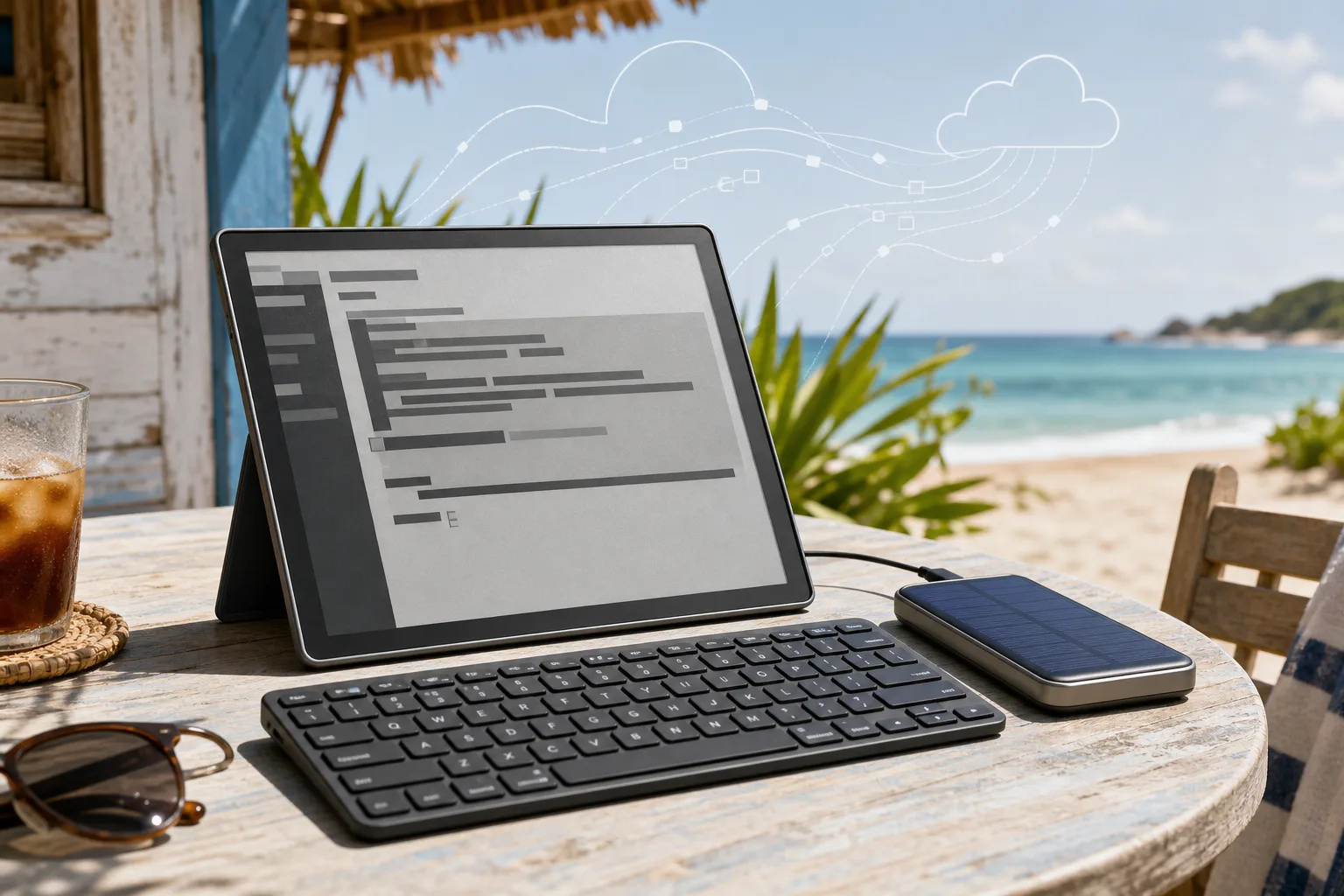
Choosing an e-ink tablet as a sunlight SSH terminal for AI-agent work
A practical buyer guide for running the real work on a server while using an e-ink or reflective tablet outdoors as a cool, readable SSH terminal.
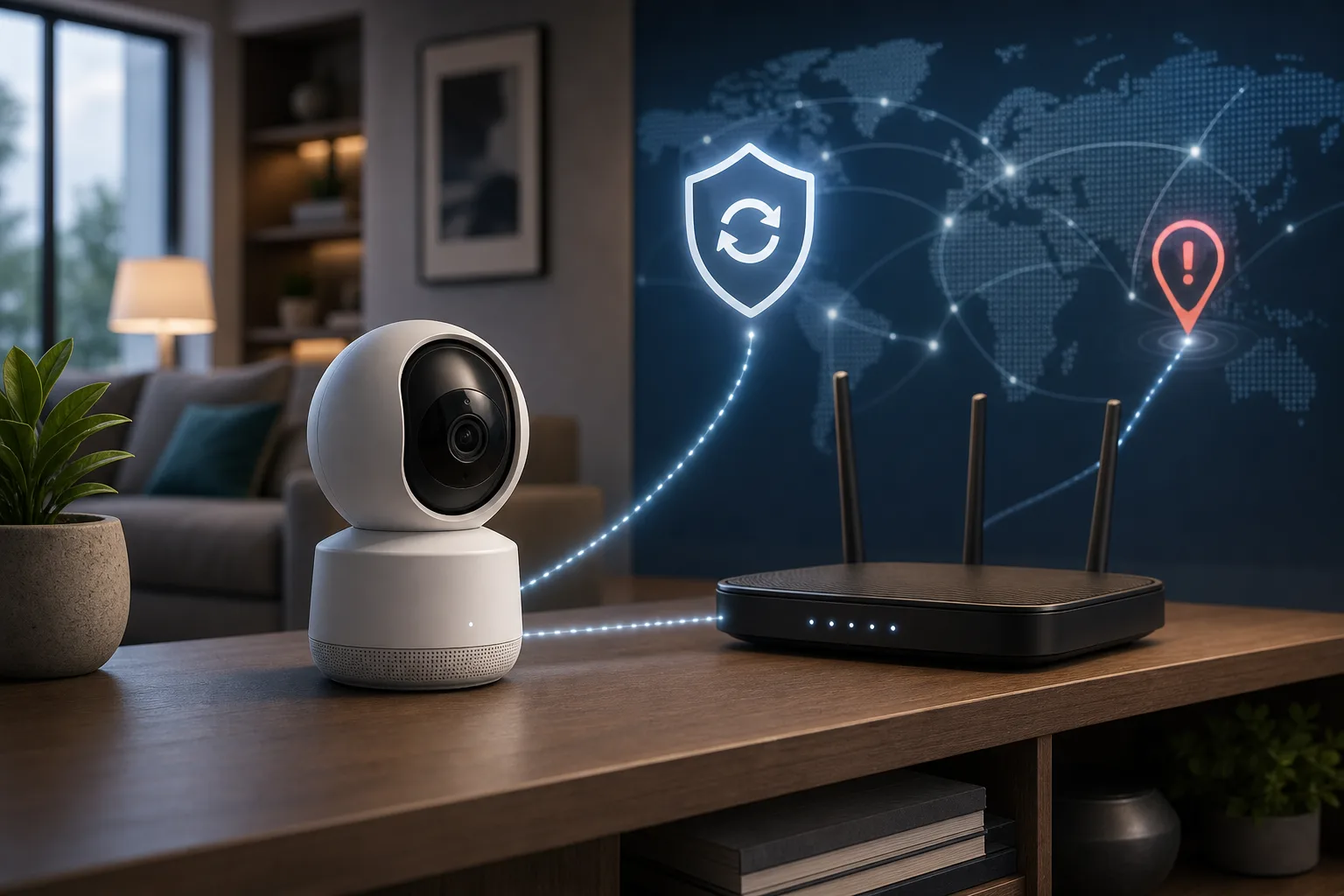
A Smart Camera Is a Trust Device: What the TP-Link Kasa Flaws Change
TP-Link patched Kasa EC70/EC71 information leaks, but the larger lesson is how to update, isolate, and choose smart cameras that live inside private spaces.
Will your smart home survive when the app disappears?
Wemo’s cloud shutdown is a practical warning for anyone buying smart plugs, bulbs, switches or appliances: the safest smart home is the one whose basic controls do not depend on one vendor server.
A smart home needs a local Plan B when Google Home goes quiet
The August Google Home and Nest outage was fixed, but it exposed a design problem many apartments and houses still have: basic controls often depend on a remote service. The practical response is not panic or a server rack, but a simple local fallback plan.
Comments
Sign in to comment.
No comments yet.