How to start learning words with HabloPablo in 3 minutes
A short first-run guide: create a vocabulary, turn it into MP3, practice word pairs, and check your progress.
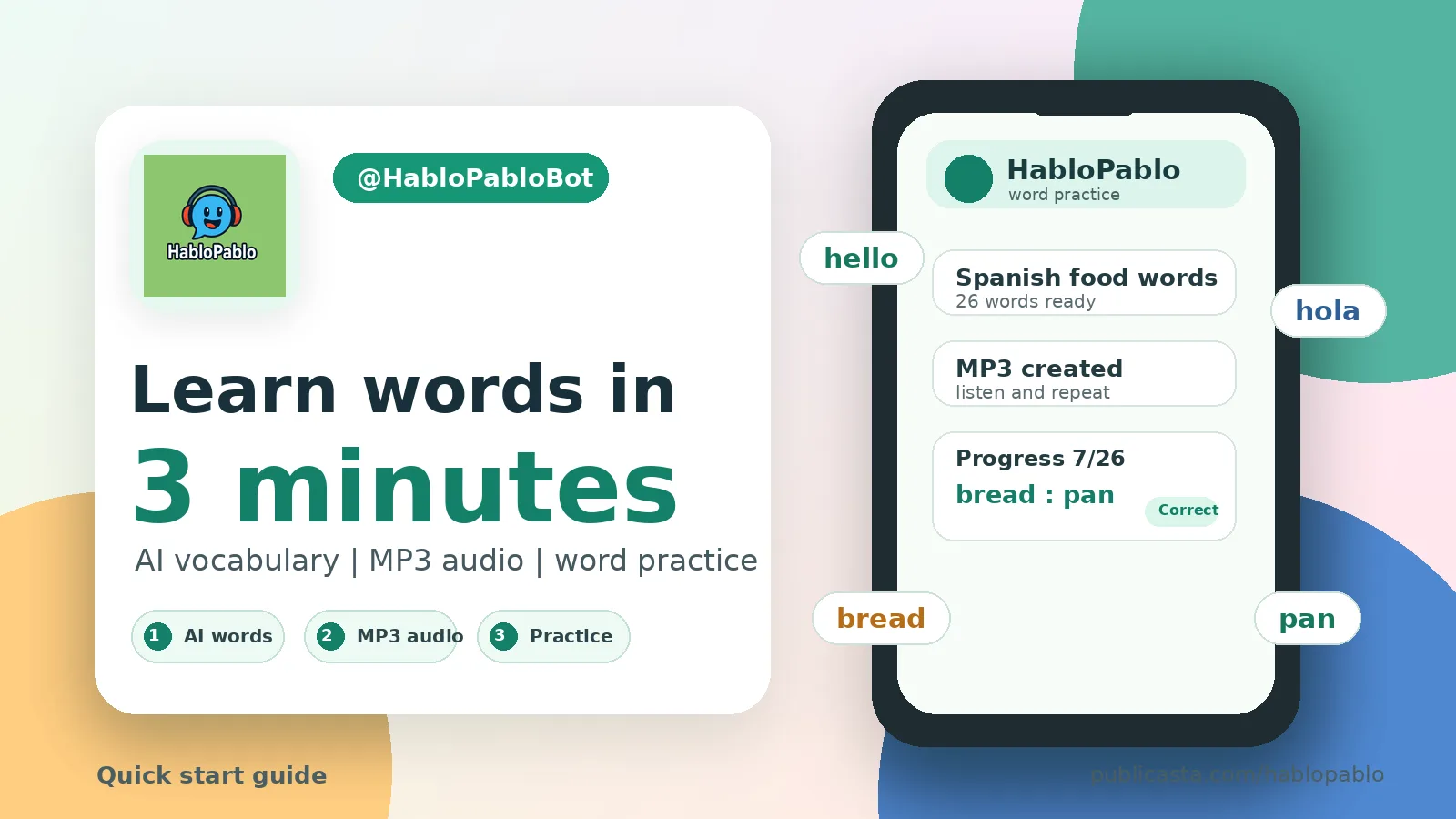
HabloPablo is a Telegram bot for turning a topic or your own word list into study material: an AI-generated vocabulary, MP3 audio, and a quick word-pair practice game. This guide is the fastest way to try the whole flow without learning every setting first.
1. Open the bot and choose what you need
Start @HabloPabloBot and press /start. The main menu focuses on a few actions:
- generate a vocabulary with AI;
- create MP3 audio from a vocabulary;
- practice words;
- open examples;
- check your profile.
If this is your first session, start with AI vocabulary generation. The bot will ask for the source language, the target language, and a topic.
2. If you already have words
You can skip AI generation and send your own list. The simplest format is:
hello - hola
thank you - gracias
home - casa
The | separator also works:
hello|hola
thank you|gracias
home|casa
This is useful when you already have words from a textbook, lesson, chat, or app.
3. If you need a new vocabulary
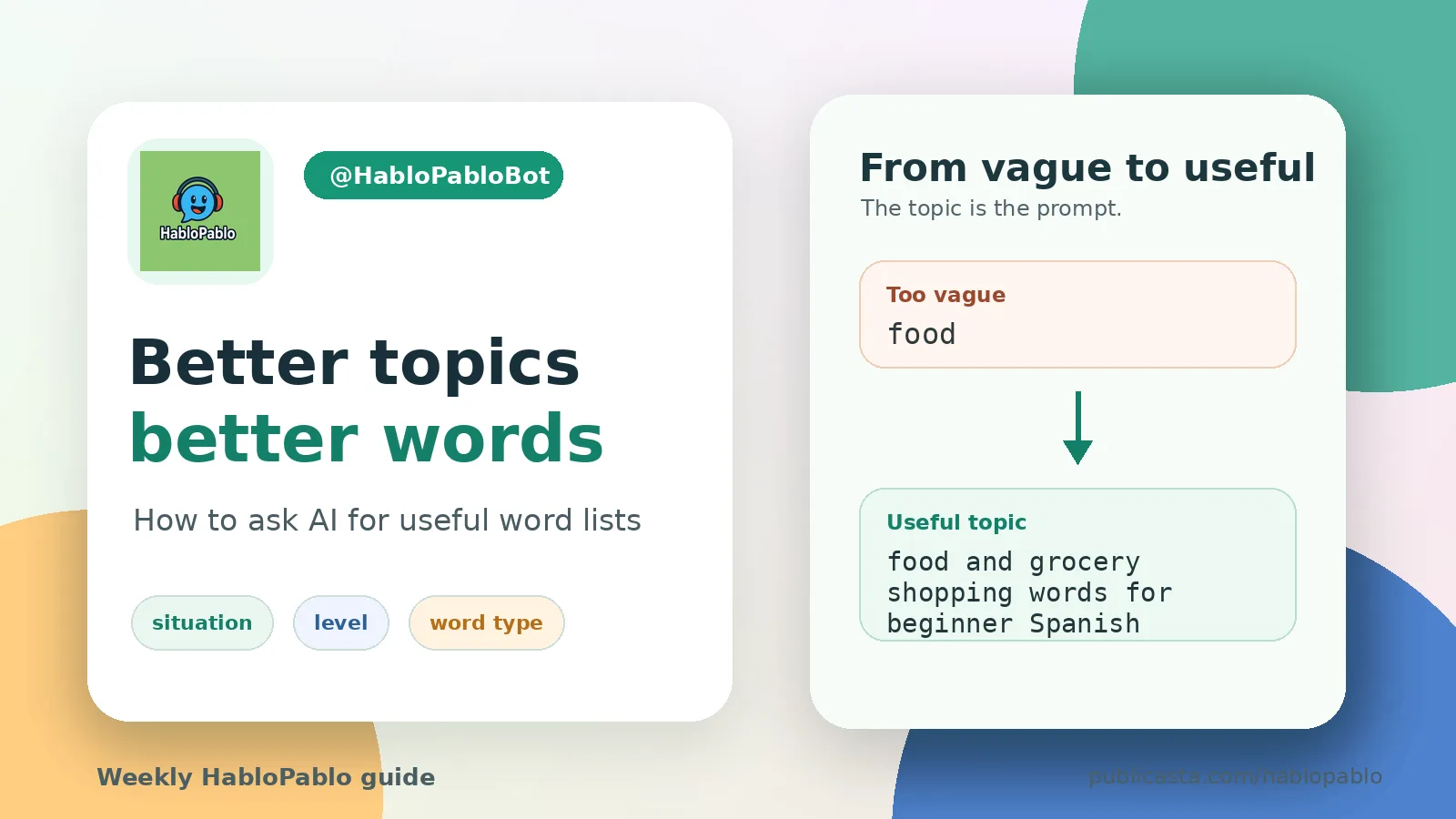
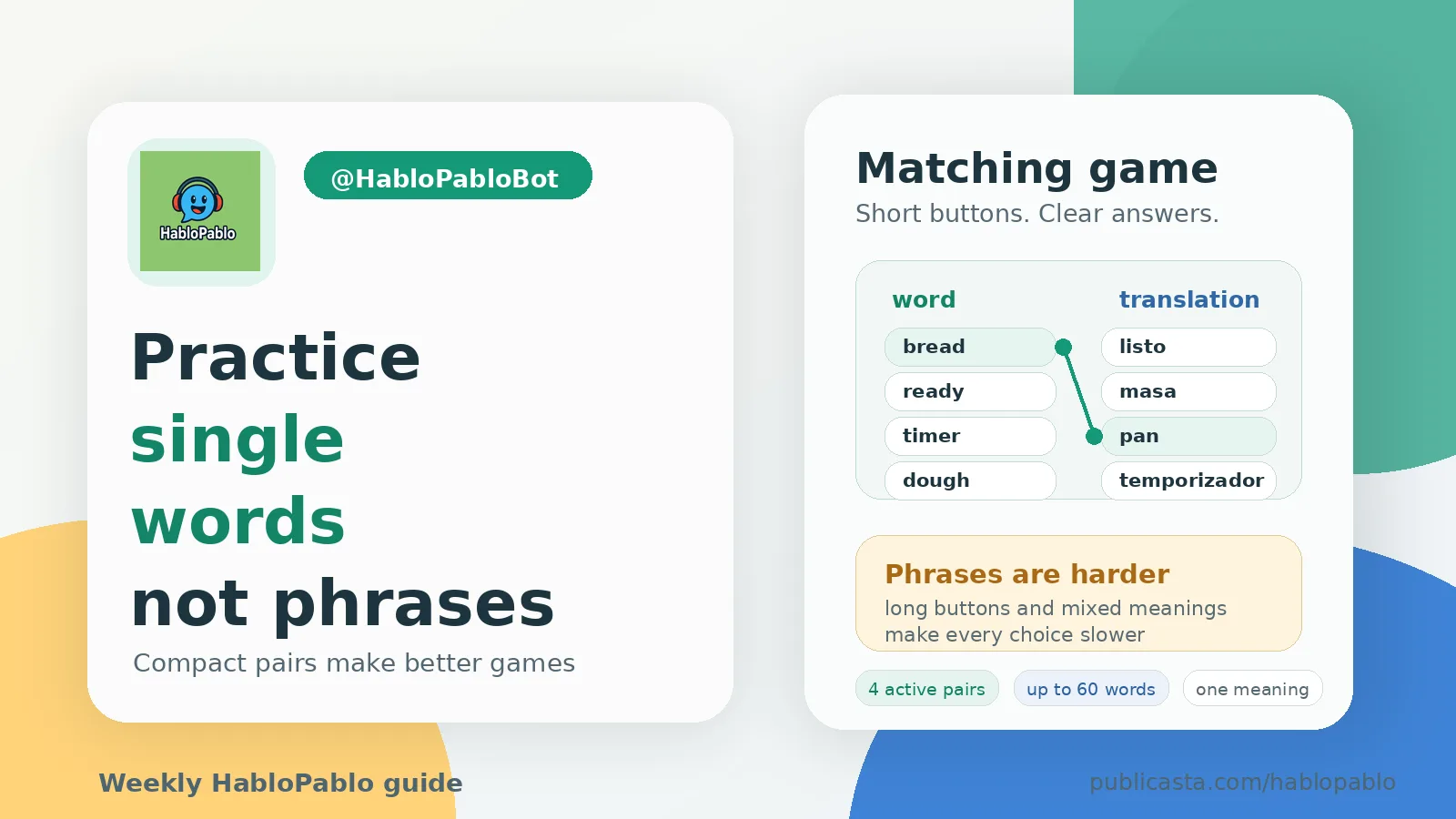
Choose an AI mode and describe the topic clearly. For word practice, ask for individual words, not long phrases. A good topic is specific enough:
food and grocery shopping
Very short prompts such as food are less useful because the bot has to guess what kind of words you need.
4. MP3 or practice?
Use MP3 when you want passive repetition: walking, cooking, commuting, or getting used to pronunciation.
Use word practice when you want active recall. The bot shows two columns, you match a word with its translation, and it gives feedback immediately.
A simple routine works well: listen first, then practice.
5. Share a vocabulary
When a vocabulary is ready, you can share it. Open word practice, press "Share vocabulary", choose a vocabulary, and forward the generated message to a friend or a chat.
If a new user opens your link and adds the vocabulary, you receive a bonus coupon.
6. Profile, payments, bonuses, and statistics
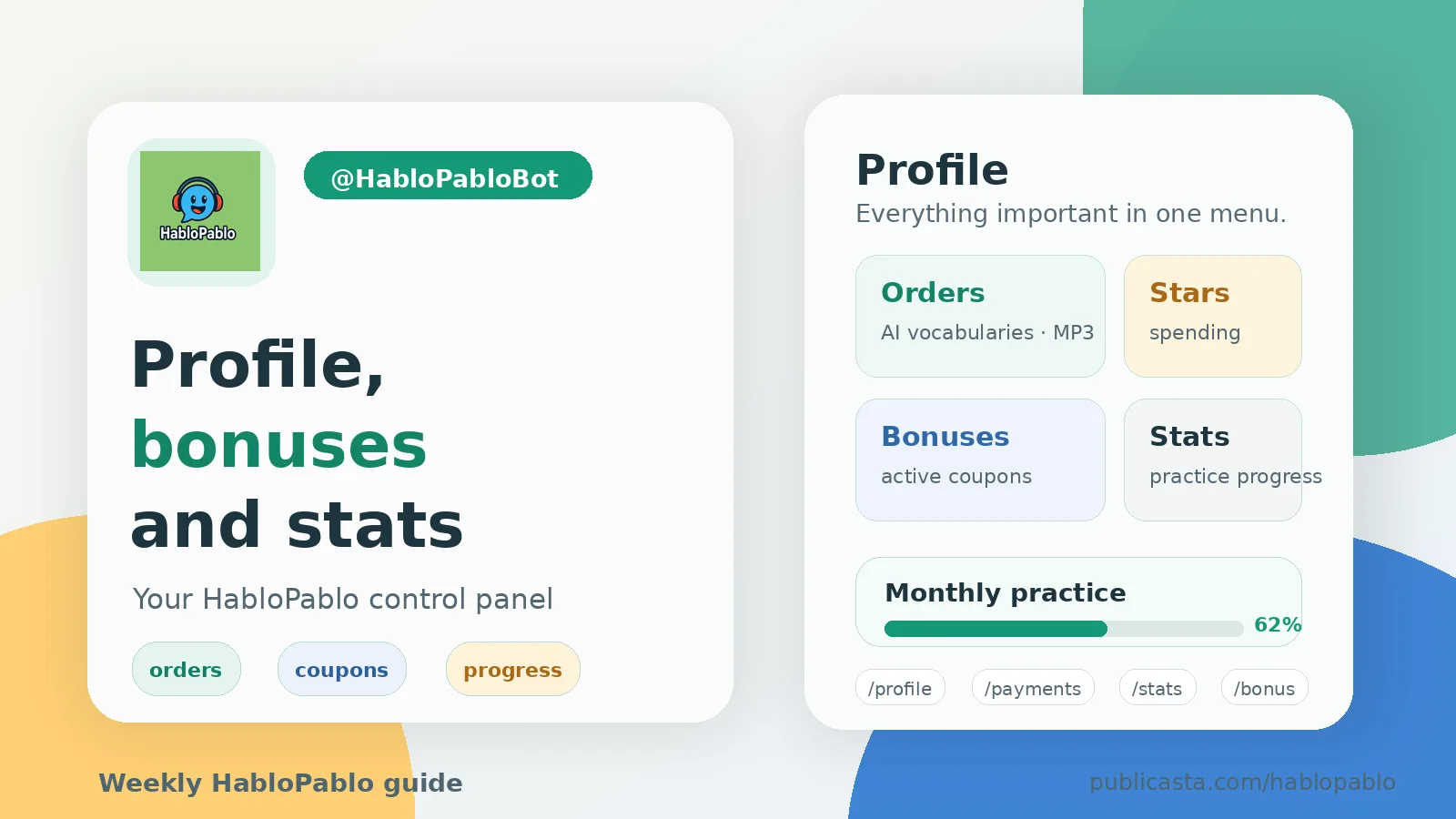
Open "Profile" from the main menu. It includes:
- orders and payments;
- practice statistics;
- bonuses and discounts;
- friend bonuses;
- settings;
- prices.
Practice statistics start collecting after completed training sessions. You can track sessions, matched words, accuracy, and monthly progress.
A quick first run
- Open @HabloPabloBot.
- Press "Generate a vocabulary with AI".
- Choose languages.
- Send a topic, for example
food and grocery shopping. - After generation, choose word practice or MP3.
- Open "Profile" to see orders, bonuses, and statistics.
That is enough to get your first useful vocabulary in a few minutes. More guides and product updates will appear on the HabloPablo channel on Publicasta.
Related articles
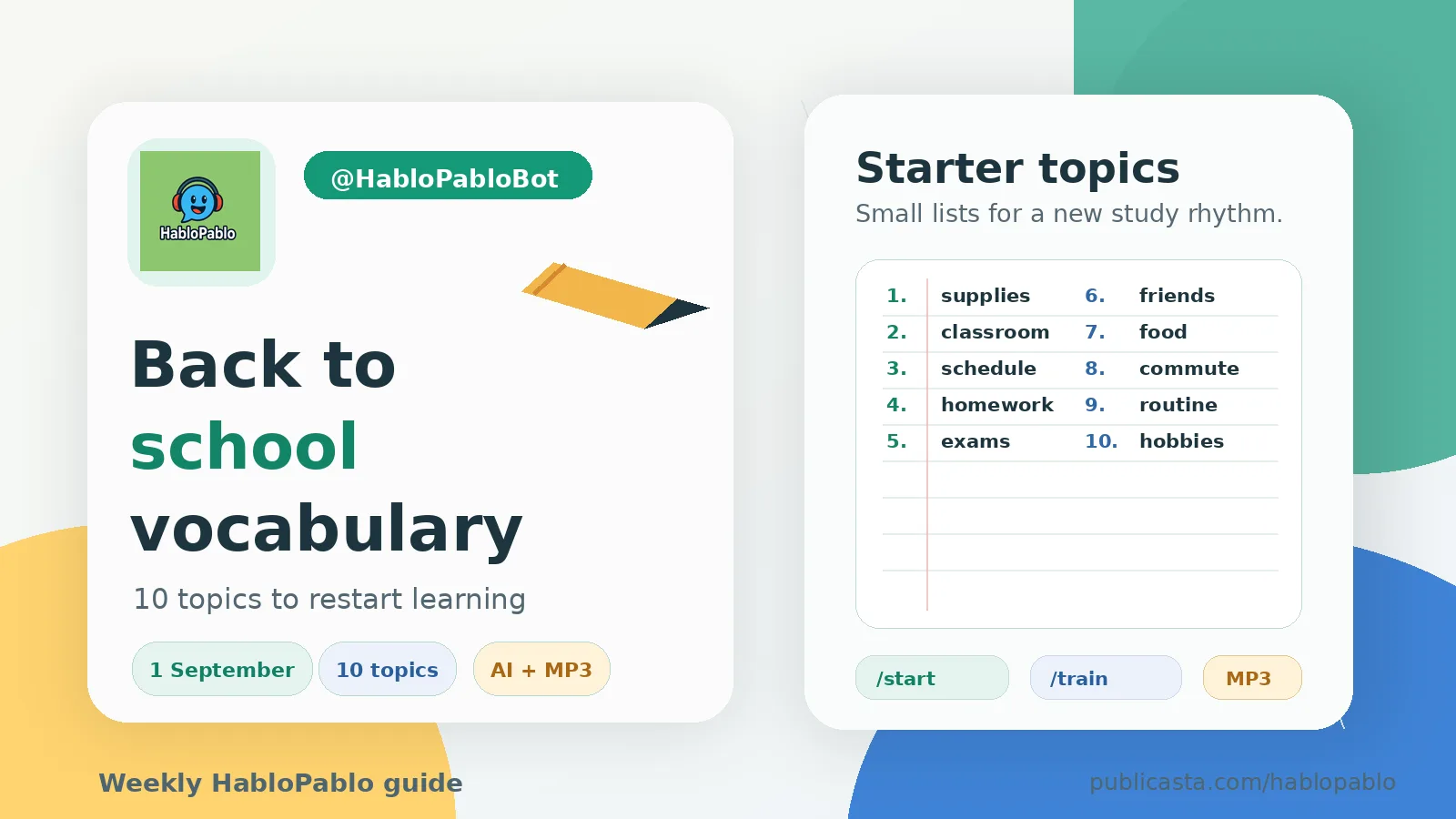
Back to school: 10 vocabulary topics to start learning with HabloPablo
Start September with small practical vocabularies: school supplies, schedule, homework, commute, food, routine and more.
Profile, payments, bonuses and statistics: where to find everything
The HabloPablo profile is the control panel inside Telegram: orders, payments, coupons, practice stats, prices and settings in one place.
How to create a useful AI vocabulary topic
A simple formula for better HabloPablo vocabularies: describe the situation, add the learner level, and say what kind of words you need.
Why word practice works better with single words, not phrases
For HabloPablo matching practice, short single-word pairs are easier to read, faster to match and less ambiguous than long phrases.
Comments
Sign in to comment.
No comments yet.