Profile, payments, bonuses and statistics: where to find everything
The HabloPablo profile is the control panel inside Telegram: orders, payments, coupons, practice stats, prices and settings in one place.

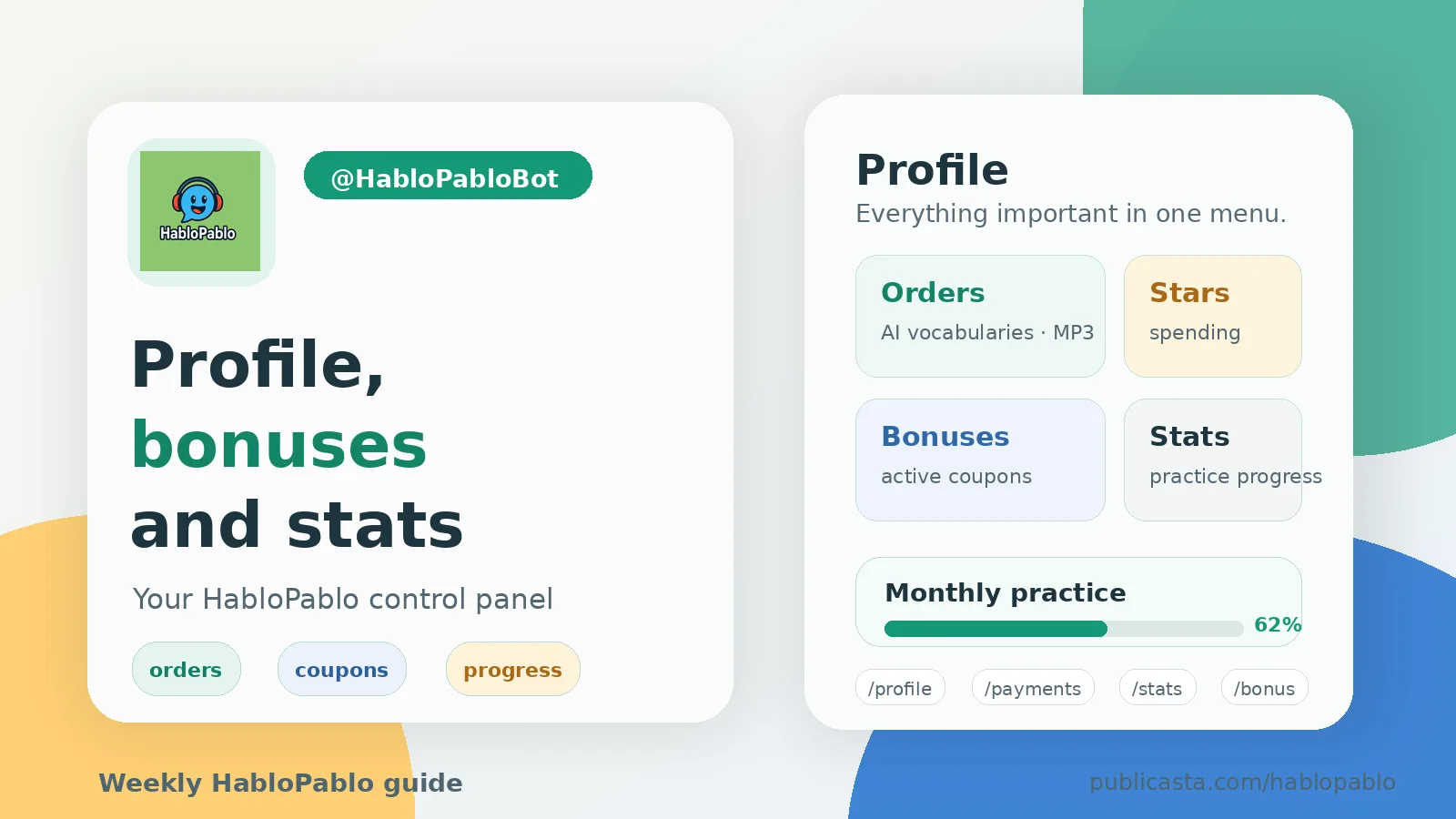
HabloPablo works inside Telegram, so the profile is also inside the bot. It is the place to check what you have created, how many Stars you have spent, which discounts are active, and whether your practice habit is moving forward.
Open @HabloPabloBot and tap Profile, or send /profile.
What is inside Profile
The profile screen is a compact control panel. It shows your current discount, spent and saved Stars, practice summary, and how many of your shared vocabularies were added by other people.
From there you can open the main account sections:
- Orders and payments for recent AI vocabulary and MP3 orders.
- Statistics for practice sessions, matched words, accuracy, active days, and monthly progress.
- Bonuses and discounts for active coupons and promo codes.
- Friend bonuses for share-link opens, vocabulary adds, and awarded coupons.
- Settings for the interface language.
- Prices before you create a new paid order.
Orders and payments
Use Orders and payments or /payments when you want to understand what happened with Stars. The screen separates AI vocabulary orders from MP3 vocabulary orders and shows total spent, saved with discounts, and recent orders.
This is useful after you create a vocabulary by topic, create an MP3 from your list, or use a coupon. You do not need to remember everything manually; the bot keeps the recent history in one place.
Bonuses, coupons and friend rewards
The Bonuses and discounts section shows your current discount and active coupons. You can also enter a promo code with /coupon CODE or just send the code as a message.
The Friend bonuses section is about shared vocabularies. If a new user opens your vocabulary link and adds the vocabulary to their own list, you can receive a discount coupon. We explained the sharing flow in detail here: How to share a vocabulary with a friend and get a bonus.
Practice statistics
The Statistics screen is for learning progress, not only payments. It shows practice sessions, matched words, accuracy, perfect sessions, active days, practice time, monthly progress, and sharing results.
There is also a Share achievements button. It creates a separate message with your learning stats and a link to @HabloPabloBot, so you can forward it to a chat or a friend.
If you have not tried word-pair practice yet, start with this guide: Word-pair practice: how the matching game helps you remember words.
Prices and settings
Prices are available from Profile and with /price. Check them before a paid order if you want to estimate the Stars cost.
Settings are separate from your vocabulary language pair. The interface language changes bot messages; the learning languages are still chosen when you create or practice a vocabulary.
A simple weekly routine
Once a week, open Profile and check three things: active coupons, recent orders, and practice statistics. It takes less than a minute and makes HabloPablo easier to use deliberately.
You can find all product guides in the HabloPablo Publicasta channel, or start directly in Telegram: https://t.me/HabloPabloBot.
Related articles
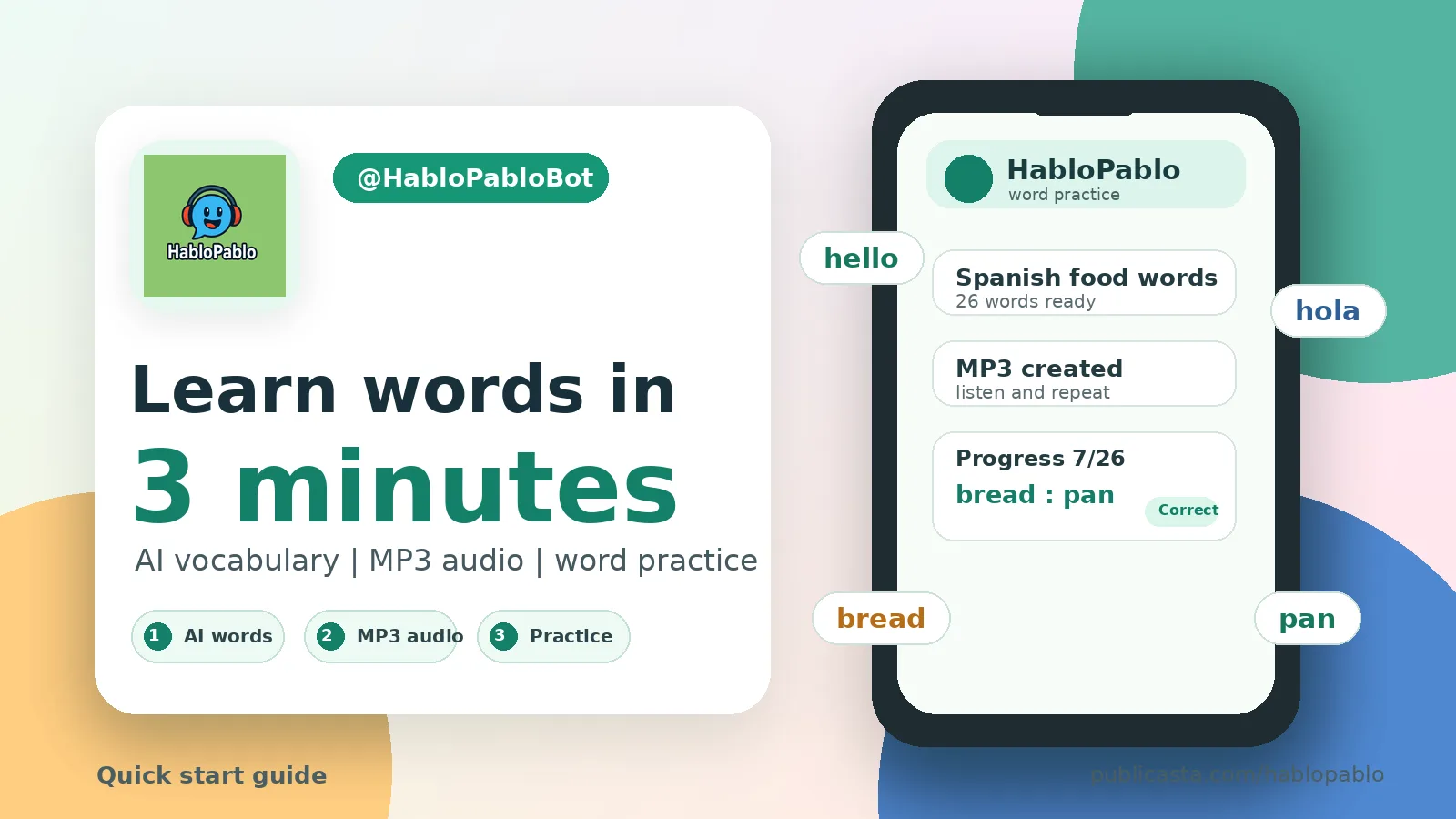
How to start learning words with HabloPablo in 3 minutes
A short first-run guide: create a vocabulary, turn it into MP3, practice word pairs, and check your progress.

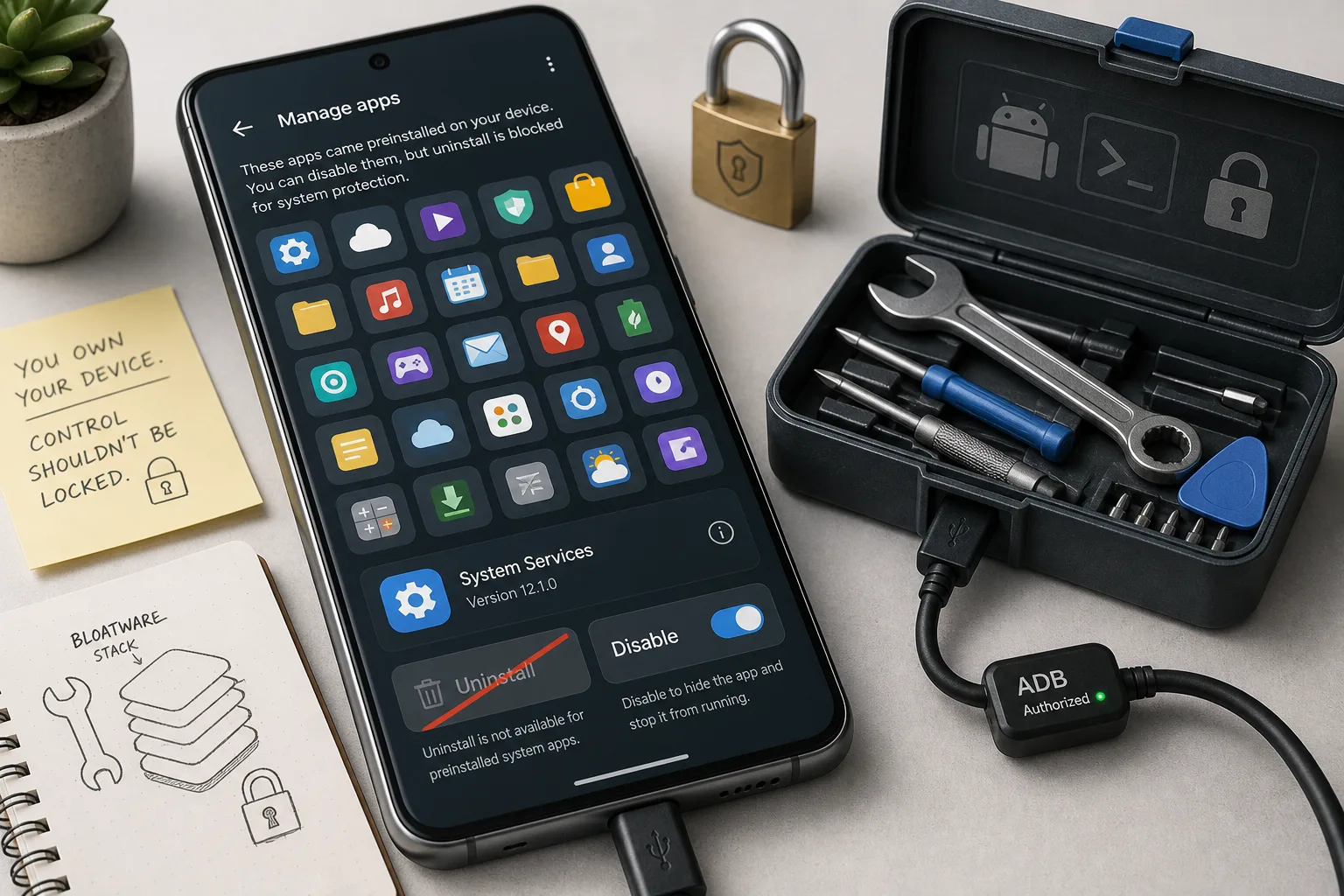
Android 17 may make bloatware harder to remove. Check this before your next phone
A reported Android 17 change weakens a long-running non-root debloating trick. For phone buyers, the practical question is no longer just specs — it is how much software control the device leaves you.

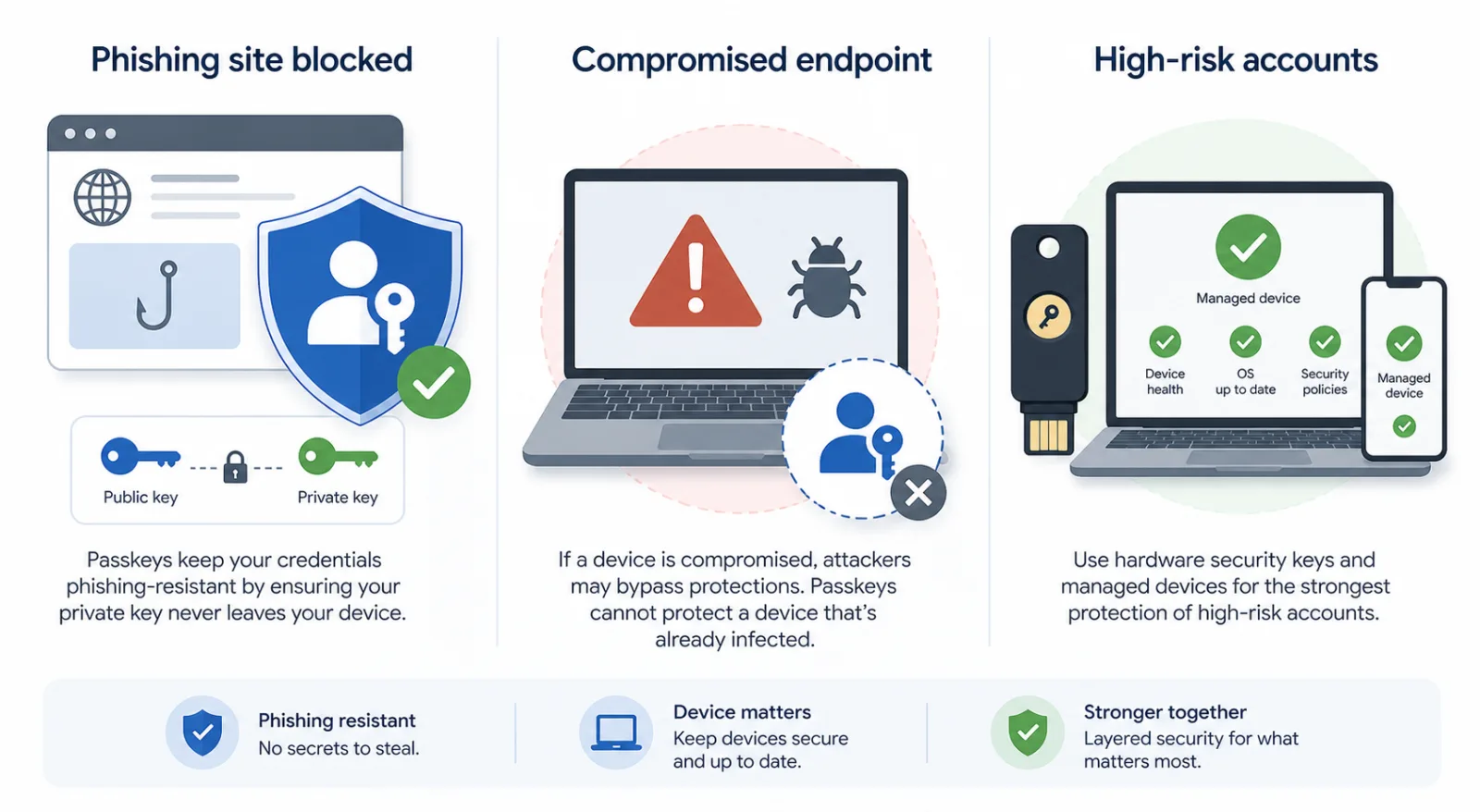
Passkeys are not magic: what Pass-ta-key really changes
A calm guide to the attacks passkeys stop, the endpoint risks they do not, and the checks that make WebAuthn safer.

Google’s policy week shows browsers and app stores are IT infrastructure
Manifest V2 removal, uBlock Origin’s Chrome Web Store exit, AnkiDroid’s donation-link fight and Aurora Store friction all point to one risk: client-platform control.

Comments
Sign in to comment.
No comments yet.