1Password’s Backend Incident Exposed Account Data, Not Vaults — Why the Phishing Follow-Up Matters
1Password says an attacker reached backend systems through an employee’s GitHub account and copied limited customer account records. Vault contents and encryption keys were not affected, but the exposed metadata creates a credible phishing risk for users and enterprise administrators.

1Password disclosed a security incident on November 25, 2026, after an attacker gained access to an employee’s corporate GitHub account and used it to reach internal development and backend systems. The company says the attacker copied a limited amount of information belonging to a subset of customers, including names, sign-in email addresses and account metadata.
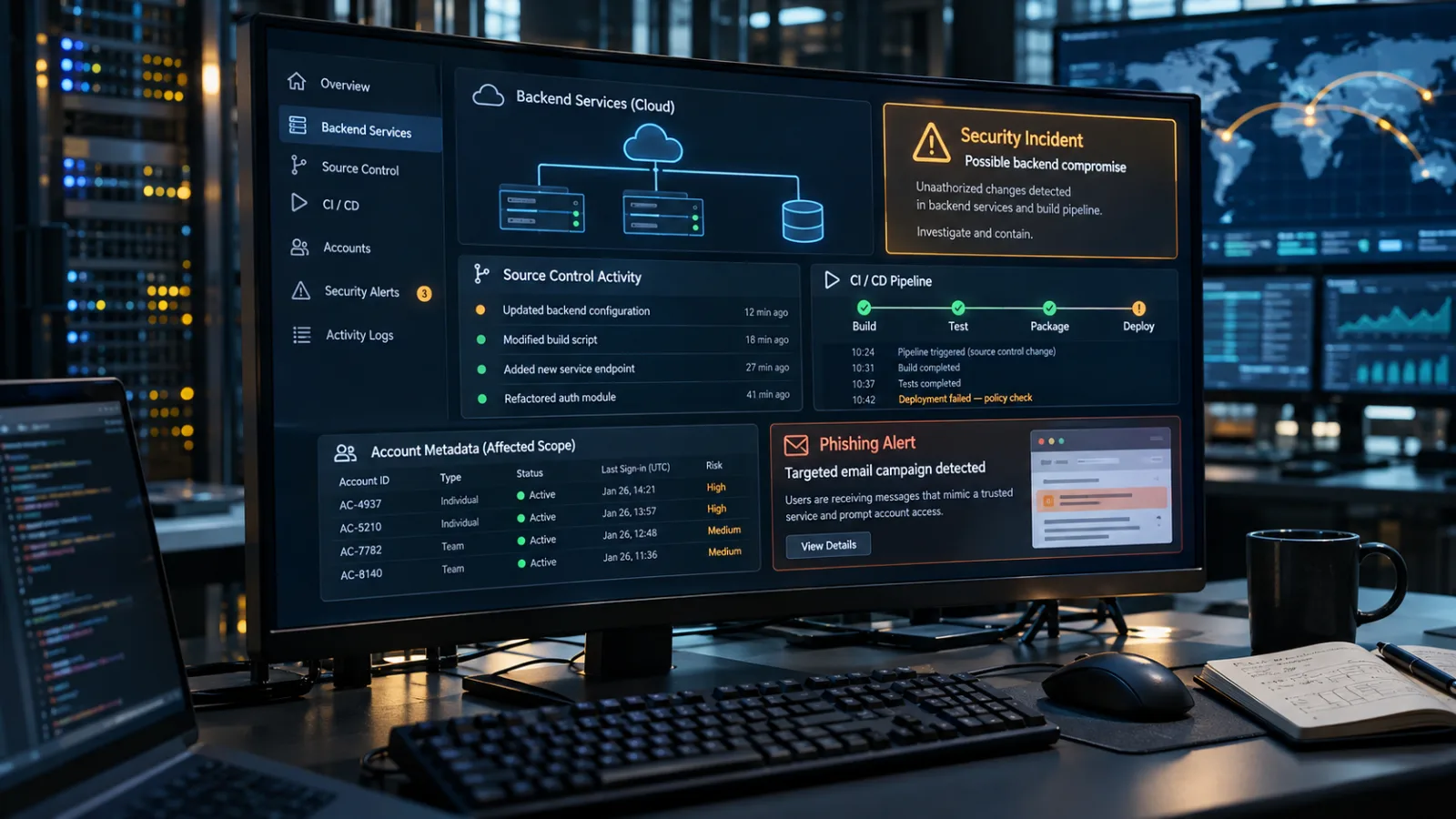
The important distinction is that 1Password says customer vaults, the items stored in those vaults, account recovery keys and the keys protecting encrypted data were not accessed. The incident is therefore not a report that the company’s password database was decrypted or that stored passwords were exposed. It is a compromise of supporting systems and account records around the vault service.
That distinction matters, but it does not make the event irrelevant. Names and email addresses associated with a password manager are valuable targeting data. The incident also involved tokens in some emailed invitation, provisioning and account-recovery links. 1Password says those tokens could not be used by themselves and that the affected workflows required an additional sign-in or verification code. Even so, the combination of real customer context and a familiar security brand can make a later phishing attempt much more convincing.
For individual users, the immediate response is mostly about verifying messages and avoiding rushed sign-ins. For companies, the more useful lesson is broader: a service can protect encrypted customer content while still exposing the operational metadata that attackers use to select victims, imitate support workflows and attack the identity layer around the product.
What 1Password says happened
According to the company’s incident update, investigators began looking into suspicious activity on November 19. The initial access involved an employee’s corporate GitHub account. The attacker then accessed source code, reached the company’s continuous integration and continuous delivery environment, and pushed malicious code to backend services.
Those services downloaded administrative account data for a subset of users. 1Password says the records included customer names, email addresses, account and user identifiers, account creation and last sign-in times, public keys, Secure Remote Password parameters and other non-secret metadata about the service’s internal architecture.
The company also says the attacker copied source code from private repositories and gained access to its CI/CD system. It has not said that the source code contained customer vault data. 1Password says it rotated or revoked internal credentials that may have been exposed, disabled the affected GitHub account, revoked the stolen token and removed access created by the attacker.
This is a familiar modern attack path even though the affected product is a password manager. The route did not require an attacker to break the encryption protecting vault contents. It required an identity compromise, access to a development platform and enough privilege in the software delivery chain to influence a backend service. The customer data was then collected through an application that was already trusted to handle it.
The disclosure does not identify how the employee’s GitHub account was initially compromised. That remains an important unanswered question. Whether the root cause was credential theft, session hijacking, a token leak or another form of account takeover will affect how other organizations should compare their own exposure.
What information was exposed
The exposed information was not uniform for every customer. 1Password describes it as a limited amount of account information from a subset of users. The reported categories include:
- Names and email addresses used to sign in.
- Account and user identifiers.
- Account creation and last sign-in times.
- Public keys, which are public by design.
- Secure Remote Password parameters, which the company says cannot be used to access an account.
- Tokens contained in certain emailed invitation, provisioning and account-recovery links.
- Other non-secret internal account metadata, including numeric identifiers associated with versions and files.
The presence of email addresses is the most obvious practical concern. An attacker who knows that an address is associated with 1Password can send a message about a supposed security review, account recovery request, provisioning invitation or emergency vault check. The message does not need to contain a stolen password to be useful. Its purpose may be to persuade the recipient to reveal a Secret Key, approve a login, install a fake extension or visit a lookalike domain.
The invitation and recovery tokens deserve a more precise reading. 1Password says these tokens were present in certain emailed links and that a small number of users in the relevant state were specifically notified. It also says that a token alone was insufficient: the workflow required an SSO sign-in or a code sent to the registered email address. As a precaution, the company expanded the code used in these flows from six numeric digits to ten alphanumeric characters.
That change reduces the value of guessing a code, but it does not remove the social-engineering risk. A user can still be tricked into entering a legitimate code into a fraudulent page. Verification data should be treated as sensitive even when it is not equivalent to a vault key.
What was not affected, according to the disclosure
1Password says the attacker did not access customer vaults or the items stored in them. It also says the keys protecting those vaults, account recovery keys, the 1Password apps and browser extensions were not affected.
The company’s architecture is relevant here. Its security documentation describes a model in which 1Password does not possess the account password or Secret Key needed to decrypt customer data. It uses end-to-end encryption and a two-secret-key design, so a compromise of server-side account systems is not automatically equivalent to possession of the material required to open a customer vault.
That architecture limits the consequences of this specific incident as described. It does not mean that every part of a password manager’s environment has the same protection boundary. Authentication services, account directories, provisioning systems, support tooling, CI/CD infrastructure, email workflows and telemetry can all contain information that helps an attacker without containing the encrypted vault itself.
This is why “the vaults were safe” and “nothing important was exposed” are not interchangeable statements. The first is a claim about the protected content and keys that 1Password says were not accessed. The second would ignore the value of identity metadata and the ability to create convincing follow-up attacks.
The company also says it found no internal evidence of account takeovers or compromise using exposed account-provisioning tokens. That is a useful status update, but it is not a guarantee that no customer will receive a malicious message. It describes what the company has observed in its investigation so far, while phishing can happen after public disclosure using information that was already copied.
Why the GitHub-to-CI/CD path is the operational lesson
The incident is particularly relevant to engineering and security teams because the reported path crossed several control planes. It started with an employee identity, moved into a source-code hosting account, reached CI/CD, and then affected a backend service capable of retrieving customer-related data.
A source repository is not merely a place where code is stored. In many organizations it is connected to build runners, deployment credentials, package registries, cloud roles and production change mechanisms. A compromised developer account can therefore become a route into infrastructure even when production passwords are not stored in the repository itself.
The practical question for other teams is not simply whether GitHub has multifactor authentication enabled. It is whether a compromised employee account can create a change that reaches a production-like environment, whether workflows can use long-lived credentials, and whether backend services can retrieve more customer data than the task requires.
The controls worth checking include:
- Enforce phishing-resistant authentication for source-control administrators and developers with release privileges where the platform supports it.
- Inventory personal access tokens, GitHub Apps, deploy keys and automation identities, including their owners, scopes and expiration dates.
- Require review and approval for workflow changes that alter deployment behavior or access customer data.
- Separate source-code read access from production deployment authority.
- Make CI runners short-lived and isolate them from unrelated network resources.
- Use narrowly scoped cloud roles for build and deployment jobs.
- Alert on unusual repository access, new workflow files, changes to build scripts and unexpected outbound requests from runners.
- Record which backend jobs can export account metadata and test whether they can be abused through an unauthorized code change.
These are not all new controls, but incidents make their relationship clearer. A company may have strong vault encryption and still need a rigorous software-supply-chain boundary around the services that retrieve account records.
What users should do now
1Password says customers do not need to change anything in their accounts as a result of this incident. That is different from saying users should ignore all messages referring to it. The company specifically warns about phishing attempts involving unexpected emails about 1Password, invitations or account recovery.
The safest response is to treat any security-related message as a notification, not as an instruction. Do not use a button in the message to sign in. Open the 1Password application directly or type the official website address yourself. If a message asks for an account password or Secret Key, it is not following the company’s stated support behavior.
Users should also be careful with phone calls, text messages and chat messages. A phishing campaign can begin after the public announcement and use accurate details from the incident to appear legitimate. The attacker may claim that a user was affected, that a vault must be revalidated or that a recovery request needs to be cancelled immediately.
If an unexpected invitation or recovery message arrives, do not forward its token or verification code to anyone. Instead, open the service through a known-good route and contact support using a contact method obtained from the official site. Keep the original message for investigation, but do not click its links while trying to inspect it.
For users who have already entered a Secret Key or account password into a suspicious page, the situation is different. They should treat the credentials as potentially compromised, contact 1Password through its official support channel, review account and device activity where available, and examine the email account used for recovery or provisioning. The correct response depends on what was entered and whether the device or browser may also be compromised.
What enterprise administrators should check
Organizations using 1Password for workforce access should separate the vendor’s current findings from their own local exposure. The public disclosure says a subset of customers had account records involved, and some users in specific provisioning or recovery states were directly notified. Administrators should determine whether their tenant uses the affected workflows and whether any pending invitations or recovery operations were active during the relevant period.
A useful first step is to make a list of all current provisioning paths. Include SCIM Bridge, hosted provisioning, SSO-linked onboarding, recovery workflows and administrative invitations. For each path, identify who can initiate it, which email address receives the message, what verification step is required and how the action is logged.
Administrators should then review recent events for anomalies rather than assuming that the vendor’s statement eliminates the need for local checks. Look for unexpected invitations, recovery attempts, new users, changes to group membership, new SSO assignments, unusual administrator activity and sign-ins from locations or devices that do not fit normal behavior.
Email security teams should prepare for messages that use the incident as a lure. Search for references to 1Password, vault recovery, Secret Keys, account verification and provisioning. A search should not be limited to the company’s official domain because attackers often use display-name spoofing, lookalike domains or compromised third-party mail infrastructure.
If the organization has a security-awareness channel, give employees a short, concrete instruction: open 1Password directly, never send a Secret Key by email or chat, and report unexpected recovery or invitation messages. A long policy document is less useful during a targeted campaign than a rule people can remember under time pressure.
Why the incident changes how teams think about “zero knowledge” services
The phrase “zero knowledge” is often used as shorthand for a product design in which the provider cannot decrypt customer content. That property is meaningful, but it describes one part of a larger system. The provider may still process account identifiers, email addresses, device information, provisioning records and operational telemetry.
Those surrounding records can have several uses. They can identify high-value employees, reveal that a company uses a particular service, show when an account was created or last used, and supply the context needed for a believable support impersonation. Metadata does not have to unlock a vault to become a security problem.
The design lesson is not that encryption failed. In this incident, the reported separation between encrypted vault contents and backend account systems appears to have limited the attacker’s access. The lesson is that organizations need to evaluate both the confidentiality of primary data and the exposure created by the workflows surrounding it.
A vendor review should therefore ask more than whether customer data is encrypted at rest. It should ask what account metadata exists, which systems can export it, how provisioning tokens are protected, how long-lived credentials are managed, what happens when a developer account is compromised and how the company detects unauthorized changes to backend services.
This is also relevant when password managers are connected to AI tools, developer environments or automated provisioning systems. Each integration can create another route through which identity metadata, temporary tokens or administrative actions move. The security boundary is not only the vault application. It includes every connector and automation path that can request or act on account information.
What remains unknown
The disclosure provides a clear account of what 1Password says was accessed and what it says was not affected, but several details are still unavailable. The company has not publicly explained how the employee’s GitHub account was compromised, how long the attacker had access before discovery, how many customers were in the affected subset or whether the malicious code reached production in more than one service.
It also has not described the exact detection that triggered the November 19 investigation. That matters because defenders will want to know whether the first signal came from source-control monitoring, CI/CD telemetry, application behavior, customer reports or an external researcher.
These missing details are normal during an active investigation, and they should not be filled with speculation. They are, however, the questions that will determine the longer-term value of the incident report. A later update could clarify the initial access method, the scope of the affected records, the exact remediation evidence and whether additional changes are needed for customer-facing workflows.
Until then, the confirmed facts support a measured conclusion: the incident did not expose vault contents or the keys protecting them according to 1Password, but it did expose enough account context to make phishing and identity abuse a realistic concern.
The practical takeaway
For 1Password users, there is no current instruction to rotate every stored password or replace a Secret Key solely because of this disclosure. The immediate priority is to distrust unsolicited messages that use the incident as a reason to sign in, recover an account or share verification information.
For enterprise teams, the priority is to inspect the identity and delivery systems around the password manager. Review pending provisioning and recovery actions, confirm administrator activity, tighten source-control and CI/CD permissions, and make sure employees know how to reach the service without following an email link.
The event is a useful reminder that strong cryptographic separation can contain the damage from a backend compromise, but it cannot stop attackers from using exposed metadata to target people. Protecting the vault is essential. Protecting the paths around the vault is part of the same security job.
Related articles
Grok Build shows why AI coding agents need data boundaries
The Grok Build backlash is less about one vendor than a new rule for development teams: AI coding agents need sandboxing, egress controls and repository-aware governance.
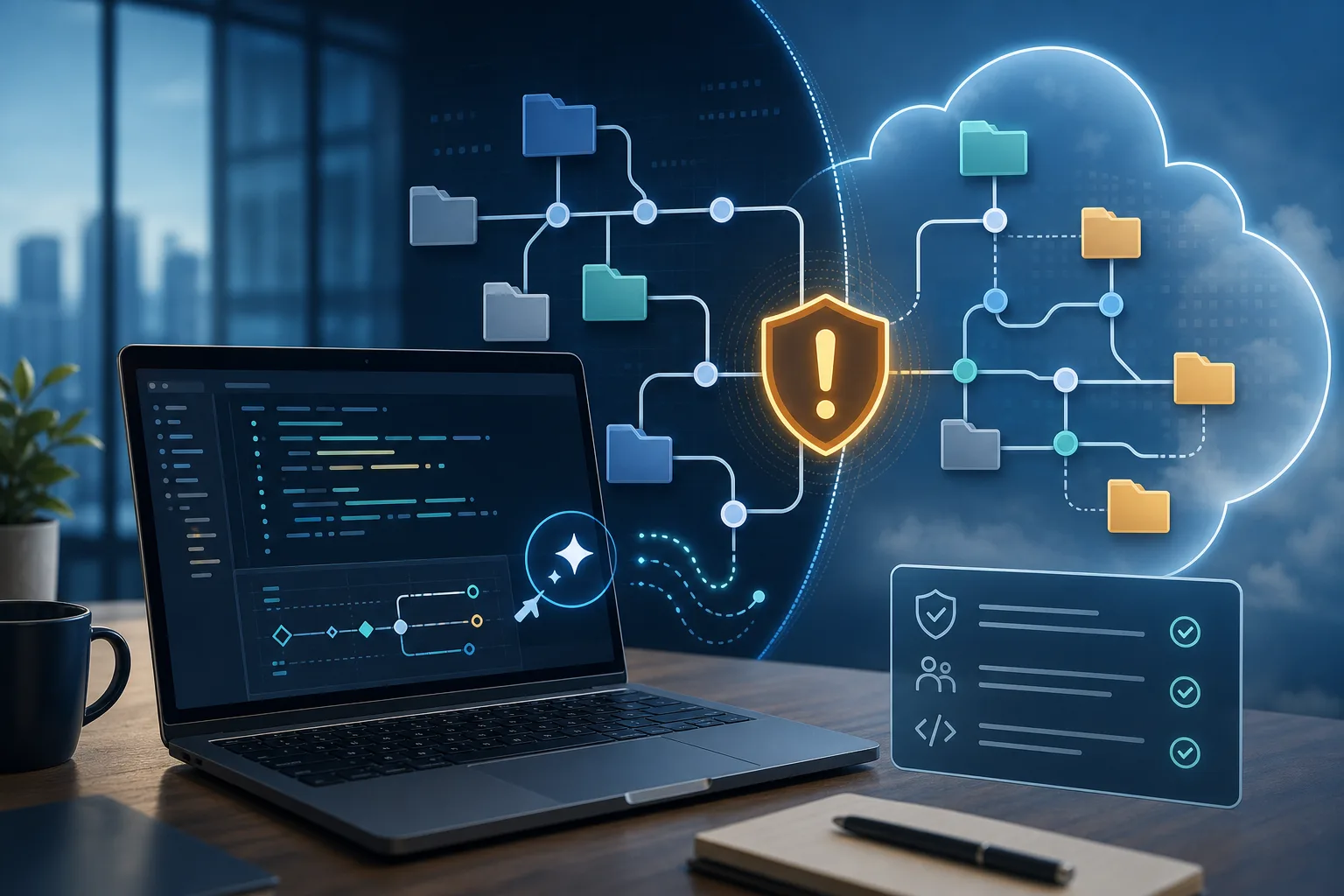
What Grok Build changed about trusting AI coding agents
The xAI backlash is not only about one CLI. It shows why teams need to verify what AI coding agents read, upload, store and leave behind.
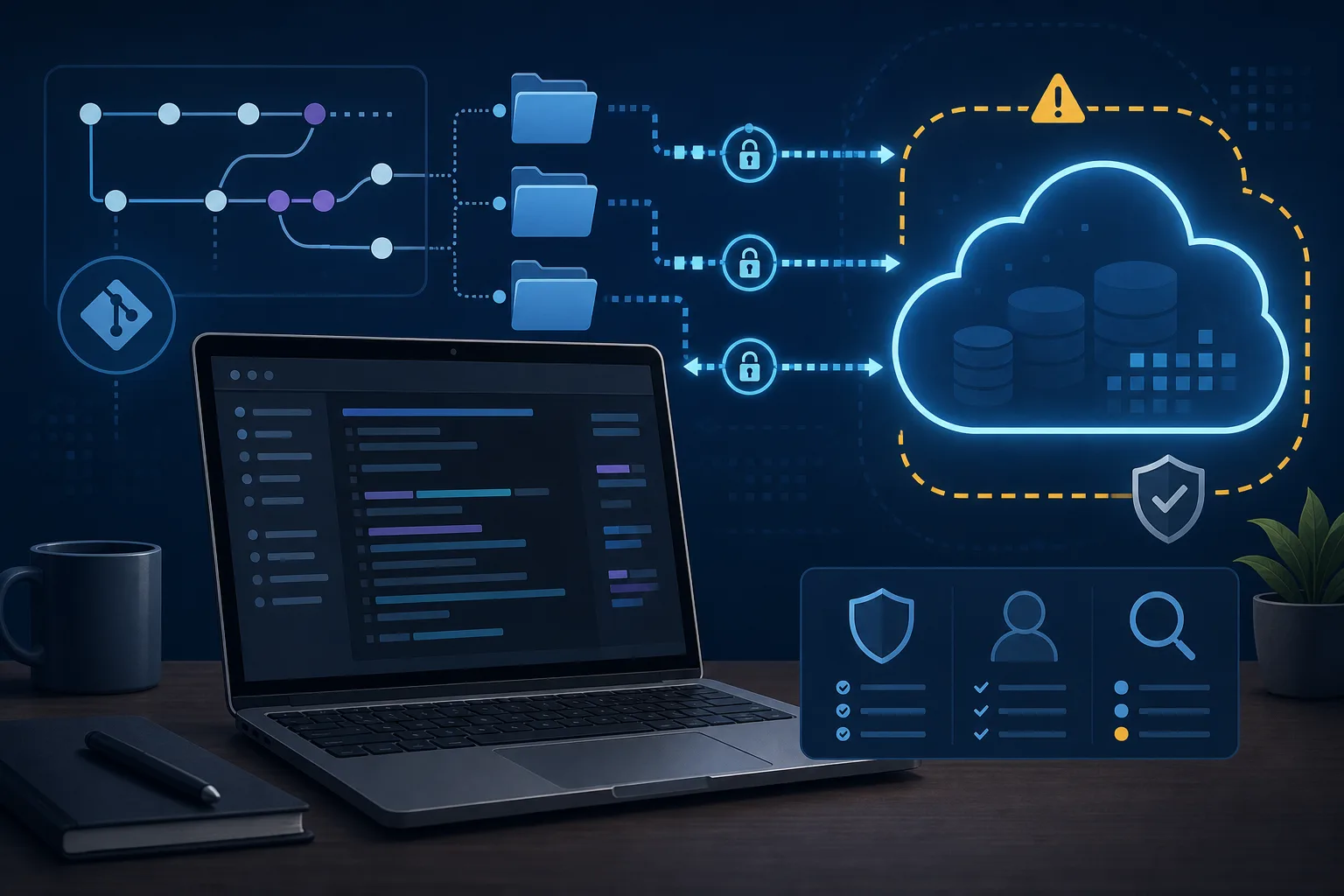
Passkeys are not magic: what Pass-ta-key really changes
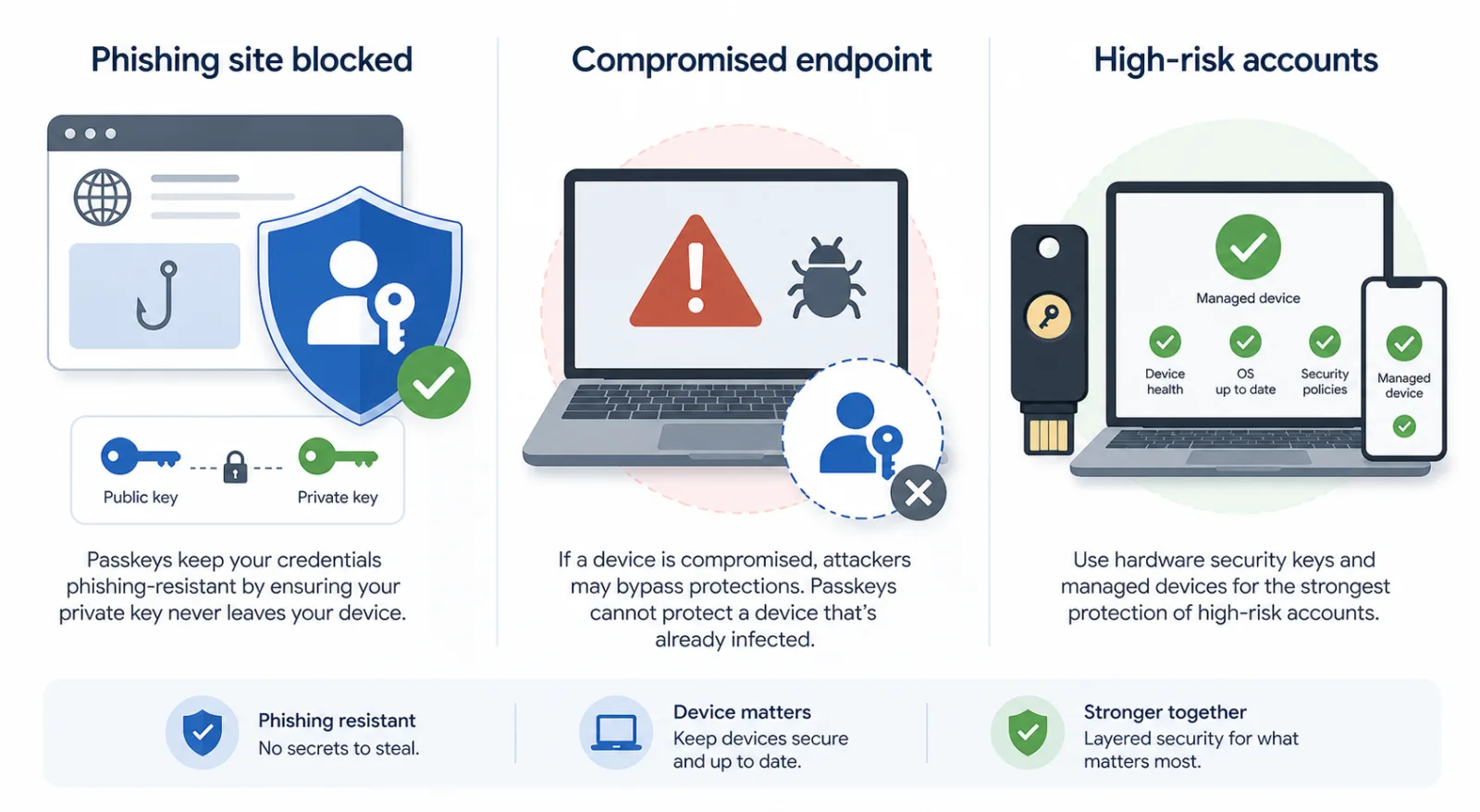
A calm guide to the attacks passkeys stop, the endpoint risks they do not, and the checks that make WebAuthn safer.
My Eicher shows why connected fleet security starts with the API
A published fleet-platform case study points to account, GPS and document exposure risks without needing Hollywood claims about remote truck control.

Comments
Sign in to comment.
No comments yet.