The Most Common Mistake When Setting Up a GPS Tracker
A GPS tracker that won’t connect usually has a configuration problem, not a plan limitation. Check the IMEI, server, port, device settings, and protocol before upgrading.
When a GPS tracker doesn’t connect, most people think they already know why:
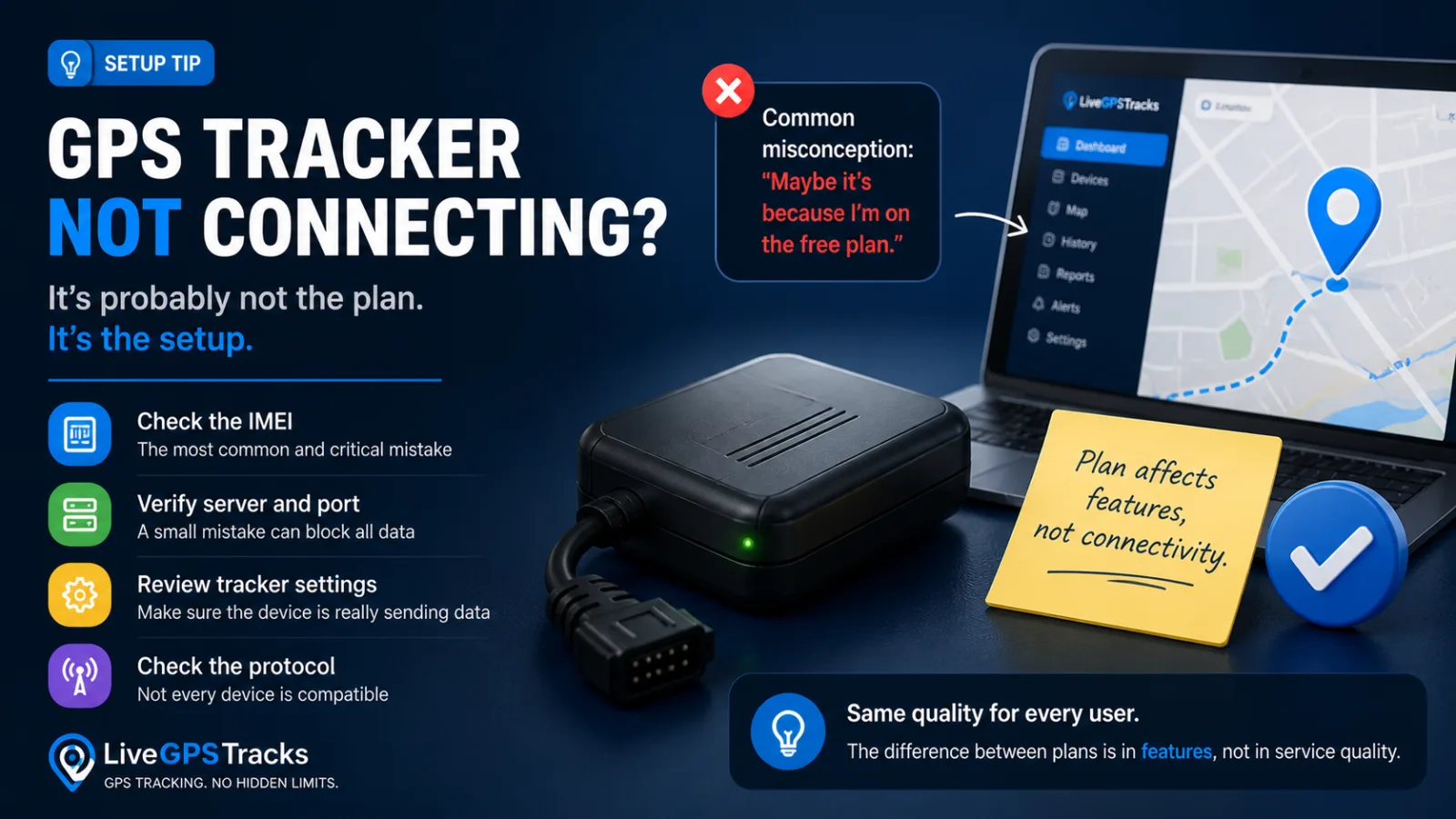
“It’s probably because I’m on a free plan.”
It sounds logical. In many online services, free plans really do work worse—with slower performance, lower priority, or hidden limitations.
So users try the obvious fix: upgrade the plan.
But here’s the problem: the tracker still doesn’t work.
The Real Issue Is Usually Not the Plan
In most cases, the problem has nothing to do with pricing. It is almost always related to setup.
At LiveGPSTracks, the quality of service does not depend on the plan. The same standards apply to every user when it comes to:
- device data reception;
- data processing;
- server stability.
So if your tracker isn’t connecting, switching plans won’t fix it.
What Actually Goes Wrong
Here are the most common issues we see.
1. Incorrect IMEI—the Most Critical Mistake
If the IMEI is entered incorrectly:
- the device won’t link to your account;
- no data will appear.
And if you have already activated a paid plan, you may need to delete the device and lose the payment tied to it.
Always double-check the IMEI before anything else.
2. Wrong Server or Port
Even a small mistake in the server address or port can prevent the device from sending data to the platform.
3. The Tracker Isn’t Fully Configured
Sometimes the device simply isn’t sending anything because:
- the server is not set;
- data transmission is disabled;
- the settings were not saved.
4. Unsupported Protocol
In some cases, the tracker uses a protocol that the platform does not support.
Why Upgrading Your Plan Won’t Help
This distinction is important:
- Plans affect features and usage scope.
- They do not affect device connectivity.
If the tracker isn’t set up correctly, no plan will fix it.
What You Should Do Instead
Before changing anything in your subscription, check:
- The IMEI.
- The server address and port.
- Whether the tracker is actually sending data.
- The device model and protocol compatibility.
Only after that does it make sense to think about upgrading.
So What’s the Difference Between Plans?
The difference is in capabilities, not quality.
- Free plan: connect devices and test the system.
- Paid plans: access history, analytics, reports, and advanced features.
The free plan isn’t worse—it is simply designed for basic use.
Final Thought
If your GPS tracker isn’t working, the issue is almost always in the setup—not the plan.
Fix the configuration first. Then choose the plan that fits your needs.
Related articles
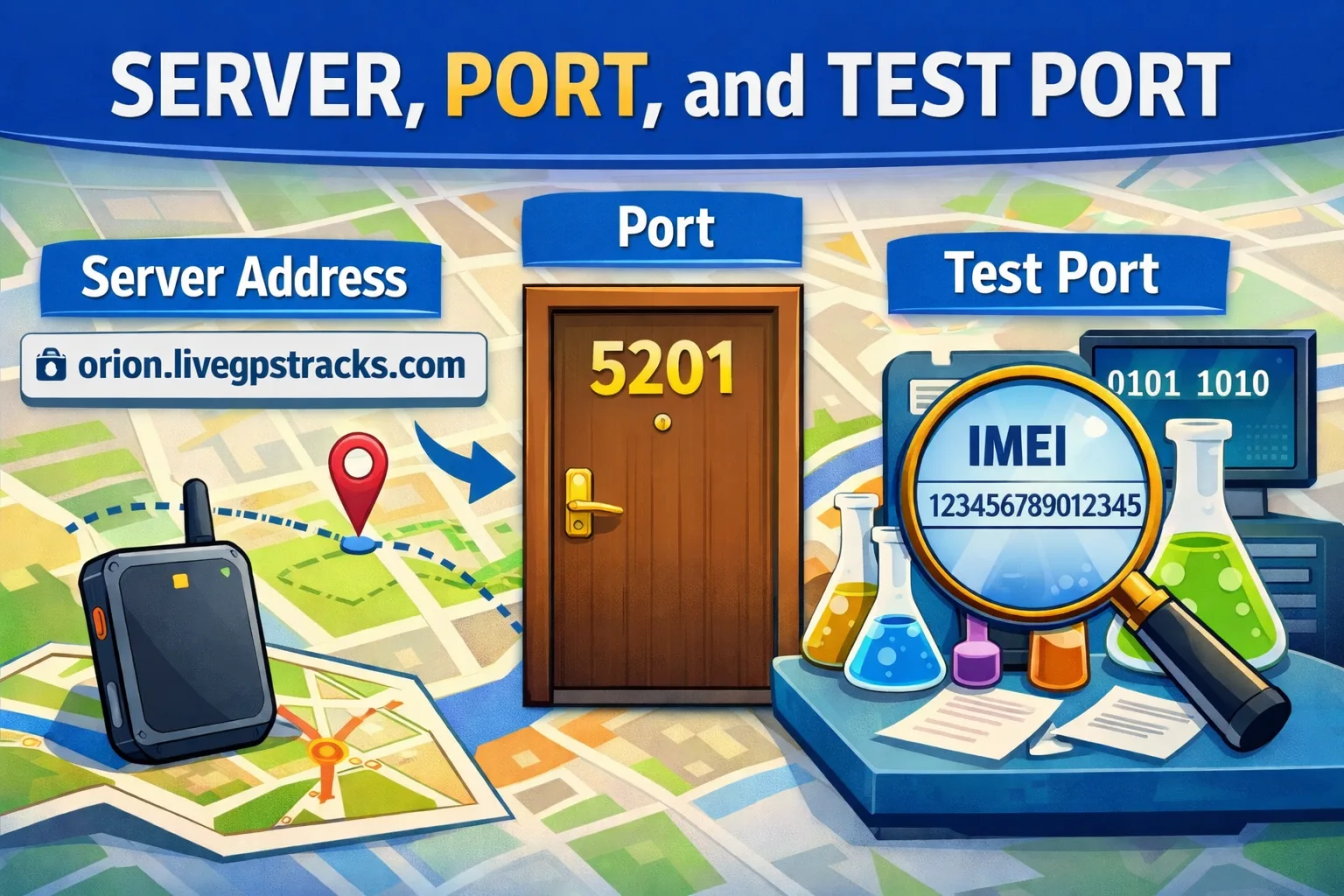
📡 Server, Port, and Test Port: How Not to “Lose” Your GPS Tracker During Setup
Learn the difference between a GPS tracker server, port, and test port in simple terms. Discover why these settings are critical, how they affect tracker connectivity, and how to troubleshoot common GPS tracking setup issues without frustration.
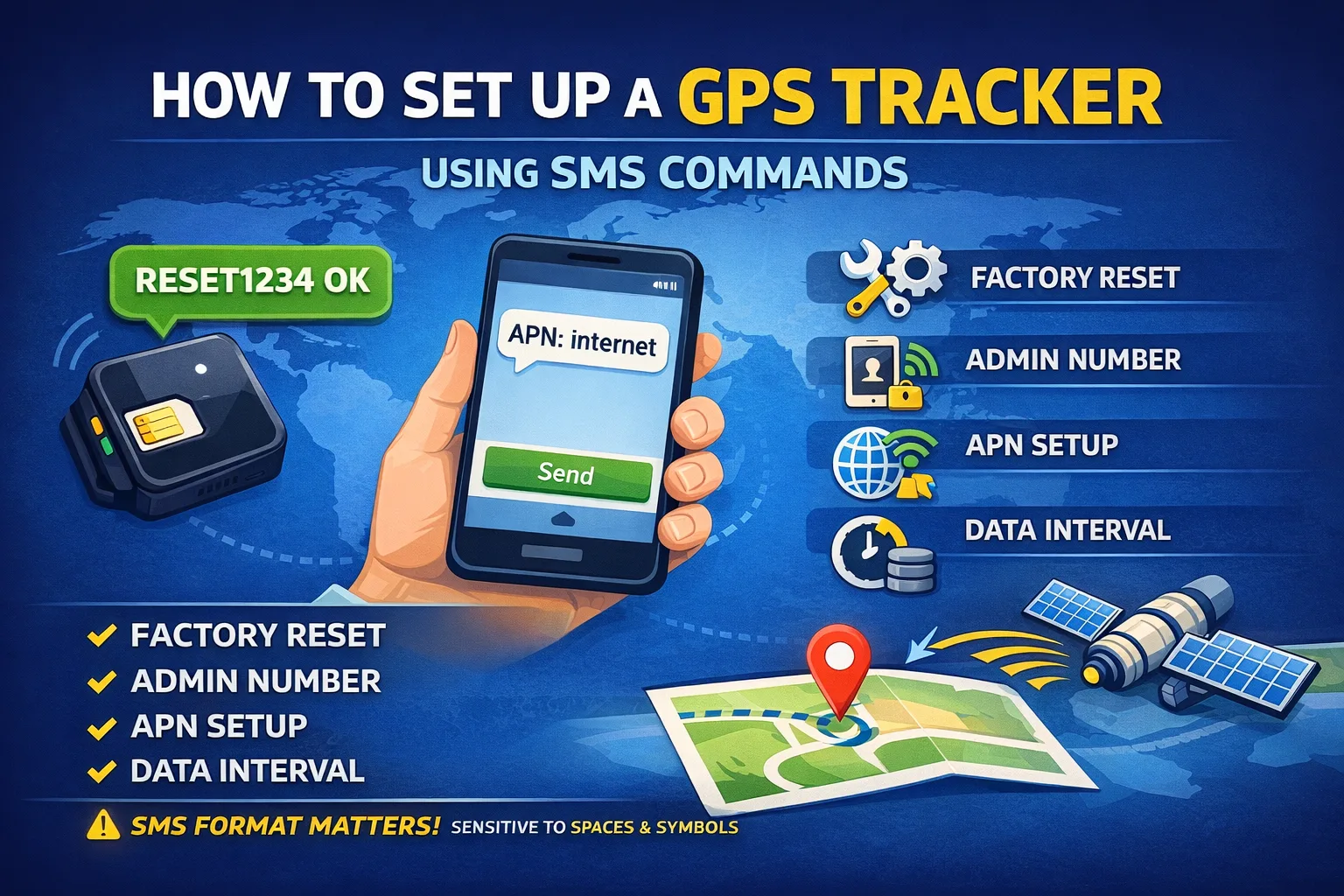
How to Set Up a GPS Tracker Using SMS Commands
Learn how GPS trackers are configured using SMS commands. This beginner-friendly guide explains the most common command types, the correct setup sequence, and common mistakes that prevent trackers from sending location data.
How to Set Up a GPS Tracker: From SIM Card to Your First Location on the Map
Learn how to set up a GPS tracker from start to finish. This complete guide walks you through SIM card preparation, SMS commands, APN settings, server and port configuration, testing, and connecting your device to LiveGPSTracks for real-time GPS monitoring.
Your GPS Tracker Already Works with Another Service. How to Switch to LiveGPSTracks
Already using your GPS tracker with another service? Learn how to switch it to LiveGPSTracks safely: save the original server settings, use the test port, verify the device ID, and complete the connection without losing the option to switch back.
Comments
Sign in to comment.
No comments yet.