CompozyOS 0.4.4 makes desktop updates a test of durable agent sessions
CompozyOS 0.4.4 focuses on preserving active sessions through desktop updates. That sounds minor, but it exposes the real question for local agent runtimes: can an update replace the interface without interrupting work, corrupting state, or hiding what happened?

A desktop update is easy to judge when the application is a notes editor: close the window, install the new build, and open the file again. Agent software has a harder contract. A running session may be streaming output, holding a worktree, waiting for approval, recording tool calls, or coordinating another session when the desktop shell needs to restart.
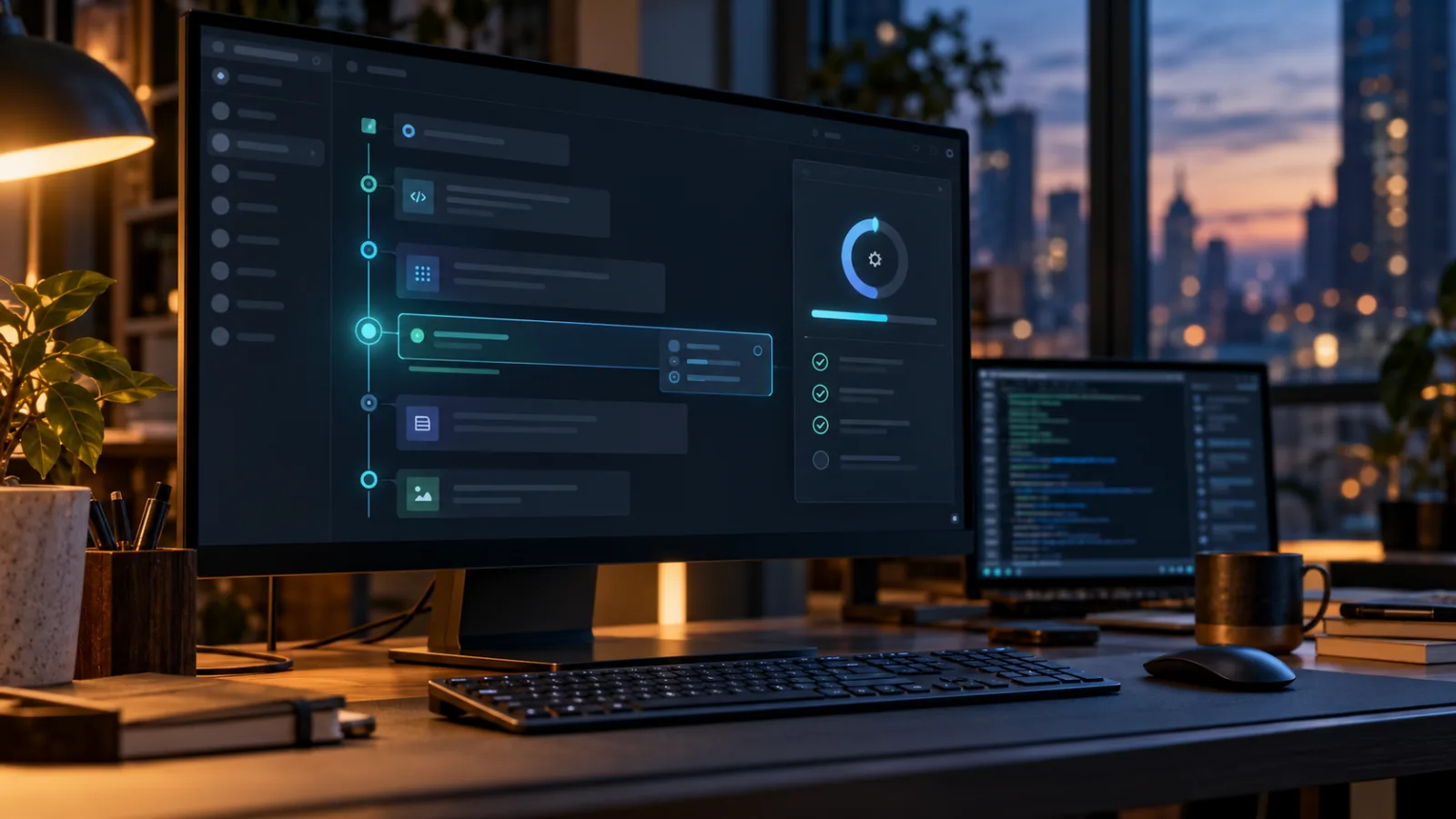
That is why CompozyOS 0.4.4 is more interesting than its short changelog suggests. The official release changelog lists one headline change for October 28, 2026: preserve active sessions through desktop updates. The project is a local-first runtime for durable agent sessions, loops, automation, permissions, and multiple control surfaces. In that context, update behavior is not cosmetic. It is part of the runtime’s reliability model.
The practical advice is straightforward: try 0.4.4 in a disposable or backed-up CompozyOS home, then deliberately update while a session is active. Do not treat a preserved window as proof that the work was preserved. Check the daemon, transcript, turn state, queued input, attachments, worktree, and provider connection separately.
What changed in 0.4.4
The release page currently gives the change a compact description rather than a long feature essay: active sessions should survive a desktop update. The surrounding release history explains why this is a meaningful boundary. CompozyOS 0.4.0 was the first stable release, 0.4.1 fixed several desktop and runtime-recovery cases, 0.4.2 addressed background Claude usage reads that could prompt for the keychain, and 0.4.4 now targets continuity across the desktop update itself.
That sequence matters because CompozyOS has two closely related pieces: a desktop application and a local daemon. The desktop documentation says that both the desktop app and the compozy command use the same local daemon, configuration, workspaces, and session history. The app can attach to an already healthy daemon, start the runtime installed in the CompozyOS home, or install and start its bundled runtime when necessary. Quitting the app is not supposed to stop the daemon.
A desktop update therefore has at least two possible meanings:
- replace the graphical shell while leaving the daemon and its state available;
- replace a package that carries both the app and runtime, then restart the new pair without losing durable state.
The important word is “active.” Restoring a list of old sessions after launch is a much weaker guarantee than keeping an in-progress turn coherent. A useful implementation must preserve enough ownership and event state that a session can continue, reconnect, or report a clear interruption. The release headline does not, by itself, tell us how every provider, operating system, installer path, or failure mode behaves. That is what users should test.
Why desktop continuity is a runtime problem
Many agent tools begin as a terminal process. The process owns the prompt, the standard input, the output stream, and often the child process running the model client. Closing the terminal can terminate everything. A durable runtime changes that arrangement: the daemon owns the work, while the terminal, browser, desktop shell, or another client observes and controls it.
That design creates a useful separation. The interface can disappear without necessarily cancelling the work. It also creates a more demanding upgrade path. A client restart is only safe if the daemon knows what happened before the restart and can replay or reconstruct the state afterward.
A session update can cross several boundaries:
- The desktop process may close or hand control to a native installer.
- The packaged runtime may be replaced or restarted.
- The daemon may still be running, may be asked to stop, or may be discovered after launch.
- The provider process may continue, reconnect, fail, or reject the restored environment.
- The UI must decide whether to show live output, a catch-up transcript, a warning, or a genuinely stopped turn.
The CompozyOS documentation describes the broader model as daemon-owned sessions whose events remain inspectable while work continues in the background. That is the right abstraction for an update, but it should not be confused with checkpointing every external side effect. A transcript can be durable while a shell command is still running. A worktree can remain attached while a provider has lost its connection. A queued message can be stored while an agent has not yet received it.
For that reason, “the session survived” should mean more than “the row is still visible.” It should mean that the runtime can tell you which part survived and which part needs human attention.
The first test: update during an idle session
Start with the least destructive case. Create a test workspace, start a session, send a prompt that produces a durable response, and leave the session idle. Record the session identifier, workspace, selected profile, and the location of the CompozyOS home. Then perform the desktop update using the documented update path.
The desktop guide exposes three useful commands:
compozy update --check -o json
compozy update -o json
compozy update --cancel -o json
The documentation says the menubar or Settings action can download, install, and restart the application. It also says the app remains open while its native installer prepares the verified package, while a closed app can stage the update for the next launch. On Linux, automatic app-track installation is limited to the AppImage path.
After the update, check all of the following rather than relying on the first screen:
- the application reports the expected version;
- the same CompozyOS home is in use;
- the workspace and session identifiers are unchanged;
- the previous transcript is complete and in the right order;
- the selected agent and profile are still associated with the session;
- no duplicate turn appeared during reconnect;
- the daemon is healthy and the app is attached to it;
- the session can accept a new prompt.
This test answers whether ordinary persisted state survives. It does not yet answer whether the product can handle an update while work is underway.
The second test: update while a turn is running
The more valuable test uses a prompt that remains active long enough to observe. A long-running local command, a bounded test suite, or a controlled task that produces several tool events is preferable to an artificial sleep. Use a repository created for the test and remove sensitive credentials from its environment.
Begin the turn, watch for a clear tool or progress event, and start the update from the desktop shell. Do not send additional prompts until the result is understood. There are several acceptable outcomes, depending on the implementation:
- the daemon and provider continue, and the desktop reconnects to the same live turn;
- the turn completes while the desktop is restarting, then appears with a complete transcript;
- the runtime pauses or cancels the turn but records that fact precisely and allows recovery;
- the installer refuses to proceed until the active work is handled explicitly.
The dangerous outcome is a plausible-looking session that silently loses a tool result, repeats a side effect, or displays a final answer without the event history that produced it. A durable agent runtime needs stronger evidence than a successful window restart.
Use a task whose side effect can be checked twice. For example, have the test agent write a uniquely named file containing a nonce, then report the file’s contents. After the update, compare the file, transcript, tool result, and final answer. If the action ran twice, the test should make that visible. Never use a production deployment, destructive migration, payment action, or real credential rotation for this experiment.
The third test: queued input and attachments
An active session is not only a model turn. Operators may type a follow-up while the agent is busy, queue a message, steer a turn, or attach files. Those inputs are where a reconnect can reveal a split-brain state.
Create a small test attachment and send a prompt that keeps the session busy. Prepare a follow-up but do not click send until the intended queue behavior is clear. During the update, observe whether the draft remains a draft, whether a queued message remains queued, and whether a steering action is delivered once rather than twice.
The project’s public release history has repeatedly mentioned transcript continuity, queued input, session messaging, attachments, and recovery from provider disconnects. Those entries show that the maintainers treat session state as more than a chat log. They also show why readers should test a current release rather than infer all behavior from a single headline.
A useful checklist is:
- unsent text remains unsent;
- queued input has one delivery status;
- an attachment has one recorded identity and is still readable;
- a steering message does not become a duplicate ordinary prompt;
- a provider error is visible rather than replaced with a generic reconnect spinner;
- the session’s profile and workspace boundaries remain intact.
If the update changes the session’s position in the queue, record that as a product behavior. It may be acceptable, but it should be observable and documented.
What 0.4.4 does not prove
A stable desktop update is not the same as a secure execution boundary. The repository describes CompozyOS as local-first, with a Go binary and SQLite-backed stores keeping runtime state on the operator’s machine unless an external provider or extension owns part of the boundary. That is useful for control and inspection, but it also means the machine, user account, provider credentials, workspace files, and installed extensions remain part of the trust model.
The repository is marked MIT-licensed and the README says contributions are welcome. License openness answers whether people can inspect, modify, and redistribute the code under the license. It does not guarantee that every release is mature, that every integration has the same security properties, or that an update cannot expose a migration problem.
The project’s own migration material is particularly relevant. The migration guide describes a previous correction in which distribution metadata incorrectly stamped artifacts as BSL-1.1 even though the project remained MIT-licensed. It also documents compatibility boundaries between older and newer product lines. That is a reminder to read migration notes when moving across major product boundaries instead of assuming that an in-place update is always reversible.
The desktop operations guide adds another operational warning: after a runtime binary is swapped, a failed restart or health check can leave a replacement that has already migrated databases. The documented advice is to keep the backup for diagnosis, avoid restoring an older binary over a possibly migrated home, and reinstall the target release or a newer compatible release into the same home if necessary. That is the sort of detail that matters more than a polished update animation.
Who should try it now
CompozyOS 0.4.4 is worth testing for developers who already need agent work to outlive a terminal and who can provide a separate test home. It is also relevant to maintainers building automation around local agent sessions, because an update path is part of the automation’s availability story. If the application is used as a desktop front end to a long-running daemon, the release directly targets an interruption that users otherwise learn to fear.
It is a less obvious choice for teams looking for a fully managed control plane, hard isolation between agents and the host, or a mature enterprise change-management process. The project’s value is its local runtime model: sessions, tasks, loops, permissions, approvals, and automation share a daemon-owned state model. That can remove a great deal of glue code, but it also concentrates responsibility in the local installation and its configuration.
A sensible trial has three properties:
- a disposable workspace or a verified backup;
- no production credentials in the test provider environment;
- enough observability to compare the transcript, filesystem, process state, and update logs.
Keep the previous release available for comparison, but do not downgrade a migrated home casually. Make a complete backup before testing a path that changes runtime or database state.
A small comparison with other approaches
If the requirement is simply “keep a command running after I close the terminal,” a terminal multiplexer, system service, or ordinary job queue may be easier to reason about. Those tools do not provide CompozyOS’s agent-oriented session model, but their operational behavior is familiar and often narrow enough to audit.
If the requirement is a browser interface for remote development, a hosted or self-managed development platform may provide stronger identity, workspace, and audit integrations. It may also impose a cloud dependency and a different trust boundary. CompozyOS instead emphasizes a local daemon with explicit gateway surfaces, so the trade-off is control over the machine versus the operational work of maintaining that machine.
If the requirement is a model-agnostic agent runner, an orchestration library may expose lower-level primitives and leave persistence, approvals, and update policy to the application. That can be the right choice when a team already has a reliable platform layer. CompozyOS is aimed at the opposite problem: the platform layer is the thing the team does not want to rebuild for every agent CLI.
The comparison should therefore focus on failure handling, not feature count. Ask how each option behaves when the interface restarts, the provider disconnects, the host reboots, a queued message is present, a database migration has run, or a child process exits halfway through a tool call.
The useful verdict
CompozyOS 0.4.4 is a small release with a large implied test. Preserving active sessions through a desktop update is exactly the kind of reliability feature that users notice only when it fails. The feature is valuable because CompozyOS presents itself as a durable local runtime rather than a thin window around a one-shot prompt.
The release is ready to try, not a reason to hand unattended production work to a freshly updated agent system. Start with an isolated home. Test idle sessions, live turns, queued input, attachments, worktrees, provider reconnects, and recovery after an interrupted update. Keep the transcript and filesystem evidence, and check what the daemon actually did.
If those tests pass, 0.4.4 makes the desktop shell less of a single point of interruption. If they do not, the failure will still be useful: it will show whether the missing piece is installer coordination, daemon ownership, provider recovery, database migration, or simply a misleading UI state. That distinction is the real measure of an open-source agent runtime.
Comments
Sign in to comment.
No comments yet.