RouteHook: a Telegram Bot API relay for stable bot delivery
RouteHook sits between Telegram and your server: keep your existing webhook, get a personal Bot API relay URL, and keep your bot running without rewriting webhook code.

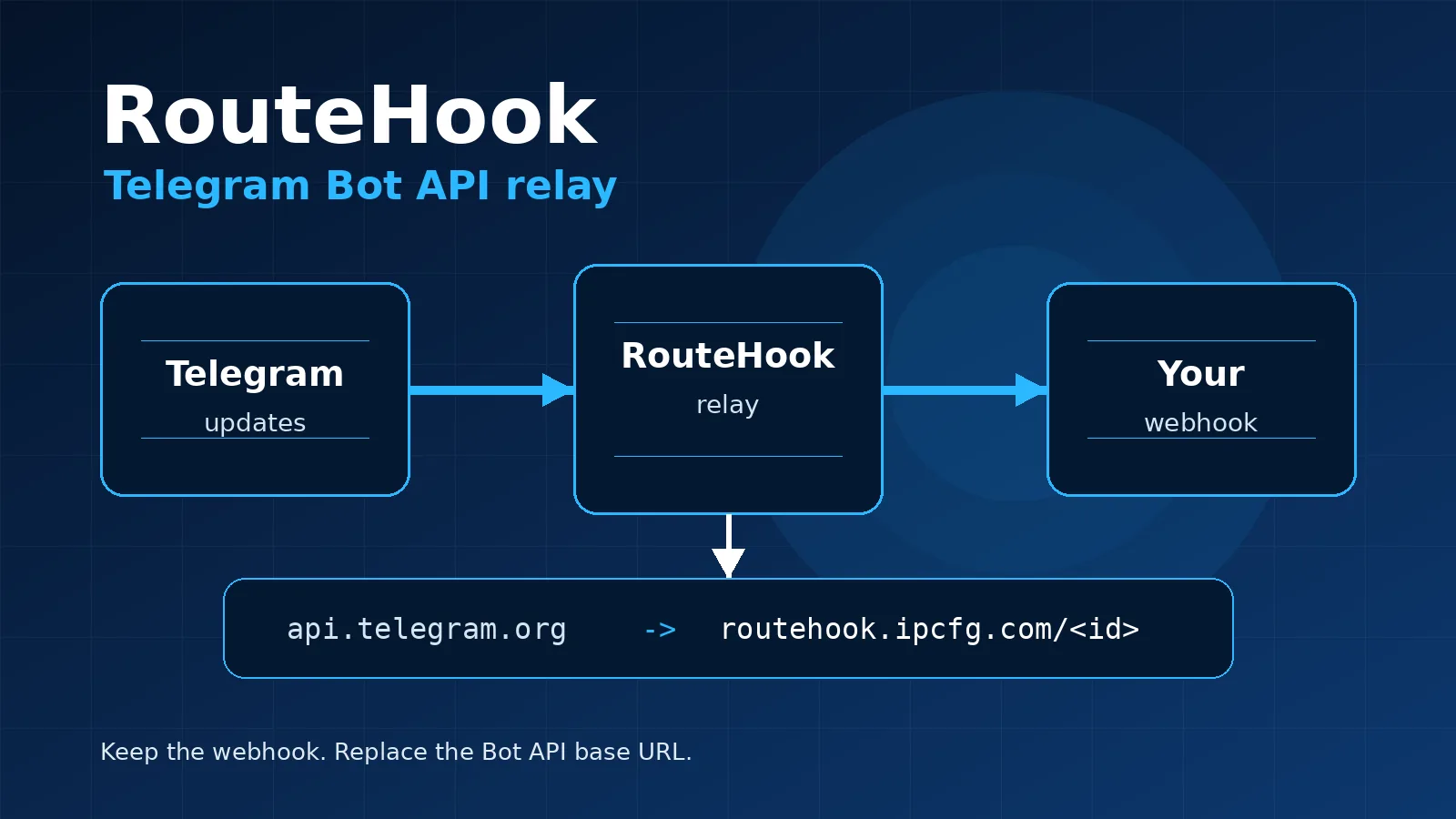
If you already run a Telegram bot, your setup is probably straightforward: Telegram sends updates to your webhook, and your code sends replies through the Bot API.
The rough part starts when direct Bot API requests become unreliable: outgoing connections behave differently across hosting environments, server networks are inconsistent, or you want a clean infrastructure layer without moving the whole project.
RouteHook is built for that exact job. It is a Telegram Bot API relay running on Cloudflare Workers.
You can start the setup directly in Telegram: @RouteHookBot.
How it works
RouteHook sits between Telegram and your server:
Telegram -> RouteHook -> your webhook
For outgoing Bot API requests, you use a personal relay URL:
https://routehook.ipcfg.com/<public_id>/bot<TOKEN>/<method>
Instead of calling:
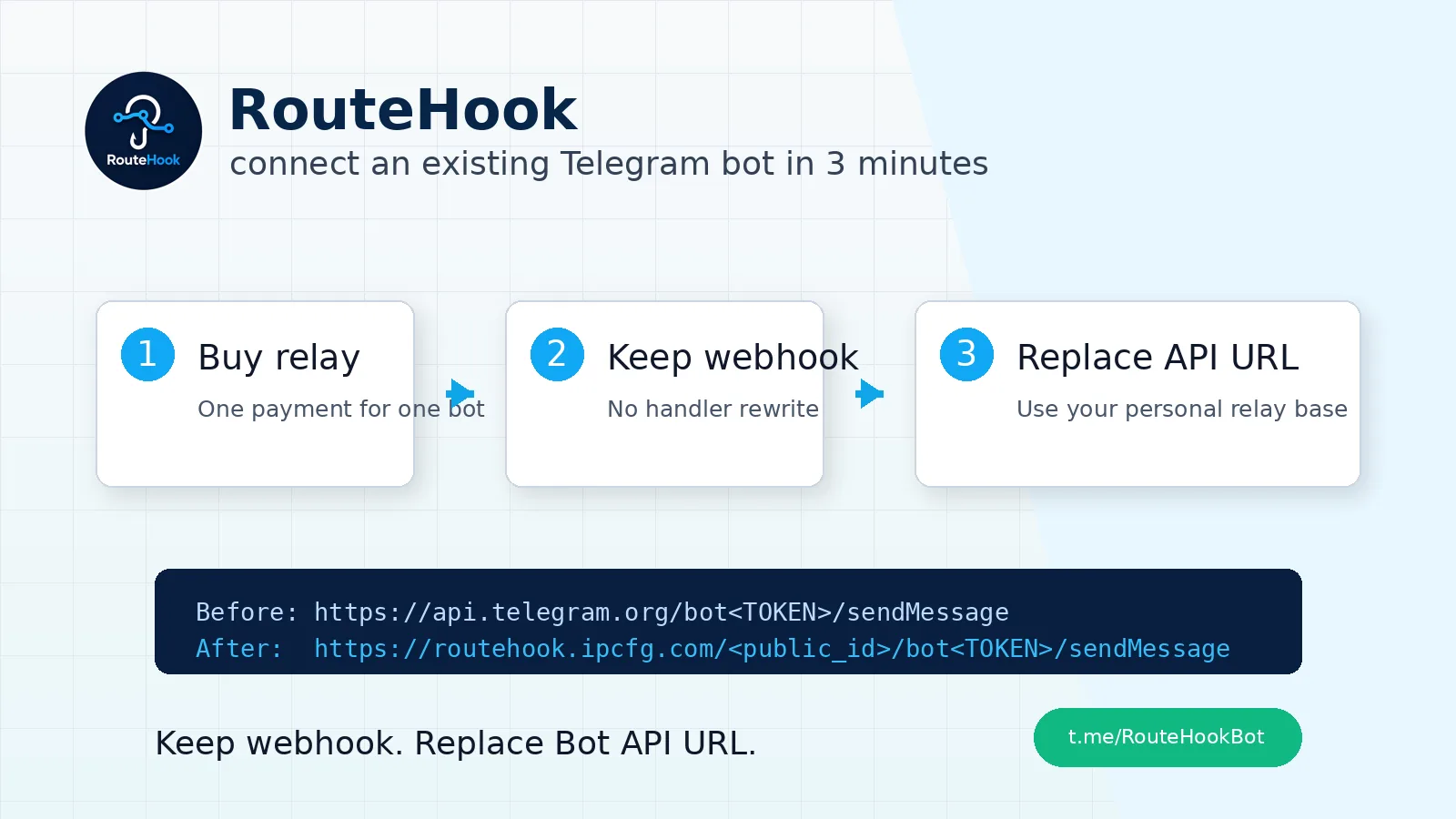
https://api.telegram.org/bot<TOKEN>/sendMessage
you call:
https://routehook.ipcfg.com/<public_id>/bot<TOKEN>/sendMessage
The rest of your bot logic stays the same.
What you usually do not need to change
If your bot already has a working webhook, you normally do not need to edit its webhook code. During setup, RouteHook checks the current webhook and lets you keep it.
In that mode the flow is:
Telegram sends an update to RouteHook
RouteHook verifies its internal secret
RouteHook forwards the update to your current webhook
your server processes the update as before
There is no SDK to add, no project migration, no npm package, and no handler rewrite.
When API-only mode fits
Some bots do not receive incoming webhook updates. They only send messages: alerts, service reports, CRM notifications, admin messages, or scheduled updates.
For that scenario, RouteHook has API-only mode. It does not set a webhook and only gives you a Bot API relay URL.
What RouteHook does for security
RouteHook does not store update bodies or message texts. The bot token is required to configure the relay, but it is not shown back in the interface.
For the Telegram -> RouteHook segment, RouteHook uses an internal secret. For the RouteHook -> your webhook segment, you can optionally add your own header:
X-RouteHook-Secret
This is not required for a normal setup, but it is useful when your webhook should accept requests only from RouteHook.
How to connect
- Open the RouteHook Telegram bot.
- Buy one relay for one bot.
- Send your Telegram bot token.
- If an existing webhook is found, choose
Keep current webhook. - Get your personal
API base URL. - Replace
https://api.telegram.orgin your code with the relay URL.
After setup, you can check the status with:
/checkbot <public_id>
It shows the current Telegram webhook, pending updates, and a short hint about where to look if the bot does not respond.
Who it is for
RouteHook is for small and medium Telegram bots running on PHP, Node.js, Python, or any other backend, when you need a simple relay without moving the project.
The main idea is simple: keep the webhook, replace the Bot API base URL, and continue running.
Try RouteHook in Telegram: @RouteHookBot.
Related articles
How to connect an existing Telegram bot to RouteHook in 3 minutes
A short practical flow: buy a relay, send the bot token, keep the current webhook, and replace the Bot API base URL in your code.
Как подключить существующего Telegram-бота к RouteHook за 3 минуты
Короткий практический сценарий: оплатить relay, отправить bot token, оставить текущий webhook и заменить базовый адрес Bot API в коде.
Comments
Sign in to comment.
No comments yet.