How to connect an existing Telegram bot to RouteHook in 3 minutes
A short practical flow: buy a relay, send the bot token, keep the current webhook, and replace the Bot API base URL in your code.

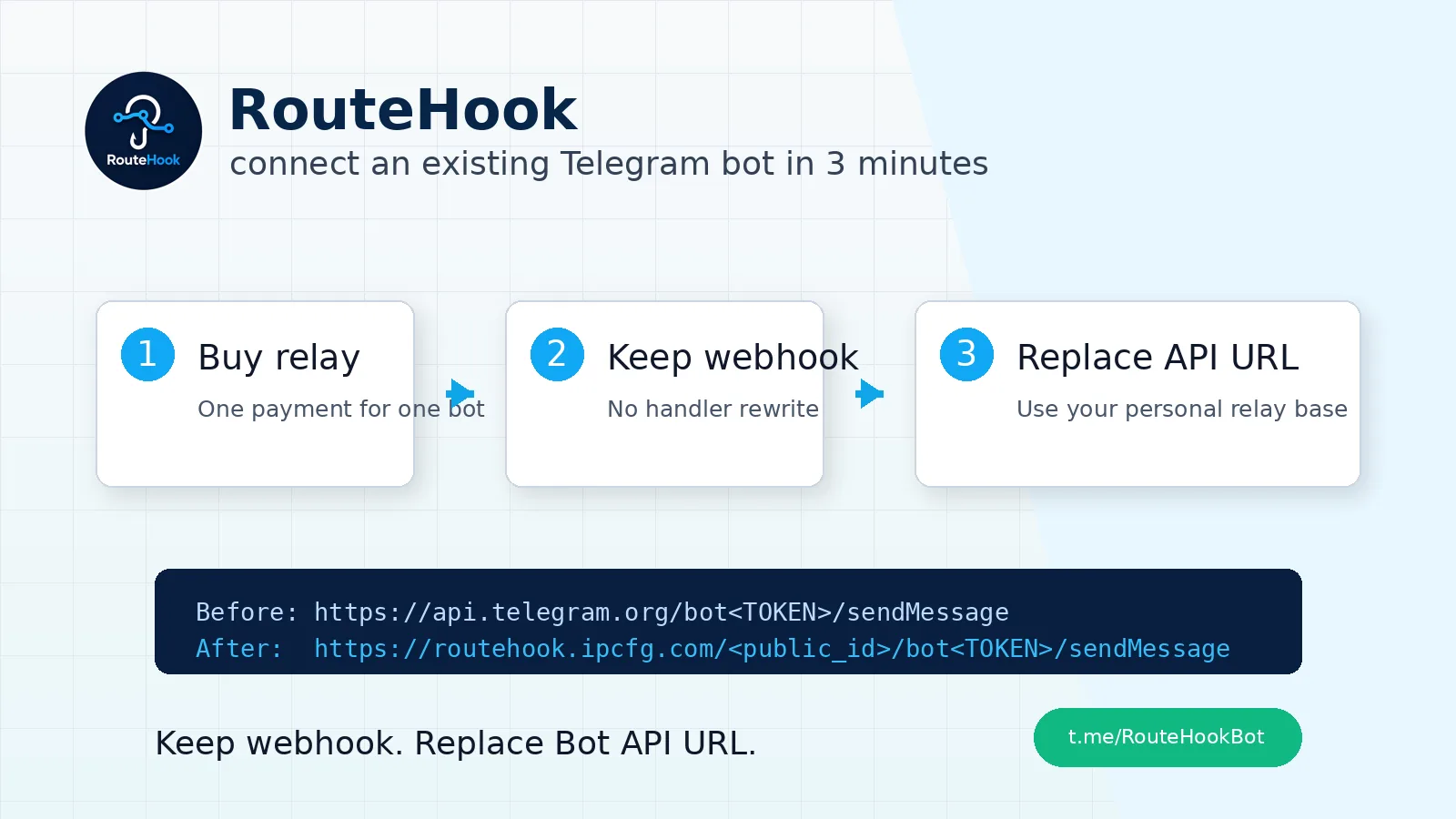
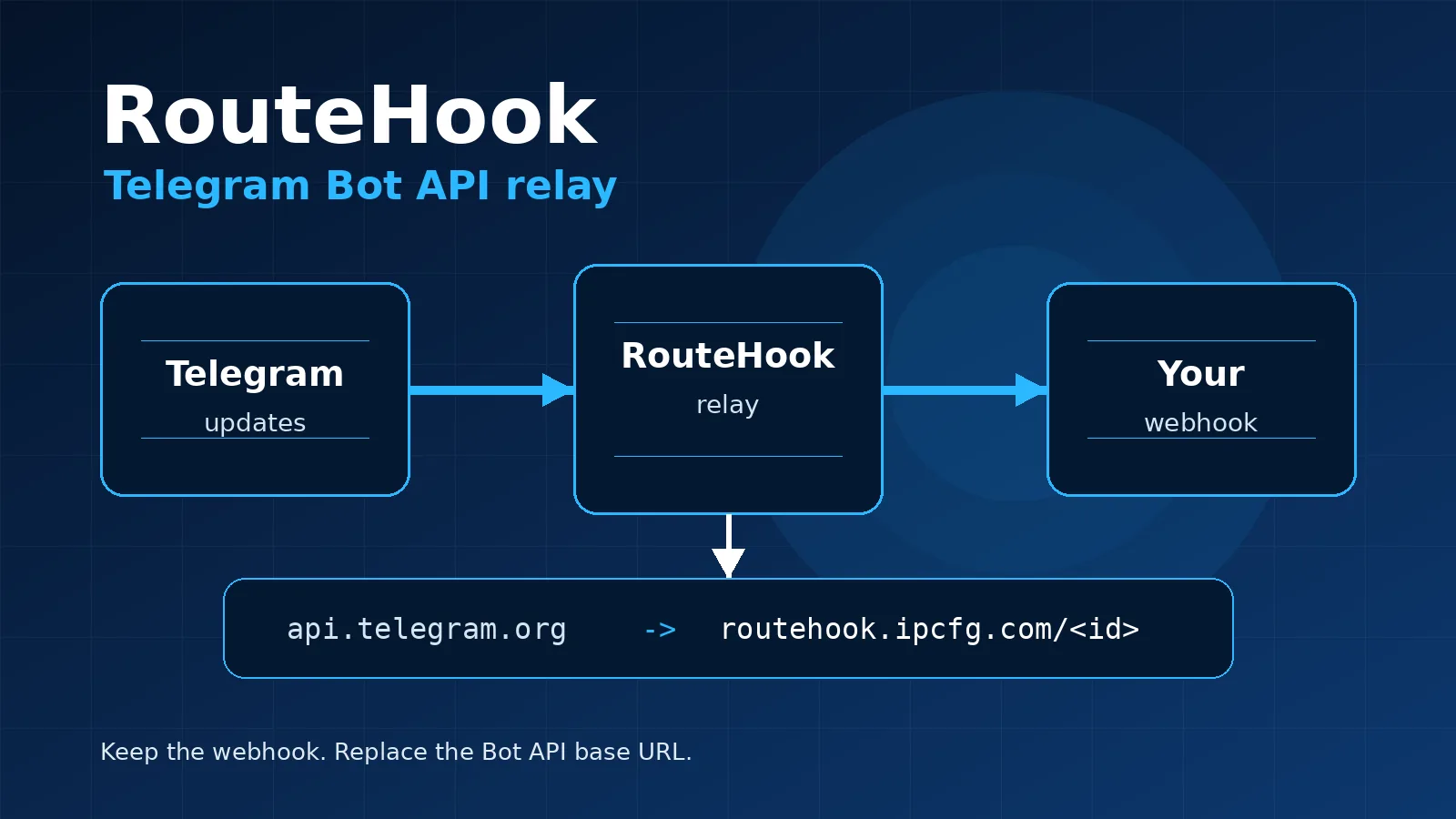
If your Telegram bot already works, the easiest RouteHook setup is to avoid moving the project and avoid rewriting the webhook. In most cases, you keep the current webhook and replace the Bot API base URL for outgoing requests.
Start the setup in Telegram: @RouteHookBot.
What you need
- the bot token of your Telegram bot;
- a working HTTPS webhook, if the bot receives incoming updates;
- the place in your code where the Bot API base URL is defined.
RouteHook needs the bot token to configure the relay. It is not shown back in the interface.
Step 1. Buy a relay
Open @RouteHookBot and tap Купить relay.
One payment connects one relay for one Telegram bot. After payment, the bot will offer to add your Telegram bot.
Step 2. Send the bot token
Tap Добавить бота and send the token in this format:
123456789:AA...
RouteHook checks the token with Telegram getMe and reads the current webhook with getWebhookInfo.
Step 3. Keep the current webhook
If a webhook already exists, choose Оставить текущий webhook.
Your server will continue receiving normal Telegram updates. RouteHook simply becomes the relay layer between Telegram and your webhook.
Enter a new webhook URL only when you intentionally want to change the downstream webhook and the new URL already accepts Telegram updates.
Step 4. Replace the Bot API URL in code
After setup, RouteHook gives you:
API base URL: https://routehook.ipcfg.com/<public_id>
In PHP, it usually looks like this.
Before:
$apiUrl = 'https://api.telegram.org/bot' . $botToken . '/';
After:
$apiUrl = 'https://routehook.ipcfg.com/<public_id>/bot' . $botToken . '/';
The rest of the code can stay as it is. If you already have calls like:
file_get_contents($apiUrl . 'sendMessage?' . http_build_query($params));
they will continue working through the relay.
If you do not need a webhook
For bots that only send messages and do not receive incoming updates, choose API-only, webhook не нужен.
In this mode, RouteHook does not set a Telegram webhook and only gives you the API base URL for outgoing Bot API requests.
How to check
After setup, open Мой доступ, choose the bot, and tap Проверить.
You can also run:
/checkbot <public_id>
The check shows the current Telegram webhook, pending updates, and the latest delivery error if there is one.
The short version: keep the webhook, replace the Bot API URL, and verify the setup with /checkbot.
Connect your bot here: @RouteHookBot.
Related articles
RouteHook: a Telegram Bot API relay for stable bot delivery
RouteHook sits between Telegram and your server: keep your existing webhook, get a personal Bot API relay URL, and keep your bot running without rewriting webhook code.

IFA 2026’s Local AI Home Hubs: What They Replace, What They Don’t, and Who Should Wait
IFA 2026 has made local AI the smart-home pitch of the moment. Here is how to separate a useful local camera and automation hub from an expensive pre-order, and how to test whether it fits the home you already have.

Websites
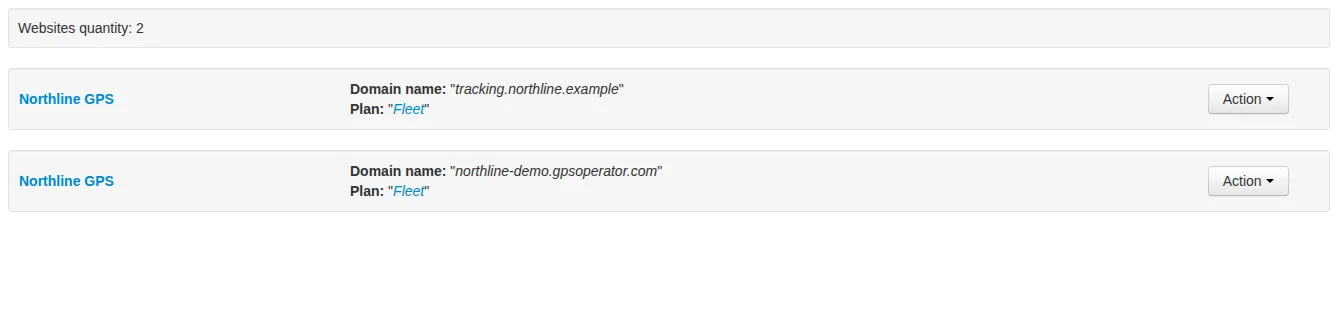
Set up your customer-facing website: its address, plan, provider, branding and languages. Choose who can register and check everything before inviting customers.

iOS 27’s Siri AI rollout is a compatibility test, not an automatic upgrade reason
iOS 27 is available, but its headline Siri AI features depend on your iPhone, language, Apple Account region, beta access and local regulation. Here is what actually changes for owners and buyers.

Comments
Sign in to comment.
No comments yet.