Do Not Build the Smart Home on One Cloud Speaker
Fresh Google Home problems are a reminder to design smart homes with voice as a convenience, local logic for important routines, and physical fallback for the things people use every day.

A smart home should fail gently. If a voice assistant is slow, a light should still turn on from the wall. If a cloud service changes a command, the morning routine should not collapse. If a new speaker gets stuck in setup, the rest of the apartment should not care. That sounds obvious, but the newest round of Google Home complaints is a useful reminder that many homes have been built the other way around: the speaker became the front door to everything, and the local fallback became an afterthought.
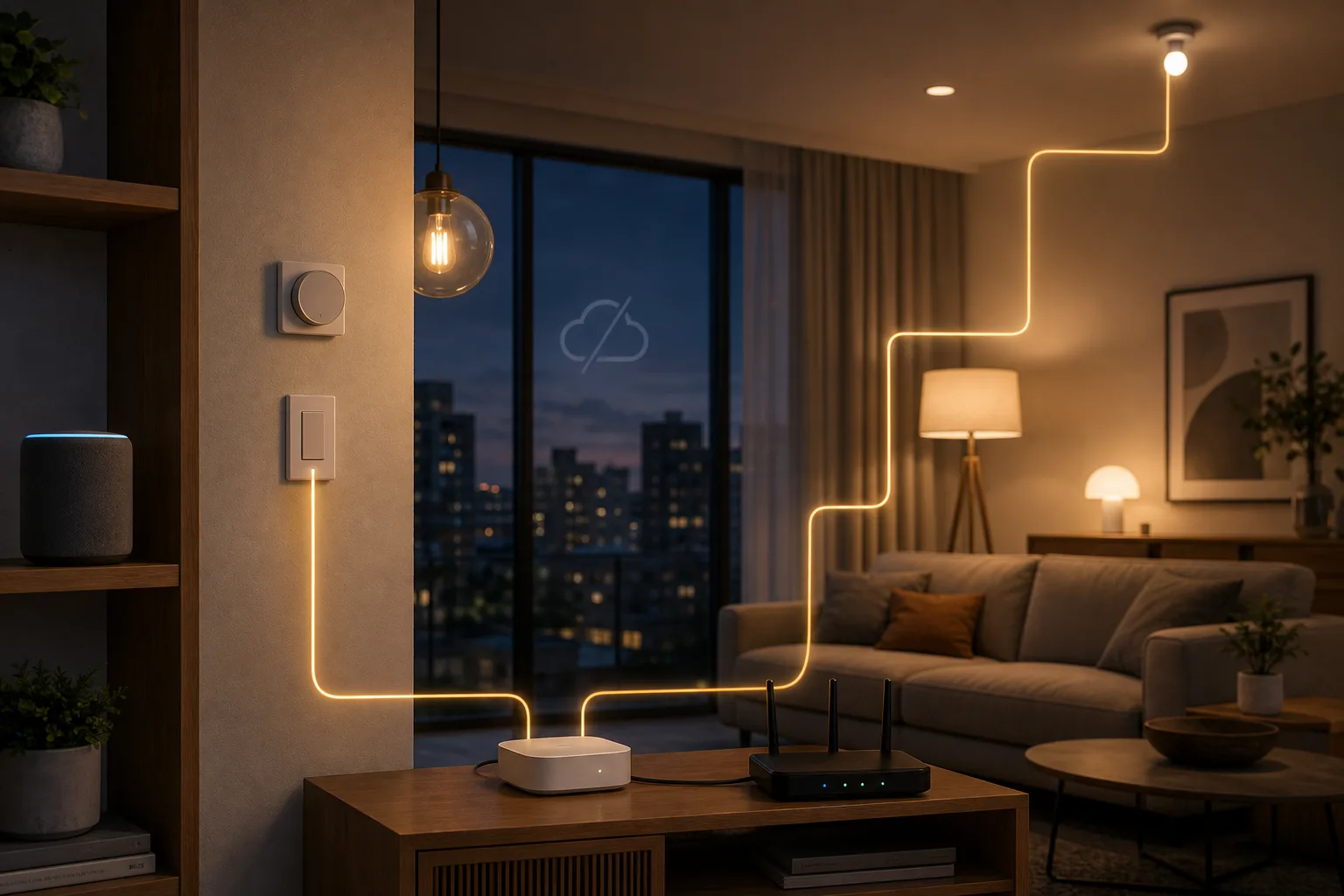
The July 2026 trigger was practical, not theoretical. The Ambient reported Google Home speaker delays and outages, with users describing commands that were heard but answered around 30 seconds later, or not completed at all. Android Authority then documented a separate launch problem for the new Google Home Speaker: some buyers hit a setup loop saying, “The speaker is not fully set up. Please factory reset and set up again.” Google’s Nest Community account said engineering was investigating, and a same-day follow-up said a fix had been identified and would roll out within 24 hours. That is a good response to a launch bug, but it does not erase the bigger design lesson.
A connected speaker is allowed to have a bad day. A home should not be designed so the bad day takes the lights, timers, blinds, heating, camera announcements and accessibility routines with it. The practical question for Smarter Home readers is not whether Google, Amazon, Apple, Samsung or Home Assistant is morally superior. It is where each layer belongs. Voice is a useful interface. Cloud services are useful for remote access, media, AI features and account-based integrations. Matter and Thread are useful standards. Home Assistant is getting easier. None of those should be the only way a household turns on the hallway light.
What happened around Google Home
The July reports point to three different classes of failure. The first is ordinary cloud-assistant delay: a speaker hears a command, thinks for too long, and the user stands in the room waiting. The Ambient described multiple Reddit threads where Google Home speakers became sluggish or unresponsive, including reports of response times stretching to roughly 30 seconds. Some affected devices were old, some were new, which makes the problem feel less like one dying speaker and more like a service or ecosystem issue.
The second class is onboarding failure. Android Authority reported that new Google Home Speaker owners in several countries encountered a setup error telling them the speaker was not fully set up and should be factory reset. A broken first setup is especially damaging in a smart-home product because setup is the moment when trust is formed. If the first instruction is already a loop, the buyer has learned that the device is less appliance than service endpoint. Google’s quick fix matters, but the episode still belongs in the buying checklist for any cloud-first hub: what happens when activation, account flow or provisioning breaks?
The third class is product behavior changing after habits form. 9to5Google covered confusion around the command “play the news” after Gemini for Home changed the old behavior. Users who expected their selected provider broadcasts instead saw Gemini-style summaries or errors; Google’s newer phrasing required commands such as “play my news brief.” This may sound minor until you remember that many smart homes are made of habits. A phrase that has worked for years becomes part of the morning. When the model changes its interpretation, the household experiences it as a broken appliance, not as an exciting AI update.
The problem is not only Google
Google is the current example because the news is fresh, but the architecture problem is wider. Alexa can change features. Apple Home depends on hubs, iCloud account state and software updates. SmartThings has its own cloud and API policy shifts. Vendor apps can disappear, subscriptions can change, and “Works with” badges can hide a chain of remote services. Even a local-first setup can break after a bad router change, Zigbee channel collision, Thread border-router issue or careless Home Assistant upgrade.
That is why the useful conclusion is not “leave Google Home and install a complicated server.” A home that only works when one enthusiastic person maintains a dashboard is not a reliable family home either. The better target is boring resilience: physical controls for physical things, local logic for routines that matter, clear names and rooms for voice, cloud features where they add convenience, and a recovery path that a tired person can understand at 11 p.m.
Voice should be the remote control, not the foundation
A voice assistant is wonderful for low-stakes commands. “Dim the living room,” “set a pasta timer,” “turn off the desk lamp,” “play music,” and “what is the weather?” are exactly the kind of interactions a speaker can make pleasant. If one fails, the cost is annoyance.
The risk begins when voice becomes the only practical path. If the light switch no longer controls the light because someone hardwired smart bulbs behind a permanently-on switch, the voice system has become infrastructure. If a child’s night light depends on a cloud routine, the cloud has become part of bedtime. If accessibility routines for a person with limited mobility have no local or physical fallback, latency and account errors are no longer small bugs. They are design failures.
A resilient smart home treats voice as an optional input. The same action should also be available through a wall switch, button, remote, local automation or app. The speaker can be the most convenient interface, but it should not be the only brain.
Matter helps, but it is not a spell
Matter’s promise is real. Google’s own support materials describe Matter as a standard intended to simplify setup, improve compatibility, increase responsiveness and allow local control over the home network instead of sending every command through vendor clouds. The Connectivity Standards Alliance presents Matter around interoperability, reliability, local connectivity and security. Those are exactly the directions the smart home needed.
But Matter is a control protocol, not a guarantee that every product will be effortless. Home Assistant’s Matter documentation is careful about the details: Matter runs over local IP networking, using Wi-Fi, Ethernet or Thread; Thread devices need a Thread border router; commissioning can require a phone and companion app; IPv6, multicast discovery and network topology can matter. Google’s Matter support page also warns that IPv6 must be enabled for Matter to work properly, and that mixed Wi-Fi and Thread homes need a compatible Thread border router.
The Home Assistant Community Matter/Thread category shows the reality behind the marketing. Recent threads include commissioning failures, OpenThread border-router crashes, mDNS errors, Matter server UI instability, smart plugs behaving oddly, IKEA and Aqara pairing problems, duplicate devices and companion-app requirements. These threads do not prove that Matter is broken. They prove that Matter is networking, and networking depends on routers, phones, border routers, firmware, device quality and controller behavior.
For a practical apartment, the right view is balanced: Matter and Thread are worth considering for new lights, plugs, sensors and locks, especially when you want multi-platform control. But do not buy a device only because the box says Matter. Check the device class, the controller you will use, whether a Thread border router is required, whether the vendor app is still needed for updates, and whether other users with your controller have stable results.
Home Assistant is getting less hostile to beginners
The strongest counterweight to cloud-first frustration is not that Home Assistant is perfect. It is that Home Assistant keeps moving toward local control while also becoming less like a hobbyist exam. The 2026.7 release is a good example. Its headline, “Automations that speak your language,” describes purpose-specific triggers and conditions becoming the default. Instead of starting from an entity, state, attribute and unit, a user can start closer to the intent: battery low, temperature crossed threshold, presence changed, something happened in an area.
That matters because local automation used to force too many beginners to learn the internal grammar before they could express a household rule. A family does not think “numeric state trigger on climate entity below 18 degrees.” It thinks “when the bedroom gets cold, turn on heat.” If Home Assistant can make that translation easier while keeping YAML and advanced control available, it becomes a more realistic middle layer for ordinary homes.
Still, local does not mean maintenance-free. Home Assistant needs backups. Updates should be tested carefully. Integrations can change. Zigbee and Z-Wave networks need good coordinator placement. Thread needs a stable border-router story. The point is not to replace a cloud black box with a local black box. The point is to place important logic somewhere you can inspect, back up, repair and gradually improve.
A simple reliability architecture
Think of the smart home in layers.
The physical layer is switches, buttons, remotes, locks, thermostats, valves and manual controls. Anything that affects safety, access, heat, light, water or sleep should have a physical path. Smart bulbs behind dumb switches are convenient until someone turns the switch off and the automation disappears. Smart locks should still have a reliable mechanical or keypad fallback. Motorized blinds should have a way to recover if the hub is down.
The radio layer is Zigbee, Z-Wave, Thread, Wi-Fi, Bluetooth and sometimes RF or infrared. Battery sensors and small switches often do better on low-power mesh networks than on crowded Wi-Fi. High-bandwidth or powered devices, such as cameras and speakers, often belong on Wi-Fi or Ethernet. The best radio is the one your hub and router can keep stable in your specific home.
The automation layer is where repeatable rules live. This can be Home Assistant, Apple Home, SmartThings, Hubitat, a vendor hub or another local-capable controller. Important routines should live here when possible: motion lights, leak alerts, heating setbacks, bedtime scenes, quiet-hour rules, ventilation triggers, basic presence logic. The fewer internet round trips needed for these, the better.
The voice layer is Google Home, Alexa, Siri or another assistant. Use it for convenience, discovery, casual control and media. Keep it, but demote it from sole decision-maker to input device. If the assistant misunderstands, the automation layer should still be coherent.
The cloud layer is remote access, camera storage, AI interpretation, cross-account sharing, notifications and vendor-specific features. These are useful, but they should be allowed to degrade. If the cloud is down, the apartment should become less fancy, not unusable.
What to do if you already use Google Home
Start with an audit, not a migration. Walk through the home and list routines that actually matter: entry lighting, hallway lights at night, children’s room routines, alarms, cooking timers, heating, cooling, locks, leak sensors, cameras, accessibility actions and anything a family member uses daily. Then ask one question for each: if the speaker is slow or the internet is down, what is the fallback?
If the answer is “nothing,” fix that first. Add a physical switch, wireless button, remote, wall scene controller or local schedule. For lights, avoid designs where a smart bulb is the only controllable element. For heating and cooling, keep the manufacturer’s physical controls or thermostat usable. For locks, do not rely on a phone or voice as the only normal entry path. For leak sensors and smoke-adjacent alerts, prefer local sirens or direct notifications in addition to cloud push.
Next, clean up names and rooms. Voice assistants fail more often when devices have ambiguous names: “lamp,” “light,” “office light,” “desk light,” and “light strip” in the wrong room. A boring naming scheme improves reliability more than another hub sometimes does. Use clear rooms, avoid duplicate names, and keep scenes obvious: “movie lights,” “night hallway,” “morning kitchen.”
Then move one important routine at a time to a local-capable controller if you have one. Do not migrate the whole apartment in a weekend unless you enjoy troubleshooting. Start with a room where failure is annoying but not dangerous. A motion-activated hallway, a bedtime scene or leak alert is a better first project than every light and lock at once.
Buying advice for the new Google Home Speaker
The new Google Home Speaker is not irrelevant. Android Authority’s review describes it as a compact $99.99 Google speaker built with Gemini in mind, with good-enough sound and Thread border-router capability for Matter devices. If you live in Google Home, want Gemini voice behavior and need a small speaker that can also participate in Matter/Thread, it can make sense.
But the launch setup bug and the broader reliability complaints should temper the upgrade logic. Do not buy it because you expect a speaker to solve your whole home architecture. Do not buy it as the only controller for critical automations. Do not buy it for Thread without first checking which Matter devices you actually plan to pair and whether your router, IPv6, controller mix and phone setup are ready.
Buy it if you already like Google Home, want another voice point, understand the Premium feature boundaries, and will keep important routines elsewhere or backed by manual controls. Skip it if your current frustration is reliability rather than sound coverage. A new cloud speaker rarely fixes an architecture that depends too heavily on cloud voice.
A no-drama migration plan
If you want a more reliable home without turning the apartment into a lab, use a four-week plan.
Week one: map failures. Write down the routines people actually use and mark them green, yellow or red. Green means a manual fallback exists and everyone knows it. Yellow means a fallback exists but is awkward. Red means the routine depends on a cloud app, voice command or hidden automation with no obvious substitute.
Week two: fix red physical controls. Add a switch, button, remote or local schedule before changing platforms. This is the least glamorous step and the most valuable one. The goal is not to make the smart home smarter; it is to make the home usable when smart features are stupid.
Week three: choose the automation layer. If your needs are simple and you are already in Apple Home, Google Home or SmartThings, you may not need Home Assistant yet. If you want mixed brands, local automations, logs, dashboards and repairability, Home Assistant is worth learning. If you only need reliable switches and sensors, a good Zigbee or Z-Wave hub may be enough.
Week four: test cloud loss. Turn off internet for a short, planned window and see what still works. Do lights respond? Do motion automations run? Can family members operate scenes? Can locks, thermostats and blinds be controlled? This test is more honest than any product page.
The bottom line
The reliable smart home is not the one with the most AI. It is the one that degrades gracefully. Voice should make the home easier to use, not hold it hostage. Matter and Thread should reduce lock-in, not excuse careless networking. Home Assistant should make local control more understandable, not become a second job. Cloud services should add remote reach and intelligence, not decide whether a hallway light works.
So keep the speaker if it helps. Use Gemini, Alexa or Siri for convenience. Buy Matter devices when they fit. Try Home Assistant if you want control. But design the home around a simpler rule: anything important must have a local or physical fallback. A smarter home is not a home that answers every command with AI. It is a home where, when the assistant has a bad day, the room still works.
Related articles
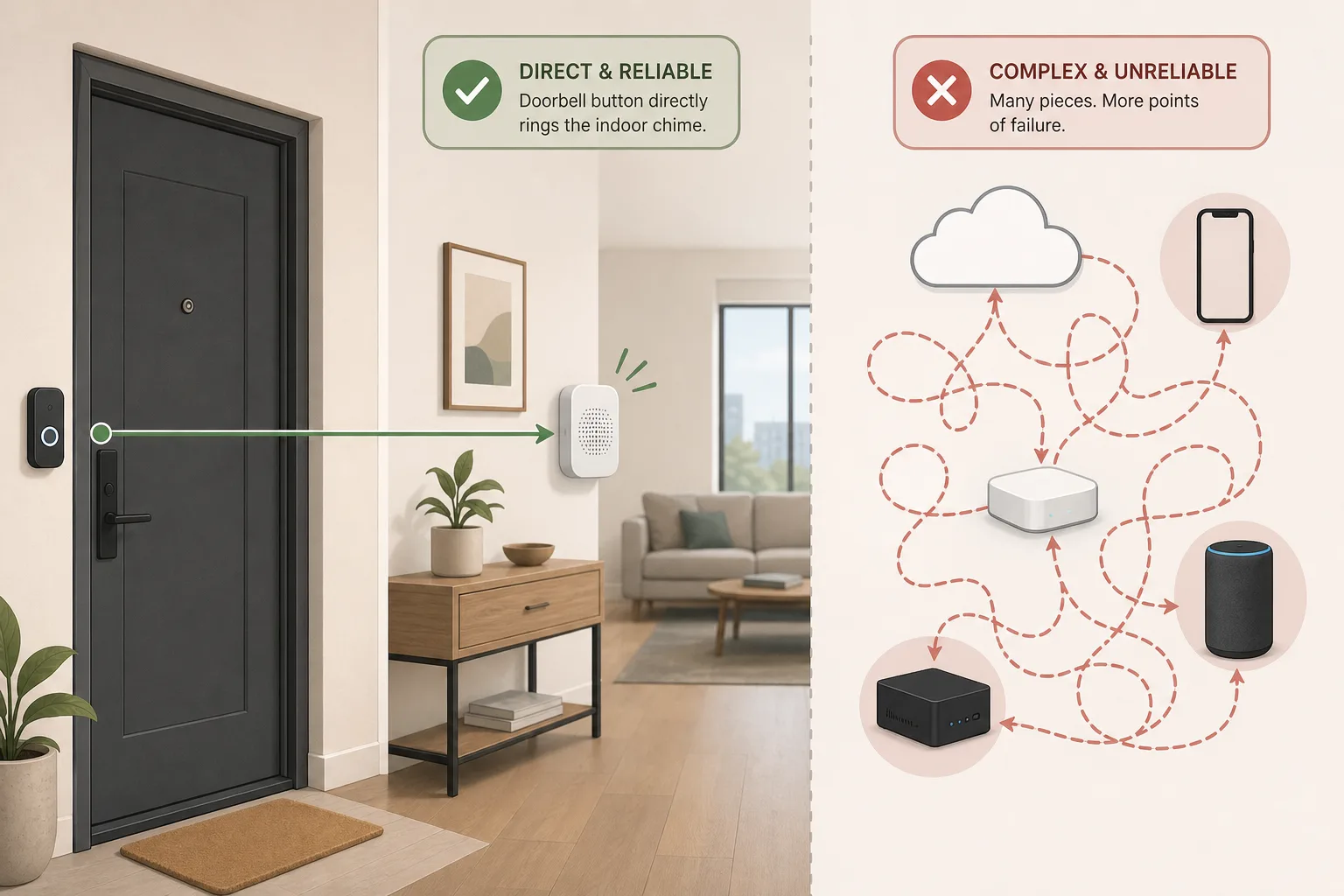
A smart doorbell should not need five clouds to ring indoors
A viral doorbell workaround is a practical buying guide in disguise: make the basic chime local, then add video, apps and automation only where they improve reliability.
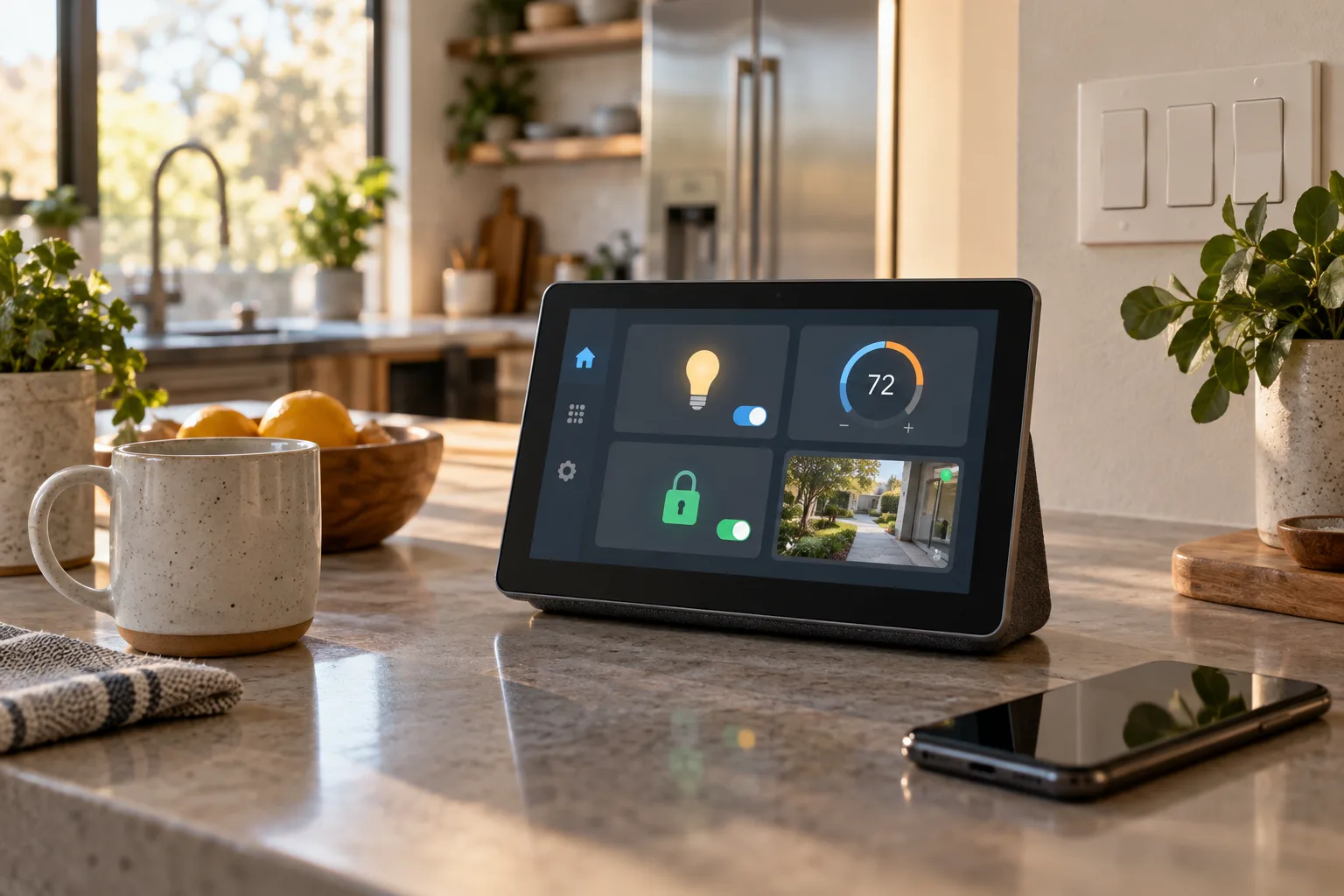
Apple HomeView Is a $299 Smart-Home Hub, Not a Reason to Rebuild Your House
Apple’s new HomeView brings a 7-inch display, Siri AI, cameras, and Apple Home controls to a $299 household hub. The practical buying decision depends on compatibility, privacy, network reliability, and whether a shared screen solves a real problem.
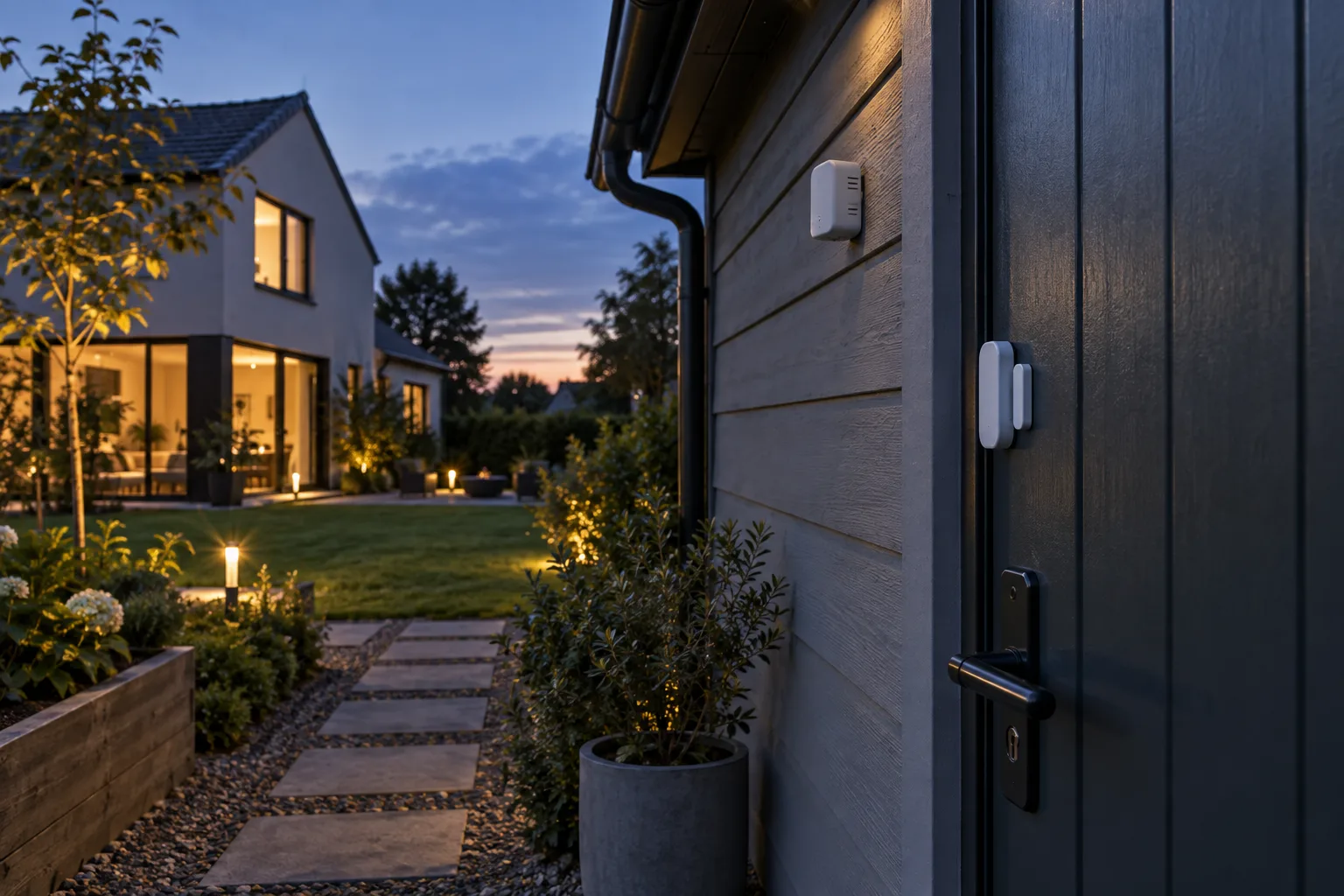
Sub-GHz Thread Is Coming, but Your Smart Home Should Not Wait for It
Thread Group has started work on a Sub-GHz version of Thread. That matters for range, but it is not a buying signal for today’s door sensors, locks or outdoor devices yet.
IFA 2026’s Local AI Home Hubs: What They Replace, What They Don’t, and Who Should Wait
IFA 2026 has made local AI the smart-home pitch of the moment. Here is how to separate a useful local camera and automation hub from an expensive pre-order, and how to test whether it fits the home you already have.

Comments
Sign in to comment.
No comments yet.