Matter over Thread Is Local by Design, but Not Automatically Internet-Free
Matter over Thread can keep many commands on the home network, yet the Thread Border Router also connects that mesh to Wi-Fi, Ethernet, and potentially the internet. Here is how to check what your devices can reach before assuming “local” means private.

The important distinction between Matter, Thread, and the internet
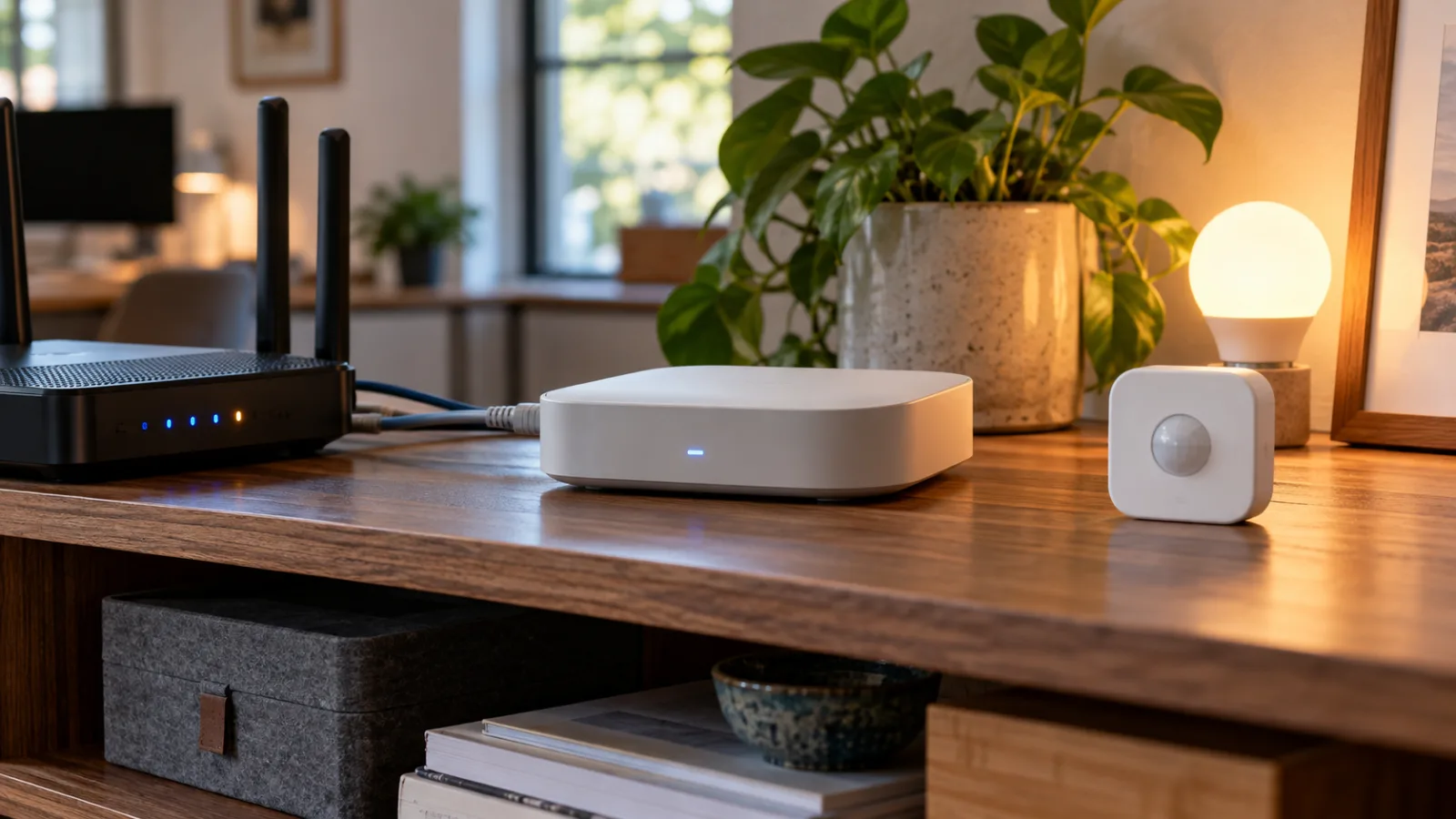
“Local smart-home control” is useful shorthand, but it combines several different parts of a Matter installation. Matter is the application and control layer: it defines how compatible devices and controllers exchange commands. Thread is one possible network transport for those devices. The internet is a separate question—one about whether traffic can leave the home and which services remain available when the wide-area connection is unavailable.
That distinction matters because a Matter-over-Thread device is not normally an isolated radio gadget. Thread is an IP-based mesh network designed for smart homes, and a Thread Border Router connects that mesh to Wi-Fi, Ethernet, and potentially the internet. The Thread Group describes Border Routers as enabling communication with mobile apps and cloud services, while the Connectivity Standards Alliance explains that Matter can use Thread, Wi-Fi, and Ethernet and is intended to support local connections. These statements are compatible: local control describes where a control exchange can occur, not a guarantee that every product is unable to reach an outside service.
A practical way to understand the arrangement is to separate three layers. First is the Matter fabric: the devices and controllers commissioned to work together. Second is the underlying network, such as Thread for a sensor or switch and Wi-Fi or Ethernet for a controller or hub. Third are optional services outside the home, including remote access, account systems, firmware delivery, diagnostics, notifications, and manufacturer-specific features. A command can stay within the home at the first two layers even when the same installation also uses the internet for the third.
Google’s documentation makes the local-control promise concrete: Matter commands can travel over the existing home network rather than being routed through Google’s or a device maker’s cloud. A Thread Border Router is still needed when a Google Home setup combines Thread devices with Wi-Fi devices, because it connects those networks. In other words, “local” usually means that the controller can reach the device over the household network without sending that particular command through a cloud service. It does not mean the Thread mesh is physically or logically cut off from every other IP network.
This is also why the Matter logo cannot answer the whole privacy or exposure question. Matter certification concerns interoperability and the supported transport; it is not a blanket declaration that a product has no external network path. The Alliance says that Matter can add local connectivity while manufacturers may retain cloud connectivity for additional flexibility and remote control. The same FAQ also notes that some Matter products can connect directly to the internet through the maker’s application. That does not show that every Matter device continuously sends control traffic to a vendor cloud, but it does mean that “supports Matter” should not be read as “cannot contact the internet.”
Remote access is a different function from local control. A phone controlling a light while its owner is away may rely on an ecosystem account, a vendor service, or a home controller with remote access. Local automations can have different requirements again: an automation hosted by a local controller may continue during an internet outage, while a cloud automation or a routine that depends on an online service may not. Firmware updates, vendor diagnostics, telemetry, push notifications, and integrations can likewise have their own connectivity requirements. The exact behavior belongs to the product and controller documentation, not to the Matter or Thread names in isolation.
An internet-outage test therefore has to be interpreted carefully. If the controller, Border Router, and home network remain available, a successful basic command suggests that this control path is local. It does not prove that the device has no ability to contact the internet for updates or another feature. Conversely, failure of remote control or an account-dependent function does not prove that ordinary Matter commands are cloud-routed; it may simply show that the feature requires the WAN connection. The test separates functions only when each function is identified in advance.
The Border Router is the natural place to begin that separation because it sits at the boundary between the Thread mesh and the rest of the IP network. It may be a dedicated device, or it may be built into a smart speaker, home hub, router, or other controller. The Thread Group’s Border Router overview describes it as a bridge from Thread to the wider network and notes that connected Thread devices can be reached by applications or cloud-hosted services. The useful audit question is therefore not simply whether Matter is local. Ask which traffic is local, which component carries it, and what else that component can reach. That distinction is the starting point for checking a particular home rather than relying on the word “local” as a guarantee.
What “local control” does—and does not—promise
“Local control” describes where a command is processed and delivered, not a guarantee that a device is unable to communicate beyond the home. In a Matter setup, a controller can send commands across the local home network, while Thread provides an IP-based mesh for compatible devices. When the controller, the home network, and the relevant Thread Border Router are still operating, basic actions such as changing a light or checking a sensor can often continue even if the household’s internet connection is unavailable. That is the practical value of local operation: an internet outage does not necessarily have to become a smart-home outage.
The boundary is important. A Thread Border Router connects the Thread mesh to another IP network, commonly through Wi-Fi or Ethernet, and that network may have internet access. The router’s presence therefore makes local delivery possible without making every connected device automatically internet-free. A command may stay inside the home, while other functions use an external service at the same time or under different conditions. The distinction is between the path used for a particular local action and the broader connectivity available to the platform, controller, or device.
Several features can depend on that broader connectivity. Remote control from outside the home generally requires an account service or another internet-mediated path. Vendor applications may need access to their own servers for account functions, notifications, device status, support diagnostics, or cloud automations. Firmware updates and some integrations can also require an online connection. The exact behavior varies by product and platform, so the Matter label alone does not identify which features remain available during an outage.
There is an additional caveat in the Connectivity Standards Alliance’s Matter guidance: some Matter products can connect directly to the internet through the application provided by their manufacturer. That possibility is separate from whether a local Matter controller can deliver an ordinary command over the home network. A device can participate in a standards-based local control model and still offer, or rely on, maker-specific online features. For an owner concerned about privacy or unnecessary exposure, both paths matter: the traffic needed for local operation and the traffic created by the manufacturer’s application or services.
A useful way to think about the arrangement is as several overlapping layers rather than one simple “local” or “cloud” category:
- Local command delivery: the controller communicates with the Matter device through the home network and Thread infrastructure. This is the function most likely to remain usable during an internet outage, provided the local equipment is available.
- Remote access: a phone or service outside the home needs a route back to the household, often involving an account platform or vendor service. This is not the same as local control.
- Cloud-dependent features: notifications, remote history, voice-assistant links, vendor automations, support tools, and other platform services may require internet access even when local switching still works.
- Manufacturer connectivity: the product’s own application may communicate with online systems, and some devices may be able to reach the internet through that application. The user should check the maker’s documentation instead of inferring behavior from the protocol name.
This layered view also explains why a successful offline test is useful but incomplete. Disconnecting the home’s WAN connection and confirming that a controller can still operate a device demonstrates that one local path works under those conditions. It does not prove that the device never contacts external services when the internet is restored, nor does it show whether remote access, updates, telemetry, or account-based features are available. Conversely, a failed offline test does not automatically mean that every command is cloud-controlled; the interruption may involve the controller, the Border Router, discovery, authentication, or a feature that was never designed to work without an online service.
For that reason, “local” should be treated as a specific behavior to verify: which commands work on the home network, which functions stop when the WAN is unavailable, and which applications or services can communicate outside it. That is a more useful promise than the slogan itself. Matter can support resilient local control, but the surrounding controller, Border Router, manufacturer software, and optional cloud features determine how much internet access remains part of the finished system.
A practical audit for Thread Border Routers and Matter devices
Start with an inventory before changing firewall rules or moving devices between networks. A Thread Border Router connects the Thread mesh to other IP networks, including Wi-Fi and Ethernet, and can provide a path beyond the home. The Thread Group’s overview identifies the Border Router as the component that connects Thread devices to Wi-Fi, Ethernet, and the internet. The practical question is therefore not simply whether a product carries the Matter logo. It is which device is acting as the Border Router, where it is connected, and which controller commissioned each Matter device.
Record the model and location of every Border Router, the platform used for commissioning, and whether the device uses Thread or Wi-Fi. Do not assume there is only one Border Router: Thread supports multiple Border Routers on a single network, and a router may be built into a smart speaker, display, streaming device, or home-automation hub. Home Assistant’s Thread documentation explains that Border Routers can be supplied by different ecosystems and that their configuration is handled by those ecosystems. That makes the actual installation more important than the product description on the box.
The next step is to read the manufacturer’s privacy, networking, and support documentation. Look for separate answers to four questions: will ordinary control work when the home’s internet connection is down; does the maker’s application require an account or cloud service; are firmware updates delivered online; and can the product connect directly to the internet through its own application? The Connectivity Standards Alliance Matter FAQ describes Matter as local connectivity, while also noting that some Matter devices may have a direct internet connection for control through the maker’s application. Those statements are not contradictory. Local command delivery does not mean that every feature is local or that the device has no internet path.
A non-invasive outage test can expose dependencies that the documentation does not make clear. Keep the local network, controller, and Border Router powered on, then disconnect the home network’s WAN connection. Test only ordinary actions that are safe to reverse: switch a light, change a supported setting, or read a sensor. Note which actions continue, which fail, and whether the platform reports a local problem or requests an online service. Restore the connection after the test and allow the system to resynchronize. This describes the behavior of the current household configuration; it is not a universal promise for every Matter product or every feature.
Then inspect the router or firewall’s client list and connection logs, where those functions are available. Identify each Border Router by its hostname, hardware address, or assigned IP address, and observe outbound connections from it and from Wi-Fi Matter devices over a representative period. Logs can establish that a device is making internet connections, but they may not reveal the contents of encrypted traffic or explain every destination. Use them as evidence for follow-up with the manufacturer’s documentation, particularly when the connection may support remote access, notifications, account services, diagnostics, or firmware updates.
Segmentation can reduce exposure, but it can also break the system if applied too broadly. A separate VLAN or restricted network may limit access to other household clients, while an outbound rule may limit internet connectivity. However, Matter commissioning and control depend on the local network relationships supported by the controller and Border Router. Home Assistant notes that IPv6 and multicast traffic must be available for relevant Matter communication, and its Thread guidance describes how multicast filtering can prevent a phone from discovering a Border Router. A rule that blocks multicast, separates the controller from the device, or blocks all outbound traffic may therefore disrupt discovery, commissioning, firmware updates, cloud-backed functions, or multi-admin control.
Make one network change at a time and keep a rollback path. Record the current assignment and working behavior, apply the narrowest rule you can describe, then retest commissioning, ordinary local commands, and remote features separately. If a device disappears, determine whether local discovery failed, the controller lost access to the Border Router, or an online-only function was blocked. The useful outcome is a device-by-device record containing the Border Router, commissioning platform, offline test result, documented cloud dependencies, observed connections, and any required exceptions. That record turns “local” from a slogan into a testable description of how the home actually works.
How to buy and configure without turning “local” into a slogan
The most useful purchasing question is not whether a product carries the Matter logo. It is what the product does when the home’s internet connection is unavailable, which controller is expected to manage it, and which features the manufacturer still places behind an application or cloud service. Matter is intended to support local control, but the standard does not turn every device into a completely self-contained appliance. The Connectivity Standards Alliance notes that Matter devices can also connect directly to the internet through their maker’s application. That distinction matters because a device may respond locally to a command while still using online services for account functions, remote access, telemetry, firmware delivery, or features that are outside the basic local control path.
Before buying, look for documentation that describes local operation in concrete terms. “Works with Matter” is a compatibility statement; it is not, by itself, a promise that every setup, automation, update, or diagnostic function will remain available offline. Google’s Matter guidance and the documentation for local controllers such as Home Assistant illustrate why the controller and commissioning platform deserve attention alongside the device. Record which platform will add the product, whether a supported local controller is available, and whether the manufacturer describes any required account or application. If the answer is vague, treat that uncertainty as a configuration risk rather than filling the gap with assumptions.
The same discipline applies to the network hardware. A Thread Border Router is the bridge between the Thread mesh and the rest of the home network. Depending on the platform, it may be built into equipment that already has Wi-Fi or Ethernet access and a route toward the internet. Thread’s role as an IP-based mesh does not mean that every Thread device independently needs a public connection, but it also does not make the border router an invisible, internet-free boundary. Choose a platform whose network behavior you can understand and manage. A self-managed Thread Border Router may suit a household that wants clearer control over routing, logs, and segmentation; a vendor-managed platform may be simpler, but its online dependencies should be accepted knowingly.
Do not rule out another radio or transport merely because Matter over Thread is fashionable. Wi-Fi, Zigbee, and Thread can all fit different homes, and the better choice is the one whose controller, documentation, and network controls match the household’s priorities. If a Wi-Fi device has a well-documented local mode and a manageable outbound policy, it may be easier to audit than a Thread installation whose border-router behavior is opaque. Likewise, a Zigbee setup with a local coordinator may offer a clearer separation between device communication and internet access. These are not universal rankings: they are reminders to compare the complete system rather than the protocol name printed on the box.
After installation, keep the setup legible. Make a short inventory of Border Routers, controllers, and Matter devices, and note which device or platform commissioned each one. Test basic control with the wide-area connection disconnected while the local network and controller remain available. That test cannot prove that no component ever communicates externally, but it can reveal whether the functions you rely on are genuinely local. Where the router supports it, review connection logs and investigate unexpected outbound traffic using the manufacturer’s documentation as context. Apply segmentation or outbound restrictions carefully: isolation can interfere with discovery, commissioning, firmware updates, and multi-admin control, so a failed automation after a firewall change is not automatically evidence that the device is defective.
Finally, treat privacy and safety as configuration requirements, not afterthoughts. Read the manufacturer’s network and privacy documentation, keep a supported local controller available, and decide in advance which remote features you are willing to trade for convenience. If restricting internet access causes a product to lose a necessary function, either restore the narrowly required access or choose a device with better-documented local behavior. Do not modify mains wiring, switches, or powered equipment as part of a network experiment. Electrical changes can create shock or fire hazards; use a qualified professional for work on household wiring. “Local” is valuable when it describes a tested operating mode, a controller you can maintain, and a network boundary you understand—not when it is used as a substitute for checking how the system actually communicates.
Related articles
Sub-GHz Thread Is Coming, but Your Smart Home Should Not Wait for It
Thread Group has started work on a Sub-GHz version of Thread. That matters for range, but it is not a buying signal for today’s door sensors, locks or outdoor devices yet.

Do not throw out Zigbee yet: what Matter over Thread tests mean at home
New practical tests and user reports show Zigbee can still feel faster for lights and sensors, while Matter over Thread is a future-facing choice that needs careful setup.
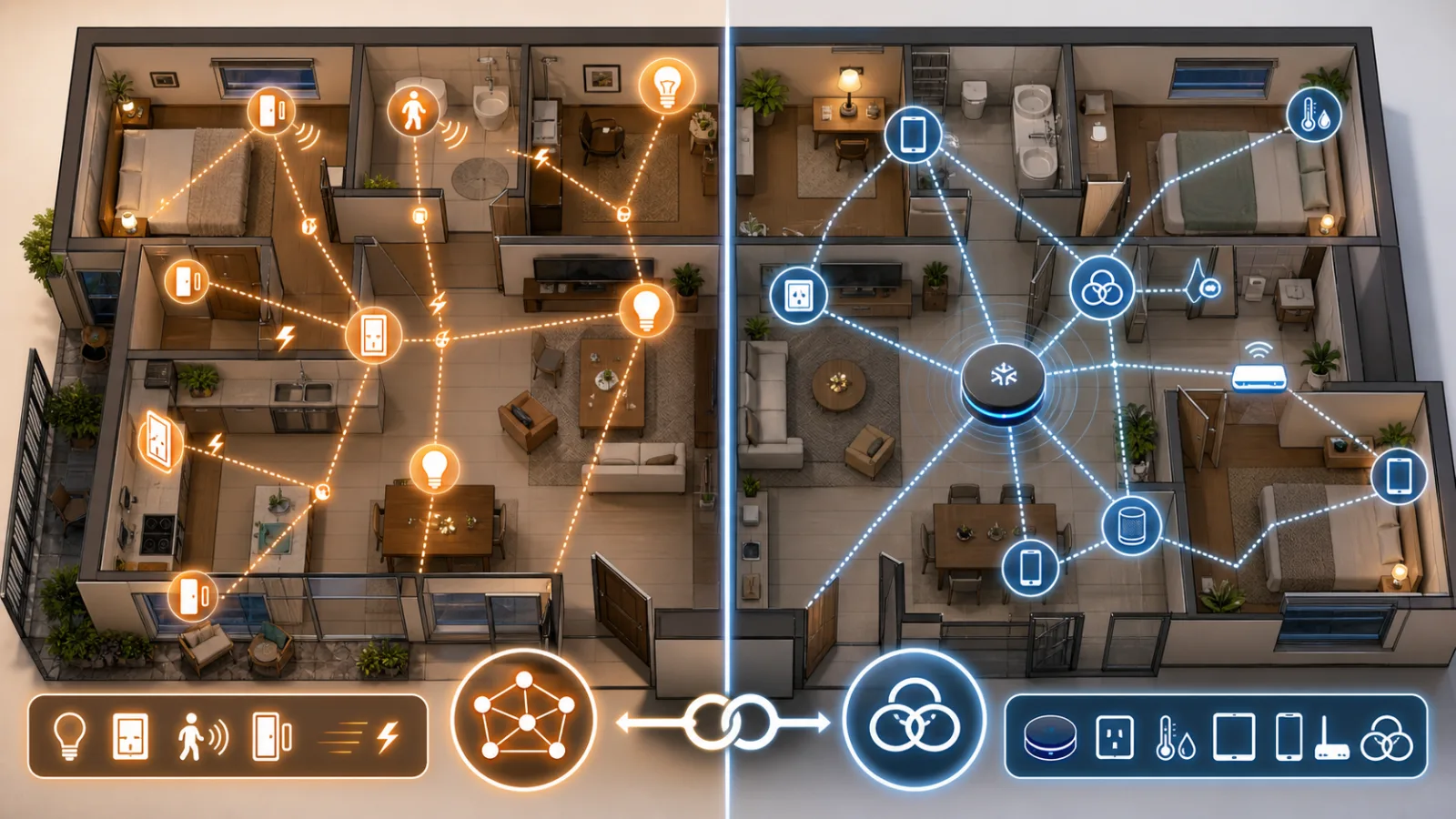
Will your smart home survive when the app disappears?
Wemo’s cloud shutdown is a practical warning for anyone buying smart plugs, bulbs, switches or appliances: the safest smart home is the one whose basic controls do not depend on one vendor server.
Shelly Wall Display as a Matter Controller: Useful Upgrade, Not a Hub Replacement for Every Home
Shelly's Wall Display firmware 2.8.0 makes some panels Matter controllers and Matter devices. The useful part is local room control; the catch is Thread, wiring, and platform expectations.
Comments
Sign in to comment.
No comments yet.