Solar and 4G security cameras from marketplaces: what the bargain listing leaves out
Solar marketplace cameras can be useful for sheds, gates and remote buildings, but “solar,” “4G” and “no subscription” hide important trade-offs. Check power, storage, connectivity, app security and recording mode before buying.

A solar security camera from a marketplace can solve a real problem: watching a gate, shed, allotment, driveway or outbuilding where running power and Wi-Fi is awkward. It can also create a new one. The bargain is not the camera alone, but a small system involving a battery, a panel, a network connection, an app, storage and a seller’s long-term support. If one of those pieces is vague, a low sticker price can turn into a camera that records only when the sun is out, loses its connection, or asks you to trust an unknown cloud service with a view of your property.
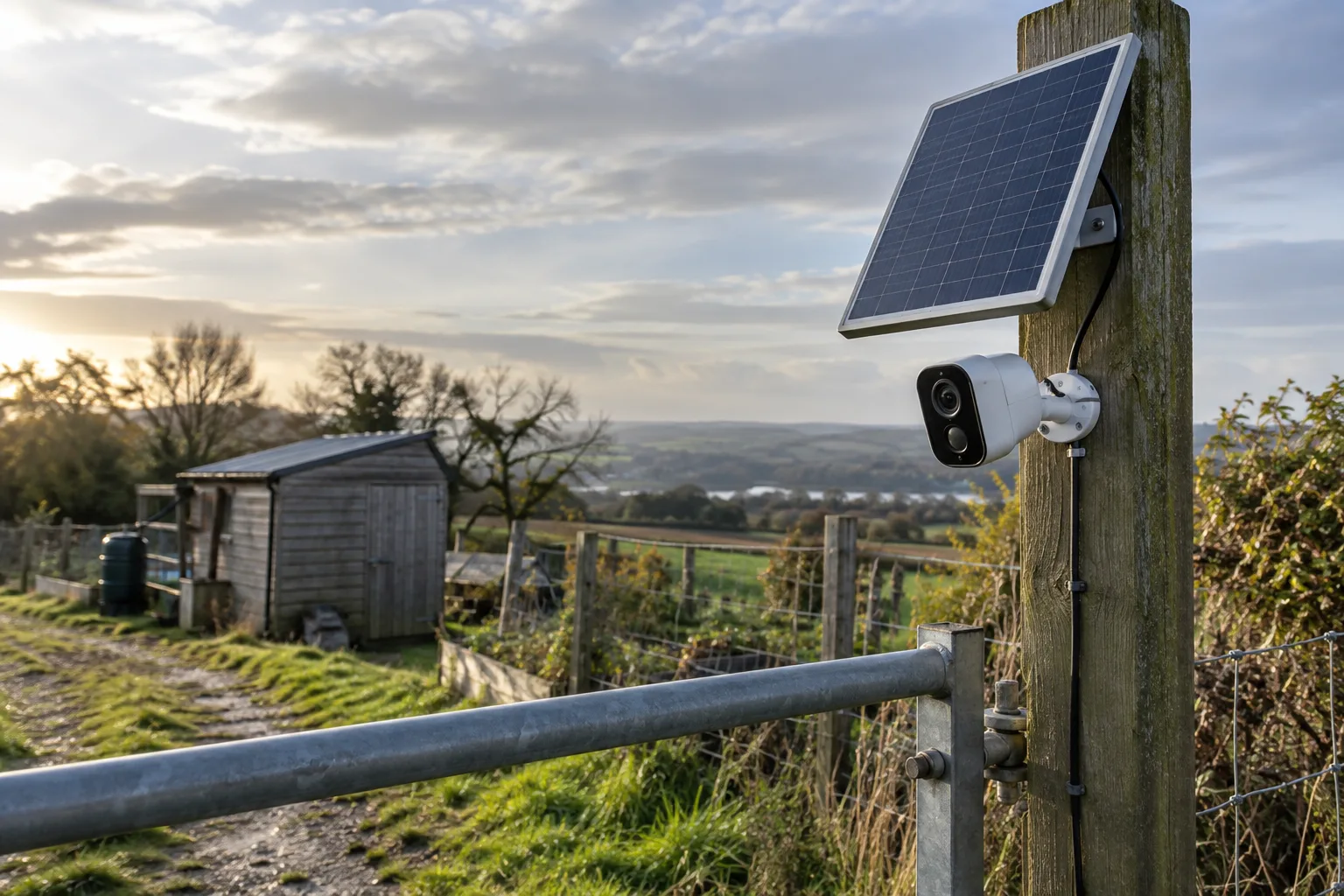
The current interest in solar and 4G outdoor cameras is easy to understand. Marketplace listings promise colour night vision, pan-and-tilt control, human detection, two-way audio, “no monthly fee” recording and operation without a home broadband connection. Those features are useful in the right setting. They are not interchangeable, and the word “solar” does not mean continuous recording.
This guide is about how to judge the product class before buying. It does not recommend one anonymous listing or treat a sales badge as proof of quality. The central question is simpler: do you need occasional event alerts at a remote location, or do you need dependable evidence from every minute of the day?
Why these cameras are appearing in marketplace feeds
Solar outdoor cameras sit at the intersection of several recurring marketplace demands. Buyers want to avoid electrician costs, cover a garden or parking area without a cable, and check a second property from a phone. A 4G version adds a solution for places without usable Wi-Fi. The combination is visually persuasive: one panel, one camera, no obvious wiring.
Recent marketplace promotion pages and buyer discussions show the category being pushed as a practical outdoor gadget rather than as a conventional CCTV installation. That makes the category useful for a consumer channel, but it also makes comparisons difficult. One listing may be a Wi-Fi camera with a small panel. Another may contain a cellular modem, a removable battery and a proprietary cloud plan. A third may use “4G” in the title while the chosen variant is Wi-Fi only.
The feed is not a technical specification sheet. Treat a product title as an invitation to inspect the variant, not as evidence that every advertised feature is included.
There is also a real market for more capable products. TechRadar’s review of the IMOU AOV PT describes a branded solar camera with 4G connectivity, a separate panel, local microSD storage and an IP66 rating, while noting that it is relatively bulky and aimed at locations where Wi-Fi is unreliable. Reolink’s current documentation for its TrackMix LTE Plus 2 makes the same distinction buyers should make: the company gives separate figures for motion-triggered use and for continuous recording, and the solar requirement rises with the workload. Those are useful reference points even if you are shopping in a lower price band.
First decide what “security” means in your use case
A camera that wakes on movement and sends an alert is not the same thing as a camera that records continuously. Battery and solar products generally conserve power by staying in a low-power state until a sensor event occurs. That can be adequate for a gate or shed where the important question is “did someone enter?” It is a poor fit if you need to reconstruct everything that happened during a long interval.
Write down the answer to these four questions before opening a listing:
- Is the location covered by stable 2.4 GHz Wi-Fi, or will it need a SIM?
- Do you need an alert, a live view, a recorded clip, or uninterrupted footage?
- Can the panel receive direct sun for much of the relevant season?
- Can you safely reach the camera to recharge it or remove its memory card?
If the answer to the second question is “uninterrupted footage,” be sceptical of a tiny panel and a modest battery. As a useful comparison, Reolink’s official material says its TrackMix LTE Plus 2 can run for up to 21 days of continuous recording on a charge under its stated conditions, but it also specifies a 30 W panel and different sunlight figures for motion-triggered and 24/7 modes. That is not a promise for generic hardware; it shows why a listing that claims months of operation without stating the recording mode is incomplete.
If you only need event clips, the power calculation is more forgiving. But even then, a camera may miss activity if the sensor is aimed badly, the person approaches from outside its detection pattern, or the device is busy reconnecting to a weak network.
Solar is a power budget, not a magic feature
A panel produces energy only when its surface receives useful light. The result depends on season, latitude, shade, dirt, snow, panel angle, cable losses and the camera’s consumption. A panel mounted beside the camera may face the wrong direction even when the camera has a good view. A south-facing roof is not automatically a good place if the camera itself needs to look north and the cable run is exposed.
The most important specification is not the headline wattage. Look for:
- panel rated output in watts;
- battery capacity, preferably in watt-hours rather than only milliamp-hours;
- whether the battery is replaceable;
- the charging connector and cable length;
- an explicit operating-temperature range;
- what recording mode the battery claim assumes;
- whether the panel is included in the selected variant.
Milliamp-hours are easy to misuse because voltage matters. A 10,000 mAh battery at one voltage is not directly comparable with a 10,000 mAh battery at another. If a seller gives only mAh, treat the number as a rough marketing clue. A more useful listing states the battery voltage or watt-hours and explains the test conditions.
Night illumination is another hidden load. Infrared LEDs, white spotlights, pan-and-tilt motors, speaker output, cellular transmission and repeated motion alerts all consume more power than a quiet daytime standby state. A camera that survives a week in a bright, low-traffic test may behave differently through a cloudy winter with frequent notifications.
A good pre-purchase test is physical rather than digital. Look at the intended mounting point at the same time of day when you expect the camera to operate. Mark where shadows from walls, trees or roof edges fall. If the panel will be shaded for hours, assume that “solar-powered” means “solar-assisted” and plan for periodic charging.
Wi-Fi, 4G and the cost that appears after checkout
Wi-Fi models can be inexpensive to run, but only if the signal reaches the installation point. A camera may show a strong signal during setup near the router and then fail once it is mounted outside. Many budget cameras support only 2.4 GHz, which has better range than 5 GHz but can still be unreliable through masonry, foil insulation and metal outbuildings.
A 4G model solves the local Wi-Fi problem, not every connectivity problem. It needs a supported network band, a SIM or data plan, acceptable signal at the mounting position and an app or cloud service that can authenticate the device. The camera may use more power while maintaining a cellular connection, and video uploads can consume data faster than simple event notifications.
Before buying a 4G variant, check the exact bands for your country and carrier. “4G” in a title is not enough. Confirm whether the SIM is included, whether the slot is nano-SIM or another size, whether the device is carrier-unlocked, and whether the seller explains how to enter the APN. Do not assume that a promotional “cloud-free” claim means the camera works without an account: it may mean that clips can be saved to a microSD card while the app is still required for setup and remote access.
Ask how the camera behaves when the network disappears. Can it continue saving to a card? Does it queue alerts? Does it overwrite old files? Does it require a cloud connection for playback? These questions matter more than an inflated pixel count.
The app is part of the product
A marketplace camera is often sold as hardware, but the companion app determines much of the experience. Search the app name before purchase in the relevant app store. Check whether it has recent updates, whether the developer is identifiable, what permissions it requests and whether reviews mention account lockouts, connection failures or a subscription appearing after installation.
The Federal Trade Commission advises camera buyers to look for encryption, secure home-network settings, software updates, unique passwords, two-factor authentication where available and the ability to disable remote viewing. The UK National Cyber Security Centre similarly recommends changing default passwords, keeping firmware current and disabling remote access if it is not needed. These are baseline checks, not premium features.
For an outdoor camera, create a separate account password that has never been used elsewhere. If the camera supports a separate guest or viewer role, use it instead of sharing an administrator login. Put a Wi-Fi model on a guest or IoT network if your router supports that arrangement, while checking that the network still permits the camera to reach only the services it needs. The point is to limit the damage if the device or its app is compromised.
Be cautious when an app asks for contacts, permanent location access, microphone access or broad file permissions without a clear explanation. A camera may reasonably need the microphone for two-way audio and storage access for saving clips, but that does not mean every permission is necessary. Read the privacy policy enough to identify where recordings are stored, how long they are retained, whether facial or human detection is processed in the cloud, and how an account can be deleted.
“Local storage” can mean different things. It may mean a microSD card inside the camera, a base station on your network, or a cloud service that merely offers a local download button. Confirm the mechanism and the maximum supported card capacity. If the card is inaccessible after installation, decide whether you are willing to lower the camera to replace it.
Waterproof ratings are useful, but not a weather guarantee
Look for a stated ingress rating rather than “waterproof” in the title. An IP rating describes protection under specified test conditions; it does not tell you how a cheap enclosure will age under ultraviolet light, freezing temperatures, condensation, salt air or repeated thermal expansion.
A roof overhang can protect the camera but shade the panel. A fully exposed panel can charge better but may subject connectors and cable entries to more weather. A downward-facing cable loop helps prevent water running directly into a connector. Any exposed joint should be treated as a likely maintenance point.
The mounting hardware also deserves attention. A small bracket that flexes in wind can change the detection zone and produce false alerts. Pan-and-tilt adds convenience but creates moving parts, and a remote motor is not a substitute for a solid mount. If the camera overlooks a public path or a neighbour’s property, narrow the field of view and check local privacy rules before recording.
Night vision claims need the same restraint. “Colour night vision” may rely on a bright spotlight, nearby ambient light or a sensor mode that is less useful at a distance. “4K” can describe the sensor output while compression, lens quality and darkness make fine detail unreadable. A clip showing a face in a carefully lit demo is not a measurement of identification performance at your gate.
What to inspect in reviews
Marketplace reviews are most useful when they contain a date, a real installation photo and a description of the exact variant. Give more weight to comments that report performance after weeks or a season than to a one-line reaction immediately after delivery.
Look for evidence about:
- whether the supplied panel actually charges the battery;
- how long the battery lasts in cloudy weather;
- whether the app remains usable after an update;
- whether recordings can be retrieved without a subscription;
- how often the camera loses Wi-Fi or 4G;
- whether motion alerts arrive late;
- whether the camera supports the advertised card size;
- whether the bracket and cable survived outdoor installation;
- whether the seller provides firmware and reset instructions.
Separate a delivery complaint from a product complaint, and separate a defective unit from a recurring design limitation. Ten reviews saying “does not record 24/7” are not necessarily reports of a fault if the product is a battery camera designed for motion events. Conversely, repeated reports that the selected variant lacks the advertised SIM slot are a strong reason to stop.
Reviews can also reveal variant confusion. Sellers often place several resolutions, panel sizes, storage options and network types on one page. A five-star review may belong to a different option than the one currently shown in the cart. Save a screenshot of the chosen configuration and its specifications before paying; prices, bundles and listing text can change.
A practical checkout checklist
Use this sequence when a listing looks promising.
1. Identify the installation job. Write down the distance from the router or the expected cellular signal, the panel’s sun exposure, the height of the mount and whether a ladder will be needed for maintenance.
2. Read the variant selector. Confirm camera network, resolution, panel inclusion, battery size, storage bundle and plug or cable type. Do not trust the first image if the options change the hardware.
3. Find the manual or app. A downloadable manual is a positive sign because it lets you check reset procedures, supported cards, account requirements and update instructions before the purchase.
4. Check the power claim. Record whether the seller means standby, motion-triggered recording or continuous recording. Treat “works all year” as meaningless unless the conditions are stated.
5. Check storage. Decide whether you will use microSD, cloud storage or both. Find the overwrite behaviour and whether the camera remains useful when the subscription ends.
6. Check connectivity. For Wi-Fi, look for 2.4 GHz support and a realistic range. For 4G, check bands, SIM format, APN support and data costs in your country.
7. Check security controls. Look for a changeable password, current firmware, HTTPS or encrypted connections, two-factor authentication, account deletion and a way to disable remote access.
8. Check the physical installation. Inspect the bracket, connector sealing, cable length and panel angle. If the product requires a proprietary cable, note its availability before you put the camera high on a wall.
9. Price the complete setup. Include a memory card, SIM data, a better mounting arm, a replacement battery if one is proprietary, and the value of your time. A cheap camera that needs a second camera after its app stops working is not cheap.
10. Plan the first-day test. Before permanent mounting, pair the camera, change credentials, update it, test day and night clips, pull power or Wi-Fi, verify local recording and confirm that notifications arrive. Test from outside the home network if remote access is part of the reason you bought it.
Who should consider one
A solar marketplace camera can make sense for a low-to-moderate-risk location where the main job is to notice movement: a shed, allotment gate, driveway, workshop entrance or temporary building. It is particularly reasonable when cabling would be disproportionate, the camera can be reached for maintenance, and the buyer accepts that event recording is different from forensic-grade continuous video.
A branded 4G solar camera is a better fit for a remote site with reliable cellular coverage but no practical broadband connection. In that case, the ongoing SIM cost is part of the system and should be compared with the cost of a wired camera and a local network.
The category is also useful as a short-term monitor during renovation, a move or a seasonal property stay, provided the owner can check the battery and network rather than treating it as invisible infrastructure.
Who should skip it
Skip an anonymous battery camera if the footage could affect a serious insurance, employment, neighbour or legal dispute and you cannot verify how continuously it records. Choose equipment with a clearly documented recording mode, dependable storage and support you can identify.
Skip it if the only sunny place for the panel is far from the camera and the listing supplies a short, non-replaceable cable. Skip it if the camera must cover a busy area at night but offers only a tiny battery and vague motion detection. A floodlight or mains-powered camera may be the more honest solution.
Also skip it if the app is obscure, has not been updated for a long time, demands unnecessary permissions or cannot explain where video is stored. A camera pointed at a private home is not the right place to gamble on an unsupported account system.
Alternatives worth comparing
The obvious alternative is a wired outdoor camera connected to a local recorder or a well-supported network video system. It costs more to install but avoids the solar power budget and can provide continuous recording.
A branded battery camera with an official panel is another middle ground. TechRadar’s reviews illustrate the trade-off: products such as the IMOU Cell 3C and AOV PT are not the cheapest listings, but their network options, storage arrangements and limitations are documented well enough to compare. Reolink’s official specifications are also useful as a benchmark for how a manufacturer should state battery life and solar requirements.
For a small area near a building, a mains-powered camera plus a weatherproof cable may be less elegant but more reliable. For a remote site with no mobile coverage, a local recorder and point-to-point wireless link may be more work, yet it avoids paying for a cellular service that cannot connect. The right alternative depends on whether your scarce resource is sun, power, bandwidth, storage or time.
The bottom line
Solar and 4G cameras are not automatically bad marketplace buys. They are easy to misunderstand because a single listing compresses a whole surveillance system into a few attractive words. “Solar” describes the energy source, not the recording guarantee. “4G” describes a radio, not coverage or a free data plan. “No subscription” describes one possible storage path, not necessarily an account-free product.
The sensible purchase is the one whose limitations are visible before checkout. Confirm the recording mode, battery conditions, network bands, storage path, app support and security controls. Then ask whether you can maintain the camera through the least sunny part of the year. If the answer is no, a more expensive wired or better-supported system may be the cheaper decision in practice.
Related articles

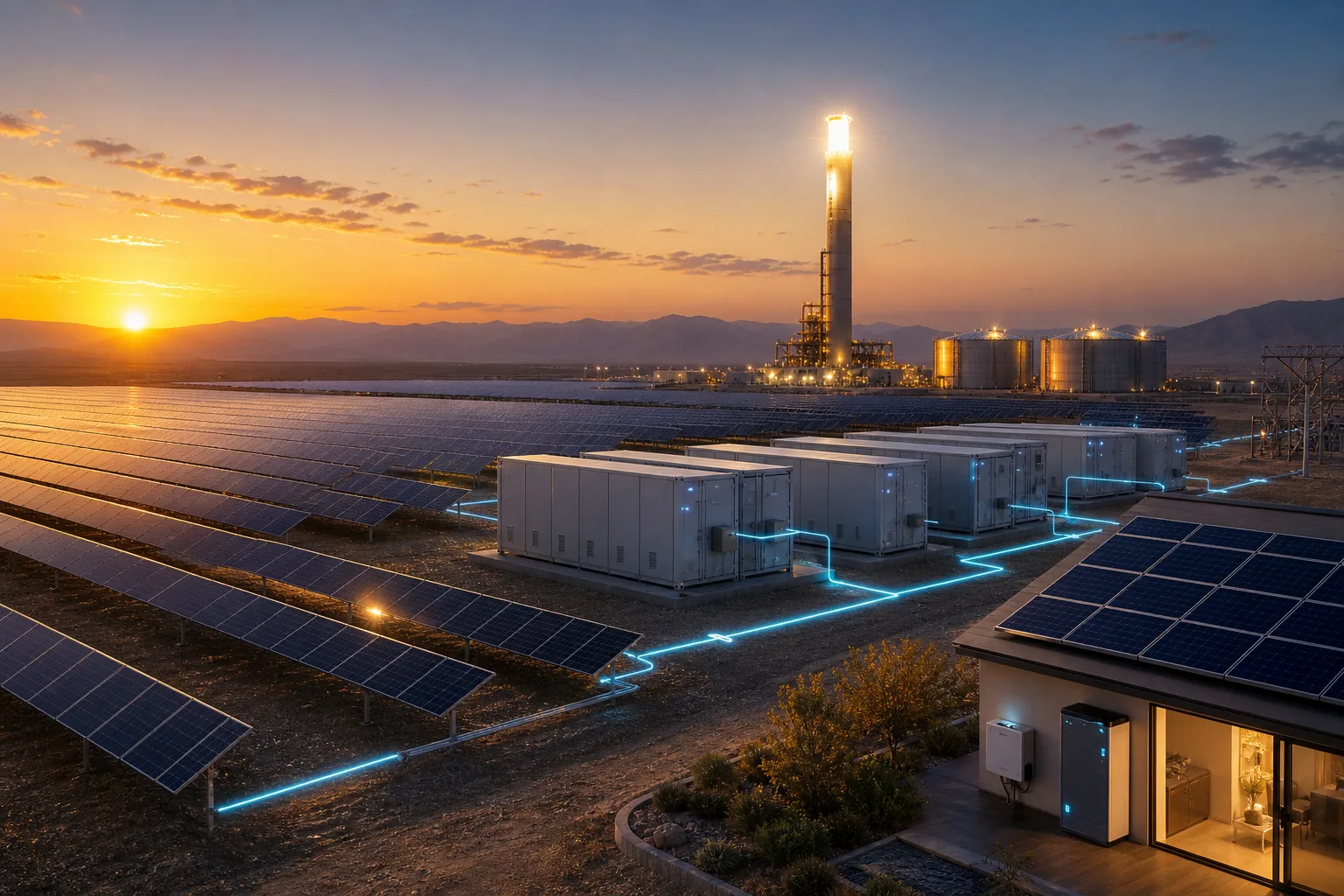
Clean power is learning to work after sunset
New solar-plus-storage projects in Abu Dhabi, molten-salt storage in China and home batteries in Germany show the clean-energy story moving from megawatts to hours.
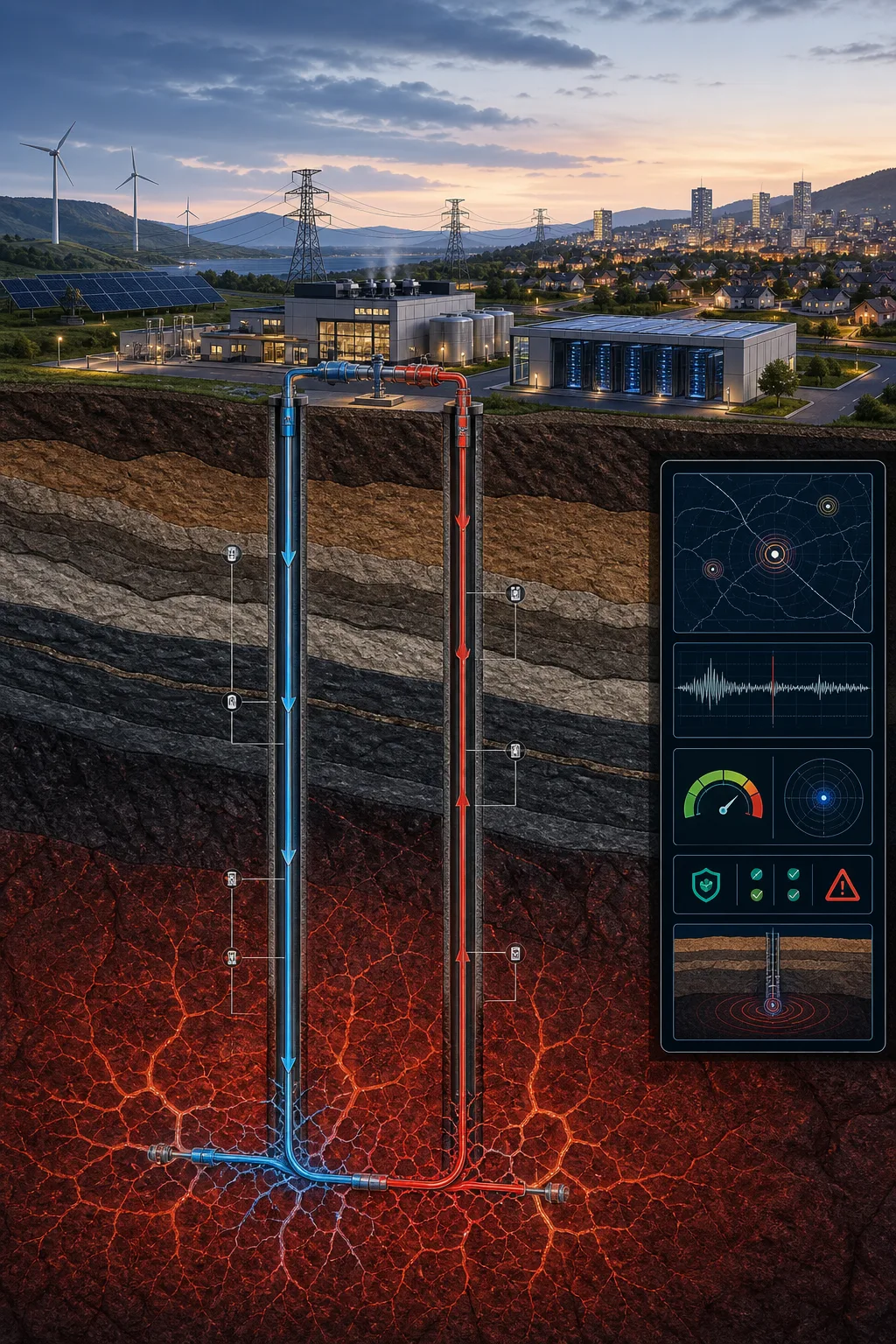
Geothermal energy is becoming good technology news because engineers made it harder
The hopeful part is not a miracle headline. New geothermal work is turning underground heat into a measurable engineering problem: drill better, model better, monitor better, and prove the economics plant by plant.
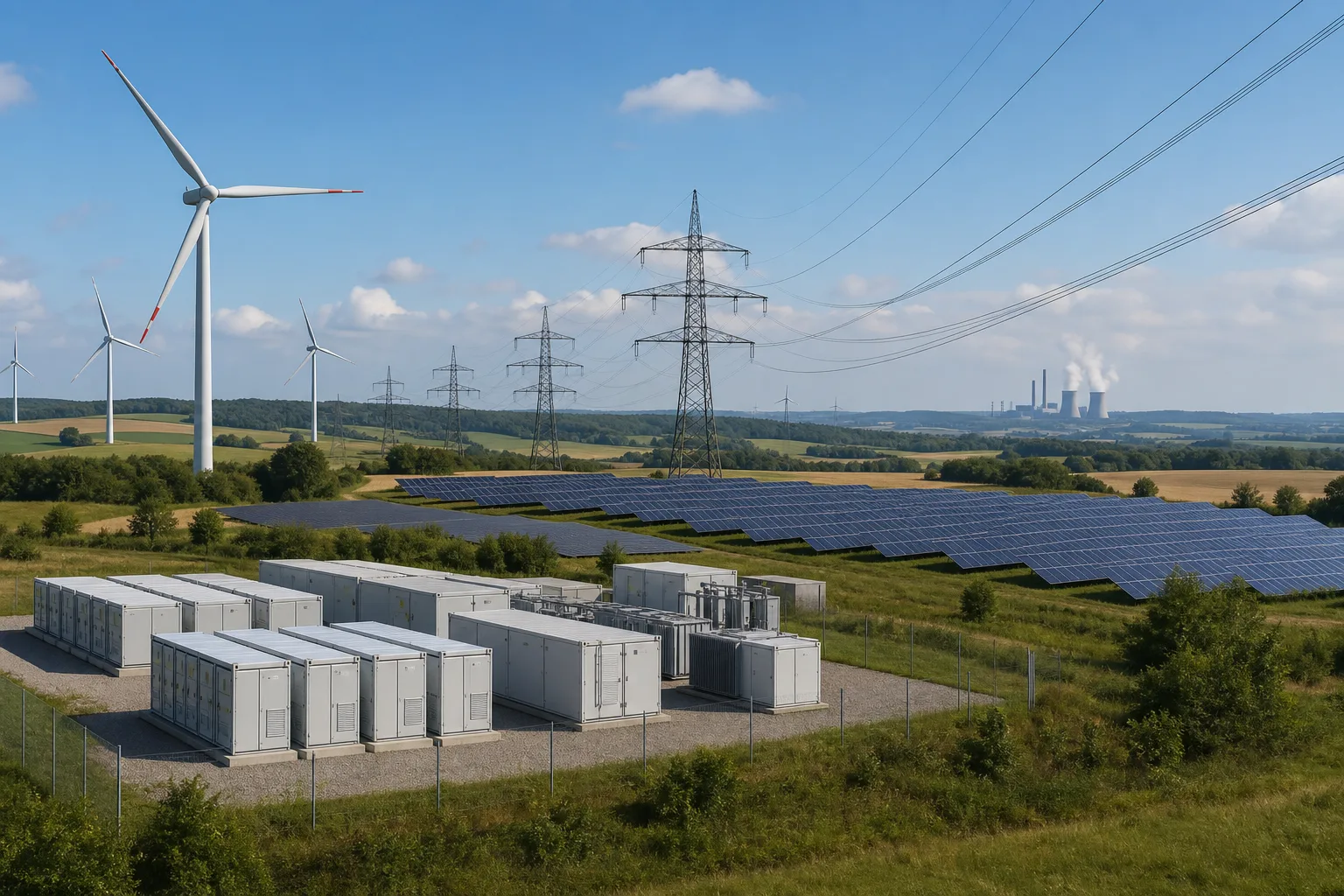
Germany’s wind and solar milestone is good news because the hard part is now engineering
Wind and solar overtook fossil electricity in Germany for a year. The achievement is real, but the next gains depend on storage, grids, flexibility and smarter demand.

Solar Cycle 25 after the peak: how FT8 and JTDX operators should read SWPC data before blaming the antenna
A practical HF guide for August 2026: separate solar-cycle trend, daily space weather and station evidence before retuning hardware.
Comments
Sign in to comment.
No comments yet.