Apple’s September 2026 devices are in stores. The first-day setup is where the upgrade earns its place
The iPhone 18 Pro, Apple Watch Series 12, Ultra 4, and AirPods 5 are now available. The practical decision is not which launch feature sounds best, but which setup, transfer, health, audio, and return checks prevent an expensive mismatch.

Apple’s September hardware lineup has reached stores: iPhone 18 Pro and iPhone 18 Pro Max, Apple Watch Series 12, Apple Watch Ultra 4, and AirPods 5 are available from September 18. Apple’s own launch-day account emphasizes the shopping experience—hands-on demos, trade-in assistance, financing, and setup help—but the more useful question starts after the box is opened.
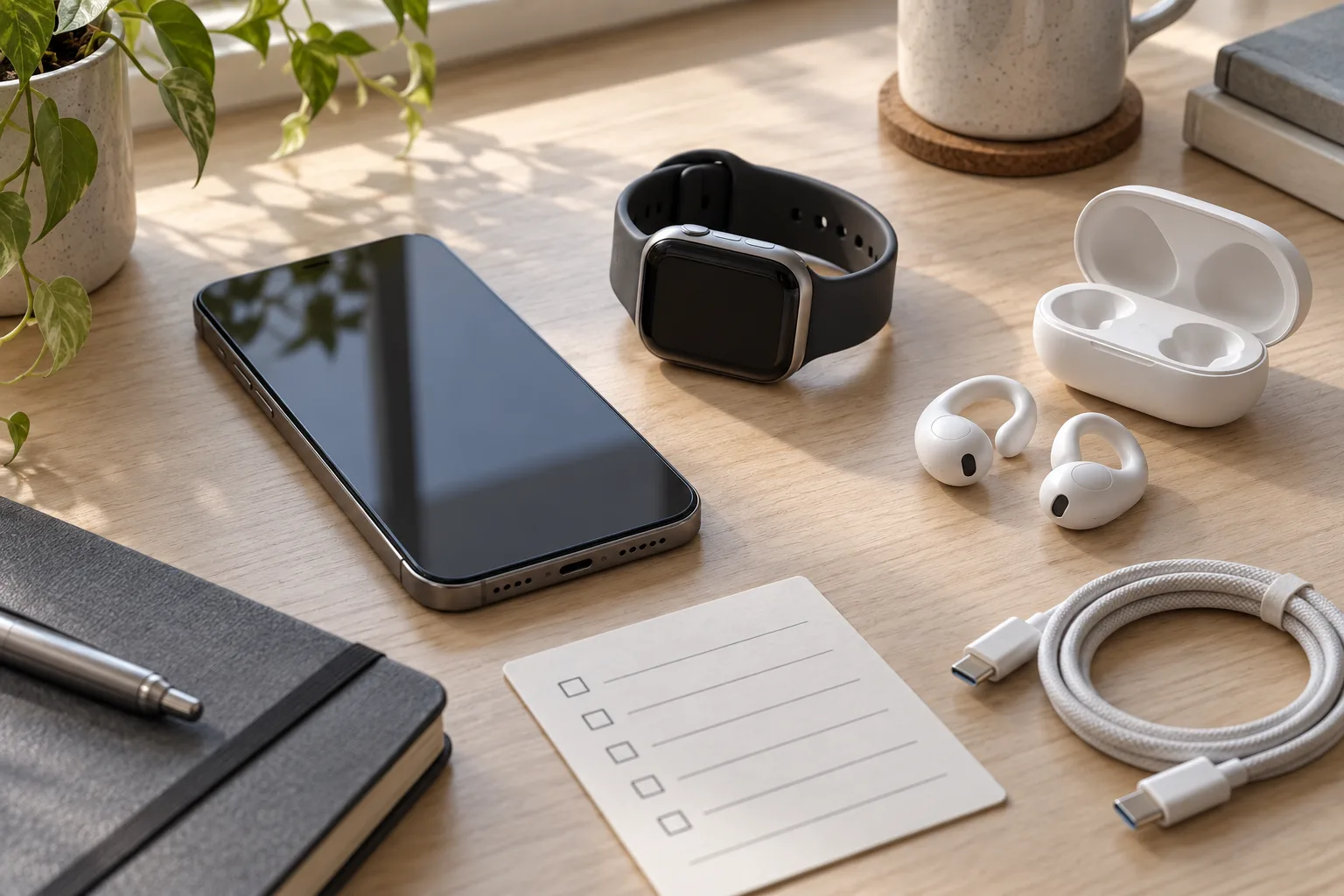
A new Apple device is rarely just a device. It is a migration project involving an Apple Account, an eSIM, two-factor authentication, photos, passwords, health history, watch cellular service, headphones, payment cards, and a return window. The launch features matter, but a bad transfer or a poorly understood health notification can erase much of the benefit.
The right way to approach this release is to match each product to a specific problem, then verify the parts that are easy to miss while the old device still works. That gives buyers a practical rule: do not judge the upgrade during the unboxing. Judge it after the transfer, a normal day of use, and a deliberate check of the features you actually paid for.
What changed on September 18
Apple’s store announcement confirms availability of the iPhone 18 Pro and Pro Max, Watch Series 12, Watch Ultra 4, and AirPods 5. The products arrived after the September 9 introduction and a week of previews and reviews. This is now a buying decision rather than a rumor question.
The iPhone 18 Pro models are the core upgrade. Independent testing from Tom’s Guide describes the phones as exceptionally fast and highlights the variable-aperture camera. Its review also distinguishes the two sizes: the Pro is the more manageable model, while the Pro Max offers a larger 7.6-inch main display and the familiar trade-off of greater physical size. TechRadar’s review likewise treats the September 18 sale date as the point at which hands-on judgment replaces announcement claims.
The Apple Watch Series 12 is a less visible but more consequential change for people who wear a watch continuously. Apple says its new Health Sensing System increases the frequency of heart-rate and heart-rate-variability measurements, supporting a readiness score and other health features. The company also claims that 15 minutes of charging can provide up to 12 hours of additional battery life. Those are launch claims, not a promise that every owner will get the same result. WIRED’s week-long review found the watch easier to live with and praised its health tracking and faster charging, while still listing roughly 24-hour battery life and privacy concerns around some intelligence features as drawbacks.
The Ultra 4 follows the same broad idea with a larger, more rugged watch intended for people who need endurance, navigation, outdoor use, or a tougher case. It is not automatically the better Series 12. A larger watch can be less comfortable for sleep tracking, and a product designed around outdoor use is difficult to justify if the real requirement is quiet notifications and overnight health data.
AirPods 5 are the most confusing part of the range because Apple is offering two versions of an open-fit earbud. Both use the same general acoustic approach and active noise cancellation, while the higher-priced version adds a wireless-charging case, longer total battery life, and on-stem volume control. Apple’s announcement says the open-ear ANC removes up to 50 percent more external noise than AirPods 4 with ANC, and lists Live Translation, head gestures, and improved durability among the features. Those are useful distinctions, but the open fit remains the central constraint: less isolation is part of the design, not a defect that software can completely remove.
Start with the problem, not the product
The iPhone 18 Pro is easiest to justify when the current phone is limiting photography, battery endurance, performance, or storage. The variable-aperture camera is meaningful for people who regularly photograph moving subjects, interiors, food, or scenes where depth and light change quickly. It is less persuasive for someone whose current phone already handles daylight snapshots and whose main complaint is a full photo library. In that case, storage management and backup may solve the problem more cheaply.
The Pro Max is primarily a size decision. A large display helps with video, reading, maps, editing, and multitasking, but it also affects one-handed use, pockets, cases, car mounts, and the weight carried all day. Treat the screen as an ergonomic purchase rather than a camera upgrade. If the phone is uncomfortable in the first week, a longer battery claim will not rescue the choice.
The Watch Series 12 makes more sense for owners of older watches, especially models whose battery has degraded or whose health sensors and charging speed no longer fit their routine. The case for an upgrade from a recent Series 10 or Series 11 is narrower. The new readiness score and higher-frequency measurements may be valuable to someone who will use them to adjust training or rest, but they are not medical diagnoses and should not be treated as one.
The Ultra 4 is for a use pattern, not an aspirational identity. GPS routes, outdoor workouts, long days away from a charger, cellular independence, and a durable case can make its size worthwhile. If those needs are absent, the Series 12’s lighter profile is probably the more practical choice.
AirPods 5 are a fit decision. Open earbuds can be comfortable for people who dislike silicone tips and want awareness of their surroundings. They are a poor match for someone who needs maximum isolation on an aircraft, in a loud office, or beside heavy traffic. Even stronger ANC does not turn an open fit into a sealed earbud. The standard case is the rational version when wireless charging and on-stem volume control are not important; the more expensive case is worthwhile only if those conveniences will be used repeatedly.
The transfer checklist that prevents the expensive mistakes
Before powering on the new iPhone, make a current backup of the old one and confirm that the backup actually completed. Apple’s transfer guide lists Quick Start, iCloud, and computer backup as transfer routes. Quick Start is convenient, but convenience should not be confused with a complete audit. A backup protects against a broken transfer; it does not prove that every account, local file, authenticator, or downloaded map will behave exactly as before.
Keep the old phone charged and connected to Wi-Fi until the new one has passed a few checks. Do not erase it at the shop counter or hand it over for trade-in immediately after the progress bar finishes. Confirm that calls work, text messages arrive, photos appear, passwords can be retrieved, banking and authentication apps open, and important files are present. Some services intentionally require a fresh sign-in or device approval.
The Apple Account password is part of the hardware setup. Have it ready before the transfer begins, and make sure the account’s trusted phone number or trusted device is available. If the old iPhone is the only device capable of receiving a verification code, erasing it first can turn a simple upgrade into an account-recovery exercise.
The eSIM deserves its own check. Apple’s eSIM support documentation explains that a number can be transferred during setup when the carrier supports the process, while other cases require the carrier’s help. Regional model differences and carrier policies matter. After transfer, make a test call, send a text, receive a call, and verify mobile data with Wi-Fi switched off. A phone that appears fully configured but cannot make a call is not finished.
Also test emergency and location-dependent functions without creating a false emergency. Confirm that Find My is enabled, that location permission remains sensible for navigation and safety apps, and that the new phone is listed under the Apple Account. Review Bluetooth connections for the car, keyboard, hearing devices, and other accessories. The most annoying failures are often not dramatic: a car that no longer reconnects, a password manager that needs approval, or a transit card that did not migrate as expected.
Only after these checks should the old phone be erased. If it is being traded in, follow Apple’s erase and account-removal instructions and inspect the trade-in condition honestly. A promised trade-in value is not the same thing as a guaranteed final value; damage, missing parts, or a different model can change the result. Keep the old device until the carrier activation and account sign-in have been verified.
Apple Watch setup is a separate migration
A new iPhone and a new Apple Watch create two connected transfers, not one. Apple’s watch-pairing guidance instructs owners to open the Watch app on the new iPhone and complete pairing there. The watch may need an unpairing or backup path from the old phone, and cellular models can involve a carrier activation step.
Before unpairing the old watch, check that recent workouts, health data, activity history, and important settings have synchronized. Health data is more sensitive than ordinary app data, so do not assume that a visible watch face proves that the health record has arrived. Open the Health app on the iPhone and look at recent entries. Check that the correct watch is selected as a data source and that the account is the one you intended to use.
The Series 12’s readiness score is useful only when its inputs are understood. It is a model built from measured signals and a user’s activity and sleep patterns, not a direct measurement of motivation, recovery, or illness. A low score can prompt a person to look at sleep, training load, or symptoms; it should not overrule how the person actually feels or replace medical advice. The same caution applies to notifications about heart rate, sleep, or other health conditions. They are prompts for appropriate follow-up, not diagnoses delivered by the wrist.
The faster charging claim is more practical than a new score for many owners. A short charge before bed or while getting ready may make consistent wear easier, which in turn makes the data more useful. But reviewers still found approximately a day of battery life, so buyers should test the complete routine: sleep tracking, a workout, notifications, GPS, and charging. A watch that needs to be removed at the exact time its owner wants sleep data is still a routine problem, even if the charging speed is improved.
Privacy settings deserve attention during setup. The Series 12 introduces intelligence features that process personal context, audio, or health-related information. Read the permission screens rather than accepting them at speed. Decide which apps need health access, which can use location in the background, and whether features that summarize or replay information fit your comfort level. A feature can be technically privacy-protective while still being unnecessary for a particular user.
AirPods 5: the open-fit decision is more important than the ANC number
AirPods 5 should be tested in the environment where they will be used. In a quiet room, almost any comfortable earbud can sound convincing. Try them on a walk, during a call, and near steady background noise. Check whether they stay secure when talking or turning the head. Open-fit earbuds differ substantially from silicone-tip models because they do not seal the ear canal. That can make them easier to wear for long periods, but it also limits bass isolation and passive noise blocking.
Apple’s claim of up to 50 percent more external-noise reduction than AirPods 4 with ANC is a comparison within a specific product category. It is not a claim that AirPods 5 outperform every sealed noise-cancelling earbud. MacRumors’ hands-on testing reports a noticeable improvement over AirPods 4 with ANC while noting that the overall fit remains similar. That combination is the relevant finding: better open-fit ANC, not a transformation into AirPods Pro.
The two cases should be evaluated over a week, not at checkout. Wireless charging is valuable if the user already keeps a Qi charger or wants one charging surface for the phone, watch, and earbuds. On-stem volume control matters to people who adjust audio often without reaching for the phone. Longer case battery life is more useful for travel and shared household charging than for someone who places the buds back in the case after every short listening session.
The same caution applies to Live Translation. A translation feature can be helpful in a conversation, but it depends on language support, phone software, network conditions, and the other person’s willingness to participate. It is not a substitute for a human interpreter in high-stakes medical, legal, or safety situations. Test the languages you actually need before treating the feature as a reason to buy.
What to test before the return window closes
The first day should establish function. The first week should establish fit and value. Use the iPhone normally rather than running only synthetic tests. Photograph the subjects you usually photograph, carry it through a full workday, use navigation, make calls, connect to the car, and check how much storage your actual library consumes. The phone’s advertised playback figure is a controlled measure; it is not the same as a promise of a particular number of hours for browsing, camera use, cellular service, and background tasks.
For the Watch, wear it overnight if sleep tracking is part of the plan, complete a normal workout, test charging at the time you expect to charge, and see whether the case and band are comfortable. For the Ultra 4, test GPS and the physical fit before deciding that the extra size is acceptable. For AirPods, test calls and movement as well as music. If an open fit lets too much sound through for the places you frequent, no launch-day excitement changes the answer.
Keep packaging, accessories, receipts, and trade-in records until the decision is final. Check the exact return and restocking rules for the seller and region. A product that works perfectly can still be the wrong purchase if its size, fit, subscription requirement, or carrier compatibility does not suit the buyer. The return window is part of the buying process, especially for wearables and open-fit audio that cannot be judged from specifications alone.
Do not let a bundle discount decide the purchase. A carrier offer or trade-in can reduce the visible price while increasing the cost of changing plans, paying installments, or giving up a working device. Write down the total commitment: device payments, service plan, AppleCare or other coverage, accessories, and the value of the old product. Then compare that number with the benefit you identified before buying.
The practical verdict
Apple’s September lineup is broad enough that there is no single sensible upgrade. The iPhone 18 Pro is the most substantial general-purpose change, but its value depends on camera use, battery needs, size preference, and the condition of the current phone. The Watch Series 12 is most compelling when older hardware is running out of battery or when its new health and charging features fit a consistent routine. The Ultra 4 earns its space through outdoor and endurance needs. AirPods 5 are a comfort-and-awareness choice, with improved open-fit ANC that should not be mistaken for sealed-earbud isolation.
The useful launch-day advice is therefore procedural: back up first, keep the old device active, verify the eSIM, inspect account and health data, test the products in real use, and delay erasure or trade-in until the migration works. Those steps may sound less exciting than a new camera mechanism or a readiness score, but they determine whether the upgrade becomes a dependable tool or an expensive collection of features that never quite fits the owner’s life.
Sources: Apple’s store availability announcement, Apple Watch Series 12 announcement, Apple AirPods 5 announcement, Apple transfer guide, Apple eSIM guide, Tom’s Guide iPhone 18 Pro review, WIRED Apple Watch Series 12 review, MacRumors AirPods 5 hands-on.
Related articles
Don’t buy a foldable phone this week unless you have to
Foldables are getting better, but Samsung’s July 22 event, leaked price shifts, Motorola discounts and Apple rumors make patience the smartest gadget move right now.
iOS 27’s Siri AI rollout is a compatibility test, not an automatic upgrade reason
iOS 27 is available, but its headline Siri AI features depend on your iPhone, language, Apple Account region, beta access and local regulation. Here is what actually changes for owners and buyers.

IFA 2026’s Local AI Home Hubs: What They Replace, What They Don’t, and Who Should Wait
IFA 2026 has made local AI the smart-home pitch of the moment. Here is how to separate a useful local camera and automation hub from an expensive pre-order, and how to test whether it fits the home you already have.


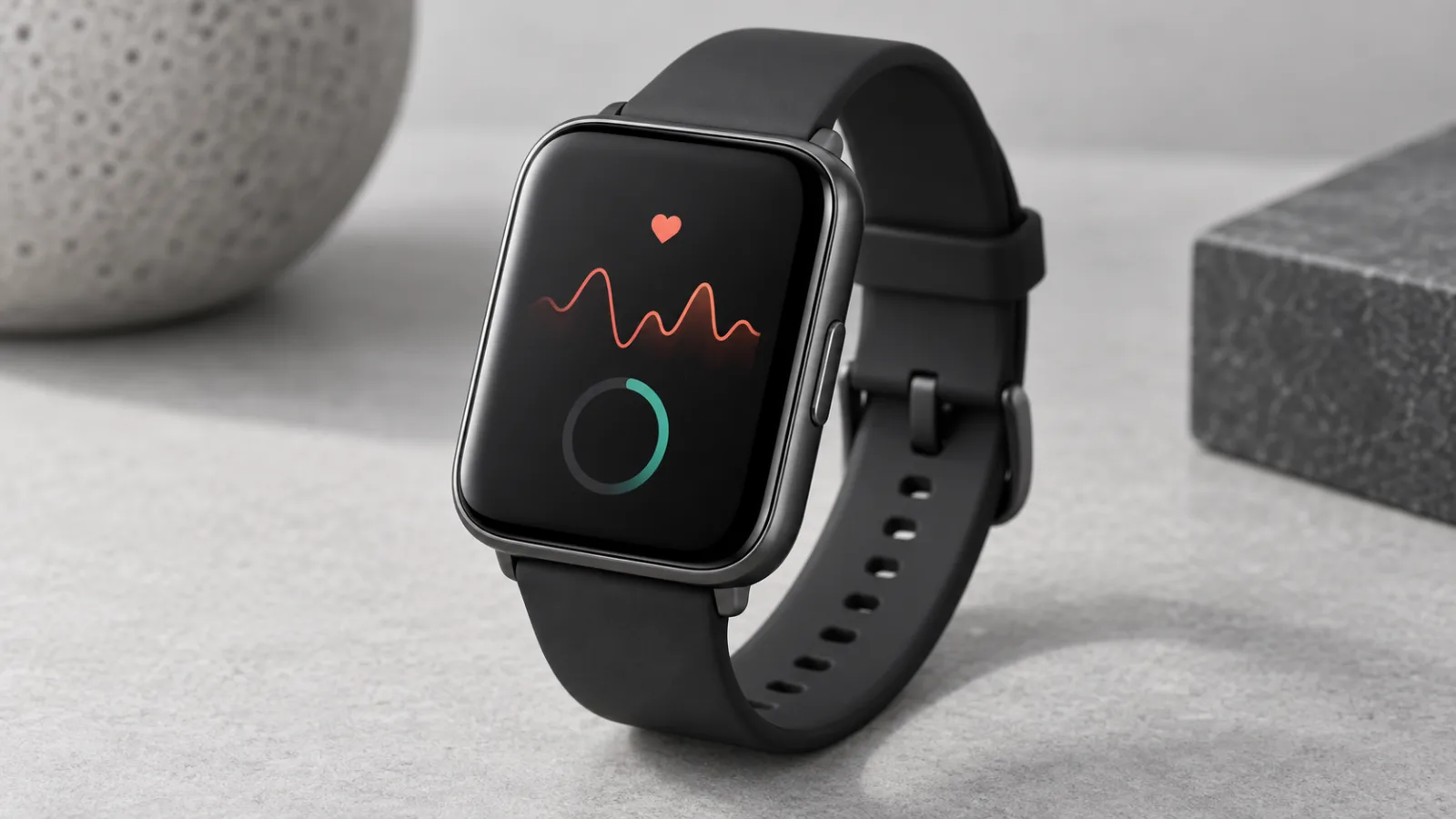
Should You Buy the Apple Watch Series 12? The Health Sensors Are New, but the Upgrade Case Is Narrow
Apple’s Series 12 adds higher-frequency heart sensing and a readiness score, but its everyday case remains familiar. Here is who should buy now, who should wait, and when an older or cheaper Apple Watch makes more sense.
Comments
Sign in to comment.
No comments yet.