Manufacturer Server vs Third-Party GPS Tracking Platform
Should you use your GPS tracker's default app or a third-party platform? Compare setup, device support, analytics, scalability, and long-term flexibility.
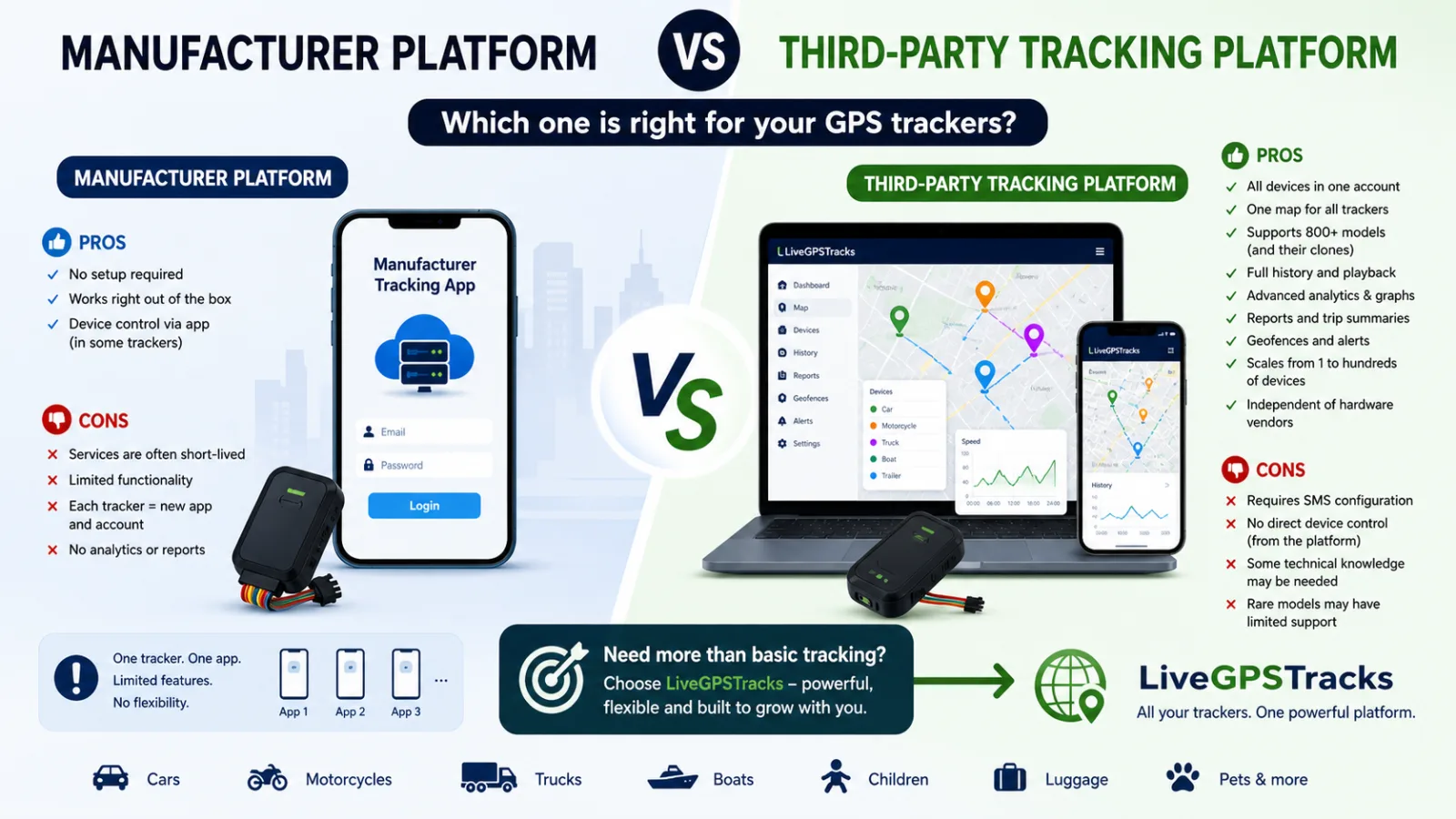
When you buy a GPS tracker, the manual almost always tells you which app or website to use. That is the manufacturer's tracking platform.
In most cases, the device is already preconfigured at the factory. You simply add it to the app, and it starts working right away.
So a fair question comes up: why do third-party tracking platforms like LiveGPSTracks even exist?
Let's break it down.
📦 Manufacturer Platform: Simple and Quick
If this is your first tracker, it makes sense to start with the default app.
Pros
- No setup required — it works out of the box.
- Fast onboarding, often in just a couple of minutes.
- Some trackers allow device control directly from the app.
Cons
- ❗ Some platforms may be discontinued or unexpectedly switch to a paid model.
- Limited functionality, with little or no analytics, reporting, or detailed history.
- Usually tied to a specific brand or device.
- ❗ Every new tracker may mean another app.
And this is where things can start getting messy.
📱 When You Have More Than One Device
Let's say you buy a second tracker. Now you may need:
- a different app;
- a different website;
- a different account.
The pattern quickly becomes clear:
- 2 trackers → 2 apps;
- 3 trackers → 3 apps.
That might be tolerable for personal use, but for families or businesses it can quickly become chaotic.
🌐 Third-Party Tracking Platforms
This is where solutions like LiveGPSTracks come in.
They are not tied to a single manufacturer and allow you to manage all your devices in one system.
Pros
- ✅ All devices in one account.
- ✅ One map for everything.
- ✅ Support for hundreds of models and their clones.
- ✅ Full location history.
- ✅ Advanced analytics for speed, battery level, sensors, and more.
- ✅ Trip and activity reports.
- ✅ Geofencing.
- ✅ Real-time alerts for movement, zone exits, alarms, and other events.
- ✅ Scalability from one device to hundreds.
- ✅ Independence from hardware vendors.
Additional benefits include:
- switching devices without changing platforms;
- support for both personal and business use;
- centralized data storage and management.
In other words, it is not just “tracking on a map” — it is a complete monitoring system.
⚠️ Downsides of Third-Party Platforms
There are some trade-offs:
- Devices usually need to be configured with SMS commands, which can be tricky for beginners.
- In many cases, there is no direct device control in the platform interface; commands are sent by SMS instead.
- Some basic understanding of tracker setup is required.
- Rare models may require manual protocol setup.
- Some manufacturer-specific features may not be available.
⚖️ Final Takeaway
👉 If you have just one tracker and do not plan to expand, the manufacturer's platform is perfectly fine.
👉 But a third-party platform is usually the better choice if you:
- use multiple devices;
- have trackers from different brands;
- need analytics, reports, and history;
- want long-term stability.
🚀 Why LiveGPSTracks
LiveGPSTracks supports:
- 800+ device models;
- countless clones and variations.
It gives you:
- one unified interface;
- full control over your data;
- flexibility in choosing hardware.
No vendor lock-in. No fragmentation. Just one system that works.
Related articles
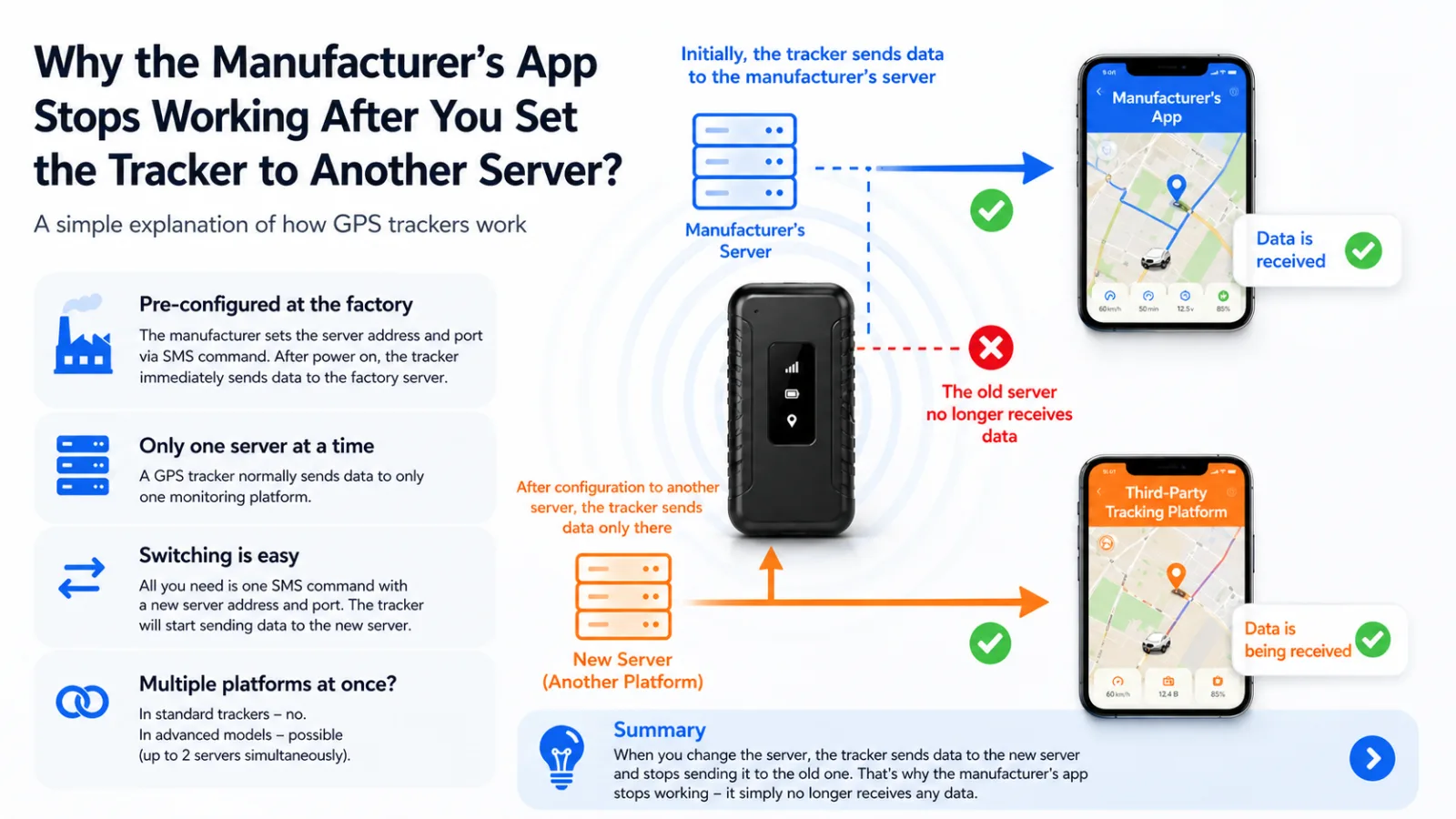
Why the Manufacturer’s App Stops Working After You Set the Tracker to Another Server
Why does a GPS tracker disappear from its original app after a server change? Learn how tracker servers work, why most devices send data to one platform at a time, and how to switch back.
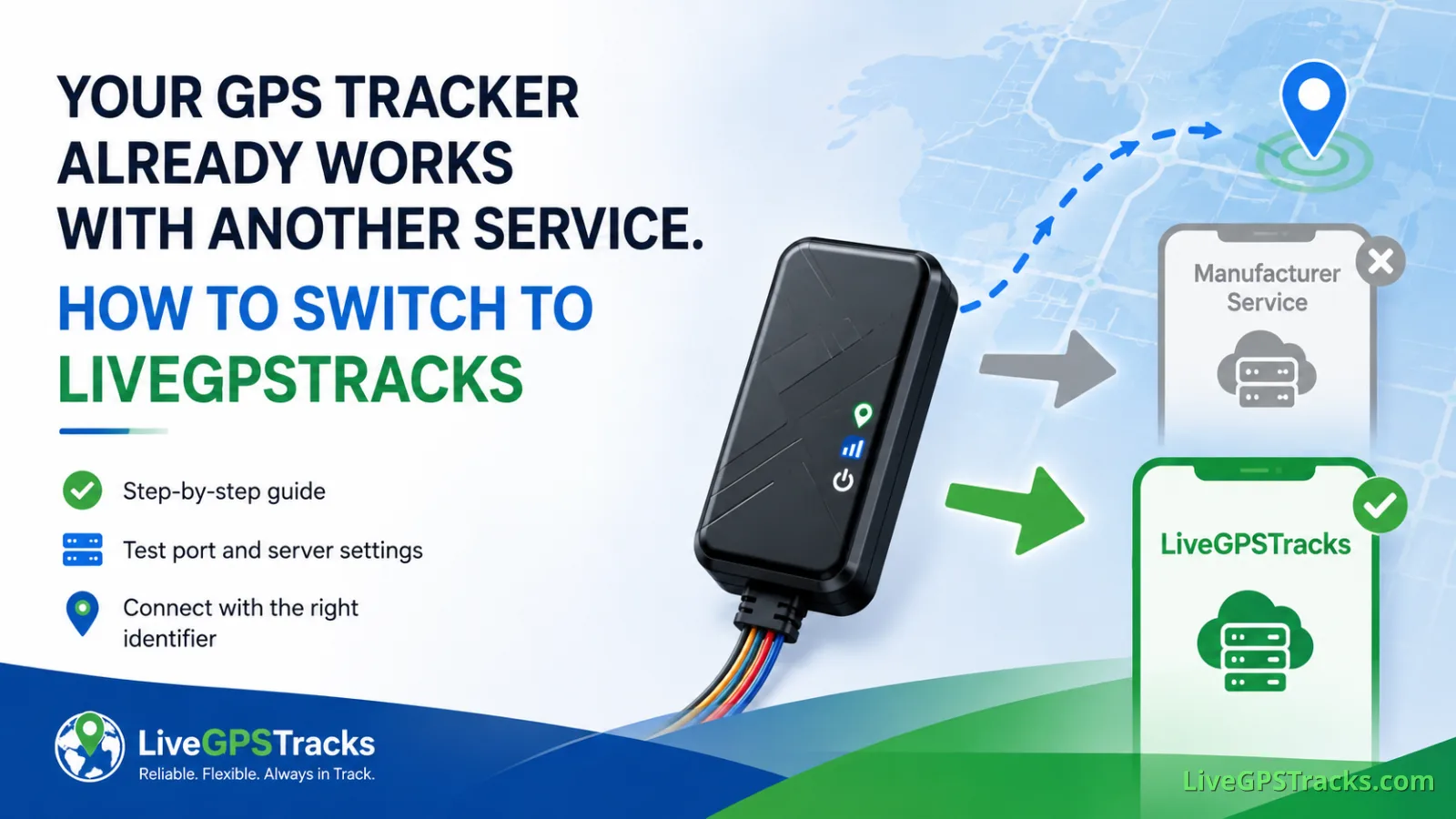
Your GPS Tracker Already Works with Another Service. How to Switch to LiveGPSTracks
Already using your GPS tracker with another service? Learn how to switch it to LiveGPSTracks safely: save the original server settings, use the test port, verify the device ID, and complete the connection without losing the option to switch back.
📡 Server, Port, and Test Port: How Not to “Lose” Your GPS Tracker During Setup
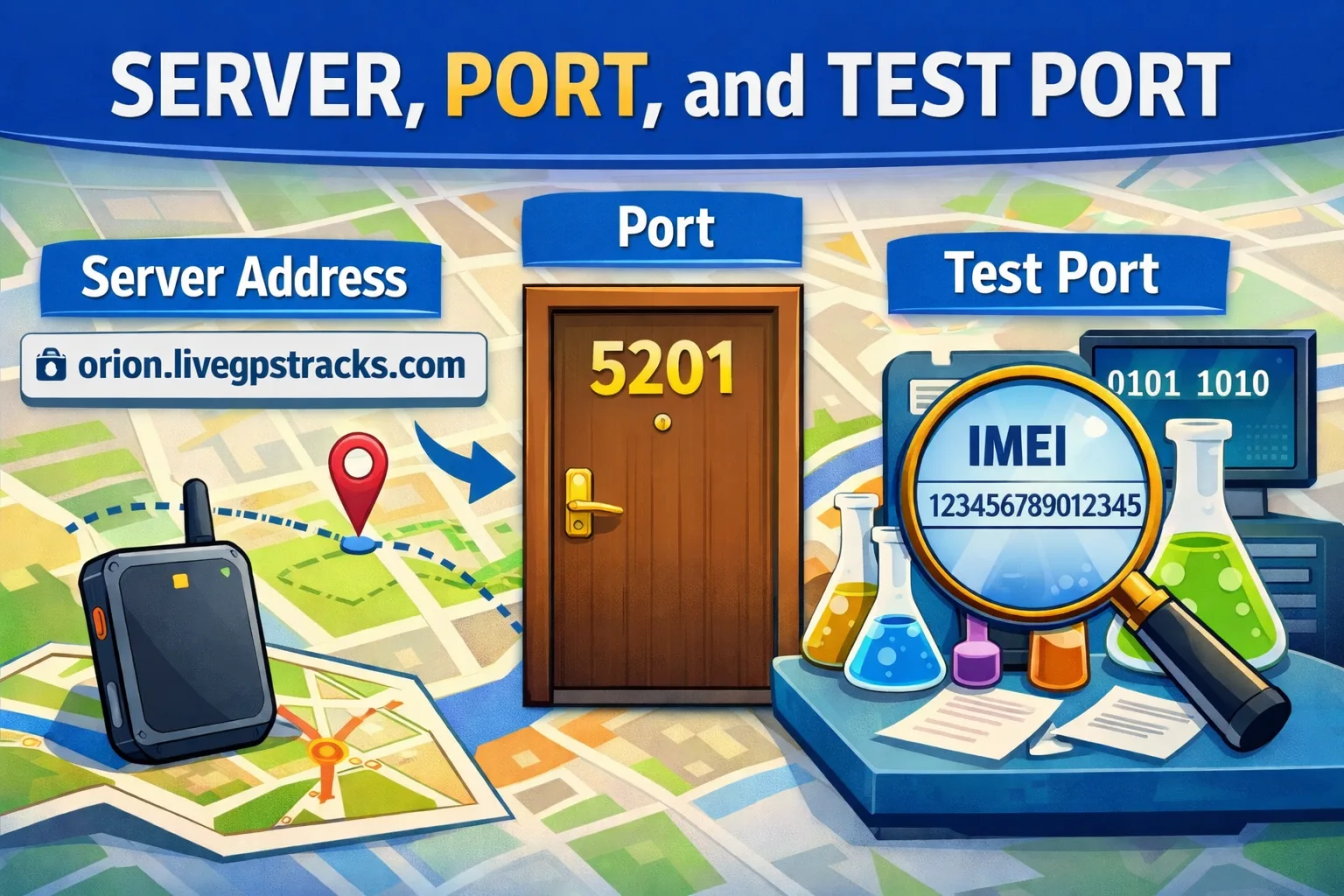
Learn the difference between a GPS tracker server, port, and test port in simple terms. Discover why these settings are critical, how they affect tracker connectivity, and how to troubleshoot common GPS tracking setup issues without frustration.
GPS Tracker Setup via Manufacturer Software
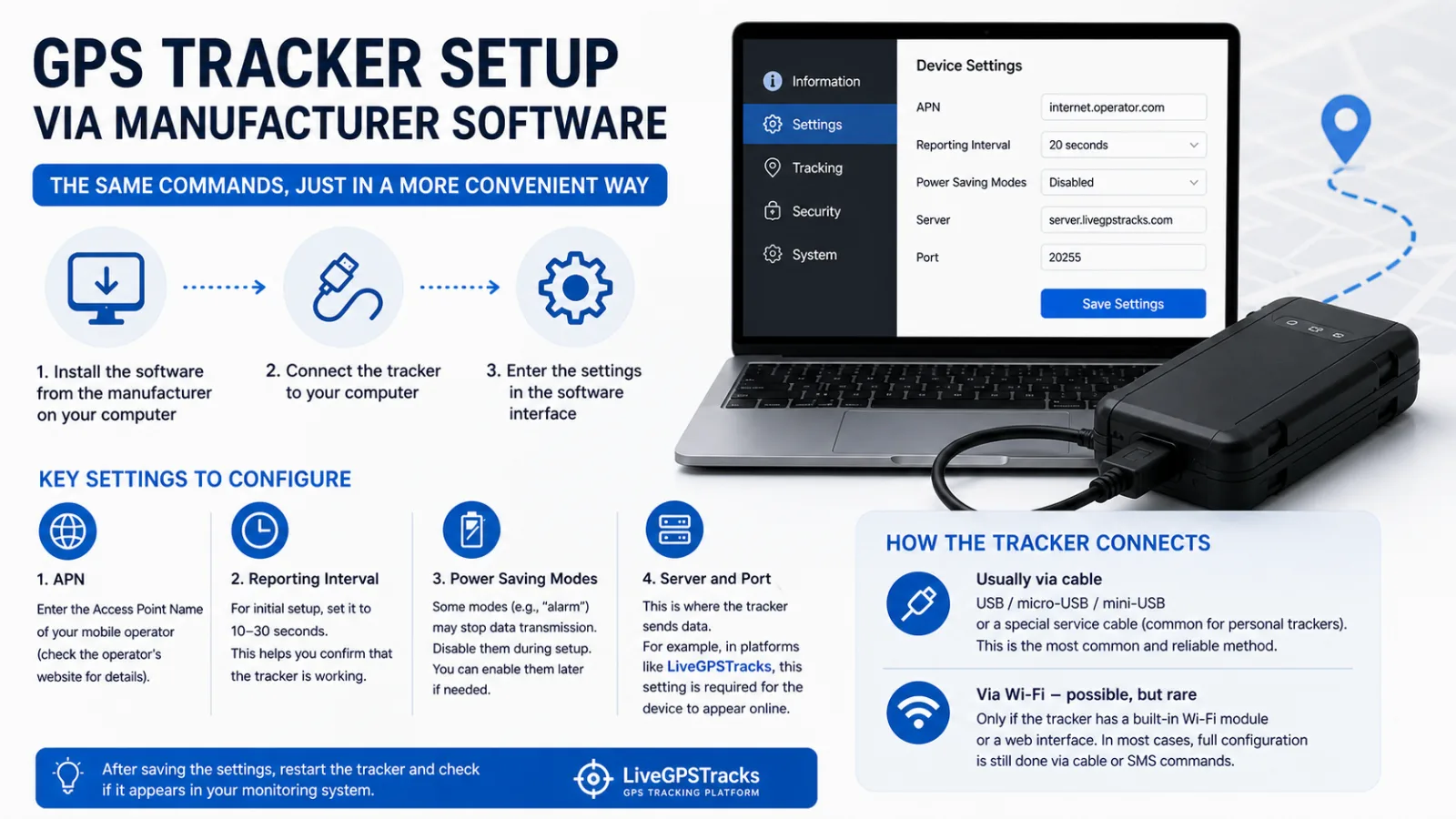
Learn how to configure a GPS tracker with manufacturer PC software, connect it by cable, set the APN, reporting interval, power modes, server, and port, and understand why Wi-Fi setup is uncommon.
Comments
Sign in to comment.
No comments yet.