Why the Manufacturer’s App Stops Working After You Set the Tracker to Another Server
Why does a GPS tracker disappear from its original app after a server change? Learn how tracker servers work, why most devices send data to one platform at a time, and how to switch back.

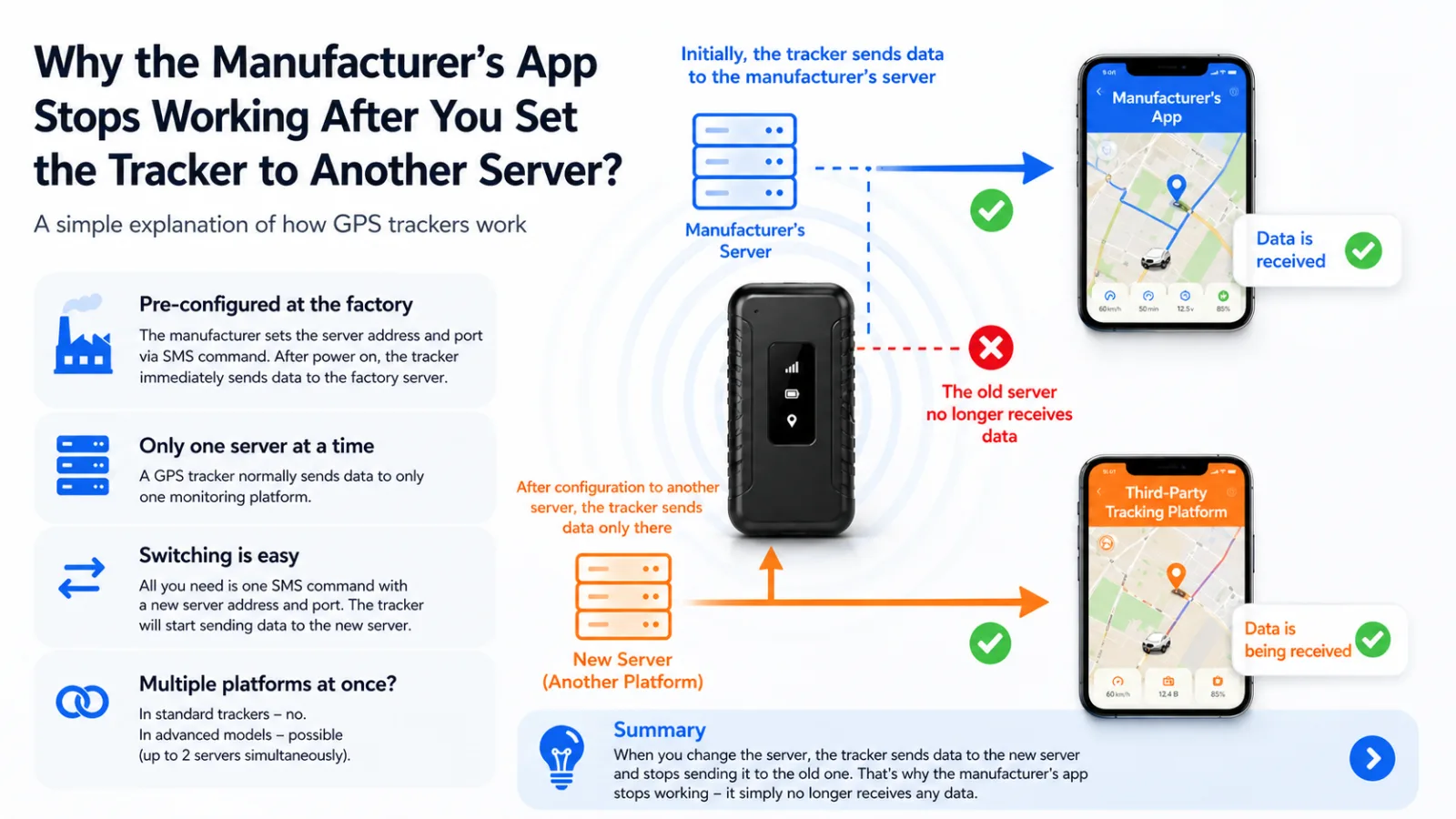
It’s a common situation: you buy a GPS tracker, connect it to the manufacturer’s app, and everything works fine.
Then you configure the tracker to use another tracking platform — and suddenly, the original app stops showing any data.
Let’s break down why this happens.
What Is the Manufacturer’s App?
It’s important to understand that the manufacturer’s app is not just an app — it’s part of a complete tracking service.
That means:
- the manufacturer has its own server;
- the tracker sends data to that server;
- the app displays the data received by that server.
In other words, it’s a built-in monitoring platform.
Why the Tracker Works “Out of the Box”
When you buy a tracker, it is usually configured at the factory.
The manufacturer sets the server address and port, typically through the firmware or a configuration command. That’s why the tracker can start working as soon as you turn it on and complete the initial setup.
What Happens When You Set Another Server
When you configure the tracker for a different platform, you change its server address and port.
After that, the tracker:
- sends data only to the new server;
- stops sending data to the old server.
That’s why the manufacturer’s app appears to “stop working.” In reality, the app simply no longer receives new tracker data from the manufacturer’s server.
Important: A Tracker Usually Works with Only One Server
In most cases, a GPS tracker can send data to only one platform at a time.
So:
- connected to Platform A → only Platform A receives data;
- switched to Platform B → Platform A stops receiving data.
This is normal behavior, not a bug.
Can You Switch Between Platforms?
Yes. If your tracker supports server configuration, switching is usually straightforward:
- Send the appropriate configuration command for your tracker model.
- Specify the new server address and port.
- Wait for the tracker to connect and begin sending data to the new platform.
You usually do not need to remove the device from the previous platform, and you can switch back at any time by restoring the previous server settings. Always use the commands provided for your exact tracker model and firmware.
Can a Tracker Send Data to Multiple Platforms?
Standard budget GPS trackers usually cannot. They send data to one server at a time.
Some advanced models and firmware versions support sending data to two servers simultaneously. This capability depends entirely on the device and its firmware, so check the manufacturer’s documentation.
Conclusion
If the manufacturer’s app stops showing data after you change the server, that’s expected. The tracker is simply sending its data to the server you configured instead.
In Short
- The manufacturer’s app is part of a tracking platform.
- The tracker is usually preconfigured at the factory.
- Changing the server switches the tracker to another platform.
- The old app stops receiving new data.
- Multi-server support is uncommon.
Looking for a reliable tracking platform? Try LiveGPSTracks — an easy-to-use GPS monitoring service that works with many GPS trackers.
Related articles
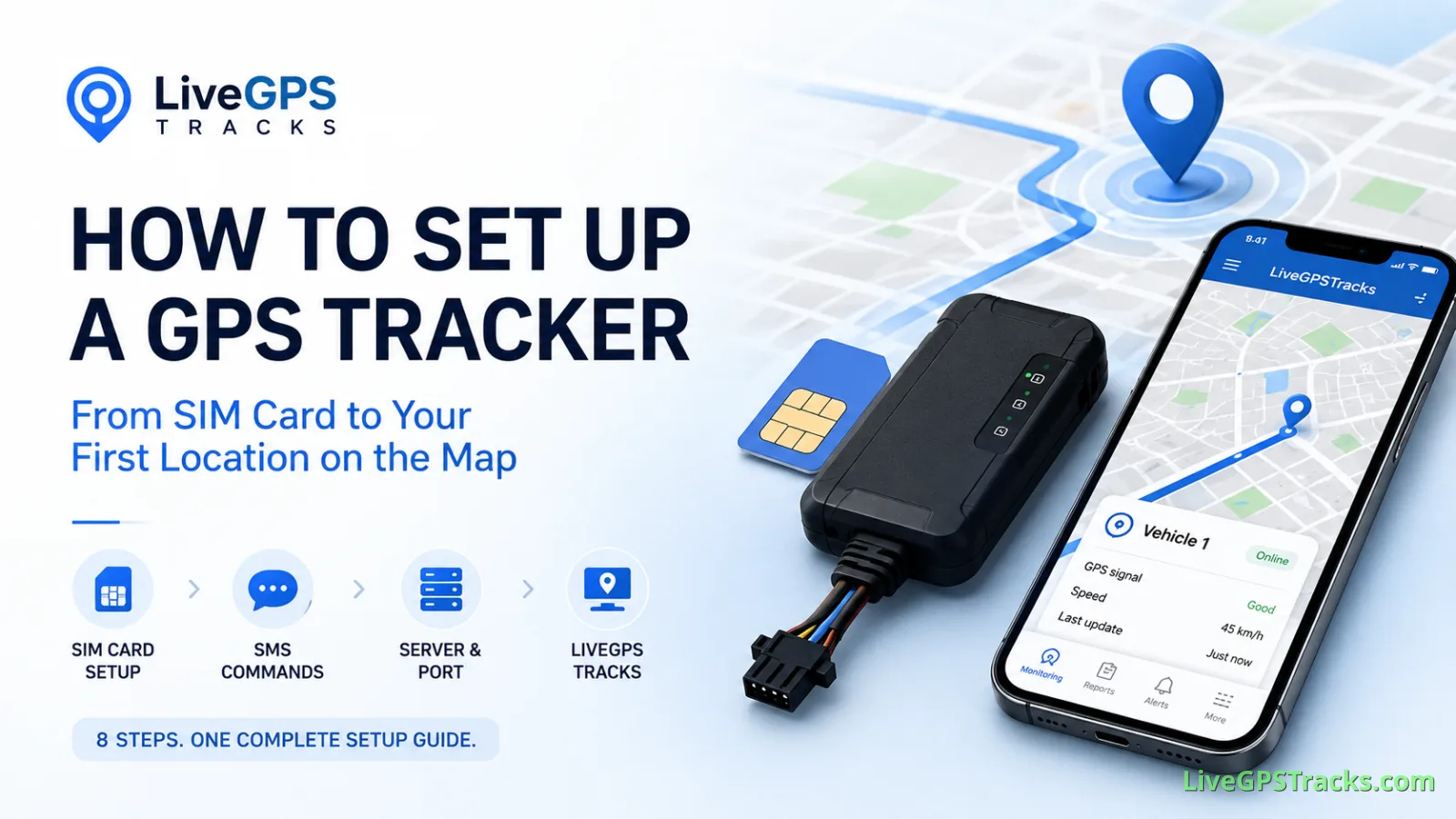
How to Set Up a GPS Tracker: From SIM Card to Your First Location on the Map
Learn how to set up a GPS tracker from start to finish. This complete guide walks you through SIM card preparation, SMS commands, APN settings, server and port configuration, testing, and connecting your device to LiveGPSTracks for real-time GPS monitoring.

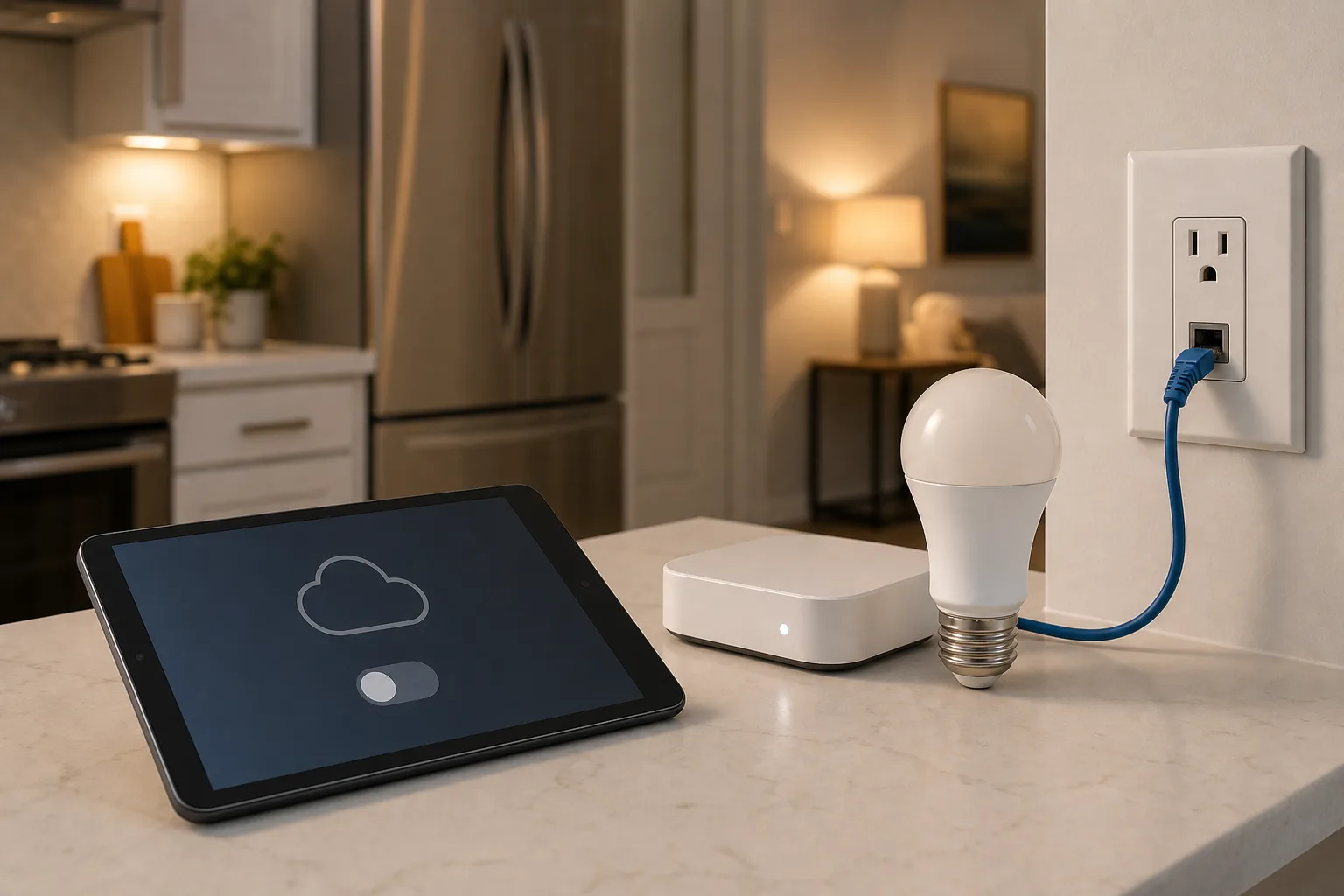
Will your smart home survive when the app disappears?
Wemo’s cloud shutdown is a practical warning for anyone buying smart plugs, bulbs, switches or appliances: the safest smart home is the one whose basic controls do not depend on one vendor server.

Cheap Folding Walking Pads From AliExpress: What to Check Before the Fall Sale Price Looks Like a Bargain
A sub-$100 walking pad can solve a real space problem, but the lowest price often hides compromises in belt size, stability, noise, support and safety. Here is how to judge the listing before buying.

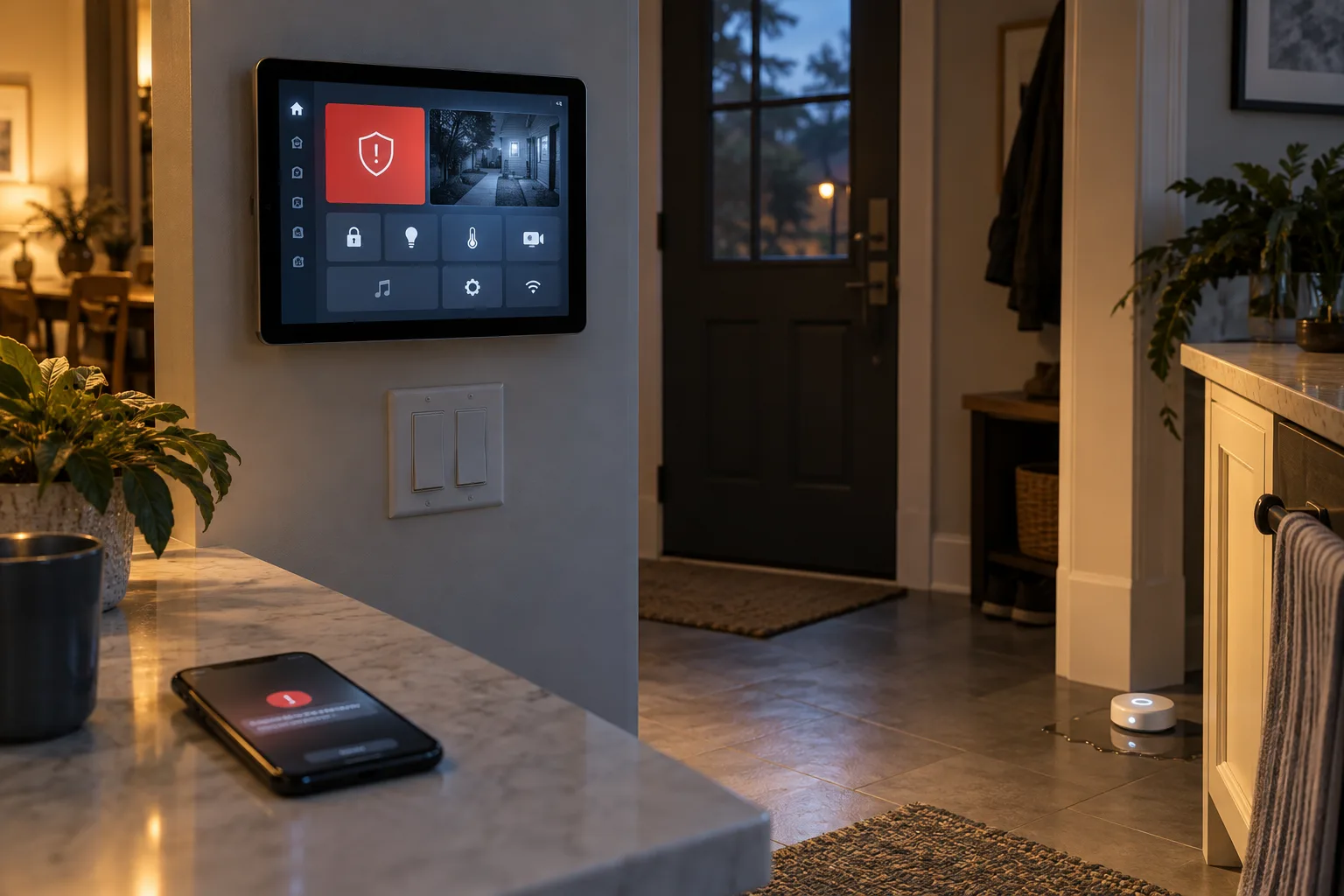
Home Assistant 2026.10 Puts Security Alerts on the Main Dashboard: Build a Response System That People Will Actually Use
Home Assistant 2026.10 surfaces configured Security dashboard alerts on the main Home dashboard. The useful upgrade is not another warning tile, but a clearer way to decide what deserves interruption, who responds, and what happens when sensors or notifications fail.
Comments
Sign in to comment.
No comments yet.