Codex Security is open source, but maintainers should read the small print
OpenAI’s new security CLI looks useful for OSS review, but the first public day exposed access, cost, guardrail and package-name lessons.

OpenAI's Codex Security landing on GitHub is worth attention, but not for the usual reason. The interesting part is not that another AI tool can read code and talk about vulnerabilities. The interesting part is that OpenAI has put a maintainer-facing security workflow in an Apache-2.0 repository, then watched open-source users stress-test the story in public within hours.
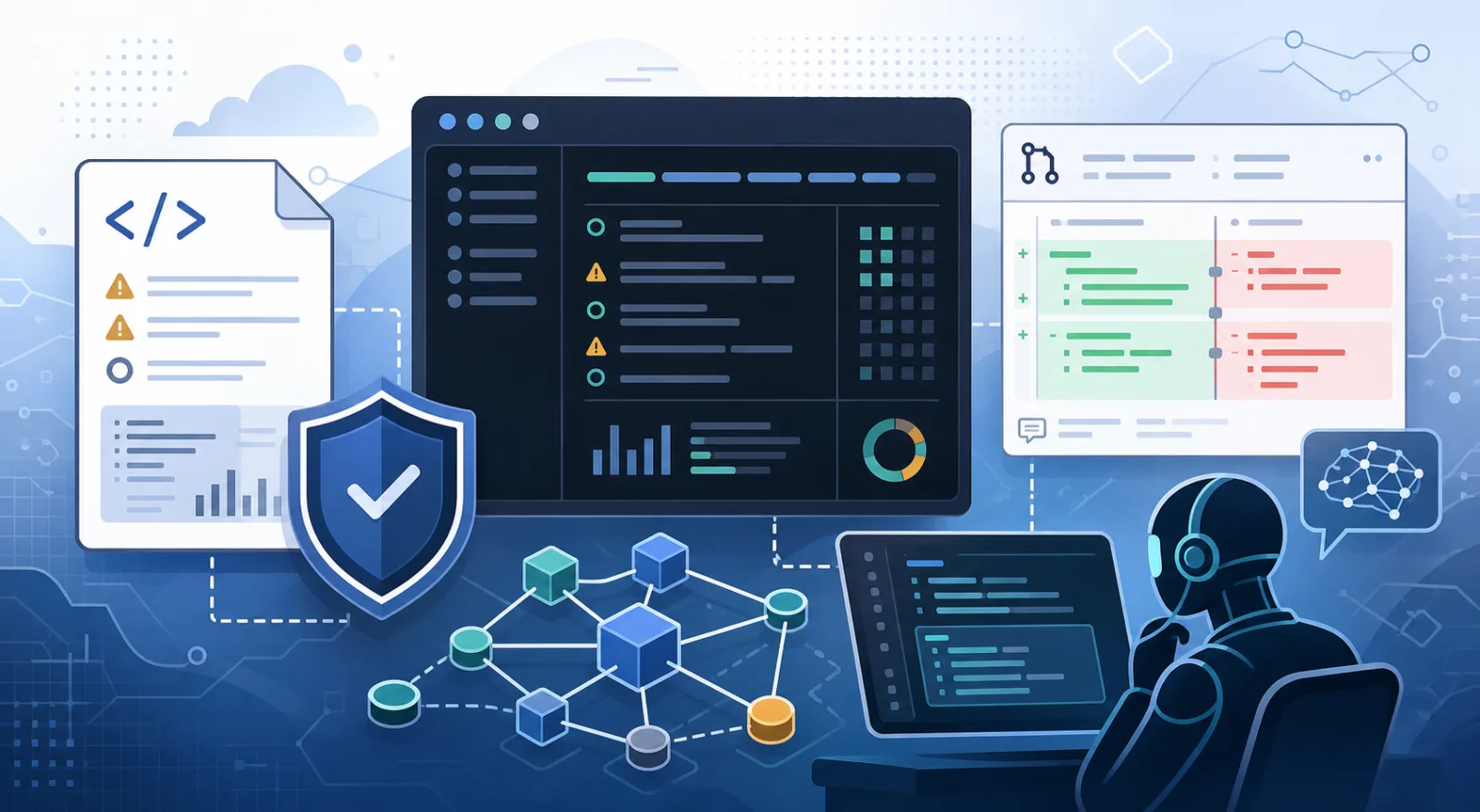
The repository is real and active. At the time of checking, openai/codex-security described itself as “SDKs and CLI for Codex Security,” had 3,985 GitHub stars, 221 forks, 48 open issues, an Apache-2.0 license, and a July 13 creation date. Hacker News pushed the release into the open-source conversation even faster: the “Codex Security” thread linked to the repo and had 544 points and 196 comments.
The tool itself is a CLI and TypeScript SDK for finding, validating and fixing security vulnerabilities in repositories. OpenAI's README says it can scan repositories, review changes, track findings over time and run security checks in CI. The documentation adds the practical bits maintainers care about: repository scans, path scans, diff scans, working-tree scans, deep mode, knowledge-base context, pre-commit hooks, bulk scans, SARIF export and scan history.
This is the right shape for a modern AppSec tool. A maintainer does not need one more dashboard full of vague warnings. They need something that can look at the actual repository, produce artifacts, explain coverage, export results to existing workflows and separate likely bugs from generic security noise. Codex Security's output contract points in that direction: scan-manifest.json, findings.json, coverage.json, report.md, artifacts/, and exports/results.sarif when produced. The docs warn that coverage can be complete, partial or unknown, which is refreshingly honest.
The open-source angle is also concrete. The npm package is @openai/codex-security, version 0.1.1 at the time of checking, with an Apache-2.0 license and a codex-security executable. The public repository contains the wrapper, SDK surface, Docker/Compose files and documentation. OpenAI's Codex for Open Source program says selected maintainers may receive six months of ChatGPT Pro, conditional access to Codex Security and API credits for coding, maintainer automation, release workflows and core open-source work.
But this is not a self-contained scanner in the same sense as CodeQL, Semgrep, Trivy, Gitleaks, osv-scanner, Bandit, cargo-audit or npm audit. Those tools have their own tradeoffs, but they can be reasoned about as local rules, databases, queries or analyzers. Codex Security is an open-source client and workflow around an OpenAI service. The docs say the CLI requires Node.js 22 or later, and scans or exports require Python 3.10 or later. Local use signs in with a ChatGPT account, CI uses OPENAI_API_KEY, and full-repository scans may require Trusted Access for Cyber depending on account and repository. Signing in or setting an API key alone does not grant that access.
That distinction matters for open-source maintainers. If you can run it, Codex Security may be useful. If you cannot get access, budget or the right safety classification, the Apache-2.0 repo will not magically replace your existing scanners. The valuable part is partly visible code, partly curated security workflows, and partly a model-backed service whose behavior, refusals and cost profile sit outside the repository.
The first day exposed that tension quickly. Hacker News users reported long scans, heavy usage consumption, partial output and refusals around cybersecurity content. One maintainer-style report described a scan running for more than 40 minutes. Another complaint involved a model refusing to explain a vulnerability because the content was flagged for possible cybersecurity risk. Some of those reports are user claims, not verified product facts, but they are exactly the kind of friction a security tool has to survive. A maintainer who spends an hour and a chunk of quota only to get partial artifacts is not helped.
GitHub issues showed more grounded rough edges. Issue #66, opened on July 29, reported a Windows 11 failure: Could not save the Codex Security scan, with scan-manifest.json: expected a regular file inside the scan directory and an empty partial-output directory. PR #67, also opened on July 29, proposed a fix for Windows scans by enabling the unelevated Windows sandbox backend by default. That is normal early CLI work, but it is also a reminder that security automation lives or dies on boring file-system reliability.
The sharpest early lesson was almost too perfect: package naming. Issue #68 pointed out that README examples used npx codex-security, while the official package is scoped as @openai/codex-security. The official package installs a binary named codex-security, so the bare command can work after local installation. But on a cold npx run, npx codex-security resolves the unscoped npm package name. That name exists as a third-party placeholder whose description says it is not the Codex Security CLI and tells users to use @openai/codex-security.
Nothing in the placeholder package looked malicious in the registry data I checked. Its README explicitly says the wrong name is an empty placeholder, not affiliated with OpenAI, and warns users about the exact npx mistake. Still, the irony is real. A security scanner shipped documentation where copy-paste commands could point first-time users at a lookalike package name. That is the kind of supply-chain edge case security tools are supposed to make harder, not easier.
The community reaction was useful because it was not just dunking. People were asking the right questions. How does the tool know a user is authorized to scan a repository? How does it avoid generating vulnerability spam maintainers then have to triage? Can it explain findings when safety guardrails fire? What happens when HEAD changes during a scan? How do you cap cost? Where are results stored, and do they include source excerpts or vulnerability details? The official docs answer some of this: use --max-cost, keep output outside the repository when appropriate, set a private retention policy, run --dry-run before scanning, and read coverage before treating a scan as review evidence.
That puts Codex Security in a useful but narrow lane today. It is worth trying on an owned repository where you can review every finding. Start small. Run the dry run. Set an output directory outside the repo. Use --max-cost if you care about budget. Export SARIF only after you understand the findings. Compare results against CodeQL or Semgrep instead of replacing them. Never auto-merge a proposed fix because an AI scanner sounded confident.
For AppSec teams, the interesting use case is not “AI finds all bugs.” It is repo-specific security review: ask the tool to build context, use a threat model, inspect a risky diff, validate a suspected issue, or draft a fix a human will check. For open-source foundations, the question is whether tools like this reduce maintainer burden. If they create longer reports, more triage queues and new access problems, they fail even when the model occasionally finds something real.
The safest verdict is mixed. Codex Security is a notable open-source release because it makes AI-assisted security review something maintainers can inspect, script and argue about. It is also early software wrapped around gated model access. Treat it as an experimental assistant next to deterministic scanners and human review, not as a replacement for either.
That may still be enough to matter. Open source does not have a shortage of vulnerability reports. It has a shortage of high-signal, reproducible, respectful reports that maintainers can act on without losing a weekend. If Codex Security helps produce those, it will earn a place. If it mainly produces cost, refusals and another stream of AI-shaped security work, maintainers will say no quickly.
Related articles
DeepSeek Harness puts the open-source agent runtime on the radar
DeepSeek’s new MIT-licensed Harness is not a polished coding assistant yet. Its real signal is a plugin-composable, traceable runtime for building AI agents.
Rowboat shows where open-source AI work apps are heading
The local-first AI coworker drew Hacker News attention because it turns the next open-source fight into a trust question: who controls work memory?
NVIDIA OpenShell puts agent permissions under policy control — what is ready to test
NVIDIA OpenShell is an Apache-licensed runtime for placing coding and autonomous agents inside policy-controlled sandboxes. Its useful idea is not another agent framework, but a boundary around files, processes, networks, credentials, and policy changes.

Alera turns parallel CLI coding agents into a worktree-first desktop workflow
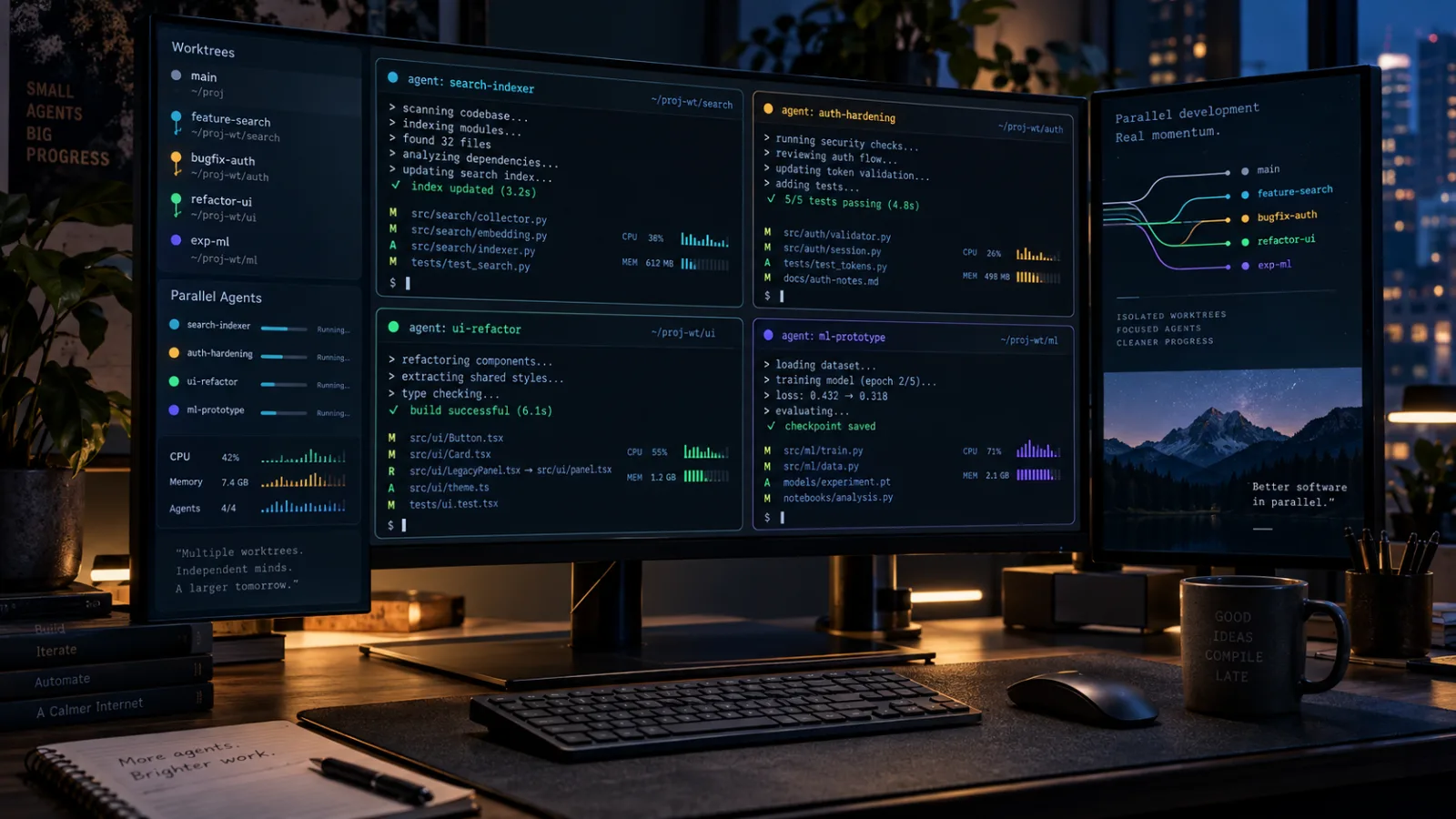
Alera is an open-source desktop workbench for running several CLI coding agents side by side. Its useful idea is not another chat panel, but a shared layer of Git worktrees, real terminals, persistent sessions, and resource visibility.
Comments
Sign in to comment.
No comments yet.