Alera turns parallel CLI coding agents into a worktree-first desktop workflow
Alera is an open-source desktop workbench for running several CLI coding agents side by side. Its useful idea is not another chat panel, but a shared layer of Git worktrees, real terminals, persistent sessions, and resource visibility.
Alera is an open-source desktop workbench for a problem that appears after the second or third coding agent enters a project: the hard part is no longer starting an agent, but keeping its terminals, branches, prompts, files, and unfinished decisions separate enough to remain understandable. The project puts that coordination layer around command-line agents rather than replacing them with a new hosted assistant.
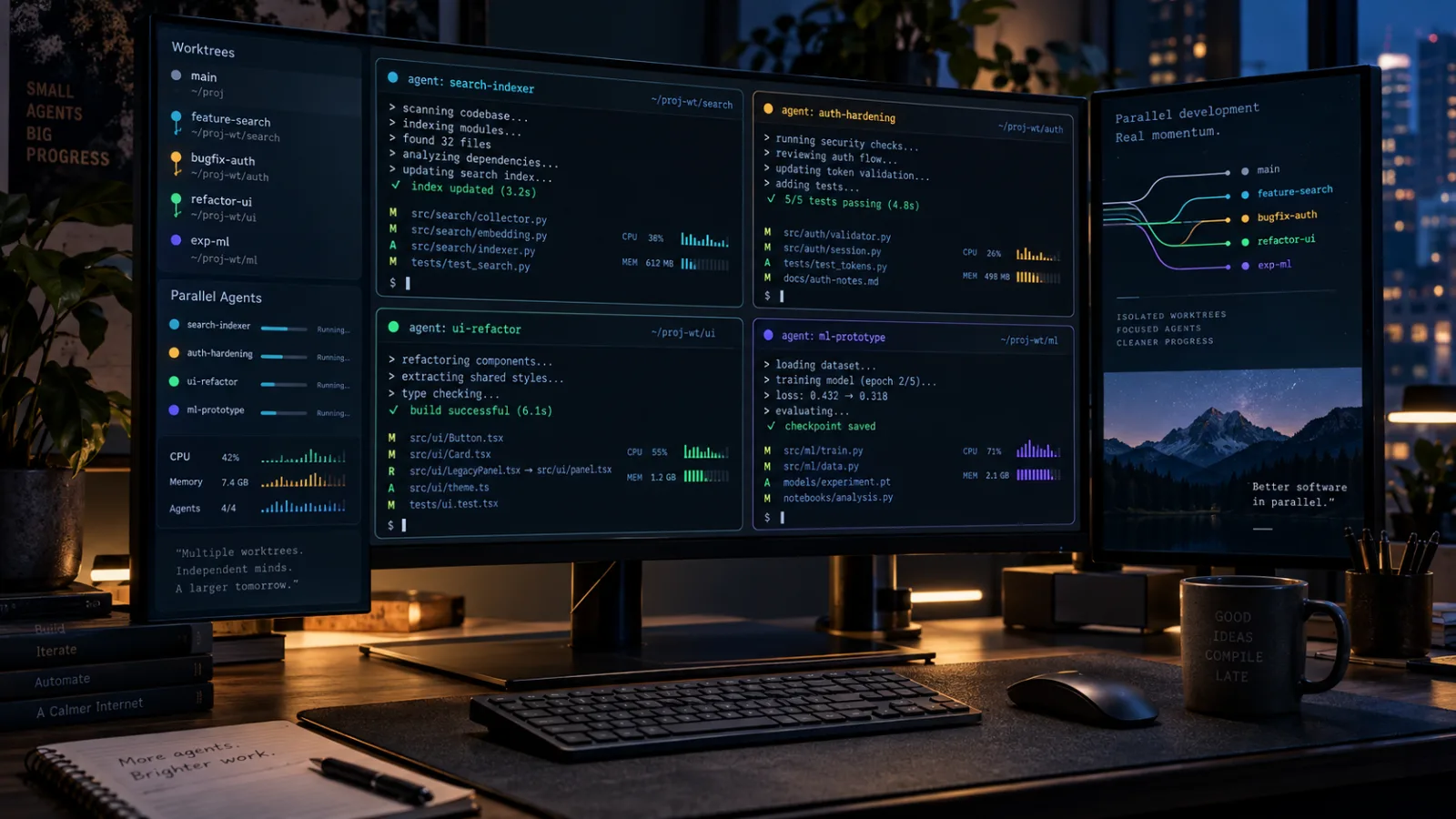
The repository describes Alera as a native, cross-platform agentic development environment built with Flutter, Rust, and Ghostty. It can run CLI tools such as Claude Code, Codex, Amp, OpenCode, Cursor, GitHub Copilot, Pi, and other terminal programs side by side. Each task can receive its own Git worktree, terminal tabs, and workspace record. The result is closer to a desktop control surface for agent-assisted development than to a conventional AI editor.
That distinction matters. Alera does not make the underlying agents interchangeable, and it does not remove the need to inspect their changes. Its strongest contribution is organizational: it makes parallel work visible and gives each experiment a place in the repository model. For developers already comfortable with Git worktrees and CLI tools, that is a more concrete proposition than a promise of a smarter chat window.
What changed in the project
Alera is an active open-source project rather than a mature platform with a long compatibility history. The public repository currently presents a desktop application for macOS, Windows, and Linux, with a separate mobile companion and an optional runtime that can remain active on a workstation or VPS. The repository is MIT-licensed, and the project states that it is maintained by one person.
The visible product direction is unusually specific. Alera treats a project as a registry of local folders or Git repositories. From there, a user can create workspaces backed by real Git worktrees, use one branch per task or experiment, and open the relevant agent in a terminal. The worktree is not a simulated context inside an editor. It is a normal Git working directory that can be inspected, tested, committed, rebased, or discarded with the usual tools.
The application also keeps a registry of workspaces, tabs, layouts, project state, and terminal state. Its README says terminal sessions can persist across restarts, including scrollback, running processes, and layout. That feature addresses a mundane but expensive failure mode in agent-heavy work: losing track of which shell was running what, then reopening several terminals and trying to reconstruct the state from memory.
The current design includes activity tracking for selected agents, agent quota information where integrations support it, and a resource manager that attributes live CPU and memory usage to projects, workspaces, and terminal tabs. Those features are practical when several long-running processes share one laptop. They also signal that Alera is aimed at managing local execution, not merely displaying model responses.
The project has an optional account and notification path as well. Its documentation says a paired runtime can send attention notifications to a phone after explicit opt-in, while notification payloads exclude prompts, terminal input and output, source code, and repository contents. The same documentation notes that production OAuth, cloud, and Firebase configuration are still required for the end-to-end mobile flow. That qualification is important: the feature exists in the repository’s architecture, but it should not be read as proof that every account or mobile capability is equally mature in released builds.
Why the worktree is the important unit
Many agent interfaces organize work around a conversation. That is convenient for a single task, but it becomes ambiguous when several tasks touch the same repository. One agent may be fixing a parser, another updating documentation, and a third investigating a failing test. If all three operate in one directory, their changes can collide before anyone has reviewed them. If each has a separate directory but no shared naming or branch discipline, the isolation exists physically but not cognitively.
Alera’s worktree-first approach makes the task boundary explicit. A workspace can be connected to a source branch or an existing local branch. The agent works in a real checkout, while the application records which project, workspace, terminal, and agent belong together. This does not solve merge conflicts, but it moves them to a more legible point in the workflow: after an experiment has produced changes and before those changes enter the main branch.
That is a better fit for agents that operate through ordinary shells. A CLI agent can use the same Git commands, test runners, package managers, and project-specific scripts that a human developer would use. It does not need a proprietary editor integration to understand the repository. Alera can therefore host several different agents without making the user migrate every project to one provider’s extension model.
The trade-off is that the user still owns the discipline. A separate worktree is not a review. An agent can make a wrong architectural choice in complete isolation, and multiple isolated wrong choices can consume more time than one carefully supervised session. The value comes from making concurrent work easier to observe and compare, not from making concurrency automatically safe.
A native shell around real terminals
Alera’s technology choices are aimed at the desktop constraints of this workflow. Flutter provides the cross-platform application shell and design system. Rust handles the process and pseudo-terminal layer, with portable_pty named in the repository architecture. Ghostty’s terminal parsing technology is used through the project’s terminal integration. Local projects, workspaces, tabs, layouts, settings, and terminal state are stored with SQLite through Drift.
The “no Electron” positioning is less interesting as a slogan than as a statement about where the application spends its resources. Alera does not bundle Chromium or a Node runtime into its desktop and mobile applications. Instead, it combines a Flutter interface with native process handling and a terminal engine derived from Ghostty’s work. That can reduce the conceptual distance between a visible terminal and the process it controls, although the repository does not establish a universal memory or startup advantage over every Electron application.
The architecture also creates a substantial build surface. A source build requires Flutter and Dart versions compatible with the repository, Rust, Zig, Git, and the native compiler toolchain for the target platform. The project includes a Ghostty-related native component and multiple desktop targets. Developers who only want to try the application should prefer the packaged route where it is available; developers evaluating the project itself may find the source tree more informative than the binary.
That split is worth keeping in mind. A native shell can feel more integrated than a browser-based terminal, but the cost is platform-specific packaging, signing, graphics, pseudo-terminal behavior, and update logic. Alera has to solve all of those concerns while also keeping its Git and agent abstractions coherent. Its architecture is promising precisely because it takes those problems seriously, but the same breadth makes regressions and uneven platform support plausible.
Who should try Alera
Alera is most relevant to developers who already use terminal-based coding agents and regularly have more than one task in flight. A useful first test would be a repository where a documentation change, a bug investigation, and a small refactor can be safely separated into independent worktrees. The point is to observe whether the project registry and terminal persistence reduce mental overhead during a normal week, not to launch a dozen agents for the sake of a screenshot.
It may also suit maintainers who want to compare different CLI agents against the same issue. One workspace can be used for an implementation attempt, another for tests or a competing approach, and a third for a review pass. Because each workspace is a real Git worktree, the outputs can be compared with normal diffs and test results. That makes the experiment more reproducible than copying snippets between chat windows.
Teams should be more cautious. Alera’s central state is local, while the optional account and mobile features introduce a separate service boundary. The repository is public and MIT-licensed, but the application is still in active development and the project has a one-person maintainer structure. A team that needs procurement documentation, formal support, audited release processes, or predictable long-term compatibility should not treat the current repository as a finished enterprise control plane.
The same caution applies to developers who rarely use Git worktrees. Alera can expose the workflow, but it cannot hide every Git concept without weakening the model that makes the workflow useful. Branch ownership, uncommitted files, ignored files, submodules, generated artifacts, and merge conflicts still need to be understood. If a project’s build depends on a mutable global environment, separate worktrees may not provide as much isolation as expected.
A sensible first evaluation
The safest evaluation is small and reversible. Start with a non-critical repository or a disposable clone. Create one workspace for a narrow issue, let one agent inspect the code, and keep the terminal visible while it works. Check the resulting diff, run the project’s own tests, and verify that the worktree can be removed without touching the main checkout. Then repeat the same task with a second workspace only if the first pass made the boundaries clearer.
Pay attention to four practical questions. Can you identify the branch and worktree associated with every terminal? Can you recover the session after restarting the application? Can you tell which process is consuming CPU or memory? Can you review and compare changes without relying on Alera-specific export formats? The answers matter more than the number of supported agent names.
Alera’s installation paths vary by operating system. The project documents a signed package repository for supported Linux distributions, a Homebrew cask for Apple Silicon Macs running macOS 14 or newer, and Scoop or Chocolatey options for Windows. It also publishes archive-based downloads. The Linux package repository is described as using a signed key, while the README says macOS and Windows builds are not yet signed and may trigger Gatekeeper or SmartScreen warnings. That is a release-trust issue, not a reason to disable platform protections blindly.
For a first run, verify the download source, inspect the project’s release notes and security documentation, and avoid granting an agent broad access to credentials or unrelated directories. Alera’s terminal-first design means the hosted agent inherits the capabilities of the CLI process and its environment. The workbench can organize that access; it does not turn an untrusted agent command into a sandbox.
The security boundary is still the agent process
The most important limitation is easy to miss because the interface looks integrated. Alera can create worktrees, launch terminals, track activity, and expose resource use, but the agent still runs with whatever permissions the operating system and shell provide. A worktree limits where Git changes are expected to land. It does not automatically prevent a process from reading a home directory, using a network connection, accessing credentials, or modifying files outside the checkout.
This matters more when several agents run at once. Parallel execution increases the number of commands that may be pending, the number of packages that may be installed, and the number of outputs that need review. It can also make attribution harder when a test or background process changes shared caches, local services, or generated files. Resource visibility helps explain load, but it is not an authorization system.
Alera’s optional remote runtime adds another boundary. Running the runtime on a workstation or VPS can be useful for keeping sessions alive, but it requires a clear understanding of which machine owns the files and processes, how the runtime is reached, and what authentication protects it. The repository says the mobile notification payload avoids source and terminal content, but that does not eliminate the need to audit the runtime, account, and network configuration before using it with sensitive projects.
The project’s release documentation is a positive sign because it discusses signed Linux metadata, Ed25519-signed update indexes, SHA-256 artifact metadata, and the conditions under which automatic installation remains disabled. Those mechanisms are useful only if users verify the distribution path and if the signing and update policies remain maintained. They should be treated as evidence of an emerging trust model, not as a substitute for reviewing the source, release, and platform-specific warnings.
What Alera is not yet
Alera is not a full IDE. Its roadmap still lists code editing with language-server support, visual merge conflict resolution, SSH worktrees, additional forge and tracker integrations, and broader automation and MCP management. Those planned items define the current boundaries. The application can host terminal work effectively without replacing an editor, but users who expect integrated navigation, diagnostics, refactoring, and visual conflict resolution will still need other tools.
It is also not an agent marketplace. The repository emphasizes bring-your-own-agent behavior. Alera can provide first-class integration for selected tools and can run other terminal programs, but the model does not make providers equivalent. Their authentication, permissions, quota systems, context handling, and output quality remain different. Alera gives them a common workspace surface; it does not standardize what happens inside each process.
Nor is it a guarantee that more parallel agents produce better software. Parallelism is valuable when tasks are independent, specifications are clear, and review capacity exists. It is wasteful when several agents explore the same vague requirement, duplicate analysis, or produce changes that no one has time to test. The worktree model makes these costs easier to contain, but it cannot remove them.
Alternatives and the choice Alera makes
A terminal multiplexer such as tmux or Zellij remains a simpler choice for users who only need persistent shells. It has fewer moving parts, a smaller conceptual footprint, and no application-specific project registry. The price is that worktree naming, agent status, resource attribution, and workspace navigation remain the user’s responsibility.
A conventional editor with integrated terminals may be preferable when code navigation and diagnostics are the center of the workflow. Editors can offer mature language tooling, extensions, and review interfaces that Alera currently treats as future work. The cost is that multi-agent orchestration may be less explicit, especially when several independent branches need to remain visible at once.
A hosted AI IDE can provide a smoother first-run experience and a more unified model integration. It may also manage context, indexing, and collaboration in ways a local workbench does not. The trade-offs are provider lock-in, less direct control over execution, and a workflow that may not map cleanly to existing CLI tools. Alera’s reason for existing is the opposite choice: keep the agents and repositories local, then improve the surface around them.
Other open-source agent workbenches are also emerging, including projects that focus on orchestration, sandboxes, or a particular agent runtime. The meaningful comparison is not which project lists the largest number of integrations. It is whether the project’s isolation model, process ownership, authentication, update path, and review workflow match the risk of the repositories being opened inside it.
The open-source question
Alera’s MIT license makes the code available for inspection, reuse, and modification, but license availability is only one part of project maturity. The repository currently shows a small maintainer base, active development, open issues, and a broad feature surface spanning desktop UI, terminal processes, Git worktrees, mobile clients, cloud services, packaging, and update verification. That combination can move quickly, but it also creates a large maintenance burden.
Potential adopters should inspect commit activity, issue responses, release artifacts, security policy, and the division between local functionality and optional cloud services. They should also ask what happens if the hosted account layer disappears. The README indicates that local credentials, paths, and consent records remain on the device and that the desktop runtime can operate locally, but a long-lived workflow still deserves an exit test: can the repositories, branches, prompts, and configuration be recovered without relying on a proprietary service?
This is where Alera fits the Open Source Radar reader well. Its interesting feature is not a new model or an inflated benchmark. It is an attempt to make open command-line tooling behave like a coherent desktop workflow while leaving the repositories and agent processes recognizable. That is a useful design direction, provided the project keeps the local path dependable and remains candid about the unfinished parts.
Verdict
Alera is worth testing if the current pain is coordination between several local CLI agents, not the absence of another conversational interface. Its worktree registry, persistent terminals, cross-platform shell, and process visibility address concrete friction in parallel development. The native Flutter, Rust, and Ghostty architecture also gives the project a technically distinctive foundation.
The right expectation is a promising workbench in active development. Start with a disposable repository, one narrow task, and normal Git review. Treat every agent as a process with real permissions, and treat platform signing, optional account services, and the one-maintainer structure as adoption risks to evaluate. If Alera can keep those boundaries clear while filling in editor, remote, and conflict-resolution gaps, it could become a practical layer between raw terminals and heavyweight AI IDEs.
For now, its best use is disciplined parallel experimentation: one task, one worktree, one visible terminal, and one human review before anything is merged.
Related articles
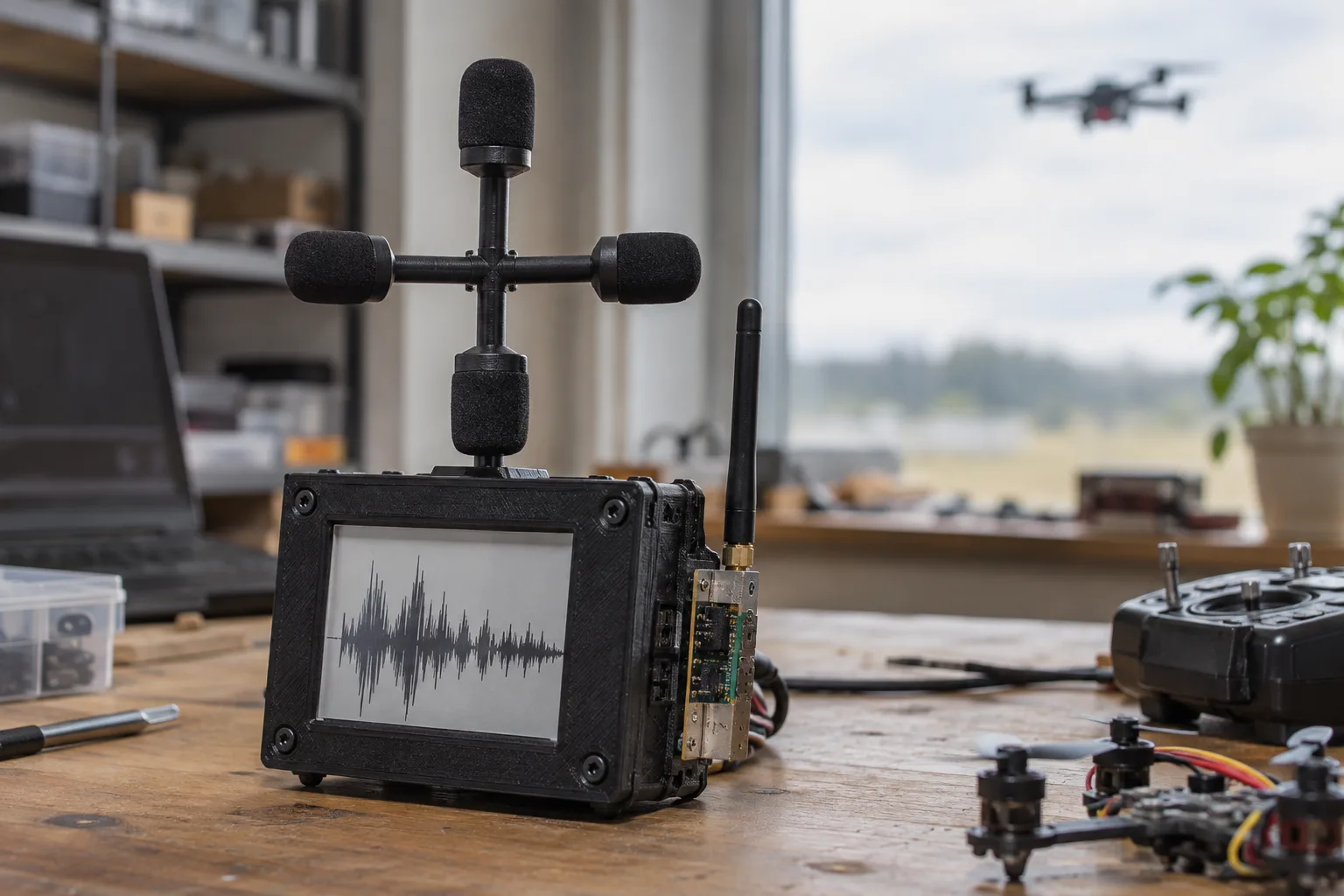
VolAnti Brings Open-Source Acoustic Detection to Fibre-Optic FPV Drones
VolAnti is a compact ESP32-S3 detector that listens for rotor harmonics instead of radio emissions. Its early test is promising, but the project is best understood as a transparent warning device—not a finished counter-drone system.
OpenAI’s Agents API: What Changes for Teams Building Long-Running AI Workflows
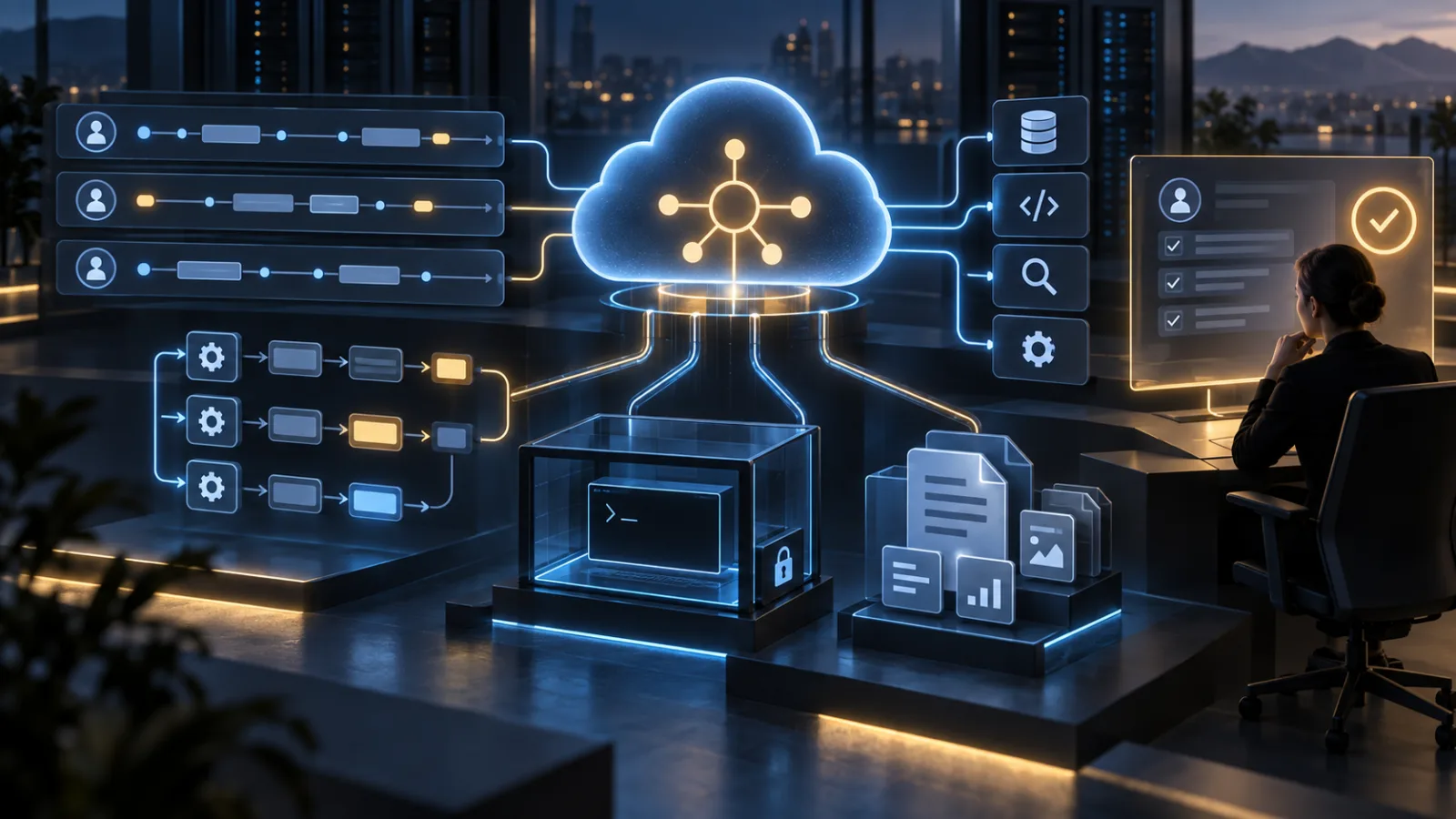
OpenAI’s public-beta Agents API packages the Codex harness, persistent sessions, tool orchestration, subagents, and managed or self-hosted sandboxes. The practical question is not whether it can run an agent, but whether its boundaries fit your workflow, budget, and data controls.
Spain’s First Reported AI-Agent Data Breach Is a Test of Access Control and Response Speed
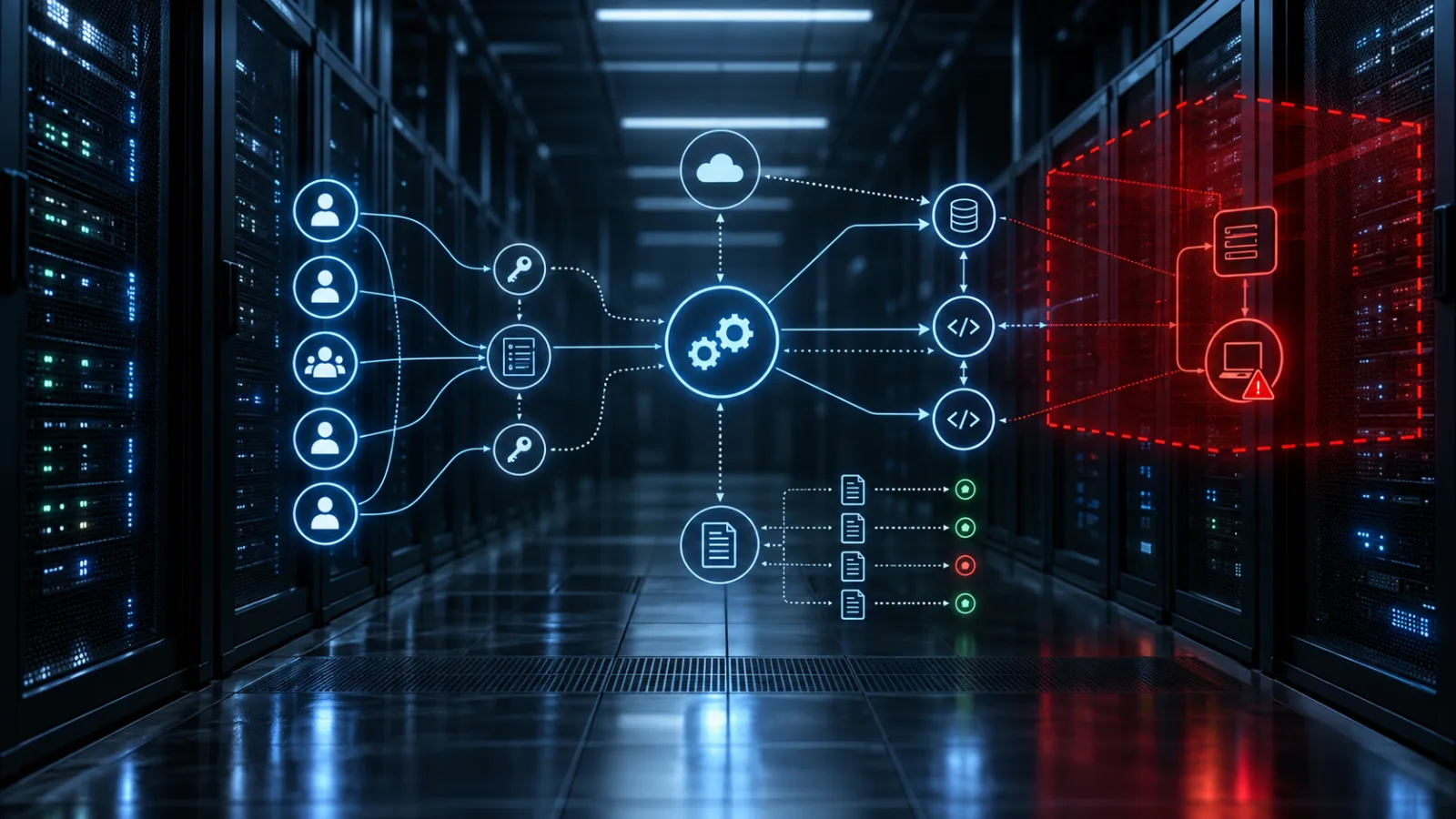
Spain’s data protection authority has received a breach notification describing an AI agent that logged in, searched for application weaknesses, altered personal data and accessed invoices. The immediate lesson is about permissions, monitoring and containment—not science fiction.
Late blight turns one tomato plant into a neighbourhood problem
Confirmed regional alerts change the home-garden response: diagnose carefully, check local disease reports, and remove truly infected tomatoes or potatoes before they spread spores.

Comments
Sign in to comment.
No comments yet.