Perplexity’s SPACE makes Firecracker sandboxes an open-source infrastructure problem to test
SPACE is an Apache-2.0 platform for running agent and user code inside Firecracker microVMs. Its API is promising for teams that need a real execution boundary, but the current local setup is Linux-specific and still exposes sharp operational edges.
The open-source agent stack has spent much of the past year debating permissions, tool approval and prompt injection. A quieter question is just as important: where does the code actually run when an agent writes a script, installs a package or launches a server?

Perplexity’s SPACE is an attempt to make that execution layer a reusable open-source component. The project describes itself as a “Sandboxed Platform for Agentic Code Execution” and publishes an Apache-2.0 repository around a service that creates isolated Firecracker microVMs, runs commands in them and manages their lifecycle through an HTTP API.
That makes SPACE interesting for a different reason than another coding agent. It is infrastructure for the part of an agent workflow that is easiest to underestimate: the boundary between generated instructions and a real operating system. The project is worth testing if you are building an agent platform, a code-running service or an internal automation system. It is not yet a casual desktop utility, and the current documentation makes that clear.
What SPACE actually provides
SPACE is not a model, an agent framework or a terminal assistant. An application calls its API to create a sandbox from a template, waits for the environment to become ready, starts a command session and reads the resulting event stream. The sandbox has its own virtual machine and writable filesystem, so multiple commands can share state during one run rather than starting in unrelated one-shot processes.
The repository’s current documentation identifies version 0.8.0 and separates the management API from the data plane used for command attachments. That split matters. A client uses a bearer token for management requests, while a command stream uses an attachment token returned for that session. The first-sandbox example is deliberately implemented with Python’s standard library; the project does not require an SDK just to exercise the basic create, execute and delete path.
The useful abstraction is therefore fairly small:
application
    -> create sandbox from template
    -> wait for a running microVM
    -> create command session
    -> attach to command events
    -> collect output and exit status
    -> delete or retain the sandbox
This is a better fit for an agent service than handing a model direct access to the host shell. The agent can still be given a command interface, but the process, filesystem and network policy live inside a separately managed execution environment. SPACE also gives the application a place to decide how long a sandbox survives and what state is retained between commands.
Why Firecracker changes the trade-off
Traditional containers are efficient because processes share the host kernel. That makes them convenient, but it also means that a container escape, a kernel vulnerability or a dangerous host integration can have consequences beyond the process that started the workload. Containers remain useful and can be hardened substantially; they are not automatically unsafe. They simply provide a different isolation boundary from a virtual machine.
Firecracker takes a narrower virtual-machine approach. Its own design documentation describes microVMs as combining hardware-virtualization isolation with a container-like operational footprint. A guest runs its own kernel, while the Firecracker process is further constrained with mechanisms such as seccomp filters, namespaces, cgroups and privilege dropping. SPACE uses that microVM boundary as the core of its sandbox model rather than treating a regular container as the final security barrier.
That does not make the system magically secure. A microVM still has a virtual device surface, a host-side VMM, a network gateway, image and template management, credentials, orchestration and a control API. Each layer can contain bugs or configuration mistakes. The benefit is that the boundary is explicit and can be tested independently of the model that produced the code.
For workloads that mostly run short scripts, inspect untrusted repositories, compile generated code or execute user-submitted snippets, this is a meaningful architectural distinction. It gives an engineering team a place to put resource limits and egress rules before those controls become scattered across every agent integration.
The project’s open-source angle is practical
SPACE is licensed under Apache-2.0, which is a permissive license for using, modifying and redistributing the software subject to its terms. The license matters because sandbox infrastructure is difficult to evaluate when the critical control plane is hidden behind a hosted service. A public repository lets operators inspect the API, deployment scripts, network path and runtime components before deciding whether to trust the design.
The repository is also more than a small wrapper around Firecracker. Its documentation covers a local Kind deployment, a seed template, API and data-plane services, node services, authentication, storage and a web interface. That breadth is useful for understanding how a complete sandbox platform is assembled. It also explains why the first installation feels more like deploying a compact infrastructure product than installing a command-line tool.
Open source does not equal a security certification. The repository’s release status, issue tracker and deployment instructions should be read as part of the project’s maturity signal. A team adopting SPACE should pin a known revision, review changes to the network and credential paths, and keep the service isolated from production secrets until it has been tested under its own threat model.
Who should try it now
The strongest early audience is a team that already has a concrete execution problem and enough Linux infrastructure experience to measure the trade-offs.
An agent platform is the obvious example. If an agent needs to run tests, transform files, build a project or use a browser-like helper, SPACE can provide a per-session environment instead of exposing the host worker. The application remains responsible for deciding which tools are available, which files are mounted or copied in, whether the sandbox can reach the internet and when output is allowed to leave the boundary.
A code-evaluation service is another good fit. A platform can create a fresh environment from a controlled template, run a submission, capture stdout and stderr, enforce a timeout and discard the result. The same pattern applies to repository analysis, automated bug reproduction and isolated build jobs where the input is not fully trusted.
It may also suit internal automation teams that want to experiment with agent-generated scripts without tying their design to one model vendor. Because the service is accessed through an API, the model can change while the execution layer remains comparatively stable.
SPACE is a poor first choice for a developer who simply wants to run a local coding assistant. The setup requires KVM, Linux networking facilities, Docker, Kubernetes-in-Docker tooling and a host capable of running privileged workloads. For a personal terminal workflow, a local container or an existing sandbox service may be easier to operate, depending on the sensitivity of the code.
The local installation is the first serious filter
The official guide is explicit about the supported shape of the current local deployment. It targets an apt-based Linux x86_64 host with KVM. The machine needs /dev/kvm, /dev/net/tun, loop devices and btrfs support, along with a Docker daemon that permits privileged containers. The instructions are not a direct macOS setup, and they are not presented as a Kubernetes-free installation.
The deployment uses a Kind cluster and publishes a seed template before the first sandbox can be created. The guide asks the operator to install or verify tools including Kind, kubectl, Helm, grpcurl, Tilt, Go and jq. The initial build compiles the Rust workspace and creates the template, while the cluster exposes separate local paths for the API, data plane, UI and object storage.
This is not busywork around the edges of the project. It is part of what SPACE is. The system needs a control plane, node services, a template manager, a sandbox manager and a Firecracker vendor setup before a guest can start. A successful pod rollout is not enough; the seed publication job and each node-service rollout also need to complete before the first-sandbox example is meaningful.
The documentation includes a warning that the local deployment uses development passwords and signing keys and should remain private. That warning should be treated as a hard boundary. A local demo configuration is not a production identity system, and exposing its endpoints or reusing its defaults would undermine the point of the exercise.
WSL2 and networking are not minor caveats
The issue tracker already shows why “it runs on my Linux-like environment” is not a sufficient compatibility claim. An October 18 report describes a Windows 11 and WSL2 installation in which the documented host check passed but later stages failed for three different reasons: Docker Buildx was missing, the default inotify limit was too low for the Kind cluster, and the stock WSL2 kernel lacked the CONFIG_NFT_SOCKET support required by the project’s TPROXY network path.
The report says the first two problems had workarounds, while the missing kernel capability prevented sandboxes from starting on the stock WSL2 kernel. That means Windows developers should not treat WSL2 as a routine supported target merely because Linux commands and KVM appear to be available. The practical question is whether the kernel and networking path meet the exact requirements of the sandbox gateway.
A separate open issue describes a less obvious failure mode on hosts where net.ipv4.conf.all.src_valid_mark=1, a setting commonly associated with Tailscale or WireGuard routing. In the reported setup, sandbox egress silently failed even with an allow-all policy. DNS timed out, TCP connections did not complete and the gateway produced no useful indication of the cause. The issue author traced the problem to how the sandbox network namespace handled the TPROXY mark and proposed clearing the setting inside the namespace.
These reports do not prove that SPACE is unsafe. They show that the networking layer is operationally significant and that the project is still discovering host combinations that should be surfaced earlier by preflight checks. For a production deployment, a successful hello-world command is not enough. Test denied egress, permitted egress, DNS, timeouts, namespace cleanup and recovery after a node or gateway restart.
How to evaluate the security boundary
The right test is not whether an agent can run echo hello. The right test is whether the system behaves predictably when the workload is hostile, noisy or broken.
Start with a fresh template and verify that the guest cannot see host files, host credentials or the Docker socket. Confirm that the process runs with the intended user and that the configured memory, CPU, disk and timeout limits are enforced. Try to create long-lived child processes, fill the filesystem and open more file descriptors than the normal workload should need. The goal is to verify that limits cause controlled failure rather than an unstable node.
Test the network as a policy surface. If the sandbox is supposed to have no egress, check DNS, IPv4, IPv6, loopback and common proxy environment variables. If selected egress is allowed, test both allowed and denied destinations and inspect whether failure is visible to the caller. A policy that fails closed but looks like a hung command will be difficult to operate in an agent loop.
Treat template construction as supply-chain work. A template is not just a convenience image; it is the starting filesystem for code that may be untrusted. Build it from pinned inputs, record its digest and keep package installation separate from the execution request where possible. Do not allow an agent to rewrite the base template or alter the host-side build process.
Finally, test the control plane separately from the guest. Rotate tokens, reject malformed attachment URLs, enforce the expected data-plane origin and make sure a deleted sandbox cannot be addressed through a stale identifier. The first-sandbox guide’s separation between management tokens and command attachment tokens is a useful design clue: credentials should be scoped to the operation they authorize.
SPACE compared with the alternatives
A regular Docker or Podman container is still the simplest option when the workload is trusted, the host is single-tenant and the team mainly needs packaging. It is easier to run locally and fits existing OCI tooling. It should not be described as interchangeable with a Firecracker microVM when the threat model involves arbitrary code from users or agents.
gVisor is a different open-source option. Its application-kernel design intercepts much of the container’s interaction with the host kernel and integrates with Docker and Kubernetes through the runsc OCI runtime. It can preserve more of the container workflow while adding a distinct isolation layer. The trade-off is a different compatibility and performance profile, and it does not provide the same guest-kernel model as a microVM.
Daytona is another useful comparison for teams that primarily want a ready-made sandbox product. Its documentation describes container sandboxes by default and also offers VM sandboxes, with SDKs and lifecycle operations aimed directly at agent workloads. That can reduce the amount of infrastructure a team has to assemble, but a hosted or productized platform changes the control, pricing and self-hosting questions. SPACE is more interesting when owning the control plane and inspecting the implementation are central requirements.
Firecracker itself is not an alternative to SPACE at the same level. Firecracker is the virtual-machine monitor and low-level runtime; SPACE is the platform around it, including API semantics, templates, orchestration, storage and network management. A team that builds directly on Firecracker gets more control and more responsibility. A team that adopts SPACE gets a more complete starting point and inherits its current architecture and operational assumptions.
What is ready to try, and what is not
The project is ready for a structured evaluation, not a blind production rollout. Its current materials are sufficient to create a local Kind deployment, publish the seed template, authenticate and run a command inside a Firecracker-backed sandbox. The API boundary is clear enough to prototype an agent executor without committing to a particular model or client SDK.
The project is not yet a frictionless cross-platform developer tool. The documented local path is Linux x86_64 and depends on low-level host capabilities. The issue tracker shows that WSL2 and VPN-related routing can expose failures that are not obvious from the first host check. The infrastructure also has enough moving parts that upgrades should be treated as deployment changes, with repeatable tests for templates, networking, identity and retained state.
The sensible first experiment is small. Deploy SPACE on a disposable Linux host, use a non-production template, and build a test client that performs one complete lifecycle. Record creation latency, command startup latency, output delivery, cleanup time and failure behavior. Run the same workload with network access denied and allowed. Then deliberately break the host prerequisites and confirm that the checks fail before a long bootstrap rather than after a sandbox request.
For an agent product, add one more layer around SPACE instead of giving the model the raw API. Your service should decide which sandbox template to use, issue short-lived scoped credentials, copy only the necessary inputs, cap resource usage, redact output and retain an audit record outside the guest. The sandbox narrows the blast radius; it does not decide whether an agent was allowed to perform the action in the first place.
The larger open-source lesson
SPACE is valuable even for teams that never deploy it. It makes the execution boundary visible. An agent that can edit files and run commands is not merely a chat interface with extra buttons; it is a workload scheduler, a credential consumer and a security-sensitive runtime. Keeping that runtime in a separate project gives the rest of the stack a concrete interface to test.
The timing is also useful. Open-source agent projects have often concentrated on orchestration, model routing and tool schemas. Those layers are visible to users, while the sandbox is usually hidden behind a cloud provider or a development machine. SPACE puts the hidden layer on the table: Firecracker, KVM, network policy, templates, event streams and host prerequisites become part of the application architecture.
That is why the project deserves a place on an open-source radar, with the qualification that matters most. Its promise is not that an open repository eliminates risk. Its promise is that an engineering team can inspect, run and improve a critical boundary instead of accepting it as an opaque service. At version 0.8.0, the best use is to test that boundary carefully, document the failures and decide whether the operational cost is justified by the isolation your workload actually needs.
Related articles
Perplexity v. Amazon: the practical line between user-directed AI agents and bots
A U.S. appeals ruling narrows one anti-hacking argument against AI browser agents, but practical adoption still depends on consent, identity, logs, data minimization and platform-aware safety.

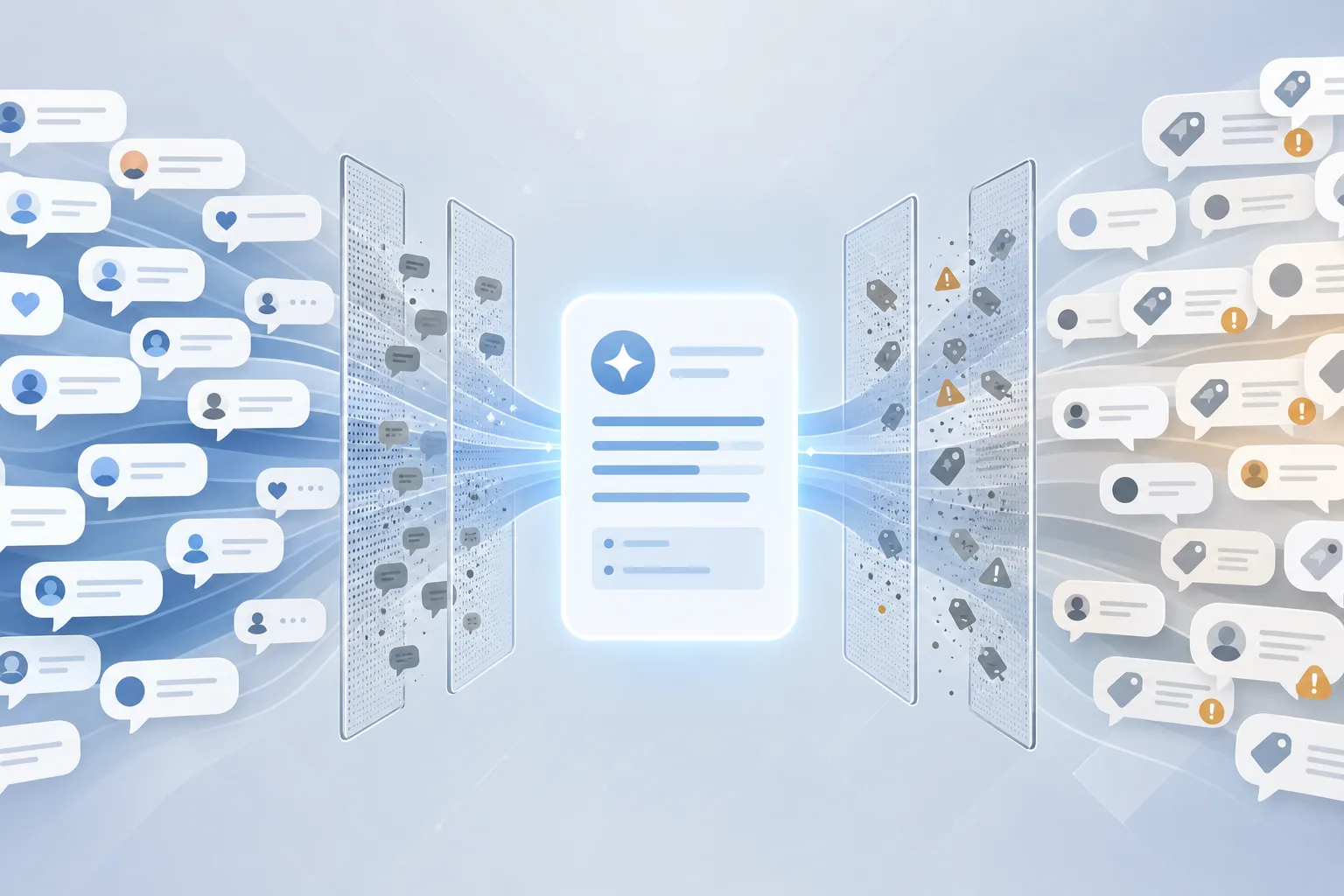
AI search has turned Reddit spam into a business risk
Reddit’s LLM-powered spam fight shows how answer engines are changing marketing: brands want AI recommendations, but fake community consensus can damage trust fast.
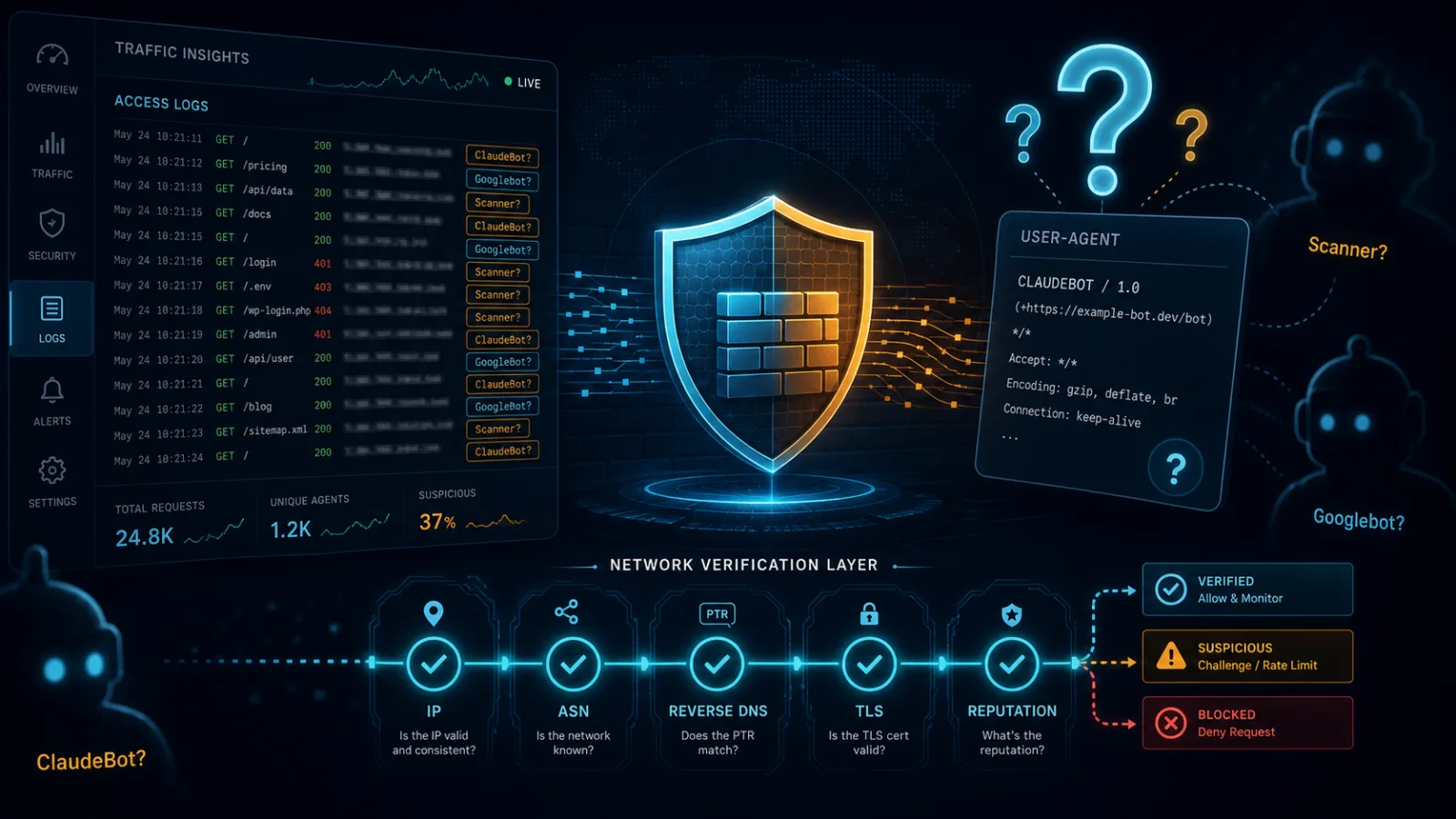
AI crawlers can no longer be trusted by name
Spoofed crawler names turn AI traffic governance into a security, analytics and operations problem for sites and SaaS teams.
AI browsers create a new trust boundary. Treat them that way
New research on agentic browsers, same-origin policy and BioShocking does not mean panic. It means AI browser agents need isolation, limits and explicit confirmation before they touch sensitive sessions.
Comments
Sign in to comment.
No comments yet.