Google Home MCP Is a New Permission Problem, Not Just a Smarter Assistant
Google’s early-access Home MCP can let outside AI agents inspect and control a Google Home setup. Before connecting one, audit its data access, action limits, household consent, and recovery path.

Google Home MCP Is a New Permission Problem, Not Just a Smarter Assistant
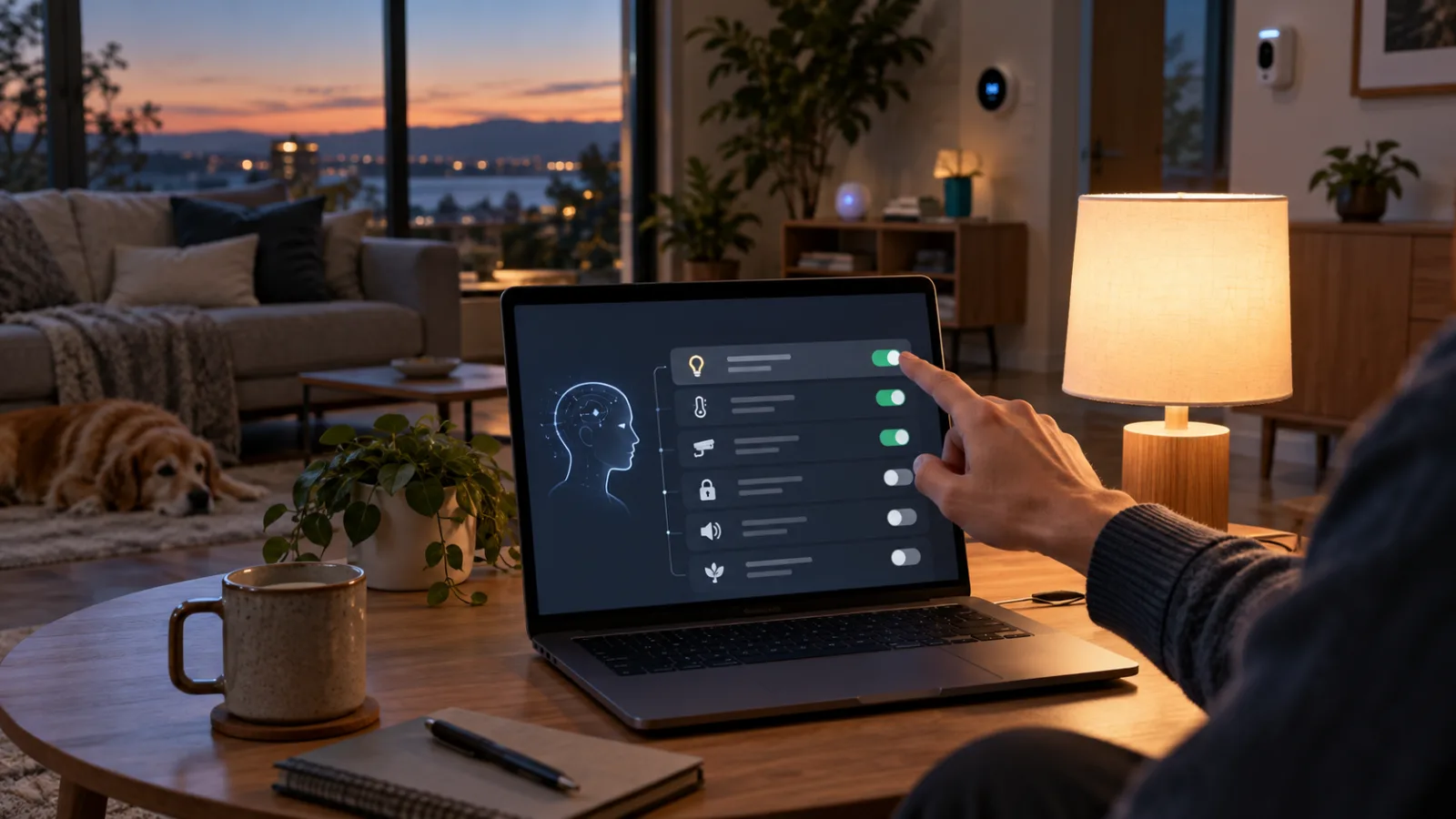
Google’s early-access Home MCP server gives external AI agents a direct way to inspect and control a Google Home installation. That changes the practical question for a household. It is no longer only “which assistant understands natural language best?” It is “which parts of the home should an agent be allowed to see, remember, and change?”
The distinction matters because Home MCP is not a voice shortcut. According to Google’s developer documentation, the service can enumerate homes and devices, read current states, query historical events, and execute actions. The available tool set includes device discovery, live state monitoring, history lookup, and command execution. Google also warns that connecting a real home to an agent can produce unexpected behavior, and recommends telling other household members about the access or using a separate test home.
That makes the launch a useful moment to establish a permission policy before experimenting. The safest early use is a narrow, observable assistant for questions and low-consequence actions. A home-wide agent with access to cameras, locks, occupancy history, heating, and routines is a different class of system, even when the interface is a friendly chat window.
What Home MCP actually exposes
The Model Context Protocol is a way for an AI application to connect to external tools and data. In Google’s implementation, the MCP endpoint is a bridge to the Home API. It is not a new radio protocol, a Matter controller, or a replacement for the Google Home app. Your lights and sensors do not become more interoperable merely because an AI client can call them.
The difference is in the control layer. The agent can ask Google Home what resources exist, inspect their traits and command schemas, retrieve current states, and submit supported actions. It can also query historical state changes and event logs. In practical terms, an agent may be able to answer questions such as:
- Which devices are offline?
- Is the downstairs door locked?
- What changed while I was away?
- Turn off the outside lights.
Those examples span three different risk levels. Device inventory is mainly an exposure question. Historical analysis can reveal patterns about presence, sleep, work hours, and household activity. An action can have a physical consequence. Treating them as one generic “AI permission” hides the decisions that a home owner actually needs to make.
Google’s reference documentation lists the global MCP endpoint as https://home.googleapis.com/mcp and says authentication is required. The setup flow involves a Google Cloud project, Home API access, OAuth credentials, and an MCP-compatible client. The Home MCP page currently labels the service Early Access and says that an active Google Home Premium Advanced subscription is required. Those requirements are important because they make this a deliberate technical connection, not a setting that most households will enable by accident.
The service also has limits. Google says safety protections prevent sensitive actions such as unlocking doors, and its documentation says automation creation and management are not supported yet. Those restrictions reduce the blast radius, but they do not make the connection harmless. A system that cannot unlock a door may still disclose when nobody is home, change a thermostat, switch off exterior lighting, or create confusion during an incident.
A useful mental model is:
Home MCP = home data visibility + supported device actions + an AI client’s interpretation
The first two parts are documented by Google. The third belongs to the connected agent. That last component is why a careful setup must account for prompts, tool approval behavior, retained conversation history, logging, and the agent’s own privacy policy.
Why this is different from Gemini for Home
Google has been adding Gemini capabilities to the Google Home experience, including natural-language control and camera-history queries. Home MCP is different because it opens a path for outside agents such as Claude-compatible clients, developer tools, and other MCP hosts to interact with the home.
That separation creates a new choice. A household may prefer Google’s integrated experience, with one company responsible for the assistant, home platform, and device permissions. Or it may want to use a different agent for a particular task, such as summarizing energy readings or diagnosing a connectivity problem. Home MCP makes the second option technically possible, but it also moves the trust boundary.
With an integrated assistant, the platform’s account, home structure, device graph, and safety controls are designed together. With an external agent, the user has to evaluate both sides:
- What Google Home makes available to the client.
- What the client does with that information and how it asks for actions.
This is the reader problem that matters more than the novelty of “AI controlling a house.” Users need to decide whether the convenience of a new interface justifies making their home’s structure and history available to a separate service. The answer will vary by household, and it should vary by data category rather than by excitement about the technology.
The data is more revealing than a device list
A list of lights is not particularly sensitive. A list of rooms, cameras, locks, thermostats, presence sensors, and routines is more revealing. Historical state changes are more sensitive still.
For example, a sequence of motion events can show when someone usually wakes up. A garage-door history can indicate departures. A thermostat timeline can suggest when a room is occupied. Camera events can reveal visitors, deliveries, or household routines. Even an apparently benign question such as “what happened while I was out?” asks the system to combine time, state, and absence-related clues.
Google’s support documentation says third-party apps may request access to home data, rooms, and device types, and that a Google Home manager can grant or revoke access to the app, household members, and selected device types. It also says sensitive devices such as locks require additional certification before third-party apps can request access. That is a useful permission model, but it should not be read as a complete privacy review. Certification addresses the app’s eligibility and handling requirements; it does not tell you whether an AI client is appropriate for your own household.
Before authorizing an agent, classify the devices in the home:
- Low consequence: lamps, decorative lighting, media devices, and noncritical plugs.
- Moderate consequence: thermostats, fans, blinds, garage notifications, and water-leak alerts.
- High consequence: cameras, microphones, locks, alarm systems, smoke and carbon-monoxide devices, medical or accessibility equipment, and anything connected to mains power with a meaningful load.
The categories are not universal. A lamp in a child’s room may be private. A smart plug controlling a heater is not a harmless test device. A thermostat can be a health and safety control during extreme weather. The point is to evaluate the result of a wrong action, not the marketing category of the product.
A practical permission policy for first tests
The first connection should be treated like a pilot, not like a permanent upgrade. Start with a small, noncritical set of devices and write down what the agent is allowed to do. A simple policy can be more useful than a long prompt.
A cautious pilot might permit:
- Reading the inventory of one test home or one selected structure.
- Reading the state of lights, temperature sensors, and noncritical outlets.
- Turning a test lamp on and off.
- Explaining which devices are offline.
- Summarizing a short, non-camera event window when the household agrees.
It should initially prohibit:
- Camera and microphone history.
- Locks, alarms, garage doors, and access-control devices.
- Heating or cooling changes beyond a narrow comfort range.
- Anything that can energize a heater, cooker, pump, or other hazardous load.
- Actions triggered by an ambiguous phrase.
- Bulk actions such as “make the house ready” unless each target and result is shown first.
This is not a substitute for Google’s authorization controls. It is a second layer that limits what the agent is asked to do and what the user should approve. If the MCP client has per-tool approval, leave approval enabled for every action during testing. If it does not show the target device, parameters, and result before execution, treat that as a significant usability and safety defect.
Use explicit prompts with an approval boundary. For example:
You may read lights and temperature sensors in the test structure.
You may control only the device named Test Lamp.
Before every action, show the exact device, requested state, and reason.
Do not access cameras, locks, alarms, garage doors, history, or presence data.
Never perform bulk actions.
The wording cannot force an agent to obey a platform-level permission, but it creates an audit trail and exposes whether the client understands the limits. A good test is to ask an out-of-scope question and confirm that the agent refuses or explains the missing permission instead of finding a creative route around it.
Test read access before write access
A common mistake with new home integrations is to test an impressive command first. The better sequence is to prove that the agent can identify the right home, room, and device before allowing it to change anything.
Begin with structure discovery. Confirm that the agent sees only the intended home and that names are unambiguous. “Kitchen light,” “kitchen lights,” and a group called “all lights” can be different resources. Ask for the exact device identifier or unique name when the client supports that, then compare it with the Google Home app.
Next, test state reporting. Ask about a device that is clearly on and one that is clearly off. Disconnect a noncritical device if you know how to do so safely, and see whether the agent reports it as offline rather than guessing. Do not unplug networking or mains equipment as a casual test. The goal is to observe how the system represents uncertainty.
Then test a single reversible action. Turn on the test lamp, verify the result in the Google Home app or at the device, and turn it off again. If the agent reports success while the device did not change, stop the test. A wrong success message is more dangerous than a visible error because it can make later decisions depend on a false state.
Only after those checks should you consider read access to history. Start with a short time window and a low-sensitivity device. Ask the agent to distinguish recorded events from inference. “The motion sensor changed state at 21:14” is a report. “You arrived home at 21:14” is an interpretation that may be wrong.
The external agent is part of the threat model
Home MCP does not erase the ordinary risks of connecting an online AI service to private data. The user must examine the agent’s terms, privacy policy, retention controls, account security, and logging behavior. The relevant questions are not limited to whether the MCP protocol is open or whether OAuth is used.
Ask:
- Is home history sent to the agent’s cloud service?
- Are prompts and tool results retained?
- Are they used for model improvement, debugging, or abuse monitoring?
- Can employees or contractors review them?
- Does the client store credentials or refresh tokens locally?
- Does the client expose tool results to extensions, plugins, or shared workspaces?
- What happens when the agent account is compromised?
- Can access be revoked without deleting the whole home?
- Does the client request more Google permissions than this experiment needs?
Google’s support page explicitly recommends reviewing a third-party app’s privacy policy before granting access. That advice is easy to skip because the OAuth screen feels familiar. In this case, the connection can expose a physical environment, not just a calendar or document account.
Use a separate account or test structure when the platform allows it. Google’s own Home MCP guidance suggests creating an additional home for development and testing. That is the cleanest way to prevent a prototype from inheriting every camera, lock, sensor, and household member in the primary structure. It also makes revocation less disruptive.
Protect the OAuth account as carefully as the home hub. Use multi-factor authentication, do not paste client secrets into chat, and do not put tokens in screenshots or bug reports. If a setup guide tells you to copy credentials into an agent prompt, treat that as a warning sign. Credentials belong in the client’s designated secure configuration path.
Household consent is a technical requirement
A connected home is shared space. The person who manages the Google Home account is not necessarily the only person affected by data access. A partner, child, tenant, guest, cleaner, carer, or neighbor may appear in camera history or presence data without having authorized an AI agent.
Google’s own warning says that household members should be informed when an agent is connected to a shared home. That should be treated as a minimum, not a courtesy. Explain what the agent can read, which actions it can perform, whether history is available, and how access will be revoked.
Avoid silently connecting an agent to a shared home to answer a personal question. If a household member objects to history access or device control, use a smaller test structure or do not connect the agent. A smart home is not a private sandbox simply because one account holder pays for the devices.
Guest access deserves a separate decision. A visitor may reasonably expect a smart speaker to respond to a light command, but not that an external agent can inspect when the house was empty last Tuesday. Keep camera and presence history outside early experiments, and make any visible indicator or notification policy clear to people in the home.
What to do when a command is ambiguous
Natural language is useful precisely because it is imprecise. That is a poor fit for actions with physical consequences.
“Turn off the lights” could mean the current room, the active area, the whole home, or a group whose name happens to contain “lights.” “Make it cooler” could produce a one-degree adjustment or a large change. “Secure the house” could mean locking doors, arming an alarm, closing blinds, or merely switching off lights. An agent should ask a clarifying question rather than choose the most expansive interpretation.
Until the client has demonstrated reliable disambiguation, use commands that name:
- The structure.
- The room or area.
- The exact device.
- The desired final state.
- Any limit on the change.
For example: “In the test structure, turn off Test Lamp in the office. Do not change any other device.” This may feel less magical, but it gives the user and the audit log a clear target.
Avoid giving the agent broad natural-language goals such as “look after the house” or “reduce energy use” when action execution is enabled. Those goals contain hidden trade-offs. Saving energy could conflict with comfort, humidity control, freezer safety, pet care, or accessibility. A model can propose a plan; a person should approve the affected devices and boundaries.
Home MCP is not a local-first system
The service may control devices that are locally connected in the home, but the MCP connection itself is a remote API path and the agent may run outside the local network. That means local device control, cloud account access, and AI data processing are separate layers.
This distinction matters in a channel that already includes many discussions about local control, Matter, Thread, and Home Assistant. Home Assistant’s September 2026 release, for example, added a Matter network map that helps users inspect Thread and Wi-Fi paths and identify border routers. That kind of diagnostic visibility answers a network question: how does a device reach the controller? Home MCP answers a different question: which external agent is allowed to inspect or command the Google Home graph?
A Matter device can still be exposed through a cloud platform. A local sensor can still have its history sent to an online agent. A house can have strong local network segmentation and still grant excessive OAuth access. Protocol choice is important, but it is not a permission policy.
If a household’s main goal is local operation, keep the agent out of the critical control path. Use it to explain data exported from a local system, generate a draft automation for review, or diagnose a noncritical device. Do not assume that using a standard protocol or a local hub automatically makes an external AI connection local or private.
A revocation and recovery plan
Before connecting the agent, decide how to remove it. Google says access can be revoked from the Google Home app or the user’s account settings. Test that path while the setup is fresh, and record where it is located. An emergency procedure that nobody has tried is not much of a procedure.
A basic recovery checklist should include:
- Revoke the agent’s Google Home access.
- Revoke or rotate OAuth credentials if they were created for the connection.
- Review recent account activity and connected applications.
- Check critical device states manually in the Google Home app.
- Change the agent account password and invalidate active sessions if compromise is suspected.
- Tell household members that the connection was removed and what prompted the change.
- Preserve relevant logs without forwarding private home history unnecessarily.
If the agent acted unexpectedly, do not simply reconnect it with a stronger prompt. First identify whether the problem was wrong device resolution, stale state, a client confirmation failure, a platform bug, or an authorization scope that was broader than expected. The fix depends on the cause.
Do not rely on a home-wide “off” command as a recovery mechanism. It can make a bad situation worse by disabling lighting, refrigeration-related devices, ventilation, alarms, or accessibility equipment. Recovery should be device-specific and manual for critical systems.
Who should try it now?
Home MCP is most defensible today for technically confident users who already understand Google Home’s structures, device groups, and account security. They can create a test environment, inspect permissions, monitor logs, and accept that Early Access software may have latency or experimental traits. Google’s documentation itself notes that some traits are experimental and that latency can occur.
It is a poor fit for a household that wants a simple voice assistant, has no interest in managing OAuth credentials, or cannot easily separate test devices from safety-critical ones. The setup requires a Google Cloud project and an MCP-compatible client; that is a meaningful amount of machinery for turning off a lamp.
It is also the wrong tool for a home that needs dependable emergency control. AI interpretation and remote history queries add moving parts. Smoke alarms, locks, medical devices, heaters, pumps, and security systems should retain direct controls and established vendor or local automation paths. An agent may help summarize a situation, but it should not become the only way to respond to one.
A sensible rollout order
A cautious rollout has a clear stopping point at every stage:
- Read the official Home MCP documentation and the connected agent’s privacy terms.
- Create a separate test structure or use a noncritical subset of devices.
- Grant the smallest available set of device and data permissions.
- Verify structure and device names before sending any action.
- Test one reversible action with approval required.
- Check the physical result against the reported result.
- Leave history, cameras, presence, locks, alarms, and high-load devices disabled.
- Tell household members what was connected and how to revoke it.
- Reassess after several days of normal use, not after one impressive demo.
- Remove the connection if the client is vague about targets, reports false success, or asks for broader access without a clear reason.
The key measure is not how many devices the agent can control. It is how predictably it stays inside the boundary you set. A narrow tool that asks before acting is more useful than a broad tool that sounds confident.
Google Home MCP is an important step because it turns a smart-home graph into a general-purpose agent tool. That can improve troubleshooting and make scattered device data easier to understand. It also means the home’s privacy boundary is now partly defined by an external AI client, its account, and its interpretation of natural-language instructions.
For most households, the right first move is not to connect every device and ask what the agent can do. It is to choose one test lamp, one low-sensitivity sensor, one human reviewer, and one clear revocation path. If the system cannot behave safely there, giving it the keys to the rest of the home will not make the experiment smarter.
Related articles
Google Home’s Latest Update Is a Maintenance Release: What to Check Before You Add More Devices
Google’s latest Home update improves voice recognition, setup, Matter status reporting, and device controls. The useful response is not to buy new hardware, but to use the changes to audit the parts of your home that have been hardest to trust.
Rowboat shows where open-source AI work apps are heading
The local-first AI coworker drew Hacker News attention because it turns the next open-source fight into a trust question: who controls work memory?
Google Home’s Philips Hue Matter Upgrade Improves Local Control—But It Does Not Replace the Hue Bridge
Google Home is beginning to move Philips Hue control from cloud-linked commands to local Matter control. Here is what changes, what still depends on your network and bridge, and how to check the upgrade without rebuilding your lighting setup.
Google’s Old Home and Nest Speakers Are Getting a Firmware Test: What Owners Should Check
Google is testing firmware 3.79.550760 for several older Home and Nest speakers. Here is what the build covers, who should wait, how to check eligibility, and how to test an updated speaker without putting essential routines at risk.
Comments
Sign in to comment.
No comments yet.