Home Assistant 2026.8 Removes the Magic Port — What Smart Homes Should Learn
A practical look at why Home Assistant’s friendlier defaults matter, what existing users should check, and how a powerful smart home becomes easier for the whole household.

Home Assistant 2026.8 looks like a calm summer release, but one small address change explains a much larger smart-home problem. New Home Assistant OS installations no longer ask a household to remember a web address ending in :8123. Existing systems keep their old port, and Home Assistant Container or Docker users are not being silently moved. The point is not that a port number vanished. The point is that a mature smart home should not require the person who turns on a lamp, checks a leak sensor, or fixes a dashboard after dinner to think like a network administrator.
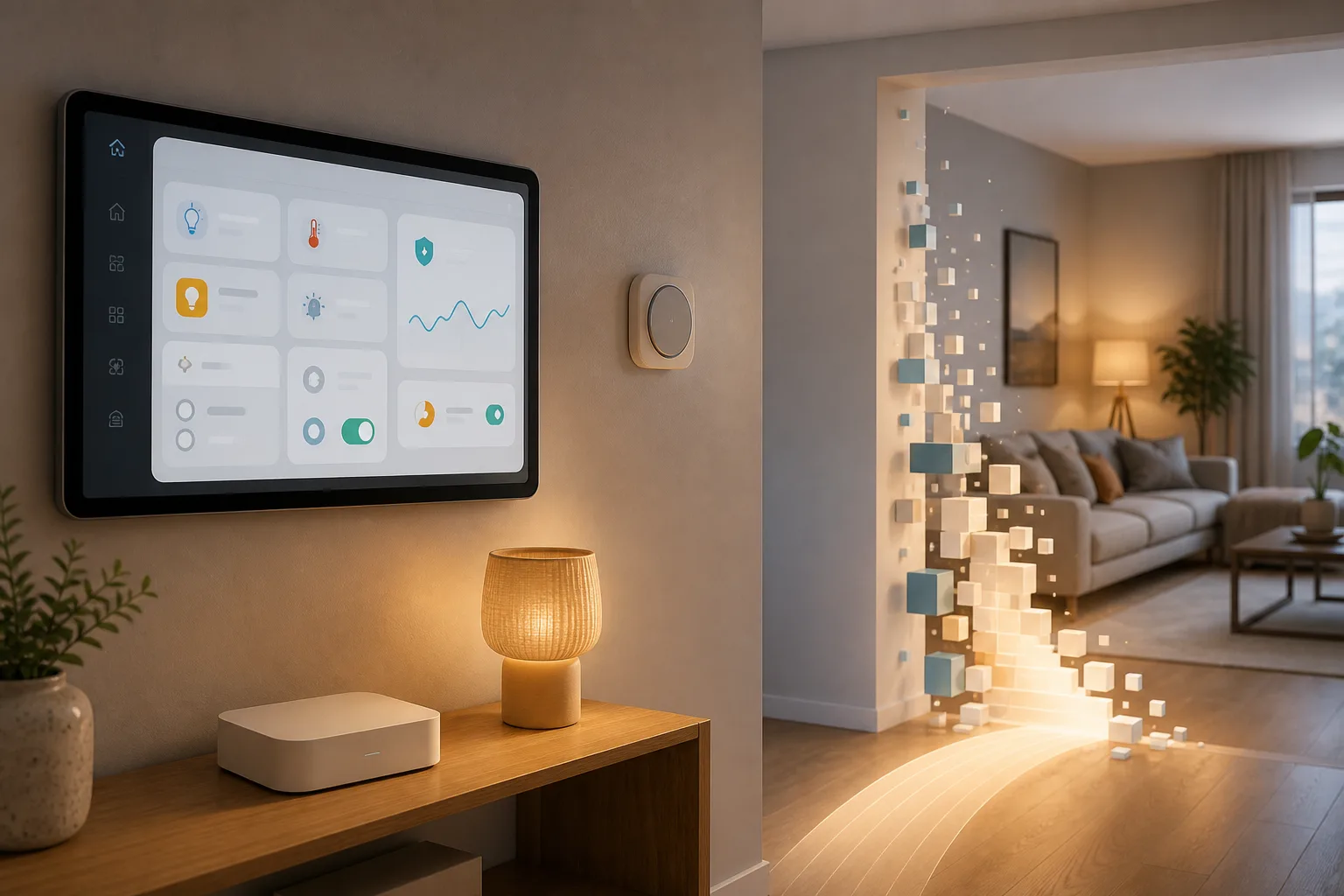
Why :8123 became a symbol
For people already inside the Home Assistant community, homeassistant.local:8123 is almost folklore. It is the thing you type once, bookmark, and stop seeing. For everyone else in the house it is a small warning sign: this system may be powerful, but it speaks in habits learned from servers rather than appliances. Home Assistant’s official release notes describe the change as “the same Home Assistant, minus the magic number”, and that wording is unusually honest for a technical release. The team is not pretending that one default port blocked mass adoption by itself. It is saying that dozens of small technical tolls add up.
The narrow fact matters. The default address change applies to brand-new Home Assistant OS installations. If your current installation works, the official guidance is essentially to leave it alone. Your existing port keeps working. Bookmarks, the companion app, dashboards on wall tablets, reverse-proxy rules and external integrations do not need a weekend migration just because the release headline mentions the port. The beta discussion was explicit about this, too: brand-new HAOS installs are the affected case; Container and Docker installs keep the user’s own port mapping model.
That distinction is the difference between a useful change and update panic. A new user who flashes a Home Assistant Green or a Raspberry Pi image gets a cleaner first visit. A long-time user with HTTPS, local DNS, Nginx, Tailscale, a tablet kiosk and ten automations pointing at internal URLs should not treat the release as a command to simplify everything at once.
The practical checklist before touching the address
If you do decide to change the web server port because a cleaner address is worth it, treat it like a household infrastructure change, not a cosmetic toggle. First list every place that reaches Home Assistant directly: browser bookmarks, mobile companion apps, old tablet dashboards, voice assistant callbacks, NFC tags, webhooks, reverse proxies, VPN bookmarks, local DNS records and any documentation you gave to family members or tenants. The official notes specifically call out bookmarks, connected services and the mobile app as things that may need updating.
Second, check how the outside world reaches the inside system. If you use Home Assistant Cloud, the change may be much simpler because remote access is abstracted away. If you use your own reverse proxy, you need to confirm the upstream target, trusted proxies, forwarded headers and TLS termination. The community thread quickly surfaced exactly this anxiety: one user with use_x_forwarded_for and trusted_proxies in the old http: YAML block asked where those settings live now. That is a fair question, not resistance to progress.
Third, keep a rollback path that does not depend on the same URL you are changing. Home Assistant 2026.8 helps here. The web server settings now live in the interface, and when you apply a change Home Assistant waits for confirmation that access still works. If you do not confirm within five minutes, it restores the previous settings and restarts. If the new settings cannot be applied, it falls back right away. That design matters because home automation often runs without a keyboard and monitor attached; a bad network setting should not turn a light controller into a recovery project.
Fourth, tell the people in the house what changes. A smart home is not really smart if only one person knows the secret route to the controls. Put the new address in the family chat, update the tablet home screen, print a small QR code if the setup is for a rental or guest room, and remove old shortcuts that will cause confusion later. Convenience is not just the first setup wizard. It is the morning after the person who installed everything is away.
Moving HTTP settings out of YAML is bigger than it looks
Home Assistant users have long lived with a split personality: everyday controls in the interface, deep configuration in YAML. YAML is not bad. It is readable, versionable and powerful. It also creates a social problem. The person who can edit configuration.yaml becomes the keeper of the house infrastructure, while everyone else is a passenger.
In 2026.8, web server settings such as the port, the network connection Home Assistant listens on and trusted proxies can be managed from the interface. Existing YAML settings are imported on first start after the update. The official notes say the import should not break the running configuration; a repair may appear to explain that the old YAML can be tidied up. That is the right default for an installed base: move the normal path to the UI, but do not punish people who already built a working system.
The risk is not gone. Users with complex TLS, multiple interfaces, reverse proxies or unusual add-ons still need to read the release notes and understand where responsibility moved. The community’s “what if Home Assistant does not start?” worry is legitimate because HTTP settings are foundational. The five-minute confirmation model answers the most common lockout scenario, but it does not eliminate every edge case. Good simplification should make the safe path obvious without hiding the escape hatch from people who maintain complicated houses.
Words can make a home feel off-limits
The release also removes “advanced” and “expert” labels in about 43 places across the app, documentation and companion apps. It renames Developer Tools to Tools. On paper that sounds like copy editing. In a smart home, it is closer to access control for confidence. A label that says “developer” tells a spouse, parent, installer’s client or new owner: this area is probably not for you. Yet many things in that area are ordinary household troubleshooting: checking whether a sensor is on, testing a template, reloading a part of the setup, or seeing why an automation did not run.
The official release phrase is “describing the feature, not the user.” That principle is useful beyond Home Assistant. Smart-home systems should not sort residents into normal people and experts before they can understand their own apartment. If a tool is dangerous, say what it changes and add guardrails. If it is merely detailed, describe the detail. People learn faster when the interface names the task instead of judging their skill level.
This does not mean every option should be flattened into a toy interface. Power users keep Home Assistant alive: they build integrations, document edge cases, test betas, run local voice stacks and recover hardware that vendor apps abandon. The better lesson is progressive disclosure. The door should be visible, the handle should be labelled in human language, and the dangerous switch should explain itself before it moves.
Entity IDs are not just neatness
Home Assistant 2026.8 adds a system-wide choice for entity ID formatting after feedback around earlier naming work. That sounds like a small preference until you maintain a house with dozens or hundreds of entities. Names such as light.kitchen_ceiling, sensor.hallway_motion or switch.boiler_relay are not decoration. They appear in automations, scripts, dashboards, logs and troubleshooting conversations. A naming scheme that makes sense to the installer may be confusing to the person who later inherits the setup.
The new direction lets users rename entity IDs and control how they are ordered so the result follows the pattern that works for that home. For a small flat, room-first names may be best. For a large house with repeated devices, device-first or function-first names may be clearer. For a professional installer, consistent names reduce support calls. For a family, readable names make it easier to ask for help without sending screenshots full of mystery tokens.
The practical advice is simple: do not rename everything because a new setting exists. Pick a convention, document it, and change names when the benefit is obvious. After renaming, test automations and dashboards that might refer to entity IDs directly. Home Assistant usually manages references well, but older custom cards, templates and external scripts can be less forgiving.
Why separated devices may briefly look messier
Another 2026.8 change is behind the scenes but important for reliability. Previously, if one physical device appeared through multiple integrations, Home Assistant could merge that information into one device. The release now separates devices by integration entry instead of collapsing everything together. The developer blog describes the underlying rule more strictly: devices are restricted to a single config entry and at most one subentry.
For many households, nothing visible changes. Where a previously merged device is split, entities should move to the right device automatically and automations should keep working. In rare setups a device may appear twice, or a repair may ask for attention. That can feel like the system got less tidy. The reason is the opposite: Home Assistant is trying to avoid ambiguous device records where model, serial number or integration-specific details fight each other.
This is a useful reminder that “simple” is not always “fewer rows on a screen.” Sometimes a trustworthy interface shows two accurate device entries instead of one blended object that hides important differences. For troubleshooting, especially with bridges, Matter devices, vendor cloud integrations and local protocols, knowing which integration owns which part of a device can save hours.
The community argument is healthy
The official release thread had hundreds of posts and thousands of views soon after publication, and the beta thread had already highlighted the same themes: the port, UI-managed HTTP settings, entity ID formatting, friendlier wording and device registry changes. Home Assistant Podcast HA245 also framed the release around practical user impact rather than a dry change list. Specialist blogs and creators picked up the “goodbye port 8123” angle because it is instantly understandable.
The best reading of that reaction is not “users fear change.” It is that smart-home users understand the stakes. A home automation platform is not a note-taking app. It may control heat, lights, water-leak alerts, door locks, cameras, baby-room sensors and power monitoring. Removing scary language is good. Hiding critical behavior would be bad. The line between the two has to be argued in public.
Open-source projects have an advantage here. The release notes, beta thread, community questions, developer blog and roadmap repositories are all visible. Users can disagree before the assumptions harden. That public friction is one reason Home Assistant can make a simplification push without becoming a closed appliance.
What different users should do
New users should welcome the cleaner default and resist the urge to copy every expert pattern from a forum on day one. Start with Home Assistant OS, a stable address, a backup plan, a few important automations and names that a non-technical person can read. Add complexity only when a real household need appears.
Existing Home Assistant OS users should update carefully, read the breaking-change notes and leave the port alone unless there is a clear reason to change it. If you do change it, use the UI path, wait for confirmation, then update companion apps, shortcuts, proxies and local notes. Take a backup first because a reliable smart home starts with recovery, not with a prettier URL.
Users with reverse proxies, HTTPS, multiple network interfaces, custom YAML or container installs should treat 2026.8 as a prompt to audit, not a mandate to remodel. Confirm where web server settings now live, whether imported YAML created a repair, and whether external tools still reach the same endpoint. Container users in particular should remember that their port mapping is part of the container deployment, not the new HAOS default story.
Installers and family technologists should see the bigger opportunity. The win is not telling everyone “the port is gone.” The win is turning a personal hobby system into household infrastructure that someone else can find, understand and safely operate. Write down the dashboard address. Use human names. Keep backups visible. Explain where Tools lives. Leave enough documentation that the house still works when the expert is on a train.
Why this release matters
Home Assistant 2026.8 is not important because it removes a number from a new install address. It matters because it names a mature smart-home problem: power is easy to add and hard to share. A platform can have thousands of integrations and still fail a household if the control panel feels like a secret admin console.
The better smart home is not the one with the most toggles. It is the one that can be maintained without fear, recovered after mistakes and explained to the people who live with it. Home Assistant is trying to move in that direction without abandoning the users who made it powerful. The argument around :8123, YAML, entity IDs and device splitting is therefore not a side story. It is the real story of open-source home automation growing up.
Related articles
Wi-Fi smart plugs for heaters, boilers and electric blankets: convenience with electrical limits
A smart plug can be useful for lamps and fans, but heaters, boilers and electric blankets turn convenience into a power-electrics decision.
Shelly Wall Display as a Matter Controller: Useful Upgrade, Not a Hub Replacement for Every Home
Shelly's Wall Display firmware 2.8.0 makes some panels Matter controllers and Matter devices. The useful part is local room control; the catch is Thread, wiring, and platform expectations.
Ring TAKE makes smart cameras safer by default, but not fully private
Ring’s new encryption is a real improvement for ordinary homes, but owners still need to choose between cloud convenience, E2EE and local-first cameras.
Matter got better. Your router can still ruin the smart home
Home Assistant’s 2026 Matter upgrade is real progress, but pairing failures show why buyers should check controllers, Thread border routers, IPv6 and multicast before filling a home with new devices.
Comments
Sign in to comment.
No comments yet.