IKEA Matter-over-Thread is cheap smart home, but not yet effortless
IKEA’s new Matter devices could make smart homes cheaper, but early pairing issues show why buyers still need to understand hubs, Thread routers and setup risk.

IKEA’s new Matter-compatible smart-home line should be the easy version of modern home automation: cheap bulbs, buttons, plugs and sensors from a brand ordinary households already trust. In November 2025 IKEA announced 21 Matter-compatible products across lighting, sensing, controls and plugs, including KAJPLATS bulbs, MYGGSPRAY motion sensors, MYGGBETT door and window sensors, TIMMERFLOTTE temperature and humidity sensors, ALPSTUGA air-quality sensors, KLIPPBOK leak sensors, BILRESA remotes and the GRILLPLATS smart plug.
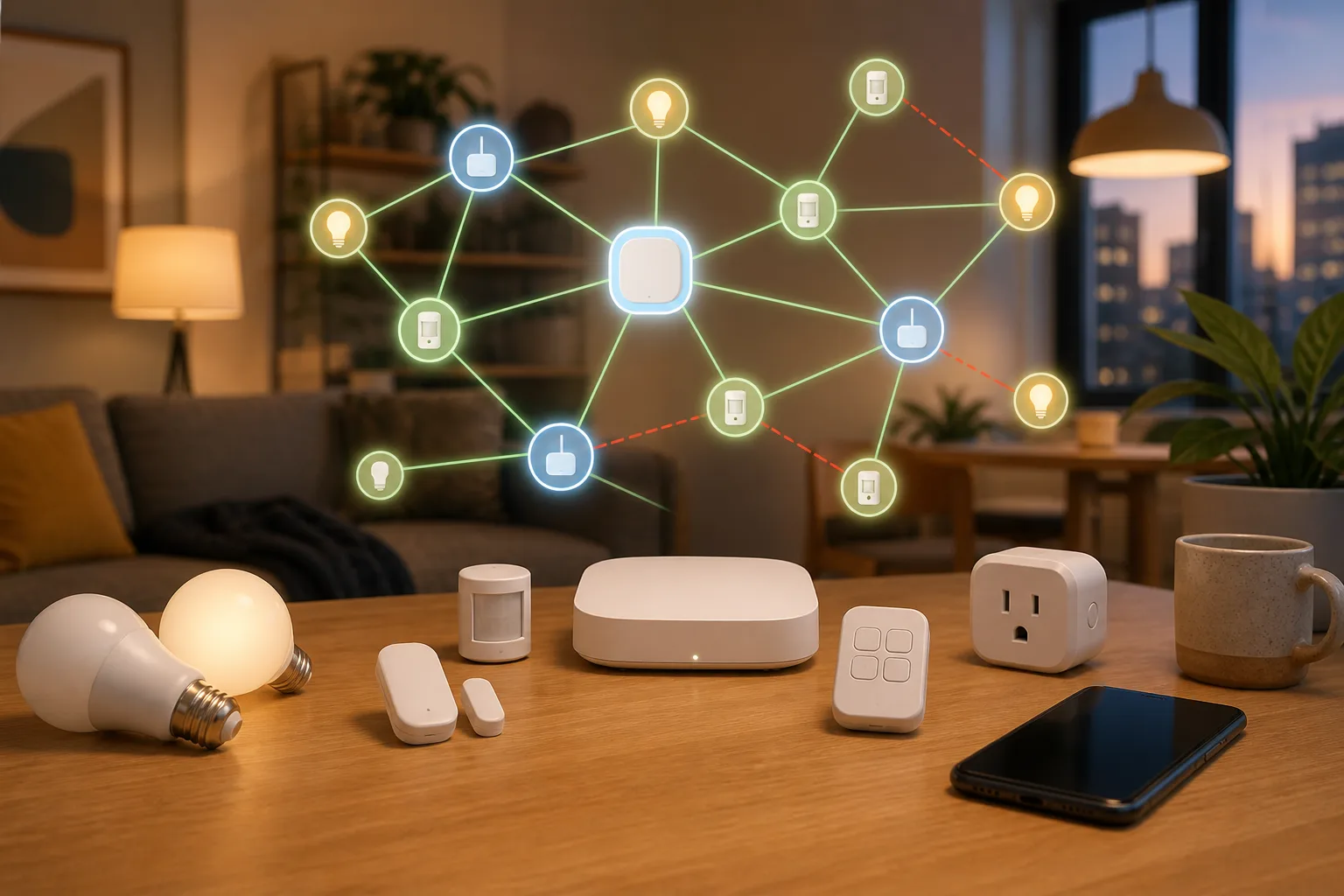
That is exactly why the early connection problems matter. A Matter logo suggests “works with my home.” The lived setup can still involve a DIRIGERA hub, a Thread border router, IPv6, a 15-minute pairing window, Bluetooth proximity, firmware updates, and sometimes temporarily unplugging other Thread routers such as an Apple TV or Google Nest Hub. For a smart-home enthusiast, that is troubleshooting. For a normal apartment, it is the difference between useful automation and a drawer full of reset buttons.
Why IKEA’s Matter line matters
IKEA is not a boutique smart-home brand. If Matter and Thread are going to reach ordinary homes, IKEA is one of the most plausible paths. The company’s pitch is affordable and expandable: buy a few lamps, a motion sensor, a water-leak sensor, a button and a plug, then connect them to a hub or ecosystem you already use.
The product mix is also right for real homes. People do not usually start automation with a full custom rack. They start with a hallway light, a button near the bed, a leak sensor under the sink, a contact sensor on a balcony door or a smart plug for a lamp. IKEA’s range targets exactly those simple jobs.
Matter should make that easier. It is the application-layer standard meant to let devices work across ecosystems such as Apple Home, Google Home, Amazon Alexa, Samsung SmartThings and Home Assistant. Thread is the low-power mesh network many battery devices use underneath. In theory, the buyer should not need to care about those layers. In practice, the buyer may discover them during setup.
What went wrong for early buyers
The Verge reported in February 2026 that IKEA’s cheap new Matter-over-Thread gear was struggling to get connected, after weeks of testing in which only some devices could be added after repeated attempts. The report also noted similar complaints from IKEA customers on the Tradfri subreddit, website reviews and other testers. 9to5Mac, PCMag and The Ambient covered the same issue, with IKEA acknowledging that some customers were experiencing connection problems in certain home environments.
The complaints were not only “one bad sensor.” They described the messy middle of Matter-over-Thread onboarding: devices that do not appear during pairing, devices that join one ecosystem but not another, devices that connect and later stop responding, and setups where IKEA Home smart, Apple Home, Google Home, Alexa or Home Assistant see different realities.
Home Assistant community threads show why this becomes hard. Users trying BILRESA remotes, MYGGBETT contact sensors or DIRIGERA Matter integration quickly ran into questions about IPv6, Apple TV 4K as a Thread border router, OpenThread Border Router, subscription liveness timeouts and whether a device is being bridged over Wi-Fi or paired as native Matter-over-Thread. Those are legitimate engineering details. They are not details a person expects when buying a cheap button.
The problem is not only IKEA
It is tempting to blame the devices, but Matter-over-Thread failures often sit between several layers. The device has firmware. The phone performs commissioning, often using Bluetooth during setup. The hub or controller must understand Matter. A Thread border router must bridge the low-power Thread mesh to the local network. The router must handle IPv6 properly. If there are several ecosystems, multi-admin sharing adds another path where things can fail.
That stack is the cost of interoperability. A Zigbee-only system with one hub can be less universal on paper but more predictable in one house. Matter-over-Thread promises freedom from a single vendor, but it also introduces a distributed setup where Apple, Google, Amazon, Samsung, Home Assistant, IKEA and the home router all matter.
This is why “Matter-compatible” is not the same as “no setup knowledge required.” It means the device speaks the standard. It does not guarantee that your particular mix of border routers, firmware versions, Wi-Fi settings and controller apps will behave perfectly on the first try.
What IKEA’s own advice reveals
IKEA’s Home smart FAQ is useful because it makes the hidden checklist visible. IKEA says Matter products are ready to connect for 15 minutes after being powered on; after that, pairing must be reactivated or the product may need a reset. During setup, the product can use Bluetooth, so the phone should be close to both the hub and the product.
The FAQ also advises homes with multiple systems and brands to disconnect other Thread border routers temporarily. Examples include Google Nest Hub and Apple TV. That is a serious clue: the issue may not be whether a bulb is cheap, but which Thread network the home is trying to use and which controller is currently steering the setup.
Other advice is equally practical: keep the IKEA app and DIRIGERA updated, restart router, hub and phone, check IPv6, use 2.4 GHz Wi-Fi during setup, and reset the Thread network only when needed. These steps are reasonable. They are also far from the ordinary expectation of “scan code, done.”
DIRIGERA, Matter controller and Matter bridge
IKEA says its Matter-enabled products need a smart-home hub, such as DIRIGERA or a hub from another brand. DIRIGERA is positioned as a certified Matter controller and Matter bridge. That means it can control Matter products and also expose existing non-Matter IKEA smart products to Matter platforms.
For many households, the cleanest IKEA-first path is still DIRIGERA. It gives one obvious place for IKEA firmware updates, device management and automations. If the goal is cheap lights, plugs, sensors and buttons with minimal experimentation, starting in the IKEA app can reduce the number of variables.
But DIRIGERA does not magically remove Thread complexity when a home also has Apple TV, HomePod, Nest Hub, Eero, SmartThings, Home Assistant or other border routers. The more ecosystems you add, the more important it becomes to decide which controller is primary and how devices are shared.
Apple Home, Google Home, Alexa and Home Assistant
For Apple Home users, the key question is whether the home already has a reliable Thread border router, such as a compatible Apple TV or HomePod, and whether IKEA’s device can be commissioned cleanly into that fabric. A device that first appears in Apple Home may still create confusion when shared into Home Assistant or another platform.
For Google Home and Alexa users, the lesson is similar: Matter support is not a single universal switch. The platform, hub generation, Thread support and device type all affect the result. A Matter logo on a sensor does not guarantee identical controls or reliability everywhere.
Home Assistant users have the most flexibility and the most rope. Home Assistant’s Matter documentation correctly emphasizes local control and the difference between Matter, Thread and vendor clouds. But a flexible stack also means more decisions: which border router, which Matter server version, how IPv6 is configured, how devices are shared, and whether to keep some older Zigbee devices instead of migrating everything.
When the new IKEA devices make sense
They make the most sense for small, non-critical automations where price matters and you are willing to update firmware. A lamp, bedside button, hallway motion trigger, secondary temperature sensor or test plug is a good first purchase. If pairing fails, the cost of failure is annoyance, not safety.
They also make sense when you want to learn Matter and Thread slowly. Buy one or two devices, not twenty. Put them near the hub first. Confirm that your main ecosystem sees them reliably for several days. Then expand. A cheap device is still expensive if it consumes a weekend of troubleshooting.
For IKEA-first households, DIRIGERA is the most coherent starting point. For Apple-first or Home Assistant-first households, test with one device before assuming the whole range will behave the same way.
When to wait
Wait if the automation is safety-adjacent: water leaks under expensive flooring, door sensors used as security signals, motion sensors relied on by elderly relatives, or any alert where a missed notification matters. Matter and Thread can be local and reliable, but an early product line with reported onboarding issues should not be your only protection.
Wait if your home already has a complicated Thread environment. Multiple Apple TVs, Nest Hubs, Eero routers, Home Assistant border routers, DIRIGERA and SmartThings hubs can all be legitimate devices. Together, they can turn setup into topology management. If you do not want to learn what a border router is, do not rebuild the house around a new Thread range yet.
Also wait if your current Zigbee setup works. There is no prize for migrating a stable light or button network to Matter early. Matter’s promise is long-term interoperability, not immediate magic.
A practical buying checklist
Before buying, identify your primary controller: DIRIGERA, Apple Home, Google Home, Alexa, SmartThings or Home Assistant. Then identify your Thread border router. If you do not know which device in your home plays that role, learn that before buying a bag of sensors.
Check whether your router has IPv6 enabled on the local network. Make sure the phone used for setup is on the expected Wi-Fi, and if IKEA recommends 2.4 GHz during setup, follow it. Update the app, hub and phone before opening the package.
Buy from a store with a clear return path. Keep packaging until the device has worked for several days. For battery sensors, test the exact room where they will live, not only the desk next to the hub. Thread is a mesh, but walls, distance and router placement still matter.
Setup order that reduces pain
Start with one ecosystem. If you want an IKEA-first home, add the device to DIRIGERA first and confirm it works in IKEA Home smart before sharing it outward. If you want Apple Home first, start there and do not simultaneously commission through multiple apps. If you use Home Assistant, read its Matter and Thread guidance before pairing, not after the third reset.
Keep the phone close to the product and hub during commissioning. Respect the 15-minute pairing window. If pairing fails repeatedly, reset the device cleanly rather than half-resetting it into an unknown state. If IKEA’s FAQ says to temporarily disconnect other Thread border routers, do that deliberately, then reconnect them after setup.
Document what works. In a mixed smart home, the boring notes matter: which hub added the device, which app owns the automation, which room has weak signal, which firmware version fixed an issue. Future you will thank present you.
Zigbee is not suddenly obsolete
IKEA’s older TRÅDFRI and Zigbee universe is less glamorous than Matter-over-Thread, but many homes already have stable Zigbee devices. Zigbee with DIRIGERA, or Zigbee2MQTT for enthusiasts, can still be the better choice for simple lights and buttons if reliability matters more than cross-ecosystem purity.
The smart move is not “Matter everywhere immediately.” It is choosing the least fragile path for each job. Decorative lighting can tolerate experimentation. Leak sensors and security-like triggers deserve caution. A rental apartment with one hub is different from a house with mesh Wi-Fi, Apple TV, Nest devices and Home Assistant.
The verdict
IKEA’s Matter line is important because it could make modern smart-home automation cheap and ordinary. The company is selling the right categories at the right price level, and Matter-over-Thread is the right long-term direction for many battery devices. But the early reports show that the standard is not yet invisible to normal buyers.
Buy now if you are starting small, can update firmware, have a clear primary hub, and are using the devices for comfort rather than critical alerts. Wait if you need “works first time” reliability, already have a complex Thread home, or do not want to touch IPv6, border routers and factory resets.
The best approach is boring: one or two non-critical devices, one primary controller, updated firmware, a return window, and patience before replacing a working Zigbee setup. IKEA may help Matter reach everyday homes, but in 2026 the smartest home is still the one that avoids unnecessary complexity.
Related articles
Do not throw out Zigbee yet: what Matter over Thread tests mean at home
New practical tests and user reports show Zigbee can still feel faster for lights and sensors, while Matter over Thread is a future-facing choice that needs careful setup.
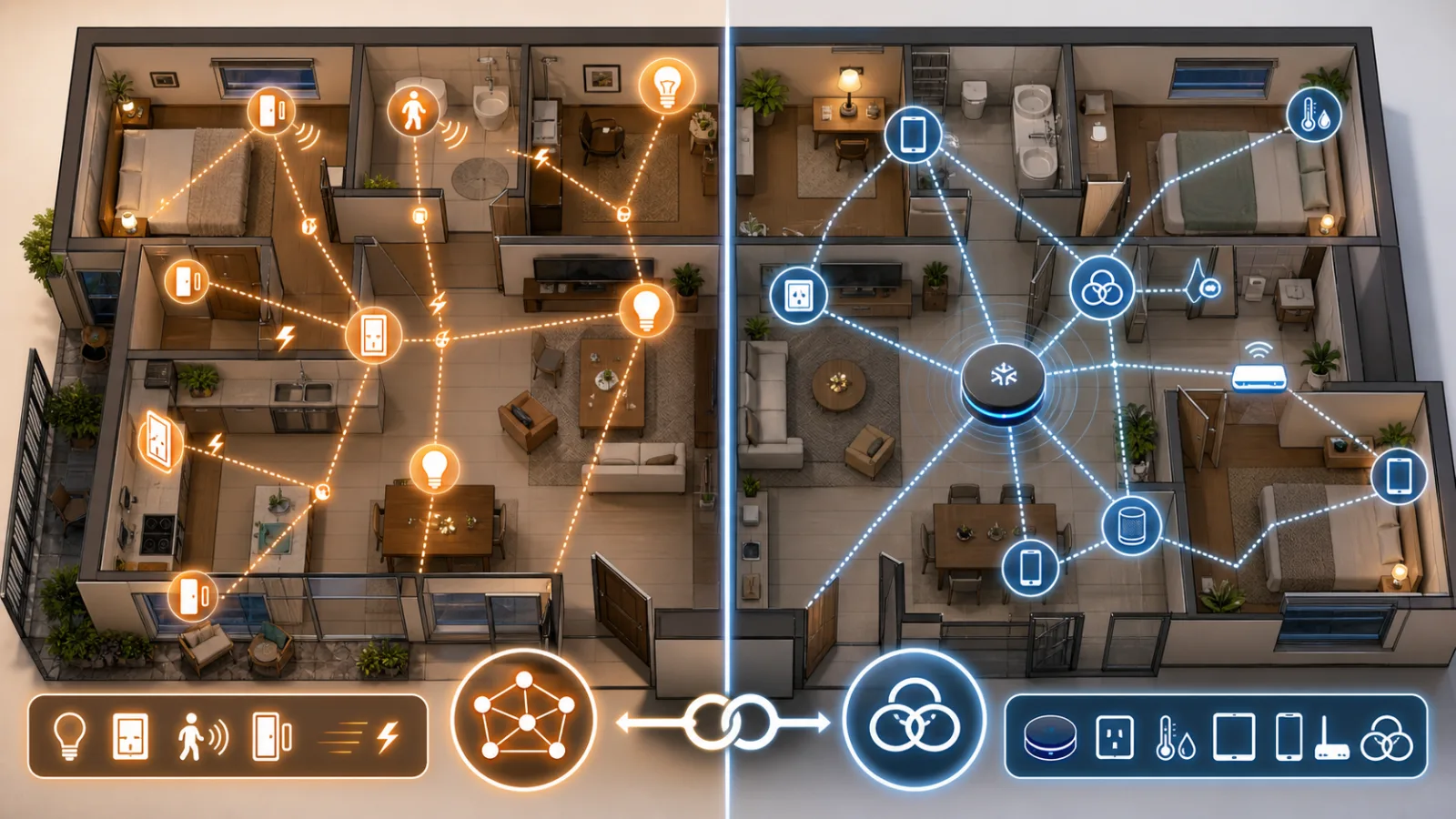
Shelly Wall Display as a Matter Controller: Useful Upgrade, Not a Hub Replacement for Every Home
Shelly's Wall Display firmware 2.8.0 makes some panels Matter controllers and Matter devices. The useful part is local room control; the catch is Thread, wiring, and platform expectations.
Do Not Build the Smart Home on One Cloud Speaker
Fresh Google Home problems are a reminder to design smart homes with voice as a convenience, local logic for important routines, and physical fallback for the things people use every day.
Не выбрасывайте Zigbee: что тесты Matter over Thread значат для дома
Новые тесты и отзывы показывают: Zigbee всё ещё часто быстрее для света и датчиков, а Matter over Thread стоит внедрять осознанно и постепенно.
Comments
Sign in to comment.
No comments yet.