Cursor, git.exe, and the Trust Boundary Developers Keep Crossing
The Cursor repo-poisoning dispute is not a reason to panic. It is a clear reminder that unknown repositories, AI coding tools, and Windows developer workstations need sharper trust boundaries.

The noisy version of the story is easy to misunderstand: “a 0-day in an AI editor runs code by itself.” The calmer version is more useful. A security firm says Cursor on Windows can execute a file named git.exe from the root of an opened repository while the editor is trying to locate Git. Cursor says the risk is narrowly scoped and belongs to shared responsibility for untrusted workspace inputs. Both positions point to the same practical lesson: opening an unknown repository in a powerful AI-assisted developer tool is no longer a passive act.
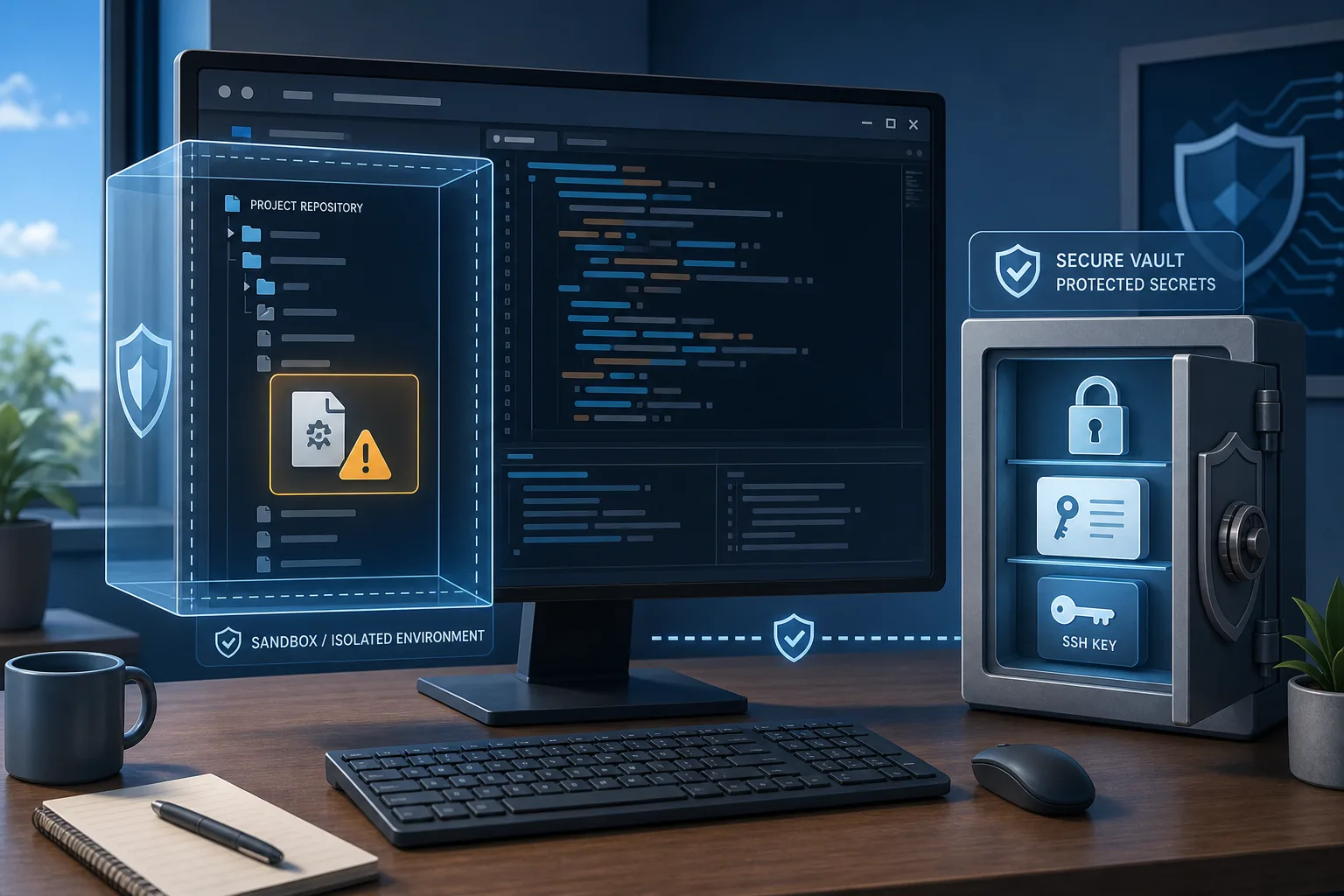
Mindgard published full technical details in mid-July after a disclosure process it says began on December 15, 2025. In the firm’s proof of concept, Windows Calculator was renamed to git.exe, placed in a repository root, and launched when the project was opened in Cursor. The claim is not that the model was tricked by a prompt, or that every Cursor user is compromised, or that macOS and Linux users face the same described path. The preconditions matter: Windows, Cursor, a repository containing a malicious executable named exactly git.exe, and project opening or loading behavior that triggers Git discovery.
That is still enough to take seriously. Developers routinely clone unfamiliar repositories to inspect pull requests, reproduce bugs, evaluate tools, run coding-agent experiments, or follow instructions from colleagues and strangers. Their machines often contain SSH keys, cloud credentials, package registry tokens, internal source code, VPN access and browser sessions. A local, repo-triggered execution path is not the same as a worm on the internet. It is also not harmless when the endpoint is a developer workstation.
What is being alleged
Mindgard’s disclosure says Cursor tries several locations while looking for a Git binary after loading a project and can run a repository-root git.exe automatically. The article describes repeated execution without a click, approval prompt or visible trust decision. Cyber Security News reported that Sysinternals Process Monitor logs showed Cursor.exe spawning the planted binary with git rev-parse --show-toplevel. The Hacker News added a useful technical caveat: the public write-up does not definitively show whether Cursor explicitly searches the workspace path or passes an unqualified git to Windows process creation and lets Windows search order choose the local file.
That distinction matters to implementers, but not much to a defender deciding how to handle unknown repositories. In both explanations, a file shipped inside the workspace is treated as executable before the user has made an explicit trust decision about that workspace. The old vulnerability class is usually described as untrusted search path, current-directory executable resolution, or related CWE-426/CWE-427 territory. The new context is that an AI coding IDE is doing the probing while developers move faster through untrusted code.
Mindgard says it reported the issue in December 2025, saw the HackerOne report reopened and reproduced, and then received no meaningful resolution for months before public disclosure. The firm also says more than 197 Cursor releases passed during that period. Those process claims are Mindgard’s account and should be treated as attributed, not independently proven in every detail from the outside. What is public and verifiable is that the dispute became visible, that Cursor responded in a forum post rather than a security advisory, and that the issue drew a large Hacker News thread and broad coverage across security outlets.
The evidence has a limitation that should be near the top of any calm analysis. The Hacker News reported that Mindgard’s most recent dated confirmation was Cursor 3.2.16 on April 30, while the current release it noted was Cursor 3.11 from July 10. Asked which newest version it tested, Mindgard reportedly named 3.2.16. At collection time for this article, I found no official Cursor advisory or CVE specifically covering the repository-root git.exe issue. That does not prove the behavior is fixed or unfixed in every newer build; it means teams should verify their own version, monitor Cursor’s changelog and advisories, and avoid treating an old test result as a complete current-state guarantee.
What Cursor says
Cursor’s public forum response frames the report as out of scope for its bug bounty program. The company says it operates under a shared responsibility model for workspace and agent-context inputs: customers decide which repositories, prompts, external content, MCP servers, rules and tools to introduce, while Cursor provides controls for that trust boundary. In Cursor’s framing, a finding that depends on a malicious input already being present in that context generally falls outside bounty scope.
The company also describes the practical risk as narrow: Windows only, only when a user opens a folder containing a malicious executable named git.exe in the repository root. It points to Workspace Trust and restricted mode as controls for untrusted repositories. At the same time, Cursor acknowledged a process failure, saying it did not close the loop with the researcher in a timely way and would address that process issue.
This is not an absurd position. Security products and developer tools cannot make arbitrary untrusted code safe merely because it arrived through Git. A repository can contain malicious package scripts, build steps, Git hooks, binaries, extensions, task files and dependency confusion traps. Users and organizations do choose which inputs enter their environment.
But shared responsibility is not a magic phrase that dissolves product responsibility. The disputed boundary is exactly where developer tools need to be explicit. “I opened a folder to read code” is different from “I approved execution of a binary stored in that folder.” The more a tool automates project inspection, dependency setup and agent actions, the more it must separate reading from running. If a default workflow turns a cloned repository into code execution before a trust prompt is meaningful, defenders are right to ask for a safer default, a clear advisory, or at least exact documentation of the risk.
Why the Hacker News fight was predictable
The Hacker News discussion became heated because both sides of the comment-section argument have a point. Some developers argued that a malicious executable in a repository is already dangerous. On Windows, current-directory and executable search behavior has a long history; if a user enters a malicious folder and runs an unqualified command, the local binary may be picked before the intended system binary depending on the shell and invocation path. In that view, Cursor is being blamed for a class of risk that predates AI editors.
Others argued that this misses the developer-workflow reality. Cloning a repository is normal. Opening it in an editor is normal. Reading unfamiliar code is normal. Security review, bug reproduction and open-source contribution all depend on that normal behavior. The difference between “the user ran git inside a repo” and “the editor ran a repo-root executable automatically while opening the repo” is not pedantry; it is the trust boundary.
That boundary is exactly why Workspace Trust exists in VS Code-derived environments. It tries to mark some folders as untrusted and restrict features that may execute code. Several HN commenters immediately focused on whether Cursor ships Workspace Trust enabled, whether restricted mode blocks the Git probing before execution, and whether users can reasonably know which editor features are safe. Those are the right questions. The answer should not depend on reading a long social thread after a disclosure dispute.
Do not confuse this with DuneSlide
The timing is confusing because Cursor has had other recent AI-tooling security stories. The DuneSlide vulnerabilities, tracked as CVE-2026-50548 and CVE-2026-50549, were reported by Cato AI Labs and described as prompt-injection paths that could escape Cursor’s sandbox and run commands. The Hacker News reported those bugs were fixed in Cursor 3.0, released April 2.
The Mindgard git.exe report is a different issue. It is not a prompt injection bug. It does not require the model to read malicious instructions. It is about local executable resolution during project loading or Git discovery. Mixing the two stories makes the risk sound like “AI magic” and hides the boring but important engineering problem: tools that inspect untrusted workspaces must not quietly cross from file reading into host execution.
The broader context still matters. CurXecute, MCP-related poisoning concerns, Git-hook issues, symlink and approval-boundary reports, and DuneSlide all point at a shared theme: AI coding tools concentrate many old developer risks into one workflow. They read untrusted text, manage tools, run shells, edit files, see secrets and sometimes operate faster than human review. The answer is not to ban all AI development tools. It is to design them as high-risk developer endpoints and operate them accordingly.
Who is actually at risk
A home user who only opens their own repositories on macOS is not the main scenario described here. A Windows developer who frequently clones unknown repositories into Cursor is closer. An open-source maintainer reviewing reproduction repos from strangers is closer still. A security engineer triaging proof-of-concept code, a platform developer evaluating packages, or a team using agents to inspect arbitrary customer or vendor code should treat the scenario as plausible.
The business risk depends on what the developer workstation can reach. If the machine has production cloud credentials, SSH keys for internal Git, package publish tokens, password manager sessions, VPN access and EDR exclusions, a single user-level process can still do serious damage. If the machine is isolated, secrets are short-lived, sensitive actions require separate authentication, and unknown repos are opened in containers or VMs, the same bug class becomes much less dramatic.
There is no public evidence in the sources checked for this article that the Mindgard issue is being exploited in the wild. That should lower the temperature, not end the conversation. The point of defensive practice is to shrink the blast radius before a neat proof of exploitation appears.
What individual developers should do now
First, update Cursor and keep checking official release notes, security advisories and the forum response. Because the public evidence around current versions is incomplete, do not assume either “definitely vulnerable forever” or “quietly fixed.” Verify the build you run and watch for explicit language about Git binary resolution, Workspace Trust, restricted mode and Windows behavior.
Second, enable Workspace Trust or restricted mode for unfamiliar folders if it is not already active in your setup. Treat the first opening of a repository as a trust decision, not as a harmless preview. If the editor offers a restricted mode, use it until you have inspected the project.
Third, do not open arbitrary repositories directly on the main host. Use Windows Sandbox, a VM, a devcontainer, WSL with careful boundary choices, or a disposable cloud development environment for unknown code. The goal is not perfect isolation for every hobby project; it is to keep stranger-provided workspaces away from the machine that holds your keys and production reach.
Fourth, scan the repository root before opening it in a powerful IDE. Look for unexpected executables and scripts: git.exe, package-manager wrappers, build binaries, .cmd or .ps1 files, task definitions, hooks, extension recommendations and configuration that can run code. This is not a full security review, but it catches the obvious trap.
Fifth, separate secrets. Developer convenience often leaves long-lived tokens in environment variables, local config files and shell history. Use short-lived credentials, scoped tokens, hardware-backed keys where practical, and separate accounts for experiments. If an unknown repo gets code execution, the most important question becomes what that process can steal.
What security teams should do
Start by writing a policy that developers can actually follow. “Do not use AI tools” will be ignored in many organizations. Better: unknown repositories go into isolated environments; production credentials do not live in general-purpose coding sessions; AI agents may not run with broad cloud-admin privileges; high-risk proof-of-concept code gets a disposable VM; and editors must use Workspace Trust or equivalent controls.
On Windows fleets, consider application control rather than hash blocklists. Mindgard suggested AppLocker or Windows Defender Application Control path rules that deny executables under workspace roots. That kind of rule can be brittle and may break legitimate workflows, so pilot it with developers instead of dropping it as a surprise. Parent-aware blocking — for example, alerting when Cursor.exe spawns a binary from a repository path — usually requires EDR logic or custom telemetry. It is worth testing, especially for teams that handle untrusted code.
Instrument the obvious signals. Alert on code editors launching executables from user repository directories, sudden child processes named like developer tools but located in a project root, unusual access to SSH keys and cloud config files, and package publish activity from workstations that normally do not publish. These detections should be tuned; noisy controls become shelfware.
Finally, treat vendor disclosure posture as part of procurement. Ask AI tooling vendors how they define untrusted workspace inputs, what is in bounty scope, what restricted mode blocks, where advisories are published, how quickly reports are acknowledged, and whether enterprise admins can enforce trust settings. A tool that says “shared responsibility” should also expose the controls that make responsibility workable.
What not to do
Do not run random proof-of-concept repositories because a headline made you curious. Do not assume that antivirus or SmartScreen will always catch a renamed executable inside a cloned folder. Do not rely on blocking the hash of one demonstration binary. Do not turn this into a culture-war verdict on Cursor or AI coding as a category. And do not tell developers that a local malicious repo is impossible because “they already chose to download it.” Modern development requires reading code from outside the organization; the safe answer is containment, not denial.
Also avoid overclaiming. The currently public story does not prove mass compromise. It does not show that every Cursor version after 3.2.16 is affected. It does not make the separate DuneSlide prompt-injection CVEs the same bug. A calm defensive article should keep those boundaries clear.
The real lesson
The useful lesson is not “panic about Cursor.” It is that developer workstations are now a first-class attack surface, and AI coding tools make old trust-boundary mistakes more consequential. The distance between “look at this repository” and “run something on my computer” keeps shrinking. Editors, agents, package managers and build systems must make that boundary visible.
For users, that means treating unknown repositories as executable content until proven otherwise. For teams, it means isolating high-risk work, limiting secrets, monitoring editor child processes and demanding clearer vendor controls. For vendors, it means safer defaults and disclosure processes that do not leave customers reconstructing the threat model from blog posts, forum replies and comment threads.
A poisoned git.exe in a repository root is not a cinematic cyberattack. It is exactly the kind of small, old-fashioned edge case that becomes important when modern tools automate the boring parts of development. That is why this story belongs in a cybersecurity channel without panic: the right response is not fear, but a sharper model of what developers are trusting when they open code.
Related articles

Cursor Origin is a reminder that open source needs a forge plan, not just a GitHub account
Cursor’s new Origin code-hosting platform landed the same week GitHub explained a long outage. The useful question for maintainers is not whether one service replaces another tomorrow, but which parts of an open-source workflow must remain portable when the default forge fails or changes direction.
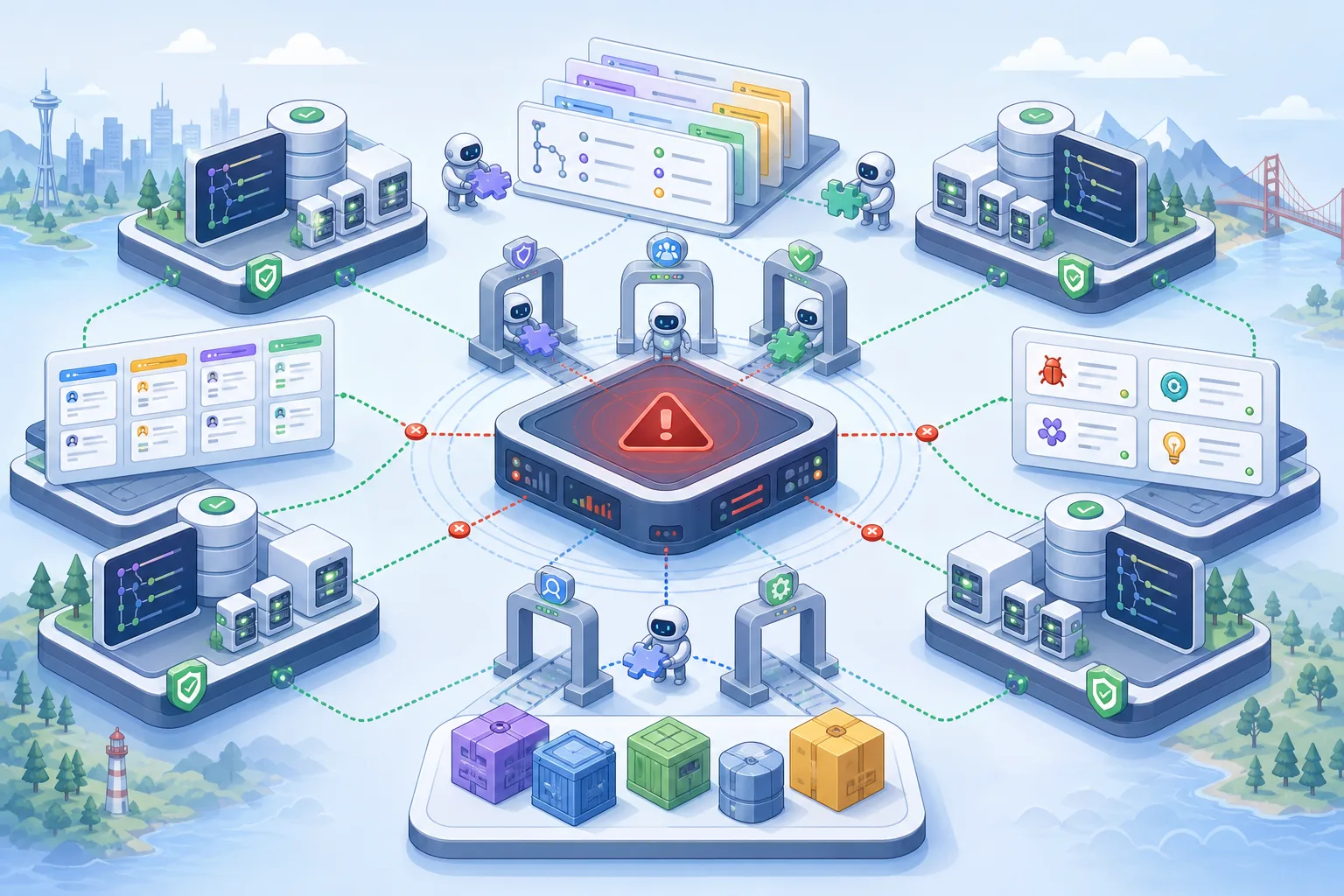
Alera turns parallel CLI coding agents into a worktree-first desktop workflow
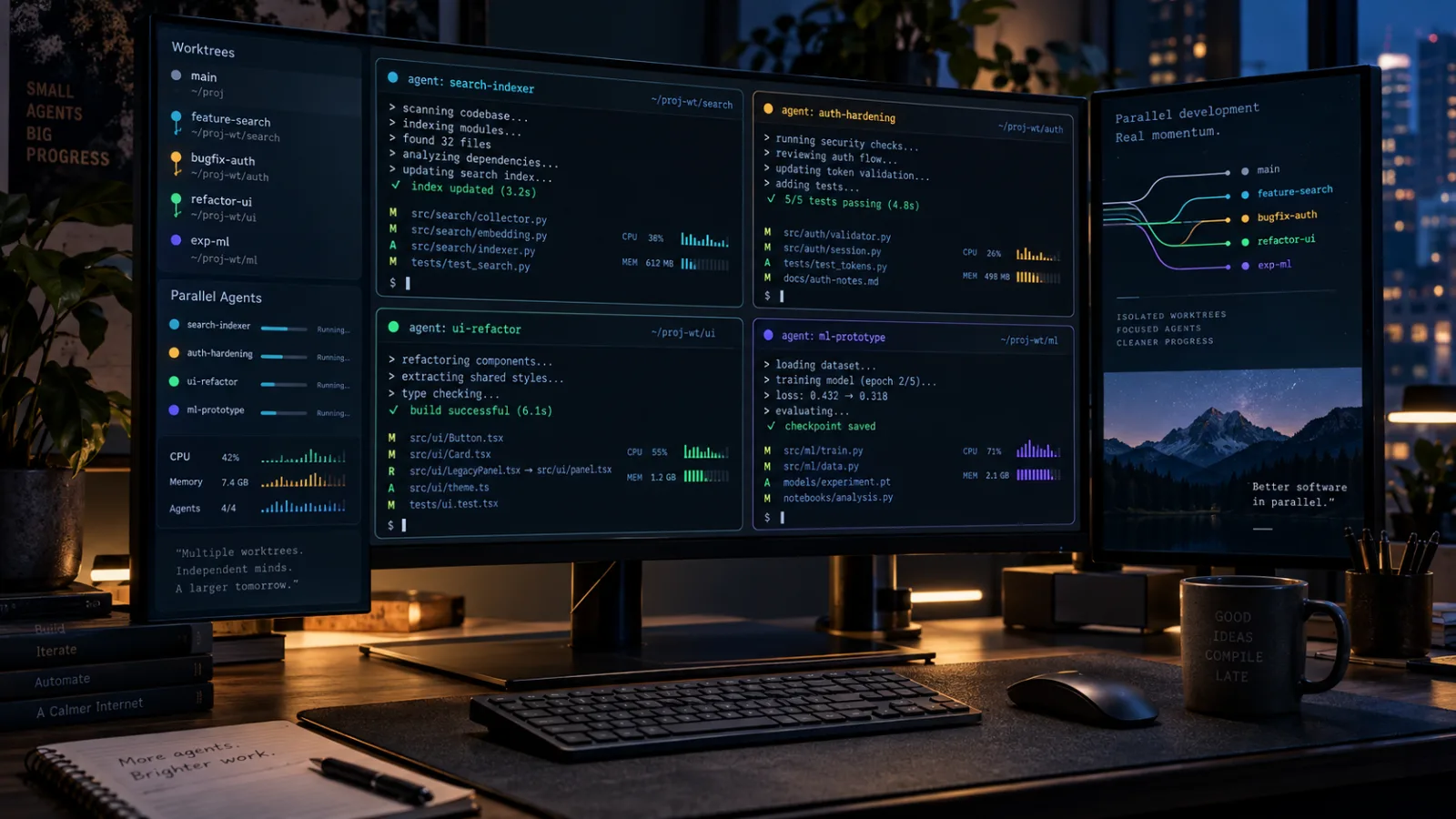
Alera is an open-source desktop workbench for running several CLI coding agents side by side. Its useful idea is not another chat panel, but a shared layer of Git worktrees, real terminals, persistent sessions, and resource visibility.
Cursor Origin напомнил open source: нужен план для forge, а не только аккаунт GitHub
Origin от Cursor вышел в ту же неделю, когда GitHub объяснял долгий сбой 17 августа. Для мейнтейнеров главный вопрос не в том, заменит ли один сервис другой, а в том, какие части open-source workflow должны оставаться переносимыми.
Cursor Origin recuerda al open source que necesita un plan de forge, no solo una cuenta de GitHub
Origin llegó la misma semana en que GitHub explicó una caída larga. Para los mantenedores, la pregunta útil no es si un servicio sustituye a otro mañana, sino qué partes del trabajo open source deben seguir siendo portátiles.
Comments
Sign in to comment.
No comments yet.