Google’s Matter Room-Sensor Update for Nest: Wait for the Compatibility List Before You Buy
Google is opening the 4th-generation Nest Learning Thermostat to compatible Matter temperature sensors in December. The useful question is not whether a sensor has Matter, but whether Google Home will let it guide heating in your specific home.

What Google is changing in December
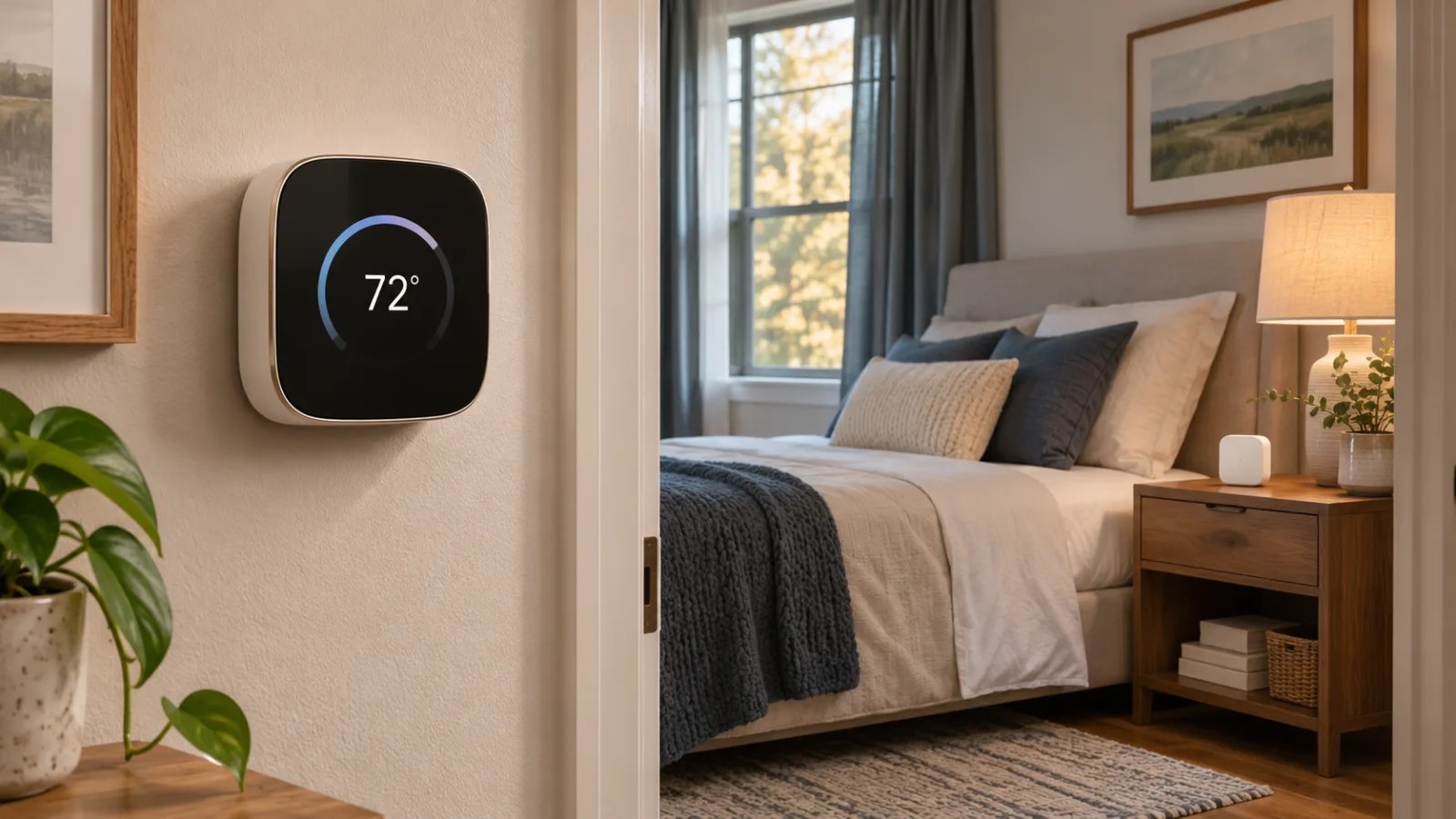
Google’s November 17 announcement points to a useful but deliberately limited change for owners of the 4th-generation Nest Learning Thermostat: in December, the thermostat will begin accepting compatible Matter temperature sensors made by other brands. The immediate appeal is easy to understand. A thermostat mounted in a hallway or near a frequently used doorway may not reflect the temperature in a bedroom, nursery, home office, or other room where comfort actually matters. If Google Home can use a supported sensor from that room as an input for the Nest, the thermostat no longer has to rely only on the temperature beside its own wall-mounted hardware.
That does not mean every sensor with a Matter logo will suddenly become a Nest room sensor. Google’s announcement names IKEA, Eve, and Aqara among the brands involved in the new support, but the practical question is the exact model and how Google Home exposes it. Matter is a common connectivity and device-control standard; it is not a blanket guarantee that every device category, firmware version, regional configuration, and app feature will work identically across platforms. A sensor may be discoverable in a smart-home system while still not being available as a temperature source that can guide a Nest heating or cooling decision.
The distinction matters because this is a thermostat-control update, not a promise of universal Matter interoperability inside Nest. Google is adding a path for selected third-party temperature sensors to influence the 4th-generation thermostat. It is not saying that all existing Matter temperature sensors are supported, that all Nest thermostats will gain the same capability, or that a sensor from a named brand will work regardless of its model and software. The December rollout therefore creates a buying opportunity, but it also creates a reason to pause before ordering a device based only on branding or certification.
The announcement is narrower than the headline
The safest reading of the change is that Google is expanding the set of temperature measurements the 4th-generation Nest Learning Thermostat may use. That is different from adding a complete multi-zone heating system. A remote sensor can provide another room’s temperature; it does not create a second thermostat, a new heating circuit, or independent control over separate ducts. The Nest remains the device making the relevant HVAC decision, and the benefit depends on whether the selected room is a better representation of the comfort problem than the thermostat’s own location.
This is also why the December timing should be treated as the beginning of availability rather than proof that every owner will see every option immediately. Google Home features can depend on the thermostat generation, the account and home configuration, the sensor’s regional availability, and software support on both ends. The announcement establishes the direction and names the first brands reported in connection with the update; it does not replace the compatibility details a buyer needs at checkout or during setup. Those details are especially important when a product listing says “Matter” without identifying the exact temperature-sensor model or its current firmware requirements.
Google’s existing guidance for Nest Temperature Sensors gives useful context for the shape of the feature. On compatible Nest thermostats, Google describes remote temperature sensing as a way to select which sensor’s reading the thermostat uses, and its support documentation allows up to six Nest Temperature Sensors per compatible thermostat. That existing limit should not be read as confirmation that six third-party Matter sensors will be accepted, nor as evidence that every compatible Matter device will offer the same selection and scheduling behavior. It is a reference point for what a room-sensor workflow can look like, not a third-party compatibility list.
For buyers, the first decision is therefore not “Which Matter sensor has the best specifications?” It is “Will Google Home recognize this exact sensor as a usable temperature input for this exact 4th-generation Nest in my region?” Until the supported-model information is visible in Google’s documentation or in the buyer’s Google Home setup flow, the answer remains conditional. A retailer’s Matter badge, a brand’s broad ecosystem claim, and a sensor appearing in the app are all weaker evidence than an explicit indication that the device can be selected to guide the thermostat.
What to verify before the update arrives
A sensible check starts with the thermostat itself. The announced support is for the 4th-generation Nest Learning Thermostat, so owners of another Nest generation should not assume that the same December behavior applies to their hardware. Next comes the sensor: verify the exact model name, not just the manufacturer, and look for Google Home support for that model’s temperature function. If a product family includes motion, humidity, contact, or multi-purpose devices, the relevant question is whether the particular unit presents a temperature reading in the form Nest can use for control.
Firmware is another part of the compatibility question. Matter support is implemented through device software as well as hardware, and Google Home may require current software on the thermostat, the sensor, or both before the new option appears. Regional and account-dependent availability can further complicate a first attempt. A feature being announced for December does not guarantee identical rollout timing or identical controls for every household, so the setup screen and Google’s support information should be treated as part of the purchase decision.
The practical expectation should be measured: a compatible sensor may help the Nest respond to the room that is too cold or too warm, but it will not by itself balance the whole house. The value is highest when there is a specific room-temperature problem and a clear place to measure it. The low-risk approach is to wait for Google’s supported-model list or verify the exact device in Google Home, update the relevant firmware, and test the sensor through a complete heating or cooling cycle before buying additional units. That keeps the December change useful without turning “Matter” into a substitute for compatibility evidence.
Matter certification is not the same as Nest compatibility
A Matter logo is a useful starting point, but it is not a complete buying decision for a Nest owner. Matter describes how compatible smart-home devices can communicate; it does not, by itself, confirm that Google Home will accept a particular temperature sensor as an input for heating or cooling. The important distinction is between a sensor that can be discovered and displayed in Google Home and one that the 4th-generation Nest Learning Thermostat can actually use as a room-temperature source.
That distinction matters because the December update is narrower than a general promise that every Matter temperature sensor will work with Nest. Google has said that the 4th-generation thermostat will accept compatible Matter temperature sensors from other brands, with IKEA, Eve, and Aqara named in current reporting. The word “compatible” carries most of the practical weight. Until Google publishes or exposes the supported-model details, the brand name alone is not enough to establish that a device will control the thermostat in the way a buyer expects.
The first check should therefore be the exact model number, not the product family or a retailer’s description. A manufacturer may sell several sensors that look similar but differ in Matter support, firmware, radio capabilities, or the way their readings are presented to a platform. “Works with Matter” can also describe a device’s ability to join a smart-home ecosystem without guaranteeing support for every device type or every automation. For this use case, the question is whether the specific sensor is supported by Google Home as a temperature input that Nest can prioritize.
Firmware is another part of the compatibility chain. A sensor may meet the right hardware requirements but still need an update before Google Home can expose the relevant function. The same applies to the thermostat and the Google Home app: support can depend on the software versions installed across the system, rather than on the sensor alone. That makes an old product listing or an unverified forum recommendation a weak basis for a purchase. The safer evidence is a current Google-supported model list, or a direct confirmation inside the buyer’s Google Home setup.
Region should be checked at the same time. Smart-home features do not always arrive everywhere at once, and a device’s availability in a country does not prove that the same thermostat feature is enabled there. A sensor can be sold locally, pair successfully, and still fail to appear as an eligible control source if the Nest update or the relevant Google Home capability is limited by region, account, or rollout status. Buyers should treat the December timing as the beginning of availability, not as a guarantee that every account will show identical options immediately.
There is also a useful comparison with Google’s existing Nest Temperature Sensor support. Google’s help information describes support for up to six Nest temperature sensors per compatible thermostat. That establishes that Nest can work with multiple remote temperature readings in the right setup, but it does not answer the separate question now facing buyers: which third-party Matter models can guide a 4th-generation Nest Learning Thermostat? The number of sensors supported in the established Nest system should not be read as a blanket approval for the same number of Matter devices.
In practice, the setup should expose more than a sensor tile or a live temperature reading. A buyer needs to see that Google Home identifies the device as a usable temperature source and provides a way to associate it with the thermostat’s control behavior. If the sensor is merely visible among connected devices, that is not the same as making it responsible for the temperature the system uses. The decisive test is functional: can the thermostat use the reading when deciding how to heat or cool the home?
A simple compatibility checklist can prevent most of the expensive assumptions:
- Confirm the exact sensor model, including any regional or generation-specific variant.
- Check whether Google Home supports that model as a Matter temperature sensor, rather than only discovering it.
- Update the sensor, thermostat, and Google Home software before judging the result.
- Verify that the feature is available for the buyer’s region and account.
- Look for an explicit thermostat-control or room-temperature option, not just a temperature display.
This is why waiting for Google’s supported-model list is sensible even when a preferred sensor already carries Matter certification. Certification can establish interoperability at the standard level; Nest compatibility must still be demonstrated at the product, software, and control levels. Until those layers line up, buying on the strength of the Matter badge alone leaves the most important part of the decision unresolved.
What room sensors can fix—and what they cannot
The most useful test is simple: does the temperature at the thermostat represent the room where people actually need comfort? In a home with a hot upstairs bedroom and a cold hallway, the answer may be no. A room sensor can give the Nest Learning Thermostat another temperature reading and allow heating or cooling decisions to reflect a more representative part of the home. That can help when the thermostat is installed in a passage, near an outside door, or in a room that warms or cools differently from the rest of the house.
This does not mean the sensor makes the house behave like a system with separate HVAC zones. It cannot add ductwork, redirect airflow, or make one room receive heating or cooling independently of another. If the bedroom is consistently warmer because of poor airflow, solar gain, insulation, or a closed vent, a sensor may cause the system to run until that bedroom reaches the target temperature, but the result could be an even warmer hallway or a longer heating or cooling cycle. The sensor changes which temperature the thermostat pays attention to; it does not correct the physical imbalance that produced the difference.
Placement therefore matters as much as the sensor’s connection standard. A device exposed to direct sunlight can report a temperature that is too high for the room as a whole. A position beside a window, exterior wall, radiator, vent, appliance, or frequently opened door can also make its reading unusually warm or cold. Drafts are particularly important because a sensor that sits in moving air may respond to a temporary local condition rather than the temperature people experience across the room. The practical aim is a representative location at a normal living height, away from obvious heat sources and airflow. The exact installation still depends on the room and the sensor’s own instructions.
There is also a delay between a room changing temperature and the thermostat acting on a sensor reading. A sensor may be closer to the occupied space but still measure only one spot. The heating system then needs time to respond, and the room may continue warming after the equipment stops. That lag makes small differences less useful than a persistent pattern. Before relying on a sensor, it is worth checking whether the problem is stable across a complete heating or cooling cycle and whether the chosen room is genuinely the one that should determine comfort.
Schedules add another limit. Prioritising a different room at different times can be useful when the household moves from one part of the home to another, but it is not the same as creating independent room-by-room control. Owners discussing sensor scheduling have also highlighted the importance of understanding when a selected sensor is active and how the Google Home controls represent that choice. A schedule can change which reading guides the thermostat, yet it cannot guarantee that every transition will produce an evenly balanced home. If the control is too coarse for the household’s routine, manual changes may still be needed.
The best case is a home where one room is consistently the wrong reference point and another room gives a better measure of lived-in comfort. The weaker case is a building with major airflow or insulation problems, where the sensor exposes the imbalance without solving it. Treating the device as a better thermometer for thermostat decisions keeps expectations realistic: it can improve the control signal, but it cannot turn one HVAC system into several independent zones.
A low-risk buying and setup decision
The safest buying decision is to treat this as a compatibility check, not as an invitation to buy any temperature sensor with a Matter logo. If you already own the 4th-generation Nest Learning Thermostat, wait for Google’s supported-model list or verify the exact device in Google Home before placing an order. The important detail is the complete model, not simply the manufacturer or the fact that the product uses Matter. A brand named in coverage may have several sensors, and support for one model should not be read as support for every device in that range.
That check also needs to account for where the thermostat and sensor are being used. Google’s rollout and the features exposed in Google Home can depend on region, account, and software availability. A sensor may be visible in a smart-home app without being available as a temperature source that the Nest thermostat can use for heating or cooling decisions. The practical test is therefore whether Google Home offers the device as a usable room sensor for the specific 4th-generation thermostat, rather than whether the sensor can merely join a Matter setup.
A cautious setup can follow four steps:
-
Confirm the exact model before buying. Check Google’s supported-model information when it is available, or use Google Home to verify that the exact sensor can be added and selected for the thermostat. Do not assume that Matter certification alone answers the question. If the model does not appear as a usable temperature source, the purchase does not solve the problem that led you to consider it.
-
Bring the software up to date. Update the Nest thermostat and the sensor firmware before judging the integration. New support can depend on the relevant Google Home and device software being current, and an early setup problem may otherwise look like a hardware incompatibility. Complete the pairing and room assignment in Google Home, then check that the temperature reading is actually available for thermostat control rather than only displayed as a device reading.
-
Test one room through a full heating or cooling cycle. Start with the room that exposes the problem most clearly: perhaps a bedroom that stays warmer than the hallway, or a space that reaches the target temperature more slowly than the area near the thermostat. Place the sensor where people experience the temperature, away from direct sunlight, drafts, vents, and other obvious sources of misleading readings. Then observe the result over a complete cycle. A single momentary reading is not enough to show that the thermostat is responding in a useful way.
-
Keep a fallback while you evaluate it. Retain the original thermostat controls and a physical fallback for the home’s heating or cooling routine while the new sensor is being tested. If the sensor loses connection, reports an unrepresentative temperature, or changes the system’s behavior in an inconvenient way, you should be able to return to the previous control method without turning the experiment into a service call. This is especially important when the sensor is being used to address comfort in one room but the thermostat still governs the wider home.
The final decision should be tied to a measured room problem. A third-party sensor makes the most sense when the home already has a 4th-generation Nest Learning Thermostat and there is a clear difference between the temperature at the thermostat and the temperature in the room that matters. It is harder to justify buying one solely because the product supports Matter, because the protocol does not by itself establish that Google Home will let the Nest use the reading in the way you expect.
Even when the integration works, expectations should remain modest. A room sensor can make the thermostat pay attention to a more representative location or help shift which room matters at a given time. It cannot create independent HVAC zones, add ducts, or guarantee that every room will heat and cool evenly. Placement, sunlight, drafts, and sensor lag can still influence the reading, while schedule controls may not provide the precise time-based sensor selection some households want. The sensible goal is better control of a known comfort problem, not a complete redesign of the home’s heating system.
For that reason, waiting is part of the low-risk approach. Once the supported-model list or the device’s Google Home behavior confirms compatibility, update both sides, test one room carefully, and keep the old controls available. If the trial improves comfort without creating new surprises, the sensor has earned its place. If it does not, the compatibility check and limited test will have prevented a Matter purchase from becoming an expensive assumption.
Related articles
IKEA Matter-over-Thread is cheap smart home, but not yet effortless
IKEA’s new Matter devices could make smart homes cheaper, but early pairing issues show why buyers still need to understand hubs, Thread routers and setup risk.
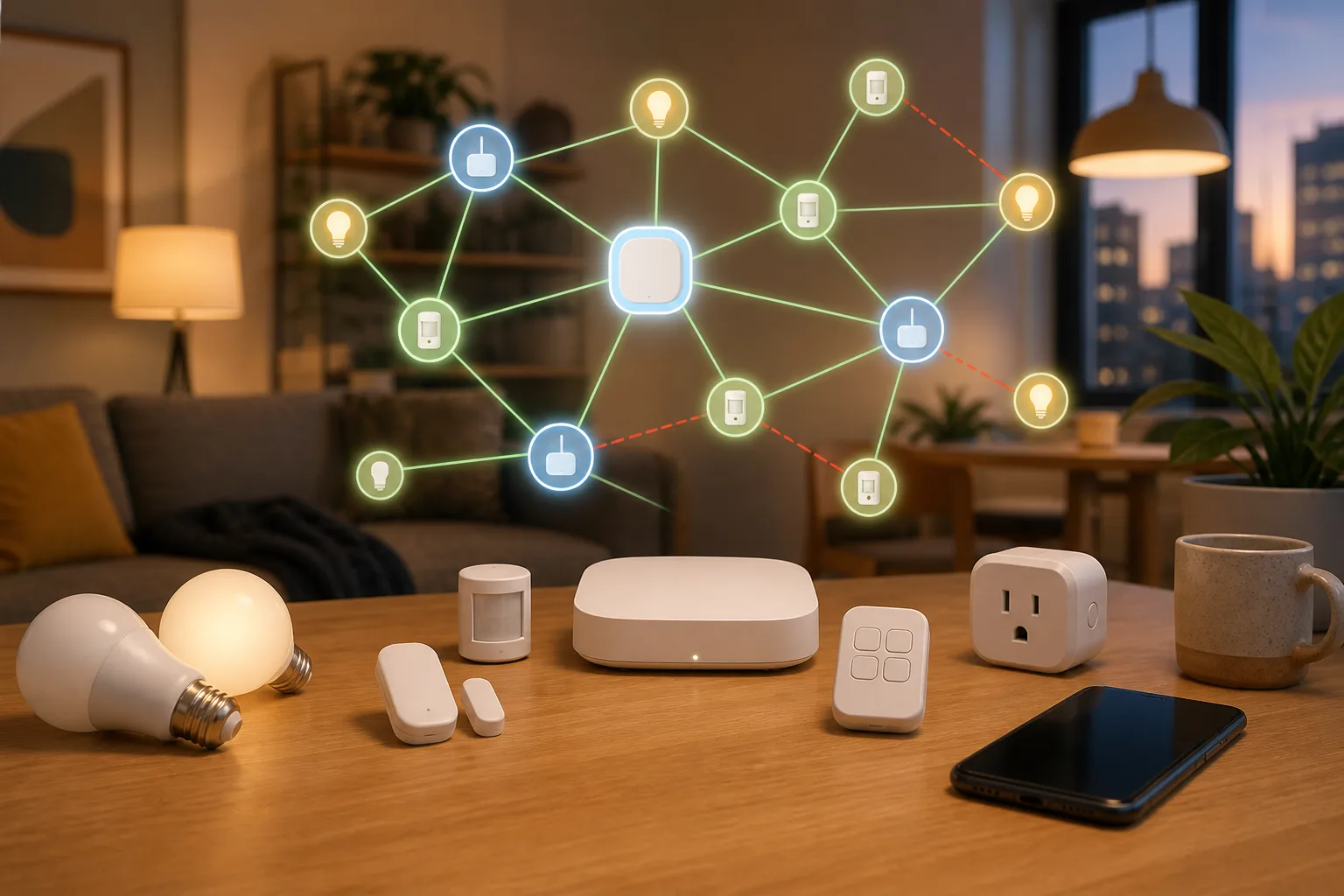
Will your smart home survive when the app disappears?
Wemo’s cloud shutdown is a practical warning for anyone buying smart plugs, bulbs, switches or appliances: the safest smart home is the one whose basic controls do not depend on one vendor server.
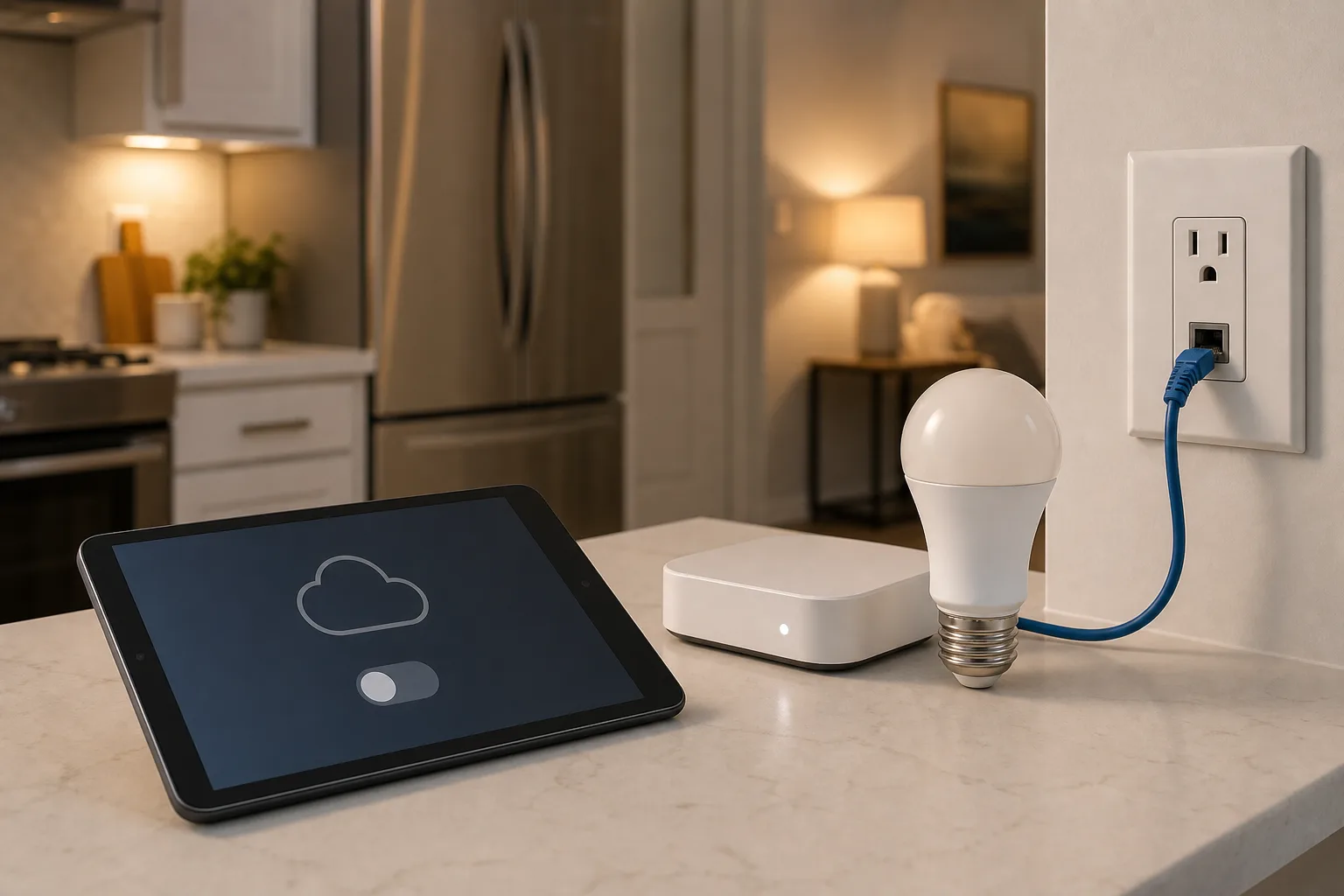
Before switching to Gemini for Home, treat it like a whole-home migration
Google’s smart-home AI assistant may make Nest speakers more useful, but the official no-return rule changes the risk. Check devices, people, routines, subscriptions and fallbacks before one click changes the voice layer of the whole home.
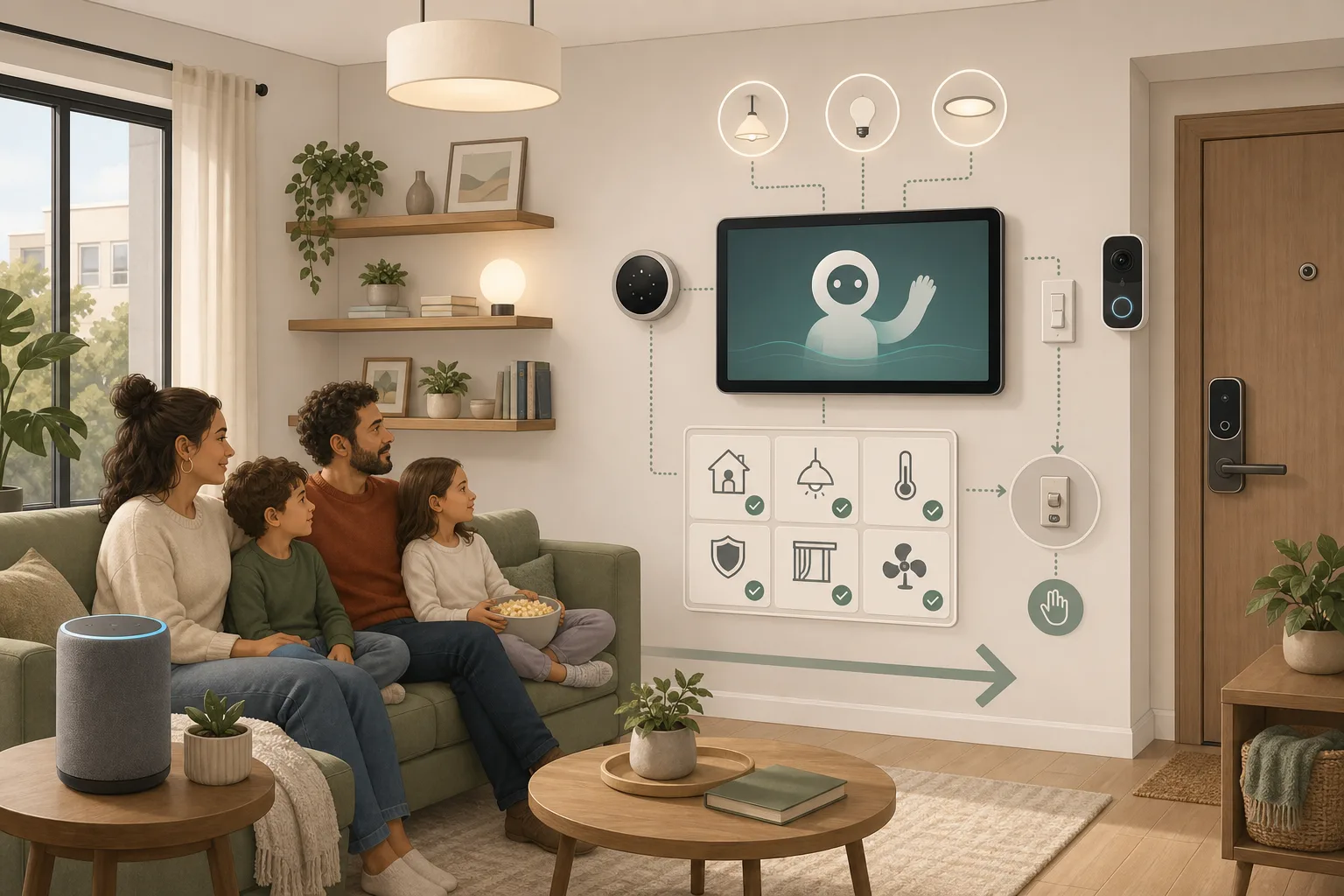
Google Home’s Latest Update Is a Maintenance Release: What to Check Before You Add More Devices
Google’s latest Home update improves voice recognition, setup, Matter status reporting, and device controls. The useful response is not to buy new hardware, but to use the changes to audit the parts of your home that have been hardest to trust.
Comments
Sign in to comment.
No comments yet.